Your puppy-care tips get replies, but posts about your paid offer barely start a conversation. Should you change the hook, explain the product better, or stop spending time on X?
It’s easy to keep rewriting without knowing what needs fixing. Meanwhile, another evening disappears into posts that give you little reason to expect a sale. The puppy-sitter kit example below gives you reusable hooks and post structures, plus a way to check whether your posts attract suitable buyers before you spend more evenings on them.
Choose the Buyer Problem and Conversion Goal
Start by finding people discussing a problem your offer addresses. Search for situations and questions, then read the surrounding conversation. A product keyword alone may bring back mostly other sellers.
For the running example, imagine you sell an editable puppy-sitter handover kit. It contains instruction prompts, contact fields, and a completed example. The product details and copy throughout this article are illustrative.
You might search for phrases such as “puppy sitter instructions” or “leaving my puppy with a sitter.” These are starting points to investigate, not verified signs of demand.
Look for three things:
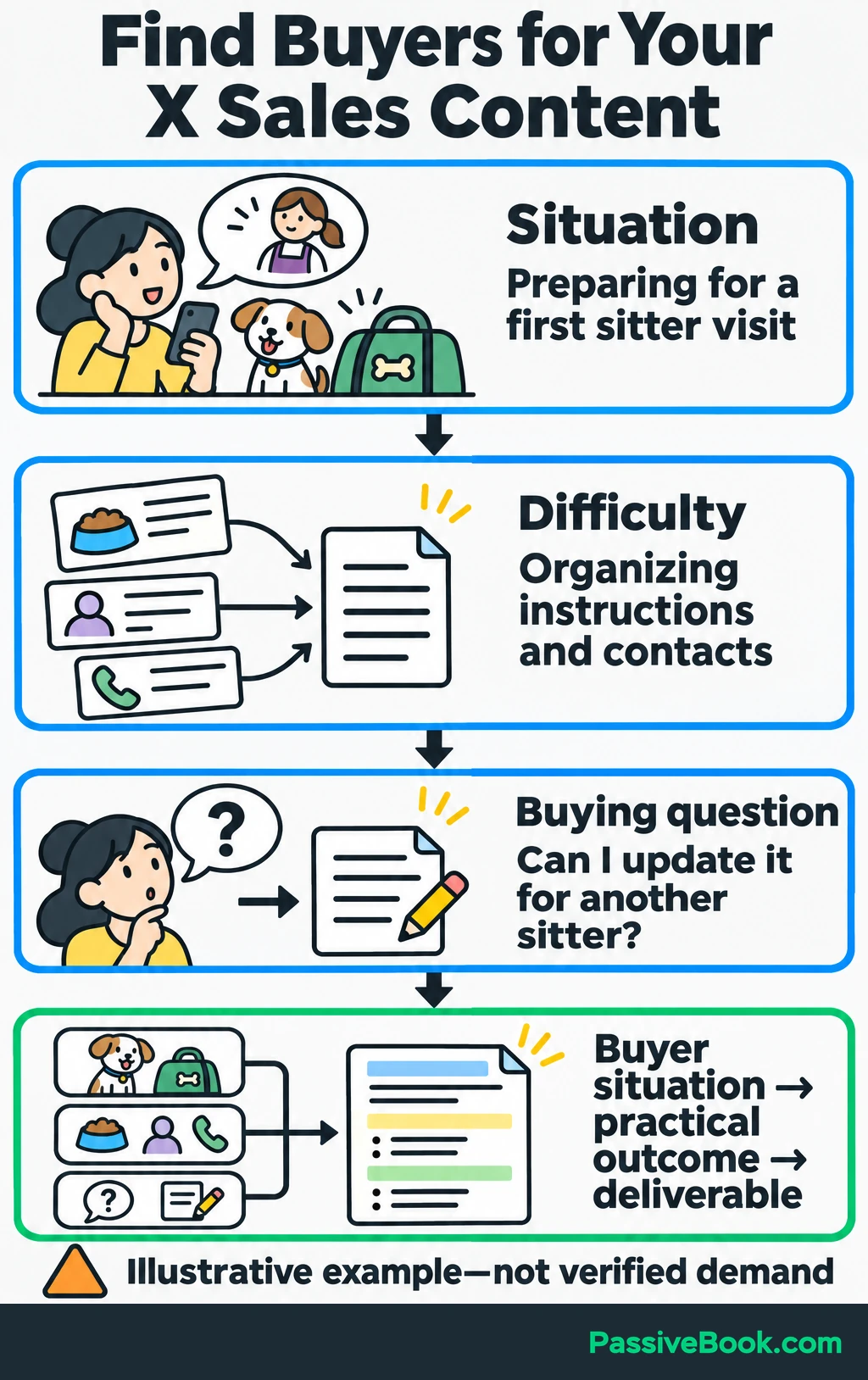
- Situation: What is the person preparing for?
- Difficulty: What are they struggling to organize or decide?
- Buying Question: What would they need to know before considering your offer?
A puppy owner preparing for a first sitter visit is relevant. A pet brand promoting its latest product tells you much less about potential buyers.
Turn what you find into a positioning sentence:
For [buyer in a specific situation], [offer] helps them [practical outcome] through [concrete deliverable].
For the kit:
For puppy owners preparing for a sitter, this kit puts instructions and contacts in one editable document.
Then choose the post’s intended action: discuss the problem, inspect the product, or purchase.
A qualified prospect has a situation and requirements your offer fits. Someone asking whether they can update the document for another sitter may be worth a conversation. Someone replying with a puppy photo has offered you a puppy photo. Enjoy it, but record it accurately.
I would keep X a small experiment if relevant buyer conversations are hard to find. A busy platform does not automatically contain buyers for your particular offer.
Write a Hook the Right Buyer Recognizes
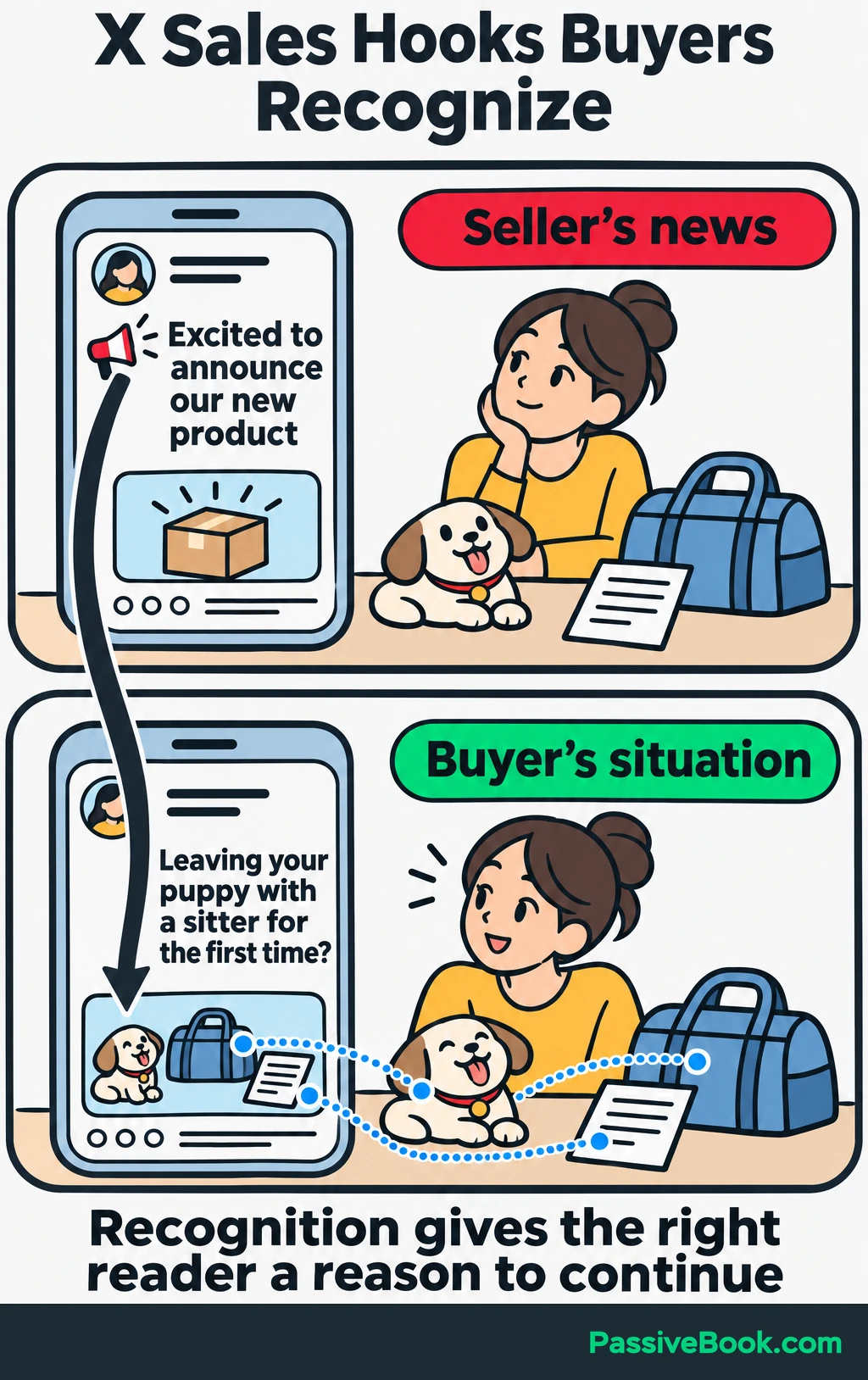
The opening should help a suitable reader recognize their situation. Start with what they are doing, trying to achieve, or deciding whether to buy.
“Excited to announce our new product” gives the reader your news. “Leaving your puppy with a sitter for the first time?” gives them a reason to keep reading.
Draft three openings for the same idea:
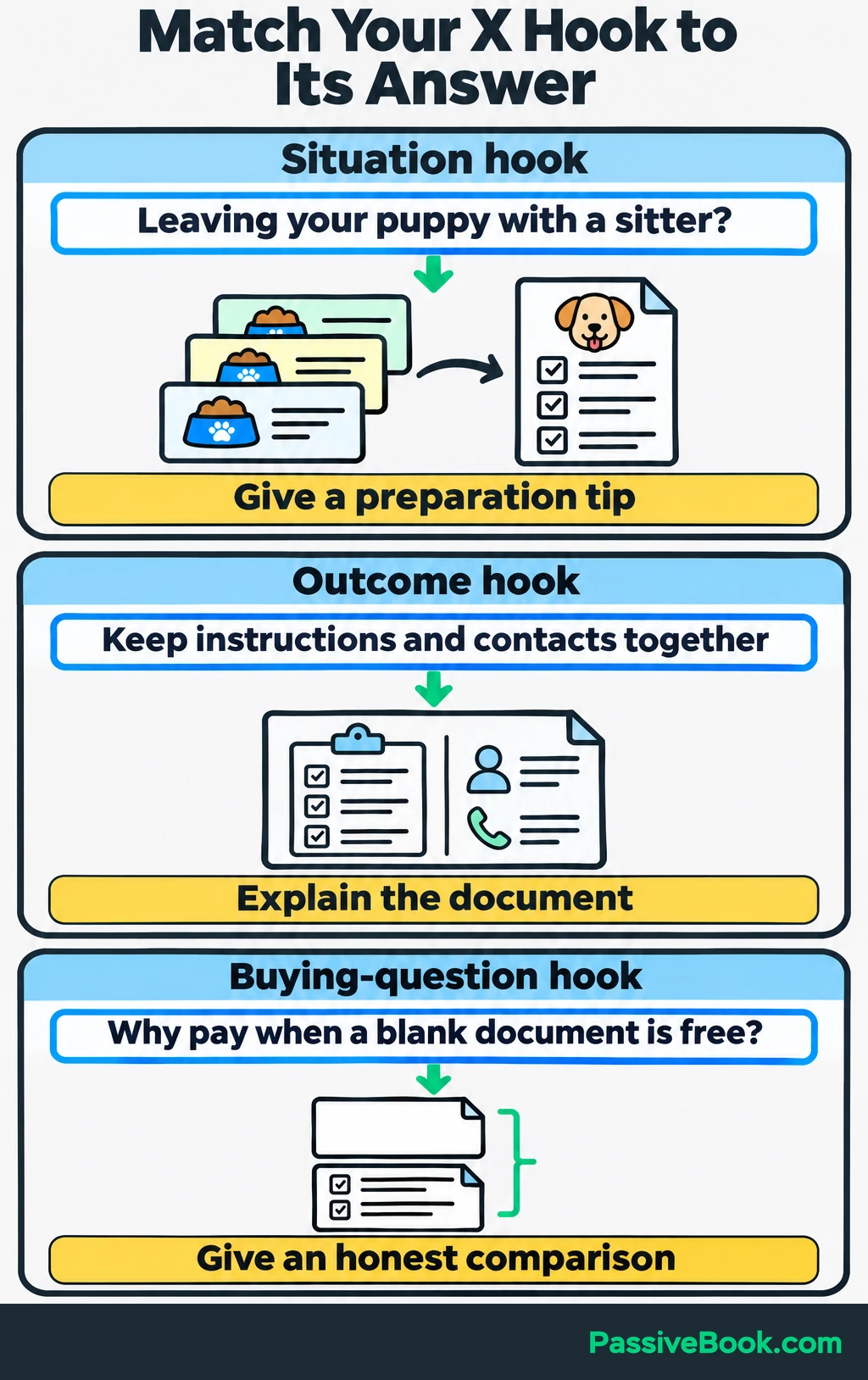
- Situation: “Leaving your puppy with a sitter? Here’s what to put in the handover document.”
- Practical Outcome: “Put sitter instructions and contacts in one document you can update.”
- Buying Question: “Do you need a puppy-sitter template when a blank document is free?”
Choose the opening that matches the body. The first needs a useful preparation tip. The second needs to explain the document. The third needs an honest comparison.
“What to include in a sitter handover document” gives you a clear writing task. “The secret to stress-free puppy care” creates a much bigger promise than a document can support.
Use wording from relevant conversations where it helps, but avoid copying private details. Specificity should make the post recognizable without making anyone feel watched.
Build the Body Around One Useful Message
Choose one question and answer it. The hook, explanation, product detail, and invitation should all serve that question.
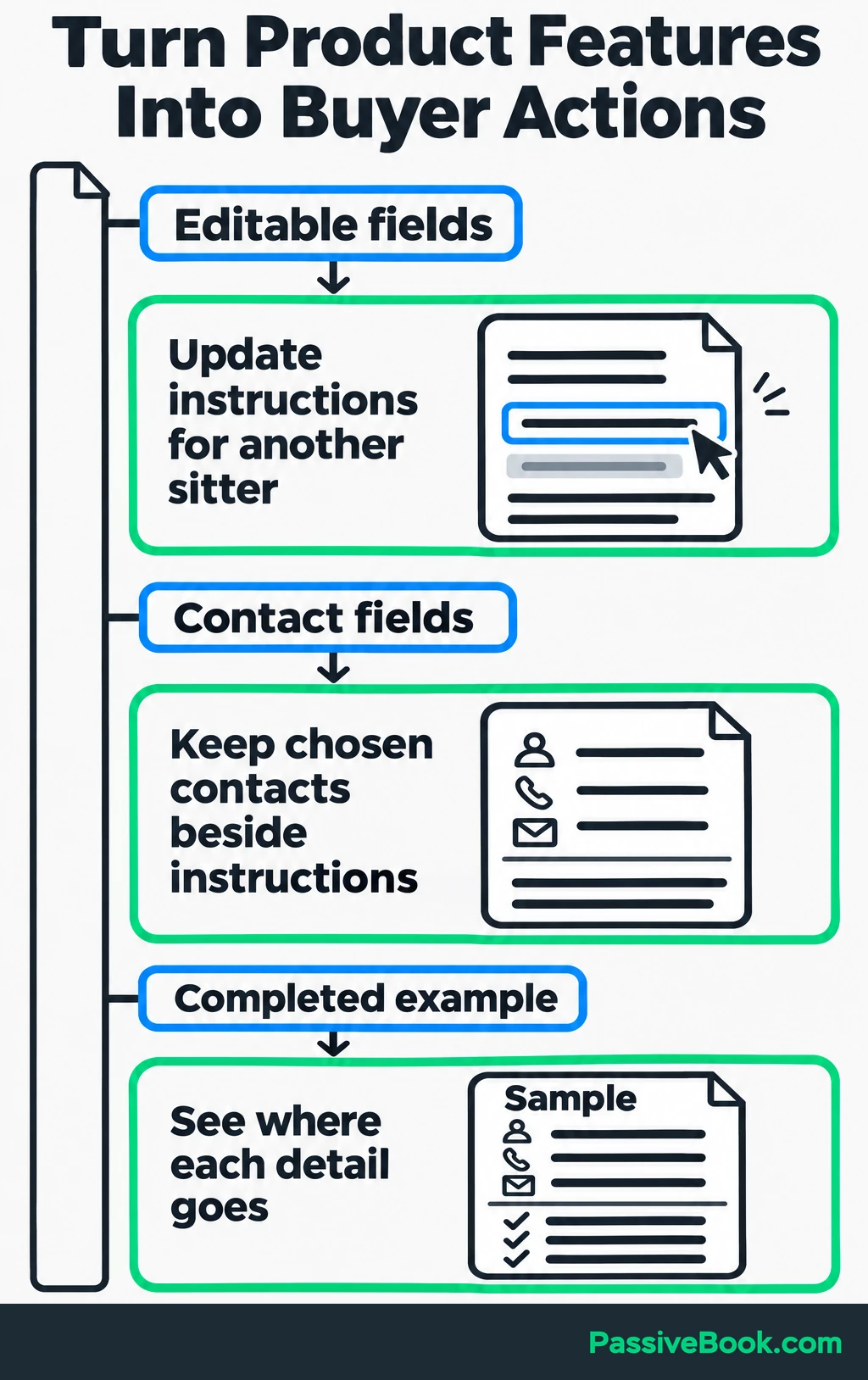
Translate features into actions the buyer can picture:
- Editable Fields: Update the instructions before another sitter visit.
- Contact Fields: Keep the owner’s chosen contact details alongside the instructions.
- Completed Example: See how a filled-in handover document could look.
I caught this problem while revising copy for one of my digital products. I had listed what the download contained, but left readers to work out why each part mattered. The description sounded complete because I knew the product already.
Now I check whether each feature explains something the buyer can actually do. That check matters more than finding a more impressive adjective.
Teach a Small Fix
Use this structure:
Problem → practical action → offer bridge
Give readers an action they can complete without buying. Then explain what the paid resource contributes.
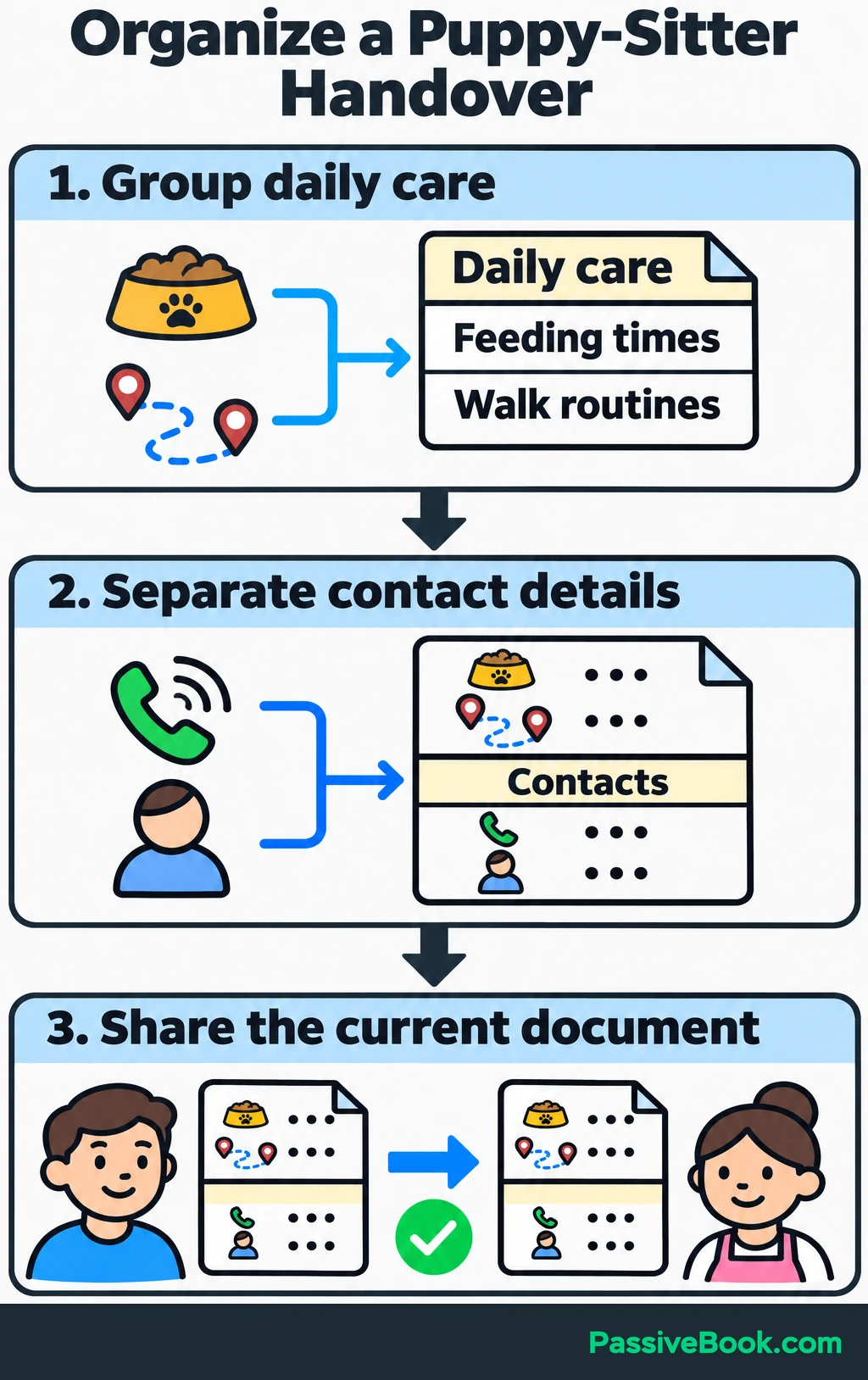
For the handover kit, the useful action could be:
Put feeding times and walk routines under daily care, and keep contact details in a separate section. Share the current document with your sitter.
That is a complete task. The offer bridge can explain that the kit supplies the prompts, layout, and completed example.
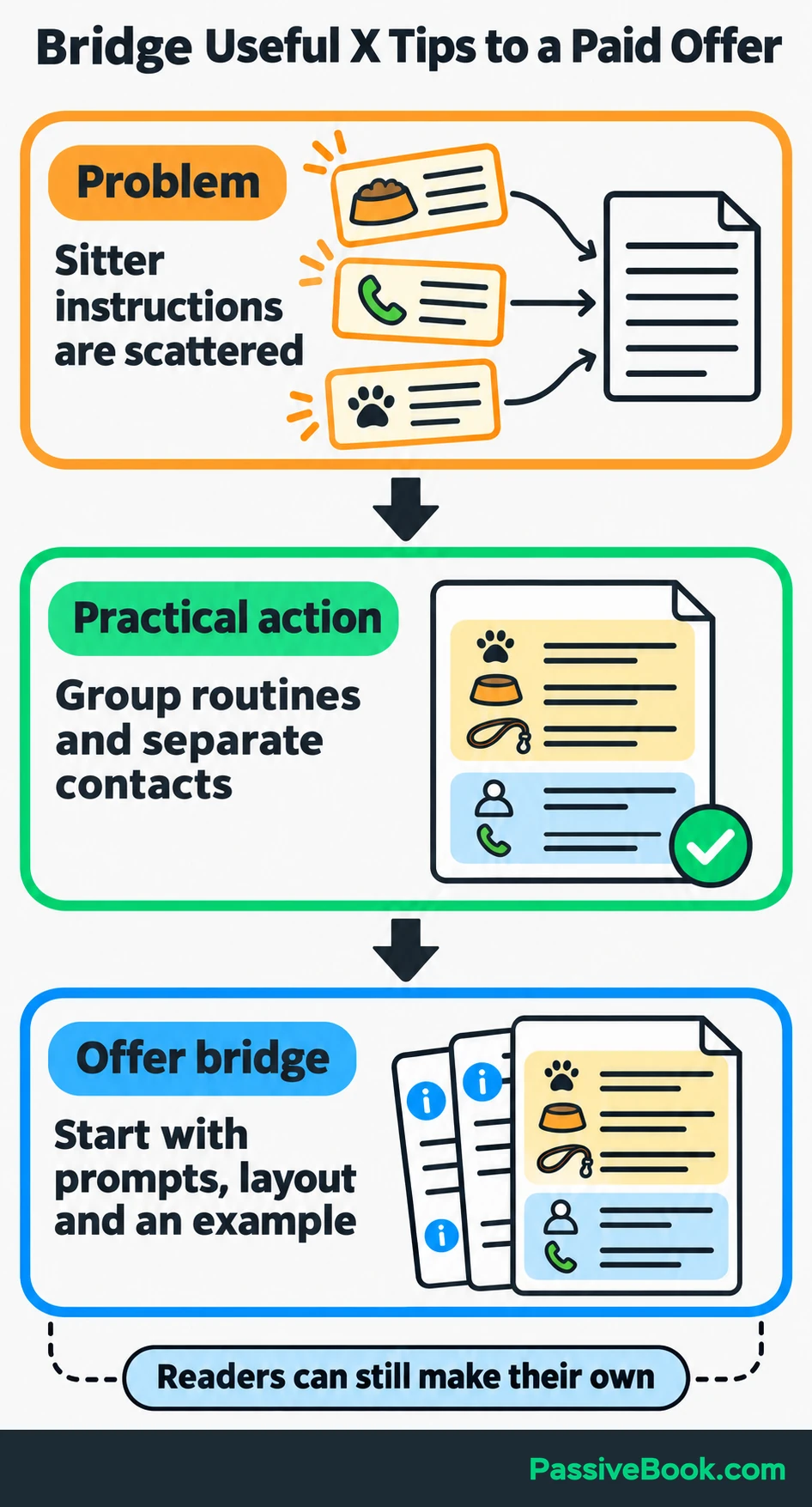
You are selling a prepared starting point. Readers can still make their own document, and acknowledging that makes the paid convenience easier to understand.
Keep the lesson narrow. A post about organizing sitter instructions does not also need advice about choosing a sitter, buying supplies, and managing every possible problem.
Show the Offer in Use
When the buyer needs to understand the product, demonstrate it.
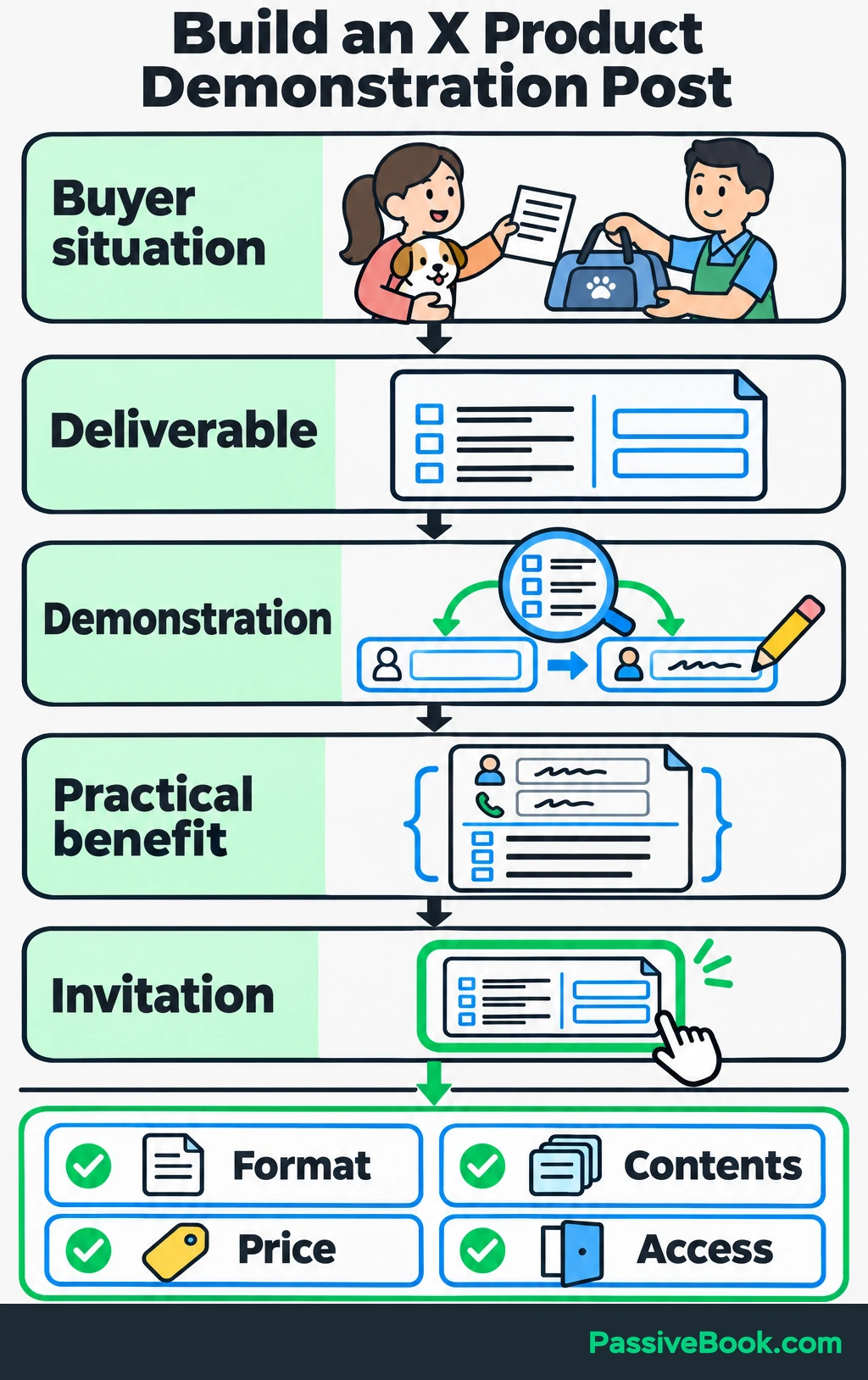
Use:
Buyer situation → deliverable → demonstration → practical benefit → invitation
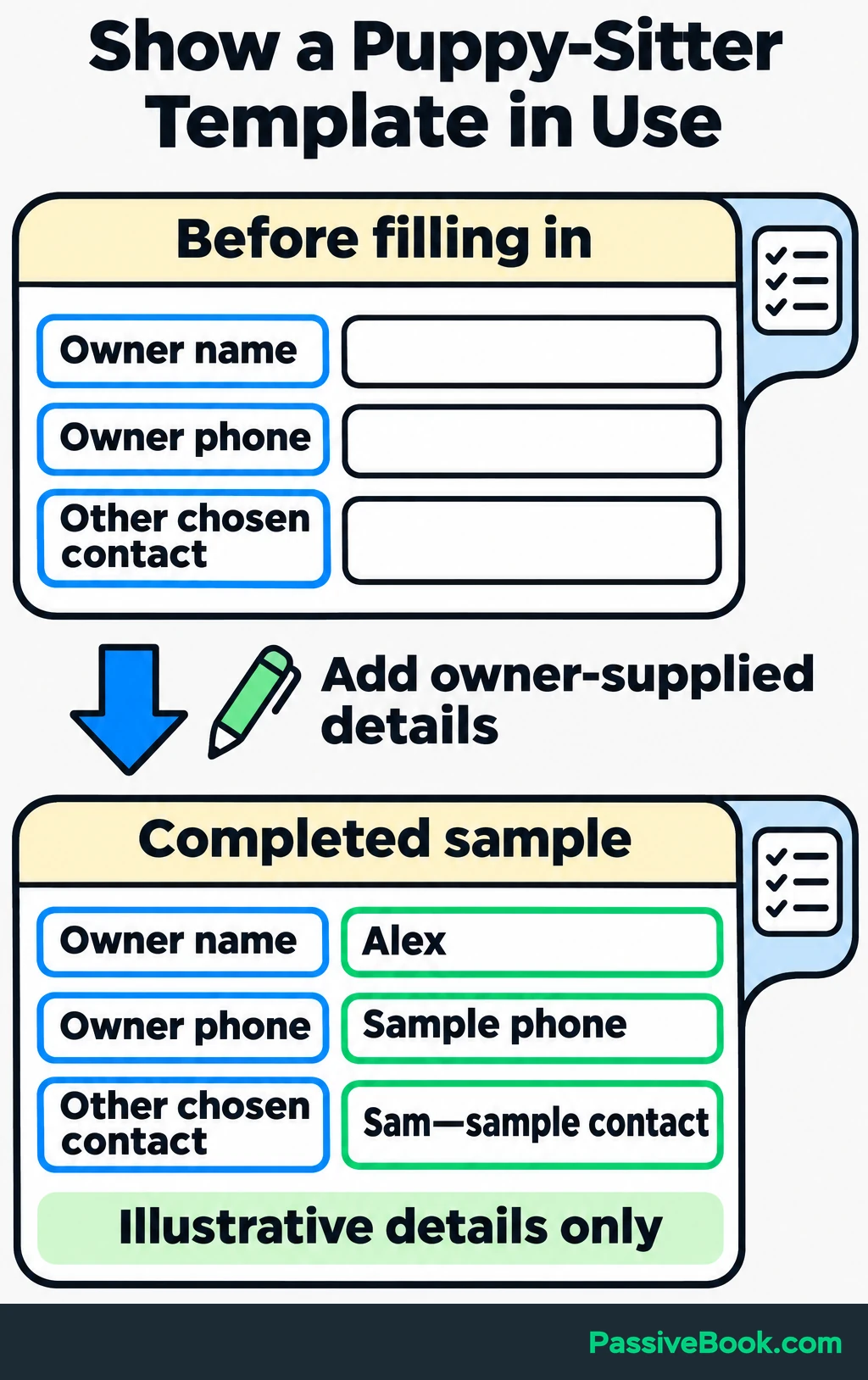
Show one blank section beside the same section filled in with clearly labeled sample details. Explain how the prompts organize information the owner supplies.
A useful excerpt might read:
The contact section keeps your chosen details beside the sitter instructions. The completed example shows where each detail goes.
That gives the screenshot a job. A tiny image of every page would be harder to inspect and would explain less.
For a direct sales post, move from the demonstration to the purchase invitation. Put the exact editable format, contents, price, and access instructions on the destination page so buyers can check suitability before paying.
Answer a Buying Objection
Use:
Buyer question → direct answer → relevant distinction → next step
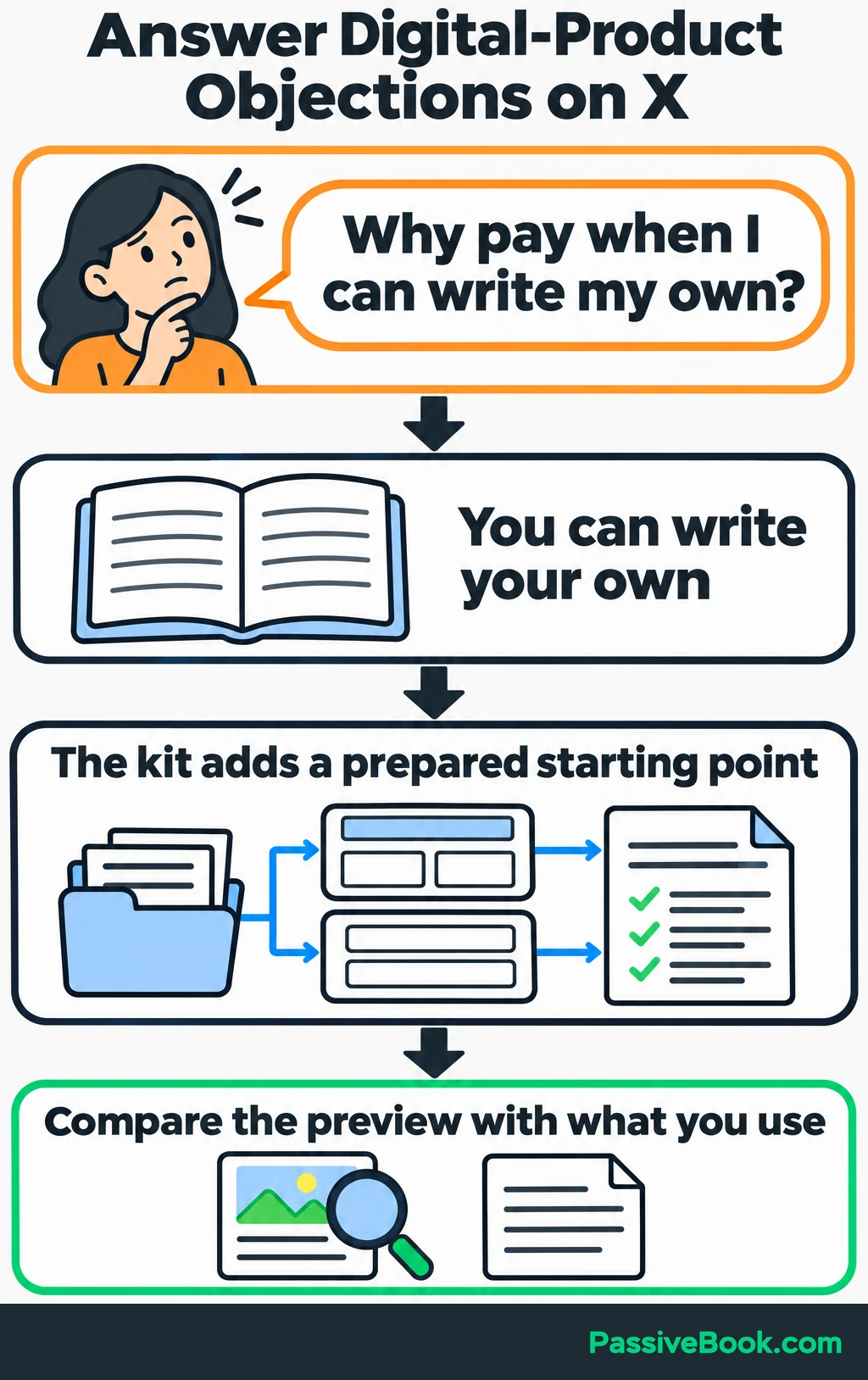
Answer the question before defending the product.
If the concern is “Why pay when I can write my own?”, the honest answer starts here:
You can write your own handover document. The kit gives you a prepared layout, prompts, and a completed example.
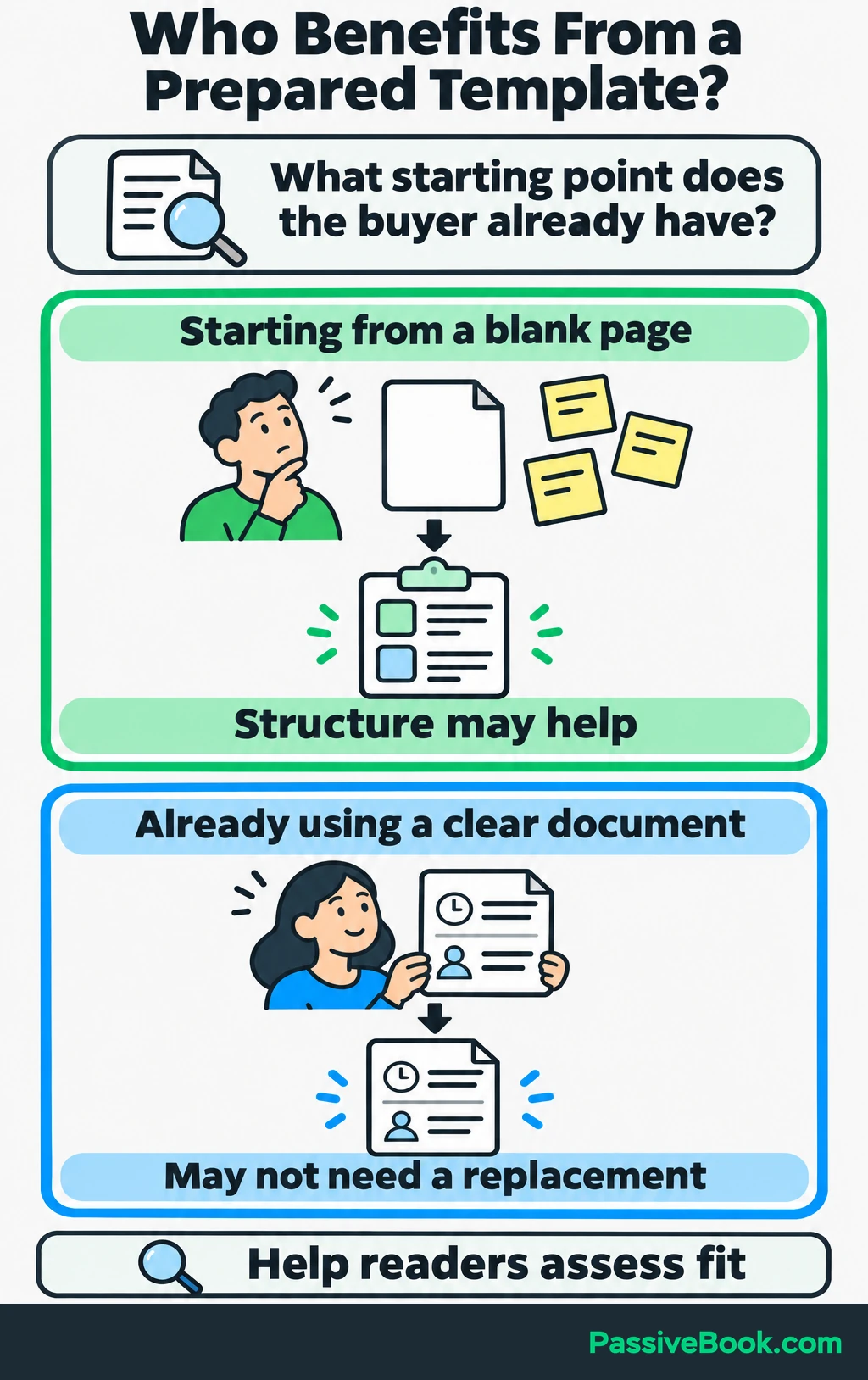
Then explain who benefits. Someone starting from a blank page may want that structure. Someone with a clear document they already use may have little reason to replace it.
I would invite the reader to compare the preview with their current document. Trying to make a simple template sound essential is how useful sales copy becomes exhausting.
Put Proof Beside the Promise
Use evidence that supports the exact statement you make.
For the kit:
- Included Contents: Show the instruction prompts and contact fields in the preview.
- How Editing Works: Demonstrate changing a field in the actual document.
- Customer Experience: Use genuine feedback, with permission, about what that customer experienced.
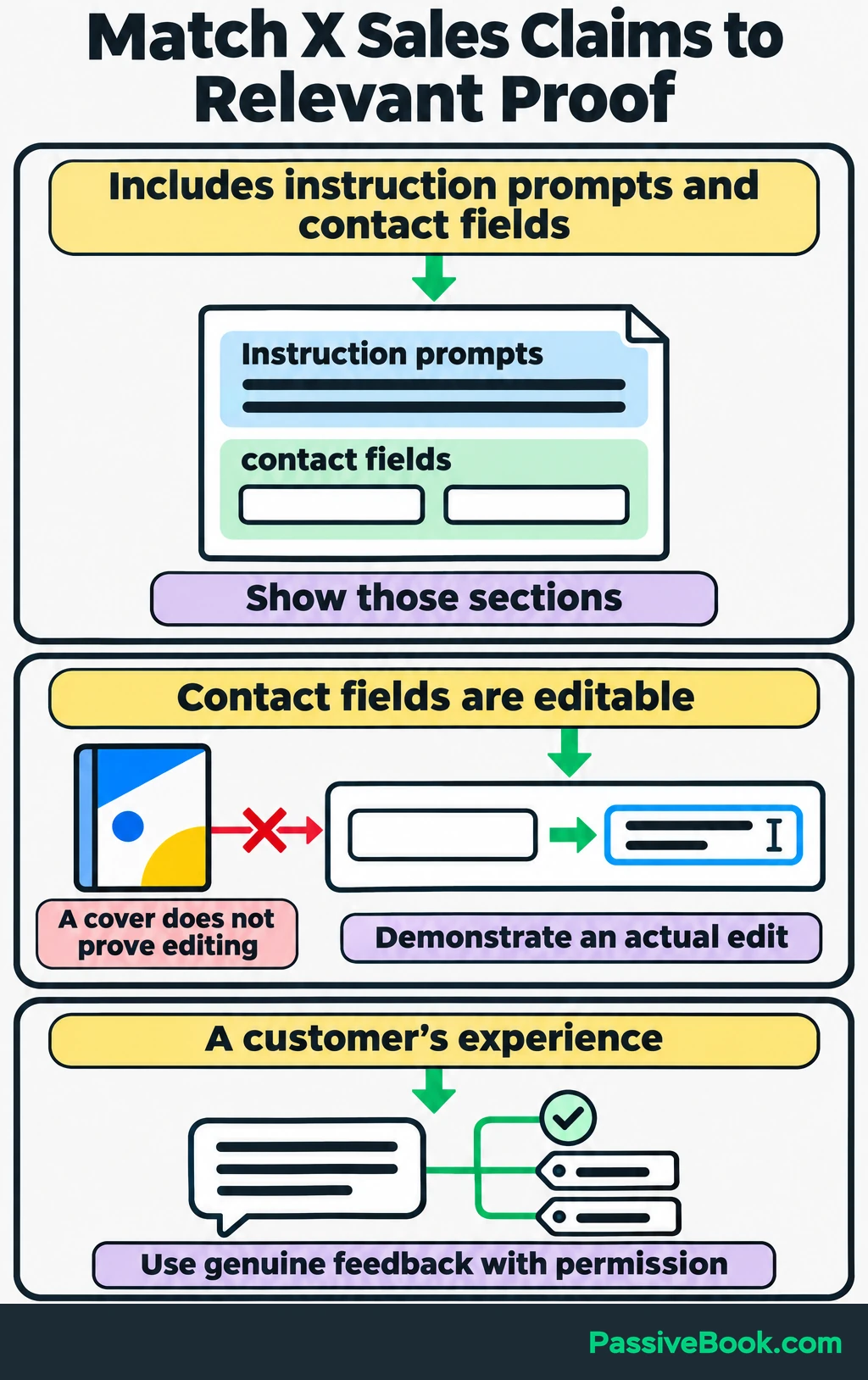
If you have no customer stories, demonstrate the product. A clear preview gives a buyer something concrete to inspect.
Keep the claim within what the evidence establishes. A completed example shows how the document is organized. A claim that the kit reduces mistakes or makes every sitter visit easier would need evidence about those outcomes.
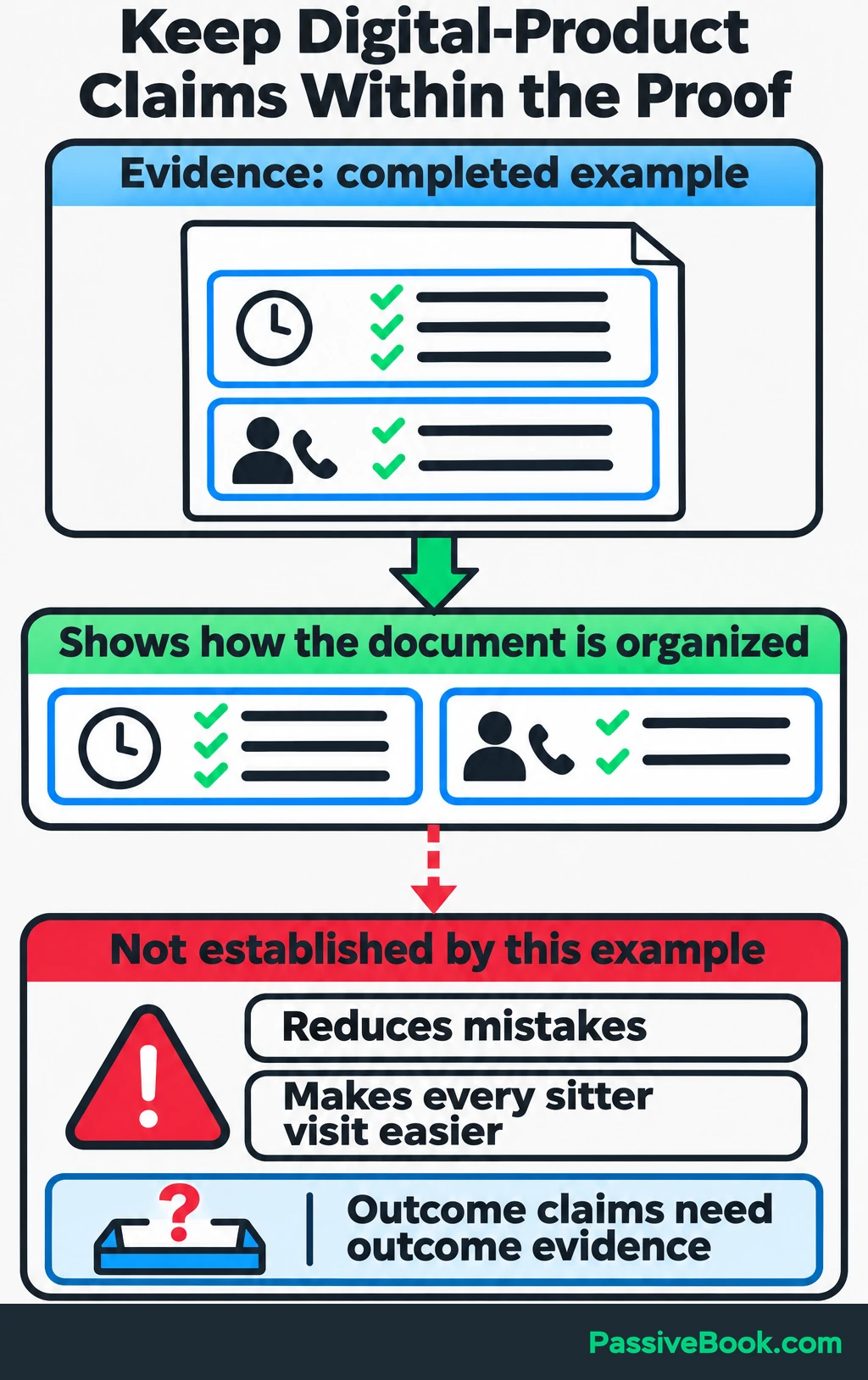
Place the relevant proof beside the promise. If you mention editable contact fields, show those fields rather than attaching an unrelated product cover.
When using customer feedback, preserve its meaning and any conditions that affect it. A useful comment about the layout should remain a comment about the layout.
Give Readers One Clear Next Step
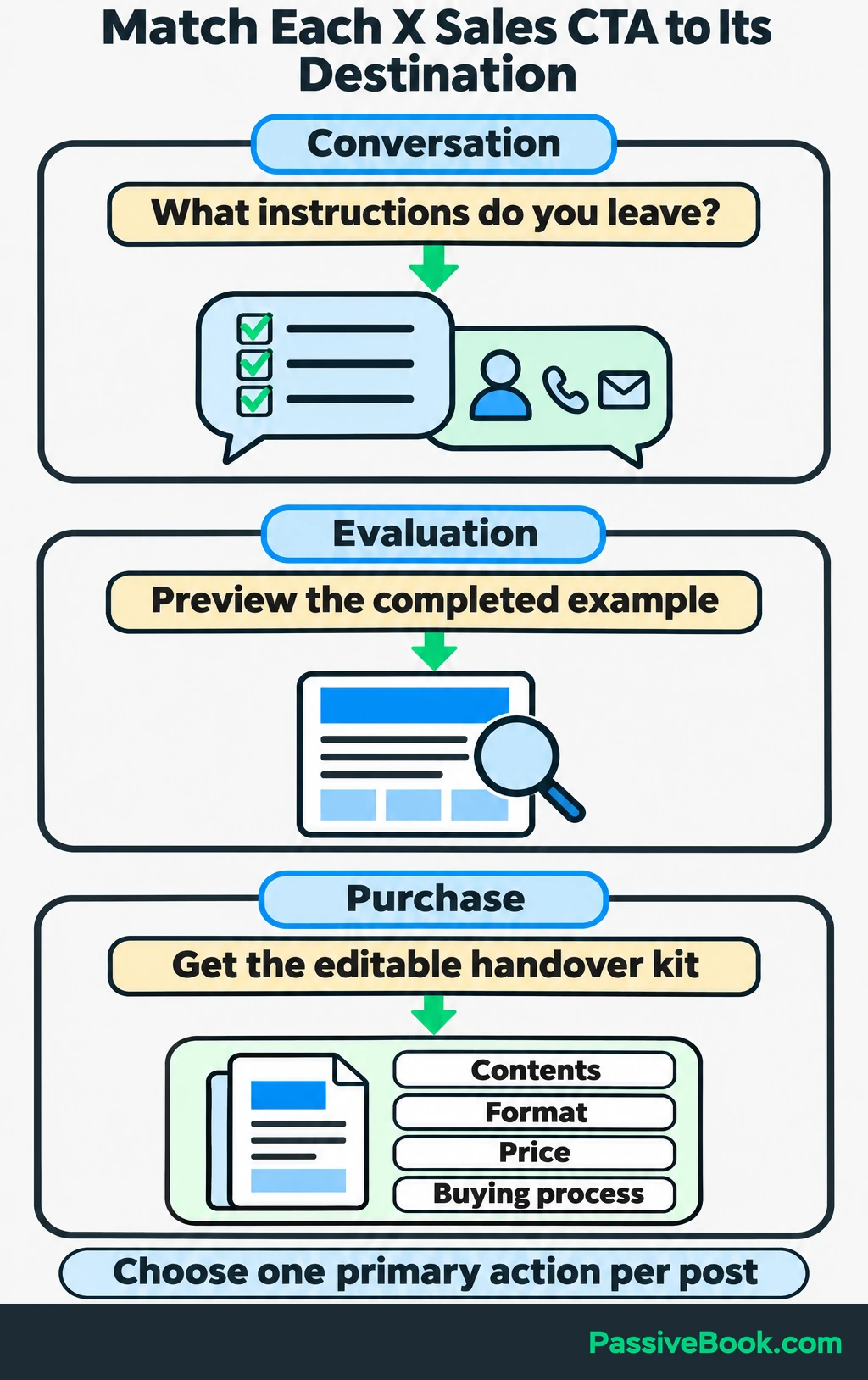
Choose one primary call to action, or CTA, that fits the post’s purpose.
- Start a Conversation: “What instructions do you always leave for your sitter?”
- Support Evaluation: “Preview the completed handover example.”
- Invite Purchase: “Get the editable puppy-sitter handover kit.”
Put the invitation after the information that makes it relevant. Asking readers to reply, follow, repost, subscribe, and buy turns one decision into a small administrative role.
Check the destination before publishing. A preview invitation should lead to an obvious preview. A purchase invitation should lead to a page that explains the contents, editable format, price, and buying process.
If readers need to visit your profile first, make that route clear. Your bio, pinned post, and destination link should describe the same offer.
Replies deserve the same care as the original post. Answer the question and establish fit before offering a link:
Yes, you can update the document for another sitter. Would you like to see the preview?
Move to DMs when the reader agrees to a relevant private exchange. Keep public replies useful to the discussion. X’s authenticity policy prohibits bulk or aggressive unsolicited outreach through replies, mentions, and DMs.
Edit the Draft for X
Put the useful opening first. Remove the greeting, repeated benefits, and background the reader does not need.
Standard posts have a 280-character limit, while longer posts require a qualifying subscription. Check the finished version in the composer, including its link.
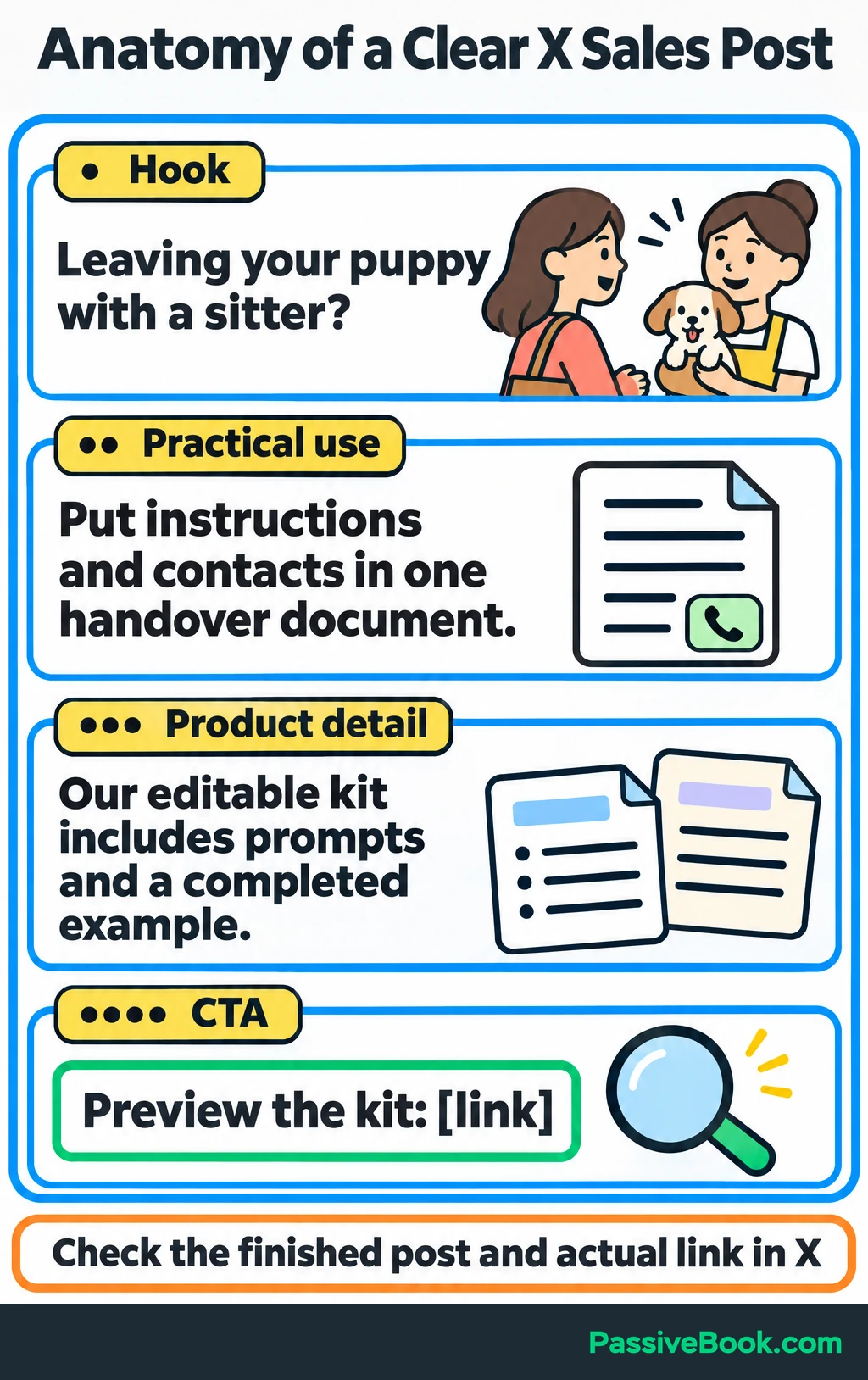
Here is a complete sales post you can adapt by replacing [link] with the actual preview URL:
Leaving your puppy with a sitter?
Put instructions and contacts in one handover document.
Our editable kit includes prompts and a completed example.
Preview the kit: [link]
Each part does a specific job:
- Hook: Names the situation that makes the offer relevant.
- Practical Use: Explains what the document organizes.
- Product Detail: Identifies the prompts and completed example.
- CTA: Tells readers what they can inspect next.
Compare that with:
Our amazing new kit makes puppy care effortless—buy now!
The edited version tells buyers what they receive and why they might want it. “Amazing” leaves that work unfinished, and “effortless” promises far more than the product provides.
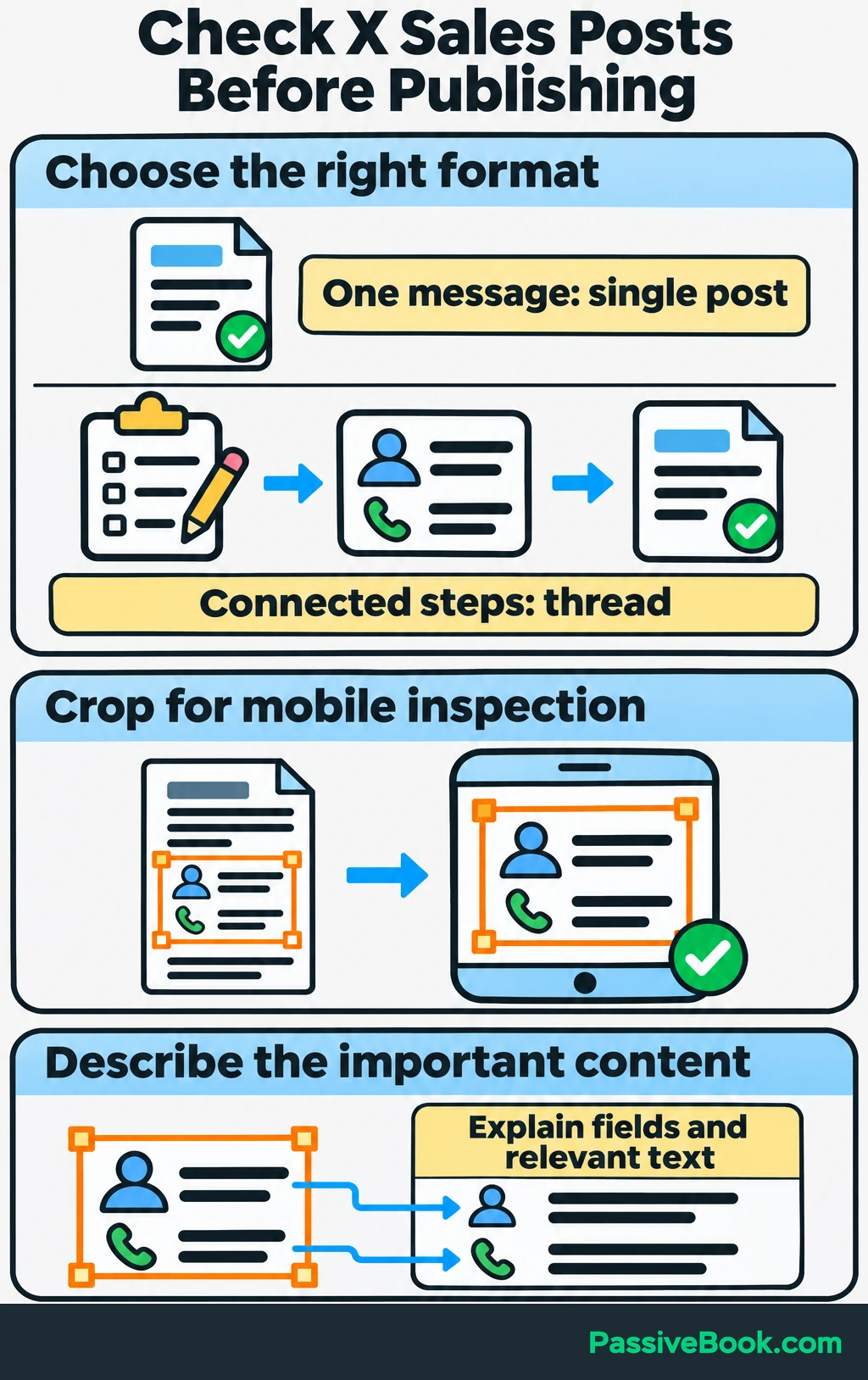
Use a single post for one complete message. Choose a thread when several connected steps need room, and make each part advance the opening promise.
For an attached preview, crop to the section readers need to inspect and check it on a phone. Add an image description that explains the important fields and summarizes relevant text. The screenshot should remain understandable without relying on sight alone.
Turn Buyer Questions Into a Repeatable Writing Routine
Keep one idea bank in a spreadsheet or Notion. Save buyer wording, recurring questions, objections, useful product details, and proof you already have.
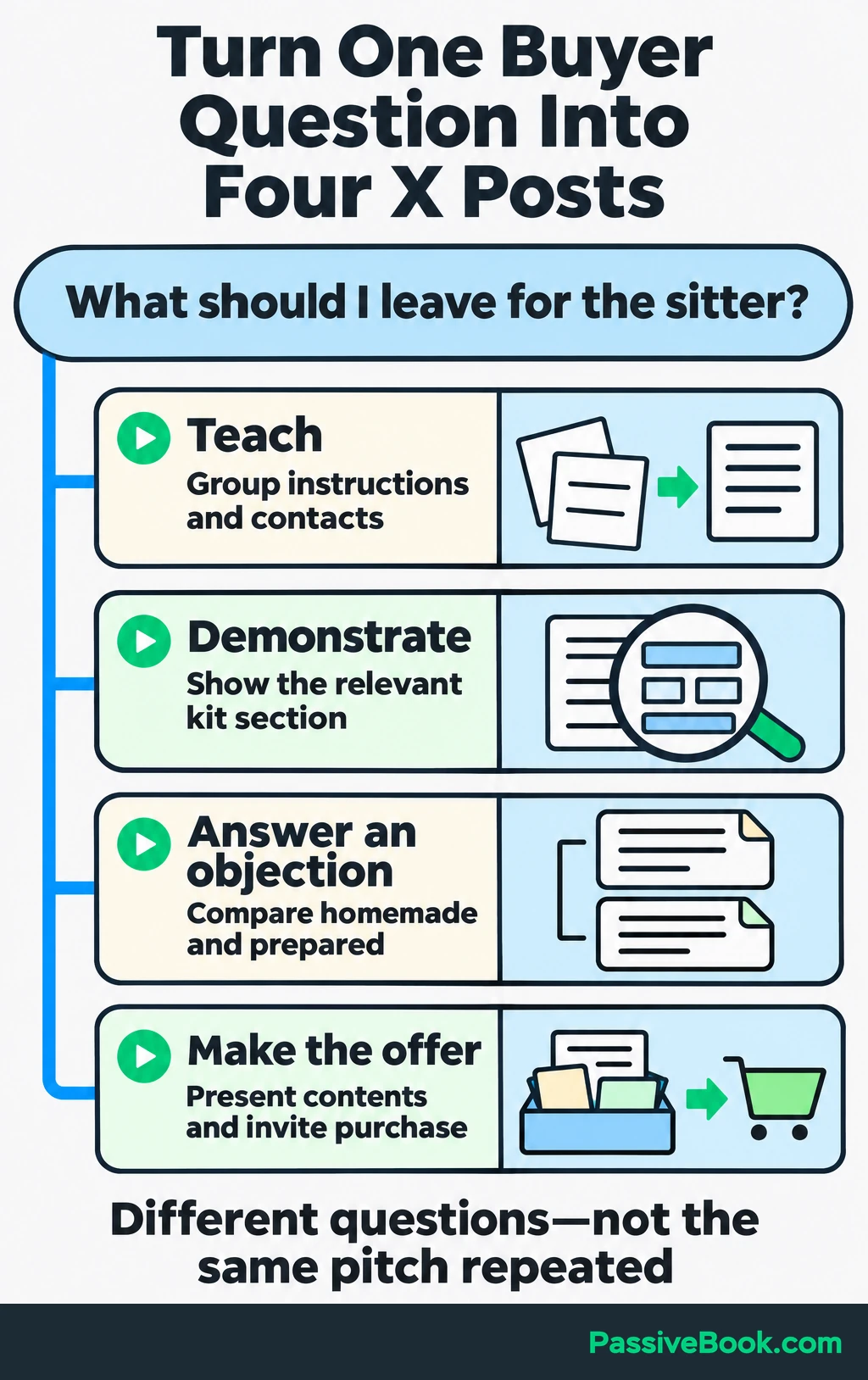
One question can support several distinct posts. “What should I leave for the sitter?” could become:
- Teaching Post: Explain how to group instructions and contacts.
- Demonstration Post: Show the relevant kit section.
- Objection Post: Compare a homemade document with the prepared kit.
- Direct Offer: Present the contents and invite purchase.
These posts approach the same buying situation from different angles. Each should answer its own question rather than repeat the same pitch with a new opening.
A simple planning record could look like this:
| Field | Example Entry |
|---|---|
| Buyer question | “Can I update this for another sitter?” |
| Post purpose | Help the reader evaluate the kit |
| Hook | “Preparing instructions for a different sitter?” |
| Supporting material | A demonstration of editing one field |
| CTA | “Preview the editable document” |
| Destination | The kit’s preview page |
| Result | Not published yet |
I would begin with three posts a week and a short weekly review. That is a manageable starting schedule, not a requirement for reach. Leave room to answer interested readers.
If AI helps you draft, give it the facts and boundaries. You can use ChatGPT or Claude with this prompt:
Using the buyer question, product facts, and available evidence below, draft three X posts with different hooks. Give each post one purpose and one CTA. Keep each within 280 characters, allowing room for a link. Do not invent product features, testimonials, results, or urgency. Flag claims that need proof.
Buyer question: [insert]
Product facts: [insert]
Available evidence: [insert]
Destination: [insert]
Review the wording yourself and check the final length in X. Automating a draft saves time only if it gives you less work to correct.
If you want more guidance than a blank prompt, AI Social Copy Studio asks for your offer details and builds a draft around the buyer’s question. You can use it for posts, threads, profile copy, and replies.

Free AI Social Copy Studio




Use Conversations and Sales to Improve the Next Draft
Judge each post against the action you intended.
A conversation post needs relevant replies. A preview post needs interested visits. A direct offer needs purchases and revenue. Views and likes help you understand exposure, but they cannot answer every sales question.
Around 2022, I spent six months chasing Instagram and Twitter/X followers in another niche while my bank balance stayed around $47. I treated audience growth as a reason to keep going without giving that attention a useful route toward a purchase.
That experience is why I want a destination and a result beside each draft now.
If you use Google Analytics on your website, add campaign tags to your links so its reports can tell posts apart. These are extra details added after the page address. Google’s campaign URL guidance includes a tool for building the links.
For the handover kit, enter the destination page’s address and these values in that tool:
utm_source=x
utm_medium=social
utm_campaign=puppy_handover
utm_content=editable_fields_demo_01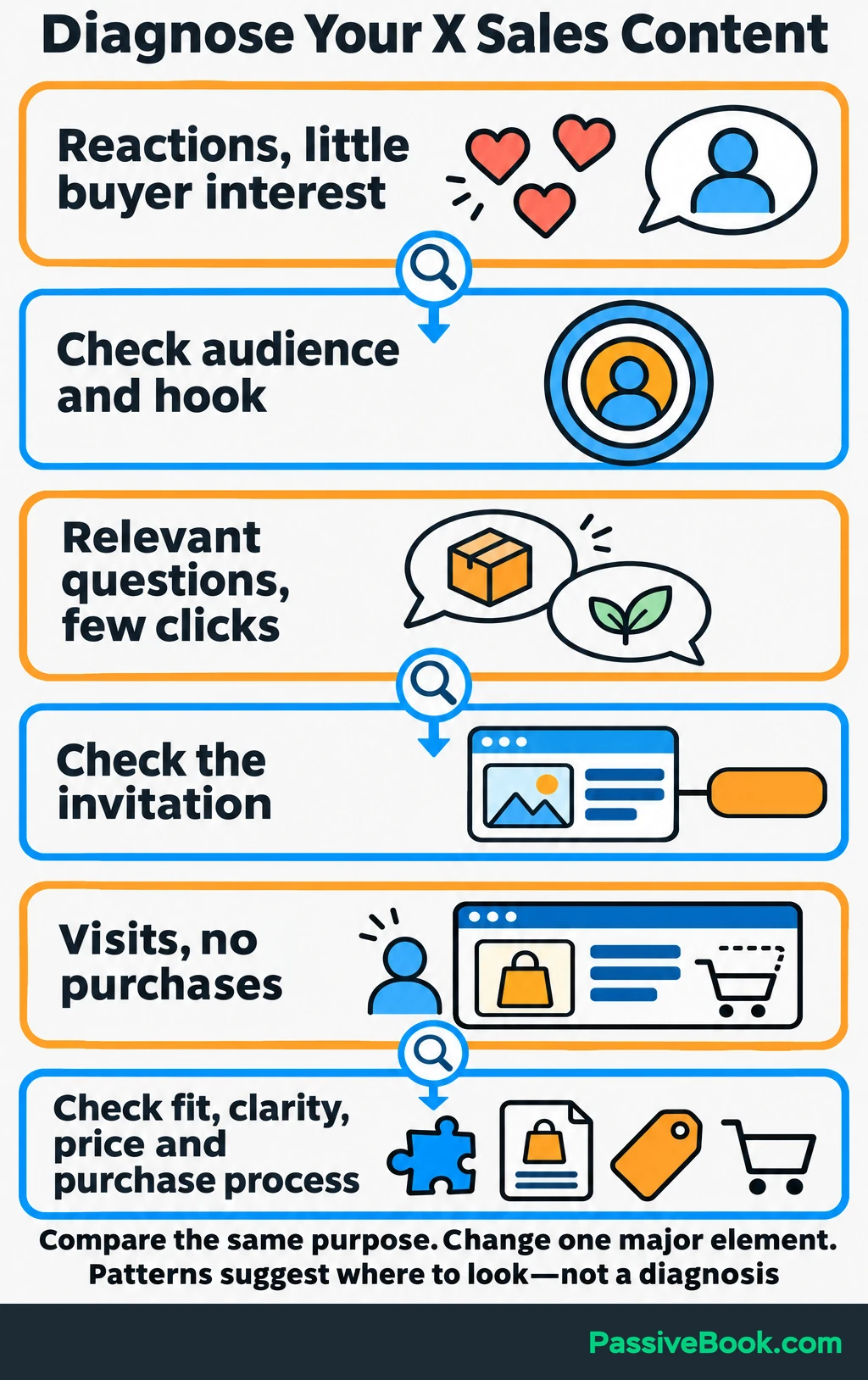
The first three identify X as the source, social as the channel, and the handover kit as the campaign. Keep those values the same for this campaign’s X posts, and give each linked post a different utm_content value.
Tags identify visits; purchase attribution also needs checkout tracking or other evidence connecting the buyer to the post. In your planning sheet, record the post link, qualified inquiries, available tracked visits, purchases, revenue, and time spent. Leave unavailable results marked as unknown.
Use conversation notes and buyers’ answers about how they found you to fill some gaps. A person may read a post, return later, and buy through another route.
Review patterns as prompts to investigate:
- Reactions Without Buyer Interest: Check whether the hook attracts people in the buying situation.
- Relevant Questions Without Clicks: Check whether the invitation explains what the reader will find.
- Visits Without Purchases: Check offer fit, product clarity, price, and the purchase process.
None of these patterns proves a single cause. They tell you where to look next.
Compare posts with the same purpose, change one major element, and watch for a repeated pattern before increasing output. Include the time spent writing and replying when deciding whether X deserves a larger place in your business.
What Next?
Choose one buyer question from a real X conversation and draft a post that answers it. Add one relevant product detail, choose one next step, and check that the destination delivers.
Use the social buttons to share this guide when you want to turn a discussion about posting more into a discussion about attracting suitable buyers.
Which part of the path is hardest for you right now: getting relevant attention, starting conversations, or helping interested readers buy? Share your experience in the comments, and bring any other questions too.
Share this post with your friends & followers:

