You have an article or product worth sharing, but mentioning it again feels awkward. Yesterday’s post barely got a response. Does that mean you should promote it more often, or give people a break?
That uncertainty can turn a small task into a daily negotiation with yourself. You either leave the offer buried or keep finding new ways to say “please click.” To get out of that loop, use the weekly calendar and comparison below to decide how much to promote and whether another post is worth your time.
How Often Should You Promote on X?
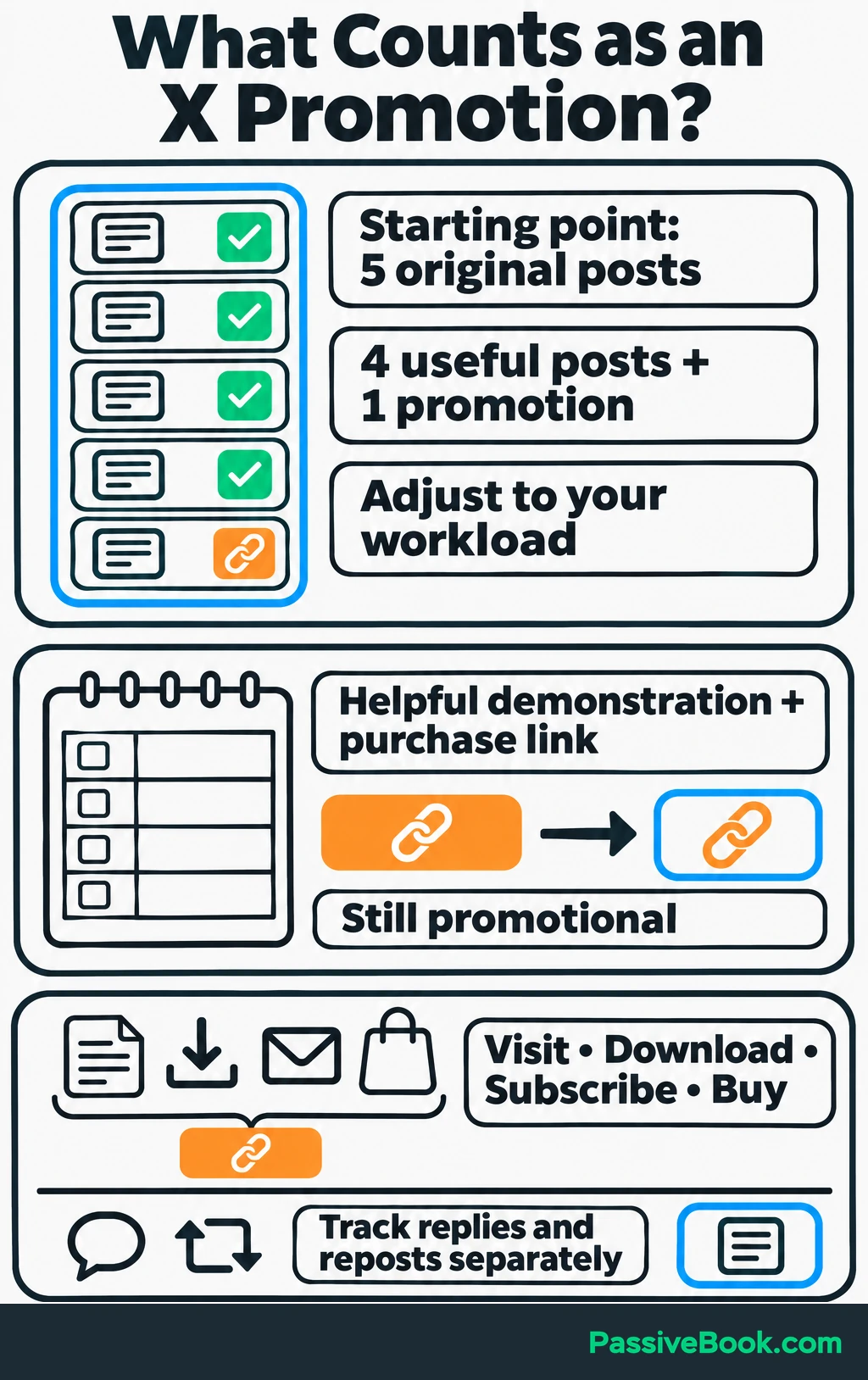
I would start with five original posts a week: four useful posts without a promotional call to action and one direct promotion. This is a practical starting schedule for organic posting, and you can reduce it if writing, replying and reviewing results would take more time than you have.
Count a post as promotional whenever you ask readers to visit an article, download something, subscribe or buy. A helpful demonstration with a purchase link still counts. Record your replies and reposts separately so they don’t blur the original-post count.
There is evidence worth testing, but it doesn’t give you a magic number. Buffer’s engagement report found that top-performing X accounts published more often. The comparison used Buffer-published content and defined top performers by total weekly engagement. It shows an association, not proof that more posts cause better results, and it doesn’t establish an ideal promotional ratio.
Two posts a day can be reasonable when they offer different things and fit your workload. I wouldn’t jump there before you can maintain a smaller schedule. When you first add slots, fill them with useful posts and keep the promotional count steady.
To make this concrete, imagine you sell a printable sewing-project planner through a small blog. It helps readers organize supplies and record pattern changes. We’ll use it throughout; the product details, sample copy and figures are illustrations.
Make Your Posts Worth Reading
Deliver Useful Answers Between Promotions
Start with questions connected to your offer, then answer one clearly inside each supporting post. Readers should get something useful even if they never click your profile.
For the sewing planner, those questions might concern missing supplies, unfinished projects or forgotten pattern changes. A standalone tip could say:
Before putting a sewing project away, write down the next unfinished step and store that note with the fabric. Make restarting easier on yourself.
That solves a small problem without withholding the answer behind a link.
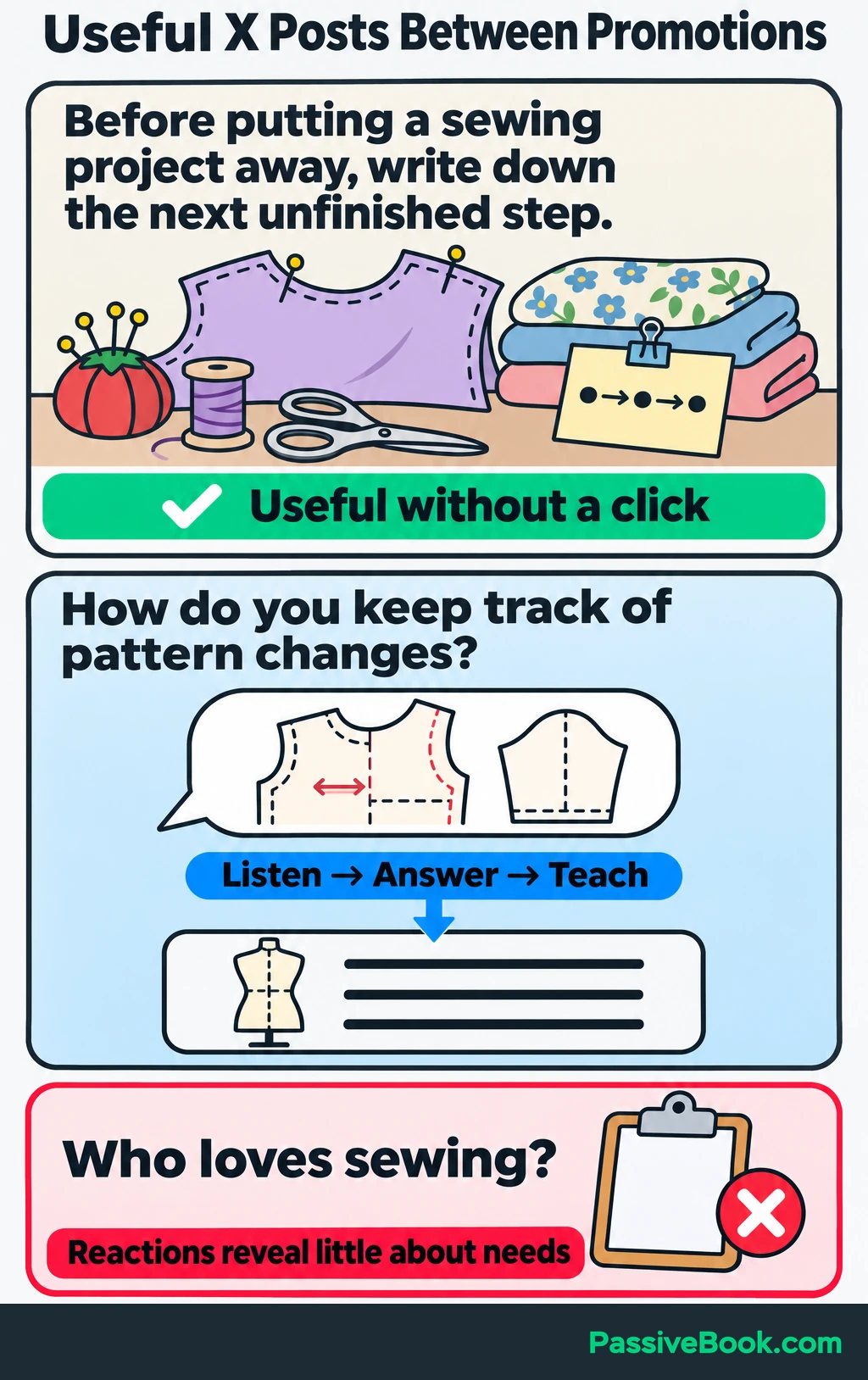
A relevant question can also earn a place:
How do you keep track of pattern changes between sewing projects?
Read the answers and respond where you can help. They may reveal a problem worth explaining in a later post, but the conversation doesn’t need to become an immediate sales opportunity.
I would skip broad prompts such as “Who loves sewing?” They’re easy to answer, but they tell you little about what readers need.
And if you have nothing useful ready, leave the slot empty. A calendar gap is cheaper than another pitch you published because Friday looked lonely.
Give Repeated Offers a Different Purpose
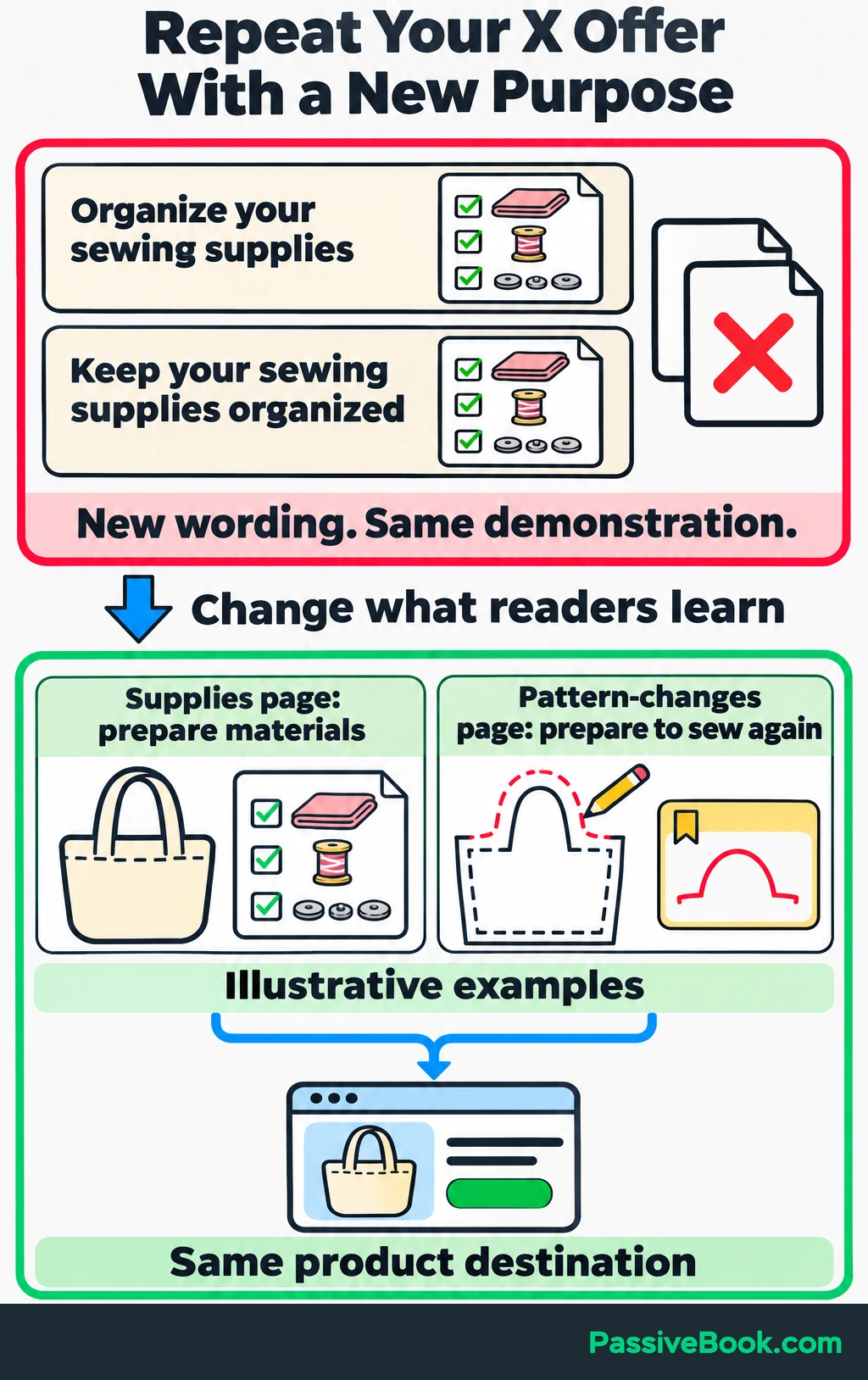
You can promote the same product again. Give readers another reason to care by showing a different use, answering a purchase question or demonstrating one part of it.
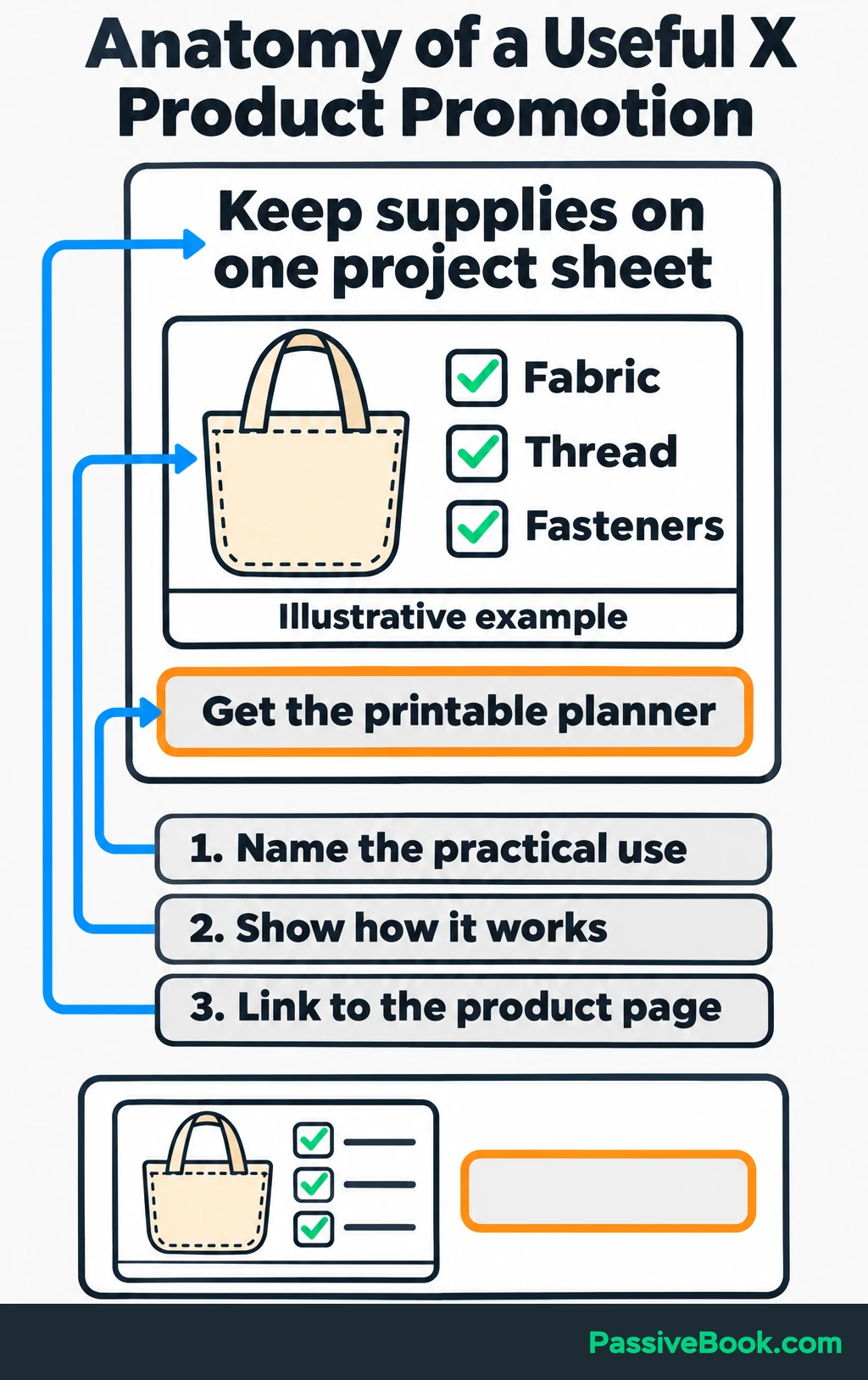
For the planner, one promotion could show its supplies page:
Keep fabric, thread, fasteners and other supplies on one project sheet. Here’s an example filled in for a tote bag. Get the printable planner here:
A later promotion could show the pattern-changes page and explain how it helps someone prepare to make the same item again. The destination stays the same, but the reader learns something different.
I’ve caught myself changing the opening line of a promotion and calling it a new angle. Reading the drafts side by side made the problem obvious: I was still giving people the same reason to click. Now I check what each version actually demonstrates before scheduling it.
This also fits X’s content-spam rules, which prohibit repeatedly publishing identical or nearly identical posts, irrelevant promotional replies, bulk unsolicited messages and activity dominated by links without commentary.
A fresh adjective won’t rescue a copy-and-paste campaign.
Space Posts Around Audience Activity
Spread your posts across the week and put useful material between repeated offers. Choose a publishing window in your audience’s main time zone, preferably when you can return to answer responses.
If you don’t yet know when readers are active, choose a window you can maintain and record what happens. You can test timing later. There’s little value in choosing a supposedly perfect hour that regularly falls in the middle of your workday.
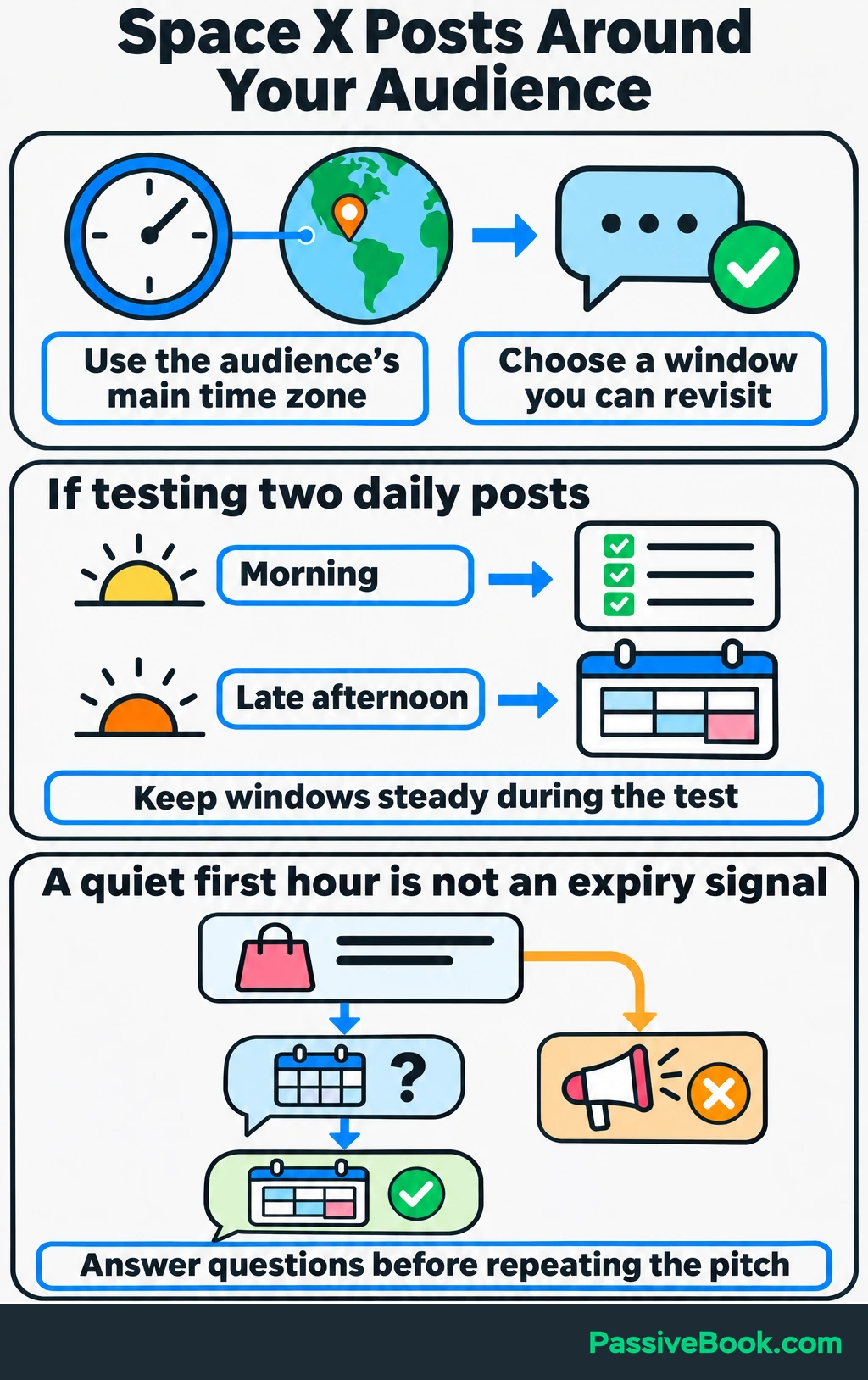
When testing two daily posts, use separate windows, such as morning and late afternoon. Keep those windows steady during the test so a timing change doesn’t confuse your frequency comparison.
Don’t schedule another pitch just because the last one had a quiet opening. X says its For You recommendations consider signals including popularity and interactions within a person’s network. My practical takeaway is to avoid treating a slow first hour as proof that a post has expired.
Repeat the offer when you have another useful reason to share it. If the earlier post is generating questions about the planner’s layout, answer those before publishing another version of the sales message.
Build a Weekly Schedule You Can Maintain
Set a weekly time allowance before choosing your posting volume. It needs to cover drafting, scheduling, conversation and review.
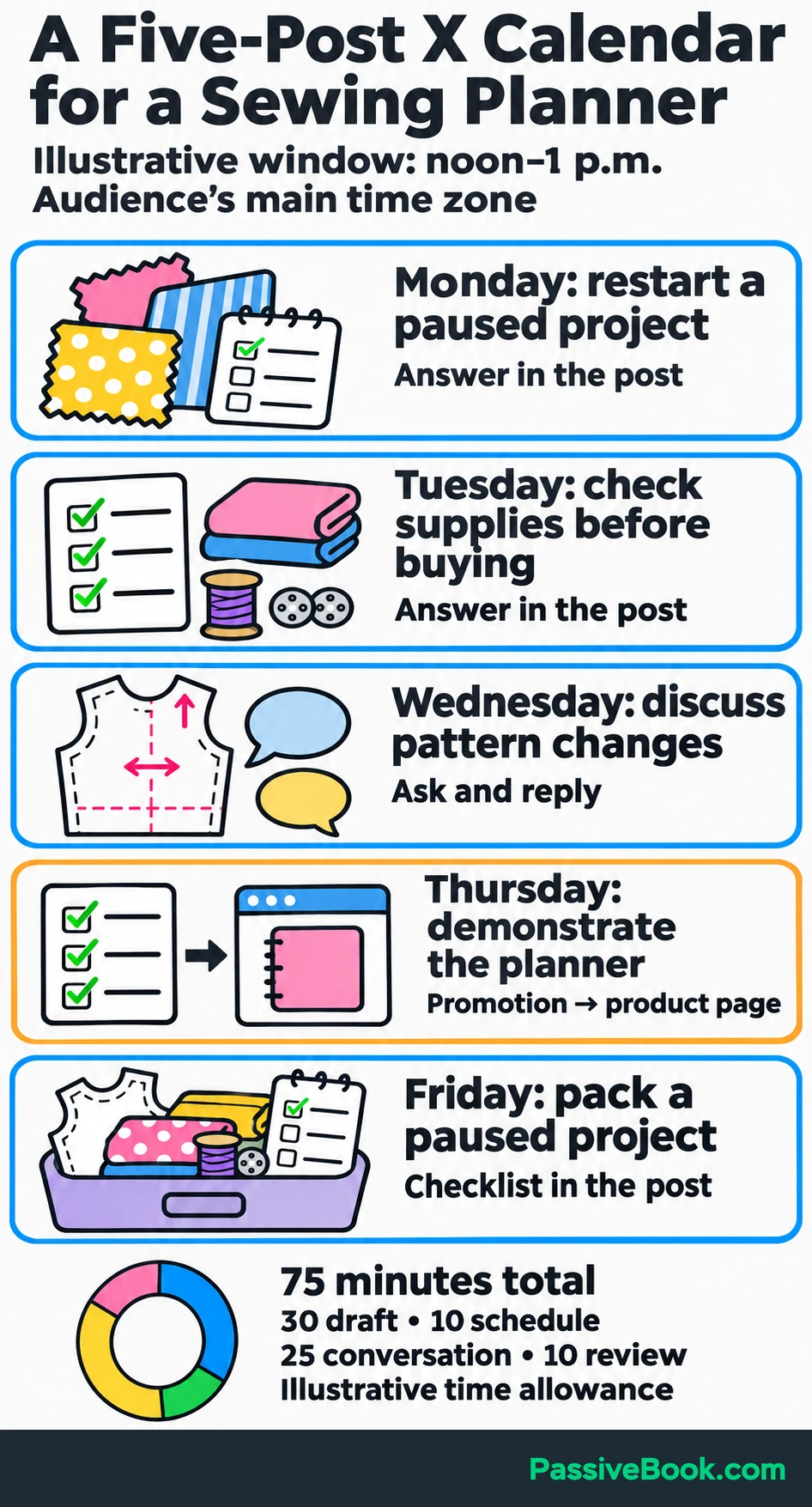
For example, you might reserve 75 minutes: 30 for drafting, 10 for checking and scheduling, 25 for short conversation sessions and 10 for reviewing results. Reduce the volume if your actual work takes longer.
Next, choose one offer and its destination. A product promotion should lead to the product page. An article promotion should lead to that article. Don’t make readers search your homepage for what you just promised.
Here is a complete five-post calendar for the sewing planner. The publishing window is illustrative and uses the audience’s main time zone.
| Day | Reader Question | Post Angle | Promotional? | Destination | Publishing Window |
|---|---|---|---|---|---|
| Monday | How can I restart an unfinished project? | Leave a note naming the next step | No | None; answer in the post | Noon–1 p.m. |
| Tuesday | What should I check before buying supplies? | List fabric, thread, fasteners and other required items | No | None; include the checklist | Noon–1 p.m. |
| Wednesday | How can I remember pattern changes? | Ask readers how they record their changes | No | None; discuss in replies | Noon–1 p.m. |
| Thursday | How would this planner help me organize supplies? | Show an illustrative completed supplies page | Yes | Planner product page | Noon–1 p.m. |
| Friday | What should stay with a paused project? | Share a short checklist: pattern, pieces, supplies and next-step note | No | None; include the checklist | Noon–1 p.m. |
Draft the posts together, check the links and review any images before scheduling. If you already have X Pro, its scheduler is enough for this. Otherwise, use a scheduling option available in your account or a tool you already use. Choose the date and time, confirm the time zone and check the queue.
If the calendar is easier than the writing, use our AI Skill to draft the posts around your own offer. It also gives you alternative promotions with different reasons to click, rather than another version of the same pitch.

Free AI Social Copy Studio




I wouldn’t build an elaborate automation for five posts. A reviewed weekly batch gets the repetitive publishing work out of your way.
Keep short sessions for answering comments and contributing useful replies to relevant discussions. Those sessions belong inside your time allowance.
Reuse the calendar structure next week, but change the questions and demonstrations. Check queued posts when circumstances change, especially if a product page, offer or promised feature has changed.
Adjust Frequency Using Engagement and Business Results
Track the Outcome You Want to Improve
Choose one primary outcome before changing your schedule. That could be relevant conversations, website visits, email sign-ups or sales.
For the sewing planner, I would track purchases from X alongside product-page visits. Sales tell you whether the channel supports the business, and visits help you see where interest stops.
Around 2022, I spent six months chasing Instagram and Twitter/X followers in another niche while my bank account stayed around $47. This wasn’t Passive Book. I could point to audience growth, but I hadn’t given that attention a clear path to an offer. That experience is why I want a business outcome beside the social numbers.
Keep a simple weekly record of:
- Original posts and how many were promotional.
- Likes, audience replies and reposts received.
- Your chosen outcome, such as product-page visits and purchases.
- Time spent writing, scheduling, replying and reviewing.
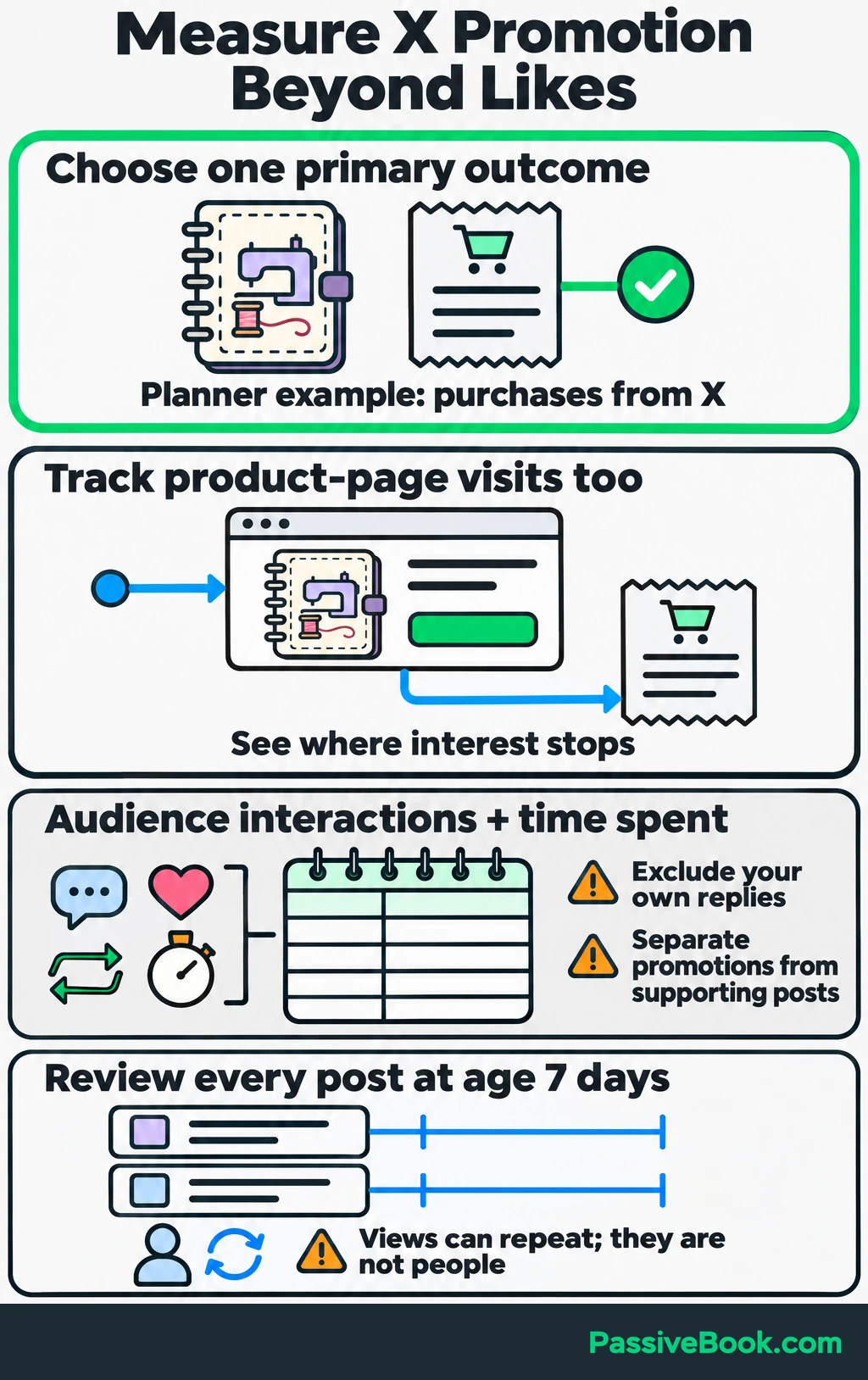
Keep your own replies out of the audience-response count, and note useful questions or observations separately.
Compare weekly totals and average results per post, and separate promotions from supporting posts. Review each post at the same age, such as seven days after publication, so Monday doesn’t get a longer observation window than Friday.
Treat views as exposure rather than a count of people. X’s view-count documentation confirms that repeat views can count.
For website goals, add UTM parameters—tracking tags that tell your website analytics where a visit came from—to promotional links. Use a different utm_content value for each post so you can distinguish its visits. Google’s campaign URL guidance explains how to build the links; test them before scheduling.
Change One Part of the Cadence at a Time
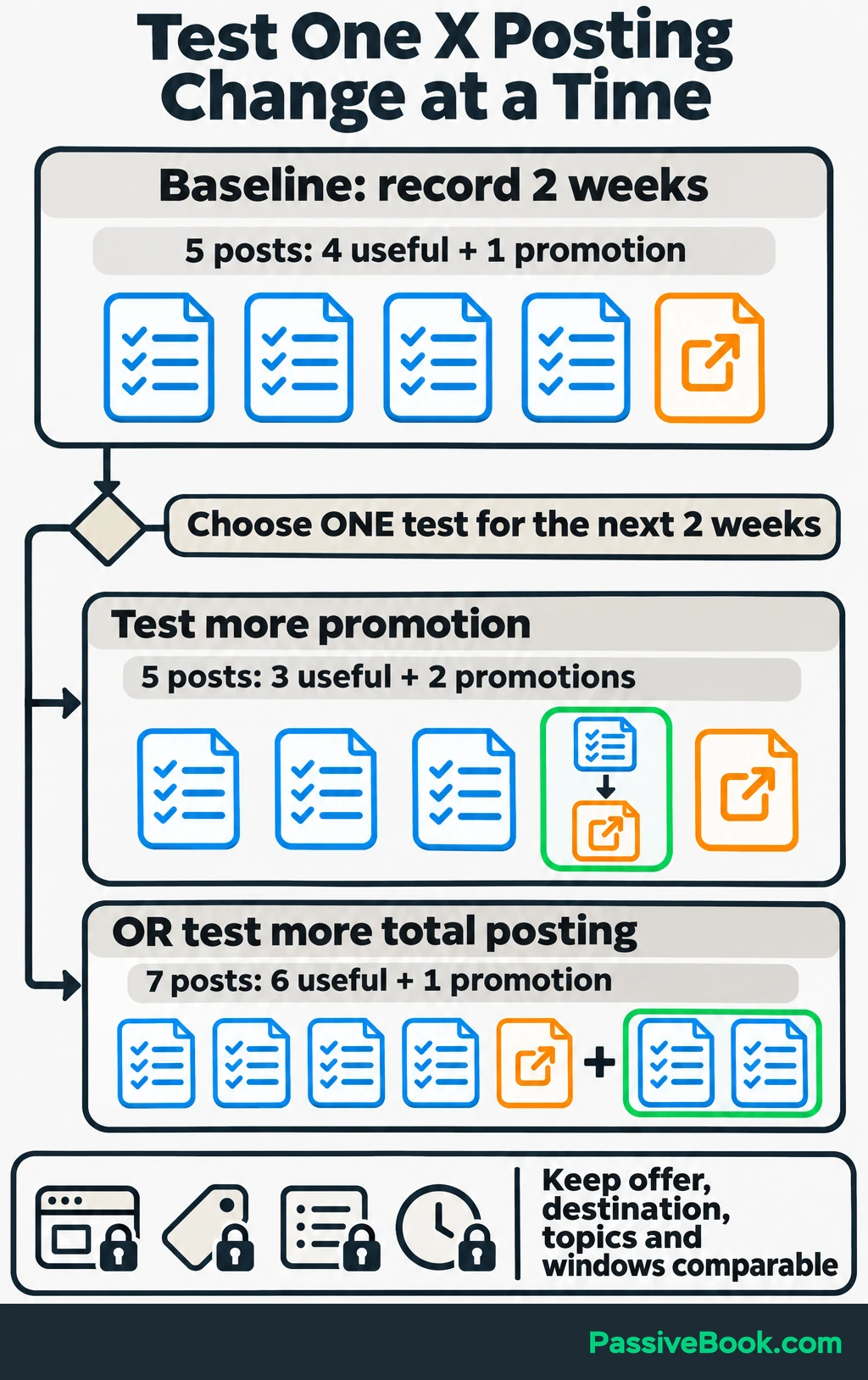
Record your starting schedule for two weeks, then test one small change over another two weeks. Keep the offer, destination, topic mix and publishing windows as comparable as you can.
Choose the change based on the question you want answered:
- To test more promotion, keep five weekly posts but replace one supporting post. You now have three supporting posts and two promotions.
- To test more total posting, add supporting posts while keeping one weekly promotion.
This distinction matters. Adding both posts and promotions at once makes it harder to tell what helped.
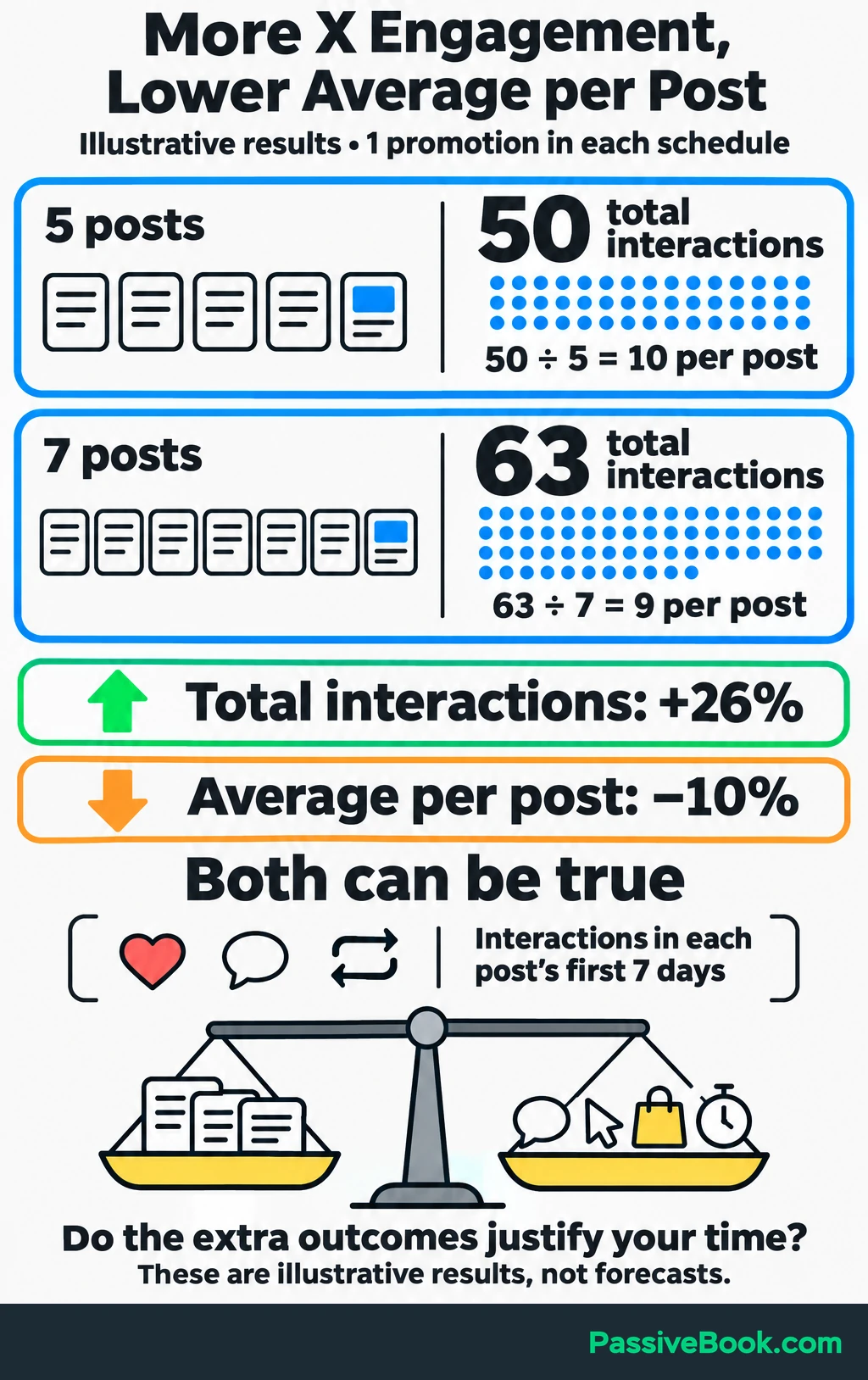
For this illustration, “interactions” means likes, audience replies and reposts received during each post’s first seven days.
| Weekly Schedule | Total Interactions | Average Per Post |
|---|---|---|
| Five posts, including one promotion | 50 | 10 |
| Seven posts, including one promotion | 63 | 9 |
The seven-post week produces 26% more interactions overall, but the average per post falls 10%. Both statements are true.
I’d keep the extra posts only if the additional conversations, visits or purchases justify your time.
Collect more evidence if a few interactions or one exceptional post would decide the result. If readers complain about repetition, revise the posts or reduce frequency. A lower average alone doesn’t prove audience fatigue.
Before changing frequency again, check where the process is weak:
- Attention without visits suggests the post needs a clearer reason to click.
- Visits without sign-ups or purchases call for reviewing the destination and offer.
- Repeated questions about what the product includes suggest the promotion needs a clearer demonstration.
More posting won’t explain a confusing product page.
What Next?
Put one promotion and four useful supporting posts into next week’s calendar, then reserve time to answer replies and review the results. If five posts won’t fit, choose a smaller schedule you can repeat.
Use the social buttons to share this guide and make the case for a posting schedule that earns its time.
Which result would make regular X promotion worthwhile for you? Share your answer in the comments, and bring any other questions about your schedule.
Share this post with your friends & followers:

