Your post gets likes, but the guide you linked barely gets visitors. The next post asks people to “check it out,” and you’re left wondering whether anyone understood what they were supposed to do.
That gap makes posting frustrating. You spend time attracting attention, but attention alone doesn’t tell you whether people want your content or your offer. The six sample X posts below show how to ask for replies, reposts, follows, visits, sign-ups, or sales without sounding pushy, and how to check whether each request worked.
Choose the Action That Serves Your Post’s Goal
Before writing a call to action, or CTA, decide what the post should achieve. A question meant to start a conversation needs a different request from a post selling a workbook.
You can make direct requests in ordinary, unpaid posts. Buying ads isn’t a prerequisite, and X’s posting guidance recommends a clear CTA where relevant.
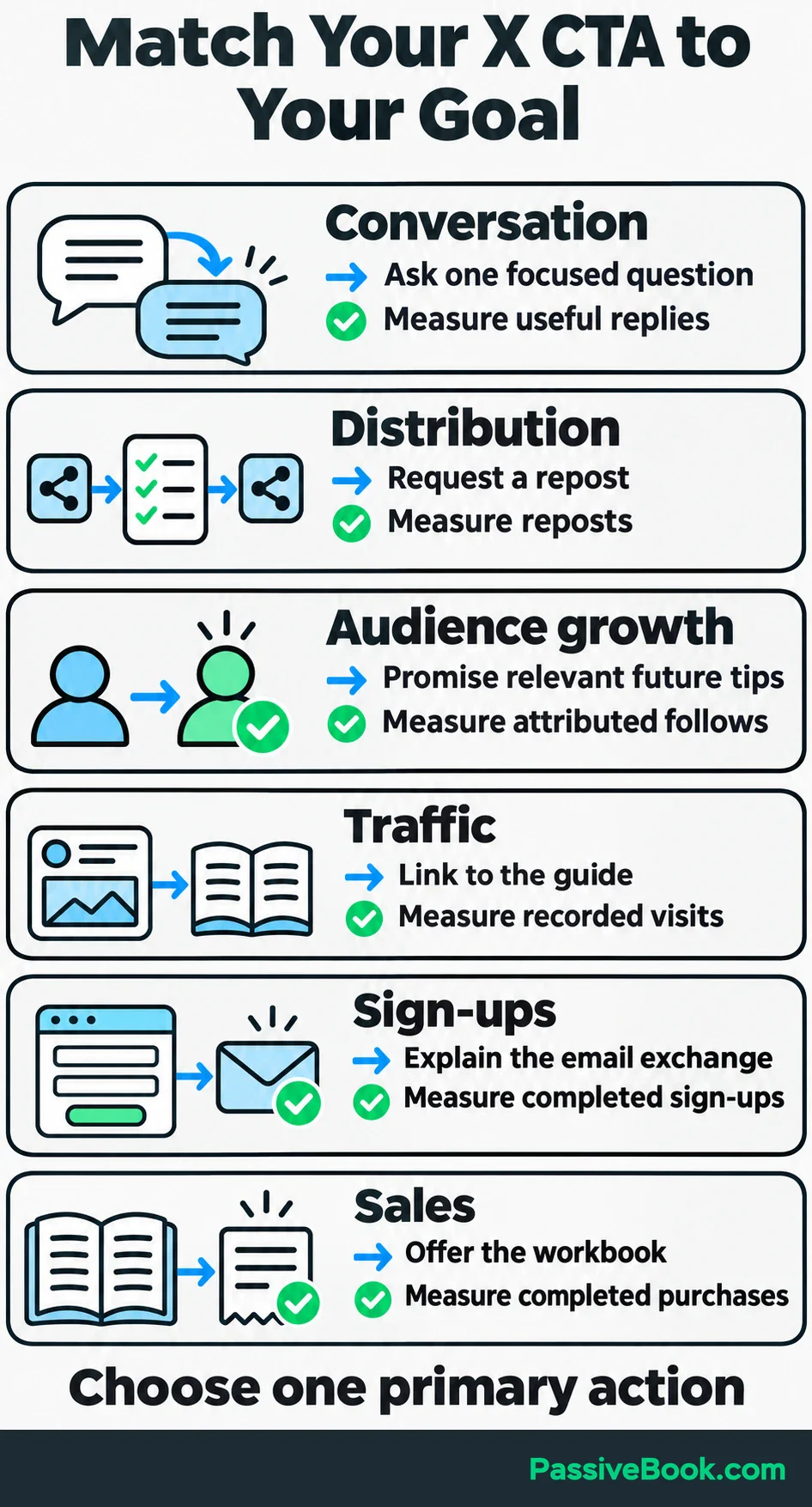
Choose the action based on what readers have a reason to want:
| Goal | Reader Interest | Suitable Request | Success Measure |
|---|---|---|---|
| Conversation | Sharing a problem or preference | Answer one focused question | Relevant replies |
| Distribution | Passing along something useful | Repost the attached checklist | Reposts |
| Audience growth | Getting more content on this topic | Follow for specific future tips | Follows attributed to the post, where available |
| Traffic | Learning more than the post covers | Read the linked guide | Recorded visits to that guide |
| Sign-ups | Receiving a useful email resource | Sign up for the free checklist | Completed sign-ups |
| Sales | Solving a problem with your product | Buy the workbook | Completed purchases |
Around 2022, I spent six months chasing Instagram and Twitter/X followers for a side niche while my bank balance stayed around $47. That experience made me more careful about what I call progress. Follower growth can matter, but it doesn’t tell me whether anyone wants the offer behind the account.
For the examples here, imagine you sell a beginner bread-baking workbook and offer a free first-loaf checklist. The sample copy and figures are illustrations.
After sharing a useful preparation tip, you might offer the checklist. After showing the workbook’s practice pages, you might invite a purchase. Readers don’t need to reply, follow, and subscribe before they’re allowed to buy.
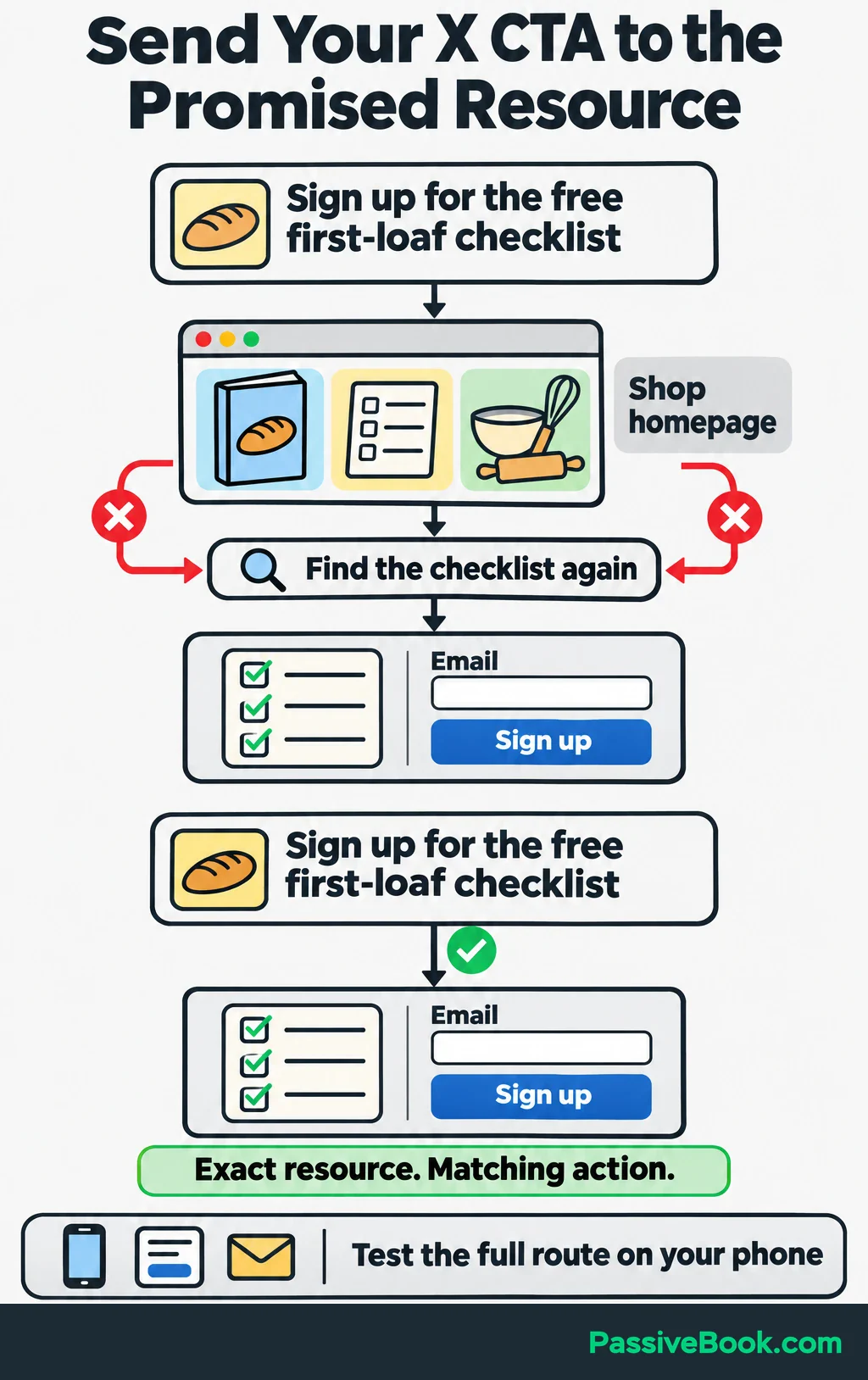
For any link-based request, choose the destination before drafting the post. Open that exact page on your phone and complete the action yourself. Check the form, resource delivery, or checkout.
I’ve made this route unnecessarily long on a digital-product site: the message named one resource, but the link opened the shop homepage. Visitors had to find the promised item again. I now link to the page where the requested action can happen.
Write a Clear Request With a Useful Reason to Act
A useful CTA combines three things: an action, the specific resource or benefit, and a destination when needed.
For example:
Read the guide to planning your first loaf: [link]
The action is “read,” the resource is the first-loaf guide, and the link takes readers there. “Check this out” leaves them guessing about all three.
For conversation, replace the destination with a focused question:
What stops you from baking bread more often: finding time or choosing a recipe?

Readers can answer without composing an essay. “What are your thoughts on bread?” gives them considerably more work.
Establish relevance before making the request. Share a tip, show a sample page, or describe the problem your resource addresses. Then ask for the action that follows naturally.
Here are three useful edits:
| Vague or Crowded CTA | Clearer Version |
|---|---|
| “Check this out!” | “Read the first-loaf planning guide: [link]” |
| “Like, repost, follow, and download!” | “Sign up by email for the free first-loaf checklist: [link]” |
| “Get your workbook!” | “Preview the printable practice pages and buy the beginner bread-baking workbook: [link]” |
Keep one primary request. A link that lets readers preview and buy one product supports a single purchase decision. Asking them to follow, reply, subscribe, and buy creates several competing decisions.

If you have a topic or a rough draft, AI Social Copy Studio can turn it into a complete post with a relevant request. It gives you three versions to choose from without adding competing actions.

Free AI Social Copy Studio




Also make the commitment clear. Reading an article, joining an email list, and buying a workbook are different actions. Don’t write “Download the checklist” if the next page first requires an email sign-up.
Standard X posts allow up to 280 characters, so leave room for the request and link. Cut a repeated introduction or unrelated hashtag before cutting the words that explain what readers will get.
I would skip the dramatic punctuation and borrowed urgency. A printable workbook doesn’t need three alarm emojis to explain its purpose.
You also don’t need a promotional request in every post. Let a useful observation stand alone when there’s no relevant next step. Choose CTAs by the post’s purpose rather than forcing a fixed promotional ratio.
X Call-to-action Examples for Six Common Goals
These are complete sample posts you can adapt. Replace each [link] with the matching destination and make sure any promised attachment or resource is ready.
Replies: Ask a Focused Question
Ask about one problem you can usefully discuss. Give readers a narrow choice, but leave room for their own answer.
What makes planning your first loaf harder: choosing a recipe or finding time for the steps? Reply with your biggest sticking point.
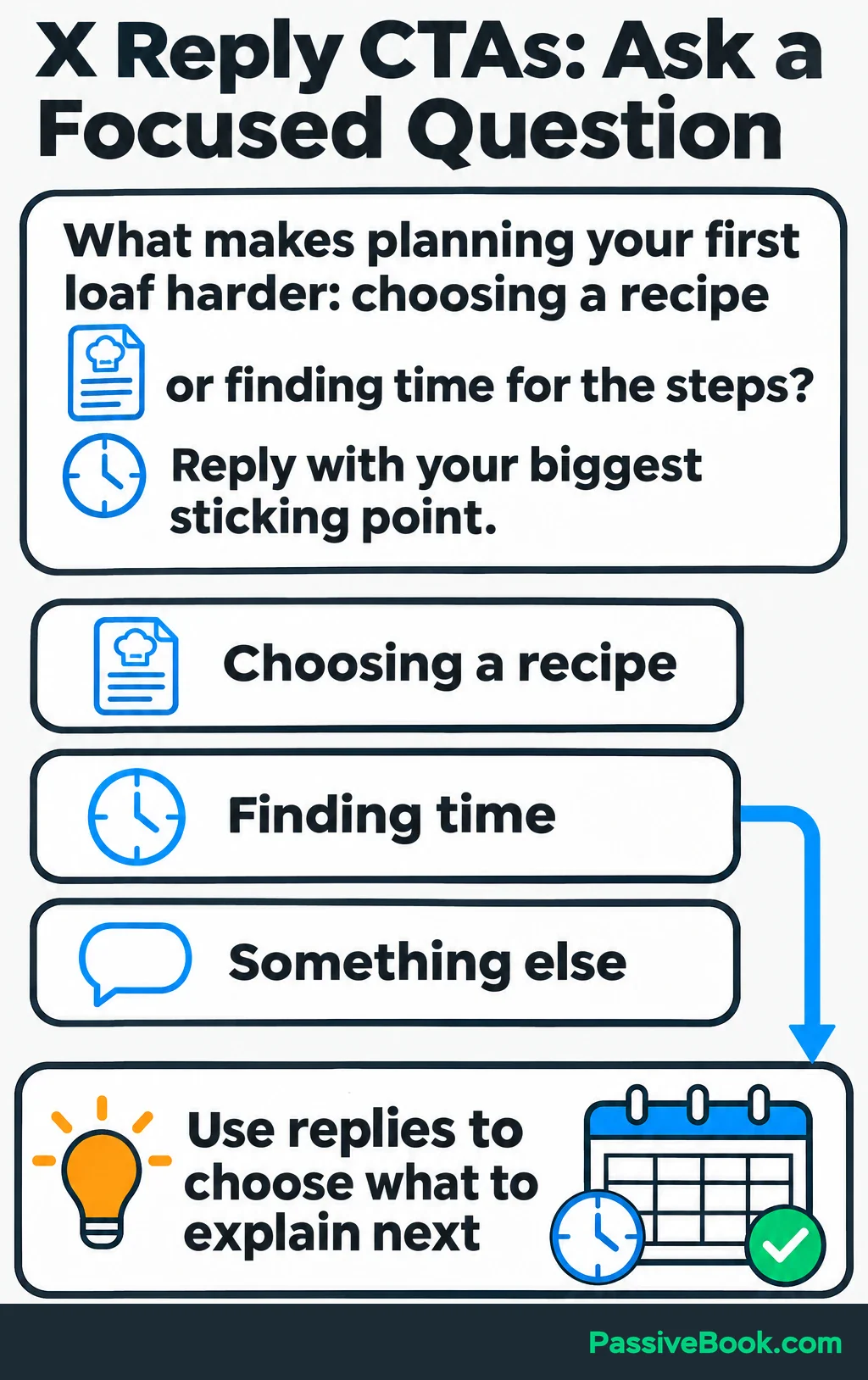
Respond to the answers. If several people struggle with timing, that gives you a useful subject for another post or a workbook page.
I would choose this over “Who loves bread?” because the answers can help you decide what to explain next.
Reposts: Give Readers a Reason to Share
Make the post useful to the person who receives it. Attach the promised material so the repost carries something worth passing along.
Planning your first loaf? This checklist puts the equipment and preparation tasks on one page. Repost it to help another beginner get ready.
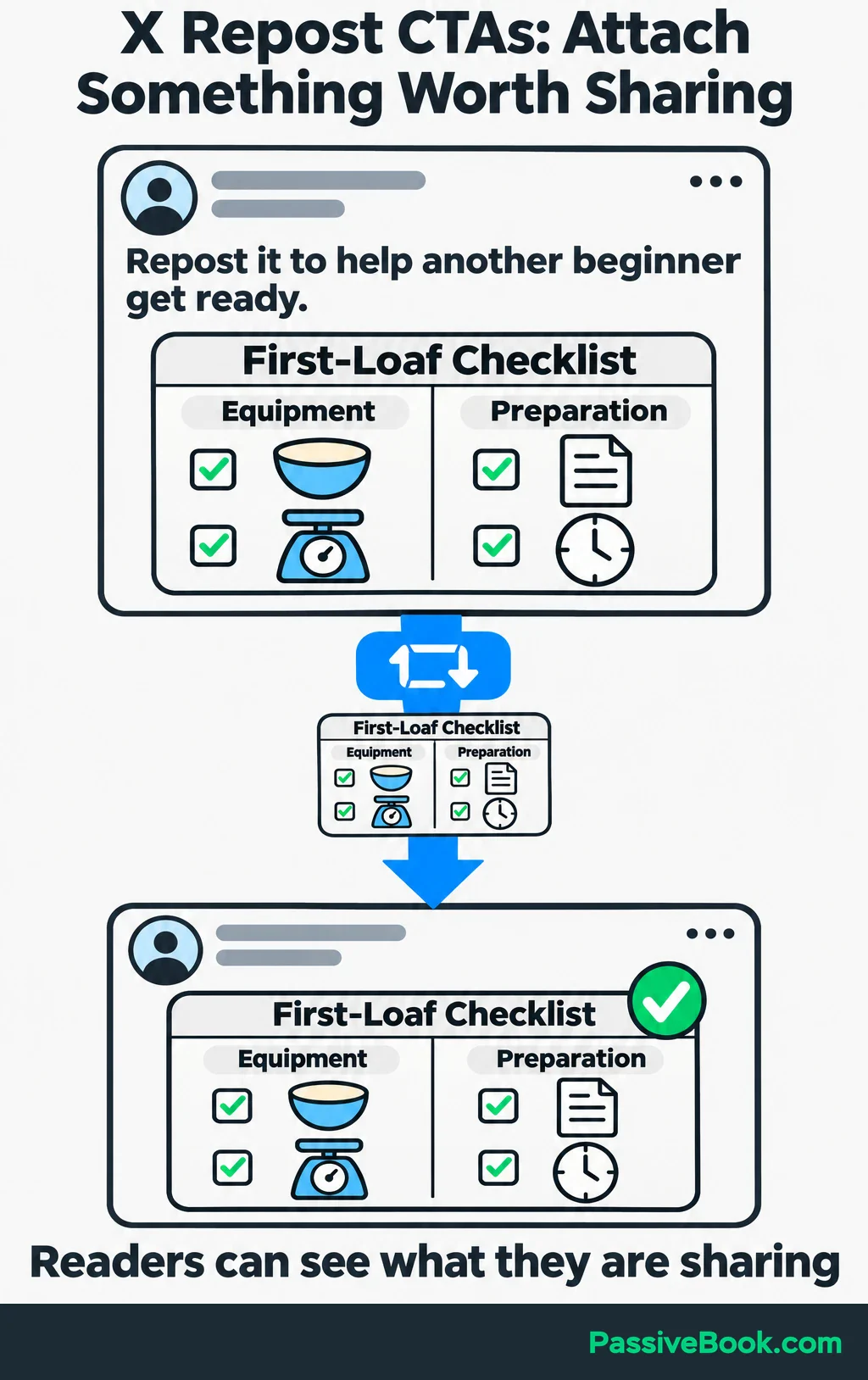
Attach a readable image of the checklist. The request makes sense because readers can see what they’re sharing.
This is different from asking for an email sign-up. Here, the immediate goal is to distribute the checklist, so don’t make people leave X to discover whether it’s useful.
Follows: Promise Relevant Future Content
Explain what readers will keep getting from the account. “Follow for more” works harder when you name what “more” means.
Here’s a practice page from my beginner bread-baking workbook. Follow for first-loaf planning tips and more previews of the printable pages.
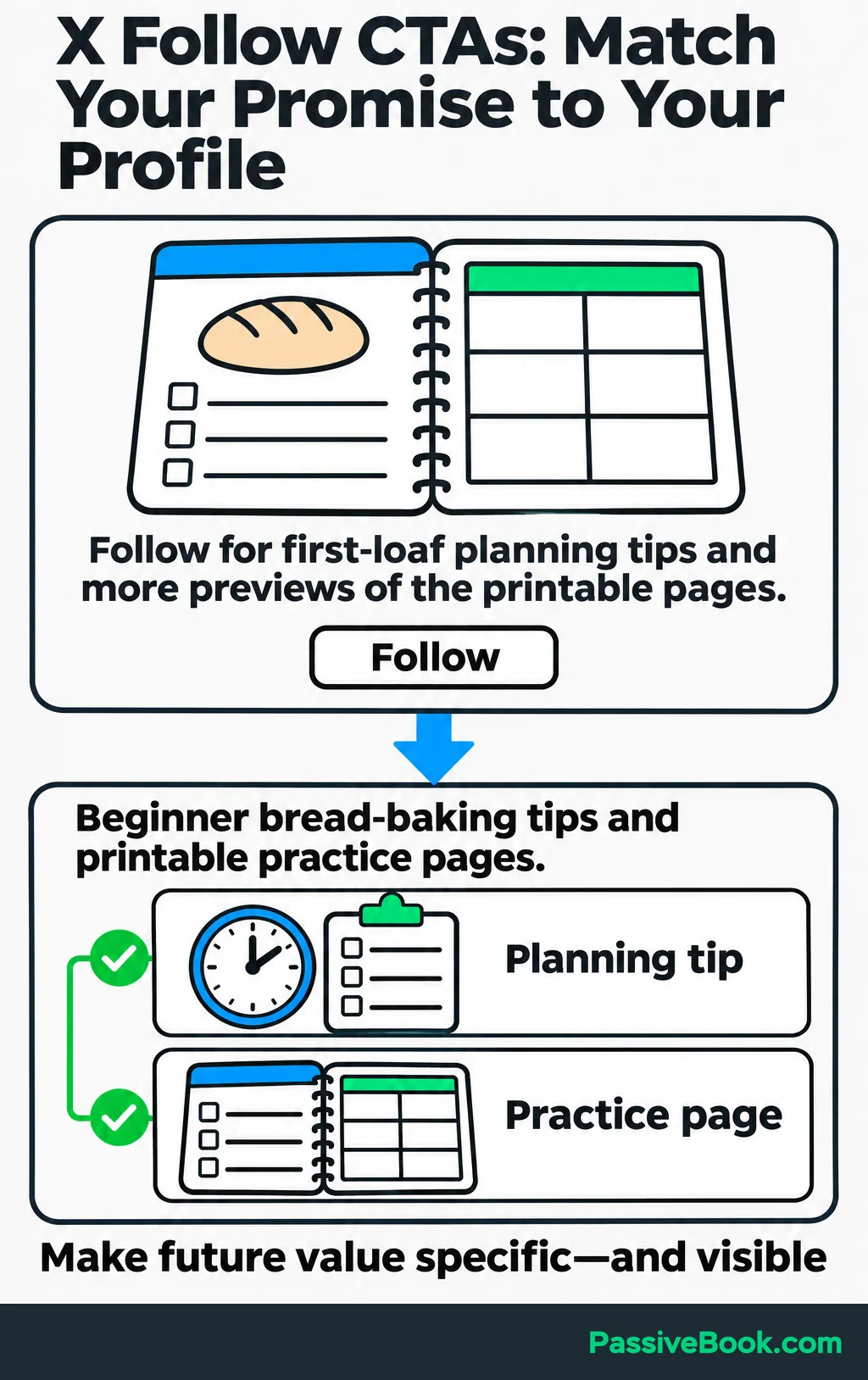
Include the practice-page image. Then check your profile: do the bio and recent posts support that promise?
I’d fix a mismatched profile before repeating the follow request. People who visit should be able to see the kind of content you just offered.
Clicks: Explain What the Linked Page Adds
Give readers a reason to move from a short post to a longer resource. Name the extra help waiting on the page.
Not sure how to fit your first loaf into the weekend? Read the planning guide for a worked schedule and preparation list: [link]

Link directly to that guide. Its headline and opening should make the schedule and preparation list easy to find.
Don’t promise a worked schedule and send readers to a general recipe archive. The click only gets them to the next part of the promise.
Sign-ups: Make the Exchange Clear
State what readers receive and that an email sign-up is required. A preview can help them decide whether the resource is worth requesting.
Get ready for your first loaf. Sign up by email to receive my free first-loaf checklist, with equipment and preparation tasks in one place: [link]
Show part of the checklist beside the post. On the sign-up page, explain how it arrives and whether subscribers will also receive ongoing emails.
If you use WordPress, I’d build this with Fluent Forms and FluentCRM. The form collects the request and the email system delivers the resource. You don’t need another landing-page subscription just to offer one checklist.
Sales: Name the Product and Its Purpose
Tell readers what you sell and what they can use it for. Show enough of the product to make the request concrete.
Plan your first loaf and record what you try with my beginner bread-baking workbook. Preview the printable planning and practice pages, then buy it here: [link]

Send readers to a product page that shows the contents, printable format, and price. Include sample pages so they can judge whether it suits them.
A direct sales request is reasonable when the post presents a relevant offer. You don’t need to disguise the purchase as a mysterious “next step.”
Put the CTA Where Readers Can Act
Standalone Posts and Threads
In a standalone post, I’d usually put the CTA after the useful tip or explanation. Keep it short and place the destination link beside it.
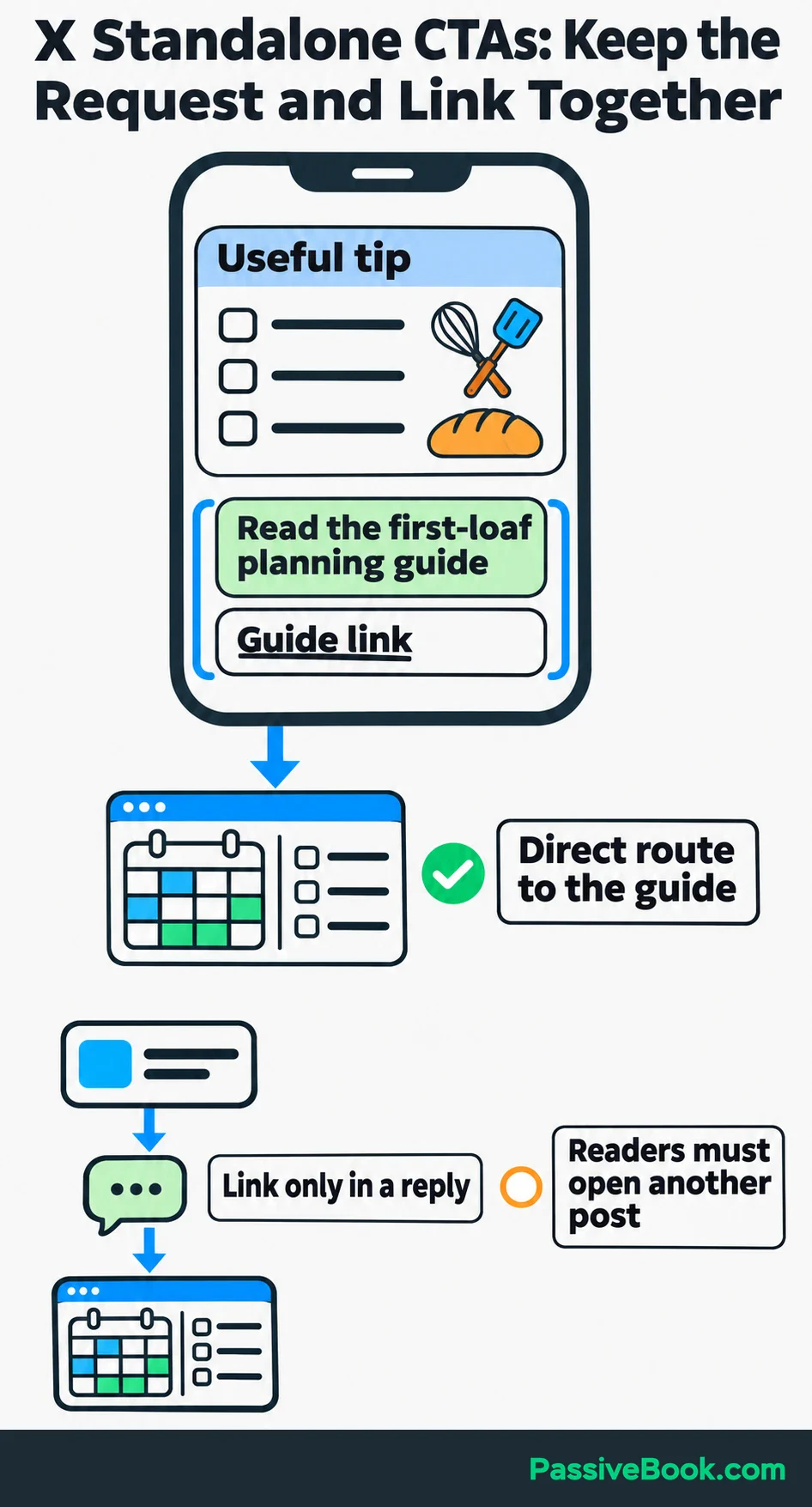
That gives the post a clear order: something useful, then a relevant next action.
For a thread, build toward the main request in the closing post. Briefly repeat the resource’s name and purpose so that closing post also makes sense on its own:
Ready to plan your first loaf? Sign up by email for the free equipment and preparation checklist: [link]

When traffic is the goal, my default is to include the link in the post. A link placed only in a reply asks readers to open another post before they can visit.
Treat placement as something to test with visits and conversions. Don’t assume that moving a link into a reply gives it an algorithmic advantage.
Images and Videos
Keep the essential request in the accompanying post text, even if you also include it in the visual.
A URL printed inside an image doesn’t give readers the same direct route as an actionable link in the post. Put the link beside the written request.
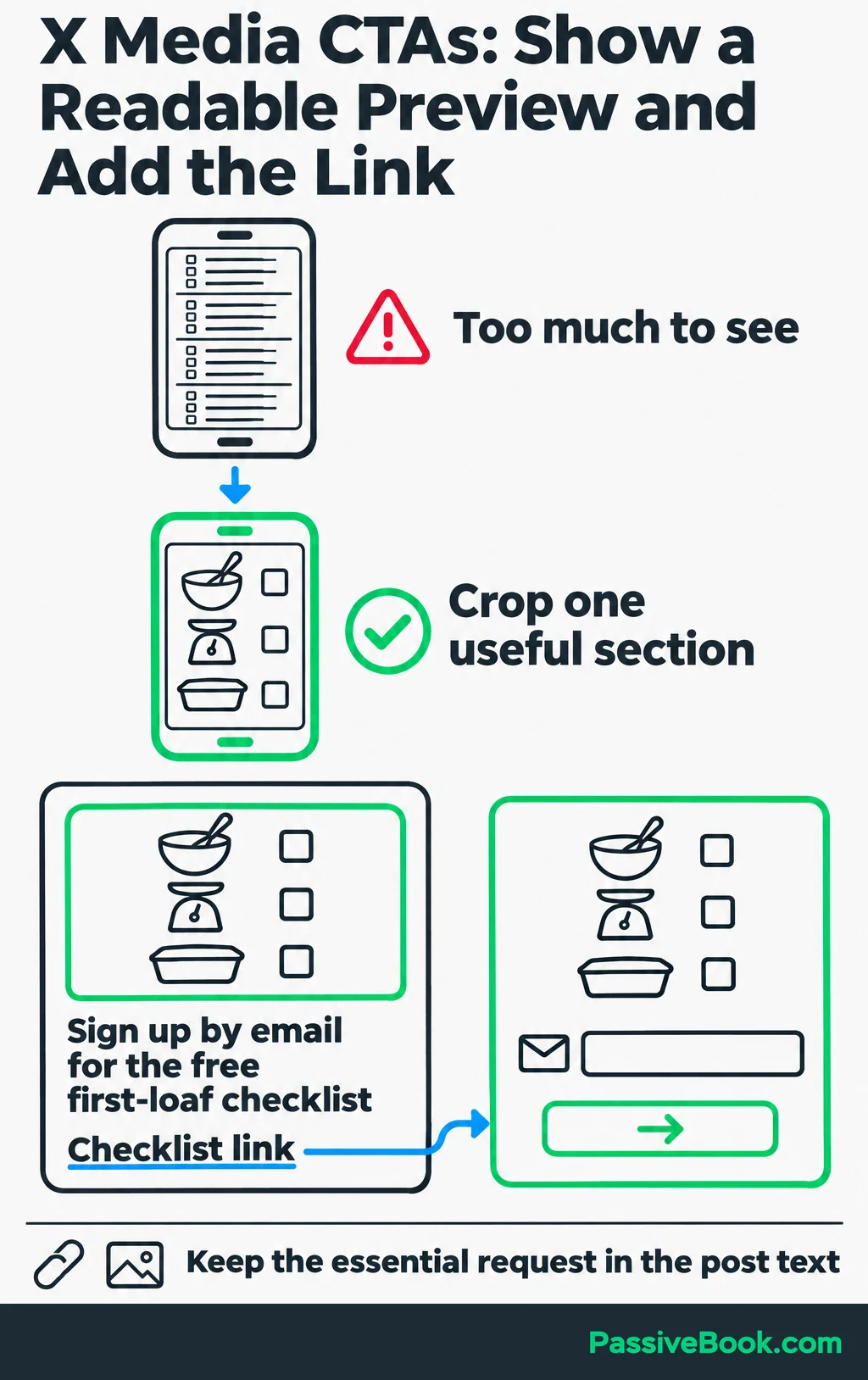
Match the visual to the destination. A workbook preview should lead to the workbook, and a checklist preview should lead to the checklist sign-up page.
Before publishing, view the image on your phone. If the sample page looks like tiny grey lines, crop it to show one useful part. Readers need to understand the preview before it can support the offer.
Your Bio and Pinned Post
Your bio should explain the account’s continuing value and identify its main resource.
For the running example:
Beginner bread-baking tips and printable practice pages. Get the free first-loaf checklist below.
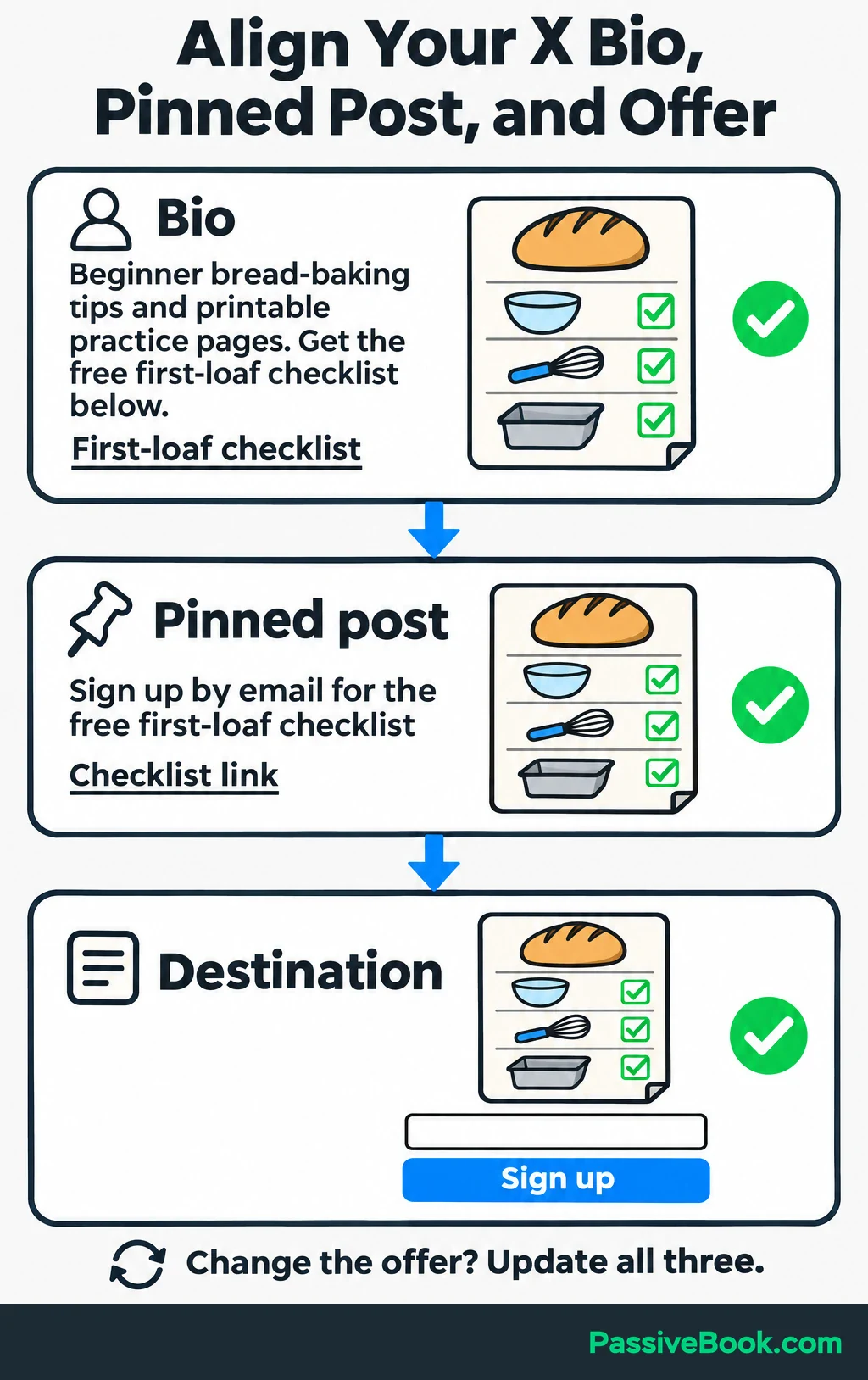
Use the profile link for the checklist sign-up page. Then pin a post that previews the same checklist, explains the email exchange, and includes its link.
Keep these pieces aligned. If you replace the checklist with a different offer, update the bio, pinned post, and destination together.
Improve CTAs by Measuring the Requested Action
Judge a CTA by the action it requests.
For a conversation post, read the replies and count useful answers. For a sales post, track purchases. Keep overall follower growth separate from follows attributed directly to a particular post.
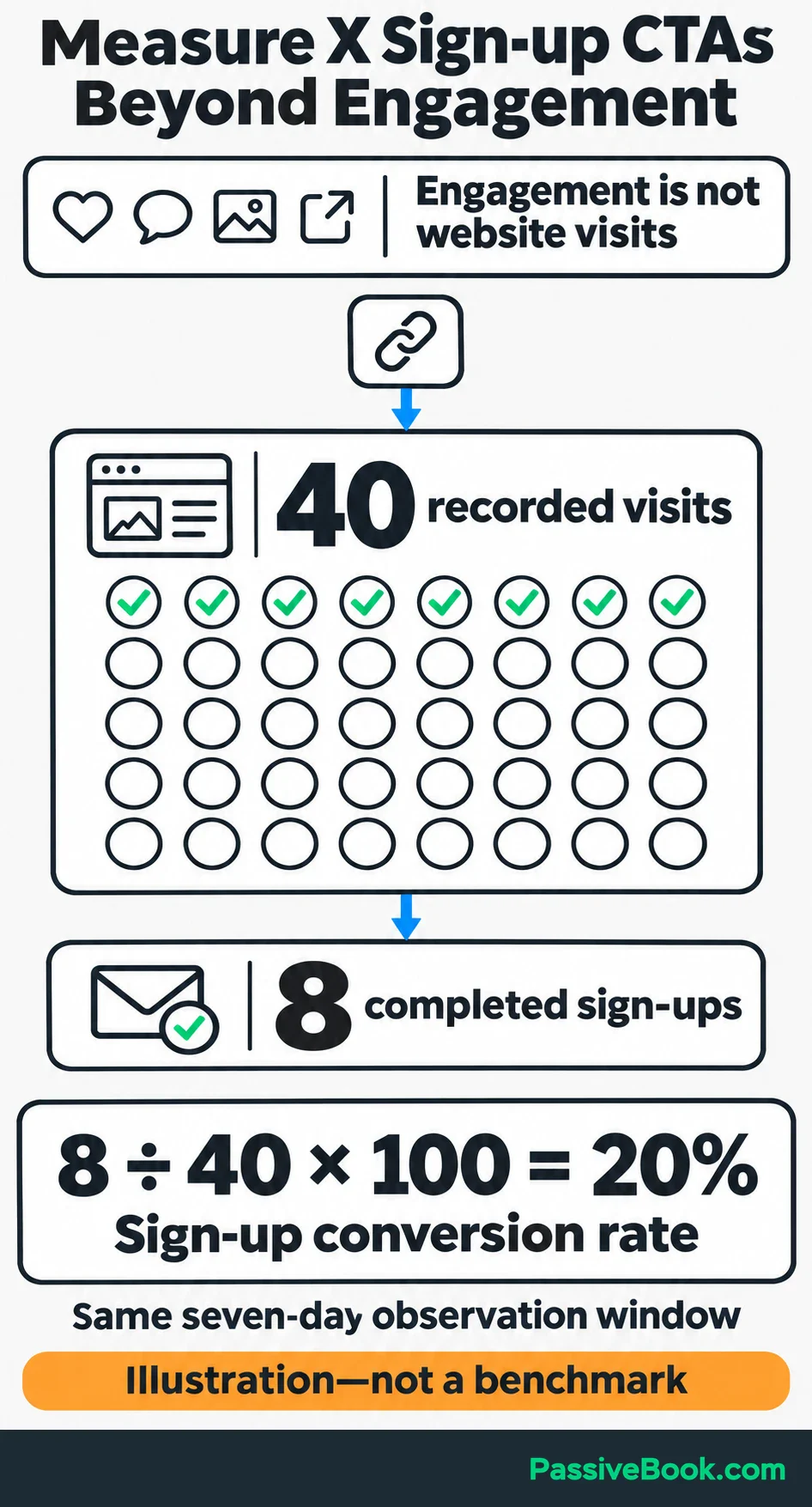
Also distinguish link clicks from total engagement. X’s metric definitions include photo clicks, post expansions, likes, replies, and other interactions within engagements. A busy engagement count doesn’t necessarily mean people visited your website.
For website actions, add tracking tags to your destination links. These are small pieces of text that tools such as Google Analytics read to identify where visits came from.
For the checklist, a tagged link could look like this:
https://example.com/first-loaf-checklist?utm_source=x&utm_medium=social&utm_campaign=first_loaf_checklist&utm_content=preparation_aKeep the first three tag values the same for unpaid X posts promoting this checklist. Give each post variation a different utm_content value, such as preparation_a or preparation_b. Google’s campaign-tag guidance explains how these tags identify referring campaigns and distinguish variations.
Your website analytics also needs to record completed sign-ups or purchases to connect these visits with results.
Keep a simple tracking sheet with a column for each of these:
- The post link and publishing date.
- Its goal and exact CTA wording.
- The CTA’s placement and destination.
- Completed requested actions, such as replies or recorded visits.
- Resulting sign-ups or purchases.
- The observation window, such as the first seven days after publication.
When comparing sign-up results, count completed sign-ups from the same group of recorded landing-page visits. For illustration, suppose 40 tagged visits arrive during a seven-day window and eight of those visits produce one completed sign-up each:
8 ÷ 40 × 100 = 20% sign-up conversion rateThat figure describes this example. It isn’t a target or a benchmark.
Start testing with one deliberate change:
- “Sign up for the free first-loaf checklist.”
- “Plan your first loaf with the free checklist—sign up by email.”
Keep the topic, offer, format, and observation window comparable. Separate organic posts reach different people, so one post beating another doesn’t prove the wording caused the difference. Repeat promising wording across comparable posts before making it your default.
I’d review results weekly and choose one next edit:
- Few clicks: review whether the post establishes interest and clearly names what the link adds.
- Visits but few sign-ups: inspect the form, delivery promise, and usefulness of the resource.
- Product visits but few purchases: check the sample pages, product details, price, and checkout.
For sales posts, choose wording by purchases rather than clicks alone. A curious visitor and a buyer are both welcome, but they answer different questions.
What Next?
Rewrite one planned X post around a single action, then check that its link or attachment delivers exactly what you promise. Record the result after a set observation window.
Use the social buttons to share this guide when you want clearer requests—and more useful results—from the posts in your feed.
Which action would make your next post worthwhile: a reply, a visit, a sign-up, or a sale? Tell me in the comments, and bring any other CTA questions too.
Share this post with your friends & followers:

