You spend your spare half-hour writing a post, get a few likes, and come back tomorrow to do it again. But you still can’t tell whether the right people are finding you—or why they would follow.
That uncertainty makes posting expensive, even when you aren’t paying for ads. Your evenings disappear into a feed, and your business gets whatever attention happens to wander past.
Growing organically needs a clearer purpose than keeping the account busy. This guide shows you how to turn useful posts and relevant conversations into reasons to follow, then connect that interest to subscribers and potential customers.
Give People a Clear Reason to Follow You
Start with one question: what will people keep getting if they follow you?
“Dog content” is too broad to guide your posts. Help with a recurring task gives both you and your readers something clearer.
Throughout this guide, imagine you run Dog Day Out, a newsletter and printable-planner shop for organizing local outings with dogs. Its posts, schedules and figures are illustrations.
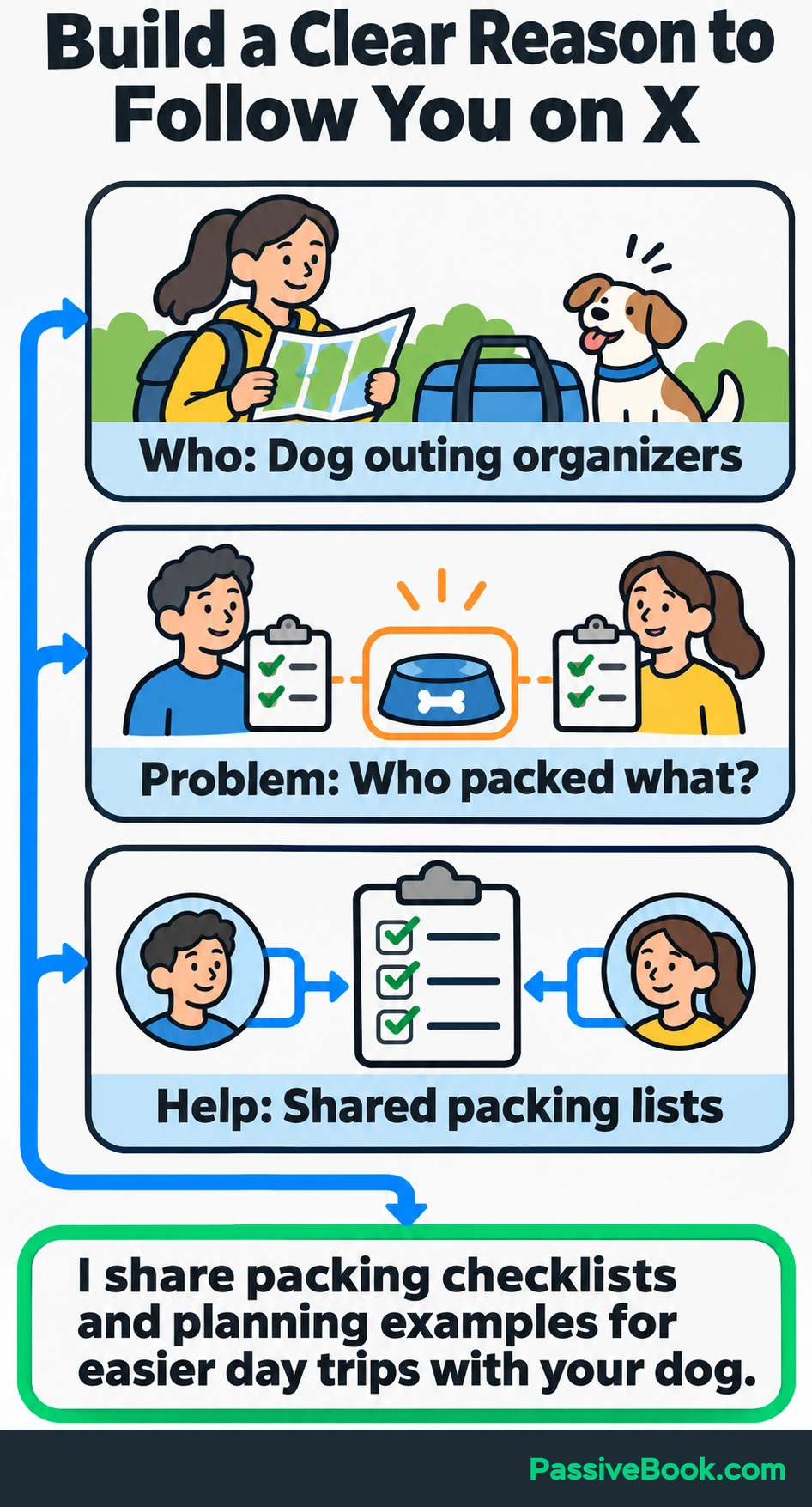
Your account’s promise could be:
I share packing checklists and planning examples for easier day trips with your dog.
That gives you three connected subjects:
- Organizing an outing bag.
- Deciding who brings each item.
- Keeping reusable packing lists.
Before writing, search X for those problems. Try phrases such as “forgot the dog bowl” or “packing for a day trip with my dog,” then read the surrounding conversation.
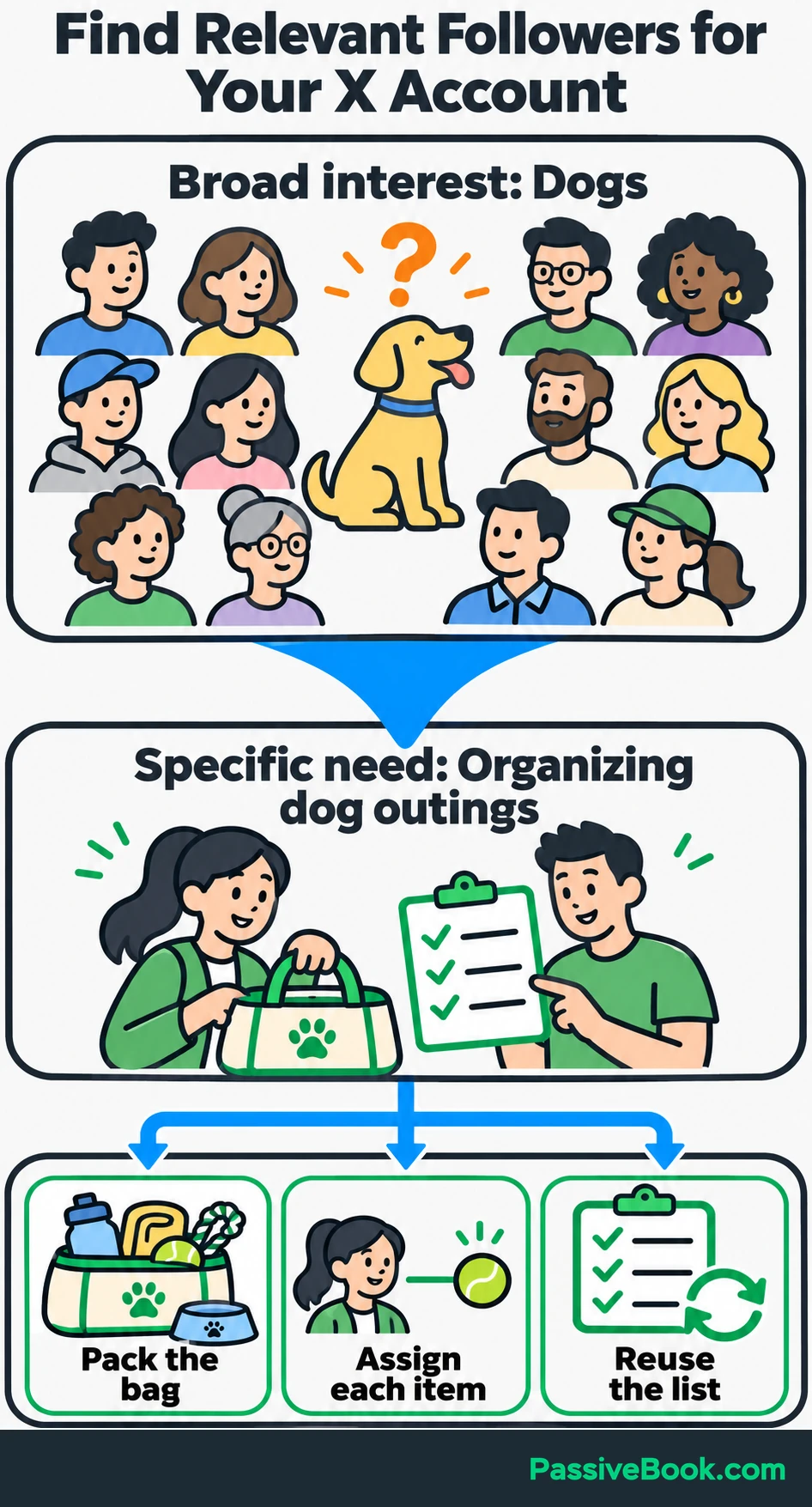
Save the questions, the words people use and any follow-up nobody answered. A spreadsheet is enough. Record a question such as “How do we stop both of us assuming the other packed it?” rather than a vague note that says “packing content.”
This also defines a relevant follower: someone who organizes outings with a dog and wants help managing the details. Use that definition when choosing conversations and reviewing new followers.
You can start without ads or a subscription. X Premium includes reply prioritization, but the workflow here doesn’t require it. I would test whether your subject attracts useful conversations before paying for more features.
Make Your Profile Worth Following
A good reply can make someone curious enough to visit your profile. Your profile then needs to explain what following adds.
Keep the account you want to grow public. Protected posts are visible only to followers, which restricts discovery beyond them.
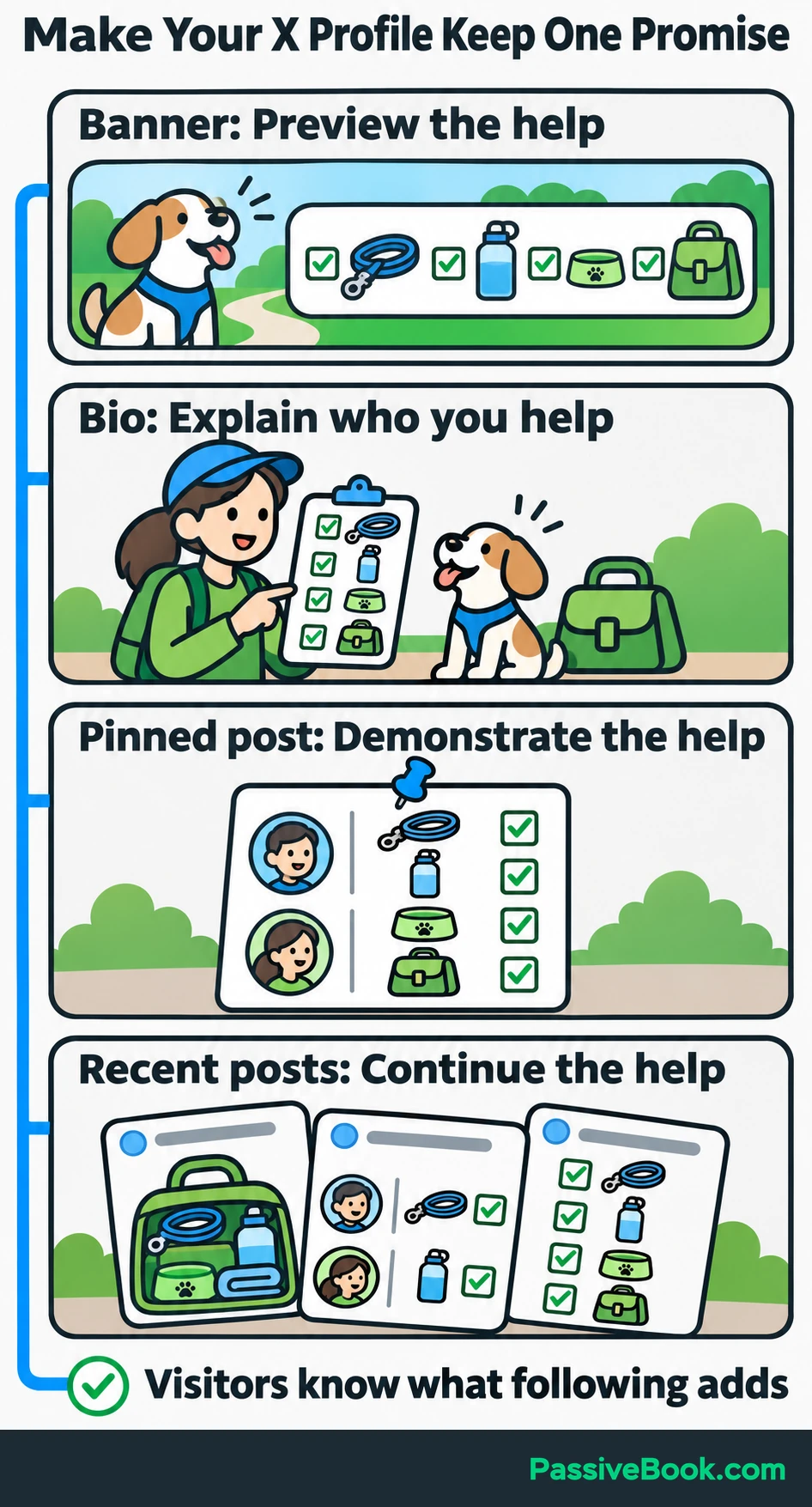
Build the profile around the same promise:
- Use a readable name and a recognizable photograph or brand image.
- Make the banner reinforce your subject, perhaps with a clear preview of a packing list.
- Write a bio that says what you help people do.
- Pin a resource that demonstrates that help.
For Dog Day Out, the bio might read:
Plan local outings with your dog using practical packing lists, shared checklists and printable trip planners.
The pinned post should show your approach in action. Share a small checklist with assigned responsibilities, explain how to use it, and invite people to follow for more planning examples.
Skip a pinned post that only says “Welcome to my account.” Give visitors something useful before asking them to stay.
Then check your recent posts. If your bio promises outing planning but your feed is mostly unrelated arguments and reposts, the visitor has to guess which version of the account they’ll get.
You don’t need to appear on camera. A clear brand image, useful writing and readable examples are enough to begin.
Publish Useful Posts People Want to Return to
Turn Audience Questions Into Repeatable Topics
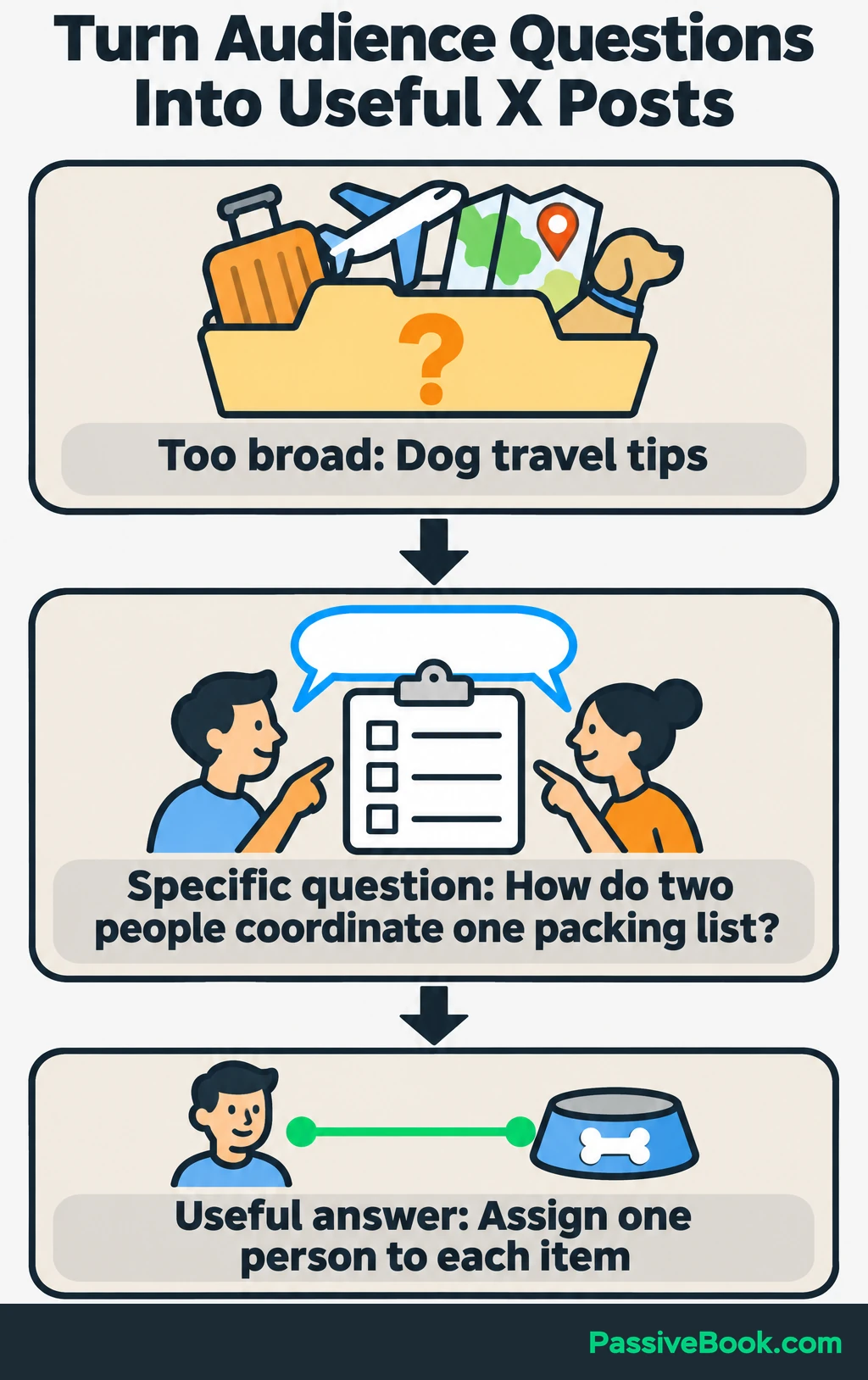
Choose one saved question and answer it well enough that someone can act on it.
For example, “dog travel tips” leaves you with a huge subject. “How do two people coordinate one packing list?” gives you a task to explain.
Use material you can show: a template you made, a question a reader actually asked or a problem you worked through. If you haven’t tested something, present it as a suggestion rather than a proven result.
One useful resource can support several distinct posts. Dog Day Out’s shared packing list could produce:
| Reader’s Question | Useful Post |
|---|---|
| How do we decide who brings what? | Show how to assign one person to each item. |
| How do we know something is actually packed? | Explain why “assigned” and “packed” need separate fields. |
| Do we need to rebuild the list every weekend? | Show how to keep a reusable copy and reset its status. |
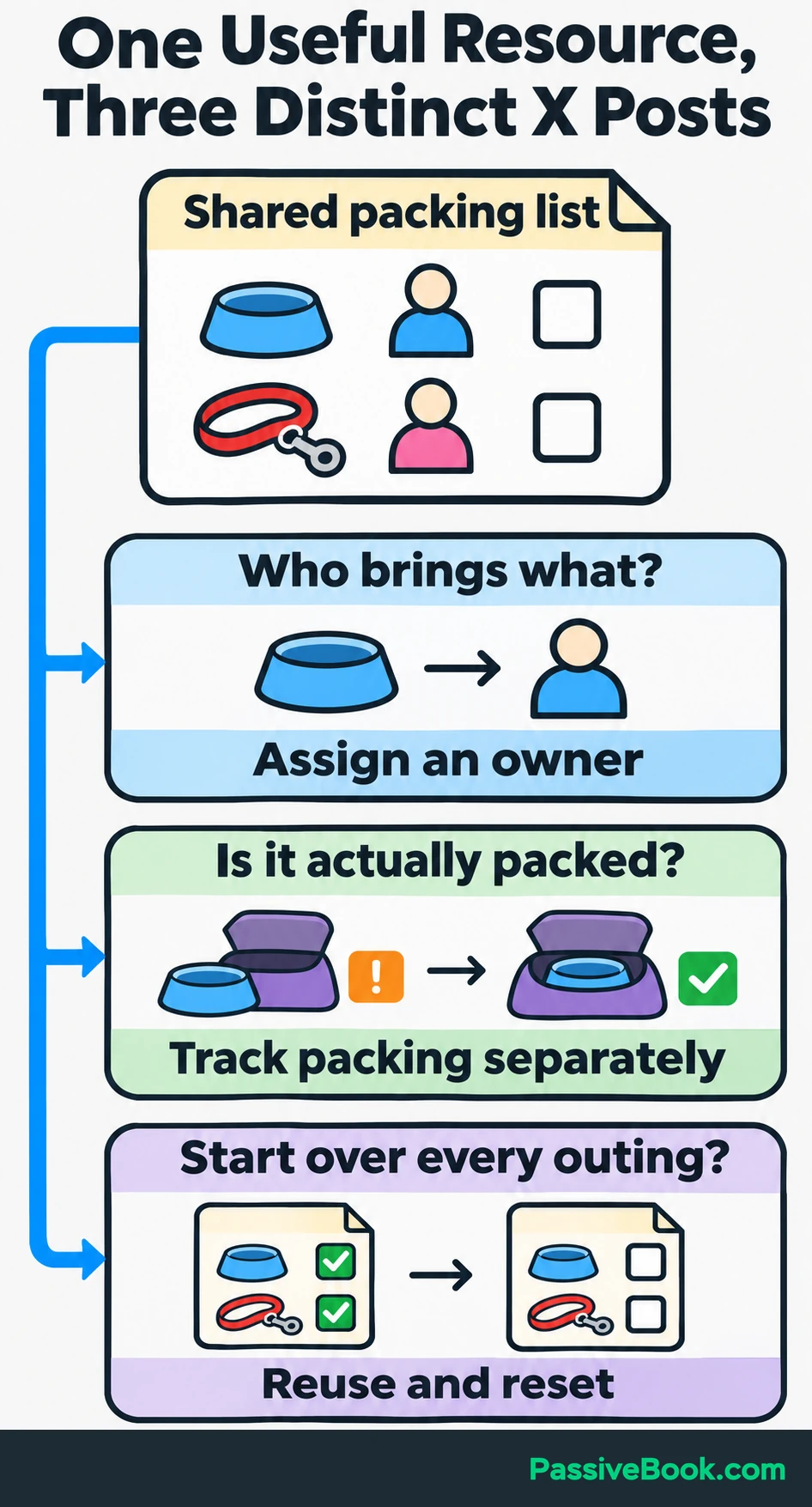
Each post answers a different question, so it earns its place.
I would rather develop one useful subject this way than hunt for a completely unrelated idea every morning. You build depth, and readers get more reasons to return.
Write an Opening That Earns the Next Line
Lead with the problem or outcome the reader will recognize. Then deliver the answer immediately.
For the shared checklist, explain the method first: list the items, assign a person to each one, and mark an item packed only after it goes into the bag.
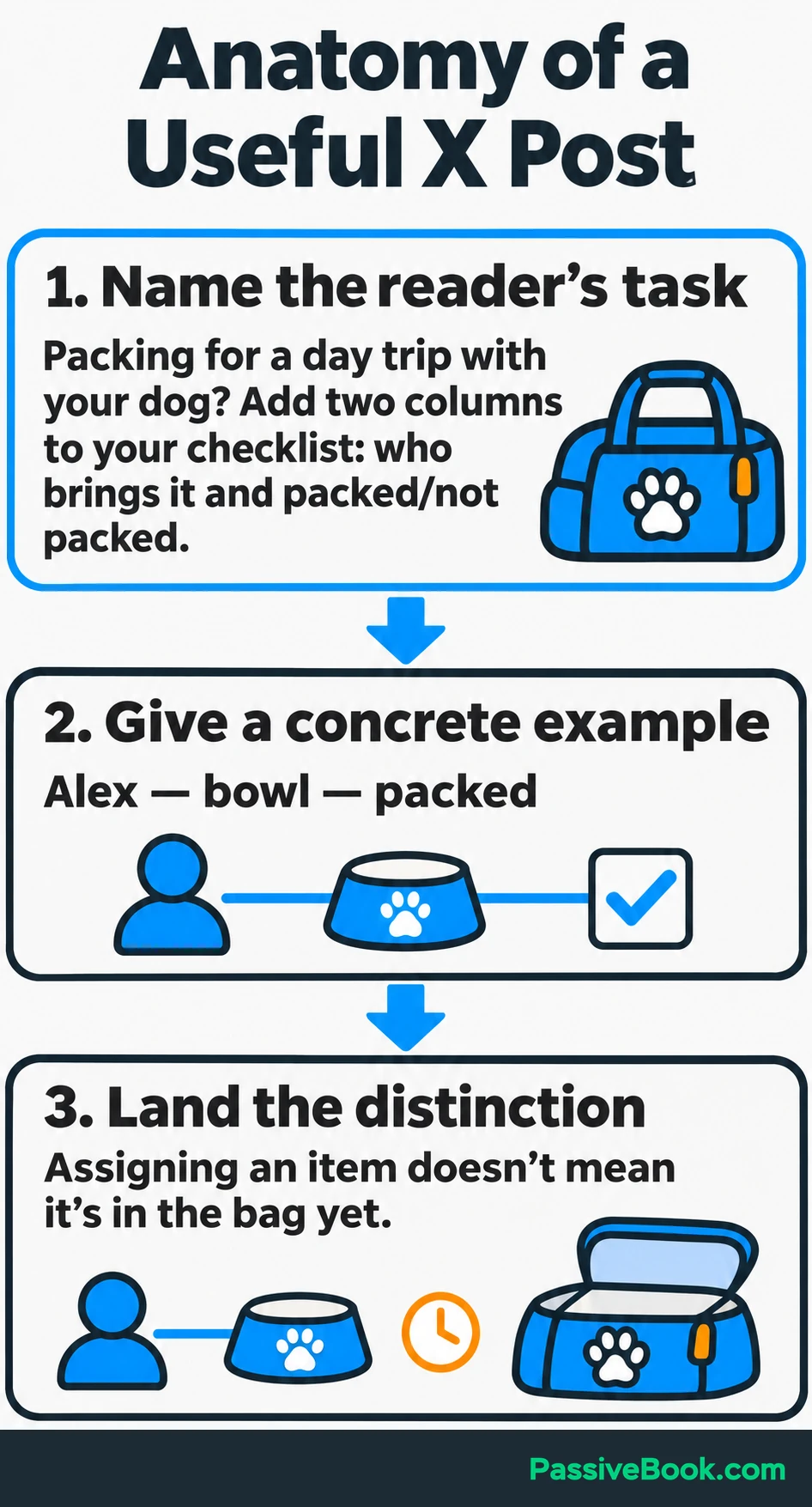
Here’s a complete sample post you can adapt:
Packing for a day trip with your dog? Add two columns to your checklist: who brings it and packed/not packed.
“Alex — bowl — packed” is clearer than “we’ll bring a bowl.”
Assigning an item doesn’t mean it’s in the bag yet.
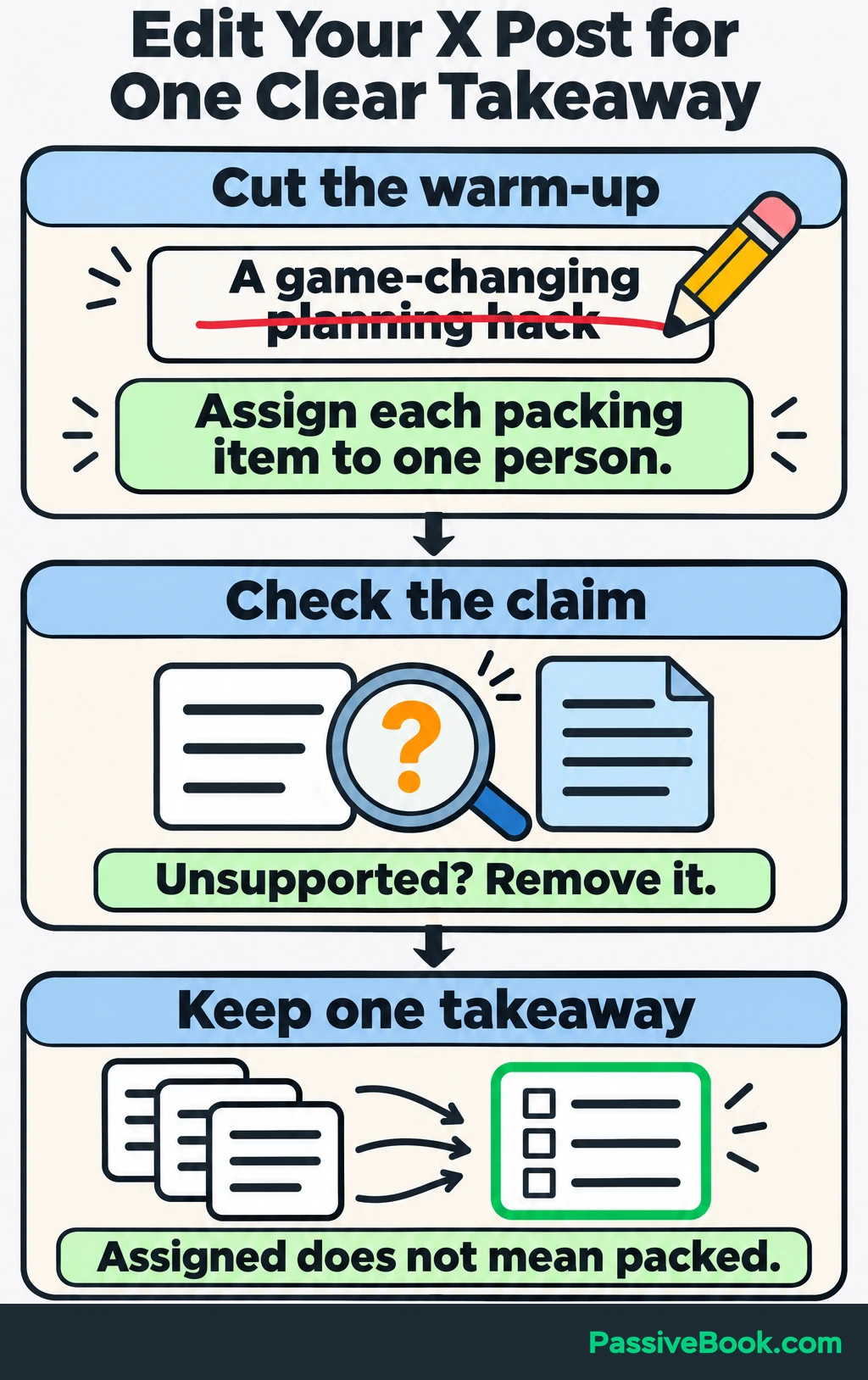
The opening identifies the task, and the rest gives a usable distinction. There’s no need to announce “a game-changing planning hack.” It’s a checklist. Let it have some dignity.
When a response would help you learn, ask a specific question, such as:
Which item causes the most last-minute searching before you leave?
You don’t need a question on every post. A complete explanation can stand on its own.
Before publishing, remove the warm-up, repeated points and any claim you haven’t supported. Keep one main takeaway.
If you have something useful to explain but keep getting stuck on the wording, AI Social Copy Studio can turn your example into three drafts. You supply the substance, then review the copy before publishing.

Free AI Social Copy Studio




Choose the Format the Explanation Needs
Use text when the lesson fits comfortably in a short post. Choose a short thread when readers need connected steps, and use an image when the layout matters.
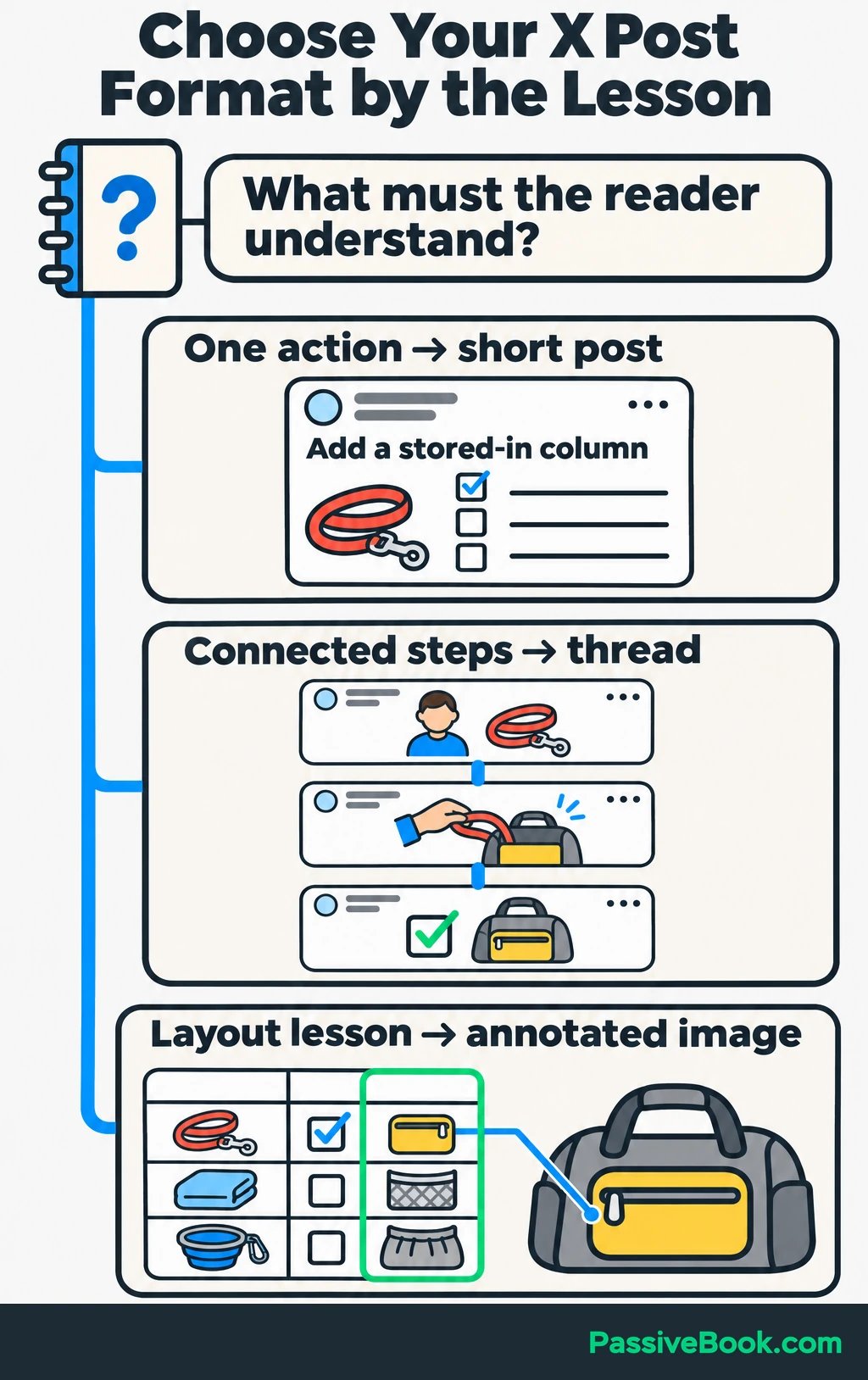
For Dog Day Out, this small layout is worth showing:
| Item | Person Responsible | Packing Status |
|---|---|---|
| Travel bowl | Alex | Packed |
| Towel | Alex | Not packed |
Put the explanation beside the image so readers understand why those separate columns matter. A random dog photo may be pleasant, but it won’t teach the layout.
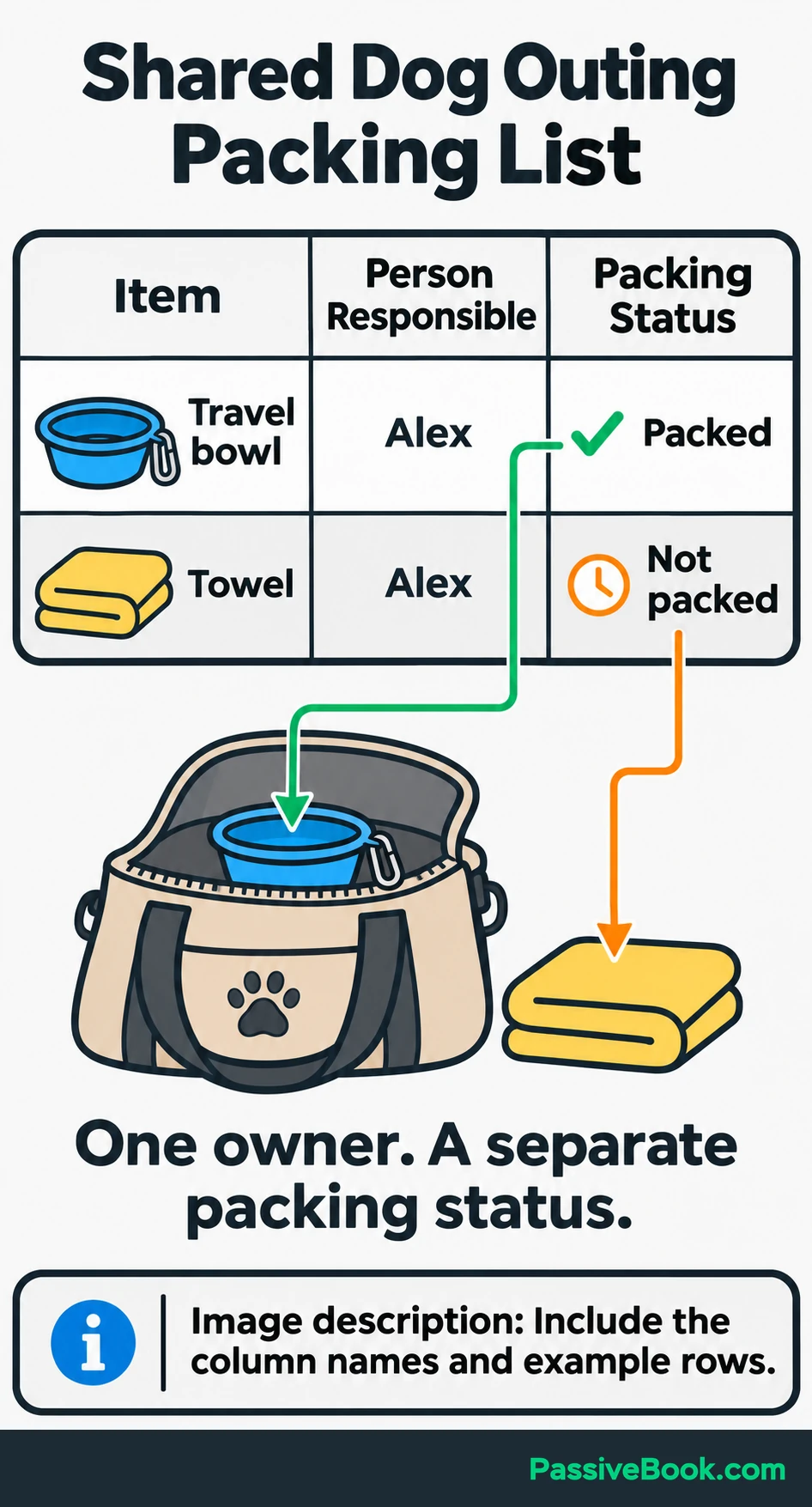
Make the text readable on a phone. Add an image description that includes the important information, such as the column names and example rows, so the lesson remains available to people who can’t see the image.
Video is optional. I wouldn’t turn a three-column checklist into a filming project unless motion genuinely helps explain it.
Reach New People Through Relevant Conversations
Publishing gives people something to find. Joining relevant discussions gives them another way to encounter you.
X recommends posts from accounts people don’t follow, but that doesn’t mean every post will reach a new audience. My practical approach is to contribute where the intended readers already have questions.
Add relevant readers, peers and practitioners to a private X List, which gathers their posts in one feed. Check it alongside your saved searches instead of opening the main feed and hoping discipline wins.
Read the original post and existing replies before contributing. Look for an unanswered question, a missing step or a distinction that changes what someone would do.
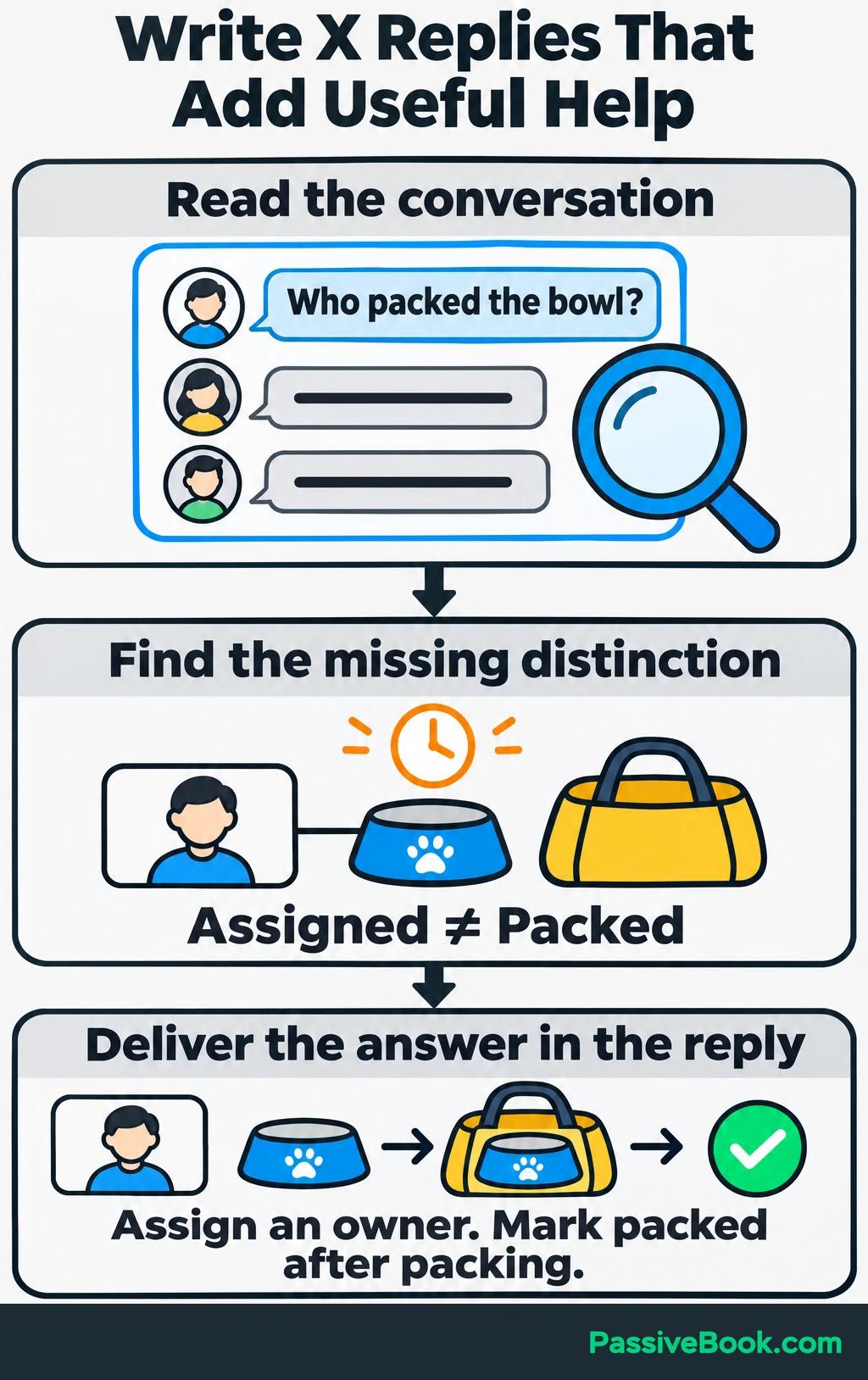
Under a discussion about forgotten outing supplies, Dog Day Out could reply:
One useful distinction: “assigned” and “packed” are separate states. Give each item an owner, then mark it packed only after it goes into the bag. Otherwise, two people can agree on a list without either packing it.
The reply delivers the help. Your profile can introduce the planner.
I would choose a small, relevant discussion with a real question over a huge account’s unrelated post. You’re trying to meet people who care about your subject, and a crowd alone doesn’t establish that match.
Answer substantive replies on your own posts too. If someone asks how the list works when plans change, continue the exchange and save that question for a future post.
You can also find discussions in an X Community, a group built around a shared interest. Read its rules and answer existing questions before sharing your own resources.
Avoid bought followers, engagement exchanges, mass following and unfollowing, and repetitive promotional replies. X prohibits artificial amplification and spam. Those tactics also make your results harder to interpret because the numbers stop representing genuine interest.
Build a Publishing Routine You Can Sustain
Choose your time budget before choosing your posting frequency.
I would start with three original posts a week and leave room for conversation. That is a test workload, not a growth formula.
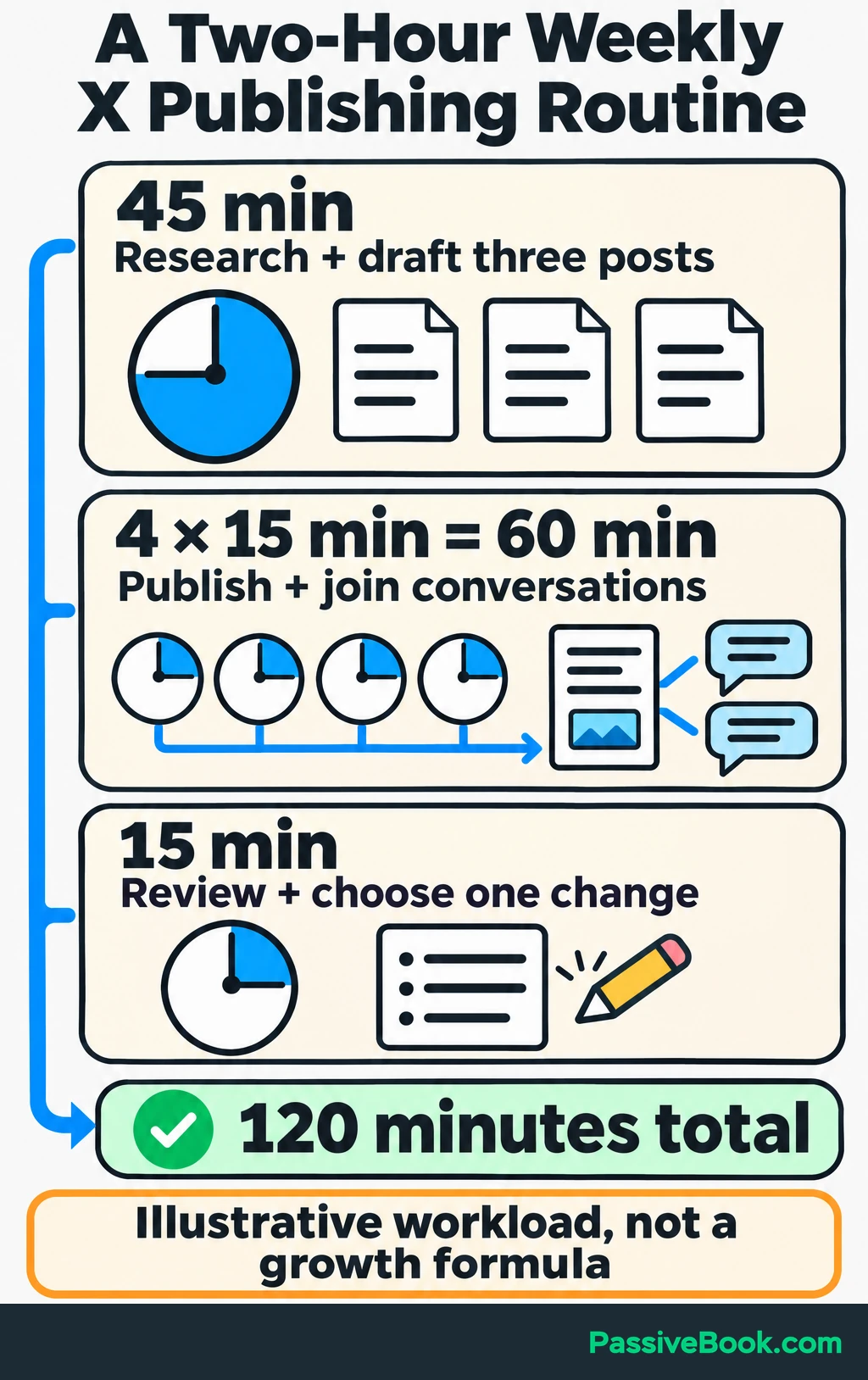
Here’s an illustrative two-hour weekly routine:
| Activity | Time Budget | What Gets Done |
|---|---|---|
| Research and drafting | 45 minutes | Choose saved questions and prepare three posts. |
| Publishing and conversation | Four 15-minute sessions | Publish prepared posts, answer replies and contribute to relevant discussions. |
| Review | 15 minutes | Record results and choose one change for the next week. |
If the posts need more work, publish fewer. Don’t quietly turn a two-hour plan into seven evenings of unpaid account management.
Keep questions, drafts, examples and follow-ups together. I’d use a spreadsheet or Notion, whichever you already open regularly.
During my earlier social media experiment, I kept ideas in one place and drafts elsewhere. Some evenings went into finding the thought I remembered having. Keeping the question beside the draft removed that little bit of friction, which mattered after work.
Reuse the substance, but give it a fresh purpose. A detailed reply can become a standalone explanation. An older post can become a new example when readers reveal a missing step.
AI can help sort your notes or suggest clearer openings. Supply the actual lesson and review the result. I would skip a polished draft if it adds nothing beyond “plan ahead and stay organized.”
Keep conversational replies under human control. X prohibits unsolicited automated replies, and operating an AI reply bot requires prior written approval. Automate preparation where it saves effort, then read and answer people yourself.
Give Interested Followers a Useful Next Step
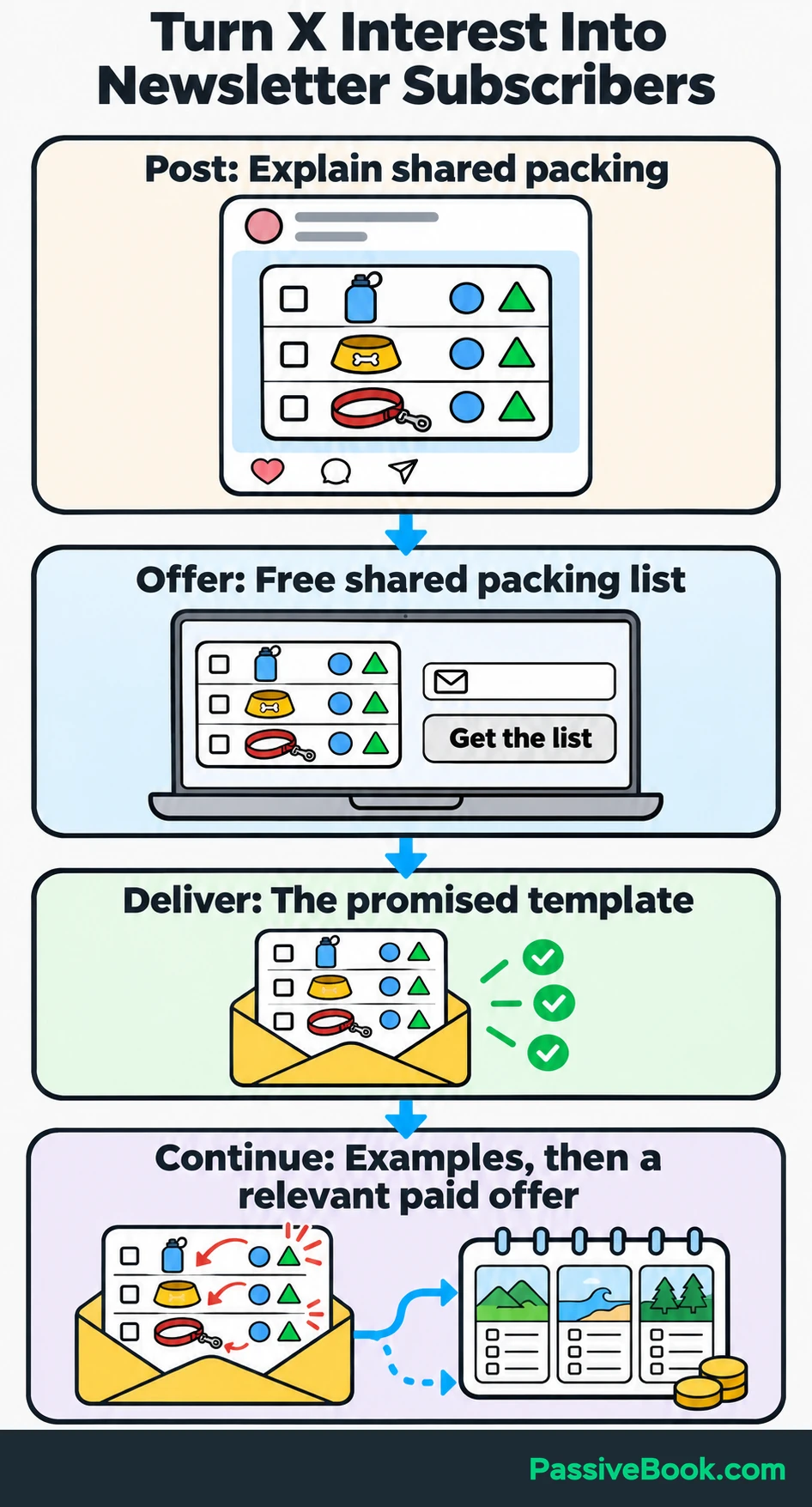
Offer one resource that continues the help people came for.
For Dog Day Out, I would choose a free shared packing-list template. It directly extends the posts, and it creates a natural introduction to the newsletter.
Put the destination in your profile and relevant resource posts. The signup page should explain exactly what arrives:
Get the free shared packing list, plus weekly planning examples for local outings with your dog.
Match that promise after signup. Deliver the template, show how to fill it in, and follow with related help. Introduce the paid trip planner when you explain a need it addresses, such as keeping several outings organized in one place.
Around 2022, I spent six months chasing Instagram and Twitter/X followers in a separate niche. My bank balance stayed around $47. It was my lesson that attention needs somewhere useful to go.
For your account, connect that destination before spending months expanding the feed. A paid offer doesn’t need to appear in every post, but interested people should be able to find the next step.
Track those visits with tagged links. These are ordinary links with labels added so your analytics can identify their source. Google Analytics supports campaign tags for this purpose.
Use consistent values:
utm_source=xutm_medium=organic_socialutm_campaign=packing_listutm_content=profilefor the profile link, or a specific identifier for a resource post.
Then check which placements bring visits. To compare confirmed signups by placement, have your form save the link tags with each signup and check confirmation status in your email tool. If you already use WordPress, I prefer Fluent Forms for signup forms and FluentCRM for follow-up emails. You don’t need to rebuild a working email setup just to test this channel.
Use Your Results to Improve the Next Cycle
Track Relevant Growth and Useful Outcomes
Start with a small review sheet. Record the post date, topic, format, views, substantive replies and next action.
These illustrative rows show the level of detail I would keep:
| Post Date | Topic | Format | Views | Substantive Replies | Next Action |
|---|---|---|---|---|---|
| Week 1, Monday | Assigning packing responsibilities | Text | 240 | Two questions about changing the assigned person | Explain how to update assignments. |
| Week 1, Thursday | Reusing a packing list | Image | 310 | One question about resetting packed items | Show a fresh copy beside a completed one. |
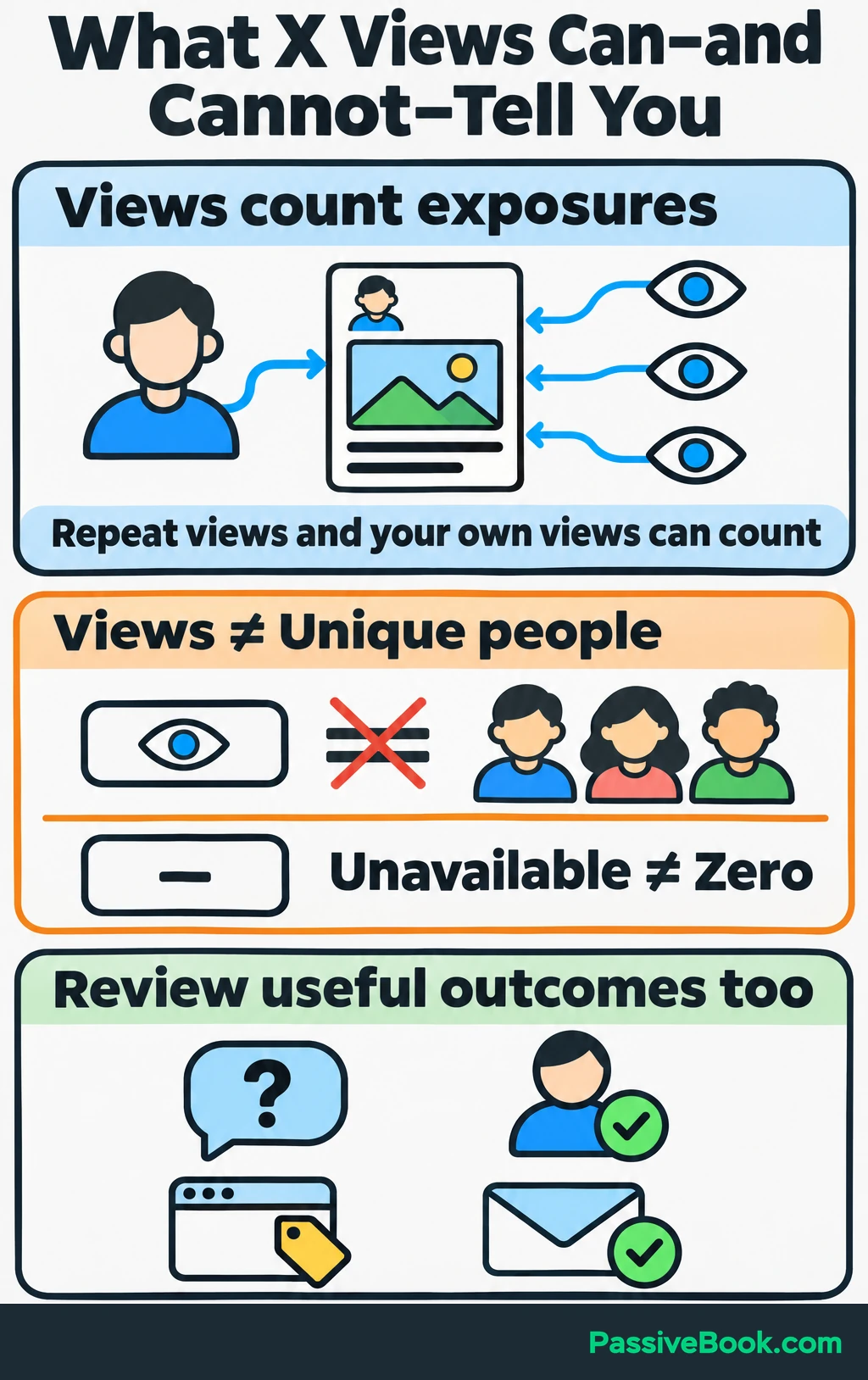
A substantive reply adds a question, experience or useful point. A string of applause emojis doesn’t tell you much about what to publish next.
Views are exposures, not a count of unique people. X says repeat views and your own views can count, and some post types, including Community posts, lack view counts. Record an unavailable count as unavailable rather than zero.
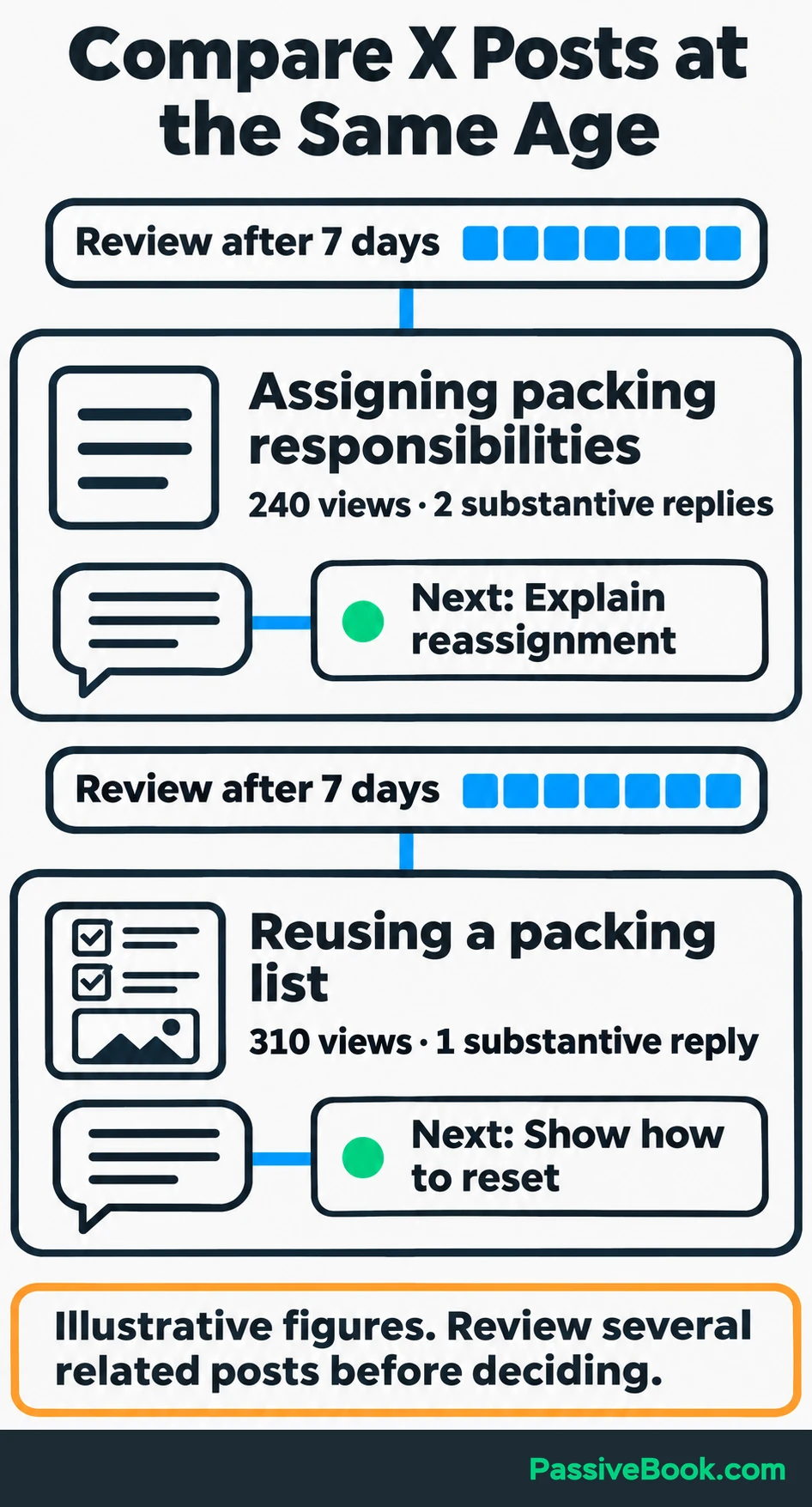
Compare posts after the same amount of time, such as seven days. Otherwise, you may be comparing a week’s exposure with an afternoon’s.
For each weekly review, also record:
- Net follower change and whether visible new followers fit your audience.
- Useful conversations and recurring questions.
- Tagged website visits and confirmed email signups.
- Profile visits, if that metric is available to you.
- Leads or sales you can reasonably connect to those visits.
Review several related posts before dropping a subject. One quiet post gives you very little evidence.
Fix the Weakest Part of the Journey
Use the results to choose what needs attention next.
| What You Observe | What I Would Test |
|---|---|
| Posts receive little exposure and start few conversations. | Answer a narrower question and join discussions where that question already appears. |
| Relevant discussions bring profile visits but few follows. | Make the bio, pinned resource and recent posts promise the same ongoing help. |
| New followers mostly care about unrelated subjects. | Tighten topic choices and stop joining conversations that attract the wrong audience. |
| People follow, but few visit the resource page. | Make the resource’s practical value clearer in the profile and pinned post. |
| Tracked visits produce few signups. | Check whether the signup page delivers the exact resource the post promised. |
For the last step, count visits from the same campaign and review period, then count how many of those visits led to a confirmed signup.
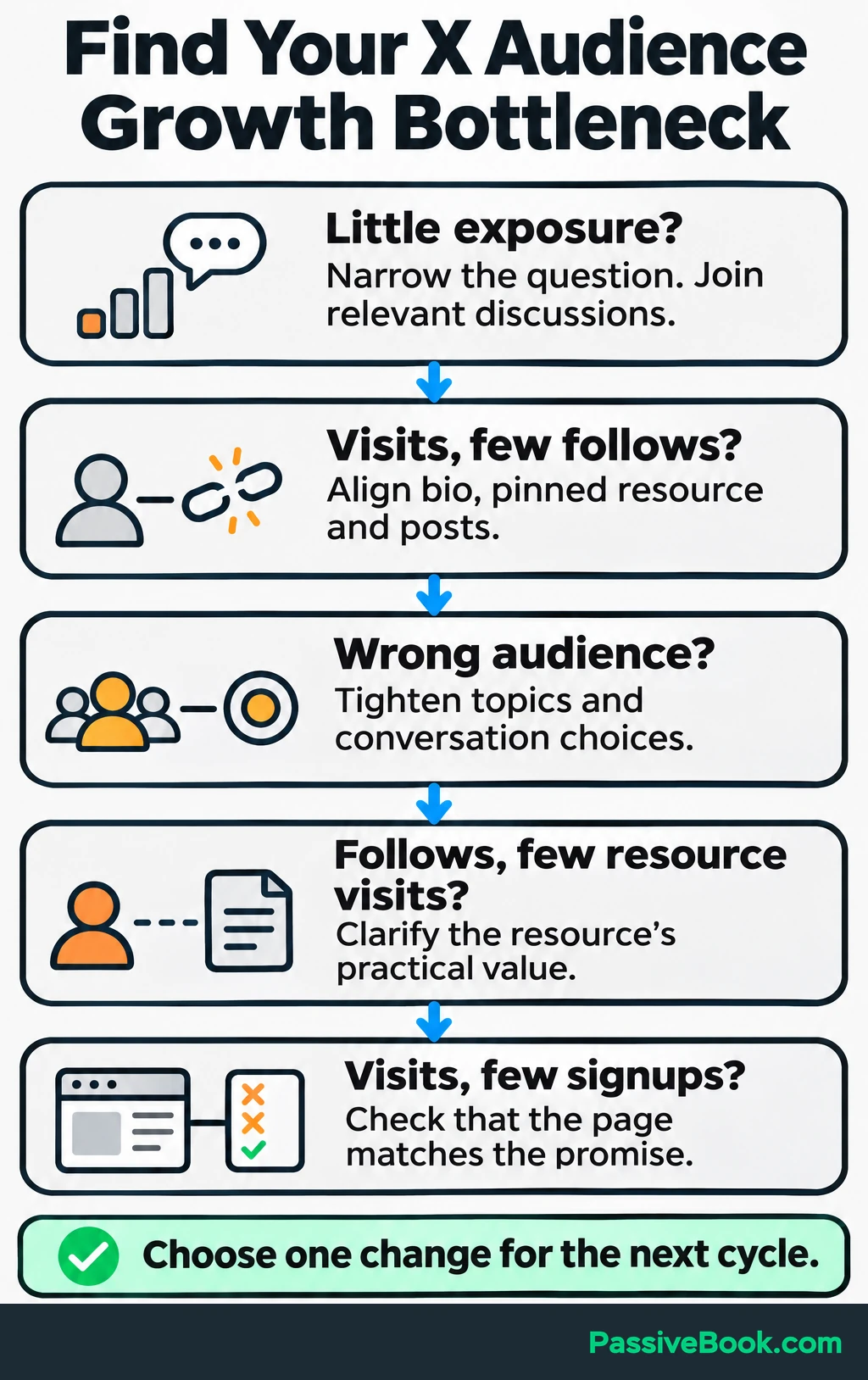
Suppose 40 tracked visits reached Dog Day Out’s packing-list page during a review week, and six of those visits produced confirmed signups within that week:
6 ÷ 40 × 100 = 15% signup conversion
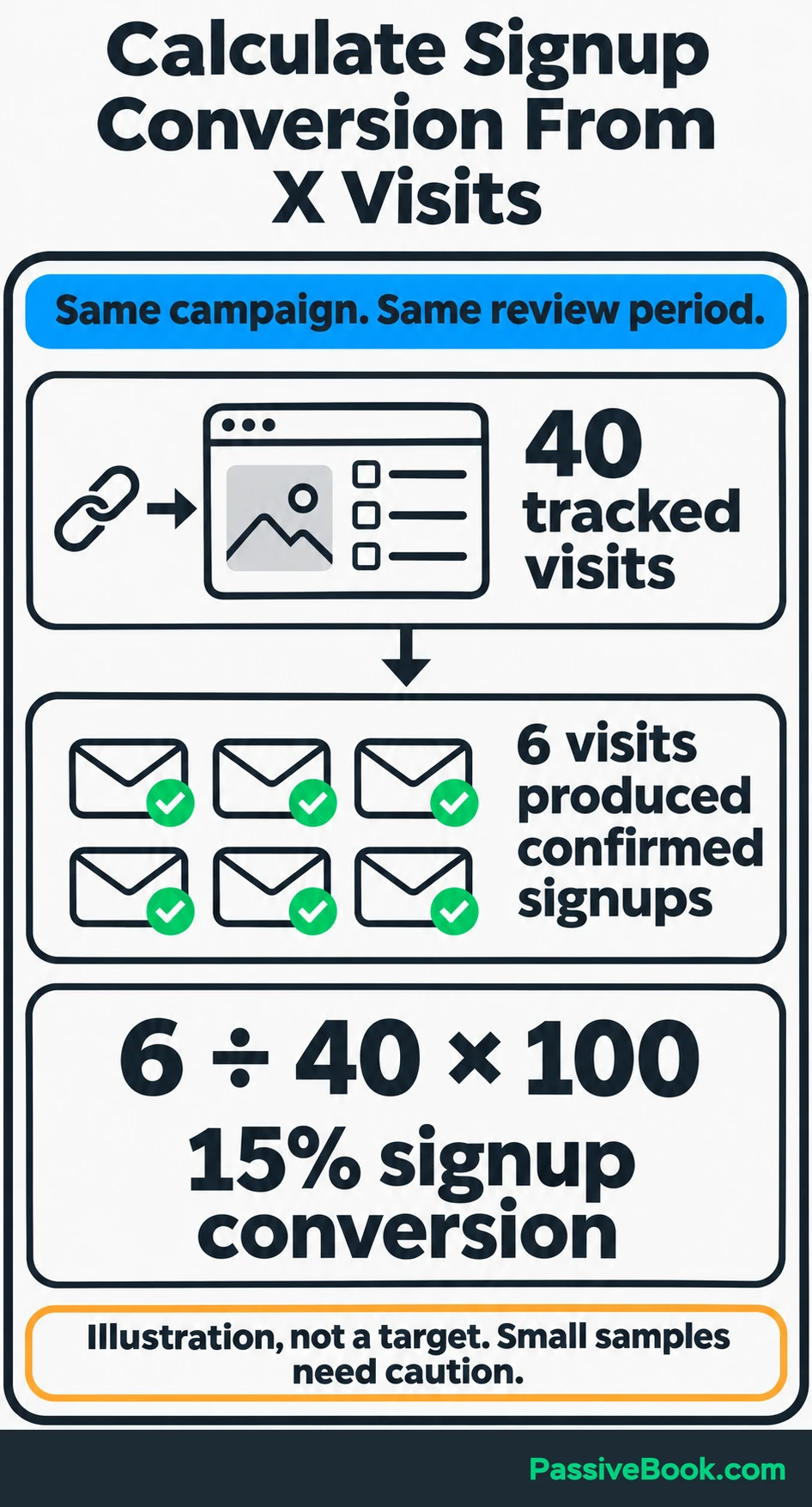
That is an illustration, not a target. Compare your own results across cycles, and don’t draw a large conclusion from a handful of visits.
Choose one change so the next review can teach you something. If you rewrite the bio, change the offer and double your posting frequency together, you’ll struggle to know what helped.
Repeat subjects that attract relevant people and useful outcomes. Reduce activities that consume your time without improving either. You don’t owe an unproductive tactic another month because it appears on somebody’s growth checklist.
What Next?
Find one unanswered question on X and draft a post that gives readers a usable answer. Then check whether your profile gives those readers a clear reason to follow for more.
Use the social buttons to share this guide if your feed could use more practical help and fewer promises of overnight growth.
Which part of your path needs the most work: getting discovered, earning a follow or turning interest into subscribers? Tell me in the comments, and bring any other questions you have.
Share this post with your friends & followers:

