You find a discussion about travelling with an older dog, and it looks more useful than another feed full of pet photos. You want to ask a question, but you’re unsure whether you can join—or who will see your post.
A saved Community link and an old tutorial can leave you looking for controls that may no longer be available. This guide explains X’s retirement announcement, distinguishes its published joining and posting instructions from confirmed access, and shows how to follow a group that has moved.
Can You Still Use X Communities?
X announced Communities’ retirement and extended the migration deadline to May 30, 2026. TechCrunch covered the announcement.
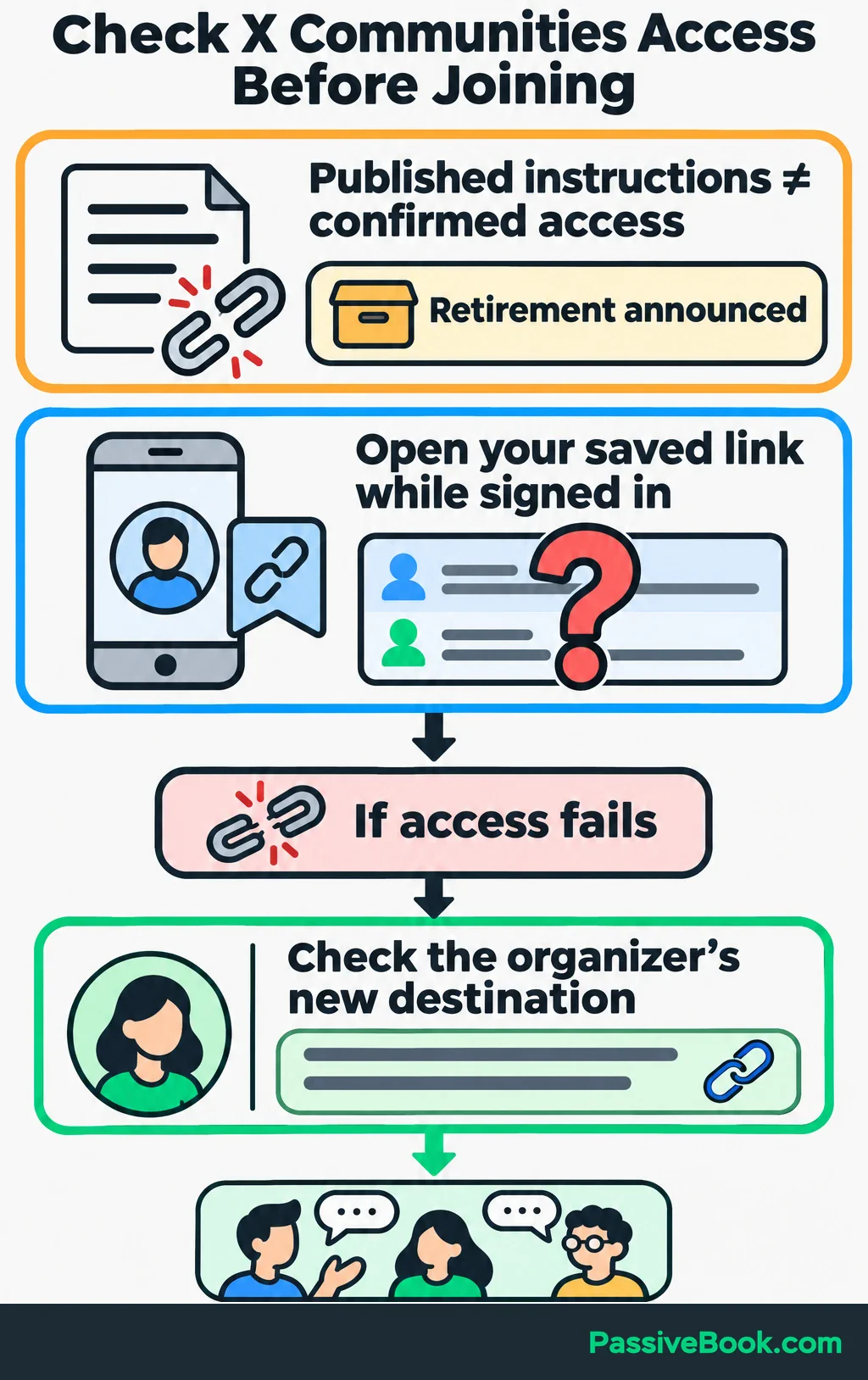
The migration deadline has passed, and help instructions remaining online don’t establish that the feature still works. The procedures below describe X’s published workflow, not confirmed live access.
Open a saved Community link while signed in. If access fails, check the organizer’s profile and announcements for a new destination. I would skip buying Premium just to investigate availability.
Understand Visibility Before Joining
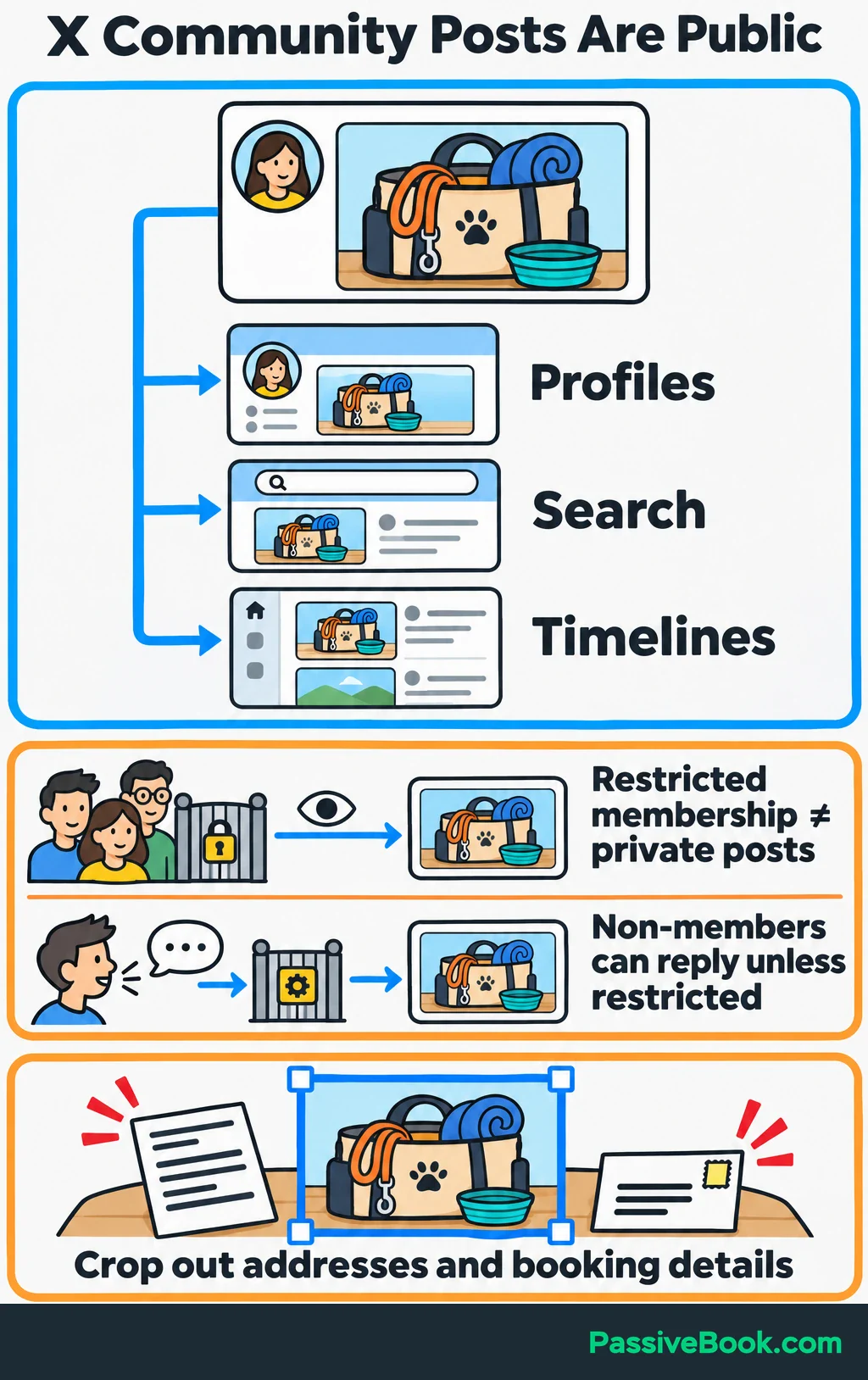
Treat Community posts as public. X says they can appear on profiles, in search and across timelines. Non-members can reply unless moderators restrict them. Restricted membership does not make posts private. X’s visibility guidance explains this distinction.
Before sharing, ask whether you would be comfortable with the post appearing beside your name outside the group.
For the examples throughout this guide, imagine you run a senior-dog travel blog and sell printable road-trip checklists. The posts and participation described are illustrations.
You might share a photo of your packed travel bag to start a discussion. Crop out addresses, booking details and identifying paperwork first. The useful part is how you organized the bag; strangers don’t need your hotel reservation.
Finding and Joining: X’s Published Instructions
Find a Relevant Community
Look for a shared Community link in dog-focused accounts’ profiles or posts. If Community access still works, X’s published instructions describe searching for more groups after joining your first one. On web or iOS, open Communities and select the magnifying glass, then search by name, description or creator.
Try phrases such as “travel with dogs,” “senior dogs” or “dog-friendly road trips.” These are suggested searches, not verified Community names.
Before joining, read several recent discussions and look for:
- Useful replies: Members answer questions with details rather than dropping links.
- Several contributors: Conversation extends beyond one person publishing updates.
- Topic fit: The questions match what you want to learn or discuss.
- Manageable spam: Genuine discussion is easy to find without scrolling through repeated pitches.
I would choose a small group with thoughtful answers over a large one where every post sells something.
For the travel blog, a discussion about organizing overnight stops could be more useful than a broad dog group dominated by unrelated photos. Choose somewhere you can contribute without dragging every conversation toward your product.
Join an Open or Restricted Community
X’s published instructions require a public account. For open membership, select Join and read the rules. If you accept them, select Agree and join.
For restricted membership, select Ask to join and wait for moderator approval.
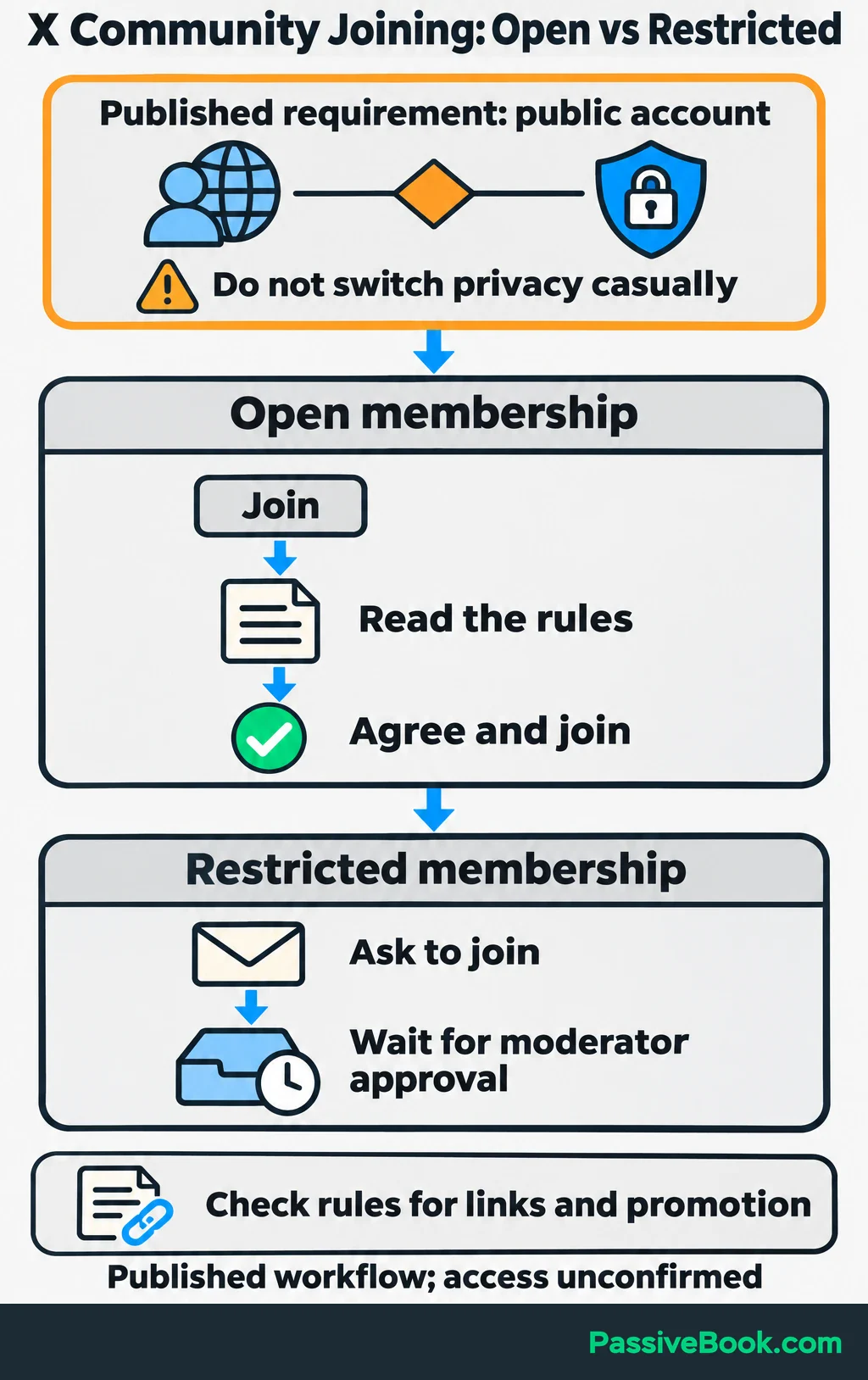
Read the rules before accepting them, especially anything covering introductions, links and promotion. If you want to share blog resources eventually, check whether that is allowed and under what conditions.
A public account is a meaningful choice. If you prefer keeping your existing account protected, don’t change it casually just to test this feature.
Return through Communities or save the direct link. Open an individual Community for its own feed.
I would start with one relevant group. Joining several creates more places to check before you know whether any of them deserve your time.
Posting and Participating in a Community
Publish to the Intended Community
Before publishing, choose the Community in the composer’s audience selector instead of Everyone.
That choice directs the post into the intended discussion space; keep the public-visibility guidance in mind.
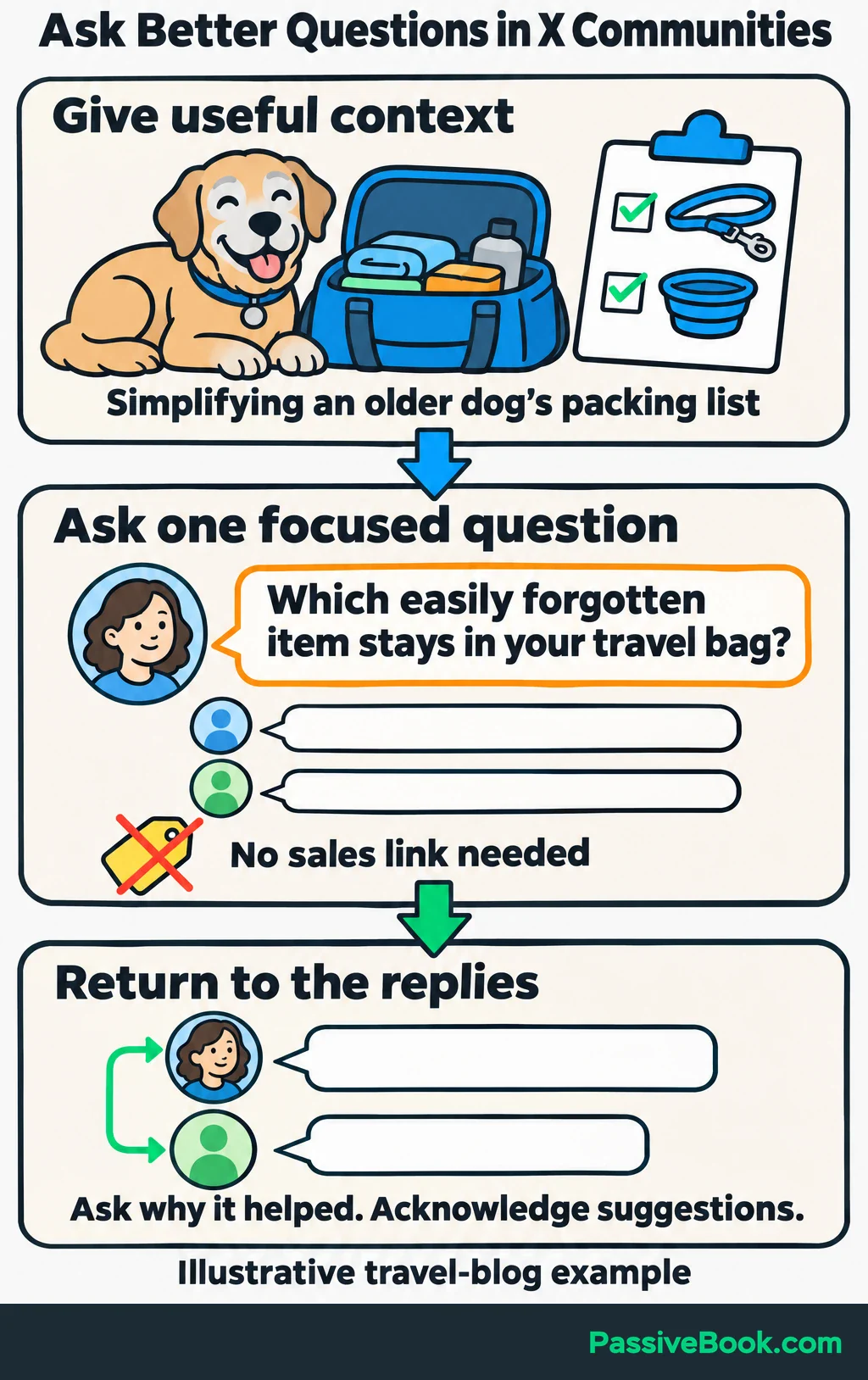
Read existing conversations before starting your own. Then ask one focused question and give enough context for people to answer without interviewing you first.
For the travel blog, a short question could be:
I’m simplifying a road-trip packing checklist for an older dog. Which easily forgotten item earned a permanent place in your travel bag?
The question gives people a clear way to contribute, and it doesn’t require a sales link.
If someone mentions a useful item, ask what made it worth carrying. Return to answer follow-up questions and acknowledge suggestions. Asking for input and disappearing halfway through the conversation is a poor introduction.
Build Connections Through Helpful Replies
Answer the question already being discussed before introducing your own topic.
A useful reply names an action and explains why it helps. “Get organized” gives someone another task. “Separate what you need during stops from what stays packed until arrival” gives them something to try.
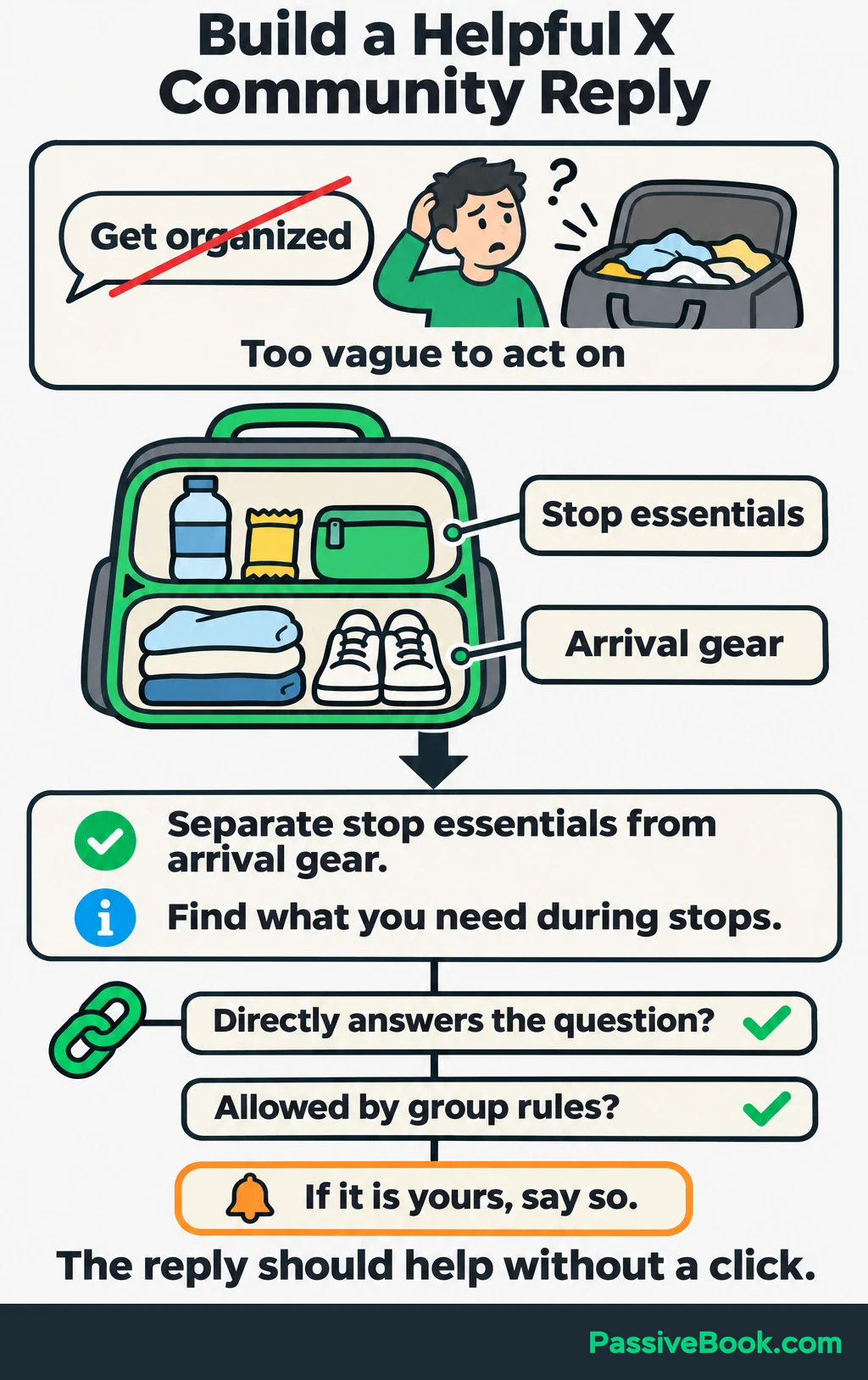
In the travel-blog example, you could discuss how to divide a packing list before mentioning your printable checklist. Share the resource only when it directly answers the question and the rules permit it. The reply should still help if nobody clicks.
If you know what would help but aren’t sure how to phrase it, start with the actual question and the group’s rules. This AI Skill helps you draft a contribution that is useful on its own.

Free AI Community Contributor




When I ran Instagram and Twitter/X accounts in another niche, I caught myself polishing another promotional post while a straightforward question about a resource sat unanswered. Answering that person was the more useful task.
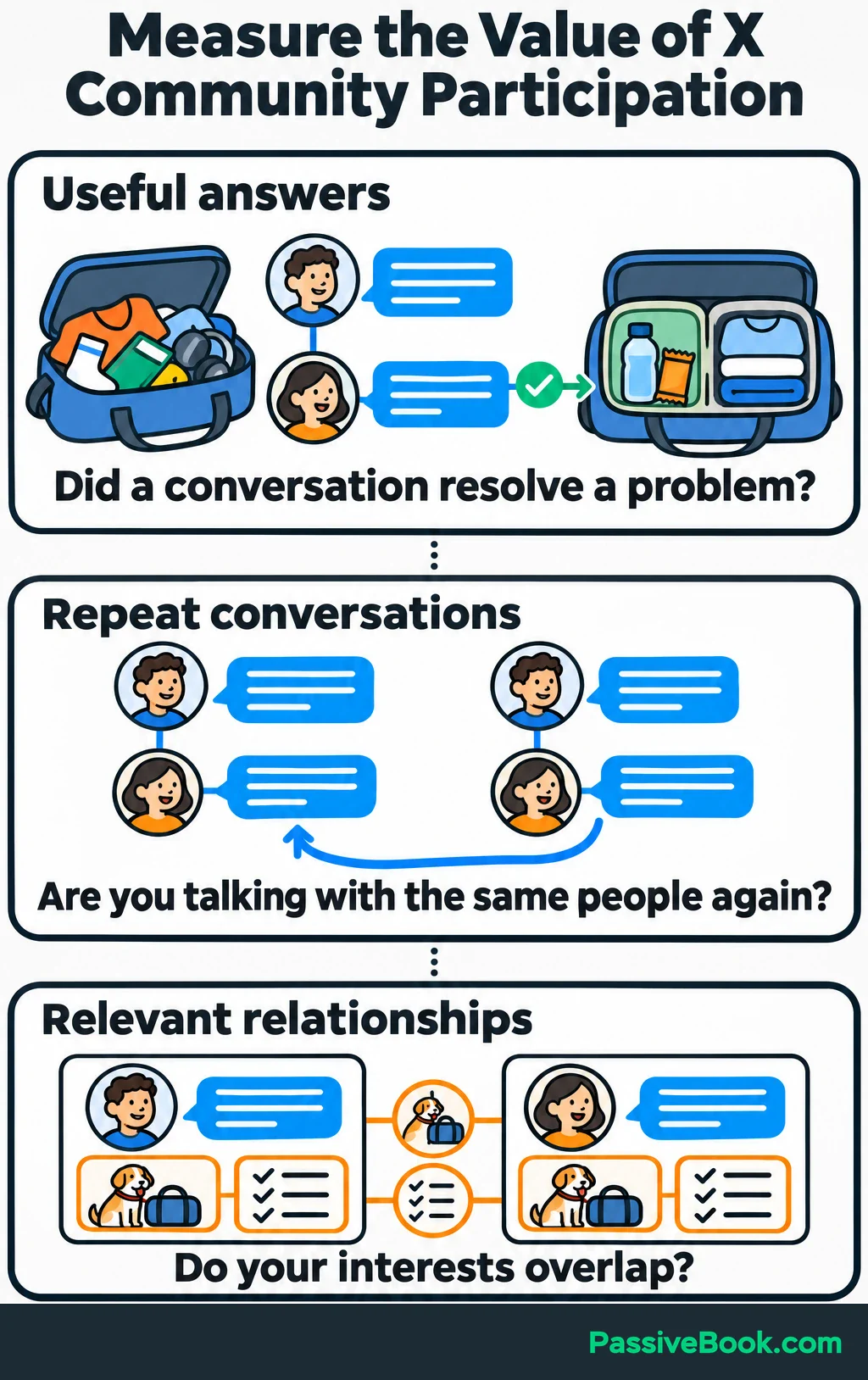
That experience shapes what I would measure here:
- Useful answers: Did a conversation resolve something you were struggling with?
- Repeat conversations: Are you getting to know people through more than one exchange?
- Relevant relationships: Are you finding contributors whose interests overlap with yours?
Follow people whose conversations you want to continue. Avoid identical replies, repeated pitches and unsolicited invitations.
If you sell something, be clear about your connection when recommending it. A helpful answer loses much of its value when the sales interest arrives as a surprise.
Handle Problems and Leave
Use the post’s menu to report Community-rule violations to moderators and other violations to X.
Describe the specific issue. “This account posted the same unrelated sales link across several discussions” gives a moderator more to work with than “spam everywhere.”
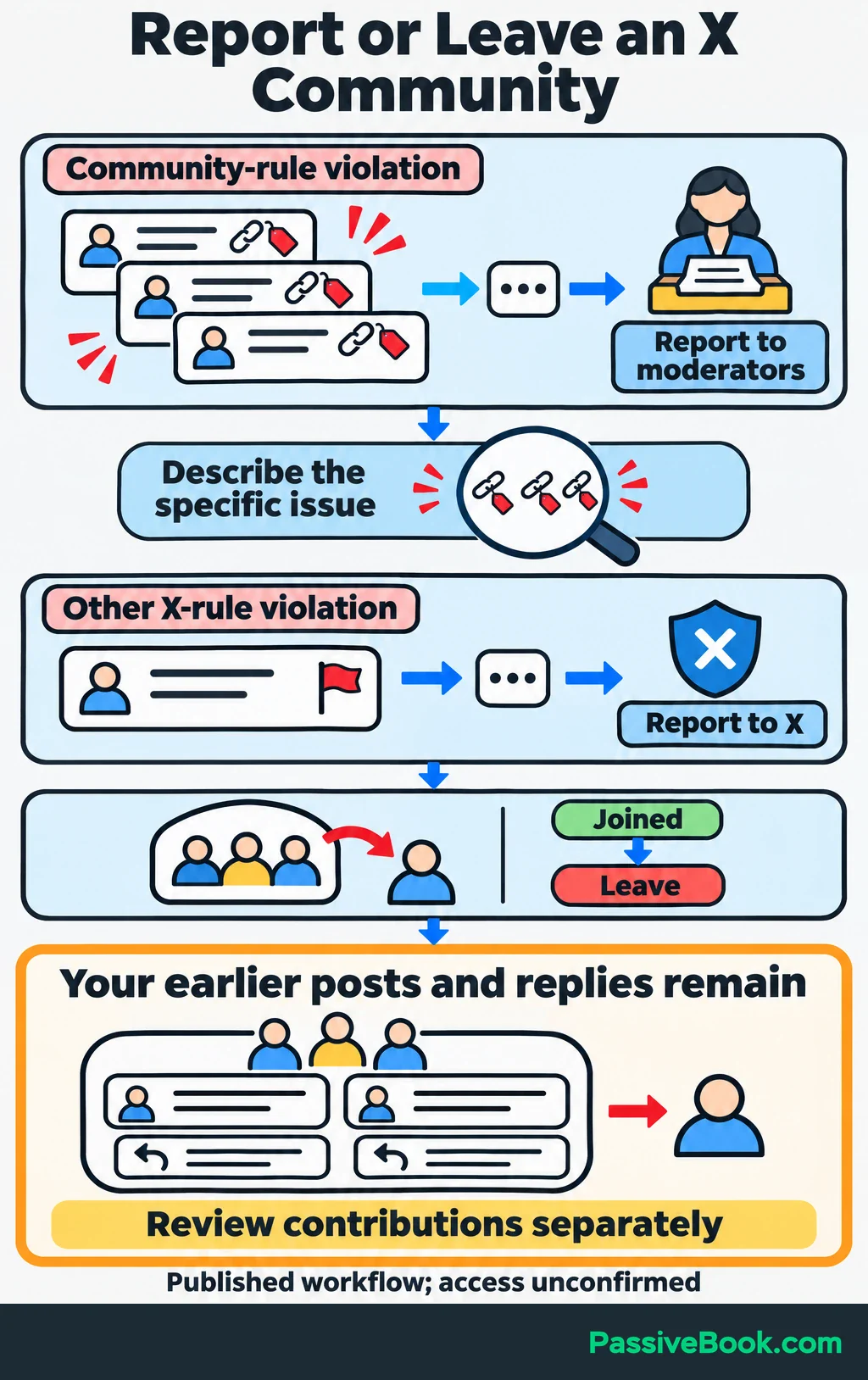
To leave, open the Community, select Joined, then Leave. Your earlier posts and replies remain.
If you shared something you regret, review those contributions separately. Leaving is not a cleanup step.
Move on when spam dominates or the conversations no longer serve your purpose. You don’t owe a group another month because you spent ten minutes joining it.
Continue the Conversation in X Chat
Check the organizer’s profile and announcements before starting a replacement group. Following the destination they have already published gives you a better chance of reconnecting with the same people. If they moved to X Chat, X’s direct messaging feature, you’ll need their group invitation link.
For an X Chat invitation:
- Sign in to your X account.
- Open Chat and complete registration if prompted.
- Open the organizer’s group invitation link.
- Request admission and wait for an administrator to approve it.
X documents group invitation links with administrator approval. Group chat serves ongoing member conversations rather than a public Community feed. X’s Chat documentation describes group invitations.
Once admitted, read the group’s expectations and contribute to an existing discussion before starting several new ones. For the travel-blog example, introduce your interest in making trips easier with an older dog and mention the blog if introductions allow it.
If you want to lead a group, first choose one clear purpose and write simple rules for links, promotion and respectful replies. Start with a few interested people and a question worth answering. I would skip the elaborate launch until there is a conversation worth maintaining.
What Next?
Open one saved Community link while signed in and check whether you can reach the discussion or find the organizer’s new destination.
Use the social buttons to share this guide and help others check access and visibility before they post.
What would make a dog-focused group worth returning to for you? Share your thoughts in the comments, and bring any other questions too.
Share this post with your friends & followers:

