You find someone on LinkedIn whose work overlaps with yours, but the invitation sits unsent. “Let’s connect” feels empty, and introducing your services feels like a pitch before you’ve even said hello.
So you keep browsing. Your list of interesting people grows, but there’s nobody on it you could comfortably ask a question or share an idea with.
Here’s how to turn that list of interesting people into relevant introductions and conversations you can carry forward—and recognize when there’s a good reason to work together.
Find People You Have a Reason to Know
Choose one outcome before searching: learning, clients, partnerships, referrals, or career growth. That gives you a reason to approach particular people and helps you decide what to discuss.
Start with people who already recognize you. Former colleagues, classmates, past clients, and professional acquaintances give you shared ground. Ask about something you remember, then take an interest in their current work.
Next, look beyond that circle. Search for relevant roles, businesses, and niche terms. Use location when meeting nearby would matter, and explore company pages, alumni networks, and the people contributing to useful discussions.
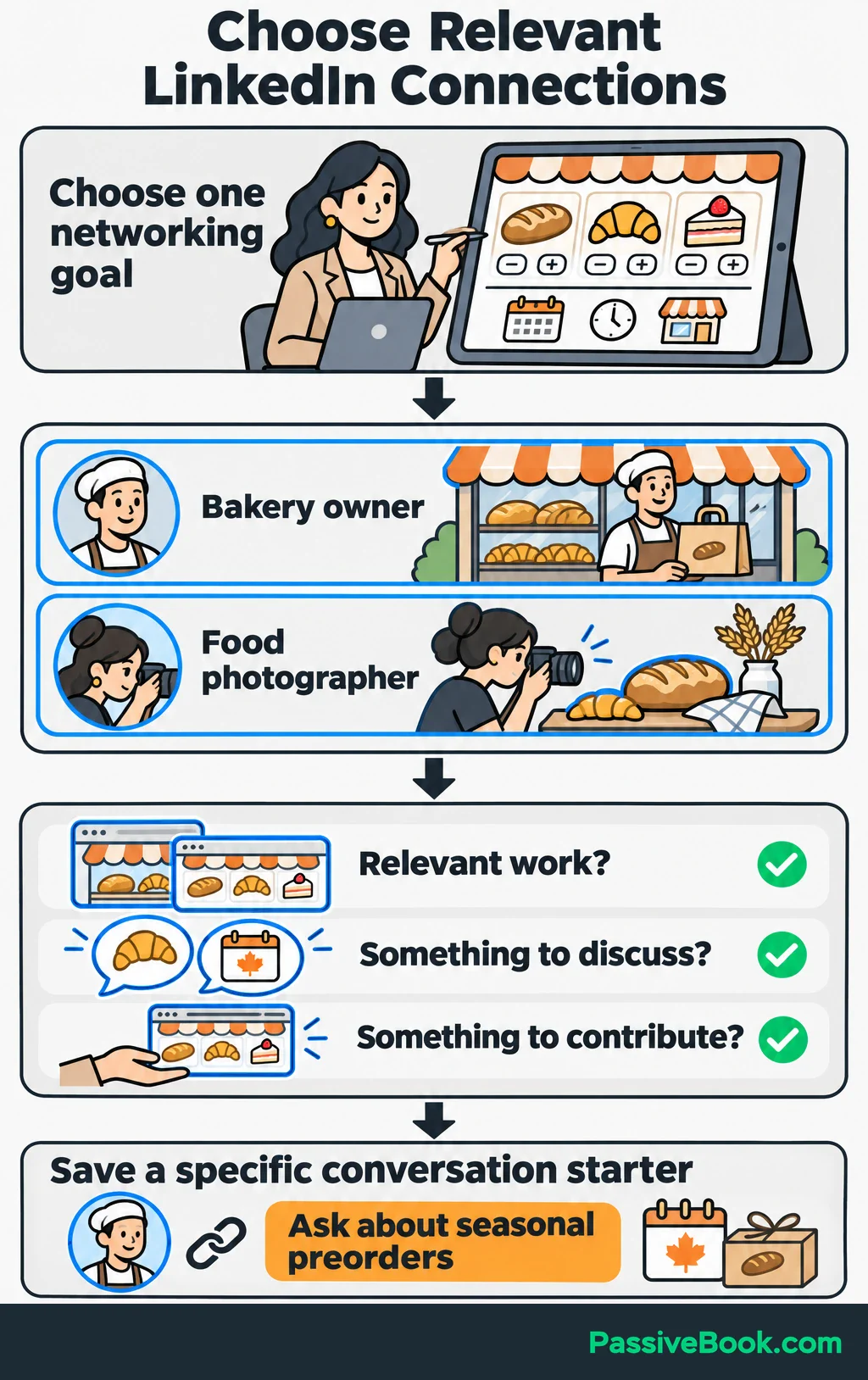
For the examples throughout this article, imagine you design websites for independent bakeries. You want to meet bakery owners and food photographers whose work could complement yours. The people, messages, and possible outcomes below are illustrations.
You might search for “bakery owner” and “food photographer,” then review the results. Does the photographer actually work with bakeries? Does the owner discuss a part of the business you understand?
Before adding someone to your list, answer three questions:
- Why is this person’s work relevant to mine?
- What could we discuss?
- What could I contribute?
Save their profile link and one specific conversation starter. “Ask about how they handle seasonal preorders” gives you somewhere to begin.
There’s evidence for looking beyond your closest contacts. Experiments that changed LinkedIn’s connection recommendations found that weaker ties—connections with fewer mutual contacts or less frequent messaging—improved job mobility up to a point, with effects varying by industry. That finding concerns employment; it doesn’t establish client acquisition or outreach response rates. Read the original study in Science.
My practical takeaway is to include relevant acquaintances and people with different working circles, alongside the people you already know well.
Make Your Profile Explain Why Connecting Makes Sense
Someone receiving your invitation should be able to open your profile and understand why you approached them.
Make the essentials clear:
- Use a recognizable photo.
- Write a headline that names your work and whom it helps.
- Explain your focus in a short About section.
- Include relevant experience and a work sample.
- Describe your contribution to the sample, especially if others worked on it.
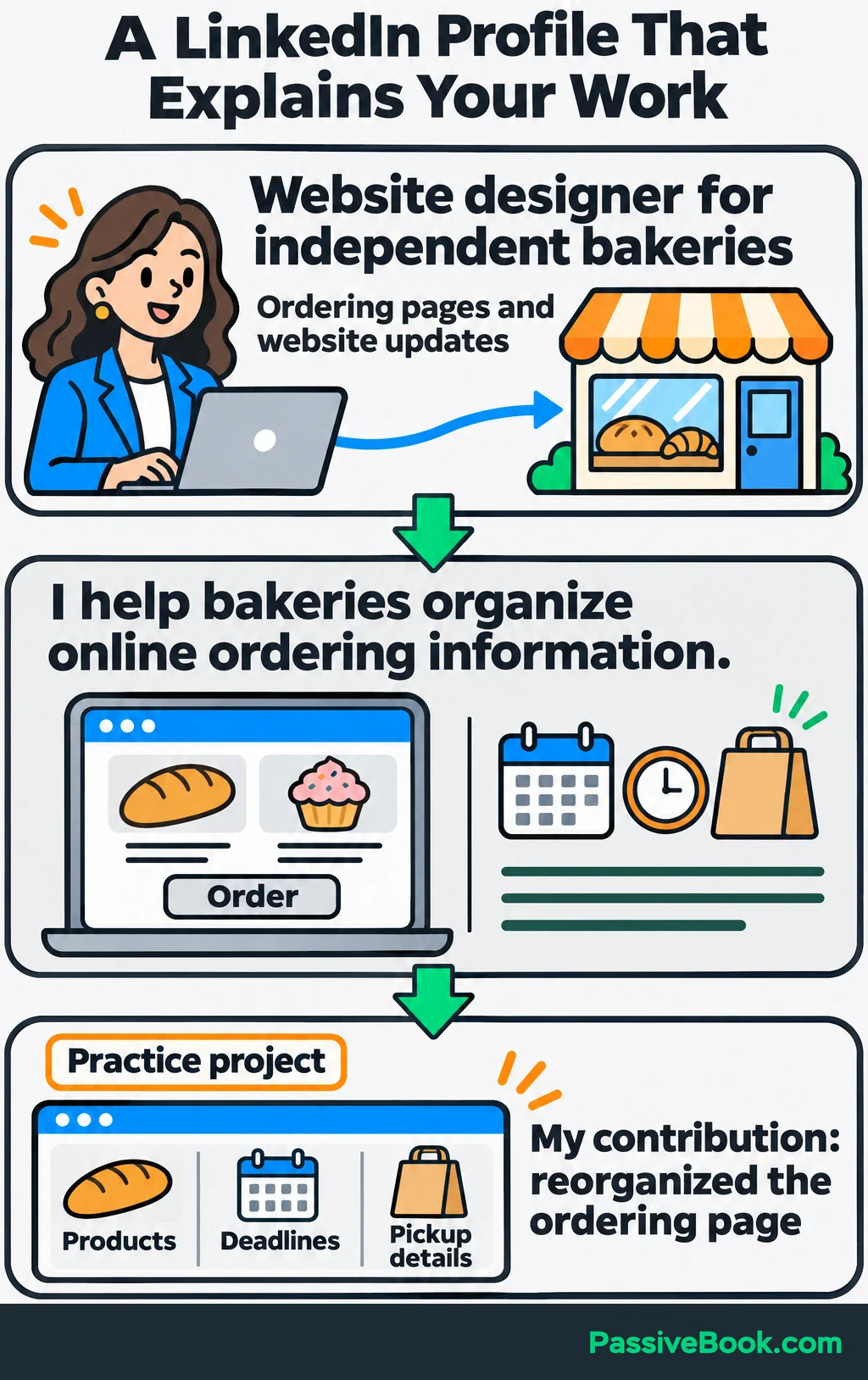
For the running example, a useful headline could be:
Freelance website designer for independent bakeries | Ordering pages and website updates
A project description might explain that you reorganized a bakery’s ordering page so visitors could find products, deadlines, and pickup details together. If it’s a practice project, label it that way.
During my freelancing years, I used introductions that listed everything I could do. Rereading them later, I could see how much work I’d left for the other person: they had to figure out which skill mattered to them.
That’s the check I would apply to your profile. Can someone connect your work to theirs without decoding a list of skills?
Once they can, start networking. I wouldn’t spend another weekend adjusting a banner while a relevant conversation waits.
Establish Common Ground and Send a Relevant Invitation
Start With a Useful Exchange
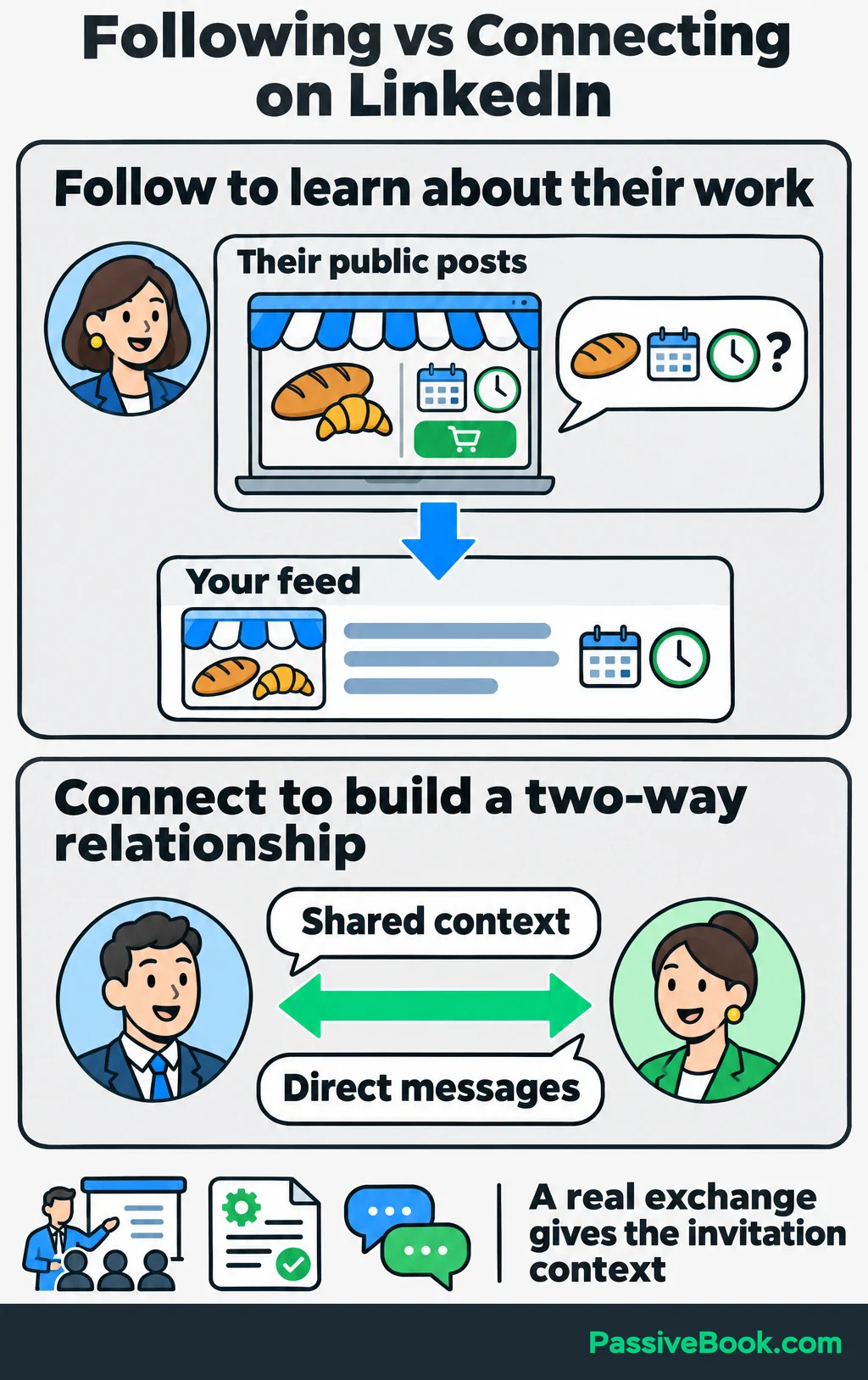
When someone is unfamiliar, following them gives you time to learn about their work. Following puts their public content in your feed; connecting creates a two-way connection and allows direct messaging.
LinkedIn recommends sending invitations to people you know and trust, so begin with existing relationships and let unfamiliar contacts become familiar through real exchanges. LinkedIn explains the distinction between following and connecting here.
When you join a discussion, add something specific: an observation, a relevant experience, or a question that helps clarify the problem.
Suppose Maya, a bakery owner, posts about customers getting confused during preorders. You could comment:
Do customers usually miss the ordering deadline or misunderstand the pickup window? Those seem like different problems for the ordering page to solve.
If she answers, respond to what she says. Don’t leave a thoughtful question and disappear as soon as she replies.
You also don’t need to perform a commenting routine before every invitation. A recent workshop, shared project, or existing relationship may already give you enough context.
For someone who rarely posts, look for a professional community, event, or mutual acquaintance who could introduce you. Avoid inventing familiarity because you’ve read their profile.
Explain Why You Want to Connect
A useful invitation explains the shared context and why you want to stay in touch. Keep the service proposal for a conversation where the other person has shown interest.
After the public exchange, you could send:
Hi Maya, I enjoyed our exchange about bakery preorders. I design websites for independent bakeries and would like to stay connected.
If you met at an event, change the context:
Hi Maya, good talking at the bakery workshop about pickup orders. I’d enjoy staying in touch here.
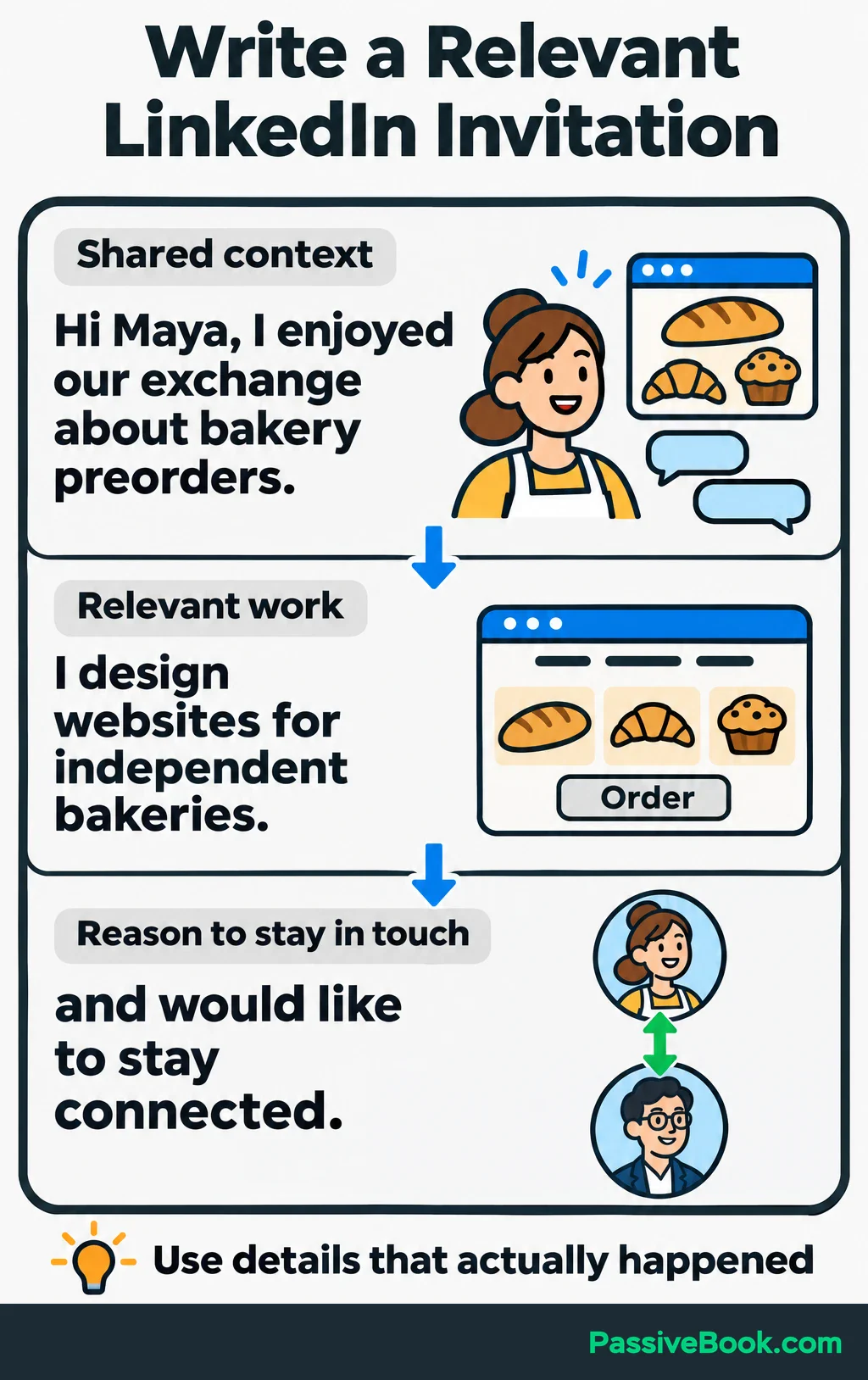
Both messages are complete enough to adapt. Replace the details with something that actually happened.
If you’re still looking at an empty message box, AI Social Copy Studio can turn your actual shared context into a draft. It also helps with replies and follow-ups when the conversation moves on.

Free AI Social Copy Studio




Free accounts have a limited allowance for personalized invitation notes, separate from general invitation limits. I would save notes for requests where the context needs explaining and check LinkedIn’s invitation guidance for the current allowance.
Send selectively. LinkedIn can restrict invitations when many requests are sent quickly or many remain pending, are ignored, or get marked as spam. Its restriction guidance explains these triggers.
A longer list of recipients won’t fix a weak reason to contact them.
Turn an Accepted Invitation Into a Conversation
Continue the topic that brought you together. Briefly acknowledge the connection, then ask one focused question the person can answer from experience.
For Maya, that could be:
Thanks for connecting, Maya. You mentioned customers missing pickup details. Which question comes up most often after they order?
This gives her something concrete to answer. “Tell me about your business” asks her to decide where your conversation should begin.
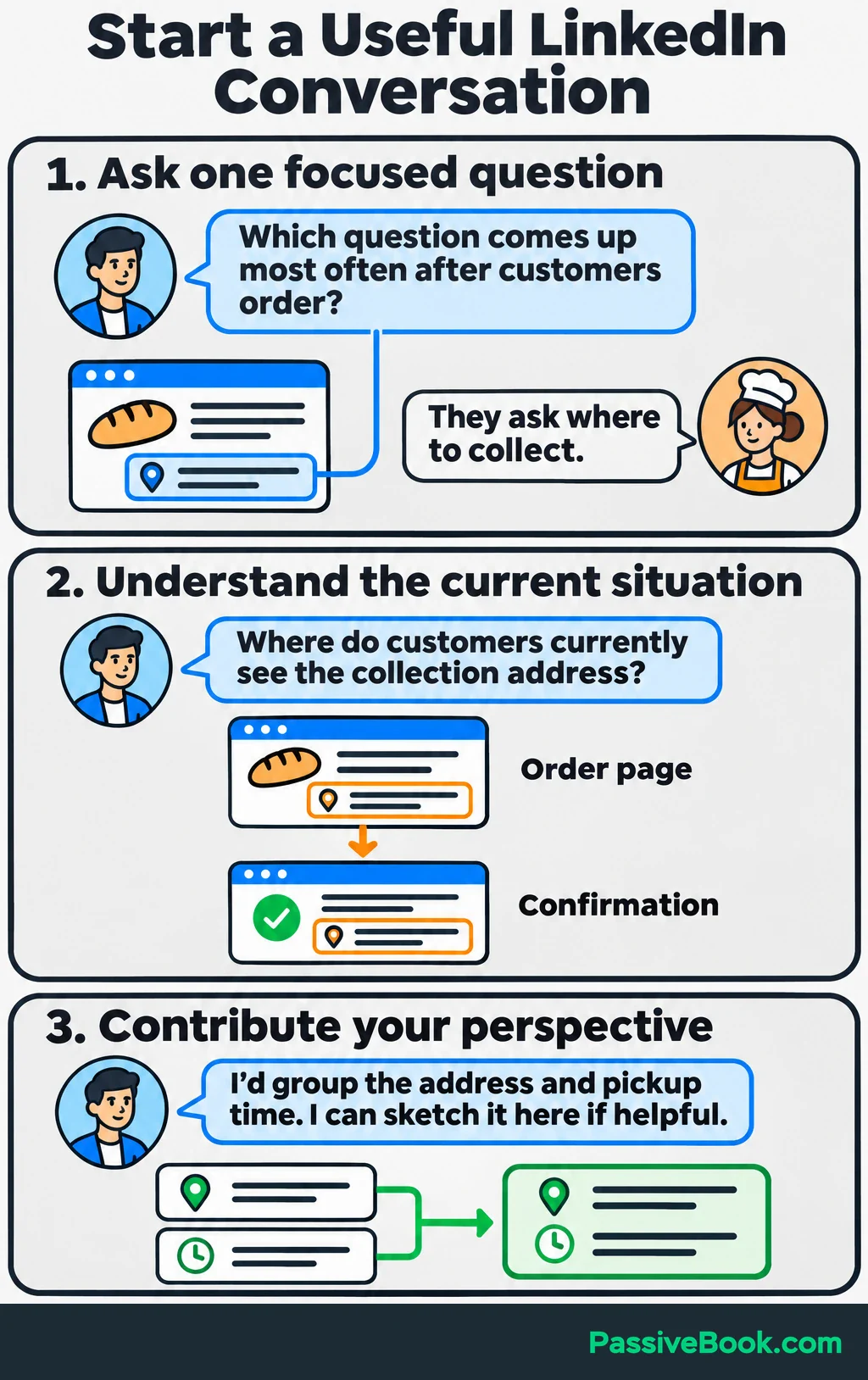
Suppose she says customers keep asking where to collect orders. Before suggesting a fix, find out how that information currently reaches them.
You could reply:
That sounds frustrating during a busy pickup window. Where do customers currently see the collection address—on the order page, in the confirmation, or both?
Once she explains, contribute your own view. A conversation needs more than a string of questions.
For example:
I’d try putting the address and pickup time together so customers can find both in one glance. I can sketch a simple layout here if that would help.
If she wants the example, keep it small. A few lines may be enough:
Pickup: Saturday, 10 a.m.–noon
Collect from: [bakery address]
Bring your order number to the collection counter.
You’re showing how you think about the problem she described. You don’t need to prepare an unsolicited redesign to earn a conversation.
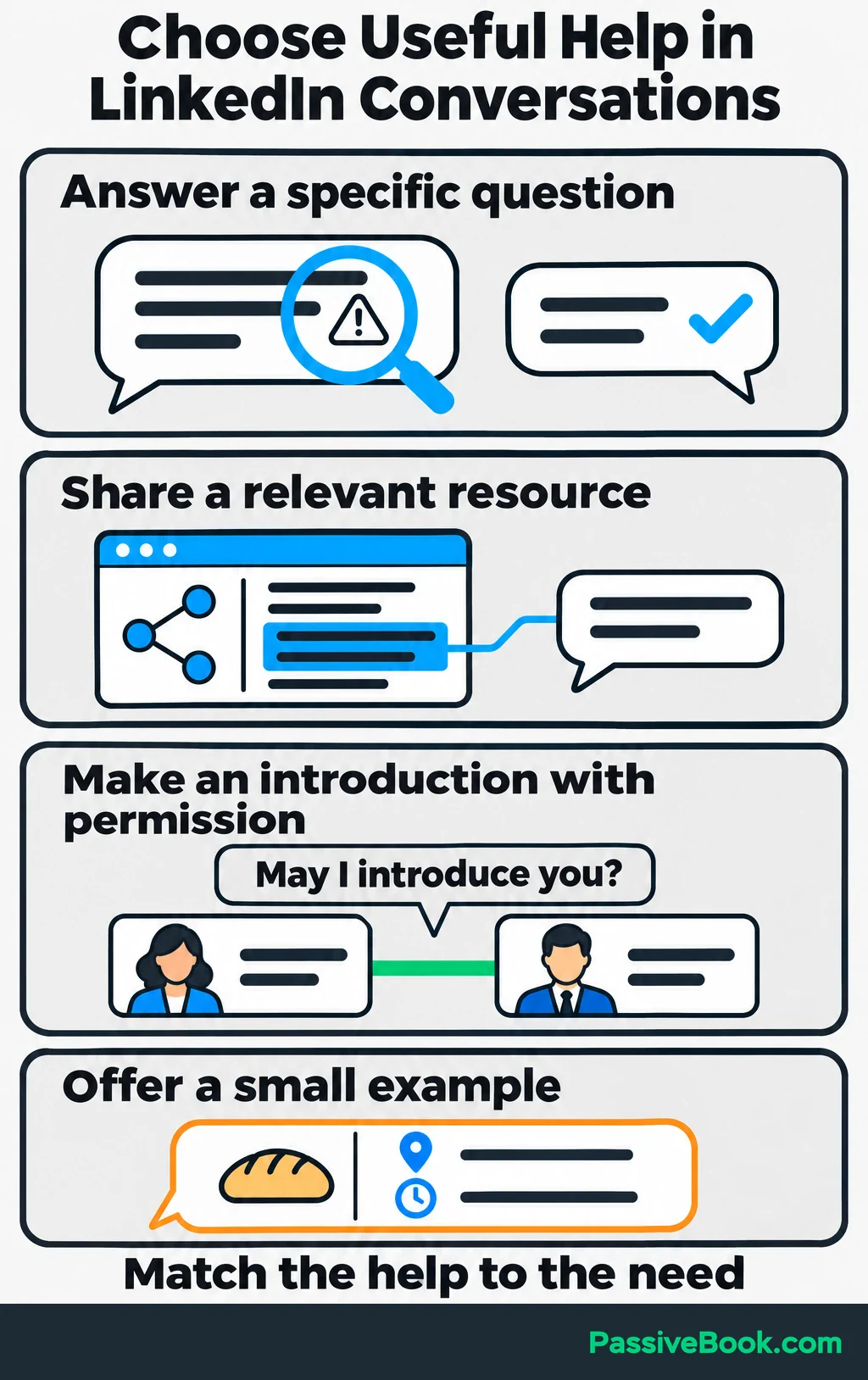
Useful help could also be an answer, a relevant resource, or an introduction made with permission. Choose what fits the need.
Keep the exchange in messages while messages do the job. I would suggest a call when both people want a fuller discussion, rather than treating every reply as permission to send a booking link.
Suggest a Next Step When Interest Is Mutual
Look for something the other person has actually expressed: a need, a question about your work, or interest in doing something together.
An accepted invitation means they accepted your invitation. A profile visit gives you even less to work with.
For potential client work, connect your suggestion to the problem you’ve discussed:
You mentioned rebuilding the ordering page before your next seasonal launch. Would a 15-minute call to see whether I can help be useful?
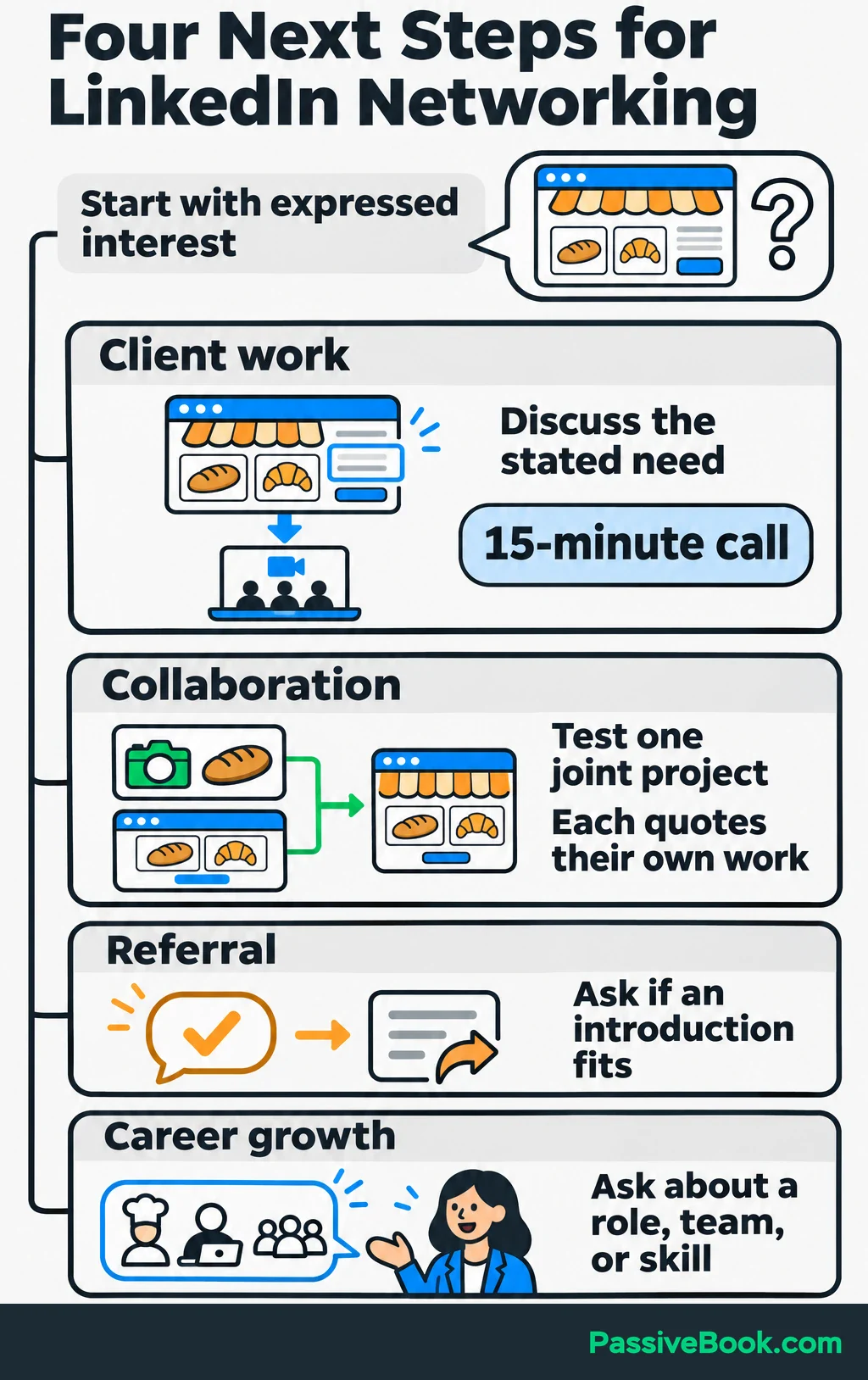
Agree on the purpose and duration before scheduling. If there’s a fit, discuss the scope and how you would prepare a proposal.
For collaboration, suggest a concrete project. After talking with Arun, a food photographer who works with bakeries, you might write:
Your bakery shoots and my website projects could fit together. Would you be interested in discussing one joint project, with each of us quoting for our own work?
That gives you something practical to explore: timing, responsibilities, and whether you serve similar customers. I would test that fit on one project before building a whole partnership around it.
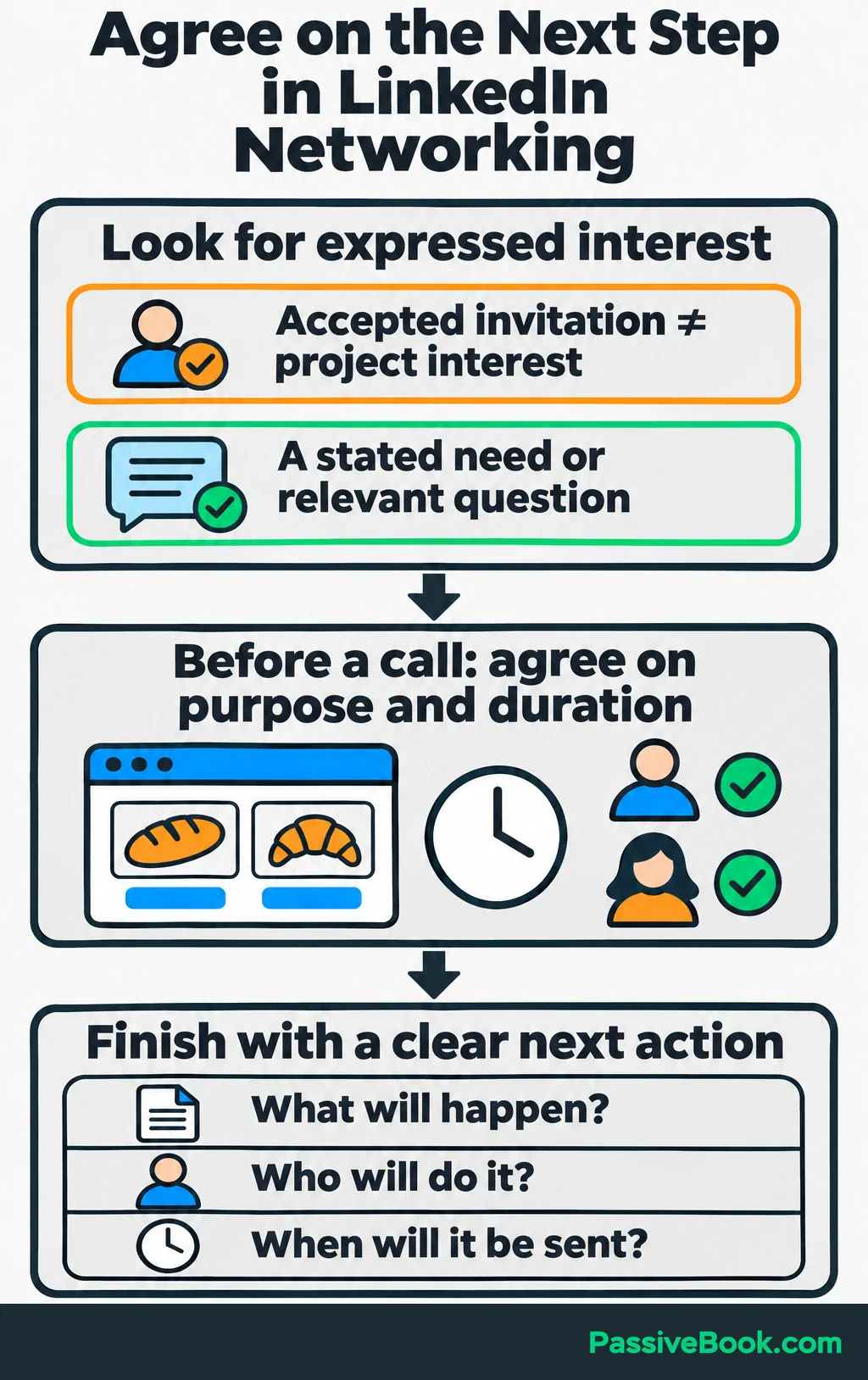
For a referral, ask whether the person is comfortable introducing you. Explain whom you hope to meet and why, then offer a short message they can forward. Let them decide whether their relationship makes the introduction appropriate.
For career growth, narrow the request to something the person can discuss from experience: how their team works, how they moved into a role, or which skills matter in a particular kind of project. A focused question gives the conversation a clear purpose without assuming they’ll offer a referral.
Finish any call by agreeing on the next action. If you promise a sample or proposal, name when you’ll send it. Thank anyone who made an introduction and let them know when you’ve connected.
Follow up With a Reason to Reconnect
When Someone Has Not Replied
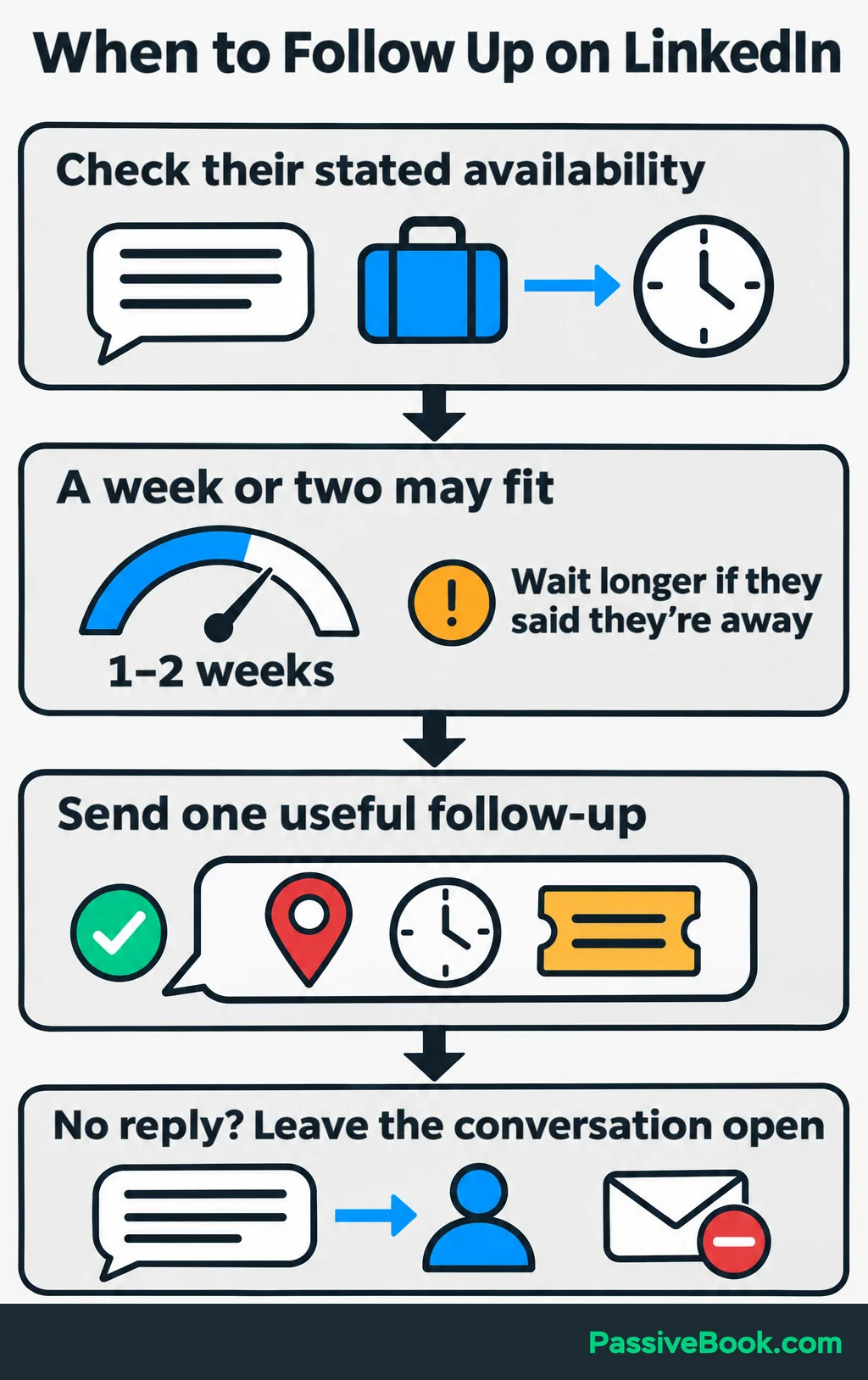
I would send one brief follow-up when I have something useful to add.
Choose the timing around the conversation. A week or two can be a reasonable starting point, but use any availability the person mentioned. If they said they’re away until next month, wait.
After an unanswered offer to share a layout, you could write:
Hi Maya, here’s the pickup note I had in mind: “Collect Saturday, 10 a.m.–noon, from [bakery address]. Bring your order number.” I’d place it above the order summary so customers see it with their purchase details.
The message adds the actual idea, so it still contributes something if she doesn’t reply.

After an unanswered follow-up, leave the conversation open and direct your attention elsewhere. If someone declines, respect it. Finding their email address so you can repeat the same request is persistence in the least useful sense.
Silence alone doesn’t tell you why someone didn’t answer, and it isn’t evidence that you damaged your reputation. Review whether your message was relevant, clear, and reasonable, then move on.
When a Relationship Is Developing
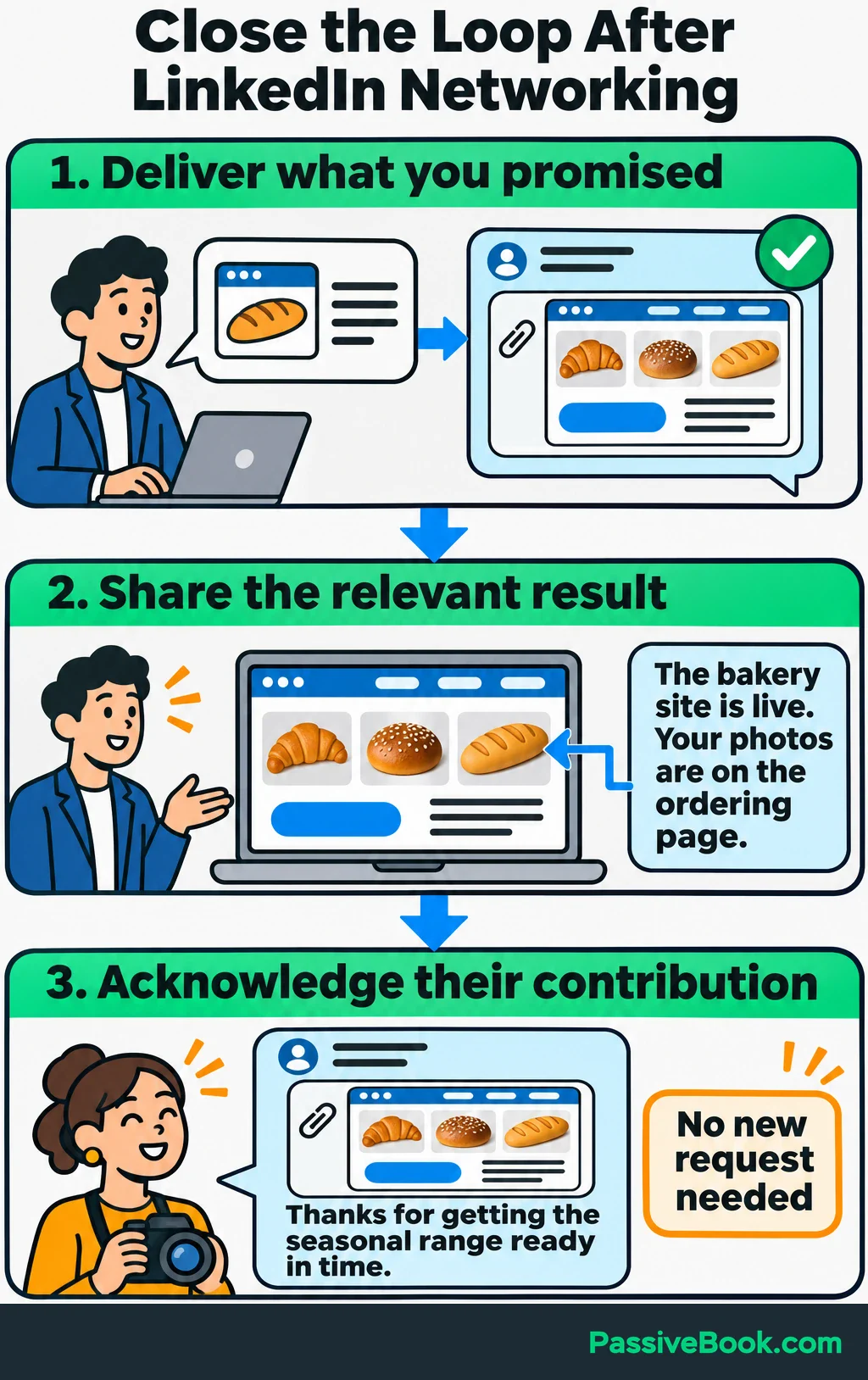
Start by doing whatever you promised. Sending the resource matters more than writing a polished thank-you.
When you thank someone, mention a specific takeaway. It shows what you understood and gives a future exchange something to build on.
Good reasons to reconnect include:
- You applied their advice and can explain what changed.
- They shared an update connected to an earlier discussion.
- You completed a project they helped with.
- You found an opportunity that fits their work.
If Arun’s photographs become part of a bakery website you build together, send him the finished project and acknowledge his contribution.
You might write:
The bakery site is live, and your product photos are on the ordering page. Thanks for getting the seasonal range ready in time. Here’s the finished project.
That message closes the loop. It doesn’t need a request attached.
Stay interested in what matters to the other person. Remembering a planned launch or following through on an introduction gives you a better reason to reconnect than a reminder that says “touch base.”
Keep Networking Manageable
You can start with free LinkedIn features. A paid subscription, large audience, and daily posting schedule aren’t prerequisites for these conversations.
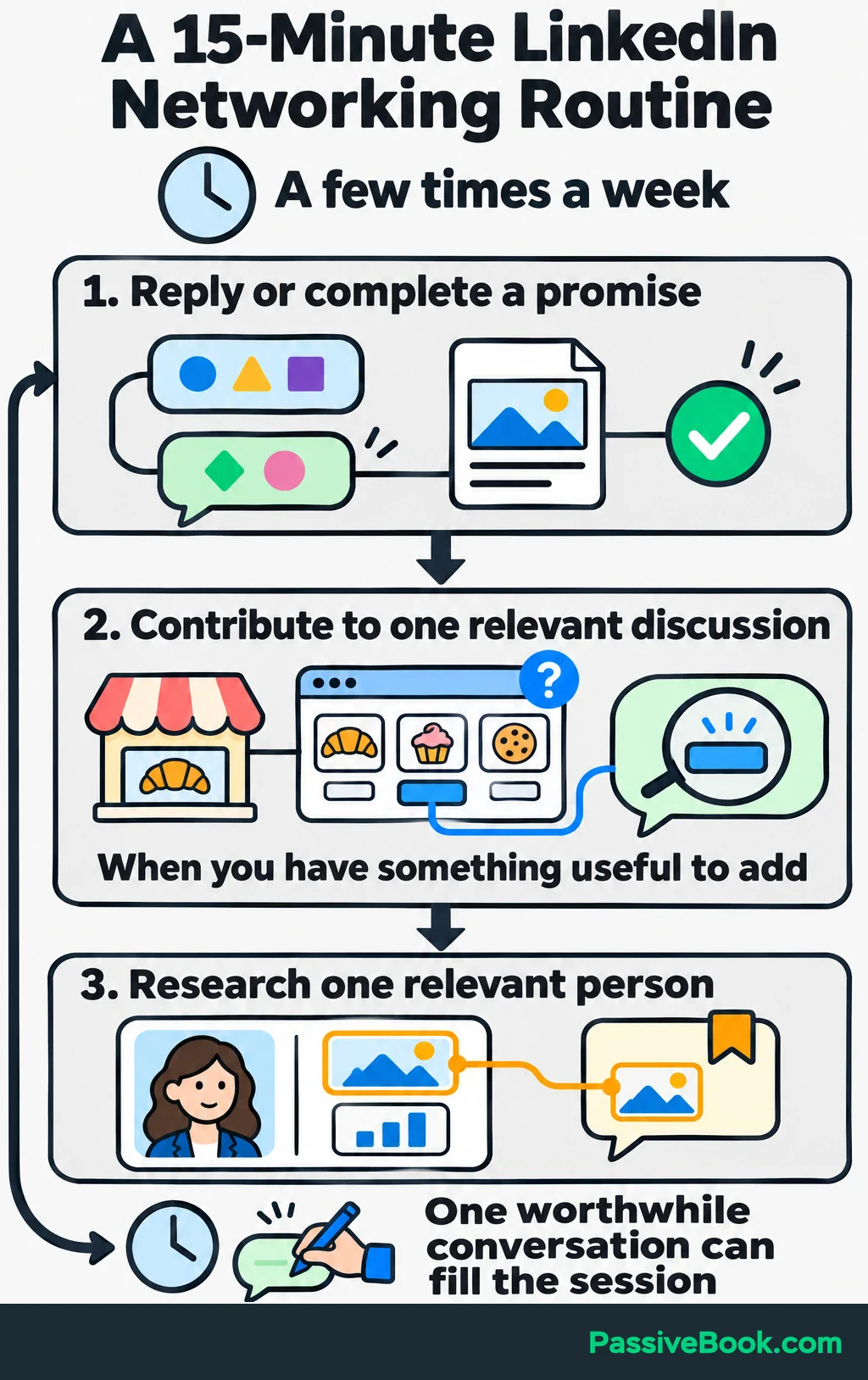
I would start with a 15-minute session a few times a week:
- Reply to an existing conversation or complete a promised action.
- Contribute to one relevant discussion when you have something to add.
- Research one person you have a reason to know.
Some sessions will go entirely toward one worthwhile conversation.
In a spreadsheet, record each person’s name, profile link, shared context, last exchange, promised next step, and outcome.
I spent six months chasing Instagram and Twitter/X followers in another niche without corresponding business progress.
That’s why I would track useful conversations, repeat exchanges, introductions, and opportunities connected to your goal here. Accepted invitations alone don’t show whether a relationship is developing.
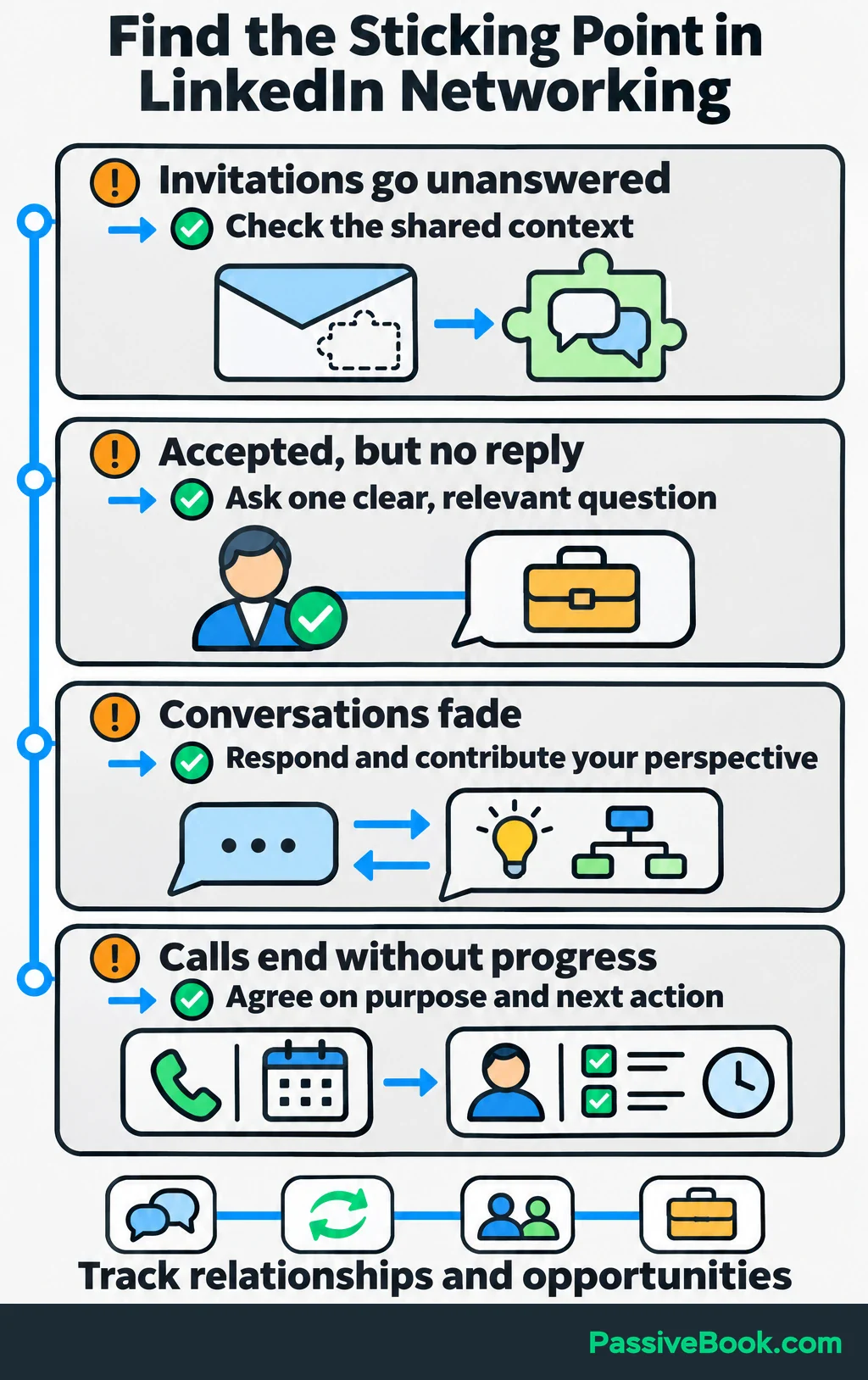
When progress stalls, review the point where it stops:
| What You Notice | What I Would Check |
|---|---|
| Invitations regularly go unanswered | Whether people can recognize the shared context and understand why you approached them |
| Connections accept but don’t reply | Whether your first message asks one clear, relevant question |
| Conversations fade after a reply | Whether you’re contributing your own perspective and responding to what they said |
| Calls end without progress | Whether both people agreed on a purpose and a next action |
Use reminders to manage follow-through, and keep outreach manual. LinkedIn prohibits third-party software and browser extensions that scrape or automate activity on its website. Its automated activity policy sets out that restriction.
I automate plenty of work across my businesses, but here I’d automate the reminder and write the message myself. Deciding what’s worth saying needs your attention.
What Next?
Choose one person you already have a reason to know and write down the specific topic you could discuss. Then make sure your profile explains why that conversation makes sense.
Use the social buttons to share this guide when your next networking discussion needs practical messages people can adapt.
Which part feels hardest: finding relevant people, making the first approach, or keeping a conversation going? Tell me in the comments, and bring any other questions you have about networking on LinkedIn.
Share this post with your friends & followers:

