You can fill a month with LinkedIn posts and still struggle to answer one question: why would the right person contact you after reading them?
That gap makes publishing expensive, even when you never buy an ad. Your time goes into writing, graphics and replies, but you have no clear way to judge whether the work supports your business. This guide gives those hours a direction: a focused LinkedIn plan, a manageable publishing routine and a review that tells you which posts deserve more time.
Choose the Business Outcome Your Content Should Support
Choose one business outcome before choosing topics. Qualified inquiries, purchases and partnership conversations can all work. “Get more engagement” leaves too much unanswered.
I spent six months chasing followers on Instagram and Twitter/X in another niche, and my bank balance stayed around $47. That experience is why I put a business action at the top of a content plan. Followers can be useful, but they cannot explain whether the business is moving forward.
Write your goal like this:
Generate [qualified action] from [intended audience] during [review period], within [available time].
Throughout this guide, imagine you sell online dog-enrichment workshops for daycare staff, and daycare managers are your prospective buyers. The plans, copy and figures are illustrative.
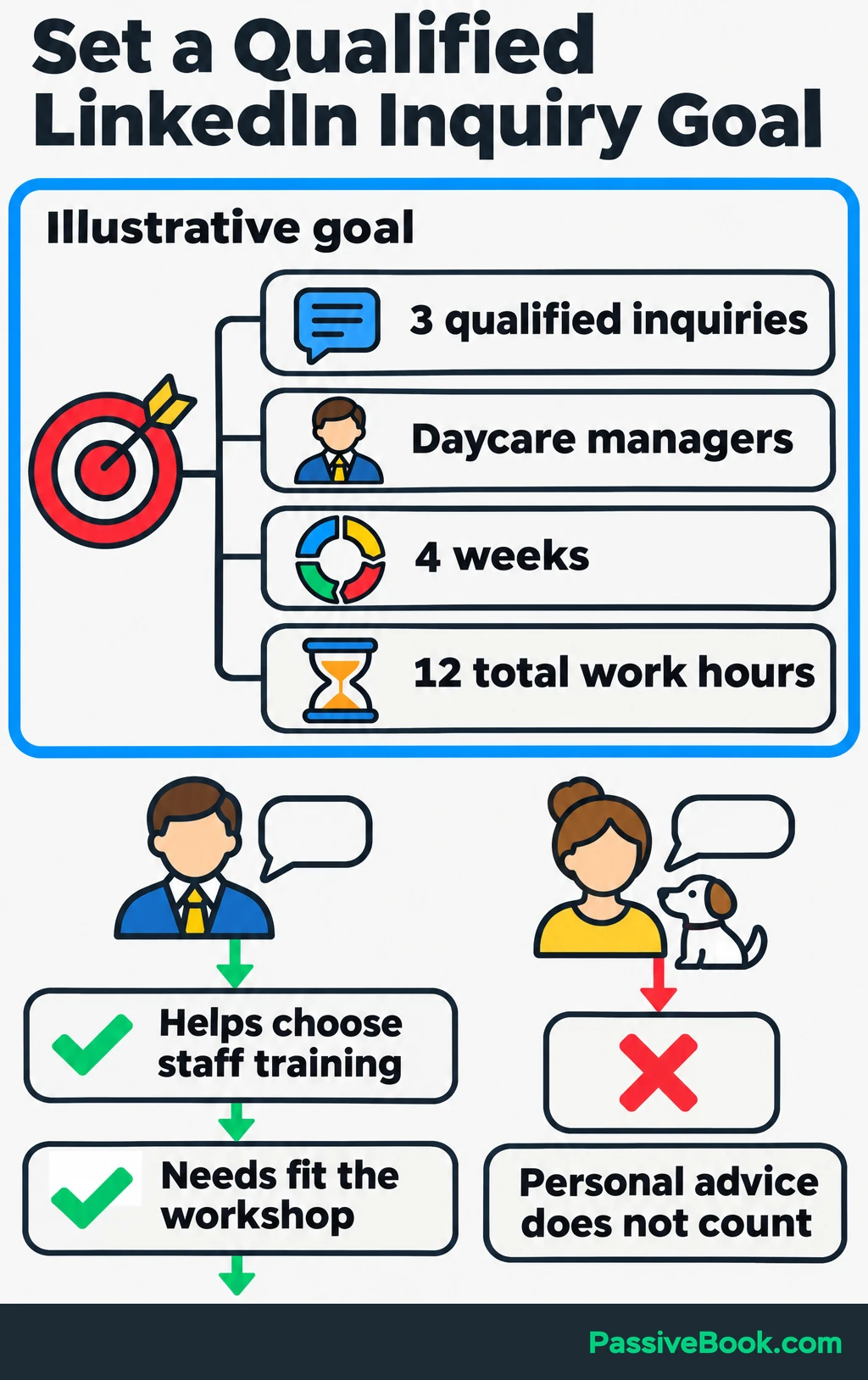
Your working goal could be:
Generate three qualified workshop inquiries from daycare managers over four weeks, within 12 hours of total LinkedIn work.
Define “qualified” before counting. Here, an inquiry should come from someone involved in choosing staff training, with needs that fit the workshop. A pet owner asking for personal advice would not count.
If you have no previous results, use the first cycle to establish a baseline. You need evidence before you can set a sensible ongoing target.
Keep the strategy on one page and fill it in as you work through the guide:
- Audience: Who buys, and what problem are they trying to solve?
- Positioning: Why should they listen to you?
- Goal: Which qualified action will you track?
- Pillars: Which recurring subjects will you cover?
- Formats: How will you explain those subjects?
- Cadence: What can you publish within your time budget?
- Offer Path: Where should an interested reader go?
- Review Date: When will you assess the cycle?
Use a separate calendar for individual posts. The strategy holds your decisions; the calendar organizes the work.
Research the Audience You Want to Reach
Before committing to months of production, check whether you can find prospective customers and useful conversations on LinkedIn.
Search for relevant job titles, businesses and industry discussions. For the workshop business, look for daycare managers discussing staff development, training and service delivery. A large pet audience is less useful than access to people who choose team training.
Read with a few questions in mind:
- What is this person responsible for?
- Which problems keep coming up?
- What would a useful improvement look like?
- What might stop them from buying?
- Do they choose training, recommend it or approve the budget?
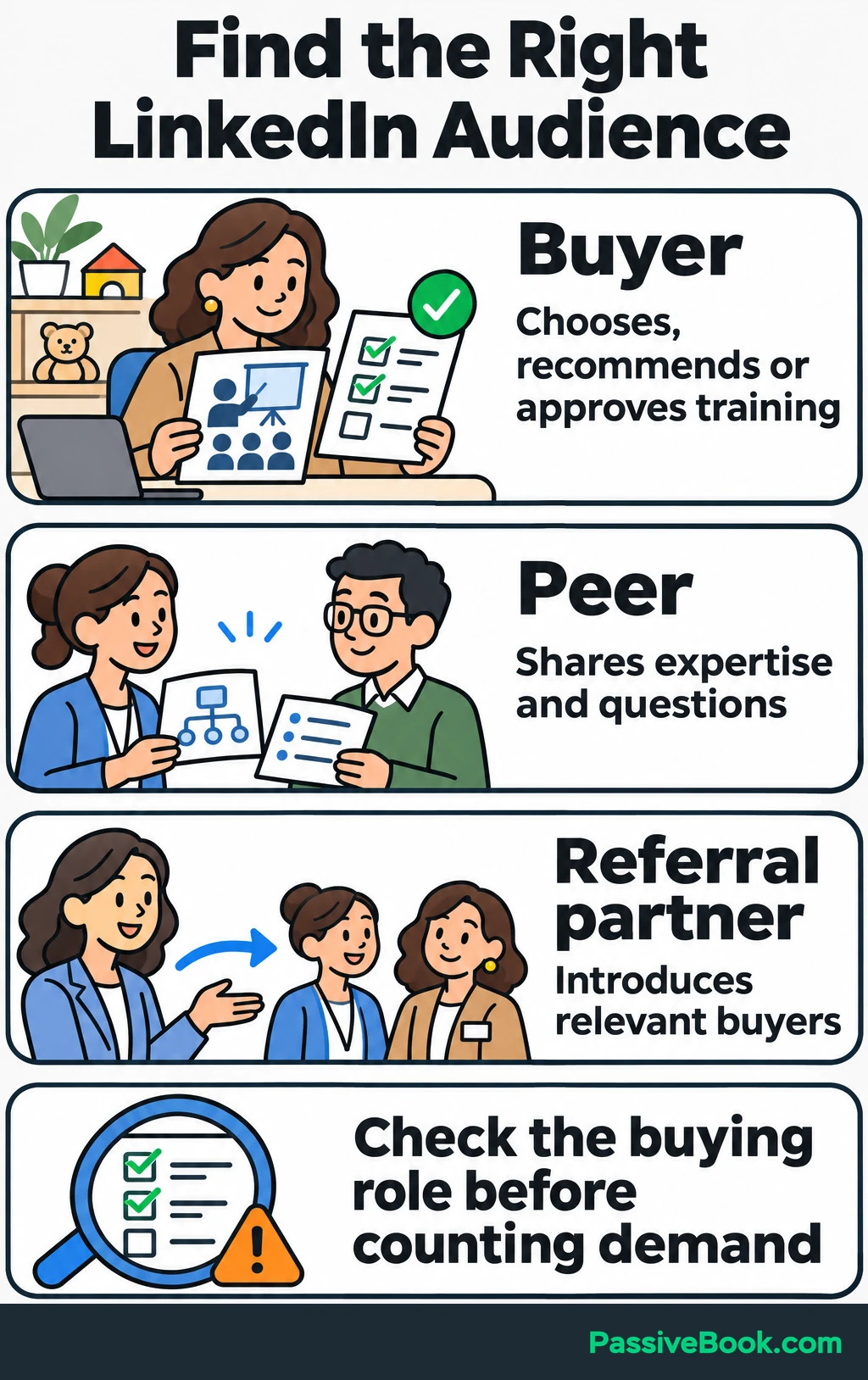
Separate buyers from peers and referral partners. Another workshop provider might enjoy your posts, but that does not make them a prospective customer. They may still be a useful source of questions or referrals.
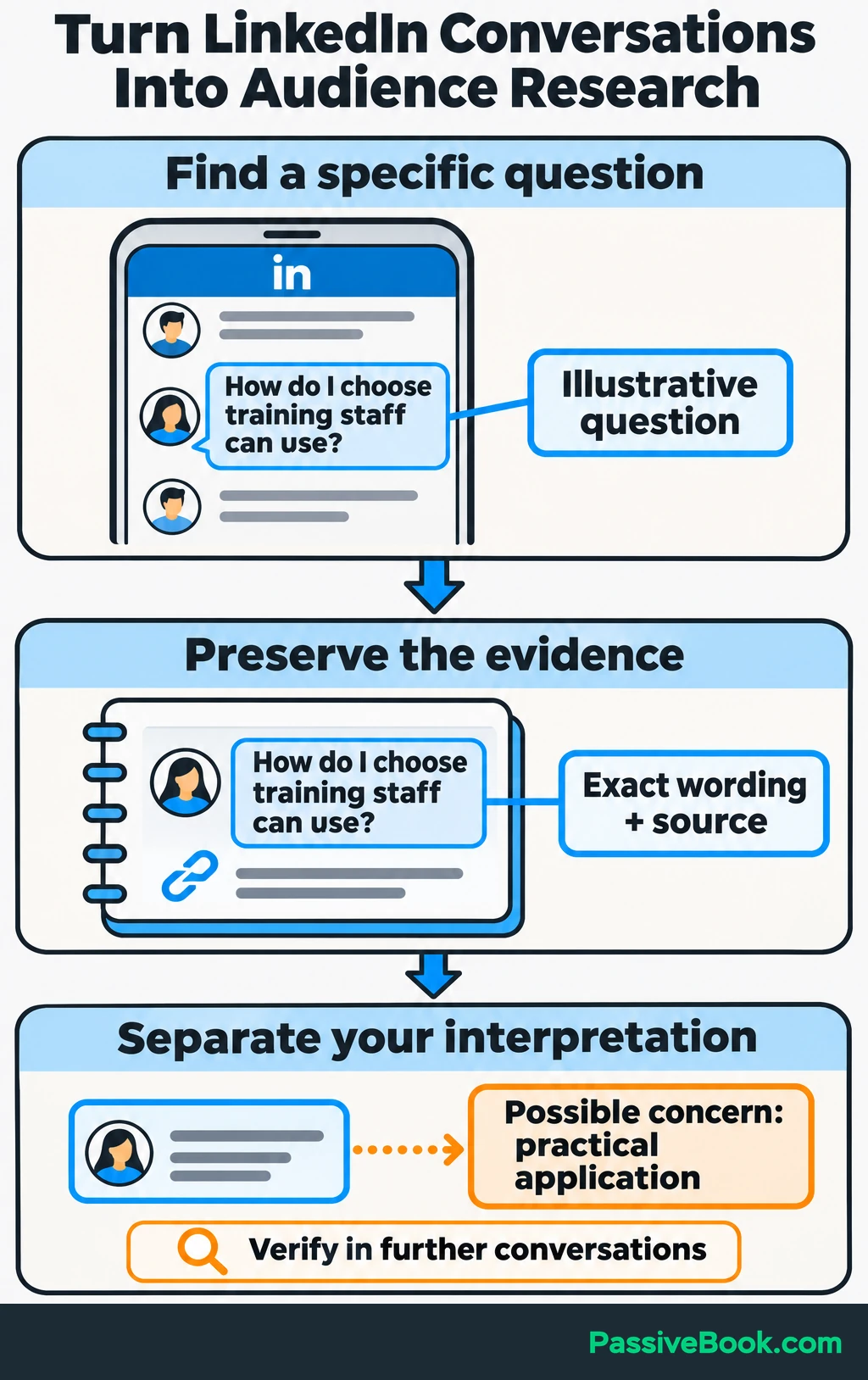
Collect wording from inquiries, customer conversations, posts and comments. Record the question and where it came from. Keep direct customer wording separate from your interpretation.
For example, “Our team needs better training” is broad. “How do I choose a workshop that staff can apply during a normal shift?” gives you something concrete to answer.
Then choose your main publishing home. A personal profile represents an individual, while a Page represents an organization. I would start with the instructor’s profile when the teaching depends on that person’s experience and they can participate in relevant conversations. A Page can hold business information and support the same offer.
Finish with a positioning sentence:
I help daycare managers prepare staff to plan and deliver enrichment sessions through practical online workshops.
Use this as a topic filter. A popular dog-care subject does not automatically belong in this strategy.
Build Content Pillars From Audience Questions
Content pillars are recurring subjects you can explain usefully. Build them where three things overlap: audience questions, your expertise and your offer.
Start with a few clear subjects. Each should have a boundary so you know what belongs.
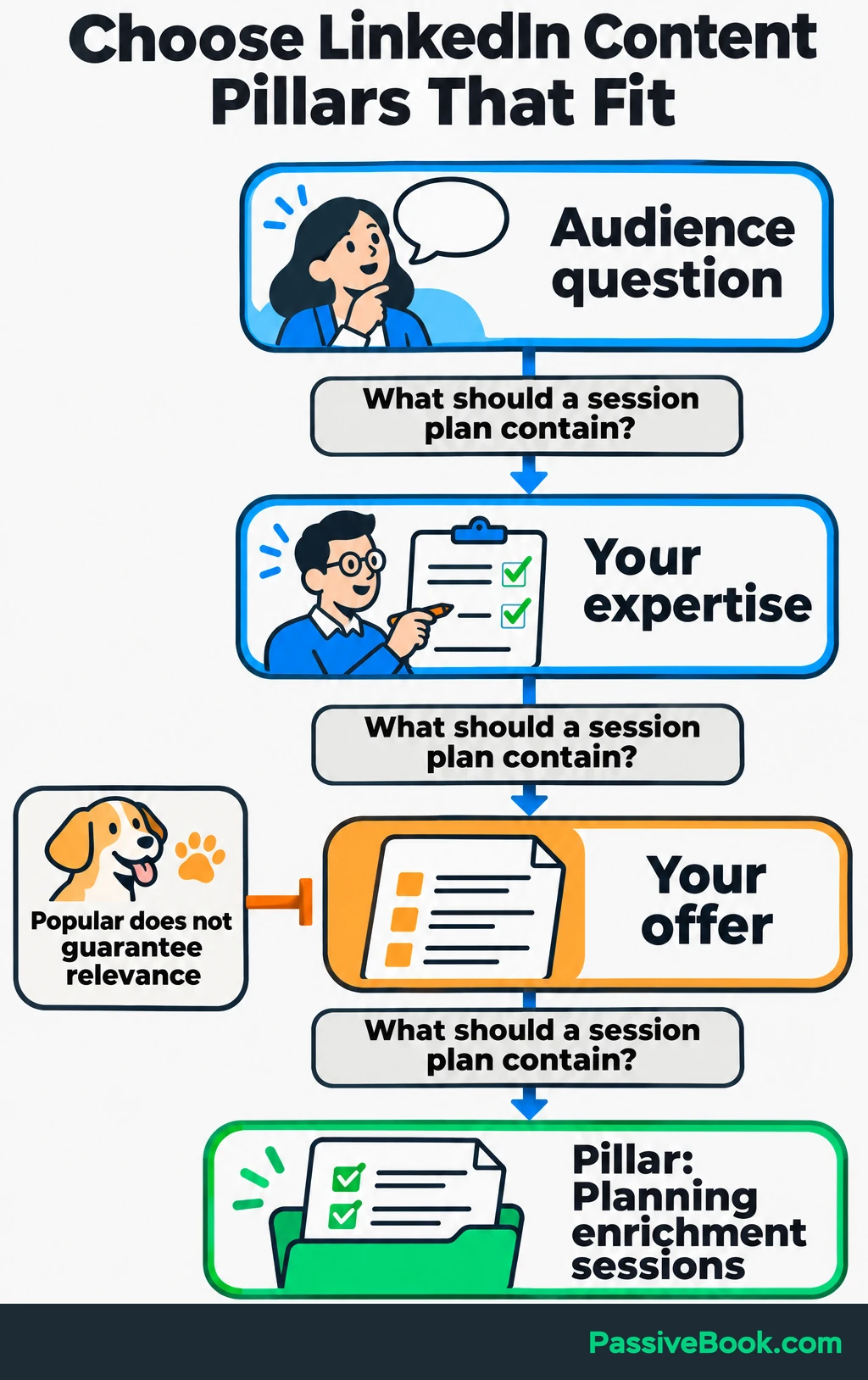
For the workshop business, the planning table could look like this:
| Pillar | Audience Question | Reader Takeaway | Supporting Material | Connection to the Offer |
|---|---|---|---|---|
| Planning enrichment sessions | What should a session plan contain? | Understand the purpose of each planning field | An annotated sample planning sheet | Shows the planning approach taught in the workshop |
| Consistent staff delivery | How can staff use a shared template? | See what a useful handover includes | A clearly labeled sample handover | Explains how the training supports a shared process |
| Choosing enrichment training | What should I clarify before booking? | Know which questions to ask a provider | A workshop-selection checklist | Helps managers assess whether the workshop fits |
If you lack customer evidence, demonstrate your method with a labeled sample rather than implying that a customer used it.
Keep three planning decisions separate:
- Pillar: The subject, such as consistent staff delivery.
- Format: The presentation, such as a text post or PDF document.
- Purpose: What the post helps someone do, such as understand a handover process.
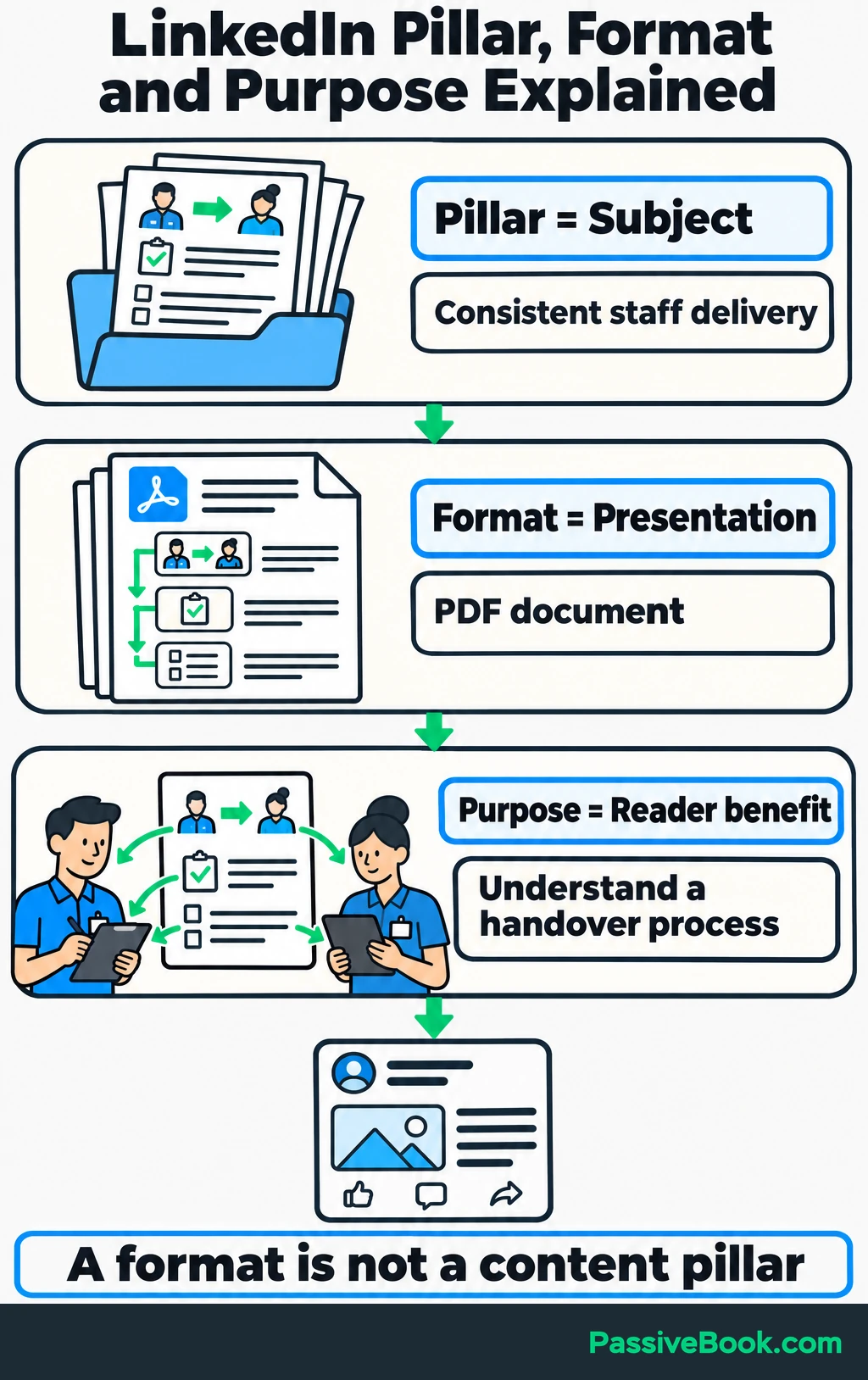
“Video” is not a pillar. Neither is “inspirational content.” Those labels do not tell you which audience problem you are solving.
Include practical teaching, demonstrations of your approach and help with buying decisions. Let real questions determine the mix. I would skip a fixed content percentage that forces you to publish advice nobody asked for.
If two pillars keep producing the same answers, merge them. Leave unrelated pet-care topics out, even when they look easier to write.
Turn Your Content Pillars Into Useful Posts
Give Each Post One Clear Takeaway
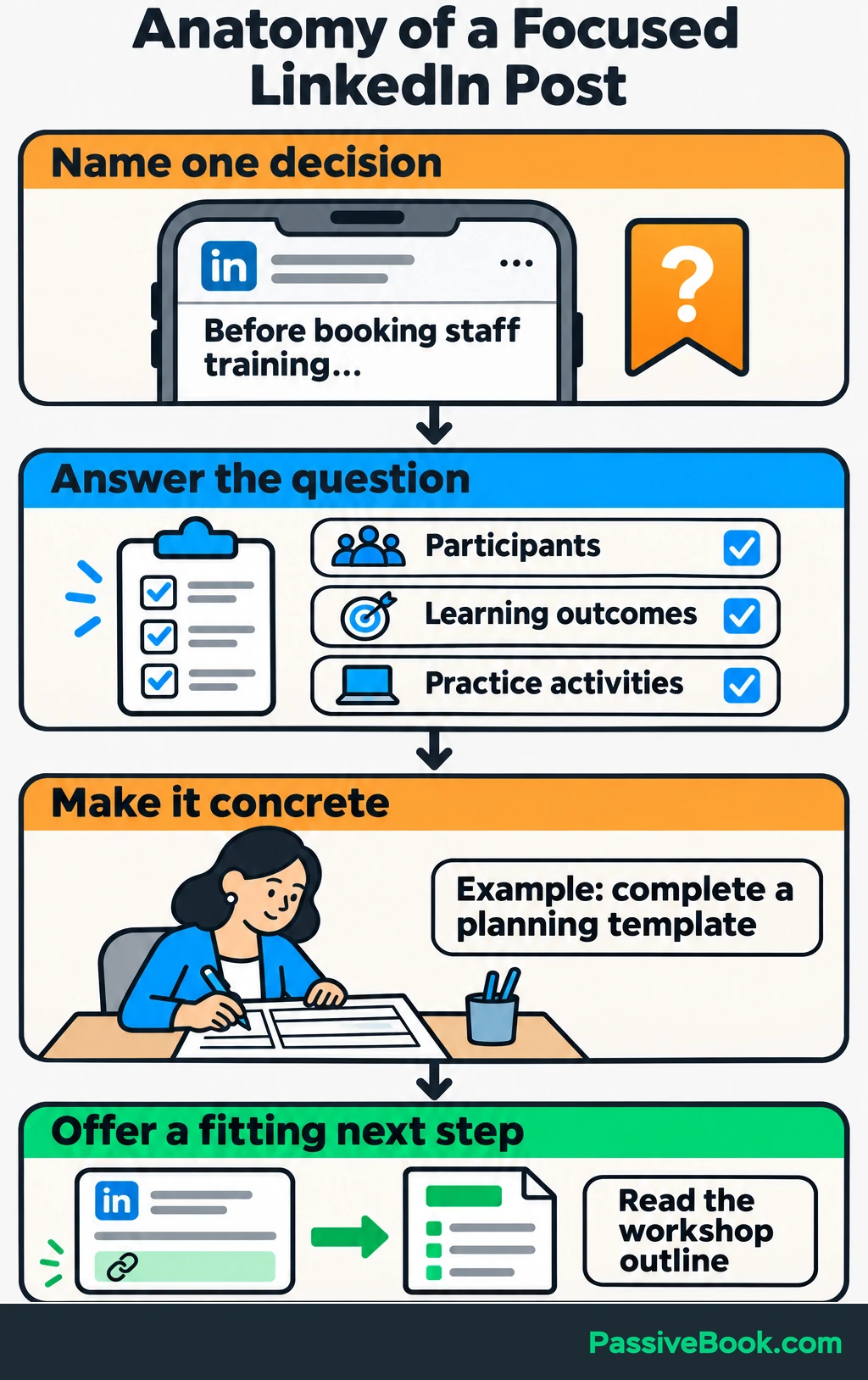
Choose one question and finish this sentence:
After reading this, the reader should be able to…
If your answer contains four separate tasks, narrow the post.
Next, gather what you need to explain the answer: source notes, an approved example, a sample document or an observation you can describe accurately.
A useful post usually needs:
- An opening that names a specific problem or decision.
- An explanation that answers it.
- A concrete example that makes the answer easier to use.
- A next step that fits the reader’s interest.
Here is a complete sample for the workshop-selection pillar:
Before booking an enrichment workshop, clarify these three things.
1. Who will attend?
A session for new starters may need a different starting point from one for experienced staff. Tell the provider who will be learning.
2. What should staff be able to do afterward?
“Understand enrichment” is hard to assess. Ask whether the workshop covers a specific task, such as completing a session-planning template.
3. How will staff practise?
Ask whether participants will work through an example, complete a planning exercise or receive feedback. Then compare that approach with what your team needs.
Write down those answers before comparing providers. You will have something more useful to compare than workshop titles.
If you’re assessing our online workshop, read the outline for the intended participants, scope and inquiry details: [workshop page link].
Replace the bracketed destination before publishing.
If you have the knowledge but are stuck on the writing, AI Social Copy Studio can turn your notes into two posts for your own buyers. You can review the drafts before choosing what to publish.

Free AI Social Copy Studio




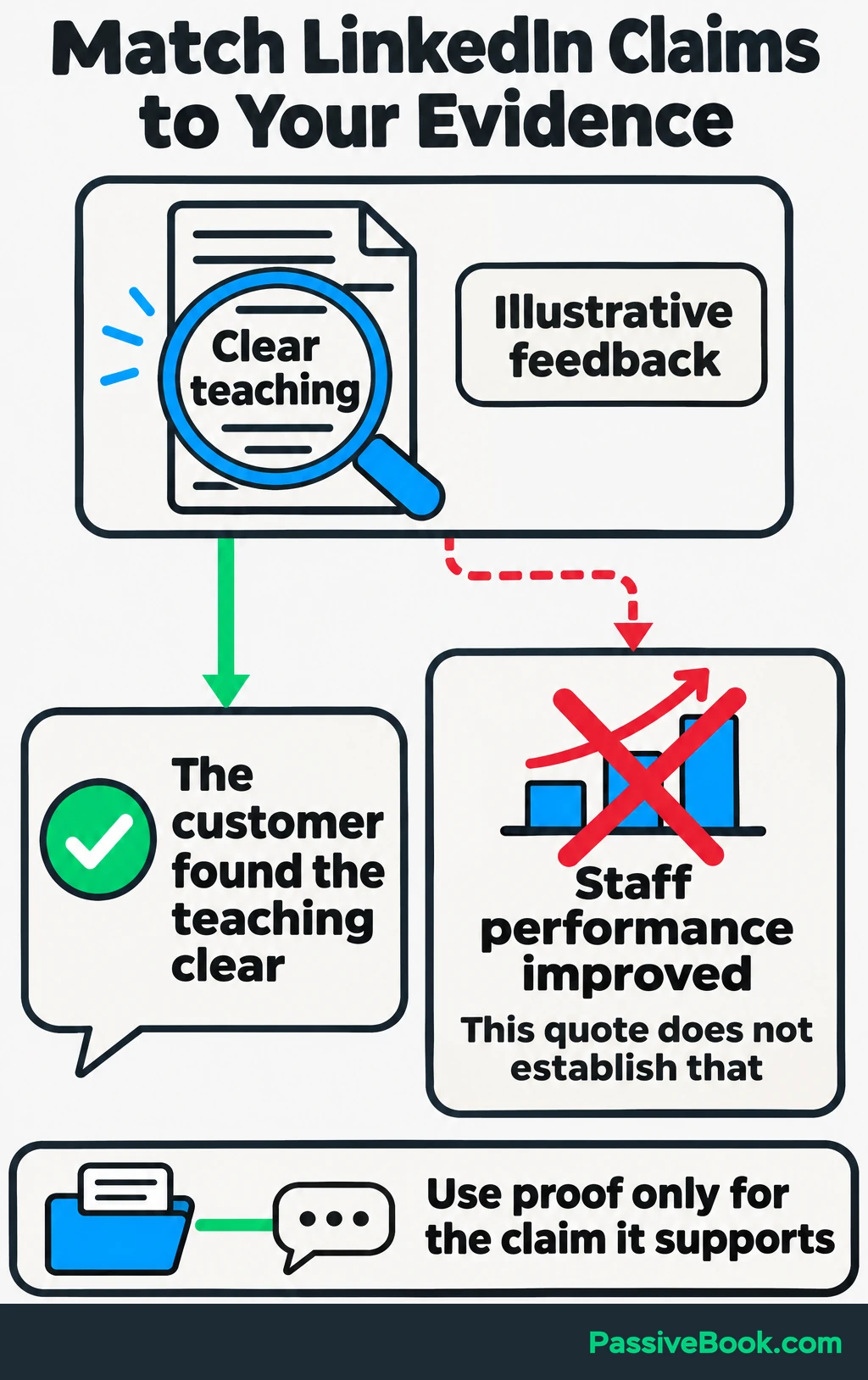
When you do have evidence, explain what it shows. A customer quote about clear teaching does not prove improved staff performance. Use each piece of proof for the claim it can support.
Match the Format to the Explanation
Choose the format after deciding what you need to explain. Starting with “I need a set of slides” gives you a design job before you have a useful idea.
| Format | Useful Application | Production Effort | Workshop Example |
|---|---|---|---|
| Text | Answer one focused question | Usually the simplest to prepare | Three questions to ask before booking |
| Image | Show something readers need to inspect | Requires a clear visual and readable labels | An annotated section of the planning sheet |
| Document | Walk through a sequence readers can revisit | Requires several pages and a careful review | A workshop-selection checklist |
| Video | Demonstrate movement, a process or spoken reasoning | Requires recording and caption review | A screen recording of completing the template |
LinkedIn supports PDF document posts, so a short multipage checklist is an option when the sequence helps readers use it.
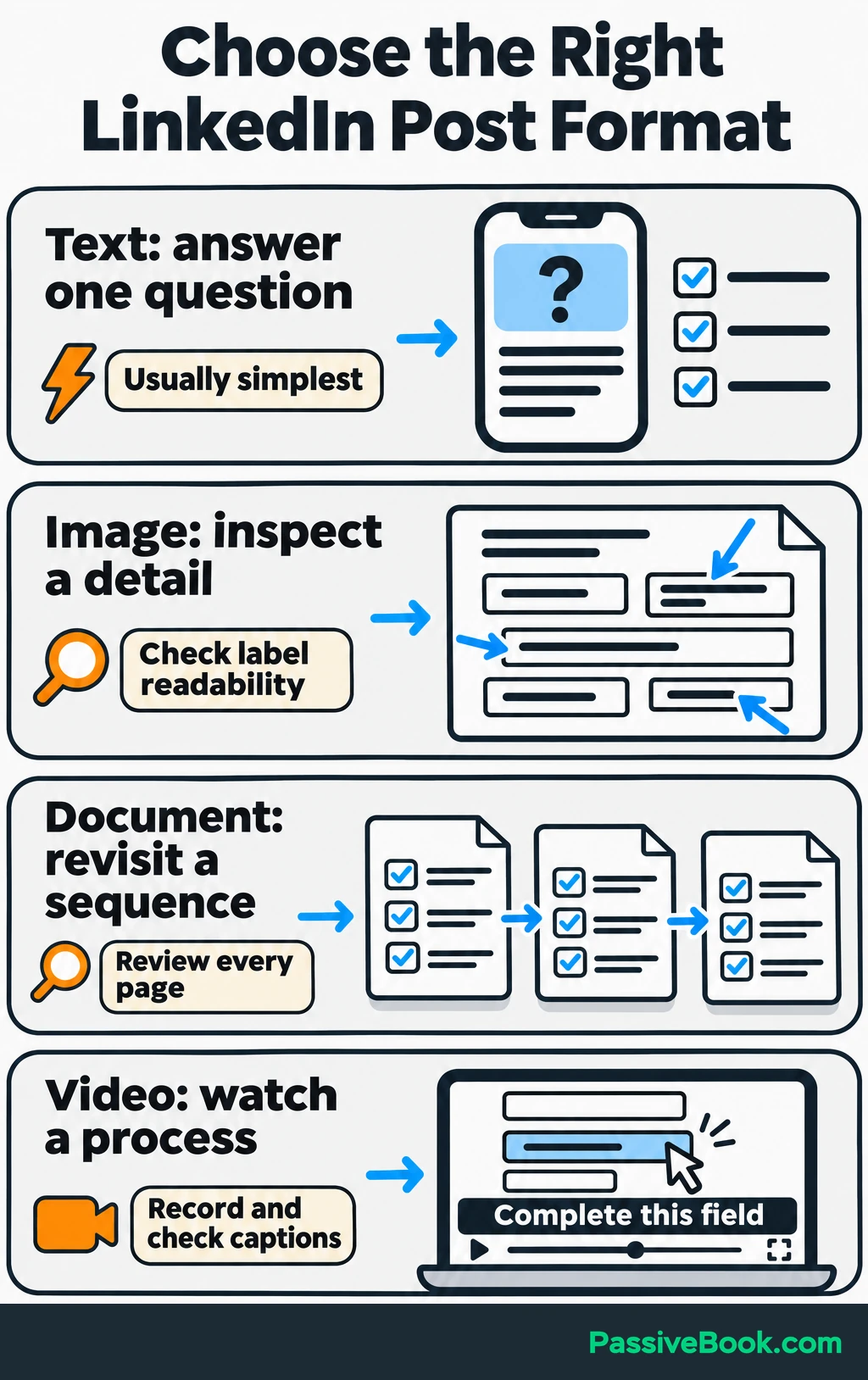
I would begin with text and one reusable visual template. Add video when watching the process makes it clearer. A screen recording can explain a planning task without requiring an on-camera presentation.
Make the content readable too. Add meaningful image descriptions, use clear contrast and check video captions for accuracy. Describe important visual actions aloud during a demonstration. These practices follow accessible social media guidance.
Reuse an idea when another format adds value. Turning three sentences into eight decorative slides does not improve the explanation.
Give Interested Readers a Clear Path to Your Offer
A useful post should lead somewhere appropriate when a reader wants more.
Make your profile or Page introduction explain whom you help, what you offer and what to do next. On a personal profile, use the Featured section to make your workshop outline or a relevant work sample easy to find.
For the running example, the path could be:
Workshop-selection post → workshop information page → inquiry form.
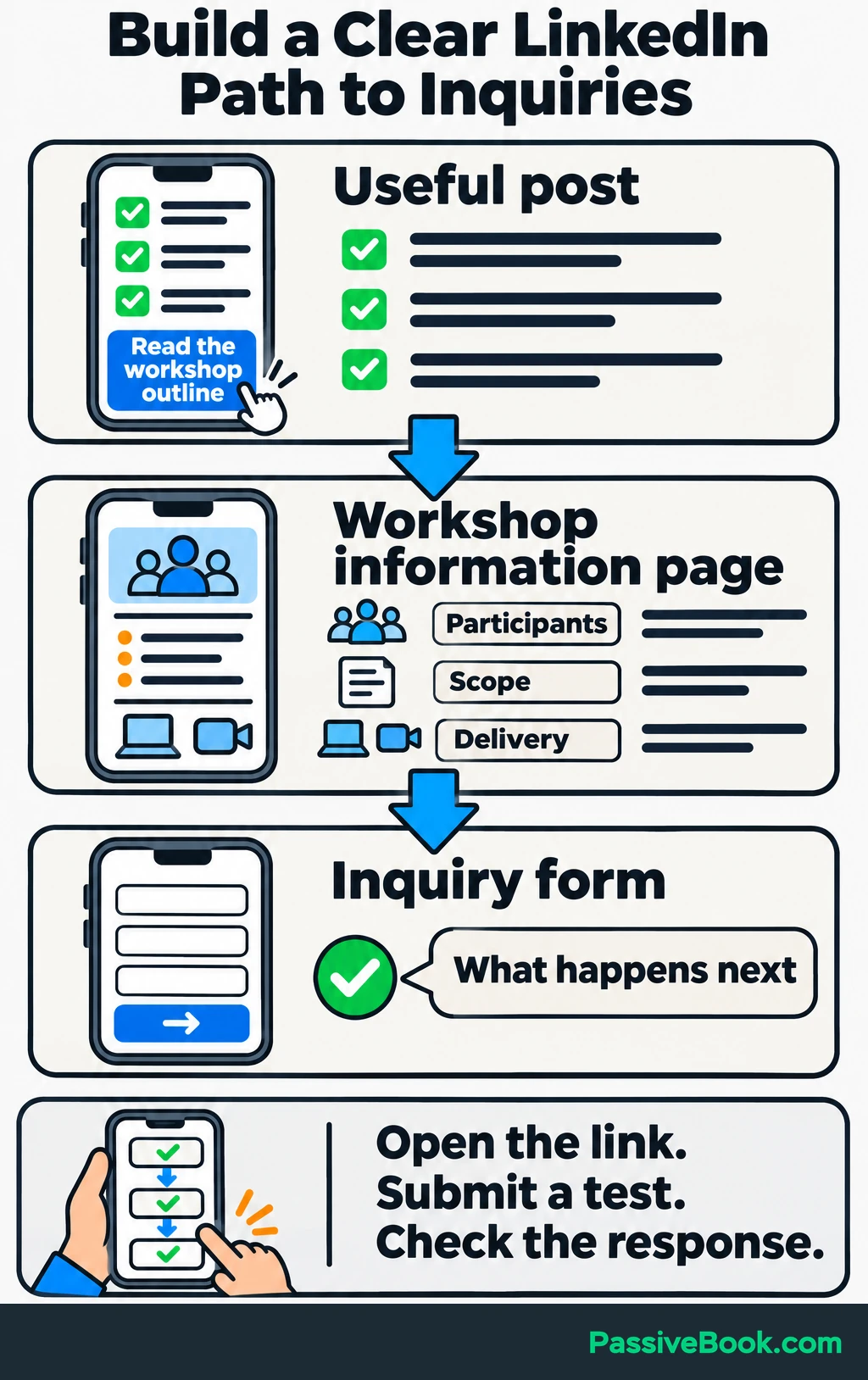
The information page should explain the intended participants, what the workshop covers, how it is delivered and how to inquire. Include practical buying details rather than making people contact you to discover whether the offer is relevant.
Match the invitation to the post:
- Exploration: Ask a specific question about the reader’s planning problem.
- Practical Teaching: Offer the relevant planning sheet or example.
- Buying Decision: Direct readers to the workshop outline or inquiry page.
Not every post needs to ask for a booking. But a reader who is ready should not have to solve a small treasure hunt.
Test the whole path on your phone. Open the link, read the destination and submit a test inquiry. Check that the promised resource is there and that the response tells the person what happens next.
Create a Publishing Workflow You Can Sustain
Set a Sustainable Posting Frequency
Choose a time budget before choosing a posting frequency.
That budget must cover research, drafting, design, checking, publishing, replies and measurement. Two posts can create plenty of work if each requires a new document and a video.
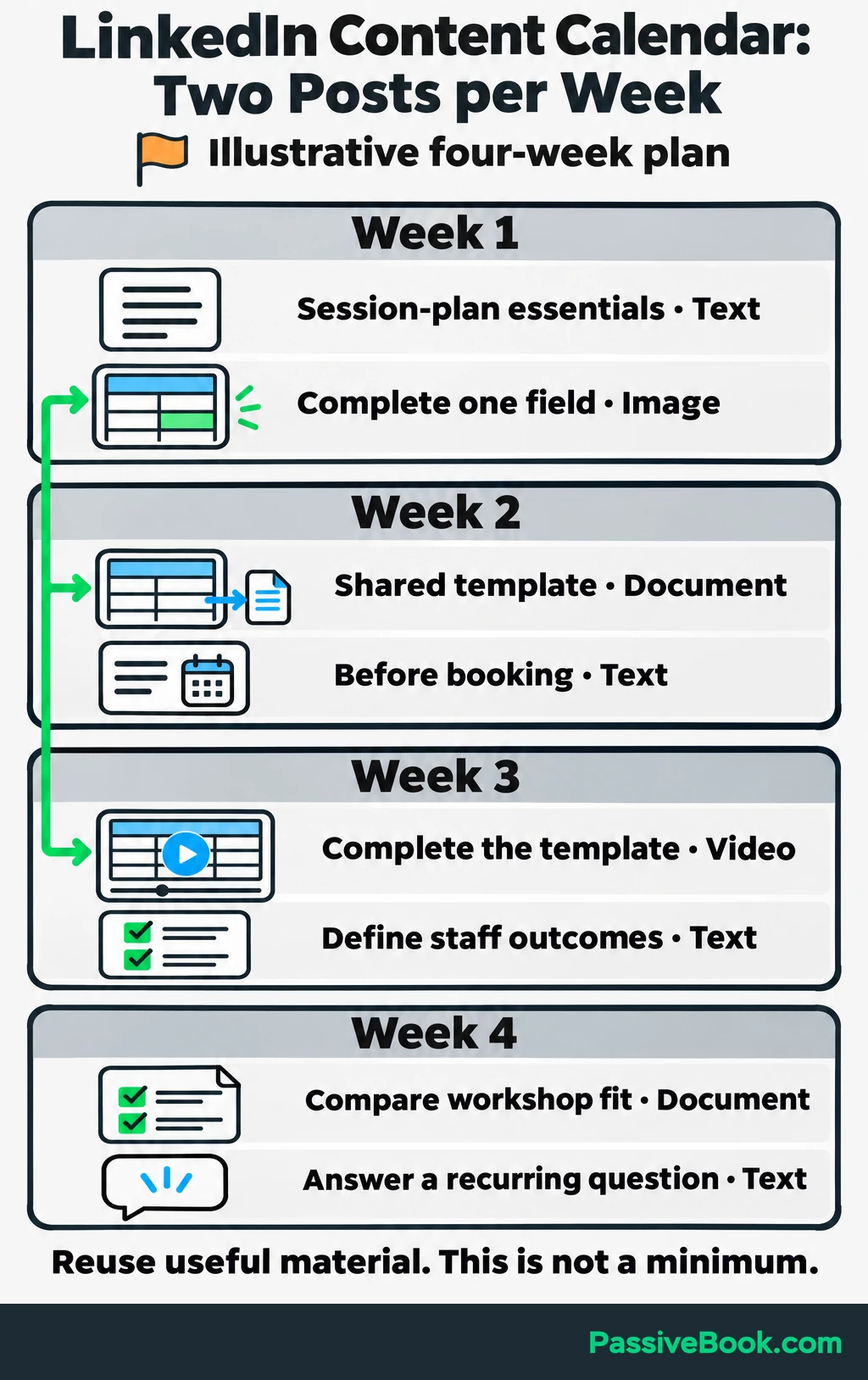
I would start with fewer posts and simpler production. Increase output only when you can maintain quality and respond to interested readers.
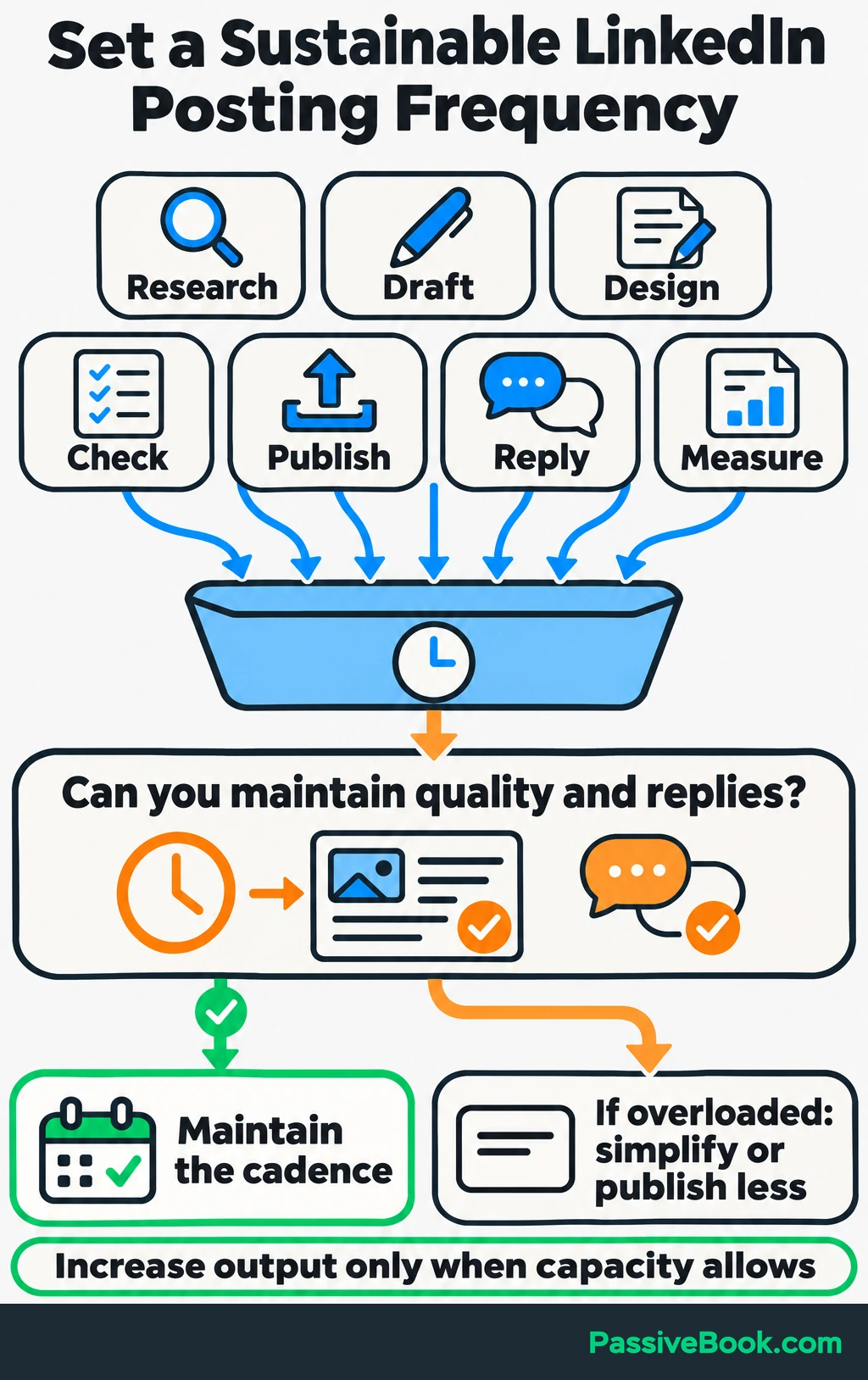
For illustration, here is a four-week calendar with two posts per week:
| Week | Post | Pillar and Format | Intended Next Step |
|---|---|---|---|
| 1 | What a session plan should contain | Planning; text | Read the sample planning sheet |
| 1 | How to complete one planning field | Planning; annotated image | Try that field in the sample |
| 2 | How staff can use a shared template | Consistent delivery; document | Review the sample handover |
| 2 | What to clarify before booking training | Training choice; text | Visit the workshop outline |
| 3 | Complete the planning template | Planning; screen recording | Use the accompanying template |
| 3 | Define what staff should do after training | Training choice; text | Compare the outline with team needs |
| 4 | Compare workshop scope with team needs | Training choice; document | Inquire if the scope fits |
| 4 | Answer a recurring question from the cycle | Consistent delivery; text | Discuss a specific handover difficulty |
This is a planning example, not a minimum requirement. Much of it reuses one planning sheet, which keeps production manageable.
In your working calendar, give each post a publication date, pillar, audience question, purpose, format, source material, next step and status. Add its URL after publication so you can review it later.
You can start with a populated calendar rather than build every field and post brief yourself. Choose a track that fits your offer, then adapt the first week to the questions your buyers ask.
Turn Your Marketing Ideas Into a Publishing Plan
Organize content ideas, set publishing dates, and track what resonates with your audience in one calendar.
Choose initial publishing times when your intended audience may be available and you can respond. Adjust from your own results. I would spend more effort finding a useful question than chasing a supposedly perfect posting minute.
Batch Preparation and Use AI With Clear Inputs
Keep questions, notes, approved examples and reusable assets in one library. A spreadsheet or Notion is enough.
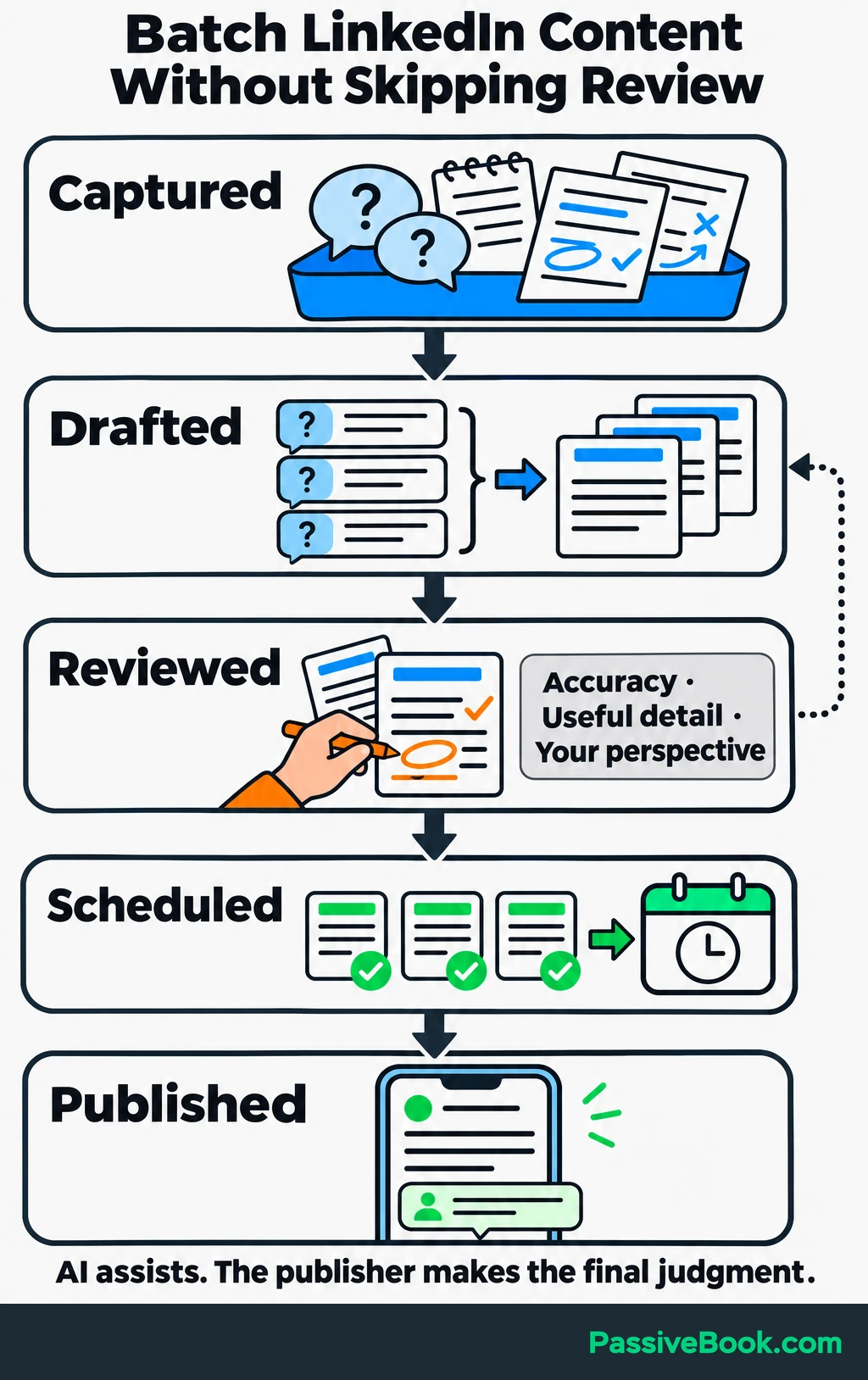
Move each idea through a simple sequence:
Captured → drafted → reviewed → scheduled → published.
Batch similar work. Select the next few questions together, draft the posts, prepare any necessary visuals and then review the queue. Canva is useful when an annotated image or document improves the lesson.
Use AI after you have gathered the substance. I would use Claude to organize notes and test a draft’s clarity, while keeping the final judgment with the person publishing.
A focused prompt could be:
Using only the notes below, outline a LinkedIn post for daycare managers choosing a staff workshop.
Audience question: What should I clarify before booking?
Intended takeaway: Compare the intended participants, learning outcomes and practice activities.
Positioning: I help daycare managers prepare staff to plan and deliver enrichment sessions through practical online workshops.
Source notes: [Paste verified notes.]
Explain one buying decision. Flag missing information. Do not invent credentials, customer examples or outcomes.
Review the output for accuracy, useful detail and your perspective. LinkedIn says AI can help with writing, but posts and comments should represent the person’s voice and views.
Schedule approved posts with LinkedIn’s native scheduler using the clock icon in the post composer.
Add another tool when you can name the bottleneck it removes. I would skip a paid scheduling subscription while the native option covers the job. Keep substantive replies and customer conversations under human control.
Distribute Posts Through Relevant Conversations
Publishing is only part of the workload. Reserve time to participate where your prospective customers already discuss the problems you address.
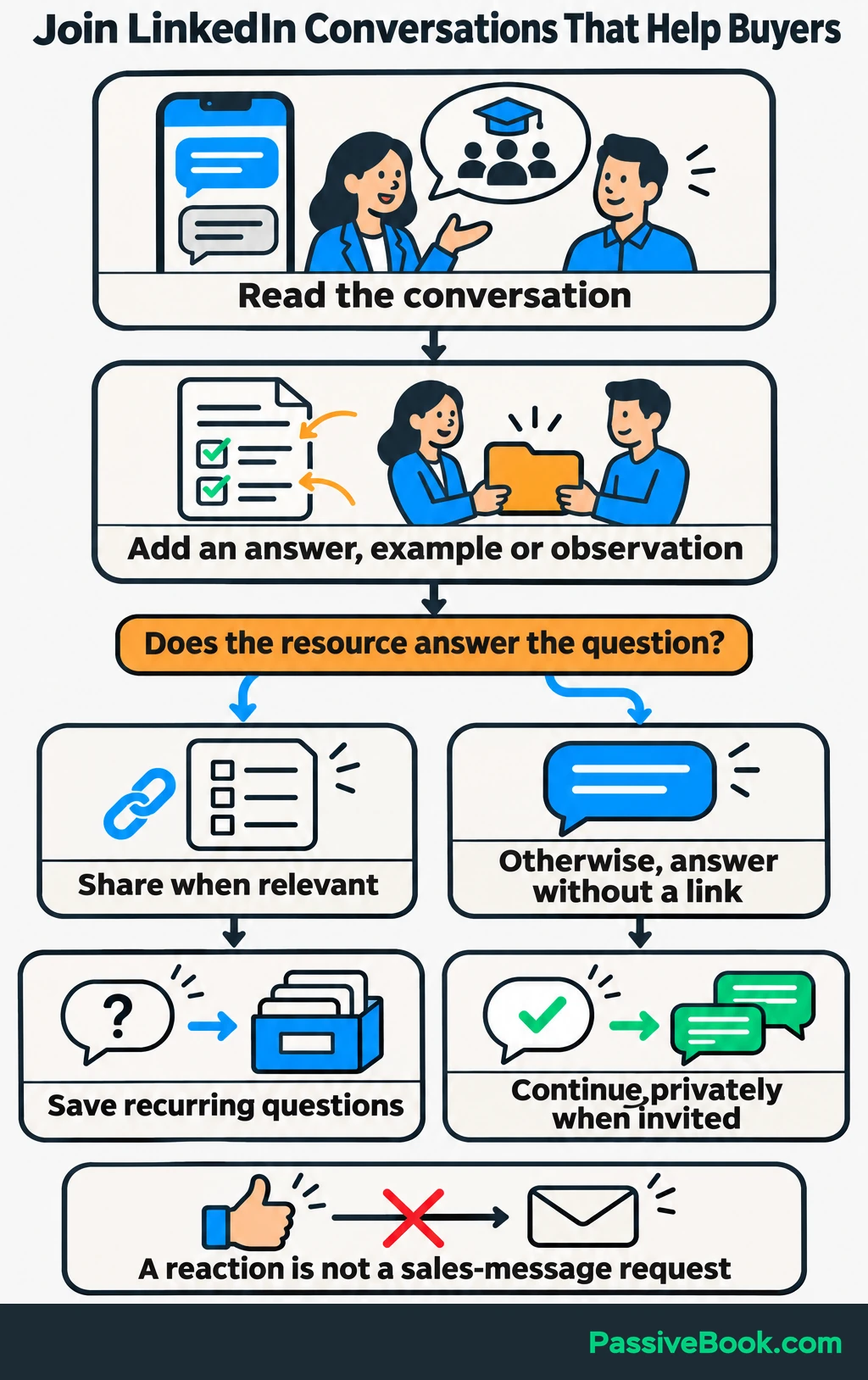
Follow relevant customers, peers and referral partners. Read the conversation before joining it, and contribute an answer, example or observation that helps.
For the workshop business, a discussion about staff development might be a good place to explain how a sample planning sheet supports a handover. Share your resource when it answers the question. Otherwise, answer without adding a link.
When someone comments on your post, respond to what they actually asked. If they describe a problem, offer a useful clarification rather than replying with a generic thank-you.
Save recurring questions in your idea library. They can reveal what your next post needs to explain.
Continue privately when someone wants to discuss their situation or asks about the offer. A reaction alone is not a request for a sales message.
Skip engagement pods, automated comments and “comment to agree” prompts. LinkedIn says it is acting against inauthentic engagement and reducing repetitive, low-substance posts. Its feed guidance supports spending that time on useful contributions instead.
Measure Results and Improve the Next Cycle
Track Visibility, Relevant Responses, and Business Outcomes
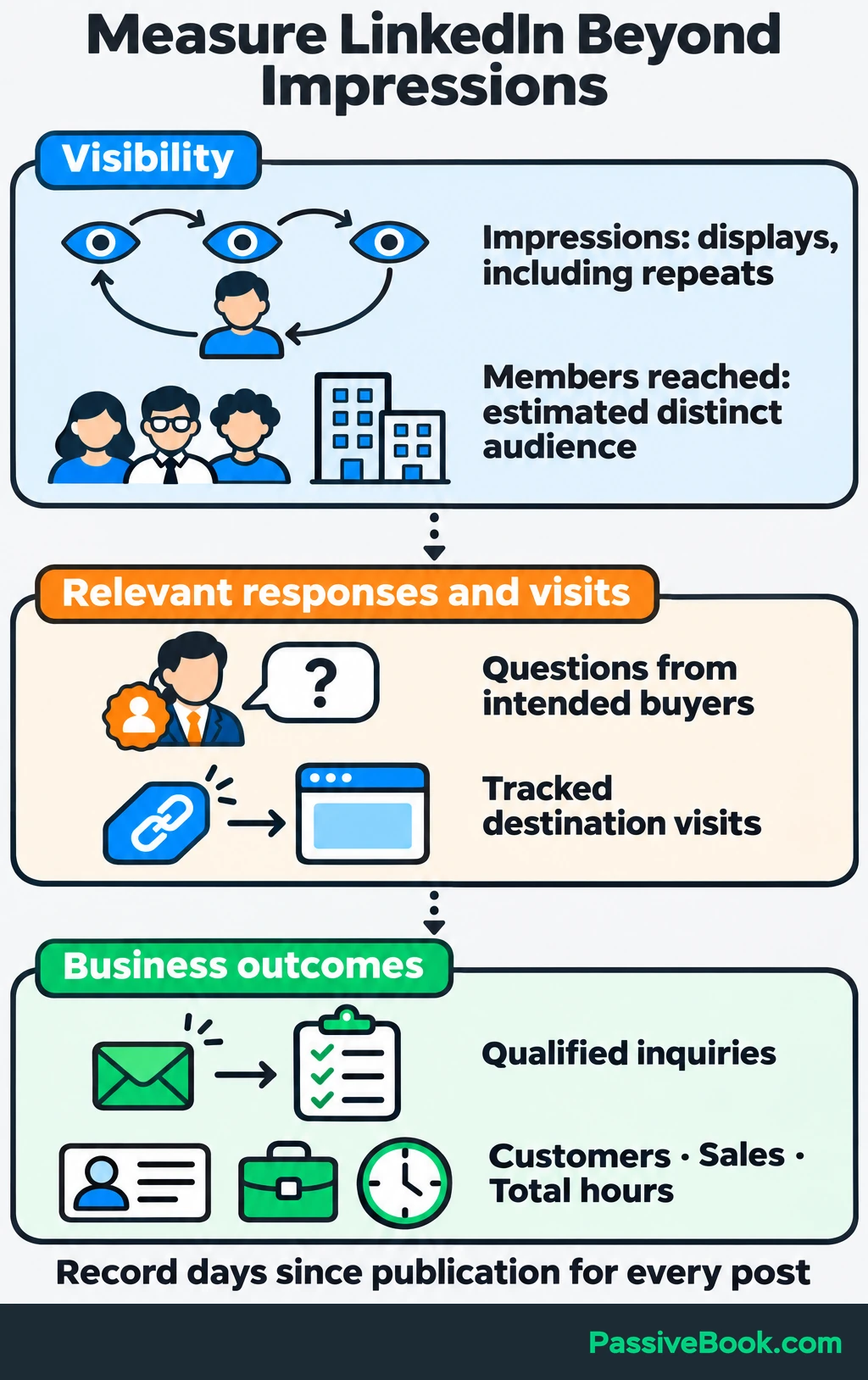
In LinkedIn’s post analytics, impressions count displays, including repeat views. Members reached estimates distinct members and Pages that saw a post. Use audience demographics, when available, to check whether viewers match your intended buyers.
Record one row per post with these columns:
- Post Details: URL, pillar, purpose and format.
- Observation Window: Days since publication.
- Visibility: Impressions and members reached.
- Relevant Responses: Questions or conversations from people who fit your audience.
- Destination Visits: Tracked website visits from the post.
- Qualified Inquiries: Inquiries that meet your definition.
Also record customers, sales and total LinkedIn hours for the review period. Keep inquiries together so you can follow up.
If you track website visits in Google Analytics, add UTM parameters to your post links. These labels identify which post brought a visit. Google’s campaign-link guidance explains how to add them.
For the workshop-selection post, a tagged link could look like this:
https://example.com/workshop?utm_source=linkedin&utm_medium=organic_social&utm_campaign=daycare_workshops&utm_content=booking_questionsReplace https://example.com/workshop with your page address and use a different utm_content value for each post.
Also ask inquirers what prompted them to contact you. A referral or private conversation may matter even when no tagged link was clicked.
Use the Results to Choose Your Next Change
Compare posts with similar purposes after the same amount of time. A two-day-old teaching post and a month-old booking post are answering different questions.
Look for repeated patterns across the cycle before making large changes from small totals.
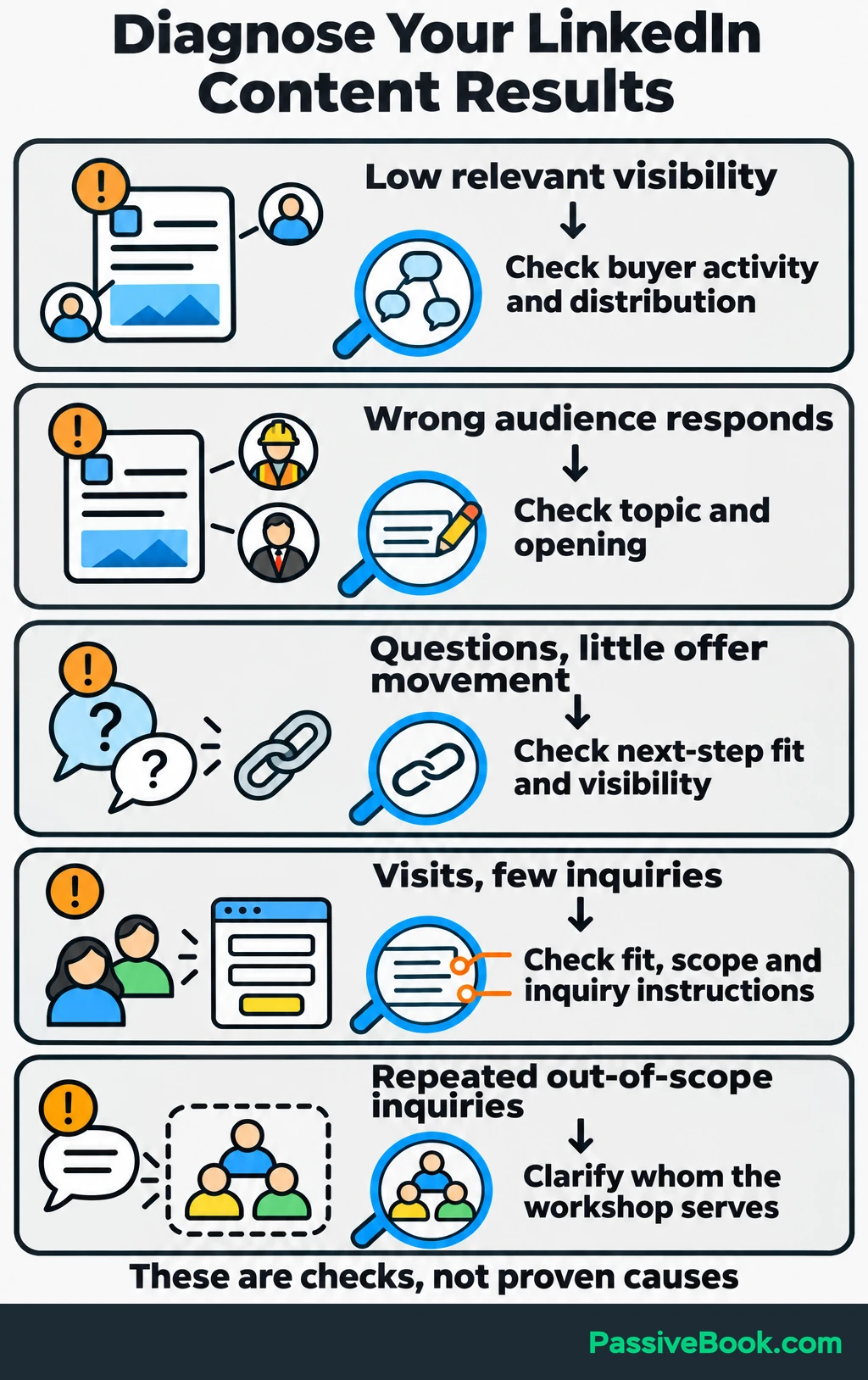
| What You Observe | What I Would Check Next |
|---|---|
| Little visibility among relevant people | Whether buyers are active where you participate and whether your distribution reaches them |
| Responses mainly from people outside your audience | Whether the topic and opening identify the buyer’s problem clearly |
| Relevant questions but little movement toward the offer | Whether the next step fits the post and is easy to find |
| Website visits but few inquiries | Whether the destination explains fit, scope and how to inquire |
| Repeated inquiries outside your scope | Whether your posts and offer page explain who the workshop serves |
Then compare outcomes with effort.
Count qualified inquiries attributed to LinkedIn during the review period, and count all LinkedIn work hours during that same period. Include preparation, publishing, conversations and measurement.
If the illustrative workshop business received three qualified inquiries after 12 hours of work:
3 inquiries ÷ 12 hours = 0.25 qualified inquiries per hour.
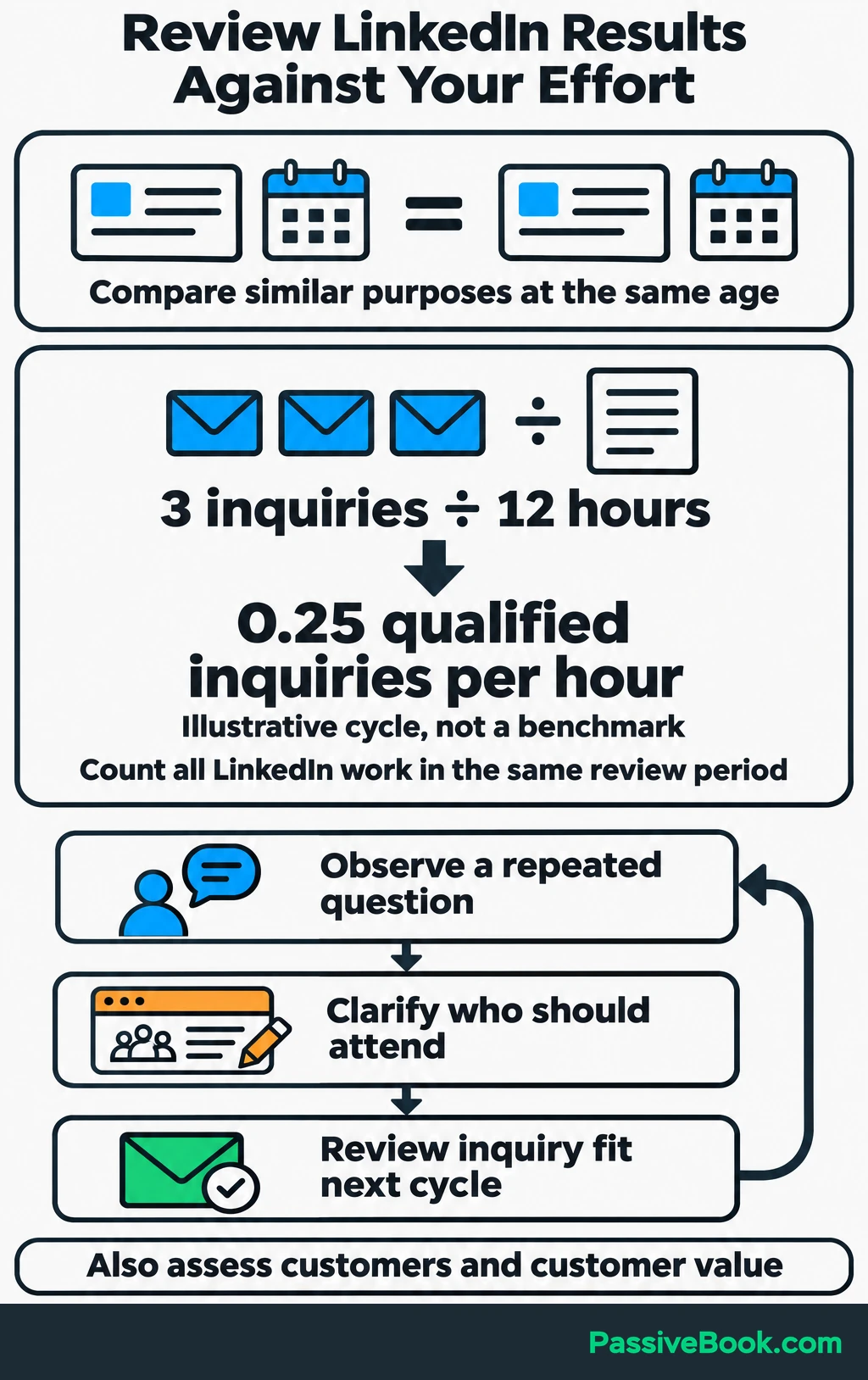
That figure helps you compare future cycles. Whether the channel deserves more time also depends on how those inquiries turn into customers and what those customers are worth.
Record one change for the next cycle, why you chose it and what would justify keeping it. For example:
Managers visit the workshop page but ask who should attend. Add a clear participant description and check whether the next cycle produces better-fit inquiries.
Carry useful questions back into your pillars and calendar. That is how the strategy becomes repeatable: each cycle gives you better inputs for the next one.
What Next?
Write your one-page strategy and choose one real buyer question to answer this week. Give that post a clear takeaway and a destination that fulfills its promise.
Use the social buttons to share this guide when a content-planning conversation needs a practical way forward.
Which part of your LinkedIn strategy needs the most work: reaching the right people, choosing useful topics or turning interest into inquiries? Tell me in the comments, and bring any other questions too.
Share this post with your friends & followers:

