A listener asks a question you answered six months ago. The recording still helps, but finding it means digging past dozens of newer episodes.
Meanwhile, you’re planning another recording on much the same subject. That takes an evening, and the useful answer you already made stays buried. To give that recording another chance to reach listeners, this guide walks through a repeatable promotion routine that reuses what you’ve already recorded and helps you judge whether the extra downloads are worth the work.
Choose Episodes That Still Solve a Listener’s Problem
Before deciding how to promote old podcast episodes, check which ones still deserve a recommendation. Age matters less than whether the answer remains accurate and useful.
Put your candidates in a spreadsheet. Record the title, direct link, listener question, updates needed, recent downloads, available assets, and last promotion date.
Start with episodes that:
- Answer questions people still ask.
- Have received little promotion.
- Connect naturally to something you’re publishing.
- Show recent interest despite little attention from you.
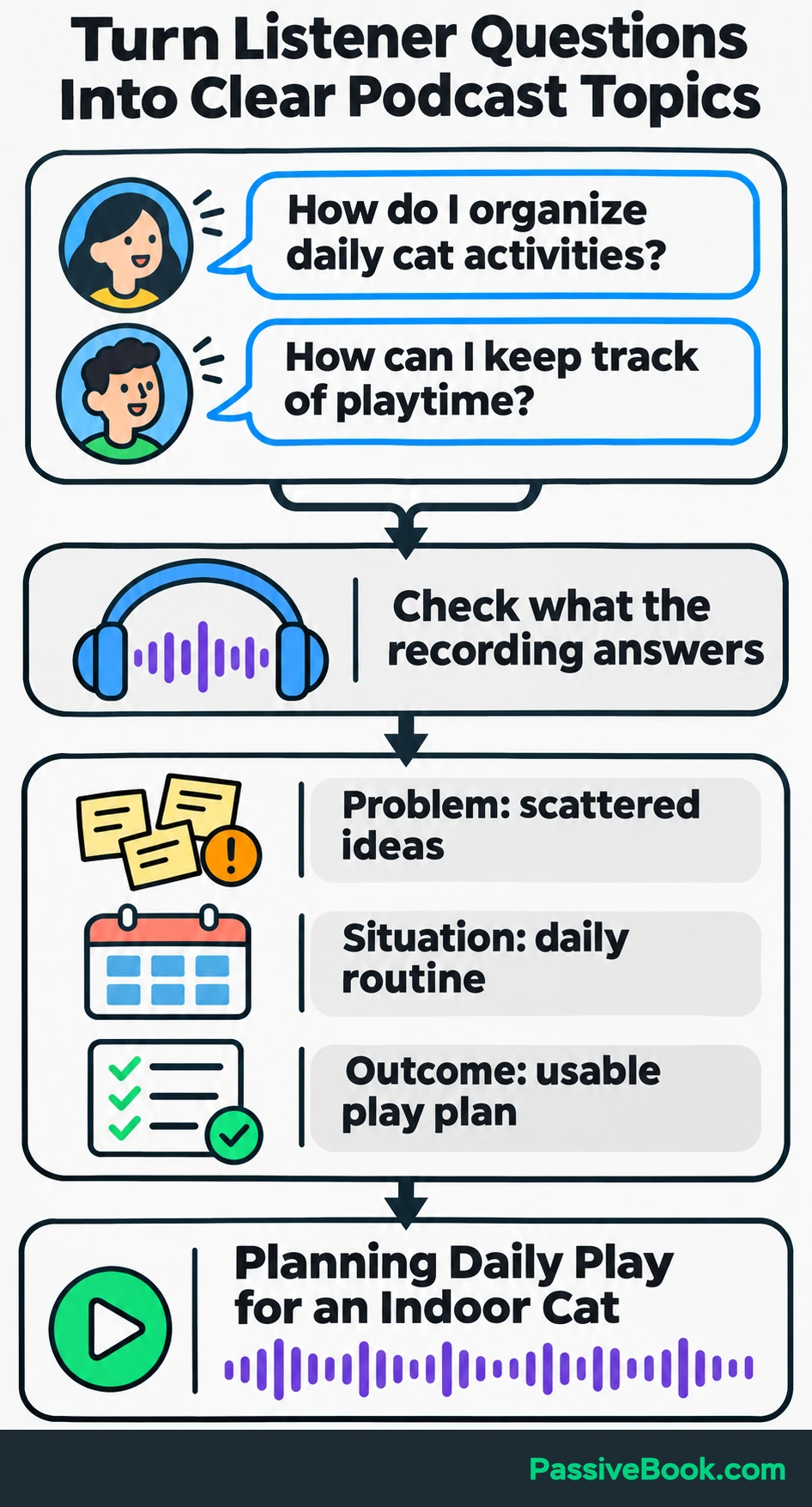
Lifetime downloads can help, but I wouldn’t let them choose the whole list. A popular episode may already have had several campaigns behind it. A quieter recording may simply have been poorly introduced.
For the running example, imagine you sell printable home-baking planners and support the business with a podcast. You’re promoting “Planning Your First Sourdough Bake.” The example details, copy, and figures below are illustrative.
Here’s one inventory entry:
| Field | Example Entry |
|---|---|
| Episode | Planning Your First Sourdough Bake |
| Destination | URL not supplied; add the episode’s listening-page link |
| Listener question | How can I fit my first bake around other weekend plans? |
| Updates needed | Replace a broken worksheet link and rewrite the opening description |
| Recent downloads | 40 during the previous 14 days |
| Available assets | Recording and transcript; no video |
| Last promotion | Not recorded; check the publishing calendar |
That listener needs help planning a bake. Someone whose loaf has already failed needs a different answer. Both may be beginners, but recommending the same recording to both ignores what they’re trying to do.
Choose one episode and finish the whole workflow before preparing a batch. Otherwise, you can build a magnificent spreadsheet and still promote nothing.
Refresh the Episode and Its Listening Page
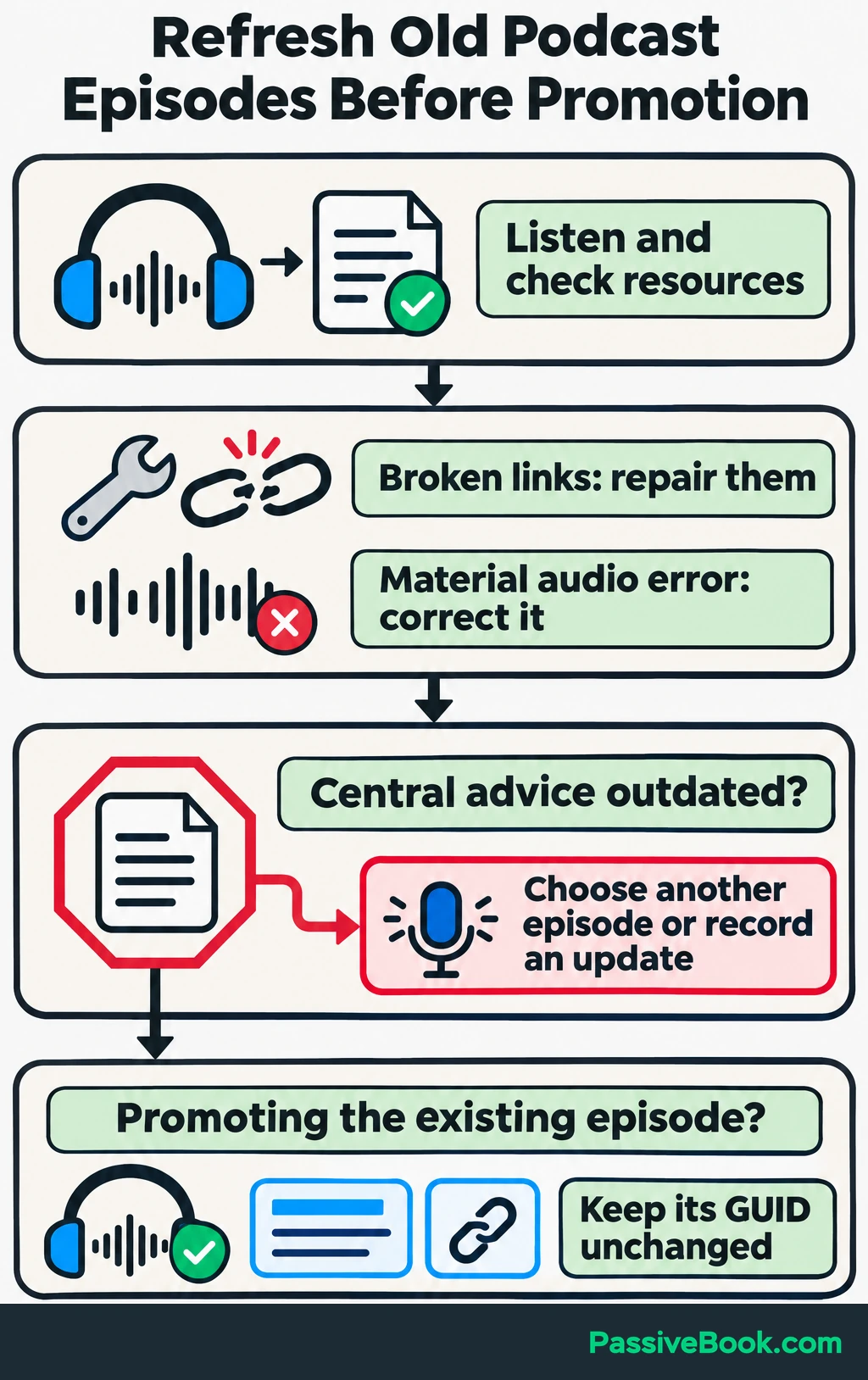
Listen to the recording before sending people back to it. Check its advice, resources, links, and offers.
Fix broken links and outdated supporting details. If the audio contains a material error, correct it before promoting it. When the central advice no longer holds, choose another episode or record an updated edition. A fresh description cannot repair bad advice.
Next, check whether the title gives people a reason to listen.
“A Conversation With Our Baker” names the format. “Planning Your First Sourdough Bake” names the help. Apple says accurate titles, descriptions, and other metadata help shows appear in relevant searches.
Put the listener’s problem and the episode’s useful answer at the start of the description:
Trying to fit your first sourdough bake around your weekend? This episode explains how to map the stages and plan around your other commitments.
Edit the existing episode record through your host. Preserve its GUID, the unique identifier that keeps it recognizable as the same episode. Apple requires that identifier to remain unchanged.
I would promote the existing recording by default. A newly recorded edition makes sense when the advice needs substantial changes. A clearly labeled replay needs an editorial reason too, such as a new introduction explaining what returning listeners should reconsider.
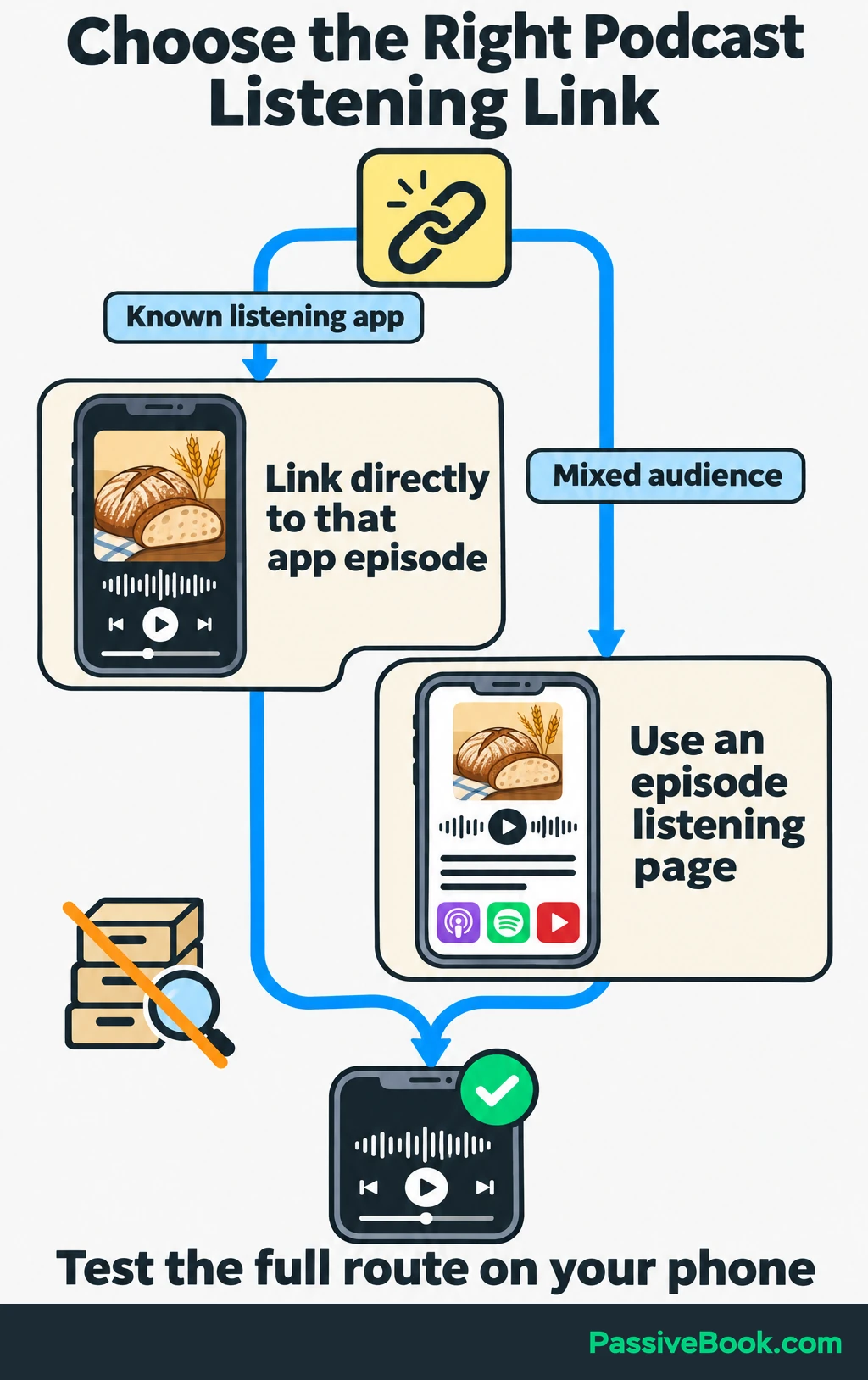
Finally, choose the destination:
- Known listening app: Use the specific episode’s app link when you know that’s where your audience listens.
- Mixed audience: Use an episode page with a prominent player, short summary, and listening-app choices.
Test the route on your phone, from the promotional link through playback. People should land on the promised episode without searching your archive.
Turn the Episode Into a Reusable Promotion Kit
Choose your placements before making assets. I would begin with a channel that already reaches interested people, then add one discovery channel you can maintain.
For the baking episode, that might mean your email list and an existing social account. You don’t need six formats because a marketing checklist has six empty boxes.
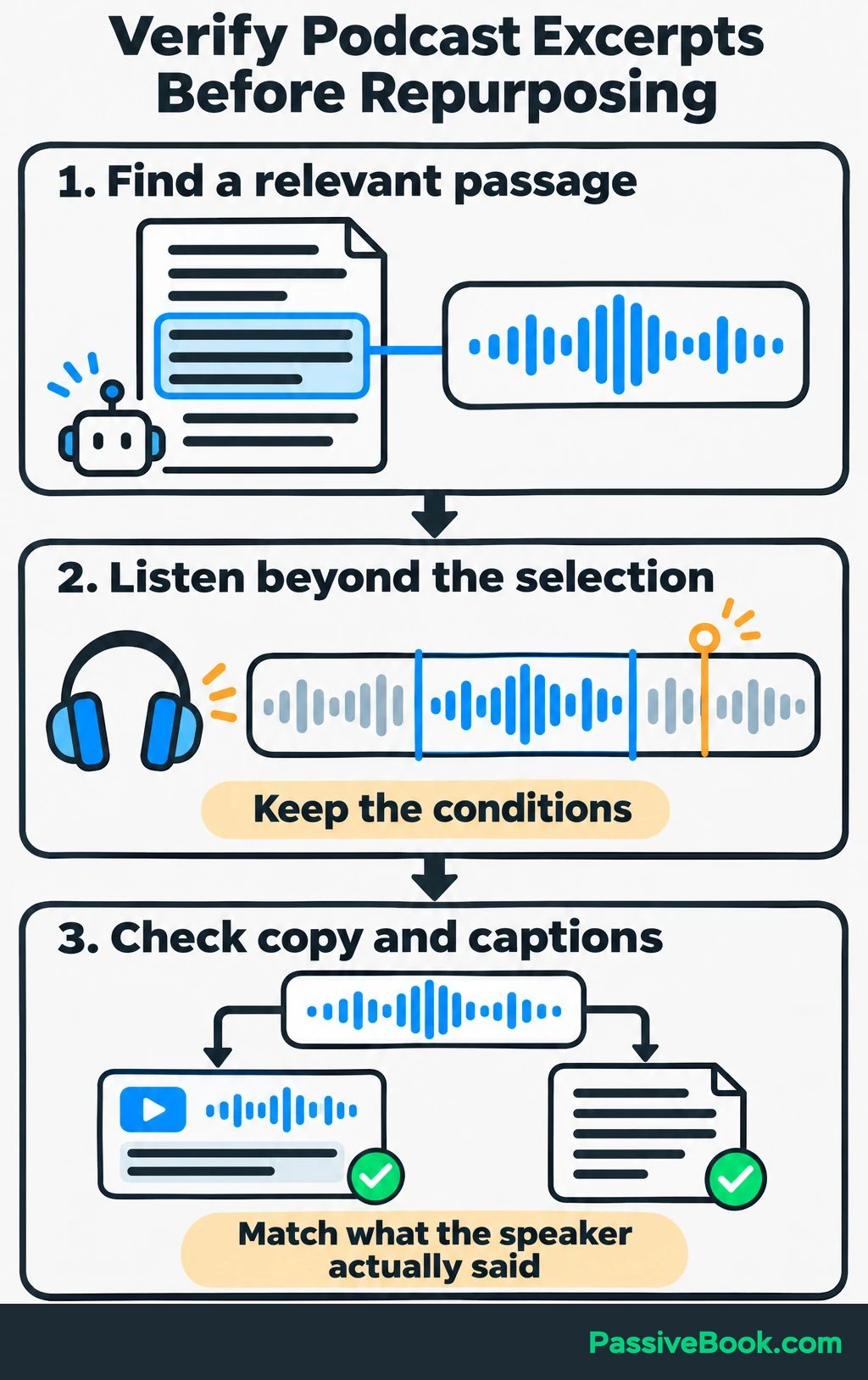
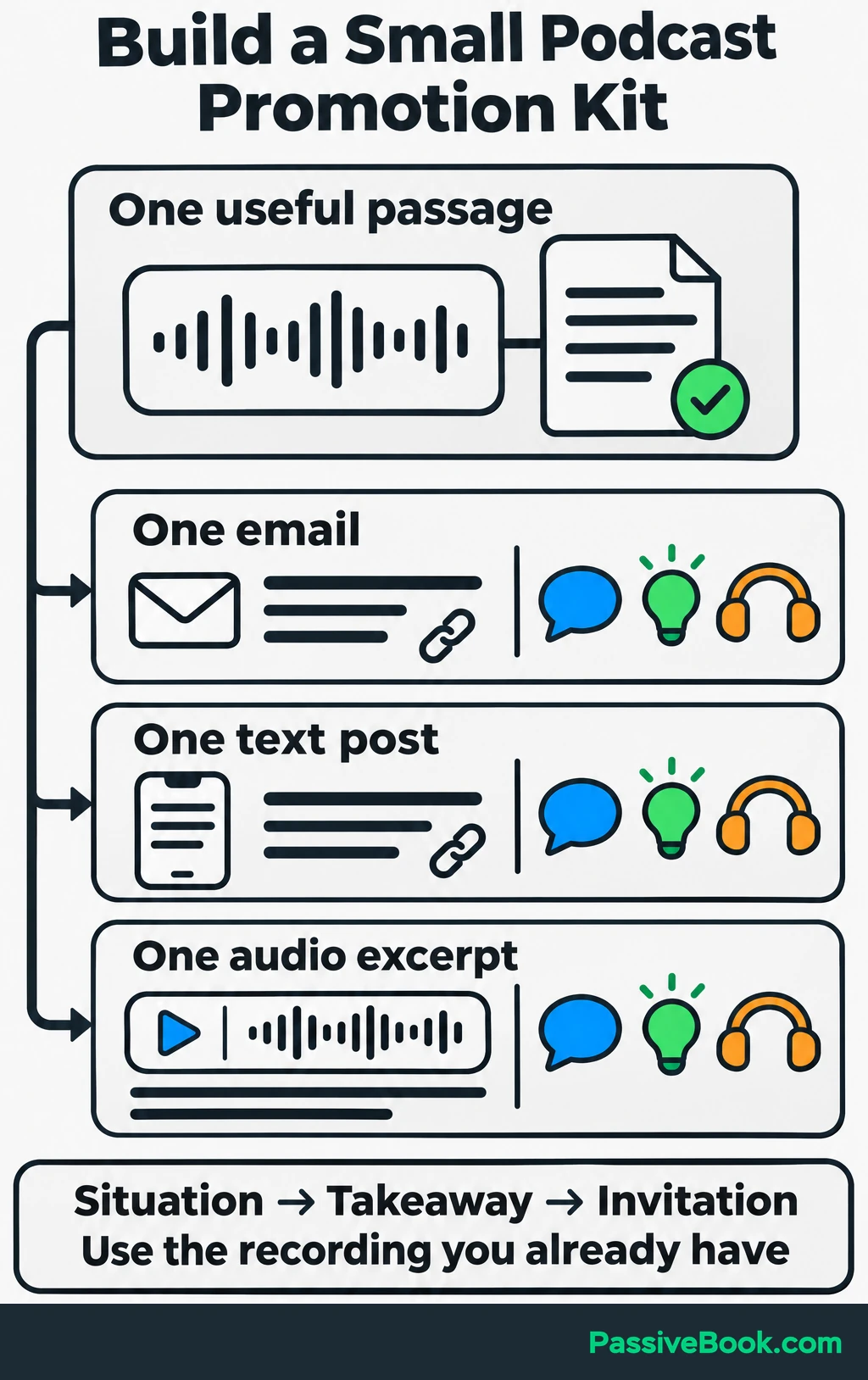
Review the transcript and find a passage that answers the selected question. Listen to the passage with the surrounding audio so you keep the conditions that make it useful.
Build each asset around three things:
- Situation: The problem the listener recognizes.
- Takeaway: One useful idea from the recording.
- Invitation: What the full episode adds and where to hear it.
A small kit could contain one email, one text post, and one captioned audio excerpt. If you have no video, use the existing audio with simple visuals. There’s no need to recreate the conversation on camera.
Prepare a second angle only when the episode supports it. After the general first-bake email, an excerpt about planning around Saturday errands gives listeners a more specific reason to revisit the recording.
AI can help locate passages and draft variations from a transcript. Give it a narrow task:
Find three passages that explain planning around other commitments. Include timestamps and the surrounding context. Draft a short introduction for each using only information in the transcript.
Check the suggestions against the audio and correct captions. Let AI shorten the preparation work while you keep control of what the speaker actually said.
If finding a fresh way to introduce the episode is slowing you down, AI Podcast Studio can draft your first promotion kit. You supply the source material and listening link, then review the copy before publishing.
Free AI Podcast Studio




Share the Episode Where Its Topic Is Relevant
You don’t need every channel below for every episode. Choose the places where the question already matters.
Before sharing, save the episode’s downloads for a defined baseline, such as the previous 14 days. Record the dates and use the same hosting provider’s episode-level download measure throughout.
Log each promotion’s date, channel, angle, asset, and destination. If you use Google Analytics on your website, add campaign tags—labels in the URL—to links from your emails and social posts to your episode page. For this email, use utm_source=newsletter, utm_medium=email, and utm_campaign=first-bake. These tags identify which promotions send visits to your site. Use Google’s campaign-link guidance to build the URL.
Those visits help you assess the route to listening. Your podcast host supplies the download count.
Recommend Archive Episodes From Current Content
Look for moments when current content raises a question an older recording answers more fully.
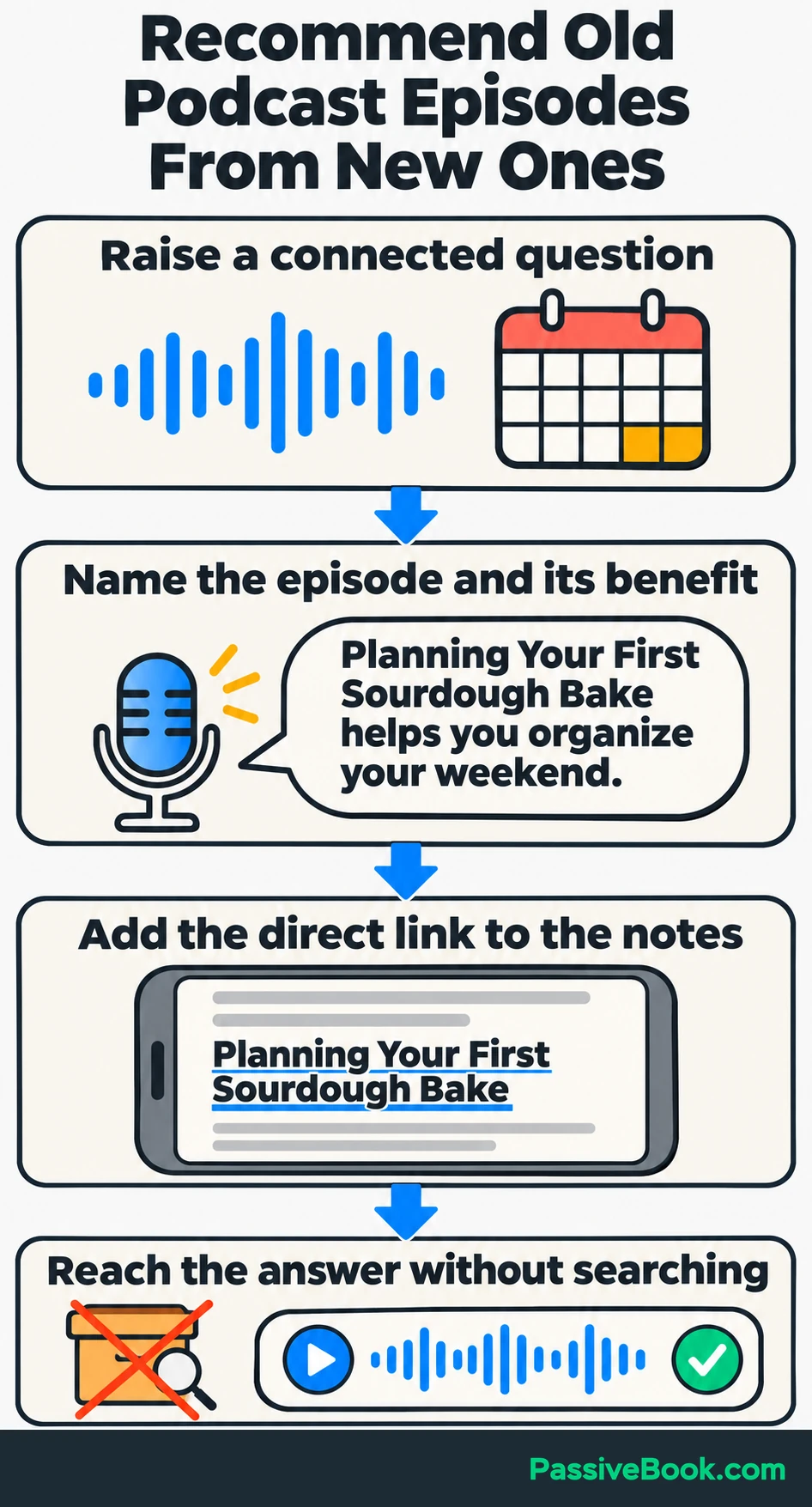
In a new episode, explain the connection aloud and put the direct link in its notes. “We covered that before” gives listeners homework. Tell them which episode and what it helps them do.
For the baking show, an episode about preparing for the weekend could briefly recommend the planning recording rather than repeat its whole explanation.
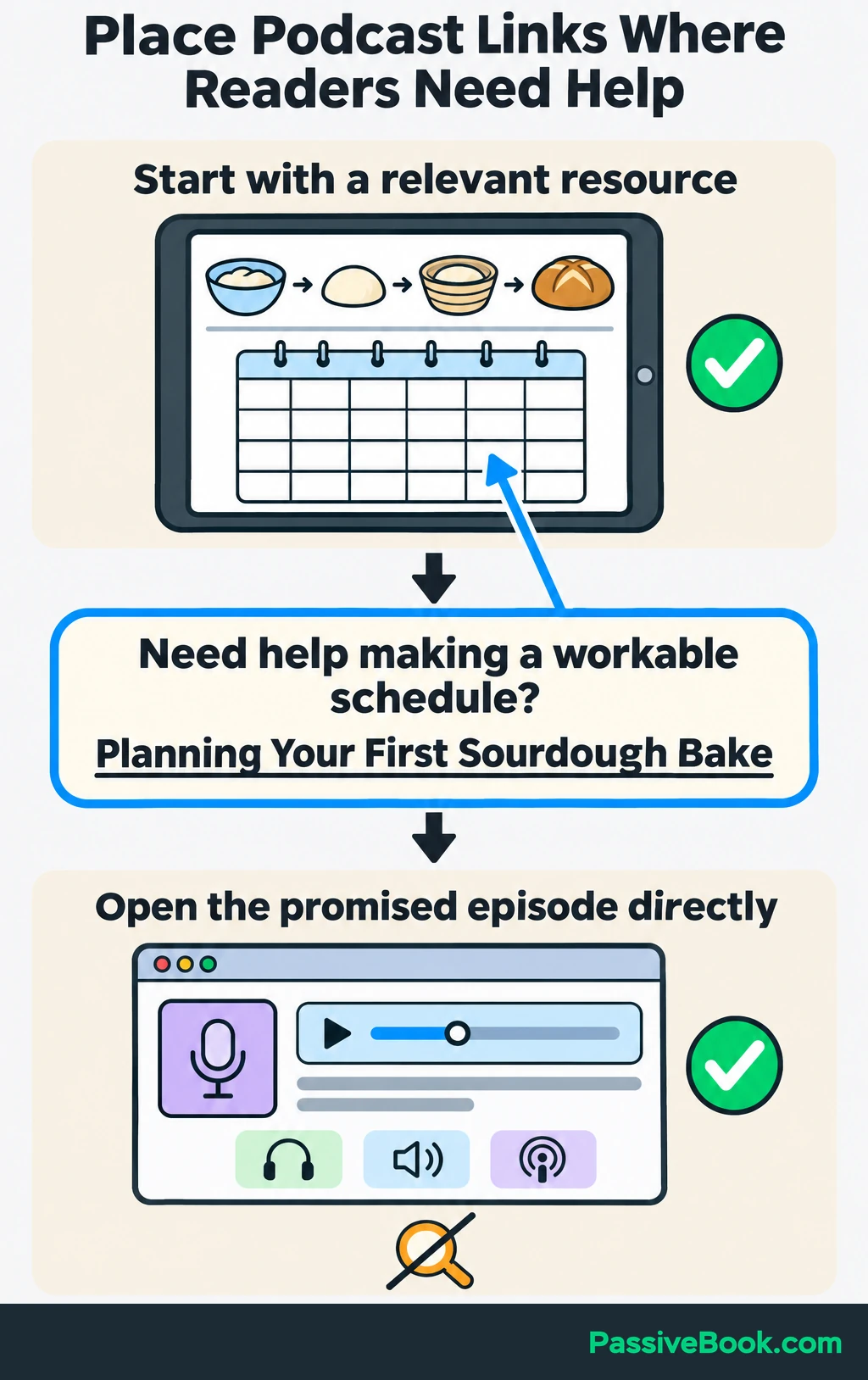
Your existing website offers another route. Add the episode beside a worksheet or article where readers may need more guidance. On a bake-planning resource page, the invitation could read:
Need help turning these stages into a workable schedule? Listen to “Planning Your First Sourdough Bake.”
Use descriptive link text so people know what they’ll get. Google also recommends contextual internal links to help readers and search engines understand and find related pages. Google’s link guidance.
Feature Episodes in Newsletters and Welcome Emails
Lead with the listener’s problem, give one useful takeaway, and explain what the recording adds. The publication date rarely deserves the opening sentence.
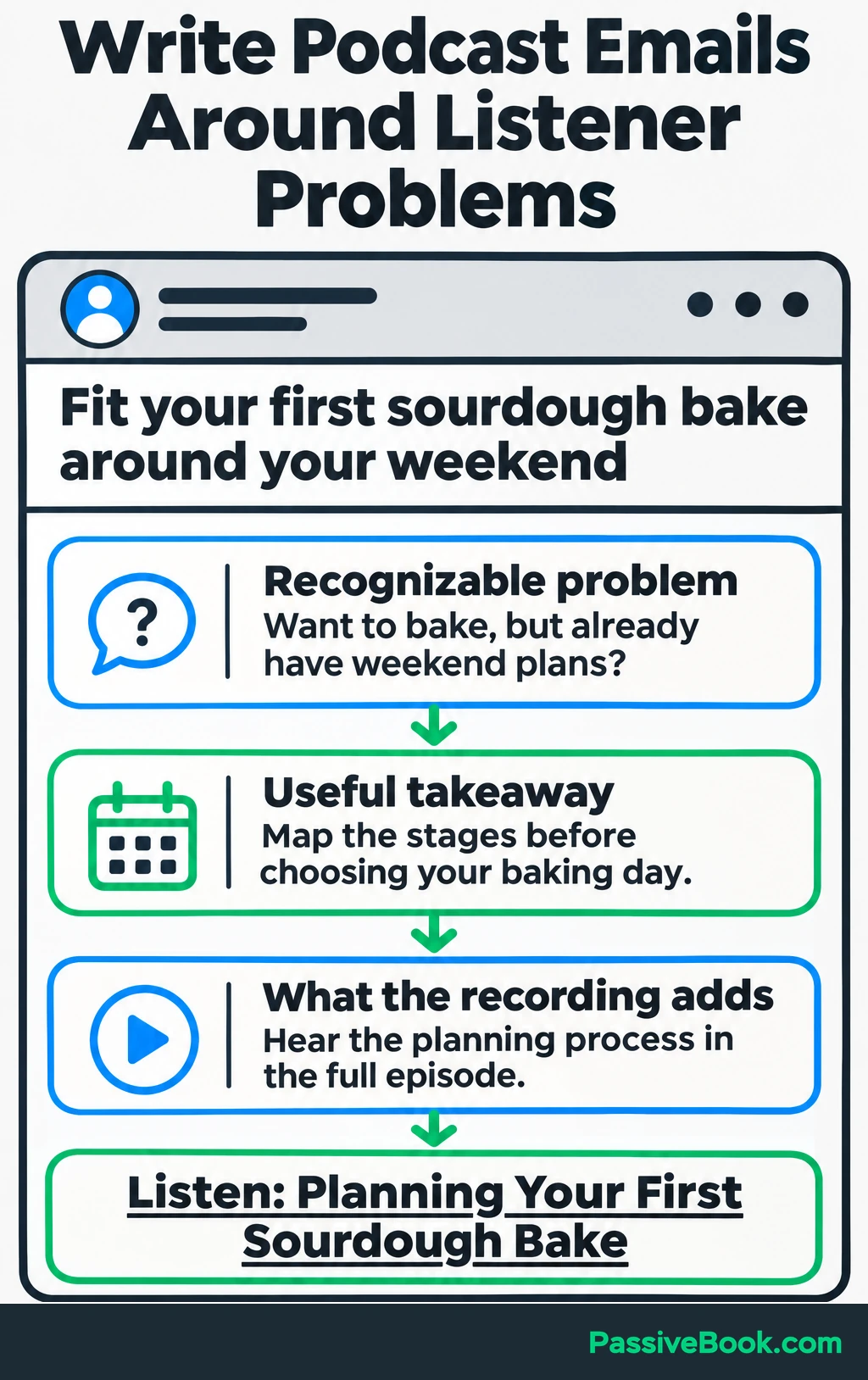
Here’s a complete email you can adapt. Replace the bracketed link and sender name before sending.
Subject: Fit your first sourdough bake around your weekend
Hi,
Want to try your first sourdough bake, but already have plans for the weekend?
Start by mapping the stages before choosing your baking day. That gives you a clearer picture of which parts need your attention and where they fit around other commitments.
In “Planning Your First Sourdough Bake,” I walk through that planning process so you can make a schedule before committing to a day.
Already heard it? Revisit it with your calendar beside you and sketch out your next bake.
Listen here: [direct episode link]
Happy baking,
[Your name]
Send it to people whose interests fit. Someone who requested a first-bake worksheet is a stronger match than a subscriber interested only in cake decorating.
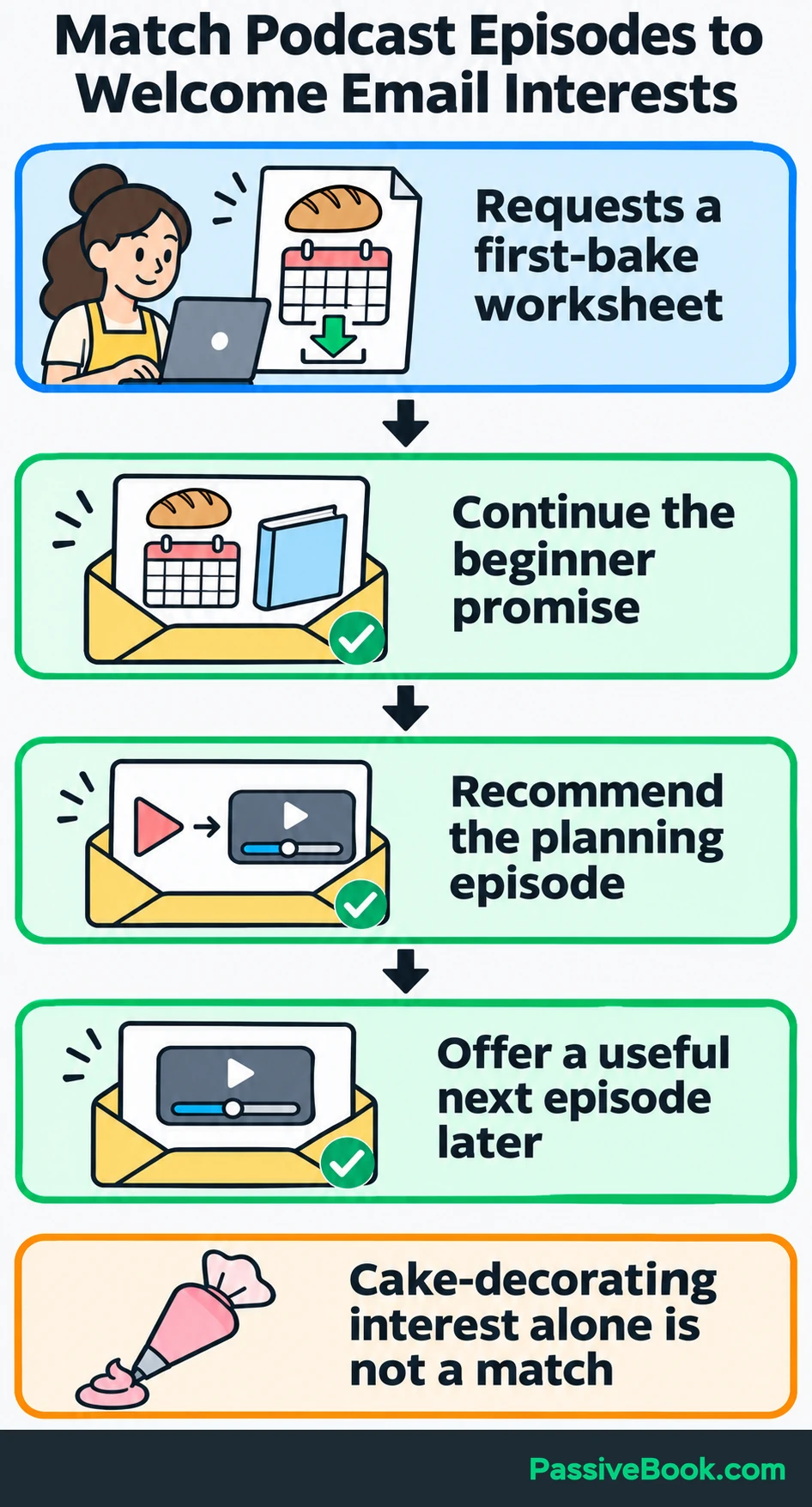
On one of my digital-product sites, I found a useful tutorial linked only from an old launch email. I had kept creating material while leaving a basic starting point buried. I added that tutorial to the relevant welcome email because new subscribers still needed it.
I would apply the same rule here: add the planning episode to an existing beginner welcome sequence, then recommend a related next episode later. Keep the promise of the sequence intact rather than turning every email into an archive promotion.
Share Useful Excerpts on Social Channels
Start with a question or takeaway. “From the archive” tells people where you found the content, but it doesn’t explain why they should care.
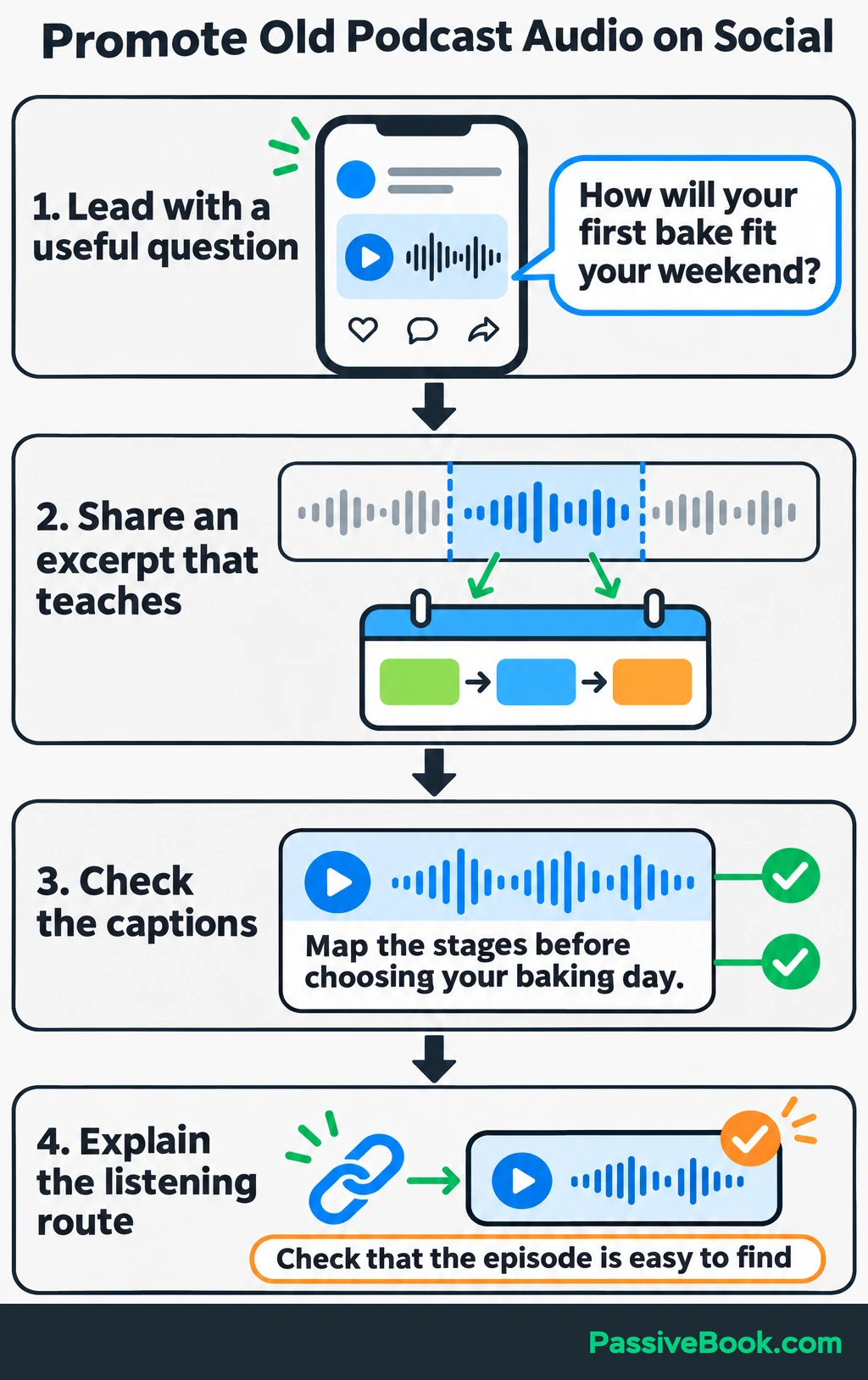
For example:
Your first sourdough bake needs a place in your weekend, alongside everything else you’ve planned. Map the stages before committing to a baking day. In “Planning Your First Sourdough Bake,” I explain how to work through that schedule. Listen through the episode link.
Pair that introduction with an excerpt that actually teaches part of the process. The excerpt should make sense on its own, and the invitation should explain what remains in the full recording.
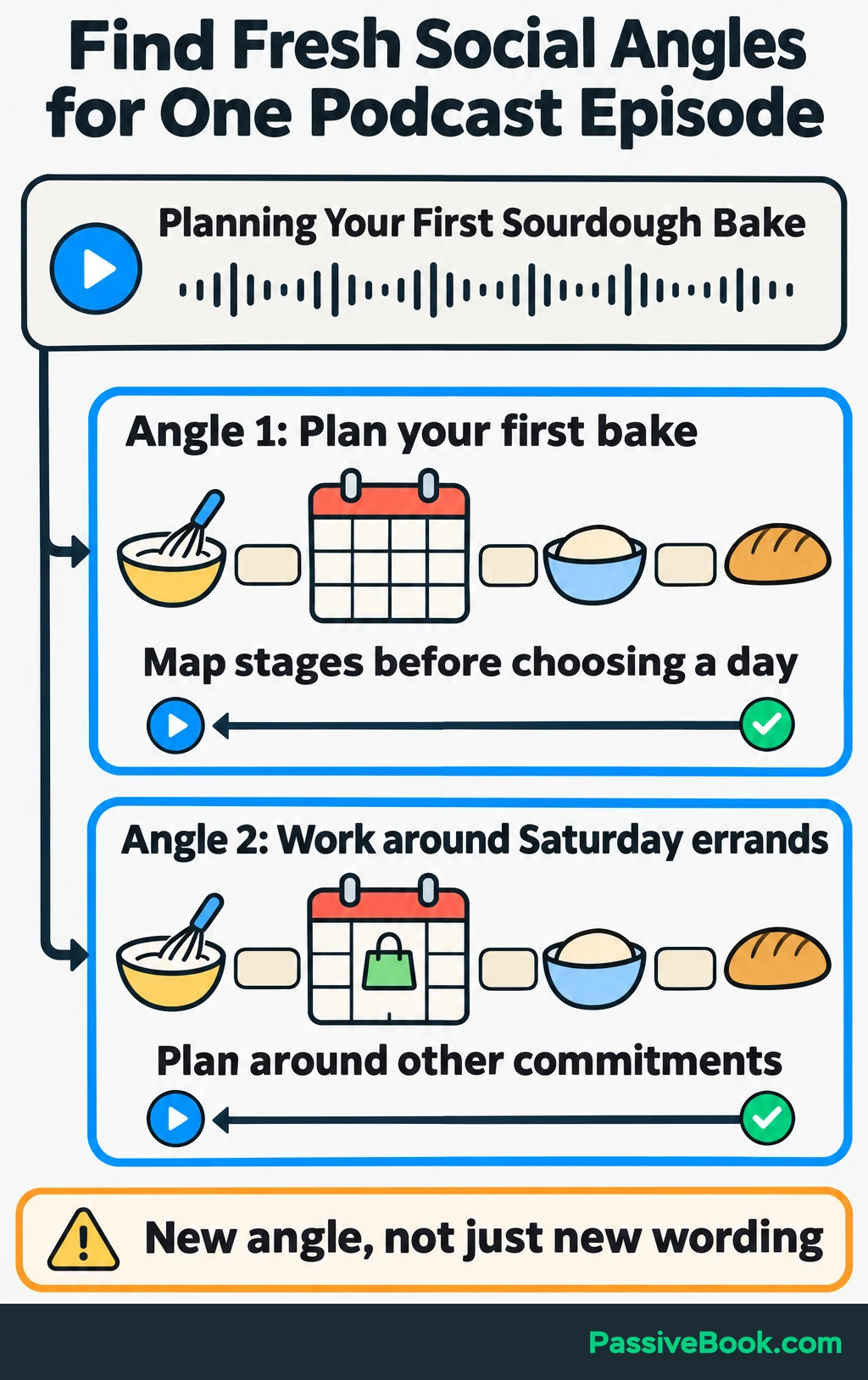
Use a clickable link where the placement supports one. Where it doesn’t, name the route clearly and check that the episode is easy to find there.
Later, try another supported angle. Planning around errands gives you a fresh reason to share. Changing three words in the same announcement gives you another announcement.
Invite Guests and Relevant Communities to Share
If the episode had a guest, send them a ready-to-use excerpt, a suggested caption, and the direct link. Explain why it fits their audience now.
Make the request specific. “Your readers have been asking about planning their first bake, and this passage addresses that question” is more useful than “Please share my old episode.”
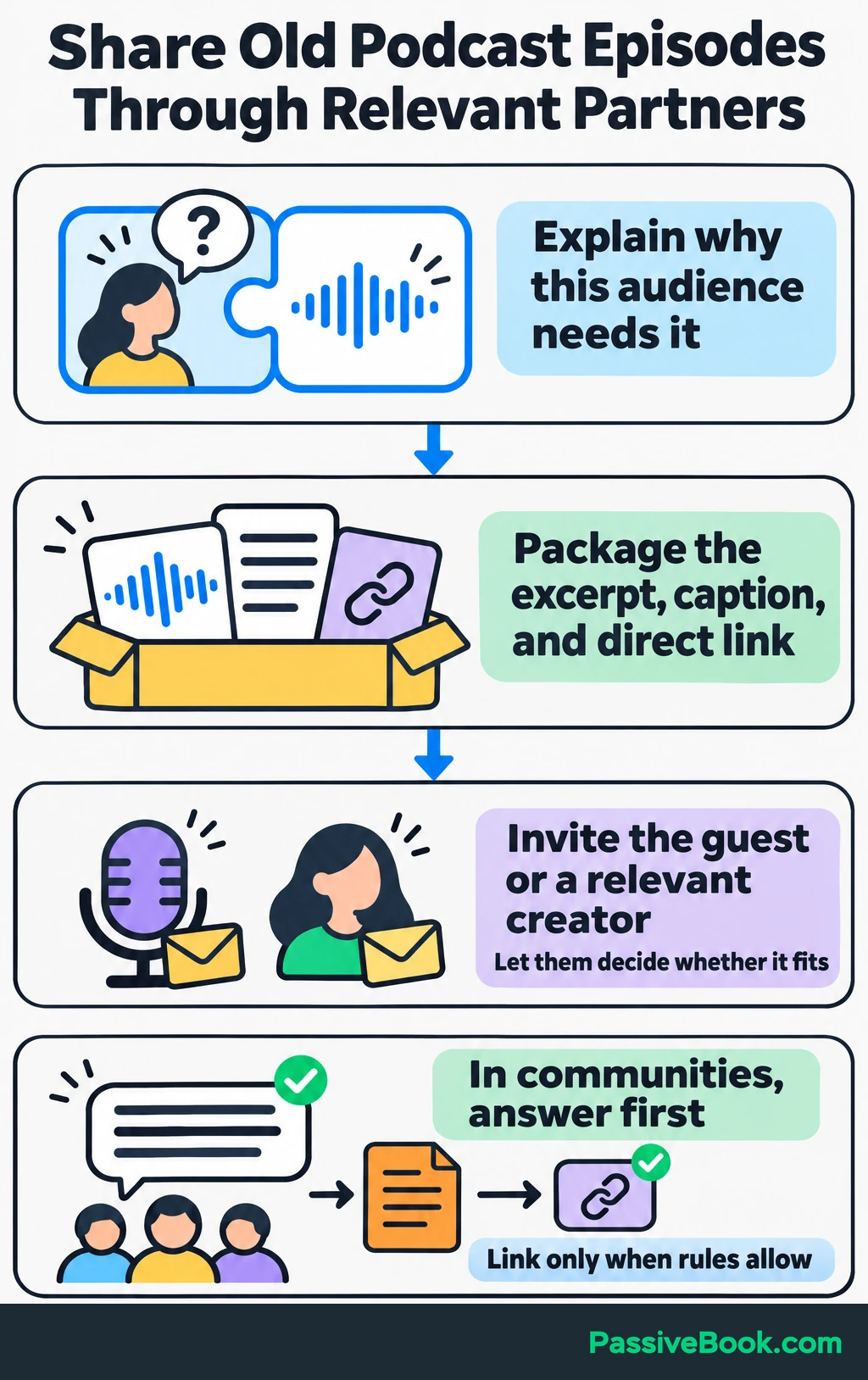
A complementary creator may also have a good placement. The baking-planner business could suggest the recording to a newsletter serving first-time sourdough bakers. Point out the reader benefit and let the creator decide whether it belongs.
In communities, answer the question within the discussion first. Add the recording when it provides useful depth and the community’s rules allow it. A helpful answer should remain helpful even if nobody clicks.
Build a Clear Path Through Related Episodes
When several episodes answer connected questions, arrange them into a small topic collection.
Give each recording a sentence explaining why it belongs, and put prerequisite topics first. For the baking example, “Your First Sourdough Loaf” could connect:
| Listening Order | What the Episode Helps With |
|---|---|
| 1. Starter readiness | Check whether your starter is ready to bake with |
| 2. Planning Your First Sourdough Bake | Organize the stages around other commitments |
| 3. Reviewing the finished loaf | Identify what to adjust before your next bake |
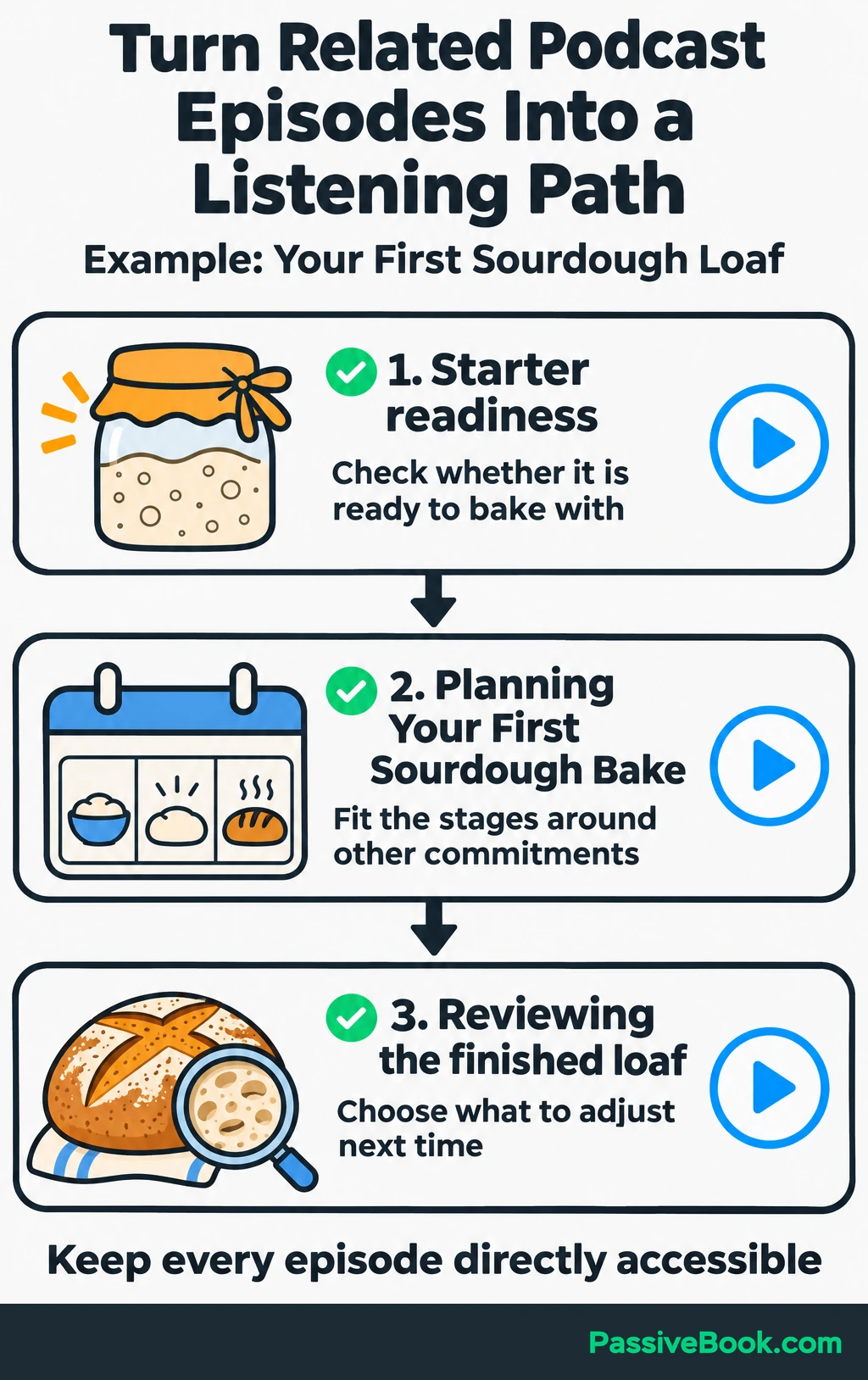
Keep each episode directly accessible. Don’t make people subscribe to another list just to reach the collection.
On the promoted episode’s page, recommend one useful next recording and explain the connection. A clear next step is easier to choose than a wall of episode covers.
Measure Renewed Downloads and Improve the Next Promotion
Compare the promoted episode’s downloads with the baseline you saved. Use equally long periods covering the same days of the week.
For this example, count the downloads your host reports for that single episode during the 14 days before promotion and the 14 days beginning with promotion.
Suppose the episode received 40 downloads before and 60 afterward:
| Measure | Calculation | Result |
|---|---|---|
| Additional downloads | 60 − 40 | 20 |
| Percentage increase | 20 ÷ 40 × 100 | 50% |
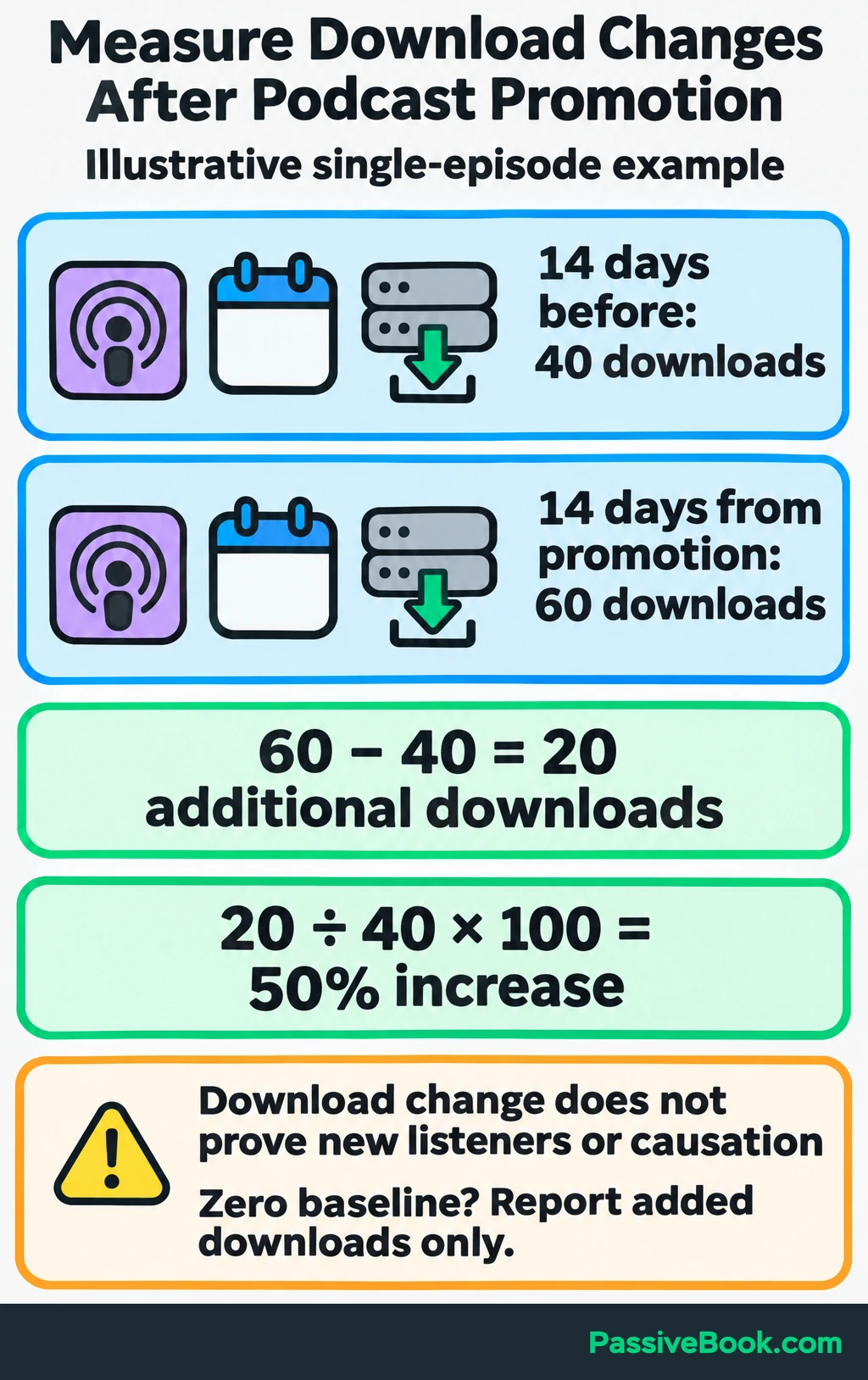
Start with the absolute change. “20 additional downloads” helps you judge the return on your time. If the baseline is zero, report the added downloads without calculating a percentage.
This comparison shows a change over time, but it doesn’t isolate promotion from other influences. It also doesn’t prove you gained 20 new listeners. Podcast downloads are measured through server logs and are distinct from audience measurement or completed listening. IAB Tech Lab’s measurement guidance.
Keep the signals separate when deciding what to change:
- Few promotional clicks: Revisit the placement, audience fit, or opening message.
- Page visits without listening actions: If you track player or listening-app clicks, check that playback works and the page delivers the promised topic.
- More downloads: Repeat the useful topic-and-channel combination and see whether the pattern continues.
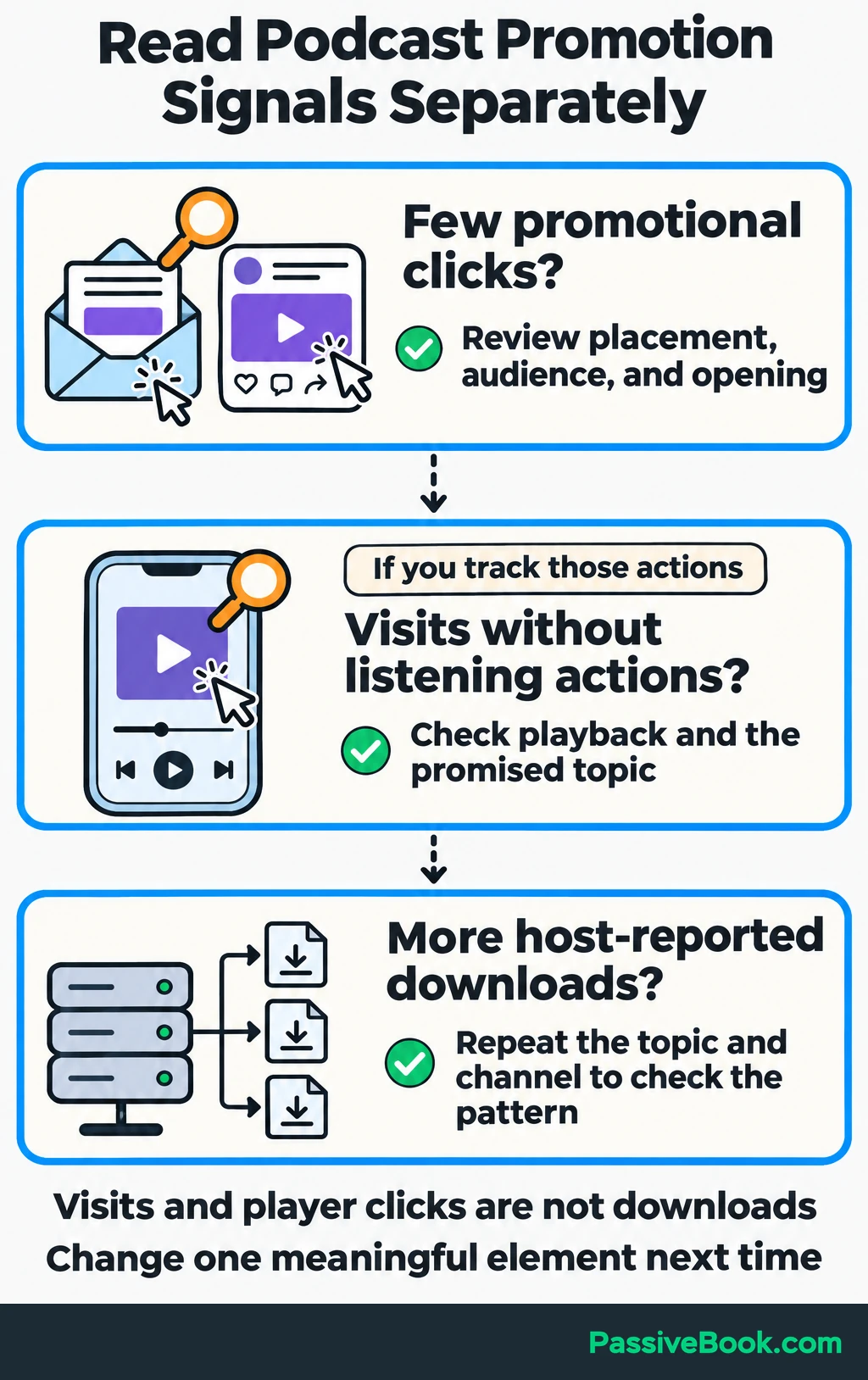
Clicks on a player or listening-app button can help you inspect the journey, but they still aren’t downloads.
Change one meaningful element before trying again so the comparison teaches you something. Record preparation time too. If a polished clip takes an afternoon and a short email takes 20 minutes, the clip needs to earn its place.
Check the next 14 days too, so you can see whether downloads stay above the baseline after the initial promotion.
Keep an Evergreen Promotion Rotation Running
Once you’ve completed the process, turn your inventory into a queue. Add approved assets, the next relevant occasion, the last promotion, and the results.
Choose a recurring archive slot that fits your workload. I would start with one recommendation every other week, then adjust based on audience response and preparation time.
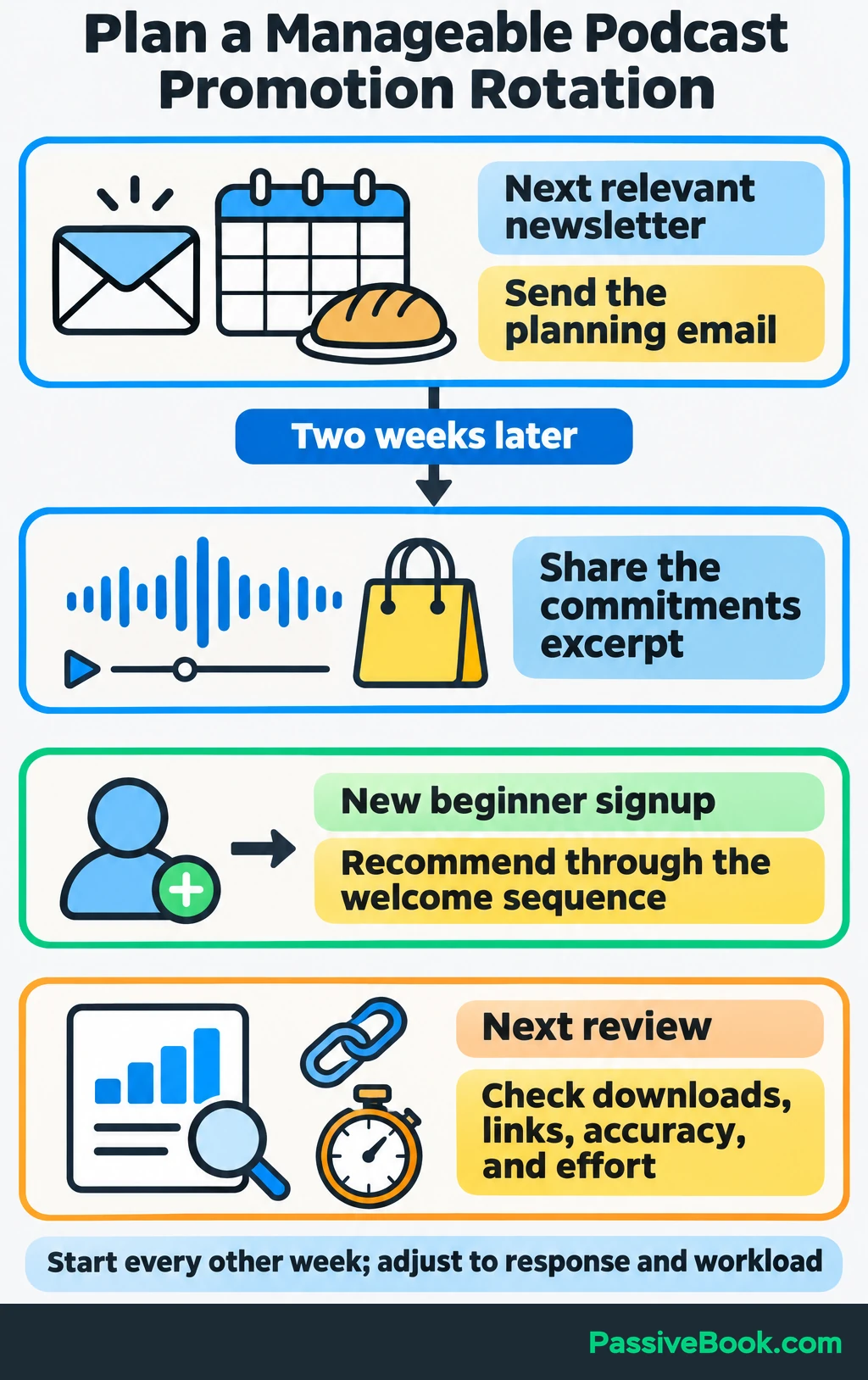
For the baking episode, a manageable rotation might look like this:
| Occasion | Promotion |
|---|---|
| Next relevant newsletter | Send the first-bake planning email |
| Two weeks later | Share an excerpt about working around other commitments |
| New beginner signup | Recommend the episode through the welcome sequence |
| Next review | Check downloads, links, accuracy, and preparation time |
Batch the asset work and schedule approved material with tools you already use. If you already have an email platform, use its welcome automation rather than buying another tool for archive promotion.
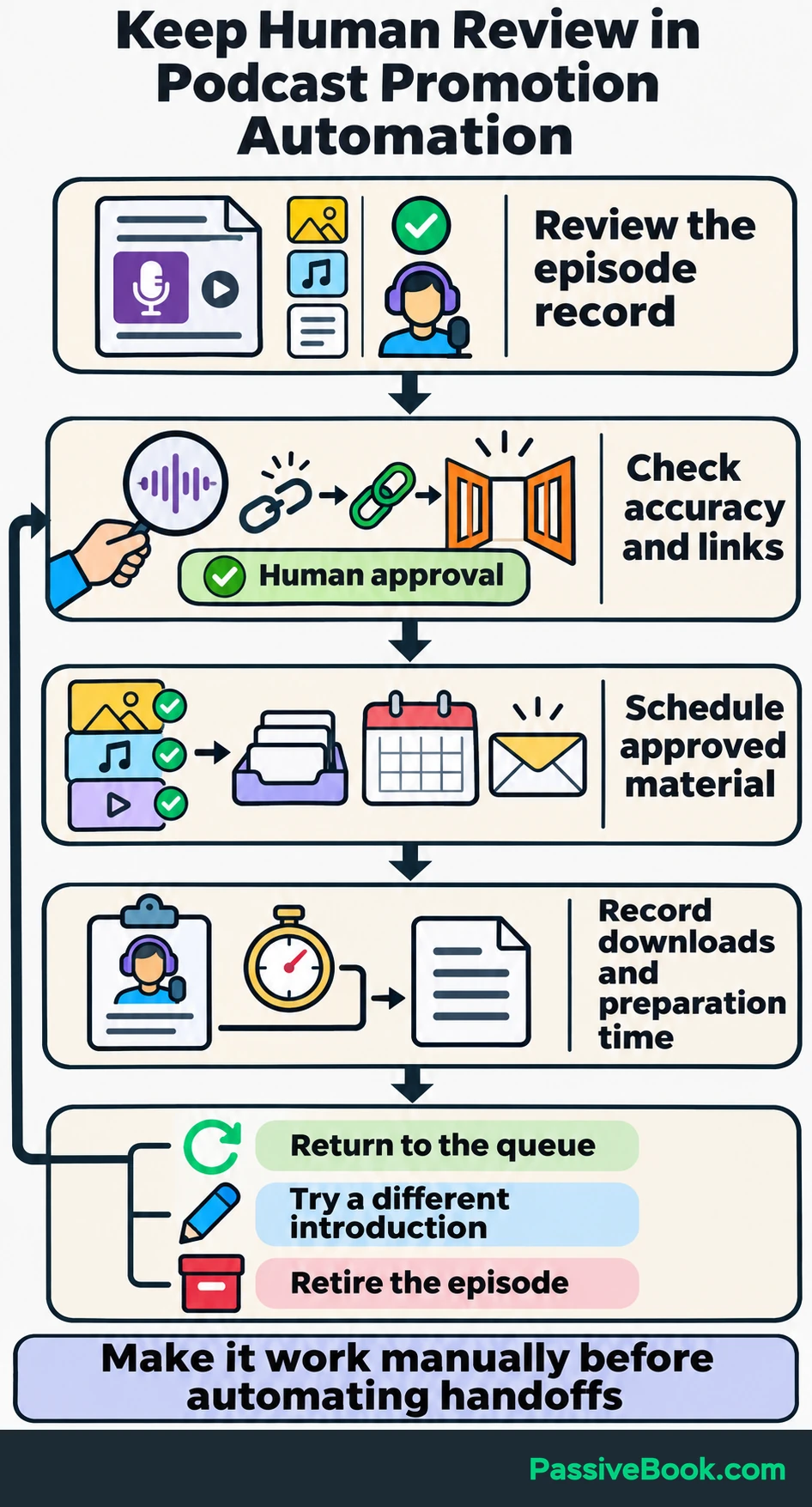
After the workflow works manually, automate the repeated handoffs: review reminders, approved publishing tasks, and welcome emails. I would keep a human review before an episode returns to the queue. Broken links and outdated advice don’t improve with repetition.
Rotate the listener question and excerpt as well as the episode. Use the results to choose what returns, what needs a different introduction, and what can retire.
What Next?
Choose one accurate episode that answers a question you still receive. Save its recent download count and prepare one recommendation for your strongest existing channel.
Use the social buttons to share this guide when your next archive-planning discussion needs a practical starting point.
Which older episode still deserves a better introduction, and what listener question does it answer? Tell me in the comments, and bring any other questions about the process too.
Share this post with your friends & followers:

