A tool that writes a decent headline can still leave you rewriting the rest of the campaign. The email sounds different, the product description adds a feature you don’t sell, and moving everything into your website becomes another job.
Paying for more generated words won’t fix those problems. You need to know which tool fits the work you repeat and how much editing it leaves behind.
This guide compares flexible assistants with specialist copywriting tools, explains what their paid plans add, and gives you a simple trial process to find the one that earns its subscription.
Best AI Copywriting Tools at a Glance
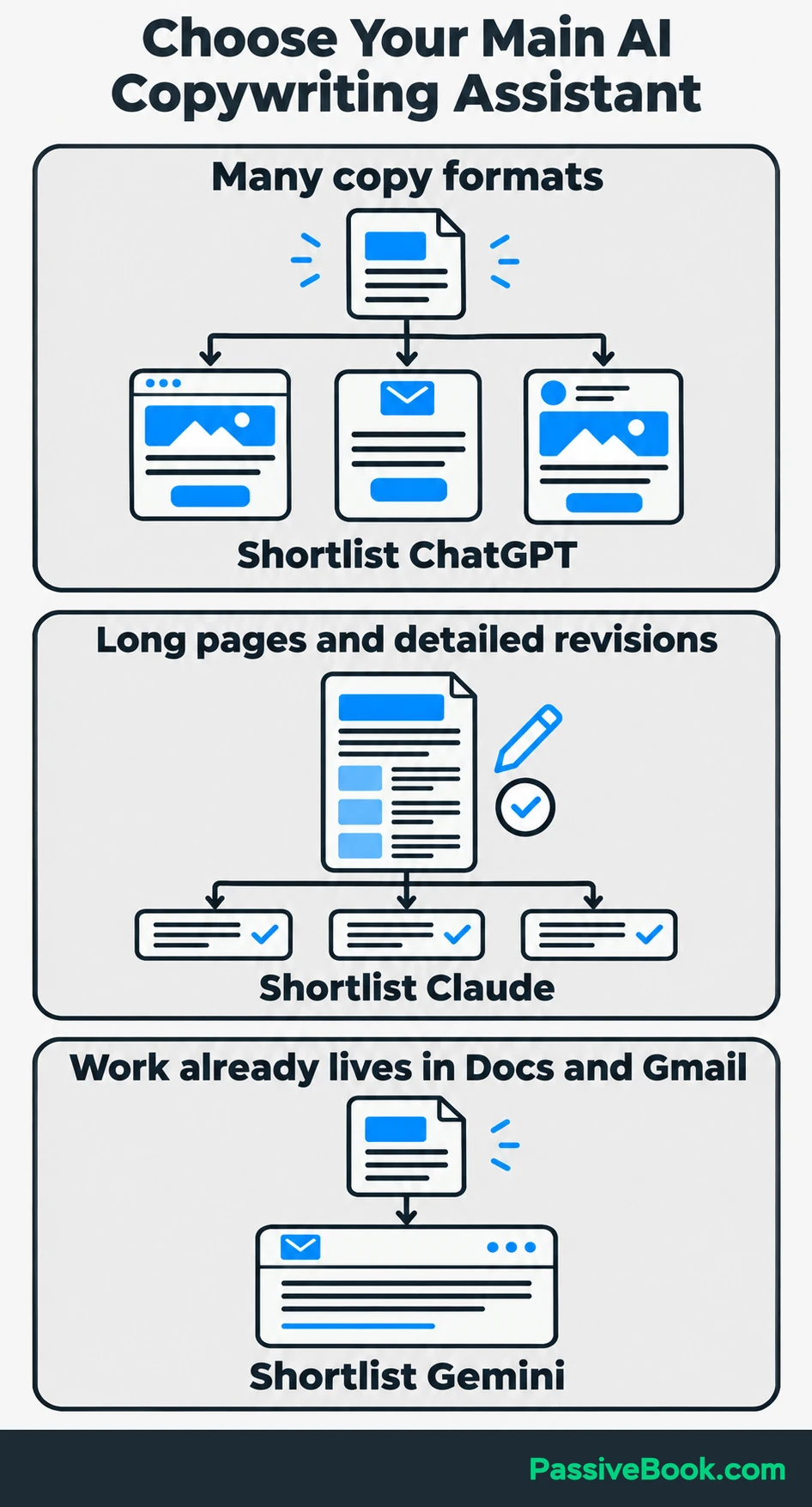
For most people, I would start with ChatGPT or Claude. Choose ChatGPT when your work jumps between formats, and shortlist Claude when you spend more time developing longer pages and revising detailed arguments. Try Gemini first if writing inside Google’s apps would remove a regular handoff.
The specialists make sense when you can name a specific problem: guided drafting, shared campaign context, choosing variations, processing a catalog, or polishing existing sentences.
These recommendations reflect documented capabilities and workflow fit. They aren’t the results of a controlled writing benchmark, and the sample copy below isn’t attributed to any vendor.
The table compares selected plans, which aren’t necessarily each tool’s cheapest option. Prices are USD web prices. Monthly billing and annual commitments are shown separately; follow the vendor links for current details. An API lets other software request drafts automatically; access and usage may cost extra.
| Tool | Recommended Use Case | Reusable Brand Context | Workflow Fit | Selected Paid Plan And Commitment | Free Access Or Trial | Main Tradeoff |
|---|---|---|---|---|---|---|
| ChatGPT | Website copy, emails, social posts, and sales messages | Projects hold instructions and reference material | Flexible drafting; API usage is billed separately from Plus | Plus: $20/month, billed monthly | Ongoing Free plan | You supply the brief and direct the revisions |
| Claude | Longer sales pages and detailed revisions | Projects organize related chats and documents | Develop a page or sequence, then test the handoff into your publishing tools | Pro: $20/month billed monthly, or $200 paid annually | Ongoing Free plan, including up to five Projects | More usage doesn’t remove the need to check the whole argument |
| Gemini | Writing within Google’s ecosystem | Gems store reusable instructions | Google AI Pro includes Gemini in Gmail and Docs | Google AI Pro: $19.99/month on the US monthly plan | Ongoing Free plan | Personal Google AI plans and managed Workspace access need separate checks |
| Rytr | Routine short copy with guided starting points | Use cases and tone choices guide the draft | Generation and rewriting, with a browser extension available | Lite: $9/month with monthly billing | Free: 10,000 characters/month | A guided form still needs useful offer details |
| Jasper | Keeping campaign assets consistent | Saved brand voices, knowledge, and audiences | Campaign work in Canvas; API access belongs to Business | Pro: $69/month billed monthly, or $59/month equivalent billed annually; one seat | Seven-day trial | A higher subscription cost, with broader team needs outside Pro |
| Anyword | Choosing among marketing-copy variations | Brand-voice settings | Drafting and predictive scoring; connected campaign history belongs to Business | Starter: $49/month with monthly billing | Seven-day trial | Predictions don’t establish how your campaign will perform |
| Hypotenuse AI | Bulk ecommerce descriptions | Product records; broader brand customization depends on the arrangement | Catalog production and ecommerce integrations | Basic and Ecommerce Enterprise: custom pricing; Basic lists one seat | Trial access advertised | Quote and setup effort are hard to justify for occasional descriptions |
| Wordtune | Rewriting and polishing existing copy | Supplied text provides the immediate context | Sentence-level editing | Advanced: $6.99/month equivalent, billed annually | Basic: 10 daily rewrites and AI suggestions; Advanced offers a three-day trial | It may duplicate rewriting you can already do elsewhere |
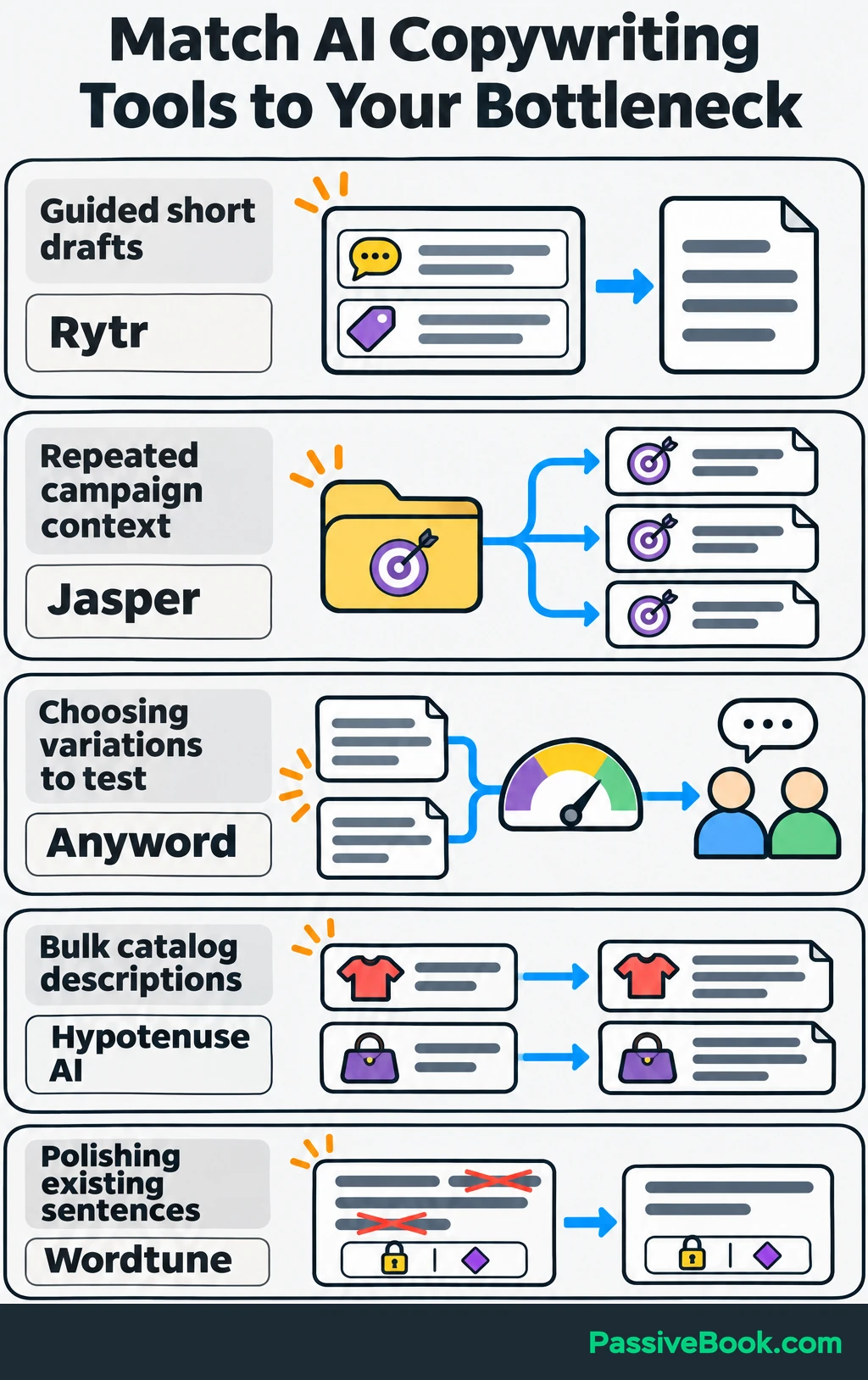
Choose around your recurring deliverable. A website page needs a clear offer and a coherent argument. A promotional email needs a reason to click. A catalog workflow needs reliable product fields and a clean way to return approved descriptions.
For the examples, imagine you sell a downloadable watercolor workbook. It costs $29 and includes 12 practice exercises, a color-mixing worksheet, and printable reference cards. Those product details and all sample copy are illustrative.
The Best AI Copywriting Tools Compared
ChatGPT: Flexible Drafting Across Marketing Channels
I would choose ChatGPT as a starting point when your copywriting work changes throughout the week. You might need a homepage headline on Monday, a promotional email on Tuesday, and a short sales reply on Friday.
Keep the approved offer facts together so each task starts from the same information. ChatGPT’s Projects organize chats, files, and instructions, and they’re available to signed-in users, including Free users, subject to account and workspace settings. Plus adds broader access and lets you create custom GPTs, versions of ChatGPT with saved instructions for recurring tasks. ChatGPT Projects
For the watercolor workbook, reuse one product brief when adapting the offer into different formats. An email can emphasize choosing a practice exercise, while a product page explains everything included. Neither gets permission to invent video lessons.
I use ChatGPT for brainstorming, quick tasks, and general-purpose work. Its flexibility suits that role, but compare how much direction you need against a specialist’s guided form. A blank chat box is convenient only if you know what to put in it.
Claude: Longer Sales Copy and Detailed Revisions
Claude is my primary assistant for long-form writing and content strategy. That’s my working preference, rather than evidence that it will produce better copy for every business.
I would shortlist it when you need to develop a landing page, a longer sales page, or an email sequence from detailed offer information. Projects give those related drafts and documents a shared place to live.
Test revisions across the whole piece. Ask for a stronger opening, then check whether the rest of the page still follows naturally. A punchier headline is little help if the next paragraph repeats it.
For the workbook, ask Claude to explain what the buyer receives, connect those contents to the practice process, and address whether this is a physical or digital product. Then revise one section and check that the price and contents stay consistent elsewhere.
Include the final transfer into WordPress or your page editor. That handoff belongs in the comparison.
Gemini: Copywriting Within Google’s Ecosystem
Gemini deserves a place on your shortlist when Google Docs and Gmail already hold much of your work.
Free Gemini includes Gems, which let you reuse instructions. Google AI Pro adds Gemini within Gmail and Docs in supported languages. The practical question is whether that access removes enough moving, pasting, and reformatting to matter.
I use Gemini for research and fact-checking with Google integration. For copywriting, I would judge its fit by taking a real draft through the tools where I normally edit and send it.
Try developing the workbook’s promotional email in your usual document workflow. Check whether you can revise the copy comfortably and move it into your email platform with its links and formatting intact.
If you use a managed work account, check which Gemini features your organization’s Google Workspace plan includes before buying a personal subscription. Your administrator may already provide access or restrict which features you can use.
Rytr: Inexpensive Guided Drafting
Rytr is worth trying if you want a writing form to give you a starting point. Its use cases and tone choices suit routine emails, ads, captions, and short website copy.
I would compare it with a free general assistant before subscribing. A lower subscription price matters, but so does whether the guided workflow saves you effort.
For the workbook, enter the product’s actual contents and choose a plain, encouraging tone. Then check whether the draft describes the download clearly or falls back on promises about “transforming your creativity.”
Rytr measures its free allowance in characters rather than words. Include the variations and revisions you expect to generate when deciding whether that allowance covers your workload.
Choose it because the guided process helps you reach usable copy. An unlimited character allowance is less exciting when you’re deleting unlimited filler.
Jasper: Reusable Brand Context Across Campaigns
Jasper makes the most sense when you repeatedly produce several assets from the same campaign brief.
Its saved brand voices, knowledge assets, and audiences give you dedicated places for information that might otherwise get pasted into each new task. Pro also includes Canvas, a workspace for developing campaign assets, and agents that carry out marketing tasks.
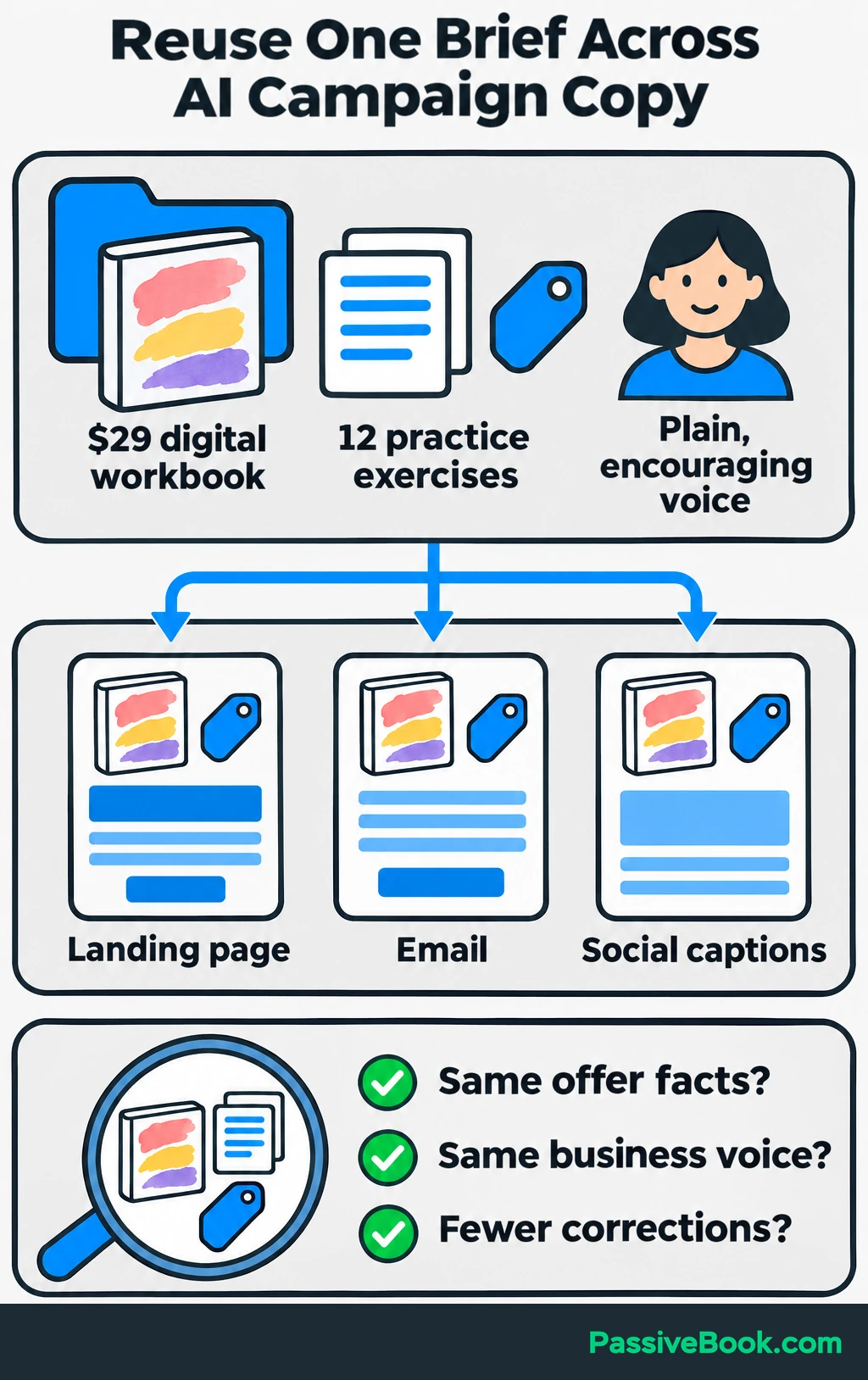
For the workbook, you could keep the product facts, approved voice examples, and audience description together while developing the landing page, email, and social captions.
The useful test is whether those assets need fewer corrections. Does the email still describe a downloadable workbook? Do the captions use the same offer? Does the page sound like the same business?
I would skip Jasper for occasional captions unless the trial reveals a clear benefit. General assistants also reuse context, so saved brand information alone doesn’t settle the decision.
Pro includes one seat. If you need additional users, API access, or broader customization, compare the Business arrangement rather than assuming the quoted Pro plan covers them.
Anyword: Predictive Scoring for Copy Variations
Anyword addresses a different problem: you have several possible messages and want help choosing which ones deserve a customer test.
Its predictive scores estimate performance potential. A higher score isn’t a measured conversion result from your campaign, and I wouldn’t treat it as permission to stop testing.
For the workbook, compare two clear angles:
“Build a watercolor practice routine with 12 exercises.”
“Choose your next watercolor exercise from one downloadable workbook.”
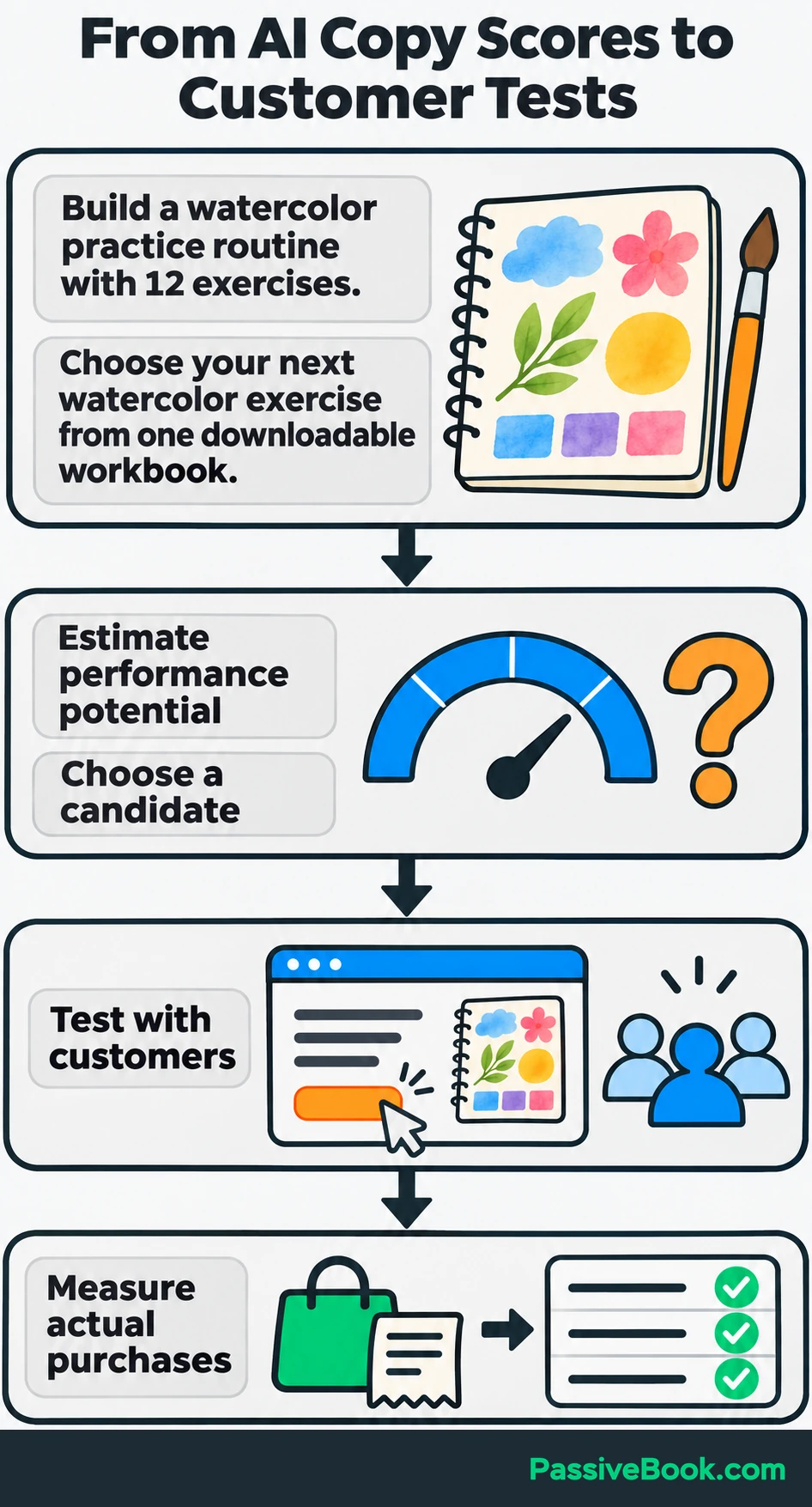
Both describe the same offer, but they emphasize different reasons to buy. Scoring is useful only if it helps you make a better testing decision.
Check the prediction allowance separately from copy generation. Starter includes unlimited generation, but scoring has its own allowance.
If your main requirement is learning from connected marketing-channel history or using custom models, compare Business. That’s a different purchase from a basic drafting-and-scoring workflow.
I would pay for this only when choosing variations is a recurring task and I have a way to test the selected copy with customers.
Hypotenuse AI: Bulk Ecommerce Product Descriptions
Hypotenuse AI is the specialist I would consider when product records need to become many descriptions.
At that scale, writing is only part of the job. You also need to import attributes, preserve the right details, review the results, and return approved content to the correct product fields.
Its Shopify workflow can pull in selected catalog information and send approved content back to mapped fields. Confirm the required plan and synchronization scope in your quote. Hypotenuse AI’s Shopify workflow
The watercolor workbook would make one useful sample record: price, digital format, exercise count, worksheet, and reference cards. But one successful description wouldn’t establish that the system suits a larger catalog. Test records with different structures and missing information too.
For a shop with one workbook, I would start with a general assistant. Consider a catalog system when repeated record handling becomes a substantial part of the work.
Wordtune: Polishing Copy You Already Have
Wordtune belongs on your shortlist when you usually know what you want to say but need help shortening or clarifying it.
That’s a narrower job than developing an offer or planning a sales page. It can complement a drafting assistant, but compare its suggestions with the rewriting features you already have.
For example, you might start with:
“This downloadable resource contains a selection of practical materials intended to support your watercolor practice.”
A clearer version would be:
“Practice watercolor with 12 exercises, a color-mixing worksheet, and printable reference cards.”
That edit is an illustration, not a Wordtune test result. It shows the kind of change I would look for: fewer vague words and more useful information.
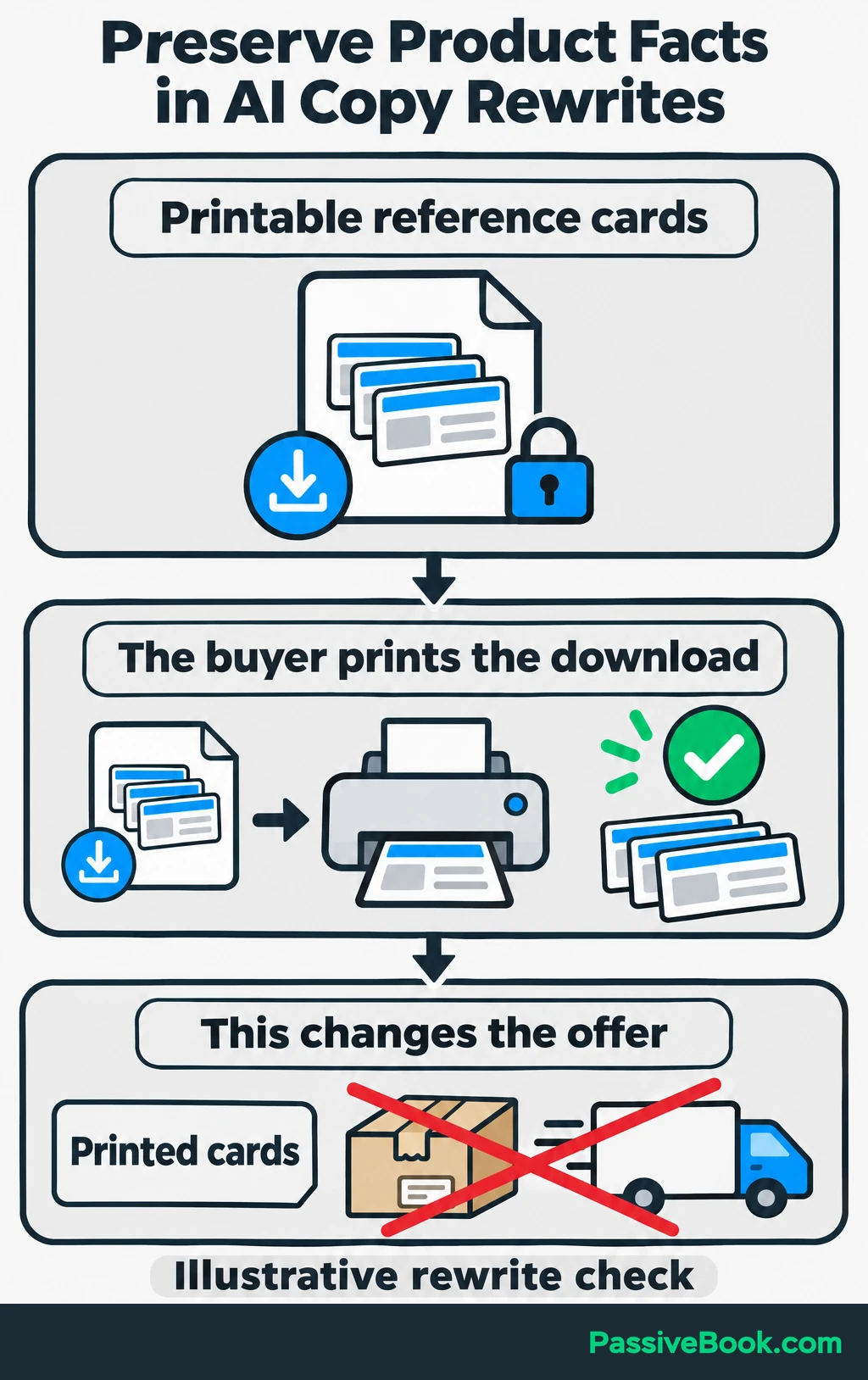
Check meaning after each rewrite. “Printable reference cards” mustn’t become “printed cards,” because that changes what the buyer expects to receive.
I would buy a separate editing subscription only if this is a frequent task and its suggestions consistently reduce my work.
How to Test Your Shortlist Before Subscribing
Give Each Tool the Same Brief
Choose two candidates and two deliverables you actually produce. A website hero and promotional email make a useful pair because one tests a compact message and the other tests how the tool develops it.
Give both tools equivalent information. You can paste it into a chat or divide it among guided fields.
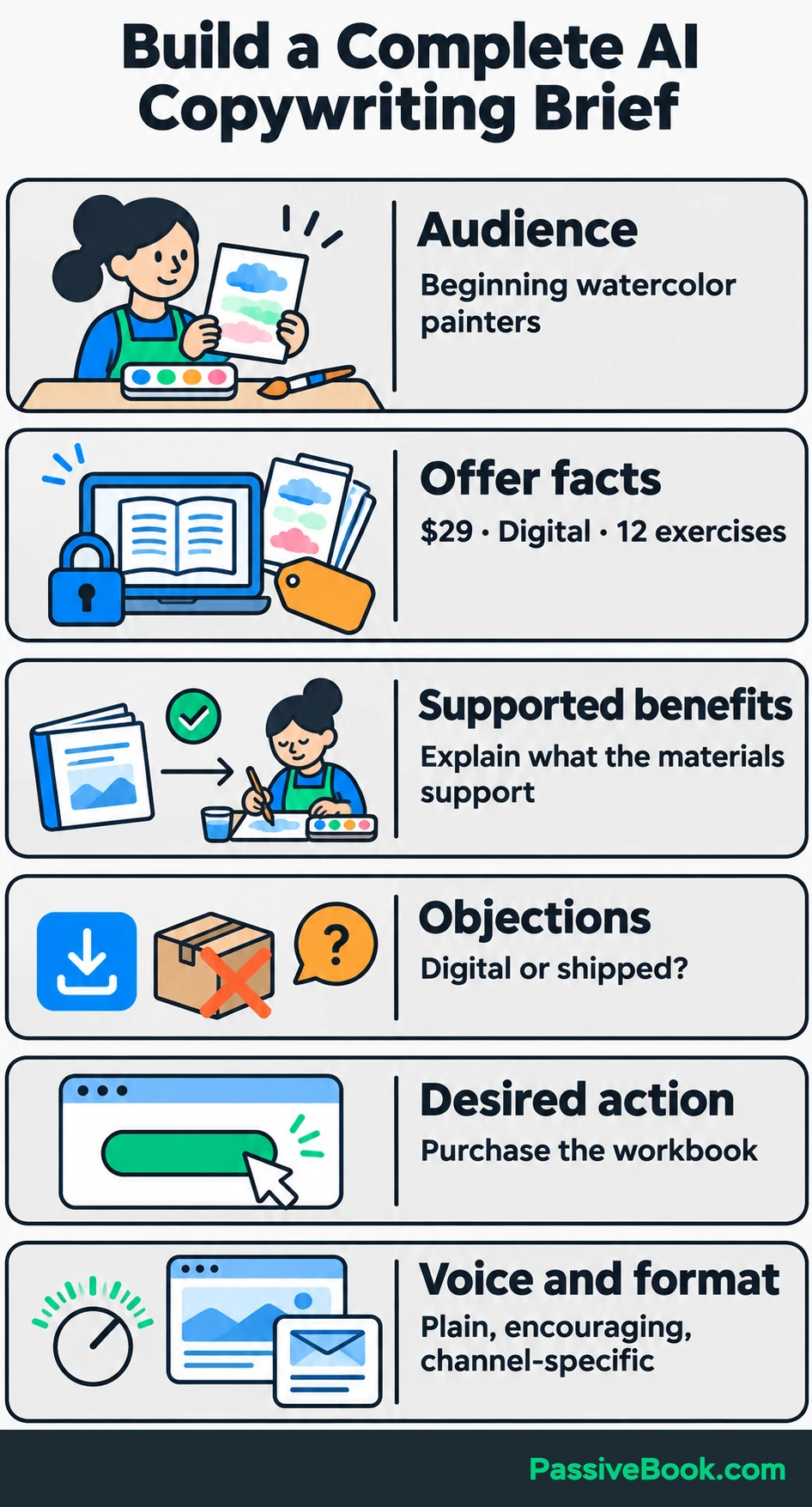
Your brief should cover:
- Audience: Who is considering the offer, and what are they trying to do?
- Offer Facts: What does the buyer receive, in what format, and at what price?
- Supported Benefits: What can you explain or demonstrate without inventing an outcome?
- Objections: What real questions could stop the purchase?
- Desired Action: What should the reader do next?
- Voice And Format: What should the copy sound like, and where will it appear?
I learned to separate offer facts from style instructions after working on a digital-product page that sounded increasingly polished and remained frustratingly vague. I kept asking for stronger wording, but I hadn’t supplied a clear account of what the buyer received. More adjectives were apparently available. More product information wasn’t.
That’s why I would prepare the fact sheet before comparing tools.
Here’s a complete trial brief you can adapt:
Write two pieces of marketing copy for an online shop.

Audience:
Someone beginning watercolor painting who wants a clear
set of exercises to practice.

Approved offer facts:
- A $29 downloadable watercolor workbook.
- Includes 12 practice exercises.
- Includes a color-mixing worksheet.
- Includes printable reference cards.
- This is a digital product, not a shipped workbook.

Voice:
Plain, encouraging, and specific. Avoid hype and jargon.

Approved voice examples:
“Choose one exercise for your next painting session.”
“Use the color-mixing worksheet alongside your practice.”

Deliverables:
1. A website hero with a headline, a supporting sentence,
   and one purchase button label.
2. A promotional email of 120–160 words with a subject line
   and one purchase call to action.

Use only the approved facts.
Do not invent testimonials, discounts, deadlines, video lessons,
guarantees, or claims about how quickly someone will improve.

List missing information separately after the copy.
Use [product-page link] where a link is needed.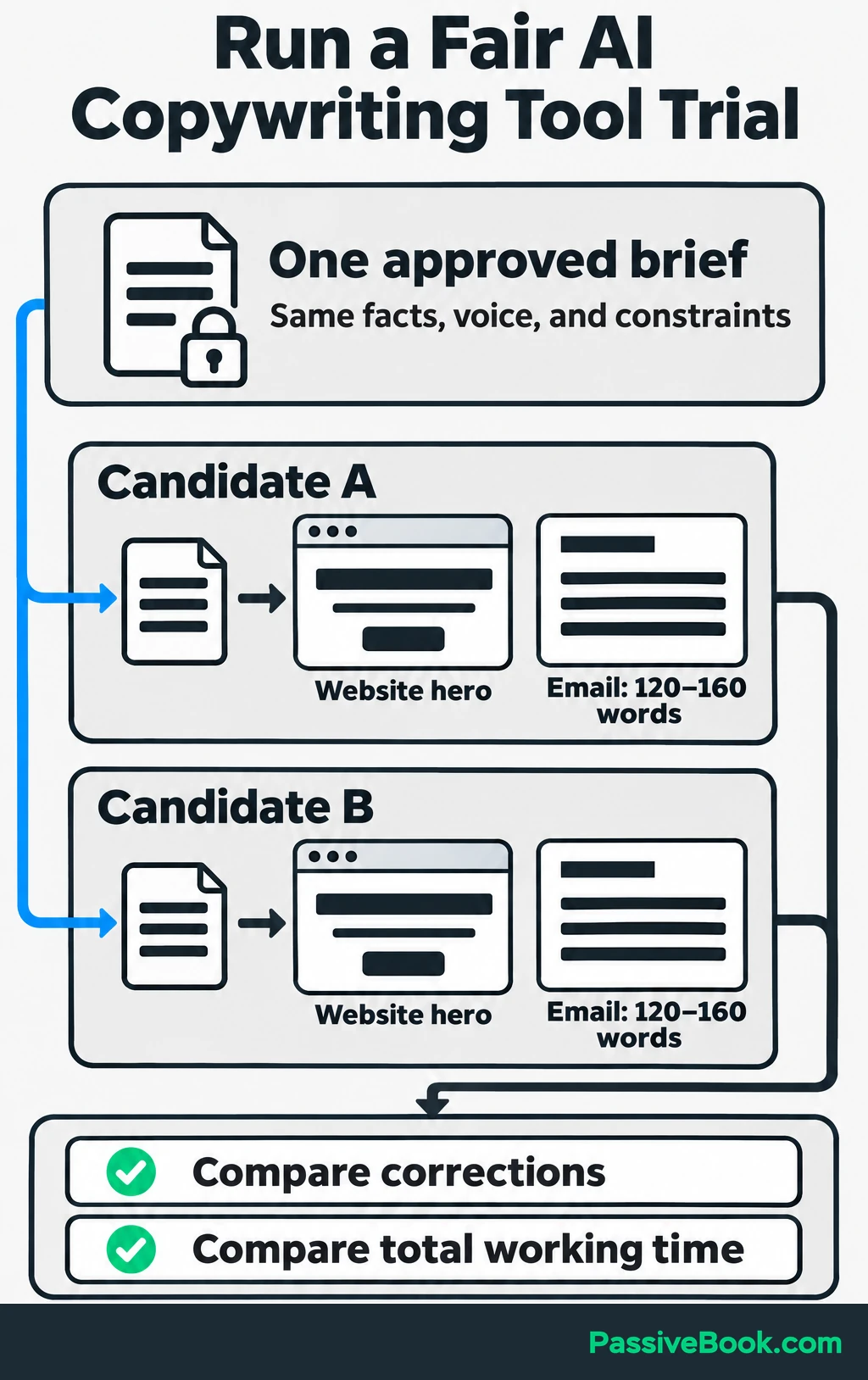
Those two voice examples belong to the illustrative shop. For your trial, replace them with sentences you’ve already approved.
If you’re unsure how to turn your offer into a useful test, AI Copywriting Studio can draft your hero and email first. It also gives you the same brief to reuse across the tools you’re comparing.

Free AI Copywriting Studio




Use public or invented information for the initial comparison. Before uploading confidential material, check the selected plan’s training terms, retention rules, and access controls. A useful draft doesn’t justify ignoring how customer or business information will be handled.
Compare the Path to Publishable Copy
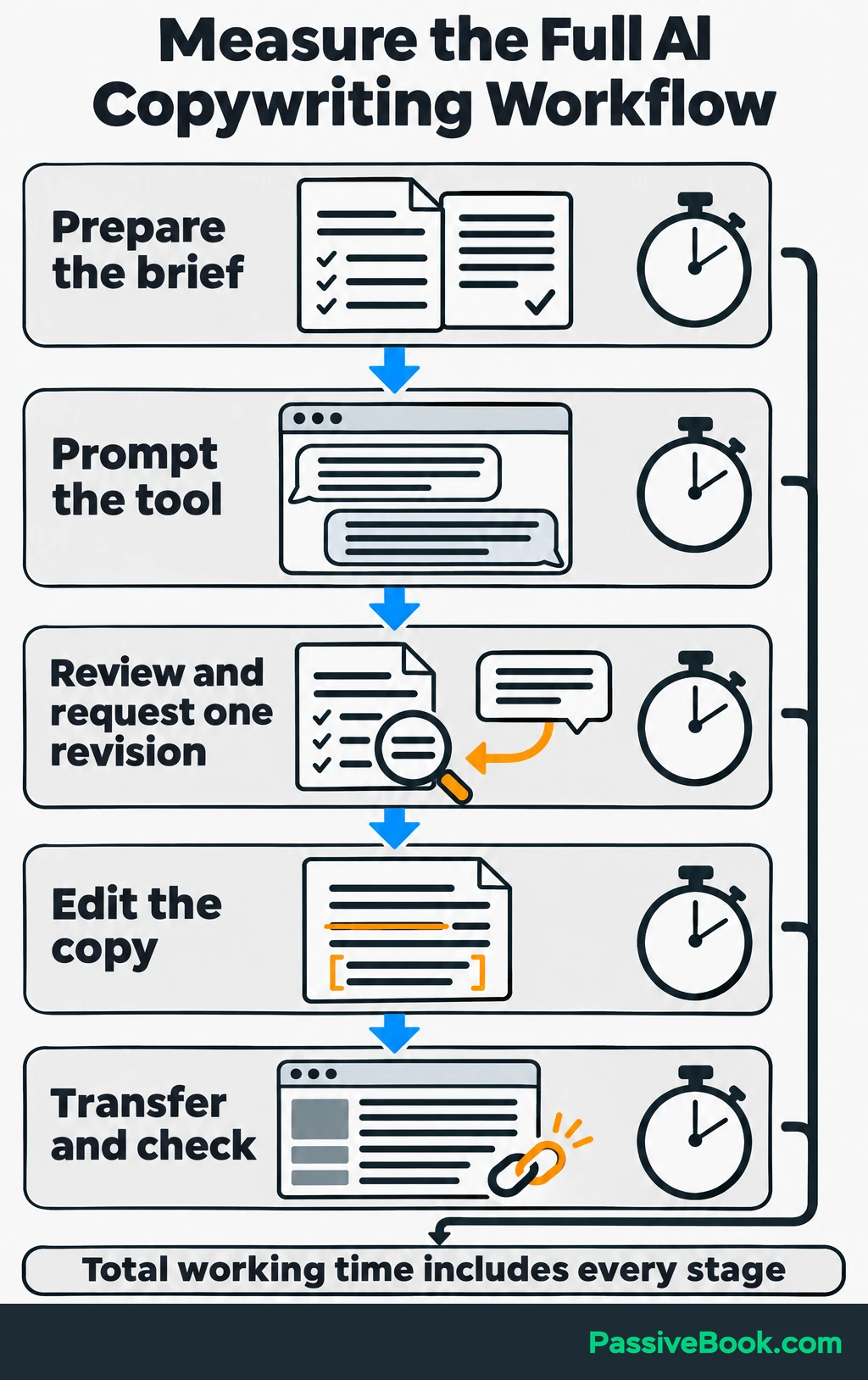
Read the first draft, request one revision, and then finish the copy as you normally would. Record the work involved from preparation through transfer.
Check these five things:
- Accuracy: Are the price, contents, format, and promises correct?
- Audience Fit: Does it answer a question the intended buyer would have?
- Specificity: Could the copy describe a hundred unrelated products?
- Voice: Does it follow your examples without copying them awkwardly?
- Action: Is the next step clear and appropriate?
Keep a small worksheet. Fill it with observed details rather than impressions such as “sounds professional.”
| Record | What To Write Down |
|---|---|
| Tool and plan | The exact plan used, including whether it was a trial |
| Short output excerpt | One or two sentences copied from the actual draft |
| Factual corrections | Each incorrect or unsupported claim you removed |
| Voice edits | Phrases you changed and the reason |
| Revision required | The instruction you gave and whether it resolved the problem |
| Total working time | Preparation, prompting, review, editing, and transfer time |
| Handoff friction | Formatting repairs, missing links, export problems, or extra copying |
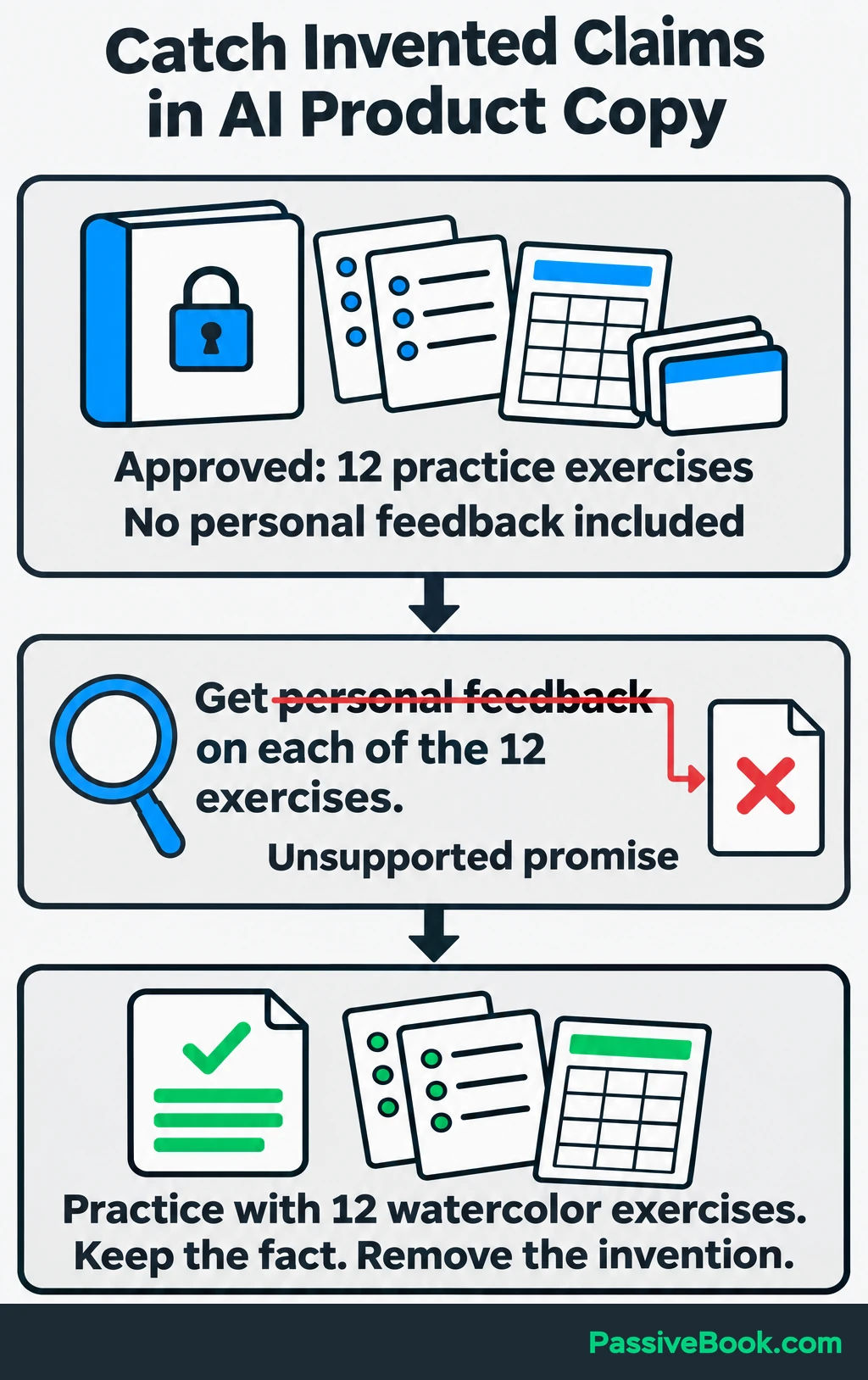
For the workbook, reject an unsupported claim such as:
“Get personal feedback on each of the 12 exercises.”
The brief doesn’t include feedback, so remove that claim. Check for invented guarantees or promises of rapid improvement too. Fixing those claims matters more than choosing a livelier adjective.
A smoother draft also doesn’t settle originality or ownership. When copyright protection matters, contribute your own expression and retain your drafts. The U.S. Copyright Office’s report concludes that prompts alone don’t provide sufficient human control to establish authorship of generated output under the technology it assessed. U.S. Copyright Office report
For website copy, focus on information visitors can use. Google says generating many pages without adding value may violate its scaled-content-abuse policy. A tool’s ability to produce pages quickly doesn’t establish that those pages deserve publication. Google’s guidance on generative AI content
Save the brief, useful revision instructions, and approved copy after your trial. Those become the starting point for the next campaign.
When Is a Paid AI Copywriting Tool Worth It?
Stay free while the available features and usage cover your work.
Pay when you can point to a demonstrated constraint: you keep hitting usage limits, repeating setup, correcting inconsistent campaign copy, handling product records manually, or moving drafts between disconnected tools.
I would begin with one primary assistant. Add a specialist only when it solves a separate, recurring problem well enough to cover its cost and the extra handoff.
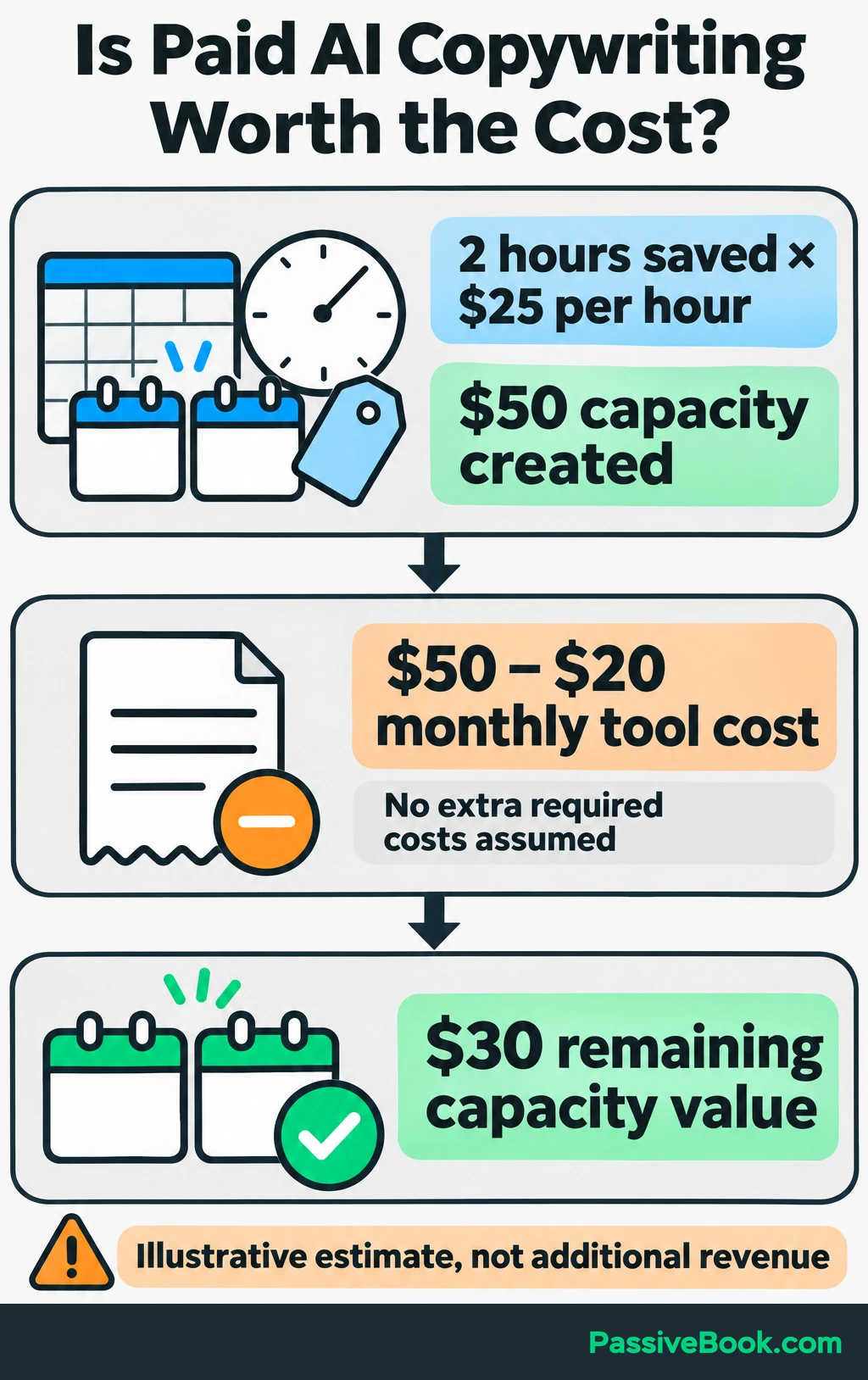
To estimate the value, compare the time needed for the same monthly workload with your current setup and with the paid tool. Include verification, editing, and transfer in both totals. Multiply the hours saved by a value you choose for your time, then subtract the added subscription and usage costs.
For illustration, suppose your trial suggests you could save two hours each month, and you value that capacity at $25 per hour:
- Capacity Created: Two hours × $25 = $50.
- Tool Cost: Assume a $20 monthly subscription with no additional required costs.
- Remaining Capacity Value: $50 − $20 = $30.
That’s an estimate of freed capacity, not $30 of additional revenue. The time still needs somewhere useful to go.
Compare the full bill before deciding. Include required seats, API usage, automation services, add-ons, and annual payments. A monthly equivalent billed annually still requires an annual commitment.
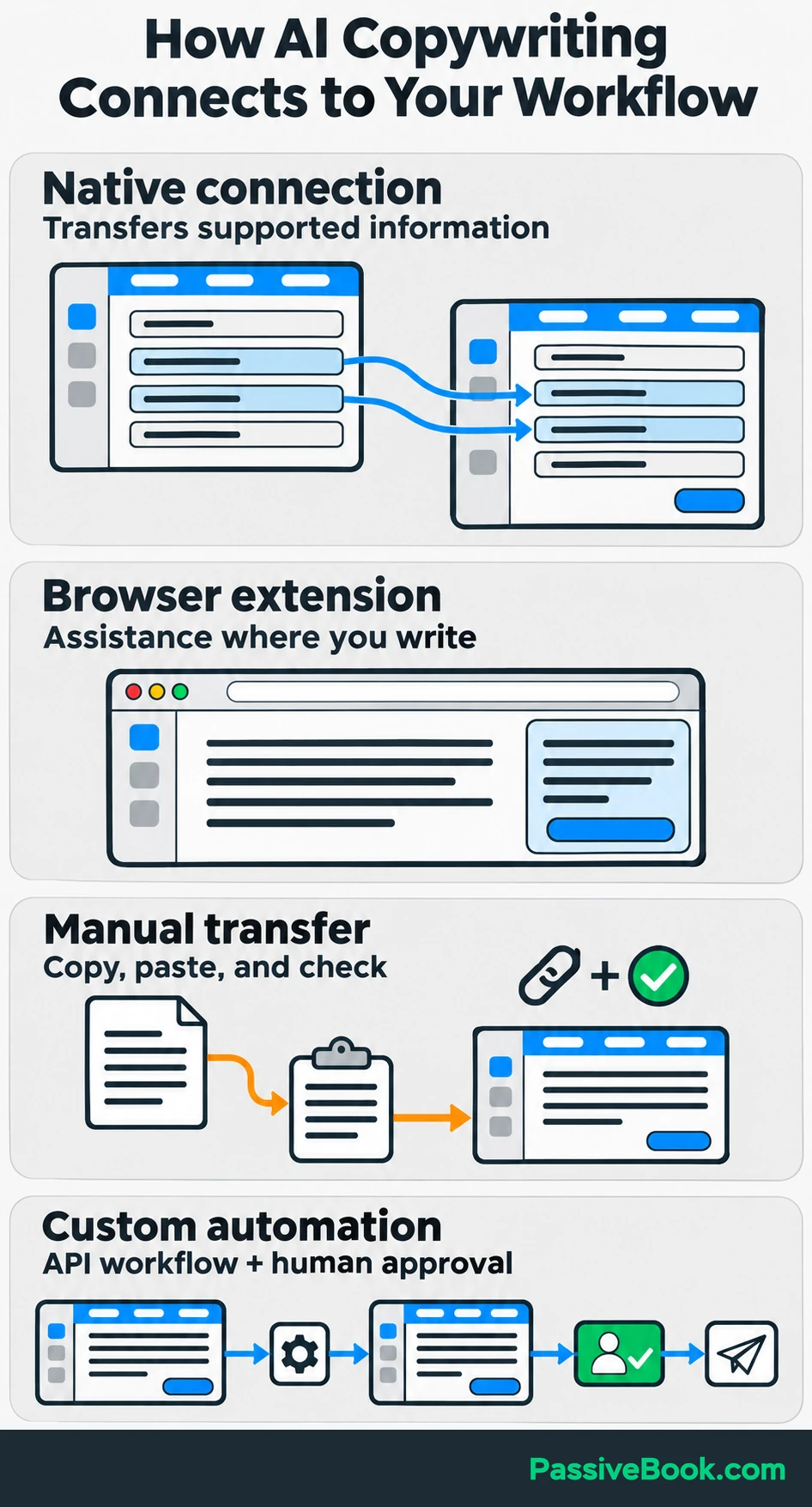
Also distinguish how the tool connects to your work:
- Native Connection: Transfers supported information directly between applications.
- Browser Extension: Brings assistance into compatible writing environments.
- Manual Transfer: Requires you to copy, paste, and check the result.
- Custom Automation: Connects applications through an API using Make or n8n, which let you build and run automated workflows.
I use automation to remove repeated handling, but I would establish an approved drafting and review process first. Once that works, connect the stable parts and keep a human approval step before publishing or sending.
Finally, test approved copy with customers. Track purchases, sign-ups, or qualified replies according to the campaign’s purpose. A draft can be accurate, clear, and easy to produce while still needing a different message.
What Next?
Pick two tools from the table and give them the same brief for two pieces of copy you need this week. Record the corrections and total working time before choosing a subscription.
Use the social buttons to share this guide when your next tool discussion needs a practical way to compare options.
Which part of your copywriting work would you most like a tool to handle? Tell me in the comments, and bring any other questions too.
Share this post with your friends & followers:

