Your product page sounds polished, but a buyer still has to ask what arrives after payment. The AI gave you plenty of enthusiasm and somehow left out the product.
Now you’re spending the time you hoped to save untangling a draft that sounds finished. It’s hard to tell whether another rewrite will answer the buyer’s questions or just give you more sentences to fix. These nine prompts give you reusable instructions for turning your offer details into clearer headlines, product pages, emails, social posts, and ads that help people decide whether to buy.
Give the AI a Clear Copywriting Brief
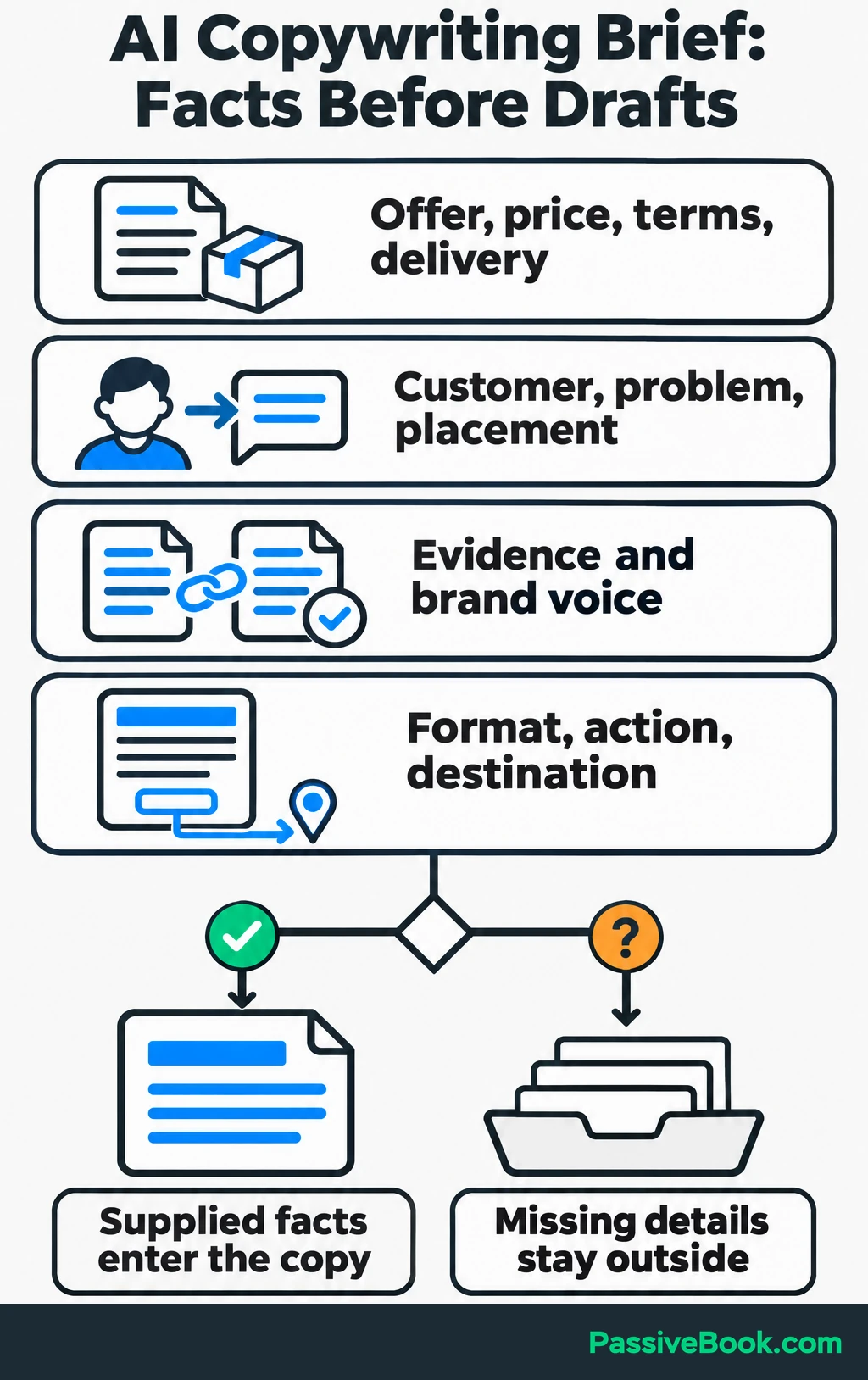
Before asking for copy, explain what you sell, who needs it, and what the reader should do next. The AI needs those decisions before it can help you express them.
Copy this brief, replace the brackets, and paste it before your chosen prompt:
Offer: [Product or service.]

Intended customer: [Who needs it and in what situation.]

Customer task or problem: [What they want to do, receive, or resolve.]

Confirmed features and practical benefits: [Facts about the offer and what those facts let customers do.]

Price, terms, and delivery: [Cost, scope, conditions, delivery method, and timing.]

Approved evidence: [Relevant product information, demonstrations, customer feedback, or research.]

Brand voice: [Observable traits, plus a short approved writing sample.]

Placement and reader context: [Where the copy appears and what readers already know.]

Desired action and destination: [What readers should do and where the link or button takes them.]

Length or format: [Word count, required components, or other constraints.]

Standing instruction:
Use only supplied facts for claims about the offer and its customers.
Do not invent testimonials, results, credentials, features, discounts,
or deadlines. Mark missing information as [NEEDED: detail] outside
publishable copy.
You can use this workflow in Claude, ChatGPT, or another text-based AI tool. I use Claude for longer writing and ChatGPT for quick brainstorming, but I would start with the tool you already have. A separate copywriting subscription wouldn’t be my first purchase.
My custom AI content pipeline cut article production from days to hours. While building it, I found that asking for more engaging writing sometimes produced a smoother draft that had quietly dropped a useful detail. I started reviewing what each rewrite preserved, not just how it sounded. Speed helped only when the facts survived.
In a randomized study by Noy and Zhang, 453 college-educated professionals completed short professional writing tasks. Participants offered access to ChatGPT (GPT-3.5), with guidance on using it, took 40% less time and received evaluator-rated quality scores 18% higher than the control group. The study measured writing performance, not sales conversions or these prompts.
For the examples below, imagine you sell custom digital cat portraits. These business details and sample copy are illustrative:
- The portrait costs $29 and covers one cat.
- You create it from a customer-supplied photo.
- The buyer receives a PNG image file by email within five business days after supplying a usable photo.
- No physical print is included.
- Your voice is calm and friendly, with everyday words and short paragraphs.
- Your call to action (CTA) asks buyers to take the next step: “Order your cat portrait.”
An approved voice sample might be: “Your portrait starts with a photo of your cat. The finished PNG arrives by email.”
Save your completed brief so you can reuse it. Paste it again when you start a new conversation, and update it when the offer changes.
9 AI Copywriting Prompts to Copy and Customize
Start with prompts 1–2 if you’re still deciding what customers care about or how to explain the offer. Choose the asset you need from prompts 3–8, then use prompt 9 to review the draft.
You don’t need to run all nine. If your message is already clear and you need a product description, go straight to prompt 5 with your brief.
1. Find Customer Language in Real Feedback
Use real feedback to learn how people describe their goals and questions. Reviews, survey answers, interview notes, and support messages can all help.
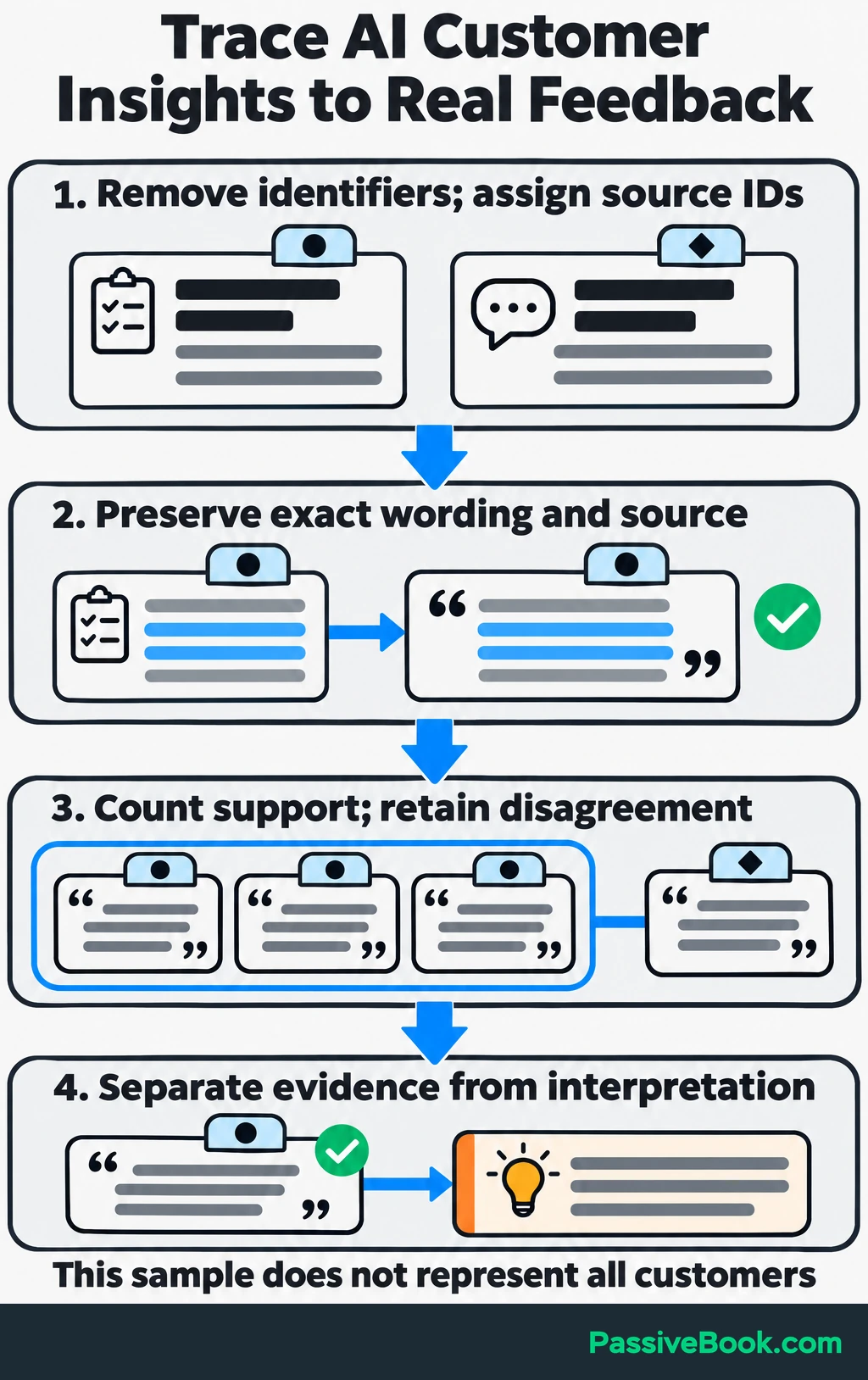
Remove identifying details and give each excerpt a source ID, such as Survey-01, so you can check where a finding came from.
Using the shared brief and feedback below, identify recurring goals,
frustrations, purchase objections, and buying questions.

Return a table with:
- Theme
- Exact supporting excerpt
- Source ID
- Possible messaging implication

Keep customer statements separate from your interpretations.
Preserve disagreements and show how many supplied excerpts support
each recurring theme. Do not treat this sample as representative
of all customers.

If no feedback is supplied, return customer interview questions
instead of findings.

Feedback:
[Paste labeled excerpts, or write “No feedback supplied.”]
Check the quoted passages against their originals before using the findings. Then choose the themes your offer can actually address.
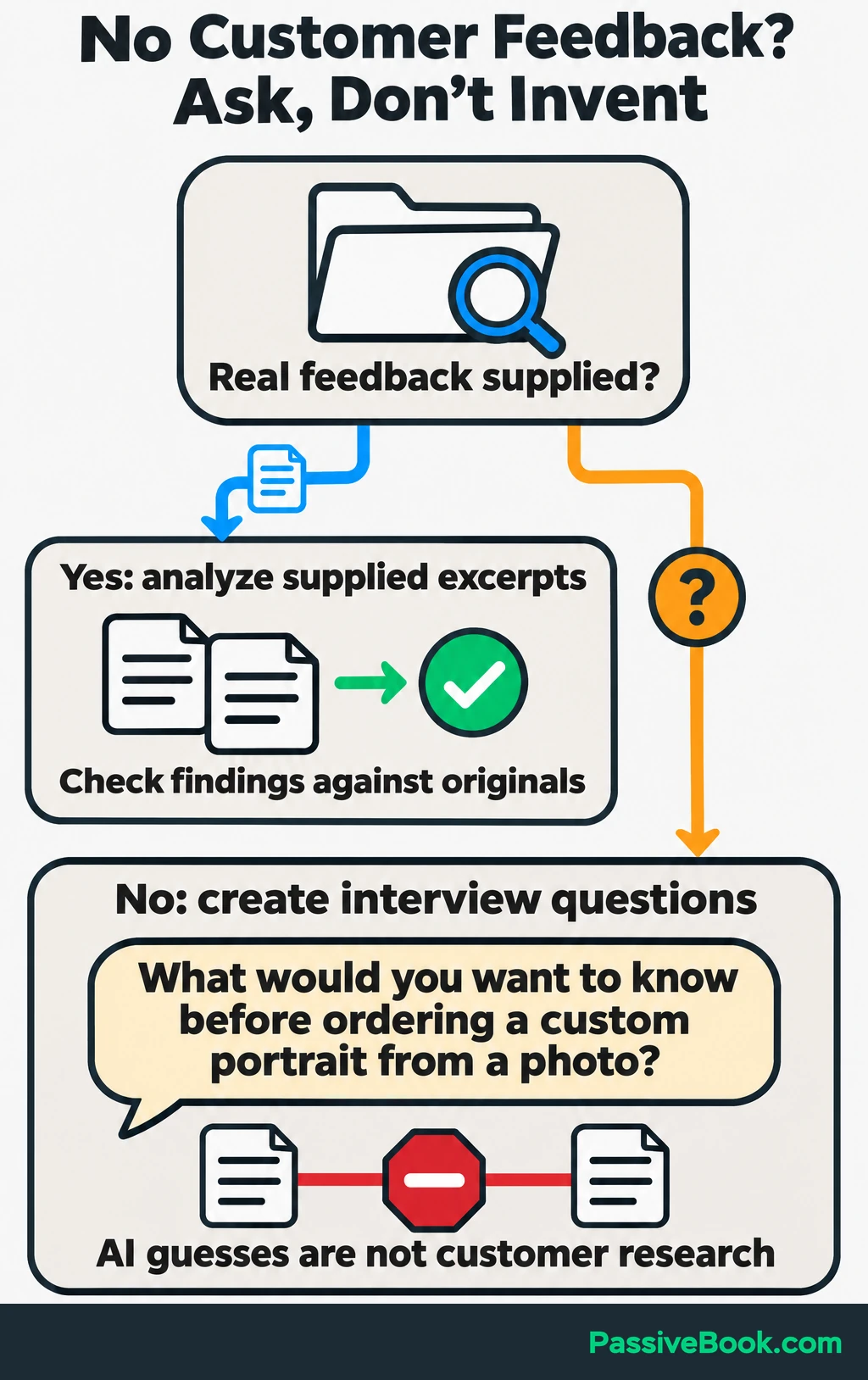
If you have no feedback for the cat portraits, start by asking prospective buyers:
“What would you want to know before ordering a custom portrait from a photo?”
Their answers can show whether buyers need more detail about delivery or file format. An AI-generated list of “customer frustrations” is not customer research.
2. Turn Features Into a Clear Value Proposition
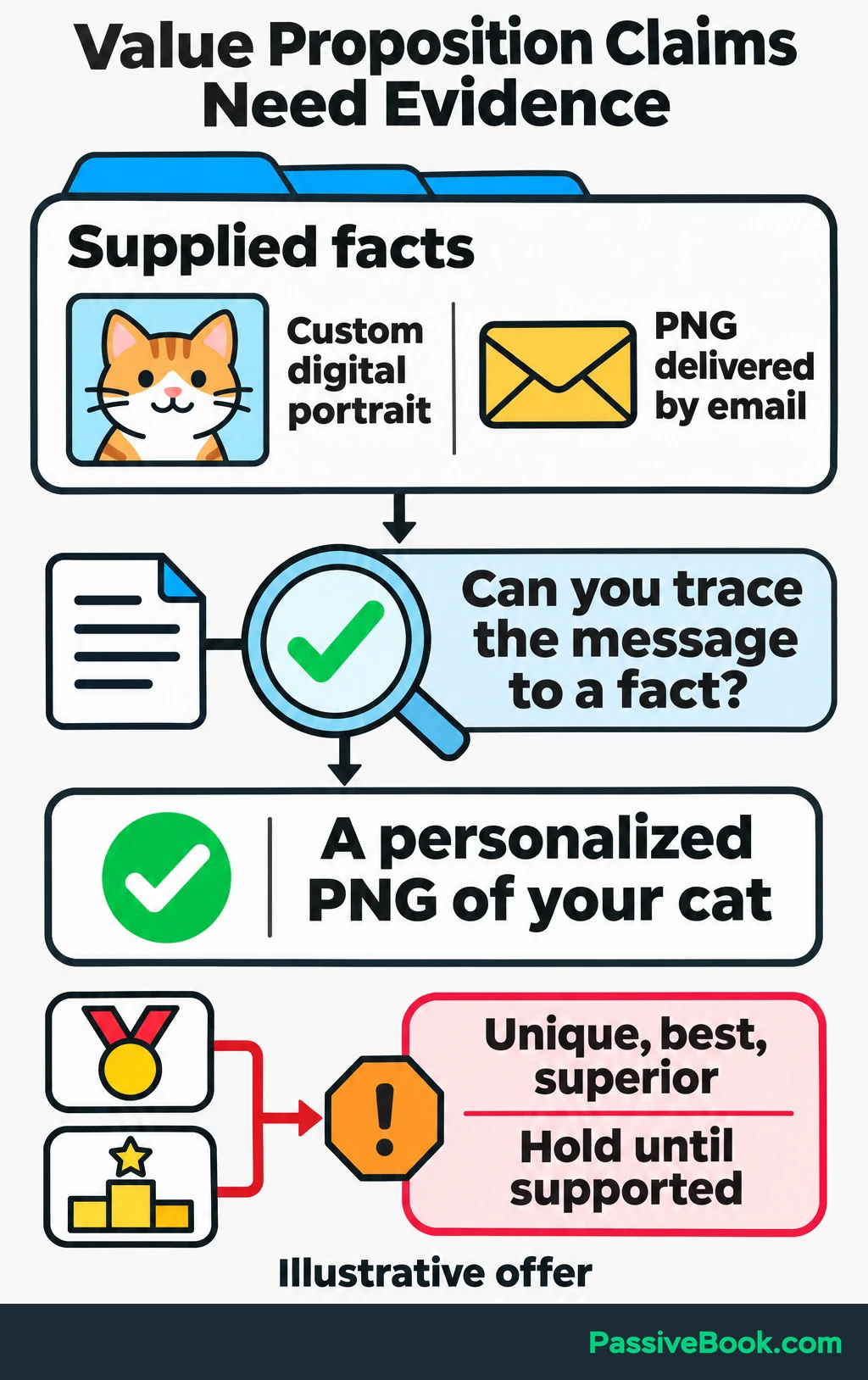
A value proposition is your main explanation of what someone gets and why they might want it. Start with the product facts, then connect them to something the buyer can understand.
I would choose a plain, specific message over a clever line that needs another paragraph to explain it.
Using the shared brief and approved customer insights below, connect
each relevant feature to a practical benefit.

Create three value proposition options. For each, provide:
- A one-sentence main message
- A supporting sentence
- The supplied facts behind the message

Explain how the options differ. Flag any proposed differentiator
that needs evidence. Do not call the offer unique, best, or superior
without supplied support.

Approved customer insights:
[Paste checked findings, or write “None supplied.”]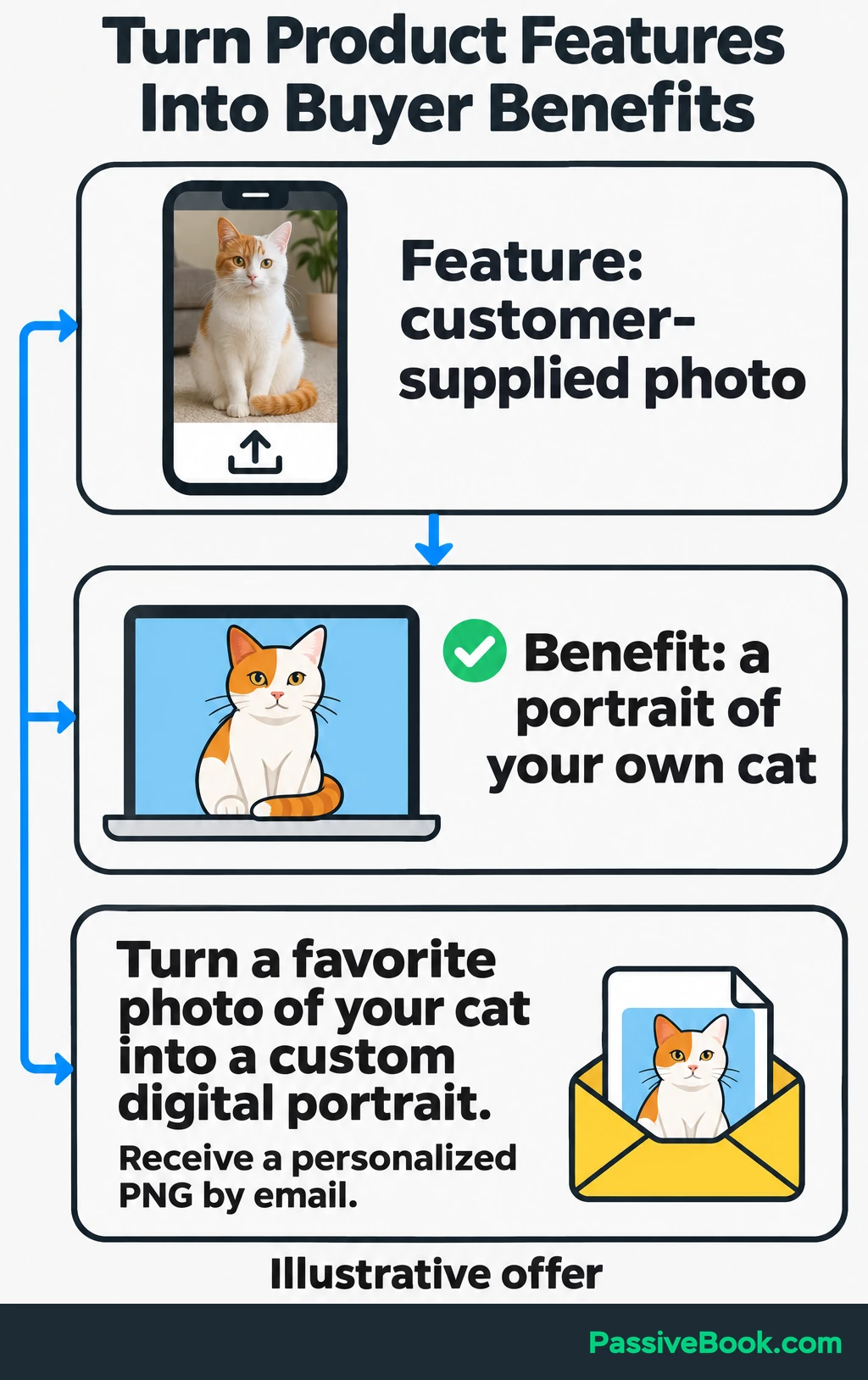
For the portrait offer, the customer-supplied photo connects directly to a practical benefit: the portrait depicts the buyer’s own cat.
That gives you a useful main message:
“Turn a favorite photo of your cat into a custom digital portrait.”
A supporting sentence can explain the deliverable:
“Receive a personalized PNG by email.”
Neither line needs “unforgettable,” “premium,” or “ultimate.” The actual product is doing the work.
3. Write Headlines and Calls to Action
Decide where the headline will appear before generating options. A product-page headline can assume less knowledge than an email sent to someone who has already viewed the offer.
Also tell the AI where the CTA leads. A button promising to show examples should open examples.
Using the shared brief and chosen value proposition below, write
six headline-and-CTA pairs for [placement].

Create:
- Two focused on the customer’s task
- Two focused on a practical benefit
- Two focused on specific product contents

Add a short supporting line to each pair.

Keep within these length constraints:
[Supply limits.]

The CTA leads to:
[Destination and commitment required.]

Label each angle and shortlist two options based on clarity
and relevance. Explain the shortlist without predicting which
will convert best.

Chosen value proposition:
[Paste.]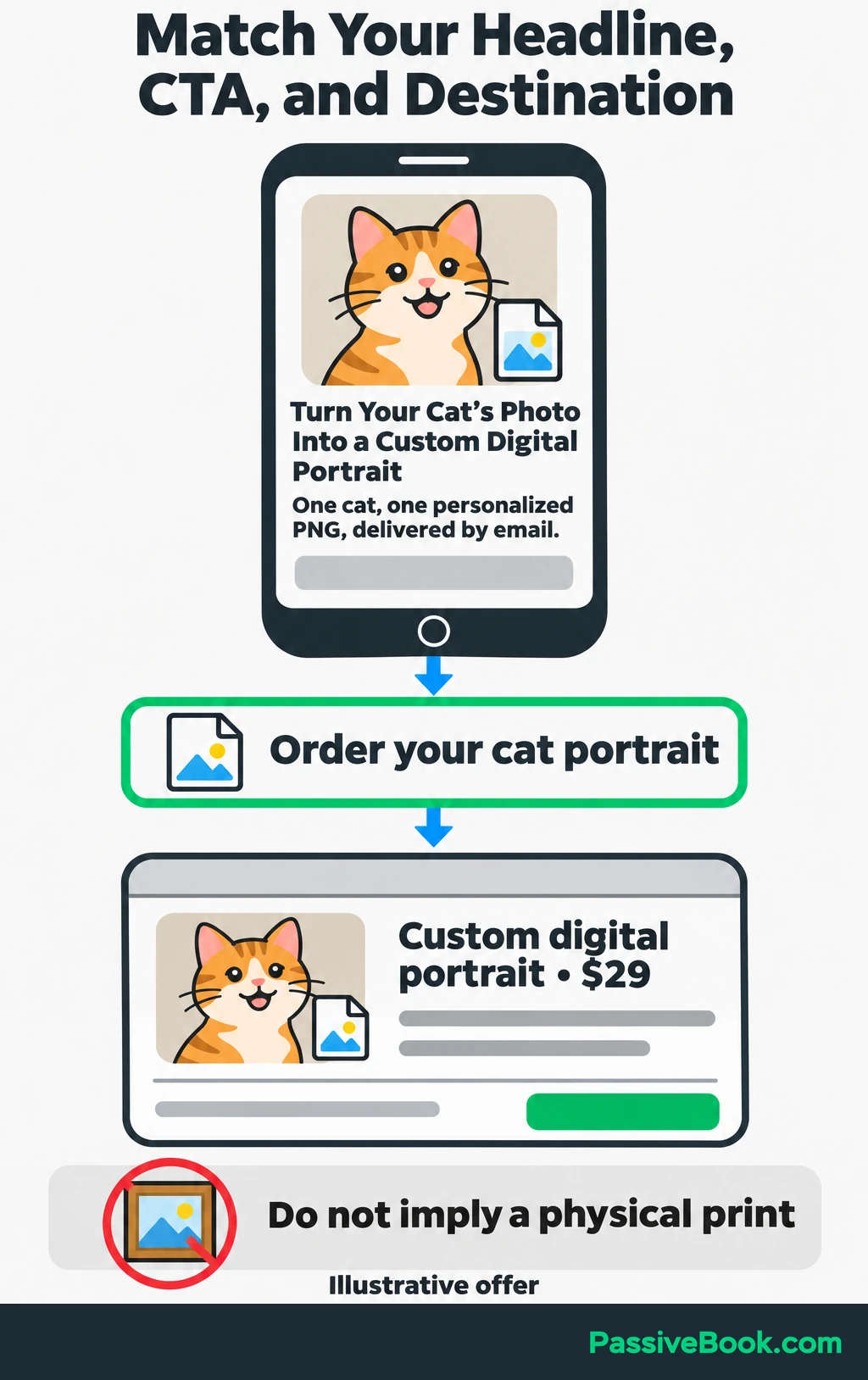
For the portrait product page, one option could be:
Turn Your Cat’s Photo Into a Custom Digital Portrait
One cat, one personalized PNG, delivered by email.
Order your cat portrait.
Read the headline, supporting line, and destination together. They should describe the same offer. If the headline suggests a framed picture but checkout sells a digital file, fix the promise before polishing the button.
4. Draft a Landing Page Around One Action
A landing page gives visitors enough information to take one main action. Tell the AI what brought them there so it can continue that message.
Someone arriving from a portrait demonstration may already understand the style. Someone arriving from a short text link may need an example before the offer makes sense.
Draft a landing page using the shared brief and chosen value
proposition below.

Visitors arrive from:
[Source and the message they saw.]

They already know:
[Relevant context.]

Their primary action is:
[Action and destination.]

Include:
- A headline and supporting line
- Practical benefits tied to confirmed features
- What is included
- Price, terms, and delivery details
- Answers to the supplied buying questions
- A closing CTA

Use approved evidence where relevant. Do not create a testimonial
section unless approved testimonials are supplied.

List unresolved questions separately from publishable copy.

Chosen value proposition:
[Paste.]

Buying questions:
[Paste.]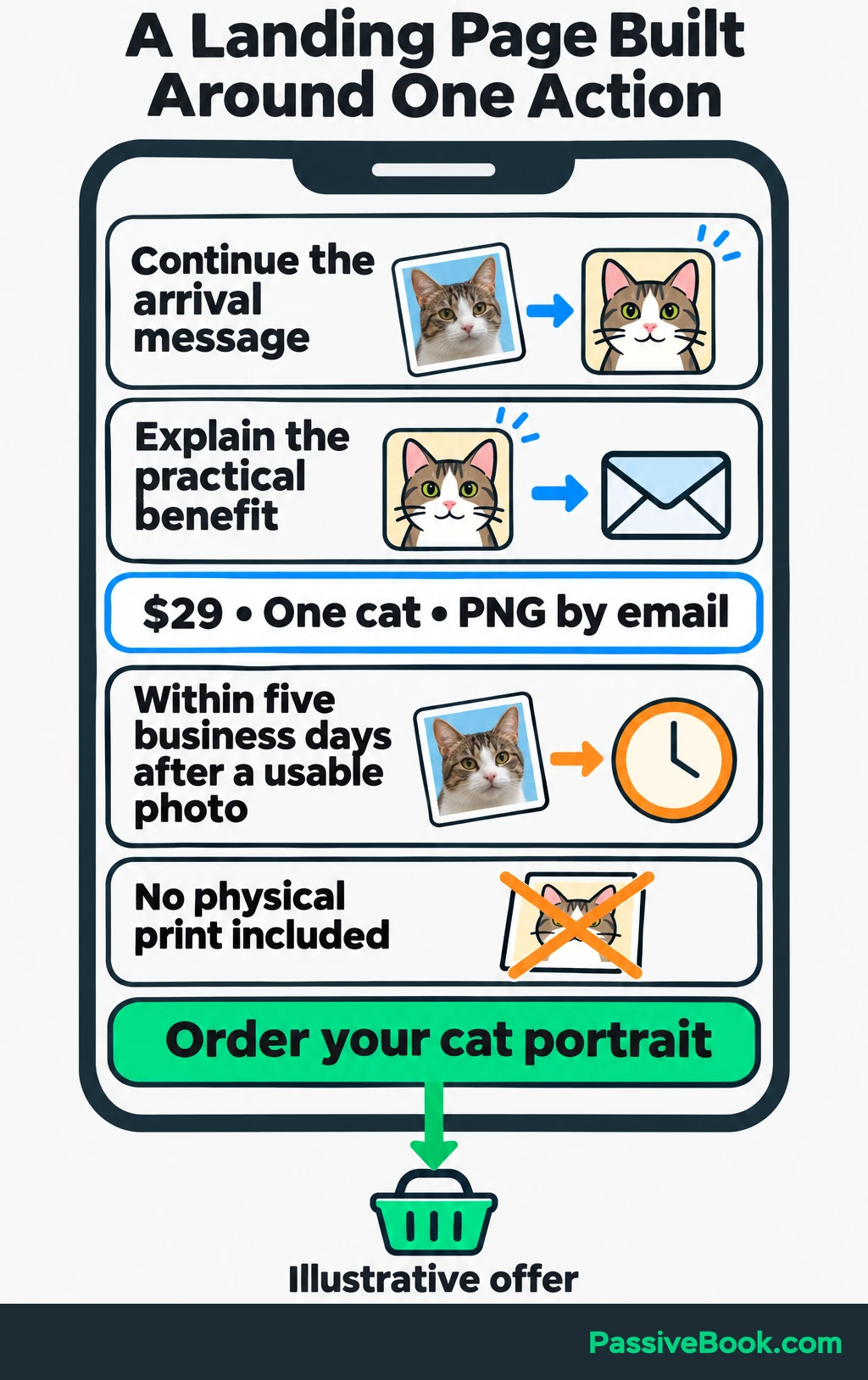
Review the draft as though you have never seen the product. Can you identify what it is, what you receive, and what happens next?
For the cat portraits, the page needs to explain the one-cat scope, the required photo, the price, and the PNG delivery. Keep the delivery condition intact: the five-business-day window starts after a usable photo is supplied.
I would put “No physical print is included” near the product details and purchase invitation. That answers a buying question where the buyer needs the answer.
5. Write a Product Description That Answers Buying Questions
Use this prompt when you need a compact listing rather than a full landing page. Supply the details that could change a purchase decision, including format, contents, and delivery conditions.
Using the shared brief, write a product description within
[word count].

Open with what the product helps the buyer do or receive.
Follow with:
- Concise feature-to-benefit bullets
- Essential format and usage details
- Price and scope
- Delivery method, timing, and conditions
- One CTA

Answer these supplied buying questions:
[Paste.]

Replace broad praise with concrete details. Flag missing
purchase-critical information separately from publishable copy.
Here is a complete description using the illustrative portrait brief:
Get a custom digital portrait of your cat, created from your photo, for $29.
– Personalized from a usable photo you supply.
– Includes a portrait of one cat.
– Delivered as a PNG file by email.
Your portrait arrives within five business days after you supply a usable photo. This is a digital product, and no physical print is included.
Order your cat portrait.
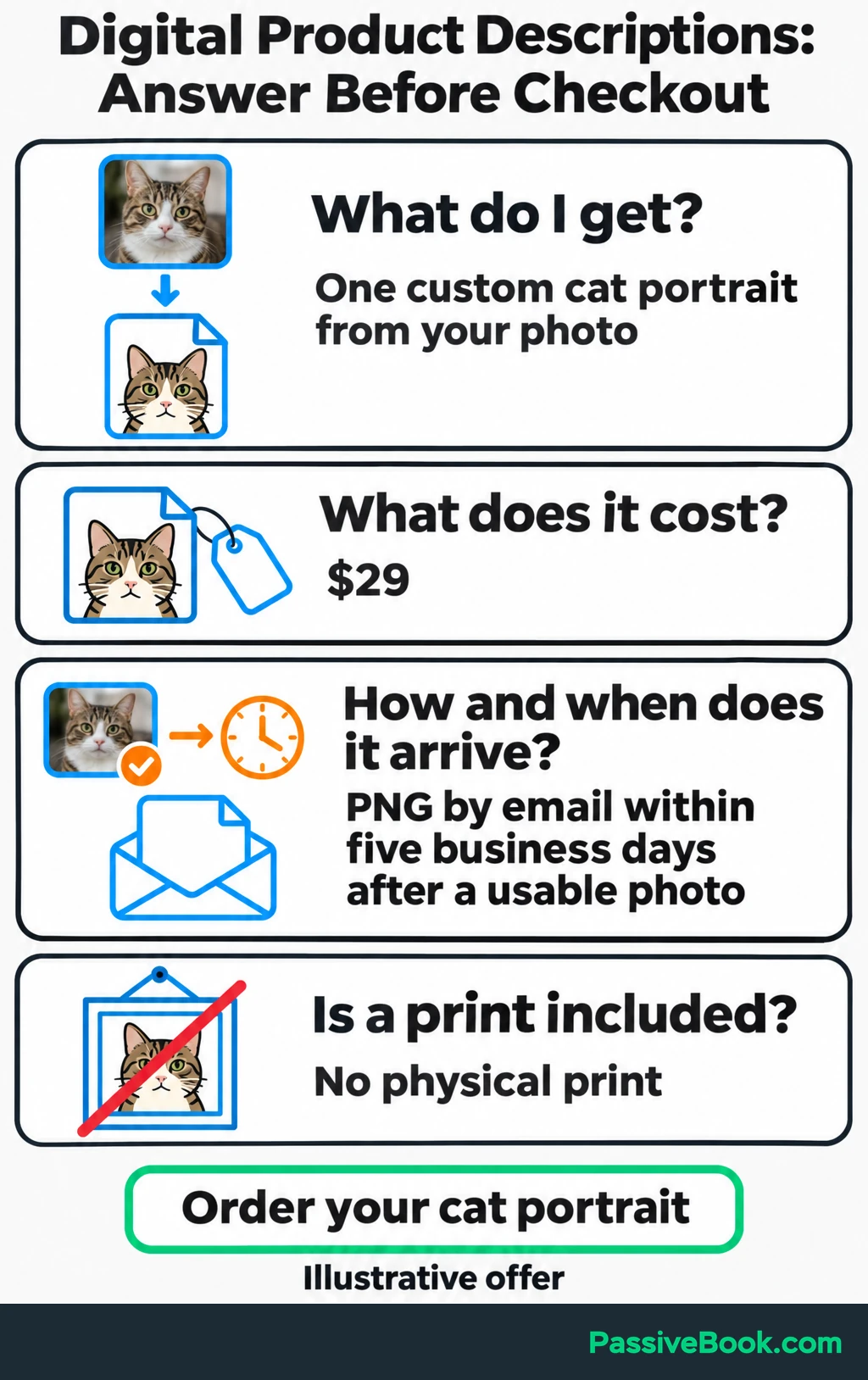
The description tells buyers what they are paying for. It doesn’t add revision allowances, printing dimensions, or usage rights because those details haven’t been established.
If the AI flags one of those as missing, make the business decision before adding the claim. A fluent sentence is a surprisingly bad place to discover your refund policy.
6. Create a Short Sales Email Sequence
Explain why subscribers joined and what they have already received. That context gives the first email a reason to exist.
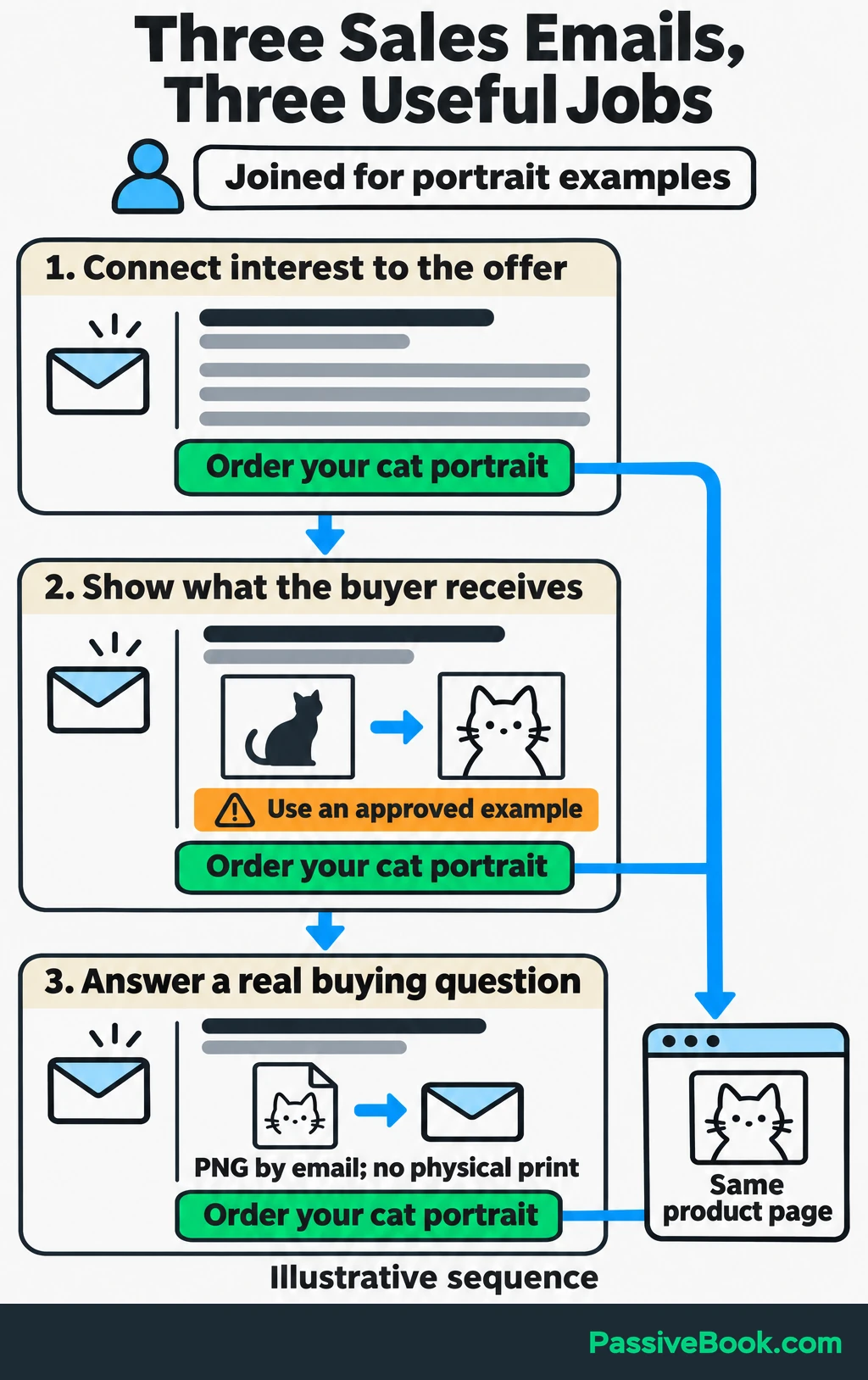
I would give each message one useful job. Three versions of “just checking you saw this” are still one idea.
Using the shared brief, create three emails for subscribers
who joined through [source] expecting [topic or resource].

They have already received:
[Content or messages.]

They already know about the offer:
[Details.]

Email one connects that context to the offer.
Email two demonstrates one practical use or shows what the
buyer receives.
Email three answers this supplied buying question or objection:
[Paste a real question.]

For each email, provide:
- Subject line
- Preview text
- Body under [word count]
- One primary CTA

Give each email a distinct purpose. Keep its destination consistent
with its message. Use placeholders outside publishable copy for
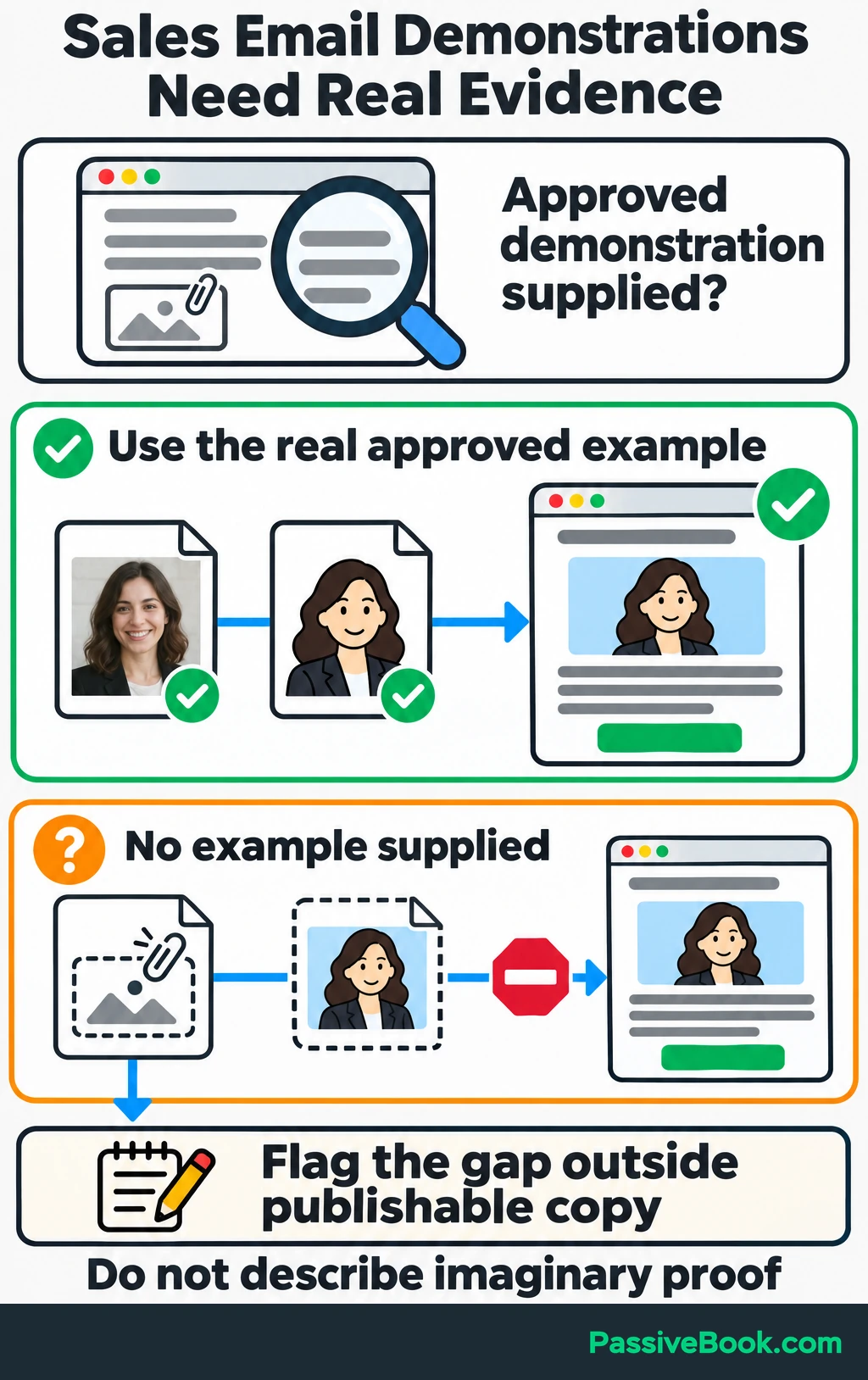
any demonstration or evidence that has not been supplied.
For people who requested portrait examples, the sequence could introduce the custom offer, show an approved photo-to-portrait example, and then explain digital delivery.
The third email might include:
“Your order includes a PNG file sent by email. A physical print isn’t included.”
Keep purchase invitations pointed at the same product page. If you haven’t supplied a real demonstration, the AI should flag that gap rather than describe an imaginary finished portrait.
7. Adapt Approved Content Into Social Copy
Start with copy you have already checked. Then explain the platform, post format, visual, and next action.
This is where you adapt the presentation. The offer’s facts stay consistent.
Turn the approved source content below into three posts for
[platform and format].

Each post needs:
- A distinct opening
- One useful takeaway
- A next action appropriate to the placement and destination

Preserve the shared brief’s facts and voice.

Length constraints:
[Supply.]

Accompanying visual:
[Describe the actual image or video.]

Destination:
[Explain where readers can go and how.]

List the source passage supporting each post outside publishable
copy. Do not add product claims or visual details that are absent
from the supplied material.

Approved source content:
[Paste.]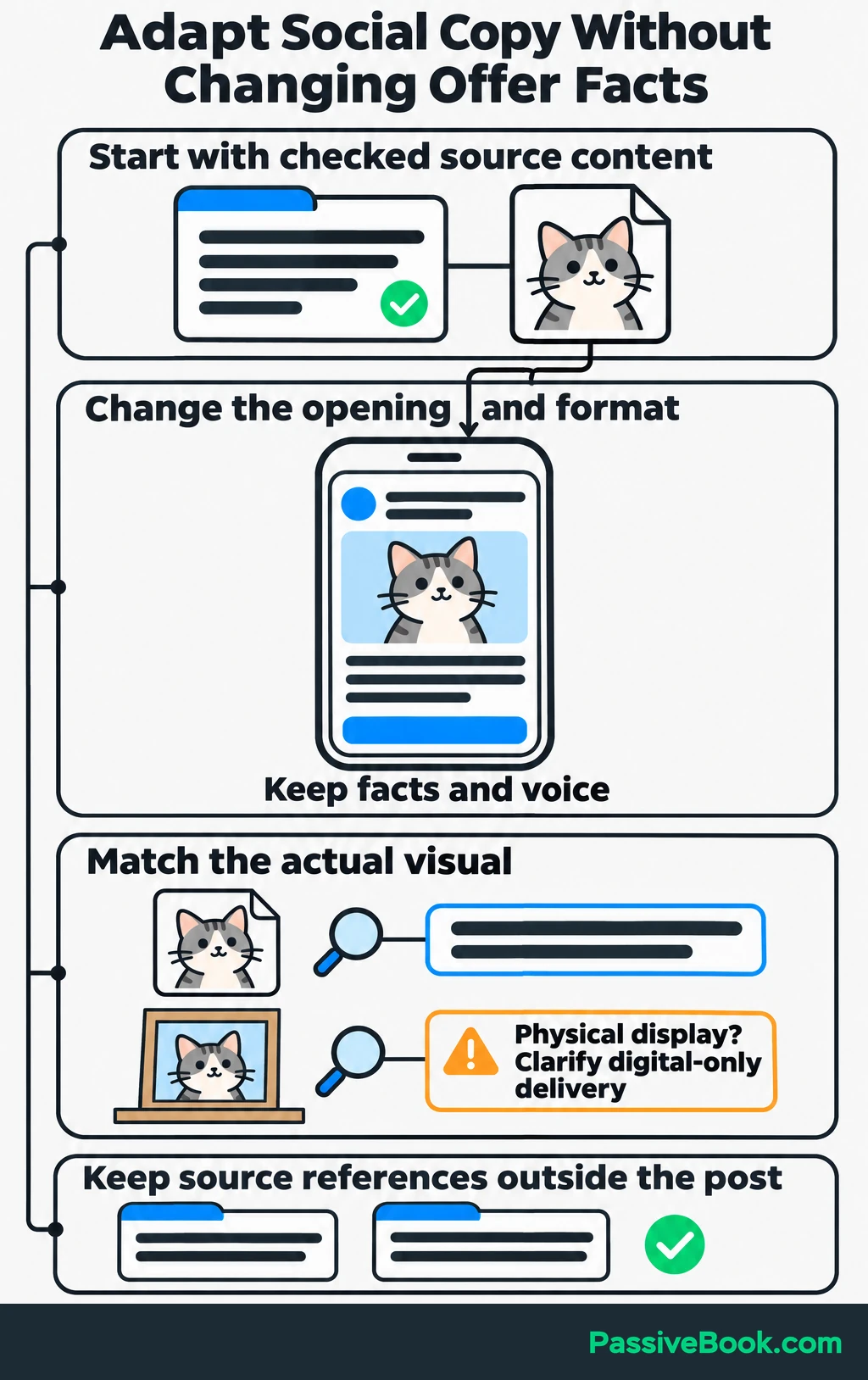
For a side-by-side image of a customer-supplied photo and its approved finished portrait, a caption could open:
“It starts with a photo of your cat.”
A separate post showing the file-delivery process could explain that the buyer receives a PNG by email.
Choose the version that fits the actual image. If the visual shows a physical display, make the digital-only offer clear so the picture and caption don’t leave different impressions.
8. Generate Ad Variations That Match the Landing Page
Use this prompt if paid advertising is already part of your plan. I would skip it while you’re still trying to explain what the product includes.
Supply the placement’s requirements and approved landing-page copy. That gives the AI firm boundaries for both the format and the promise.
Using the shared brief and landing-page copy below, create
two ads for [platform and placement]. Add a third only if a buyer
concern is supplied.

Return these required components:
[List.]

Follow these supplied length and format limits:
[Paste.]

Keep the offer and CTA constant. Use a different main angle
for each version:
- Practical benefit
- Specific product contents
- A supplied buyer concern

Buyer concern:
[Paste a real concern, or write “Not supplied” and omit that angle.]

Label the message each version tests. Do not add urgency,
discounts, results, or promises absent from the approved page.

Landing-page copy:
[Paste.]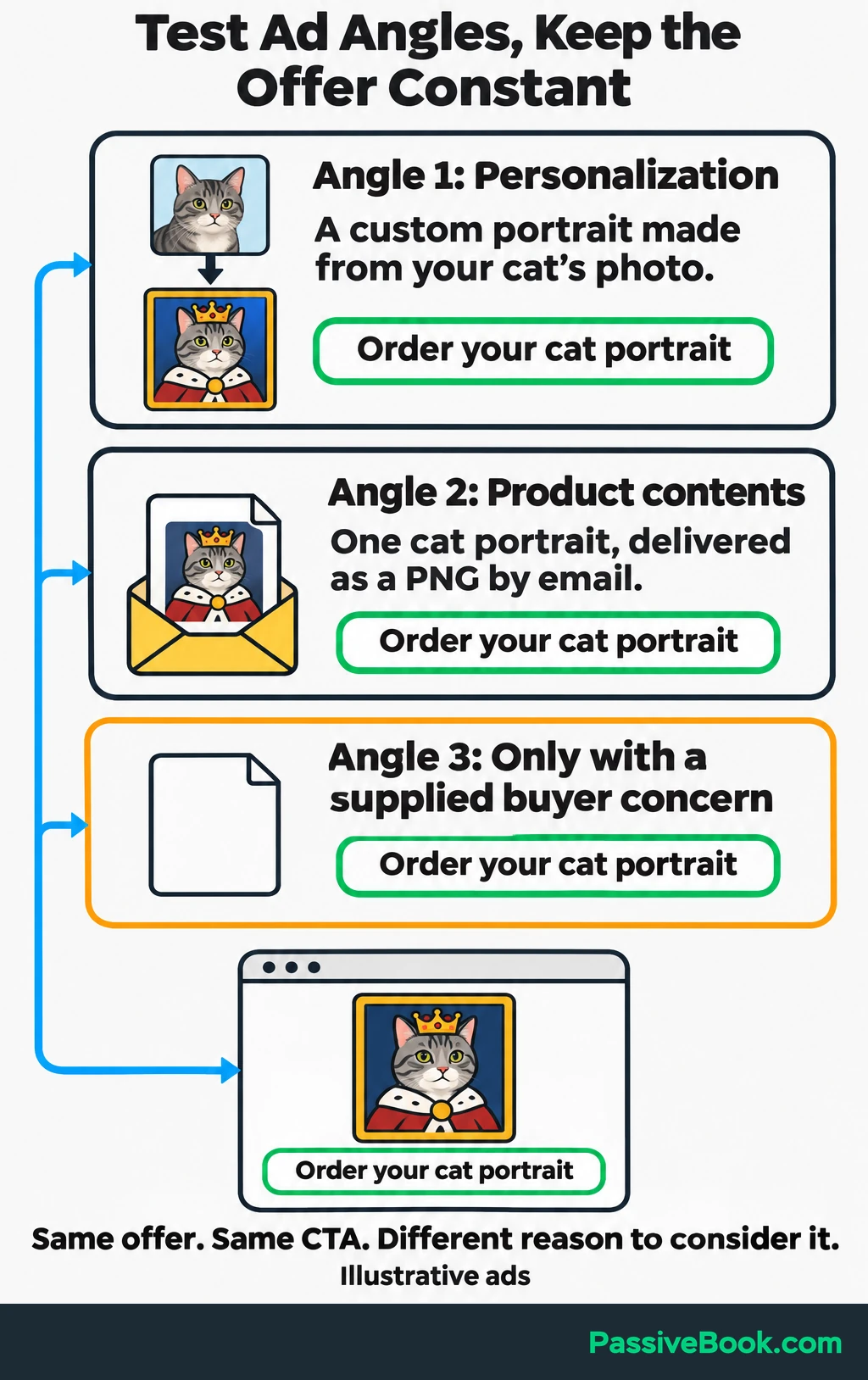
For the portrait offer, you could compare these angles:
- Personalization: “A custom portrait made from your cat’s photo.”
- Product contents: “One cat portrait, delivered as a PNG by email.”
Those give people different reasons to consider the same offer. Swapping “lovely” for “beautiful” gives you a much smaller question to answer.
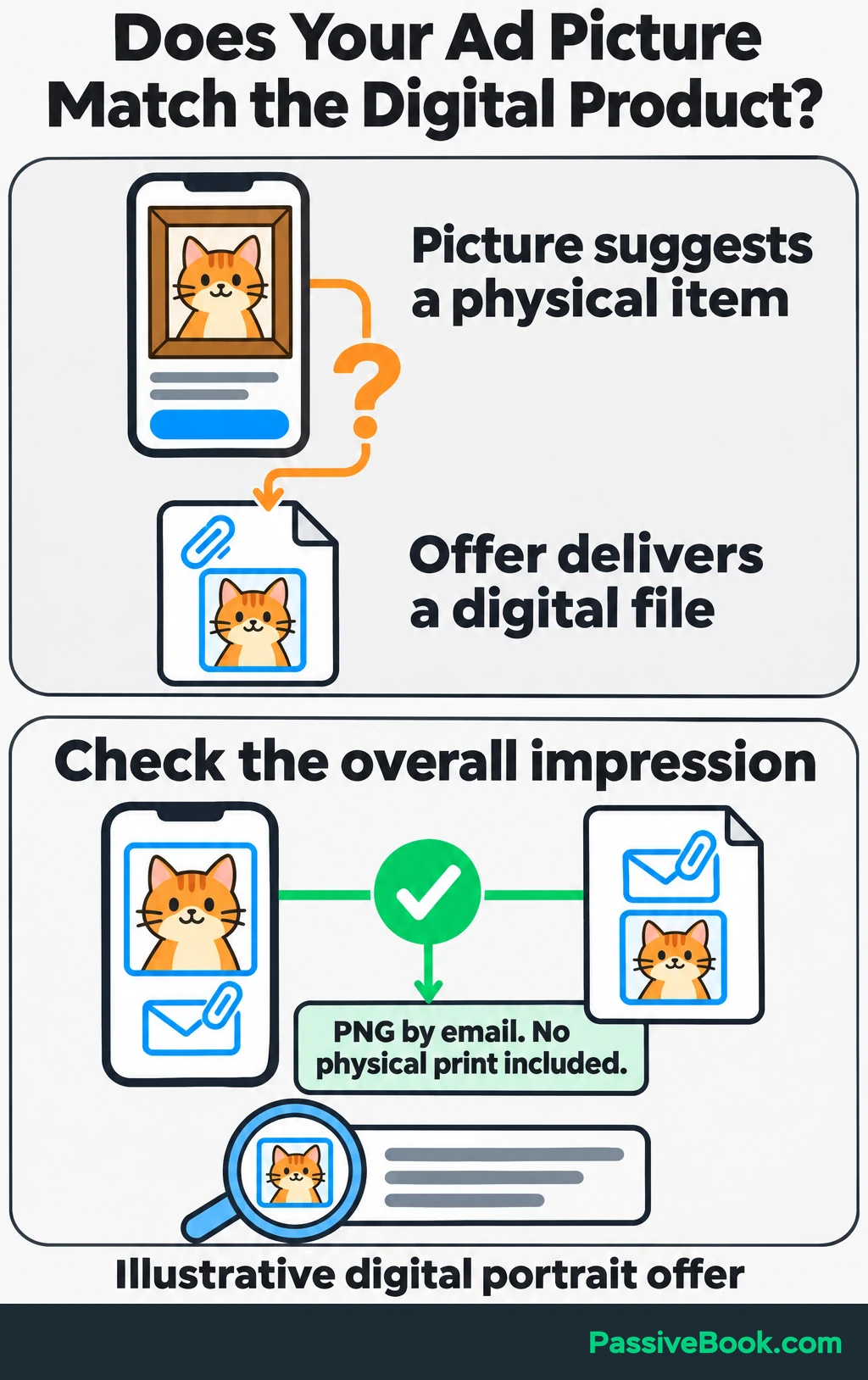
For U.S. advertising, both direct and implied claims must be truthful, non-deceptive, and supported before publication. The FTC’s advertising guidance explains that the overall impression matters, including what pictures suggest and what important details are omitted.
If you adapt these prompts for pet-care products, don’t let the AI turn a supplied feature into an unsupported health or safety promise.
9. Edit a Draft for Clarity, Voice, and Persuasion
Give the AI the original brief again, along with the draft and an approved voice sample. Describe voice through things you can see on the page: everyday words, short paragraphs, calm explanations.
“Make it sound human” leaves far too much room for interpretation.
Review this draft against the shared brief, approved evidence,
and voice sample.

Identify up to five consequential problems with:
- Clarity
- Specificity
- Brand voice
- Unanswered buying questions
- The next action

Report only problems supported by the draft and brief.

Return a table with:
- Original excerpt
- Problem
- Proposed revision
- Supporting brief detail

Then provide a revised draft that preserves verified facts and
offer terms. Keep unresolved factual questions outside publishable
copy. If the draft has no consequential problem in a category,
do not invent one.

Voice sample:
[Paste.]

Draft:
[Paste.]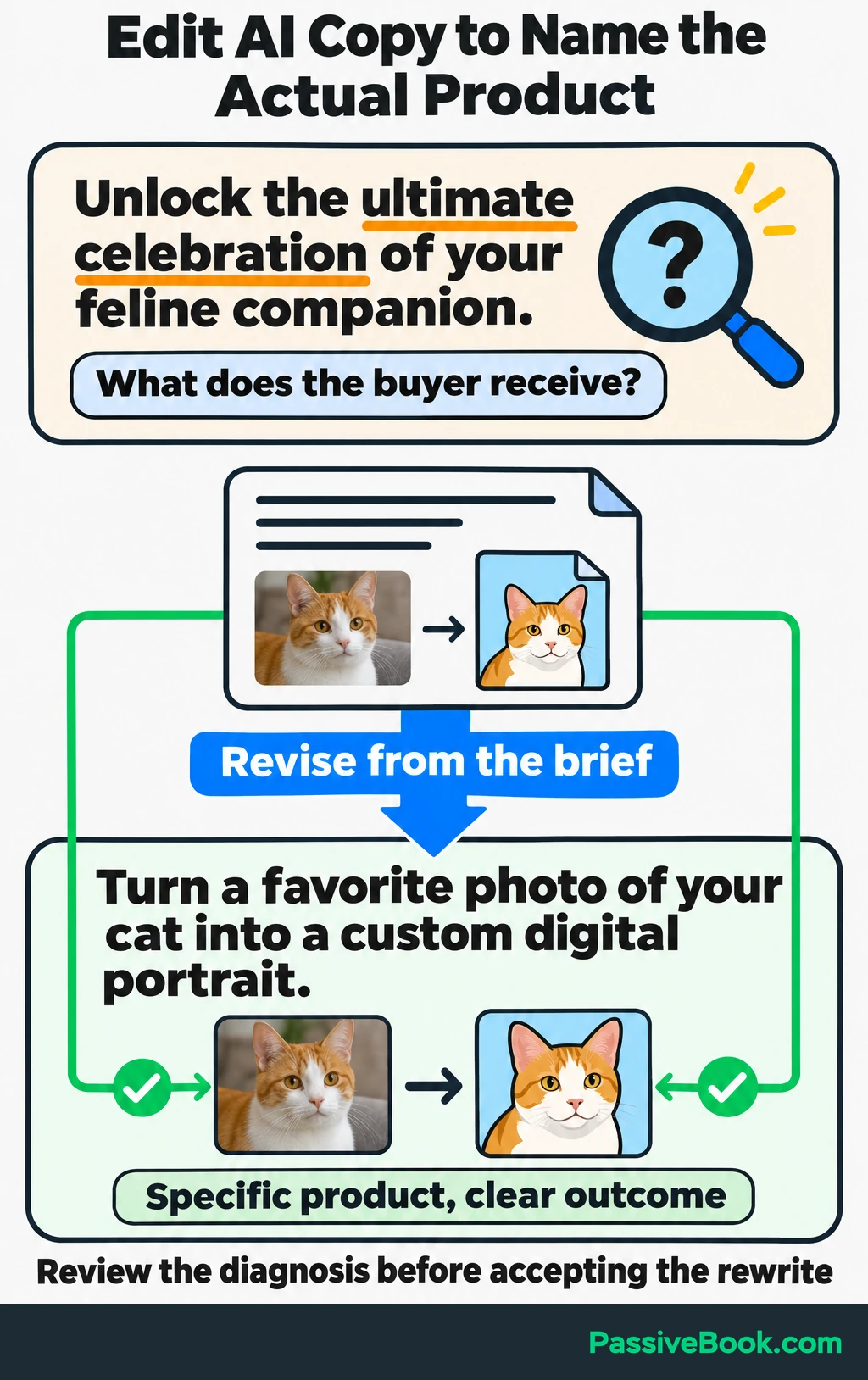
For example, this line hides the product:
“Unlock the ultimate celebration of your feline companion.”
A clearer version names what the buyer receives:
“Turn a favorite photo of your cat into a custom digital portrait.”
Review the diagnosis before accepting the rewrite. Then check substantive changes against the brief and read the copy aloud.
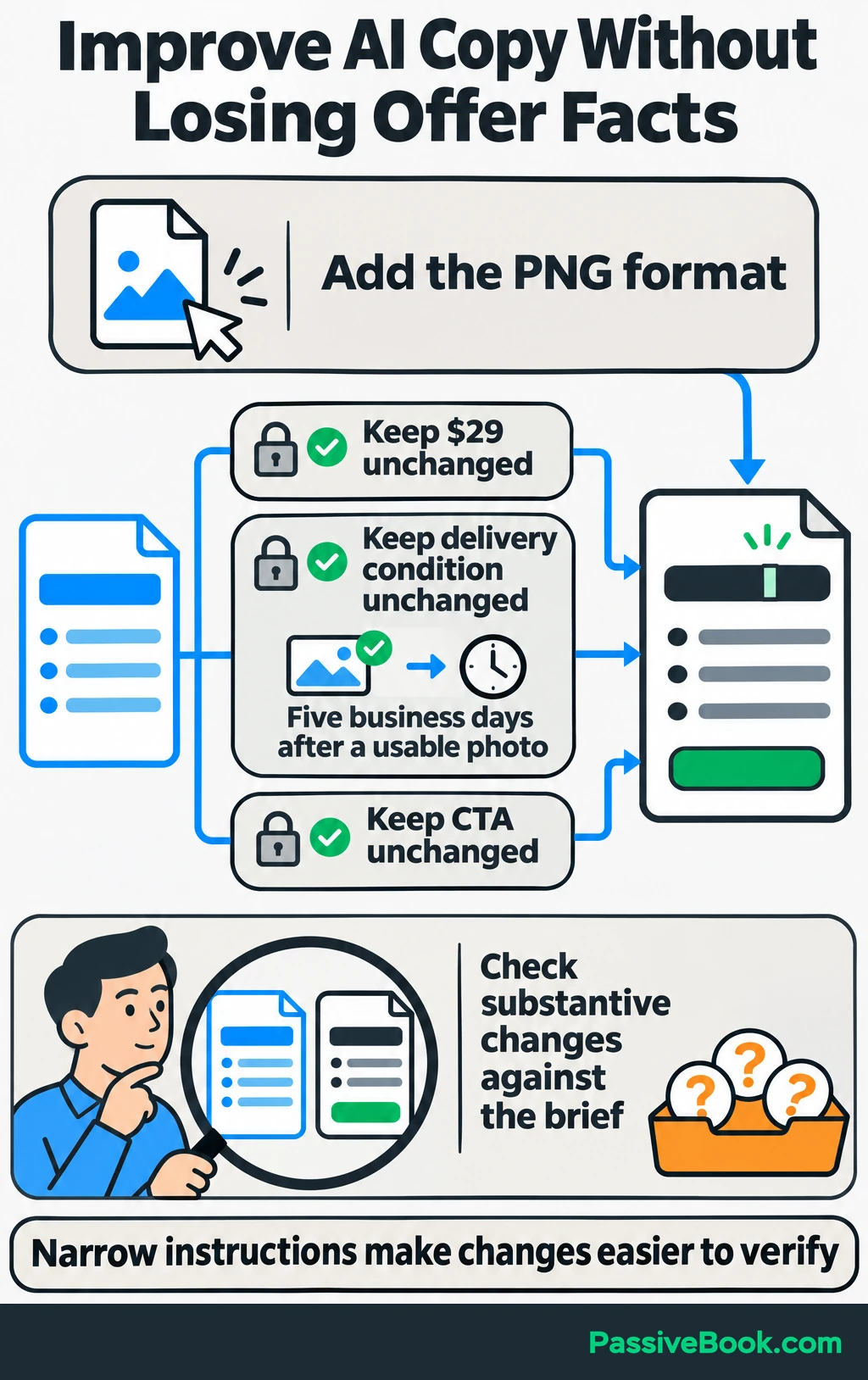
Give narrow follow-up instructions when needed:
“Name the PNG format in the description. Keep the price, delivery condition, and CTA unchanged.”
That is easier to check than another request to make everything more persuasive.
If you want help applying those edits, AI Copywriting Studio gives you a revised draft and a separate claim-to-source review. You can also start with rough offer notes when you need a new piece of copy.

Free AI Copywriting Studio




Choose What to Publish and Test
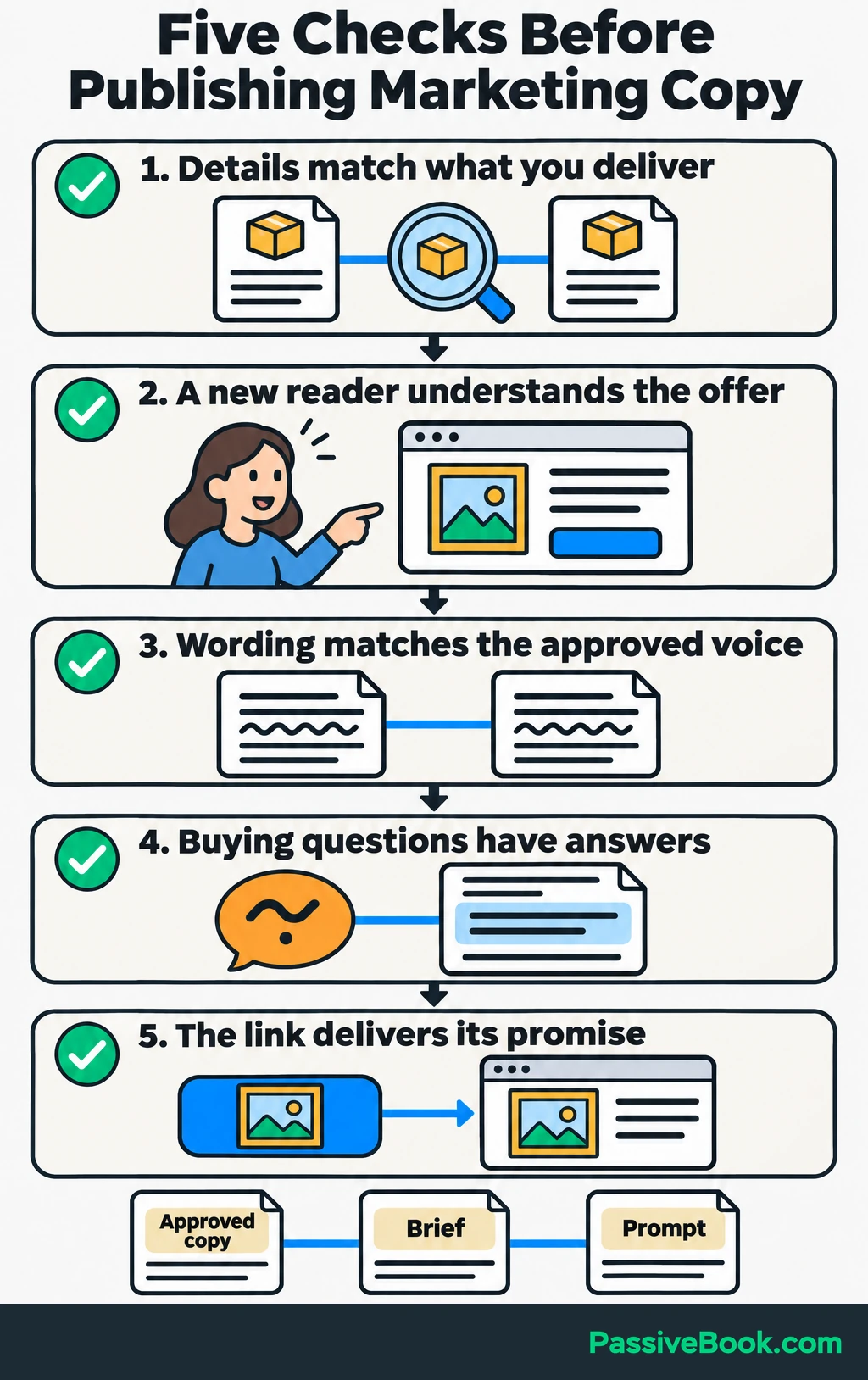
Publish the draft that makes the offer easiest to understand and supports its claims. Before it goes live, check five things:
- The product details and terms match what you deliver.
- A new reader can explain what the offer includes.
- The wording sounds like your approved voice.
- Important buying questions have answers.
- The link or button leads to the promised destination.
Save the approved copy with its brief and prompt. When you need the next asset, you can reuse the decisions you have already made.
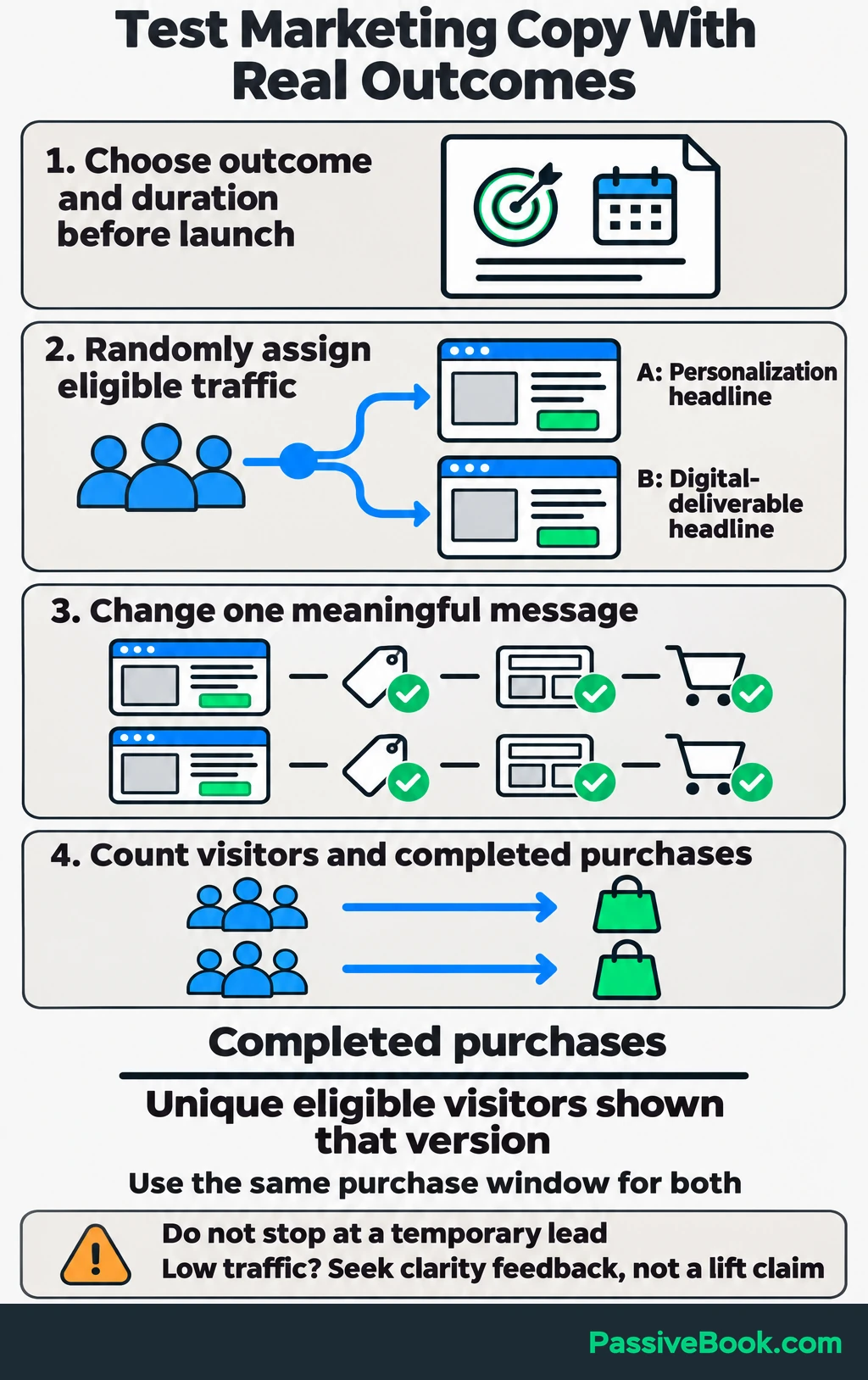
To judge performance, measure the action the copy is meant to produce: purchases, completed signups, or qualified inquiries. Count how many eligible people encountered each version, along with how many of those people completed the action within your chosen measurement window.
For a product-page comparison, that could mean unique visitors shown each version and the buyers among those visitors. Keep the counting method and purchase window the same for both versions.
If you run an A/B test, change one meaningful message, randomly split eligible traffic, and choose the primary outcome and duration before launch. GOV.UK’s experimentation guidance describes random allocation, predefined metrics, and planning the test duration. Plan for enough traffic to assess the result rather than stopping when one version briefly moves ahead.
For the portraits, you might compare a headline focused on personalization with one focused on the digital deliverable. Keep the price, page layout, and checkout process consistent so the message is the main change.
A simple record can capture:
- Asset and prompt version.
- Main message change.
- Number of eligible people shown the copy.
- Completed actions among those people.
- Measurement window and next revision.
If traffic is too low for a useful comparison, ask prospective customers what they think the offer includes, why they would consider it, and what remains unclear. Their answers can guide clearer copy, but they don’t establish a conversion lift.
Update your reusable brief when a question exposes a missing detail. That gives the next draft a better starting point.
What Next?
Choose one product description or email that needs work and fill in the brief before generating another draft. Run the relevant prompt, then use prompt 9 to check what changed.
Use the social buttons to share this prompt set when a conversation turns to getting useful marketing copy from AI.
Which buying question does your current copy still leave unanswered? Share it in the comments, and bring any other questions about using the prompts.
Share this post with your friends & followers:

