The cheapest accounting plan can look perfect until you discover that bank imports, accountant access, or your store connection cost extra. Now you’re comparing several subscriptions just to answer a basic question: where did the money go?
Choose badly and you can spend your evenings fixing imports, chasing missing fees, or moving everything again.
You don’t need the most expensive package to keep useful books. You need one that handles how you get paid. This comparison shows where each tool fits, what can force an upgrade, and how to test your choice before moving your records.
What Should Accounting Software Handle for Your Business?
Start with the transactions your business creates. A long feature list means little if the software misses the part that takes you hours each month.
I would check these three areas first:
- Client work: Create invoices, track unpaid amounts, and turn billable time or expenses into charges.
- Online sales: Record sales, refunds, payment fees, and payouts without counting the same income twice.
- Physical stock: Track inventory value and the cost of the items you sell, often called cost of goods sold.
For the running example, imagine you sell downloadable beginner-watercolor workbooks through Shopify and offer paid painting-feedback sessions. You need store bookkeeping and client invoices, but you don’t need stock tracking for downloadable files.
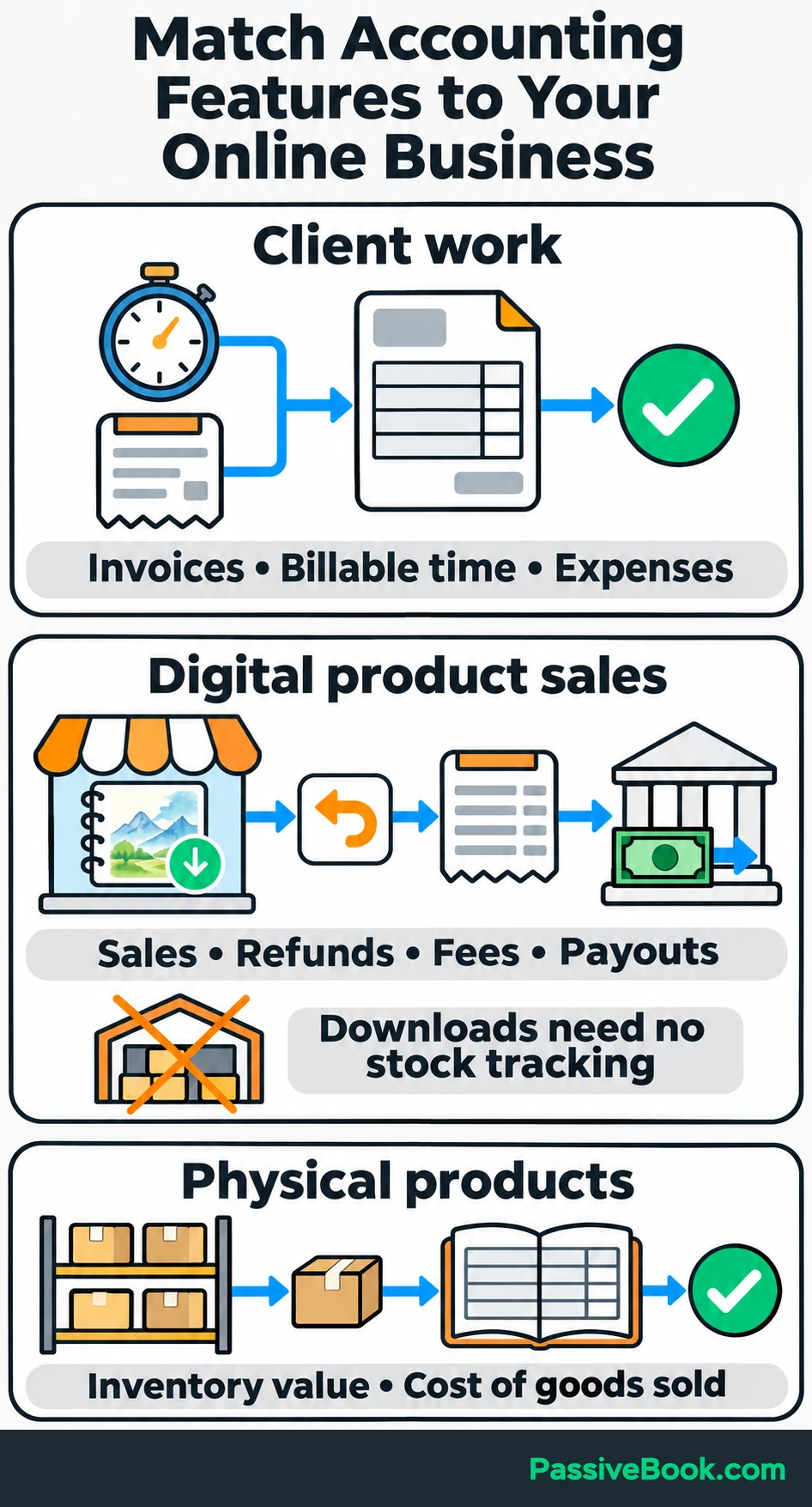
That distinction can save you from buying a higher plan for a feature you won’t use.
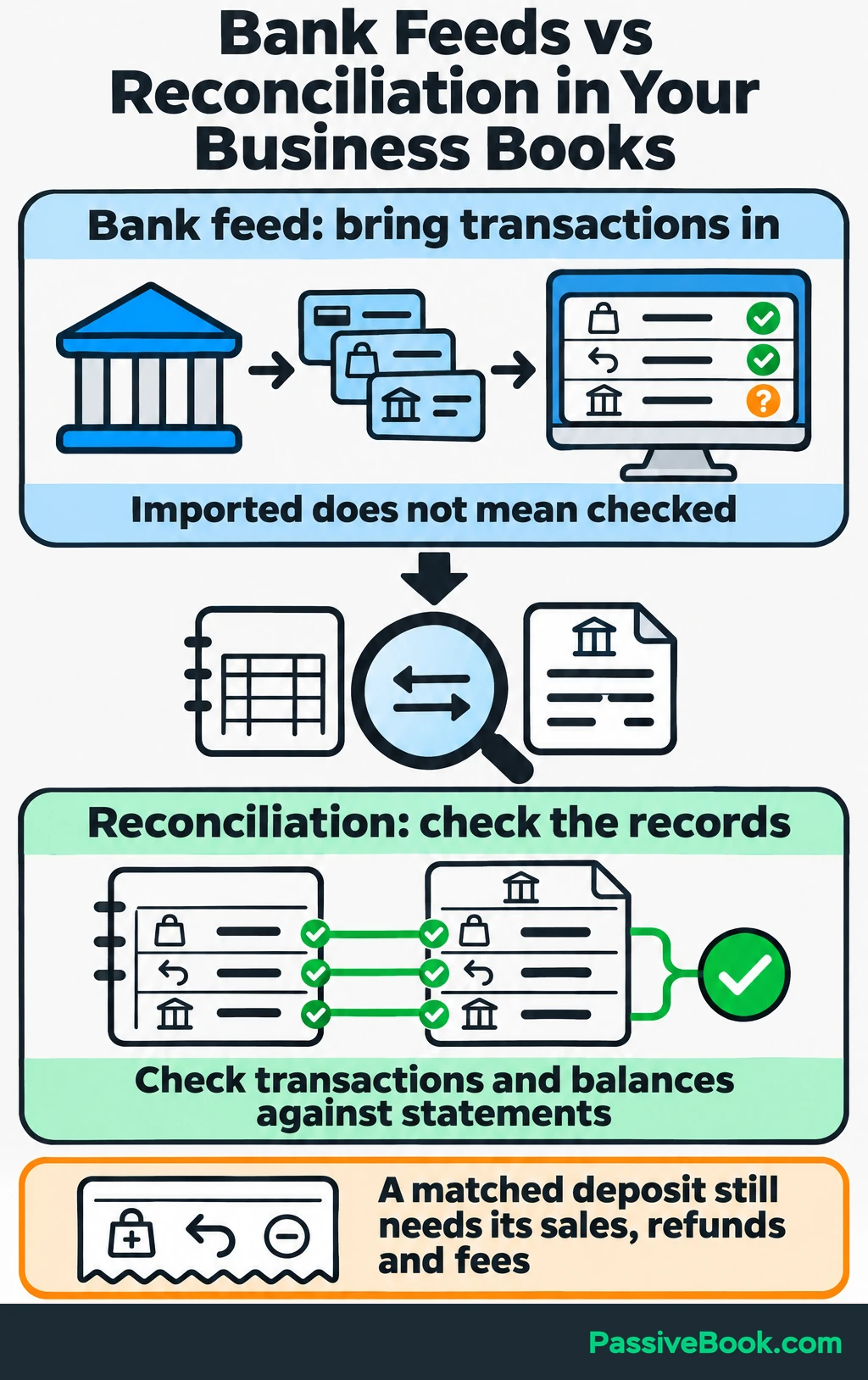
Bank feeds and reconciliation also do different jobs. A feed brings transactions into your software. Reconciliation checks your recorded transactions and balances against an account statement.
For store sales, matching a bank deposit is only part of the job. You also need to preserve the sales, refunds, and fees behind it. As Stripe’s payout documentation explains, an automatic payout can contain money from several transactions. Recording the whole deposit as sales loses that detail.
Your reports should answer three practical questions:
- Profit and loss: Did the business earn more than it spent during the period?
- Balance sheet: What does the business own and owe at a particular point?
- Cash movement: Where did money come from, where did it go, and what remains available?
A cash-flow forecast goes further and estimates future balances from expected receipts and payments.
On one of my digital-product sites, I caught myself mentally spending the full amount in a sales notification. The payout arrived later, after deductions. That small habit made me more interested in available cash than cheerful sales totals. When you’re deciding whether you can afford another subscription, the difference matters.
Before comparing extras, confirm your country, bank connection, currencies, required users, and accountant access. These five choices are cloud tools: they store your books online, so you can access them from different devices and share access with your accountant. If working without an internet connection is essential, put a desktop option with suitable backups and integrations on your shortlist instead.
Also check local tax requirements. Useful bookkeeping reports don’t automatically complete your tax return. Keep supporting invoices, receipts, and transaction records; for US businesses, the IRS explains that these documents support entries in your books and tax return.
The Best Accounting Software Compared
My starting shortlist is Zoho Books for affordable bookkeeping, Xero for collaboration and connected ecommerce, QuickBooks Online when your accountant uses it, FreshBooks for client billing, and Wave for simple free bookkeeping in supported countries.
The best accounting software for online businesses is the lowest-cost setup that records your activity completely, reconciles your accounts, and gives you reports you can use.
The table uses regular US-edition monthly prices in USD, before tax and introductory discounts. Local editions can differ. The provider pages linked in each review carry current details.
| Software | Best Fit | Recommended Starting Plan | Regular Monthly Price | Free Option | Material Usage Limits | Main Upgrade Trigger |
|---|---|---|---|---|---|---|
| Zoho Books | Straightforward bookkeeping on a budget | Standard | $20 | Free, subject to revenue and usage conditions | Standard: 3 users; 5,000 invoices and 5,000 expenses annually | Unpaid supplier bills, multicurrency transactions, inventory, or project profitability |
| Xero | Shared bookkeeping and connected stores | Growing for an active store | $59 | No ongoing free plan | Unlimited general users; Early caps invoices and bills | Established for multicurrency accounting or project time and costs |
| QuickBooks Online | Working with an accountant who uses QuickBooks | Simple Start | $38 | Restricted Free plan | Simple Start: 1 business user plus 2 accountants | More users; Plus for inventory, project profitability, or class and location tracking |
| FreshBooks | Invoicing and billable client work | Plus | $43 | Trial only | 50 billable clients; additional team members cost extra | More billable clients or broader project and supplier-bill features |
| Wave | Simple US or Canadian bookkeeping | Starter | $0; Pro is $19 | Starter | Manual entry or statement uploads on Starter; ordinary collaborator access requires Pro | Automatic bank imports, receipt capture, or collaborator access |
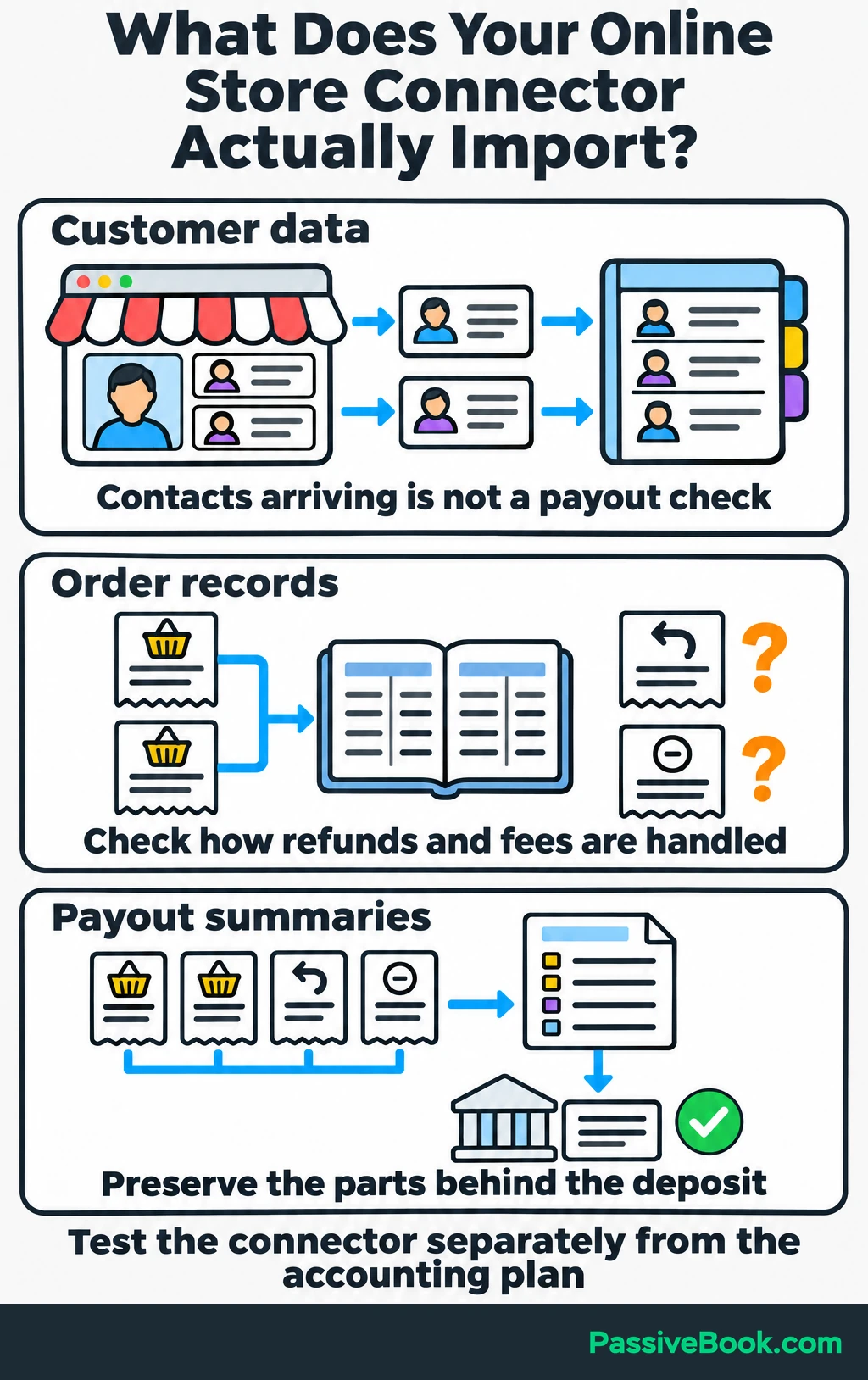
These are alternatives for keeping your books. A store connector is an extra part of the setup. It moves information between your store and accounting software, and its job may range from copying orders to preparing payout summaries.
Don’t assume those jobs are interchangeable. A customer list arriving correctly tells you little about whether refunds and payment fees were recorded correctly.
Zoho Books: Best Value for Straightforward Bookkeeping
Zoho Books would be my first comparison for a small business that wants proper bookkeeping without a large subscription.
Standard includes connected bank feeds, reconciliation, and custom reports. It also includes an API, which lets other software exchange data with your books. Free includes reconciliation but not connected bank feeds. Its eligibility ceiling is $50,000 in financial-year revenue, with one user plus one accountant and annual limits of 1,000 invoices and 1,000 expenses. See Zoho Books’ US pricing and free-plan conditions.
The important catch is supplier bills. Free and Standard let you record expenses, but tracking a supplier invoice before you pay it requires Professional. That plan also adds inventory, multicurrency transactions, and project profitability. Zoho’s plan comparison shows these differences.
For the watercolor business, I would start by testing Standard if transactions use one currency and supplier expenses are paid immediately. I wouldn’t upgrade for inventory while selling downloads.
Store synchronization needs its own review and budget. Test what reaches the books, how refunds appear, and whether the resulting payout matches the bank deposit. An inexpensive accounting subscription is good value only when the complete workflow works.
Xero: Best for Collaboration and Connected Ecommerce
Xero is my first comparison when several people need access. Its business plans include unlimited users without extra user charges, so adding a bookkeeper or colleague doesn’t automatically mean buying another seat.
For an active store, I would begin with Growing. Early allows 20 invoices and five bills monthly, and transactions created by connected apps can count toward its invoice limit. Growing removes those caps. Established adds multicurrency accounting and project time-and-cost tracking. Those distinctions appear in Xero’s US plan comparison.
Early can still make sense for low-volume activity. I would count the entries your connector creates before ruling it in or out. Twenty customer orders and twenty accounting invoices aren’t necessarily the same thing.
For the watercolor shop, Xero with A2X is worth testing. A2X is a separate connector that posts summaries of the income and expenses behind each payout to Xero. You can then match each payout to the bank deposit.
The appeal is less time reconstructing deposits. The tradeoff is another subscription and another connection to configure. I would pay for that when payout bookkeeping is a recurring chore, rather than buying it because “integrated” sounds reassuring.
QuickBooks Online: Best When Your Accountant Uses QuickBooks
I would choose QuickBooks when your accountant already works in it and that familiarity makes ongoing help simpler.
Ask which plan they need and why. Simple Start has one business user plus two accountant seats. Essentials increases business access to three users. Plus provides five business users and adds inventory, project profitability, and class and location tracking.
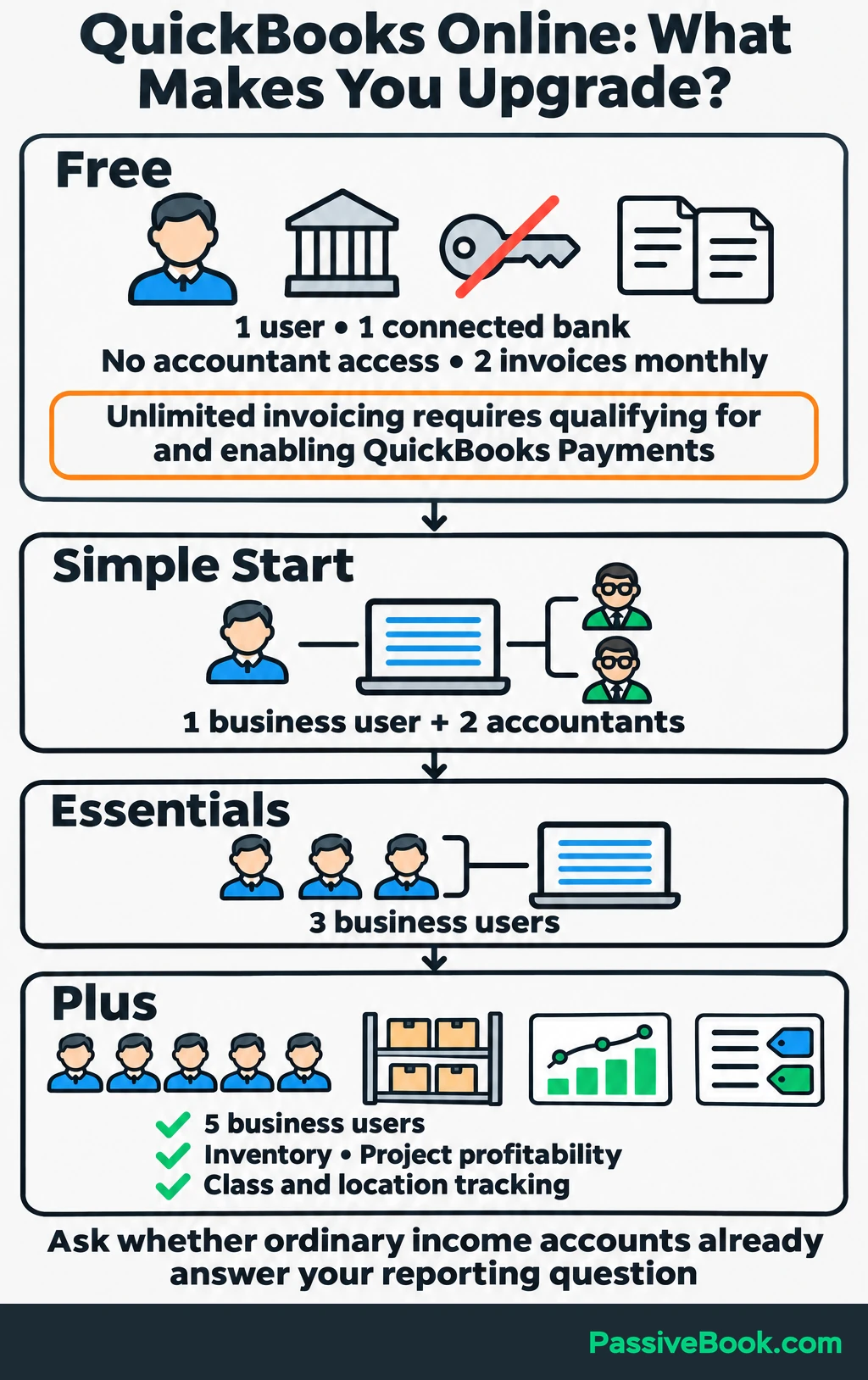
Free is much narrower: one user, one connected bank, no accountant access, and two invoices monthly. Unlimited invoicing requires qualifying for and enabling QuickBooks Payments. See QuickBooks’ US pricing and plan restrictions.
For the watercolor business, needing separate reports for workbook sales and feedback sessions deserves a conversation before upgrading. Ask whether ordinary income accounts answer the question or whether you actually need the extra tracking features.
The Shopify Connector by QuickBooks imports sales, refunds, fees, and payouts. I would test the payment gateways you use, including any payments handled outside the store’s main gateway.
QuickBooks can justify its cost when it reduces the work you and your accountant do together. I wouldn’t pay more simply because it’s the name I recognized first.
FreshBooks: Best for Invoicing and Billable Client Work
FreshBooks makes the most sense when getting paid for client work drives your bookkeeping.
For the watercolor business’s feedback sessions, the useful workflow is straightforward: record billable time, attach any chargeable expenses, create the invoice, and track payment. That deserves more weight than store features if sessions account for most of your work.
I would start the accounting comparison with Plus. It includes bank reconciliation, accountant access, and reports showing income, expenses, and what the business owns and owes. Lite includes time tracking and automated bank imports, but lacks those accounting features.
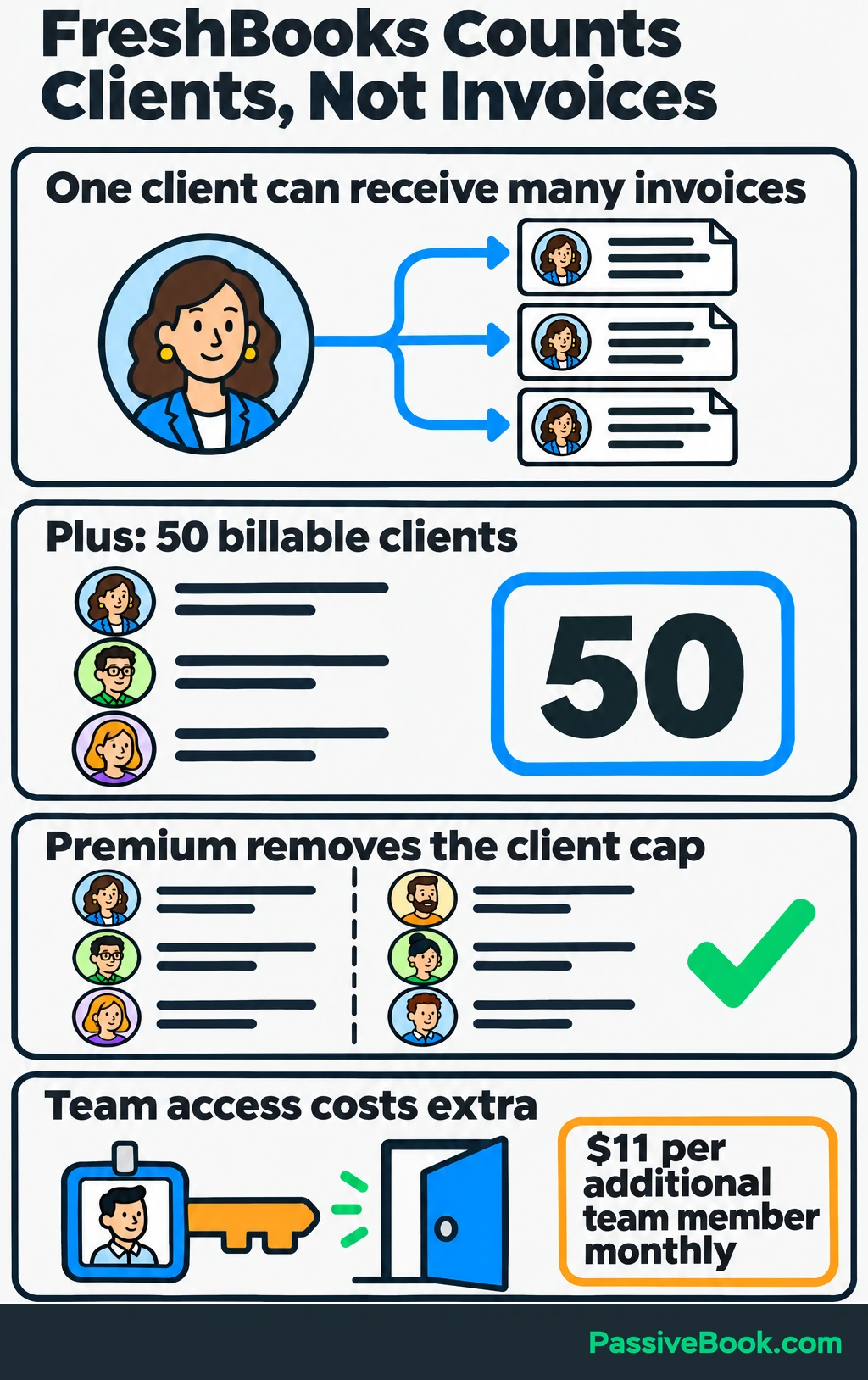
Plus supports 50 billable clients. Premium removes that cap, and additional team members cost $11 monthly each. FreshBooks’ pricing comparison lists the features and charges.
The client limit counts clients rather than invoices. That matters if you serve many occasional customers instead of a small group with recurring work.
I would choose FreshBooks when its billing workflow saves repeated effort. If workbook orders, refunds, and store payouts create most of your bookkeeping, I would start with a configuration built around those transactions. Otherwise, you risk optimizing the smaller half of the business.
Wave: Best Free Option for Simple US and Canadian Businesses
Wave belongs on the shortlist only if your business is in a supported location. It serves businesses in the United States and Canada, excluding US territories.
Starter includes unlimited estimates, invoices, bills, and bookkeeping records. It can work well when manual transaction entry or statement uploads are manageable.
Pro adds automatic bank imports, transaction categorization, receipt capture, and automated late-payment reminders. It also provides ordinary admin, editor, and viewer access for collaborators. Compare those features on Wave’s pricing page.
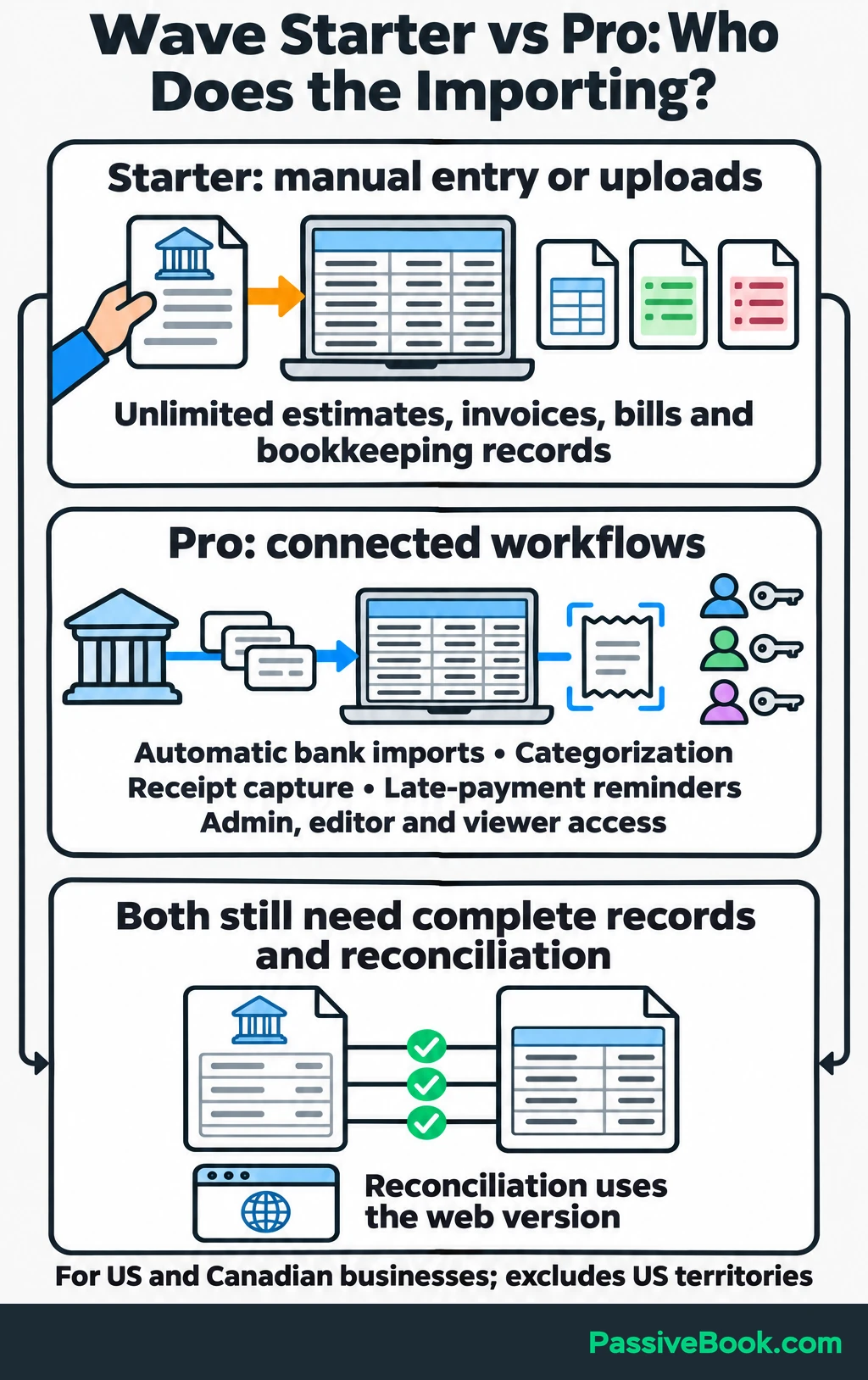
For the watercolor business, Starter is worth considering at low transaction volume. You still need to record the parts behind each store payout and reconcile your accounts. Wave’s reconciliation task is available in its web version, so include computer time in your routine.
I would choose free bookkeeping when it completes the job comfortably. Once regular imports and corrections start eating your evenings, compare Pro with Zoho Standard.
A zero subscription bill is useful. A permanent unpaid bookkeeping shift is less exciting.
What Will Your Accounting Setup Really Cost?
Count everything required to get from a sale to reconciled books.
Your recurring cost can include the accounting subscription, store connectors, extra users, bookkeeping help, and other necessary services. Keep setup and migration costs separate so you can see what repeats.
Payment-processing fees also belong in the comparison when your proposed setup changes how customers pay. An accounting subscription and the charge for accepting a card payment are separate costs.
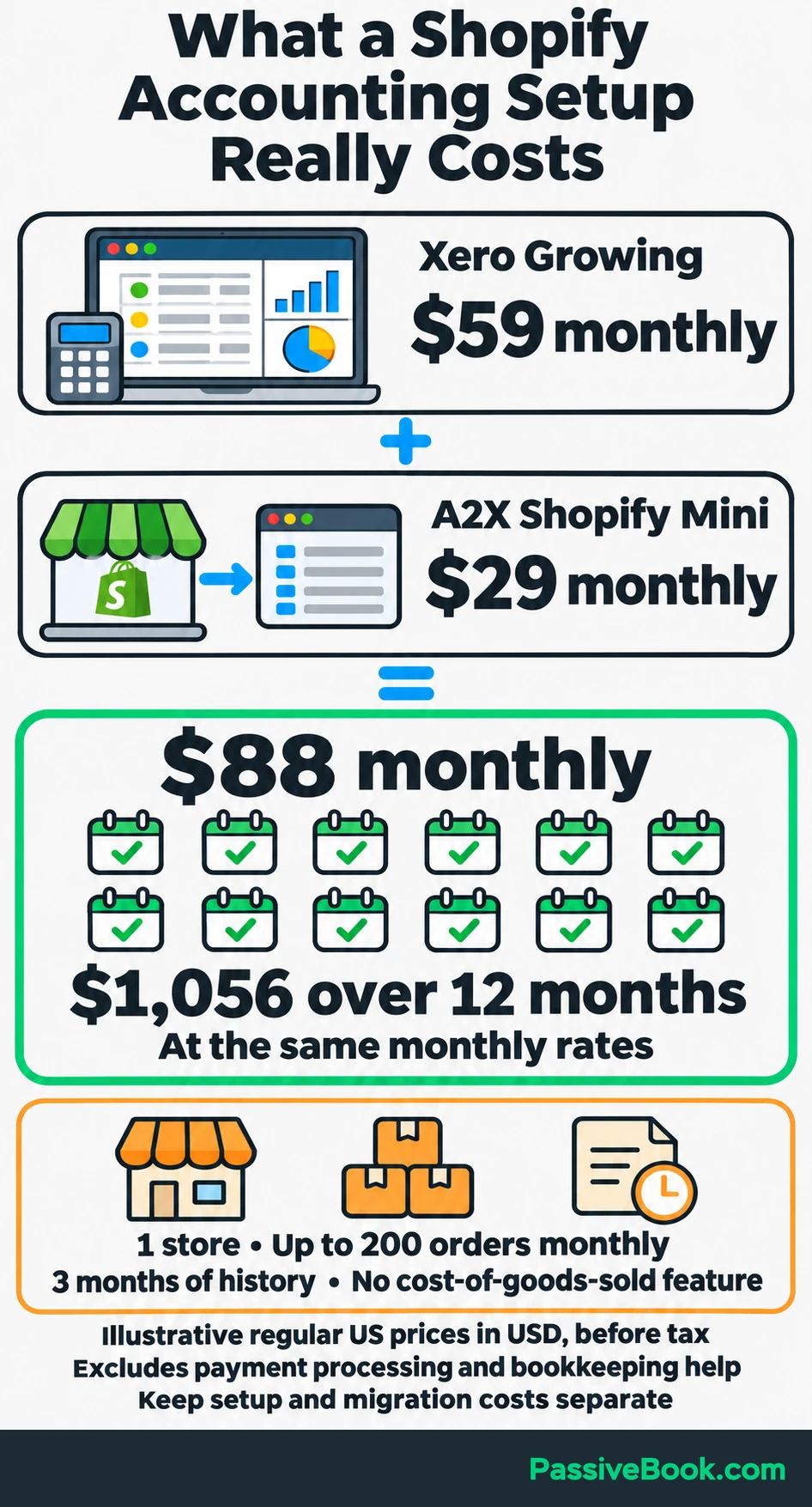
For the watercolor shop, suppose you choose Xero Growing and A2X Shopify Mini. Mini adds $29 monthly for one store and up to 200 orders a month. It includes three months of history and excludes its cost-of-goods-sold feature. See A2X’s Shopify pricing and limits.
Using the Growing price in the comparison table, those two subscriptions total $88 monthly, or $1,056 over 12 months at the same rates. That excludes tax, payment processing, and bookkeeping help.
The history allowance matters during a move. A plan that handles next month’s orders may not include the older records you want to bring across.
I would compare finalists using a short worksheet:
| Cost Item | What to Write Down |
|---|---|
| Accounting plan | Xero Growing at the regular monthly price in the comparison table |
| Store connection | A2X Shopify Mini for one store within its order allowance; payment gateways still need testing |
| Additional access | No extra Xero seat charge for a bookkeeper; their work costs extra |
| Initial setup | Not priced here; include any charge for importing older records and checking starting balances |
| Ongoing help | Not priced here; add a quote if someone will review or maintain the books |
Annual billing can reduce subscription costs, but it also commits more money upfront. I would finish the practical tests before paying for a year.
Once two setups pass your workflow tests, compare their costs over the same period. Include the connector and migration charges, not just the accounting plan.

Free Software Cost Calculator




Stay on a free plan when it handles the full workflow within its conditions. Upgrade when a specific limit or missing feature creates repeated work worth more than the saving.
Revenue growth alone isn’t a reason to upgrade. More transactions, currencies, collaborators, or reporting needs can be.
Test Your Shortlist Before Committing
Pick two configurations and run the same transactions through both. Comparing five empty dashboards won’t tell you much.
These recommendations are based on published features and limits, so the trial should settle the questions that matter in your business: can you finish the work, understand the result, and correct a mistake?
Reconcile a Complete Payout
Start with one payout and the transactions behind it. Trace the sales, refund, payment fees, and final deposit. The payment account in your books tracks money held by the processor before it reaches your bank.
For illustration, suppose the watercolor shop has $500 in workbook sales, a $50 refund, and $15 in processing fees. Assume no tax, reserves, currency conversion, or timing differences.
The payout is the sales amount after subtracting the refund and fees:
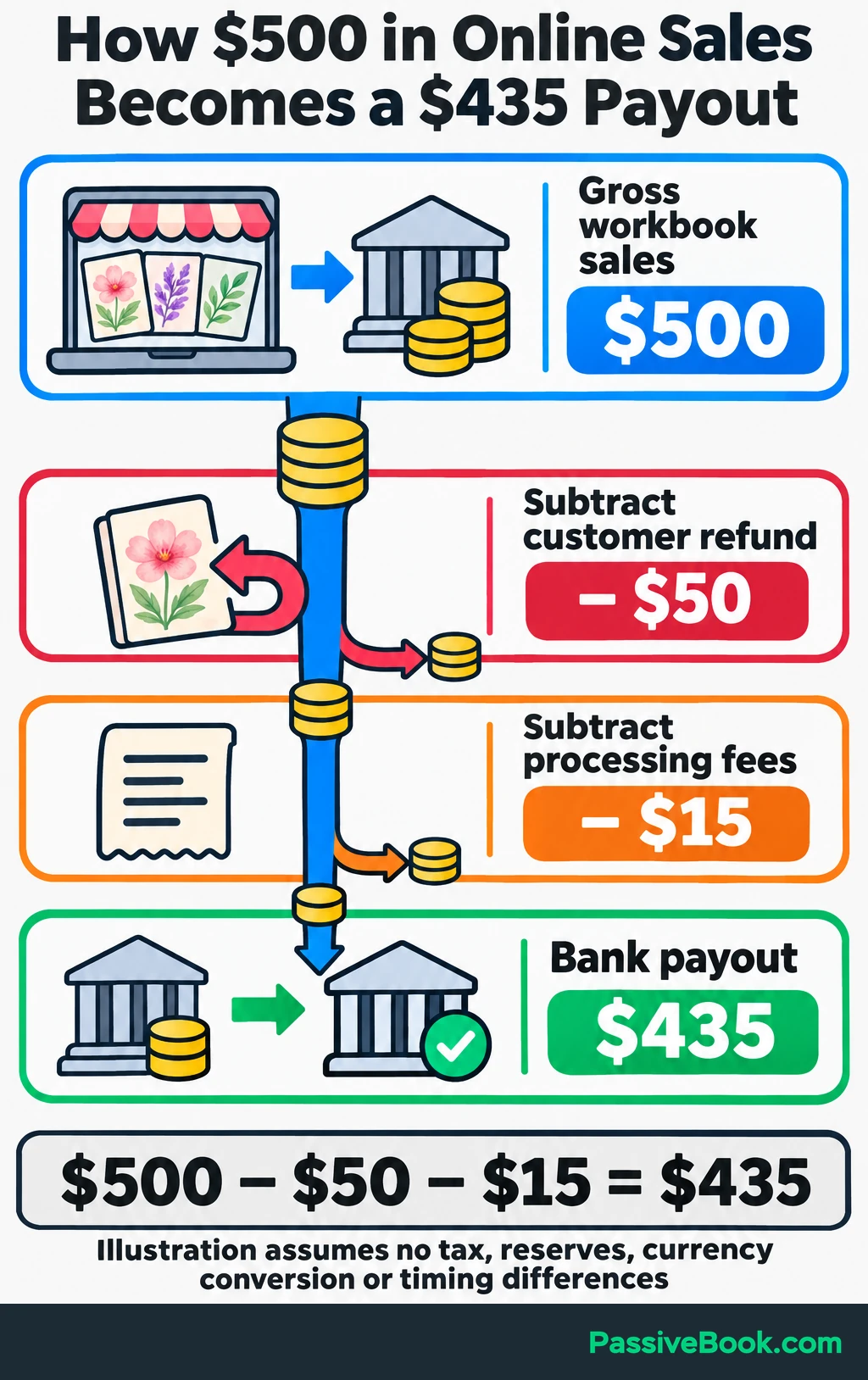
$500 − $50 − $15 = $435
The books should preserve each part:
| Item | Amount | Expected Treatment |
|---|---|---|
| Workbook sales | $500 | Recorded as gross sales |
| Customer refund | $50 | Recorded as a reduction in sales |
| Processing fees | $15 | Recorded as an expense |
| Bank payout | $435 | Matched to the transfer from the payment account |
The $435 deposit should not create another sale after the store activity has already been recorded.
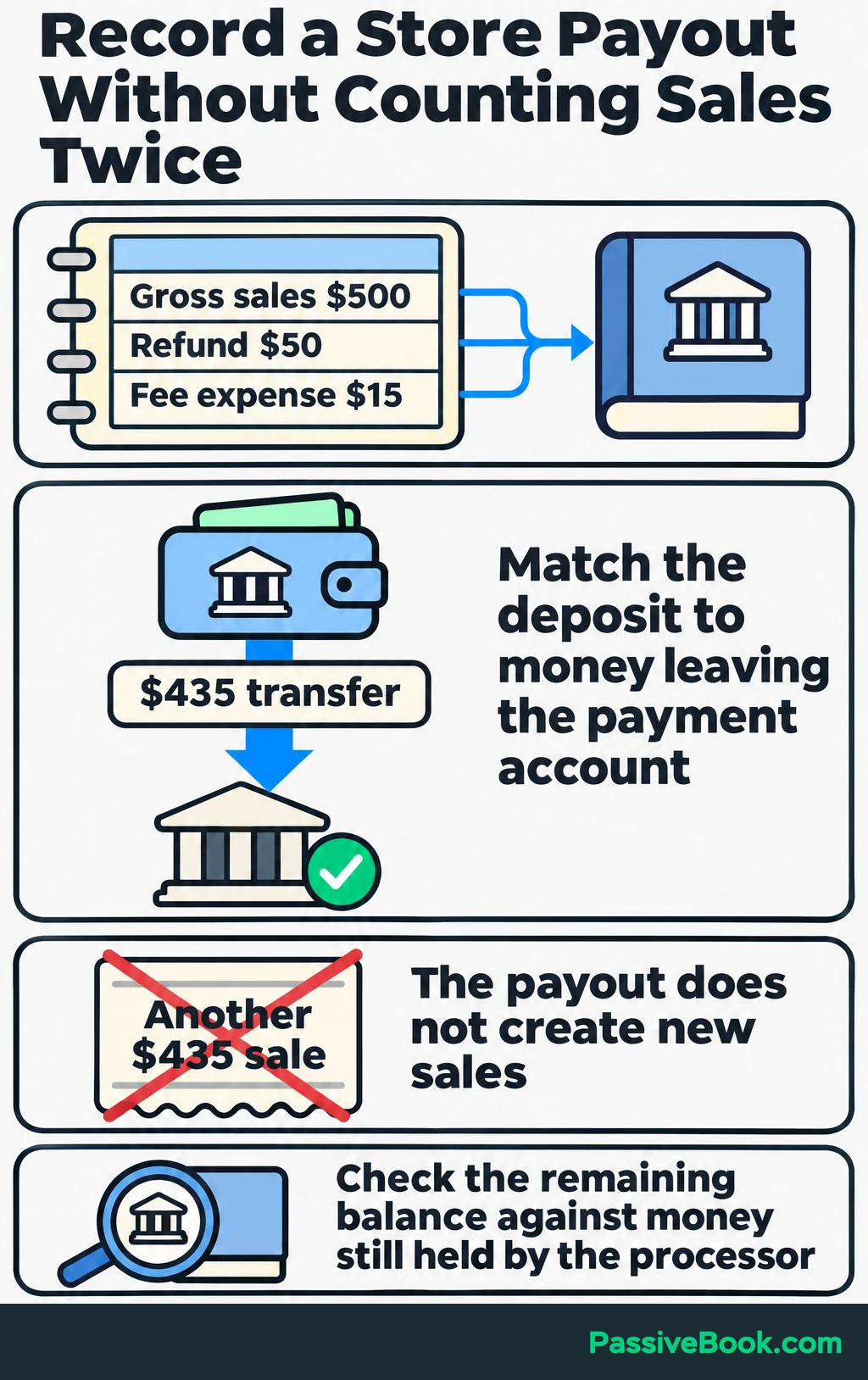
Check the reports as well as the transaction screen. Can you find the original sales total, the refund, and the fees? Does the payment account’s remaining balance agree with money still held by the processor?
Write down any manual correction you make. One awkward step may be acceptable once a month, but much less appealing several times a week.
For your own test, use a payout with the complications you actually encounter. If customers pay through several gateways, test each one.
Check Everyday Usability and Your Exit Options
Next, try the tasks you’ll repeat when you’re tired and would rather be doing anything else.
Add a business expense with its receipt. Create an invoice for a painting-feedback session, record payment, and find both items in the reports.
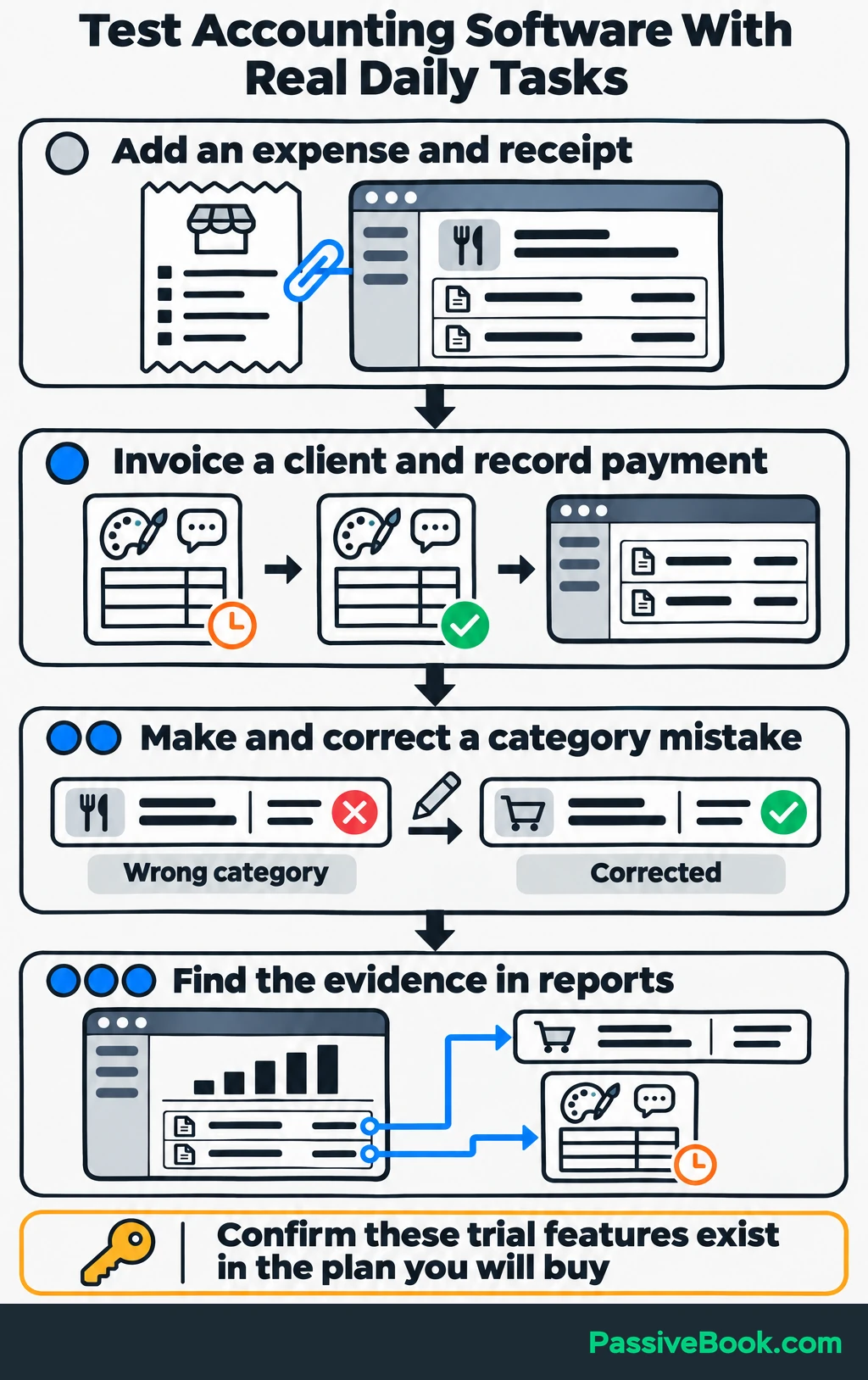
Then deliberately miscategorize a sample expense and correct it. Ease of use includes recovering from mistakes, not just entering clean transactions.
I would check these points before choosing:
- Unmatched transactions: Can you understand why an item has no match and resolve it without guessing?
- Supporting records: Can you retrieve the receipt or invoice from the transaction?
- Reports: Can you explain the main income and expense totals and identify unpaid amounts?
- Access: Can your accountant see what they need through their own login?
- Exports: Can you download transaction details, reports, and attachments in usable formats?
- Plan fit: Are the trial features you relied on included in the plan you intend to buy?
Review suggested categories and matches before enabling automatic posting. I like automation, but repeating a wrong category faster is a poor use of it.
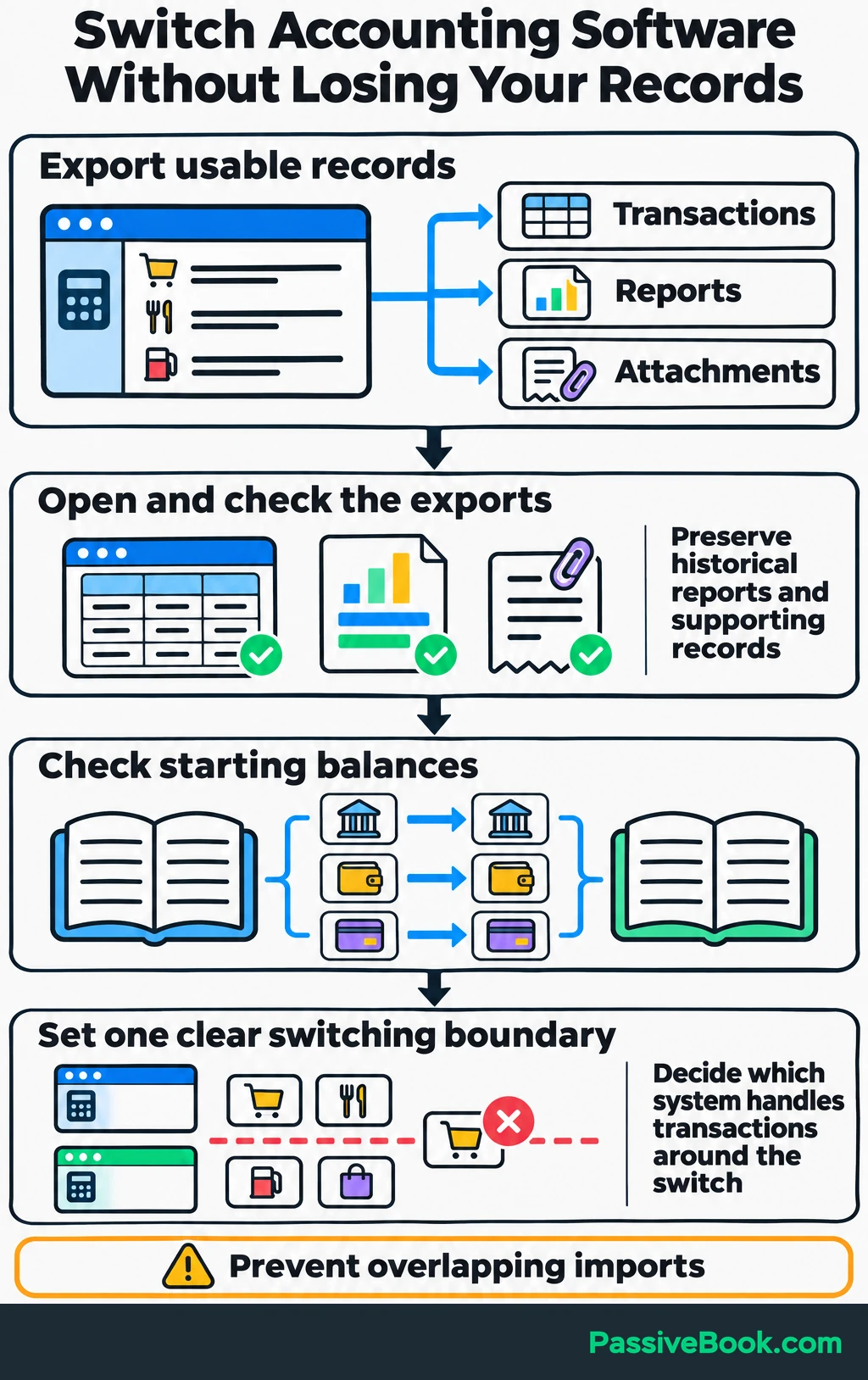
I would review new transactions weekly and reconcile accounts against statements each month. The purpose is to catch missing items and odd balances while you still remember what happened.
Before switching systems, preserve historical reports and supporting records. Choose the date you’ll start using the new system and check the starting balances you’ll bring across. Decide which system handles transactions around that date so imports don’t overlap.
Then choose the lowest-total-cost option that passes the tests and supports your next concrete requirement. A vague plan to become much bigger someday doesn’t need its own subscription tier.
What Next?
Take one recent payout and list the sales, refunds, and fees behind it. Use that record to test two shortlisted setups before moving your books or buying an annual plan.
If this comparison helps you spot the costs behind an advertised price, use the social buttons to share that same shortcut.
Which task takes the most effort in your books right now: client invoices, store payouts, or checking the balances? Tell me in the comments, and bring any other questions too.
Share this post with your friends & followers:

