You can fill a month with posts and still have no clear answer to a basic question: what should all this work do for your business?
Without that answer, every new format becomes another task. You spend evenings making content, but you can’t tell which posts deserve more time or whether any helped someone buy. Using a small shop selling washable dog-walking treat pouches, this guide turns that uncertainty into a manageable plan for reaching interested shoppers and helping them decide whether to buy.
1. Choose the Business Goal Social Media Will Support
Choose one main outcome for your first plan. It should solve a current business problem.
If people don’t know your business exists, awareness may come first. If people already visit your shop but rarely buy, attracting more followers won’t explain what’s stopping them.
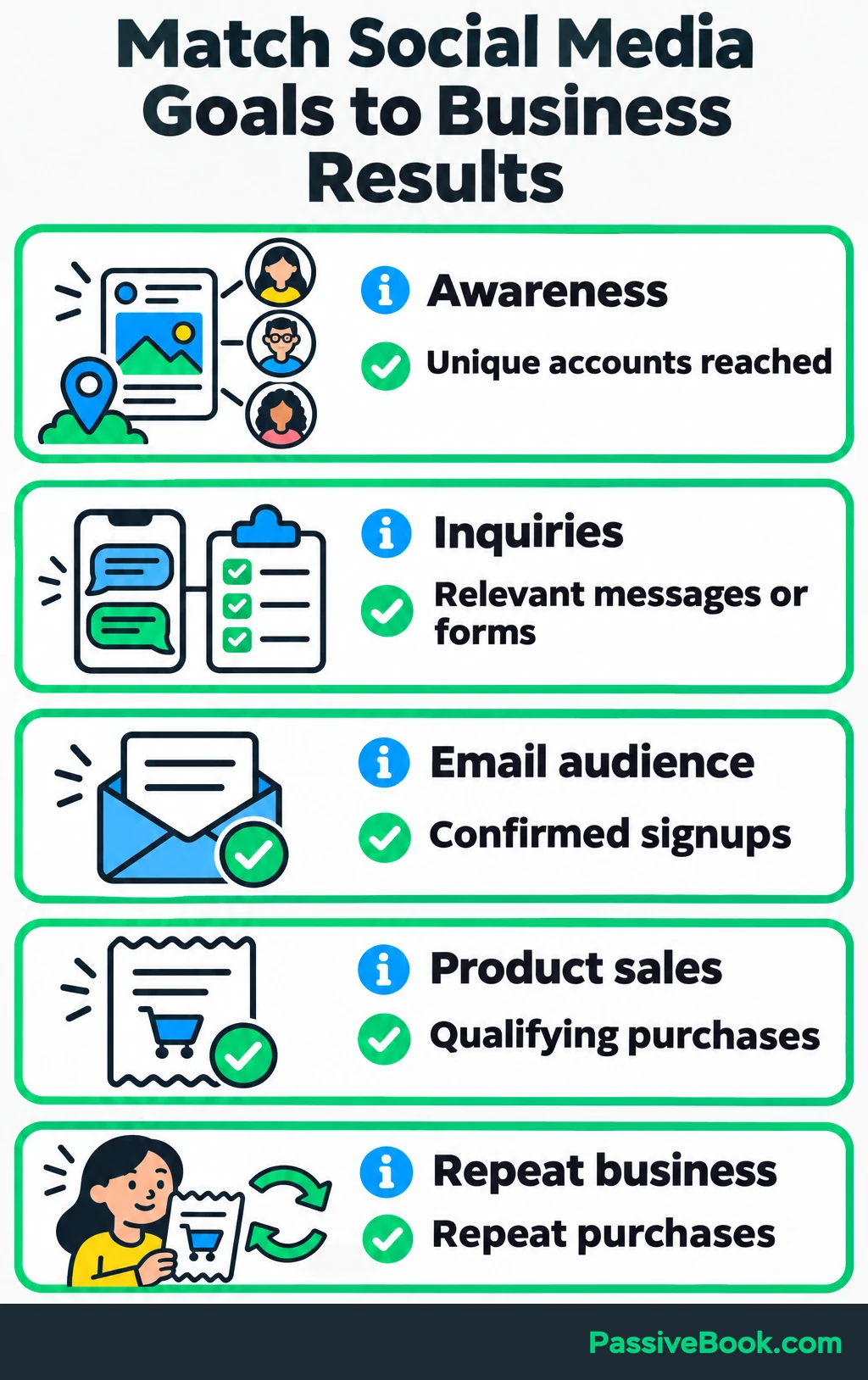
Match the goal to something you can measure:
| Business need | Main result to track |
|---|---|
| Reach more potential customers | Unique accounts reached, with location or audience relevance checked where possible |
| Generate inquiries | Messages or forms from people whose needs match your offer |
| Build an email audience | Confirmed email signups |
| Sell products | Completed purchases attributed under a consistent rule |
| Encourage repeat business | Repeat purchases from existing customers |
Likes and followers can help explain what happened, but they shouldn’t replace the result you chose.
I spent six months chasing Instagram and Twitter/X followers in another niche while my bank balance stayed around $47. I had plenty of activity to report and very little business to show for it. That experience is why I start with the customer action now.
Keep your decisions in one working document. Your strategy explains whom you want to reach, why, and how. Your content calendar assigns dates to the posts.
For the pouch shop, the first part of that document could look like this:
| Decision | Example plan |
|---|---|
| Primary goal | Increase completed orders from organic social traffic (visits from unpaid posts or profile links) |
| Baseline | Eight qualifying orders during the previous four weeks |
| Target | Twelve qualifying orders during the next four weeks |
| Counting rule | Count paid orders placed during website sessions (visits) recorded as organic social; count each order once and exclude test or cancelled orders |
| Review date | End of the four-week period |
All shop targets, schedules and results in this guide are illustrations, not forecasts.
If your account is new, use the first review period to establish a baseline. An unknown starting point doesn’t need a confident-looking growth target.
2. Find Out What Your Customers Need to Know
Start with the situation that brings someone to your business.
What happened before they began looking? What do they want to do, and what might stop them from buying?
For the pouch shop, “dog owners” is too broad to guide a post. A more useful description is someone who carries treats on daily walks and wants easy access without filling their coat pockets.
Treat that description as an assumption until you have evidence.
Ask customers or potential buyers:
- What prompted you to look for this?
- What do you currently use?
- Where did you look for options?
- What did you need to check before buying?
- What nearly put you off?
Read reviews, support messages and comments for the same clues. Check your existing posts for useful conversations, website visits and purchases, and list any photographs or demonstrations you can reuse.
On one of my digital-product projects, I drafted content explaining what the download contained. The questions coming back were about whether buyers needed extra software to use it. I had explained the contents and missed a reason people hesitated. That’s why I now keep the customer’s wording beside the content idea.
Build a small question bank:
| Customer question | Where it came from | What you need to answer it |
|---|---|---|
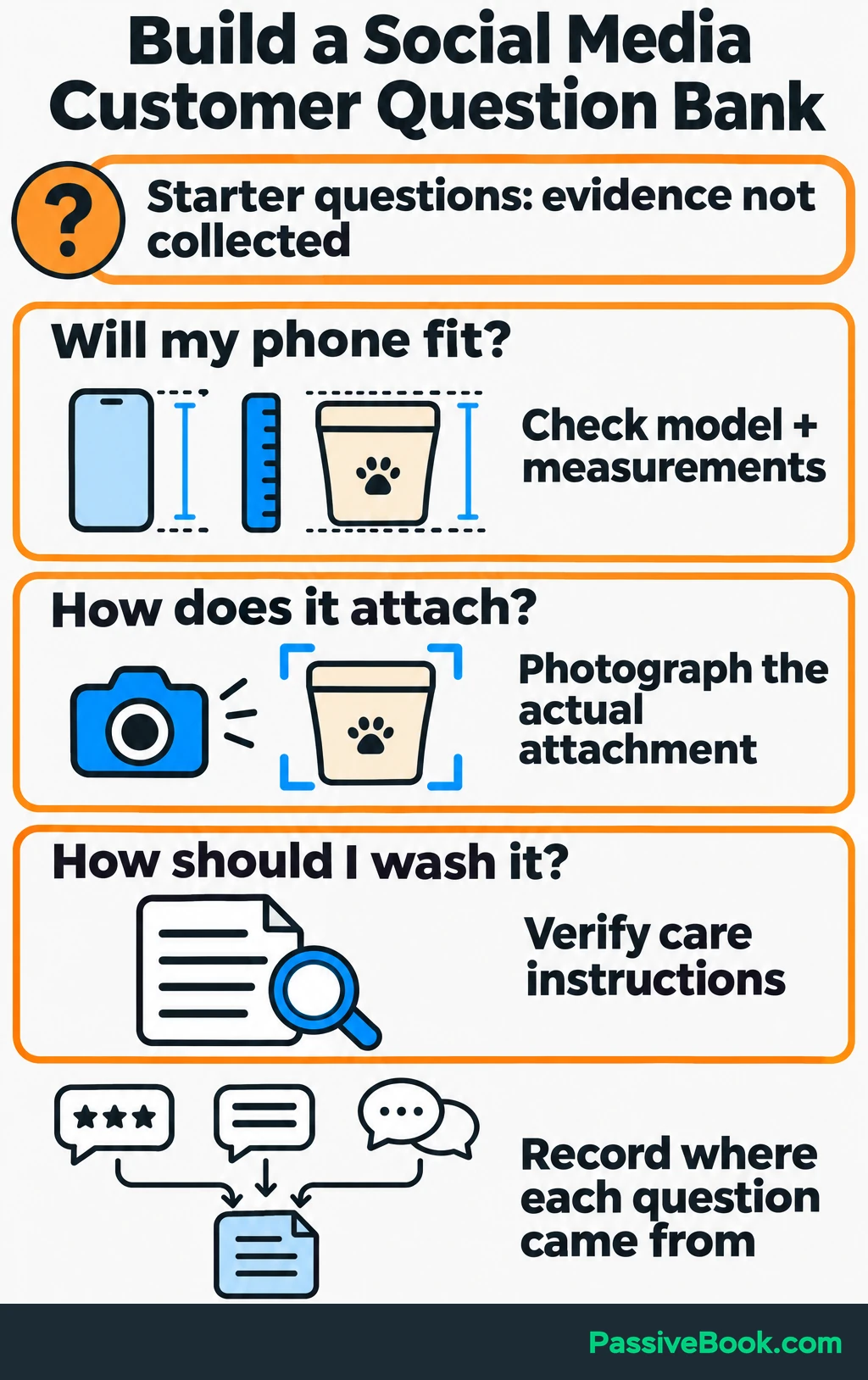
| Will my phone fit beside the treats? | Customer evidence not yet collected | Pouch measurements and a demonstration naming the phone model |
| How does it attach? | Customer evidence not yet collected | Clear photographs of the actual attachment |
| How should I wash it? | Customer evidence not yet collected | Verified care instructions |
These are starter questions, not customer findings. Replace them with questions you collect, and record the message, review or conversation each came from.
If you have no customers yet, speak with potential buyers and observe relevant communities. Competitor comments can reveal unanswered questions too, but public likes won’t tell you how many orders a competitor receives.
3. Choose Platforms That Fit Your Audience and Resources
Set your time and spending budget before choosing channels. Include research, production, publishing, replies and measurement.
I would start with one primary platform if you’re working alone. A second channel needs a clear purpose and enough time behind it.
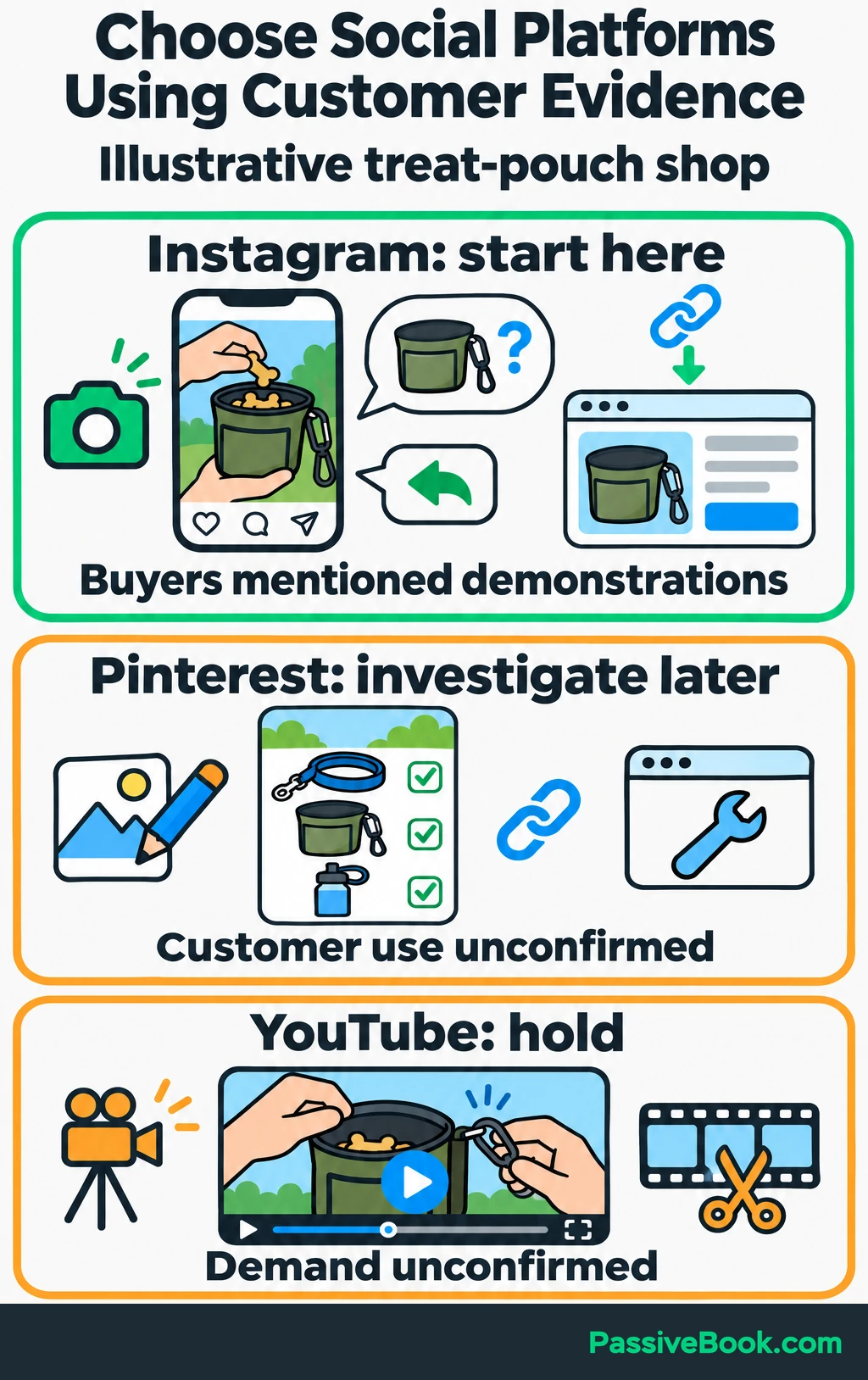
Compare platforms using customer evidence and the work each would require. For this example, assume customer conversations pointed to Instagram for product comparisons, while demand on other channels remains unconfirmed. A photo carousel is a post with several images that viewers can swipe through.
| Platform | Customer evidence | Suitable content | Route to the goal | Ongoing workload | Priority |
|---|---|---|---|---|---|
| Buyers mentioned checking product demonstrations there | Hands-only demonstrations and photo carousels | Profile link to product page, supported by buying conversations | Capture demonstrations and answer messages | Start here | |
| Customer use is not yet confirmed | Walking-kit checklists and labeled product images | Pin link to a relevant website page | Design Pins and maintain useful destinations | Investigate later | |
| YouTube | Demand for longer explanations is not yet confirmed | Detailed attachment, capacity and care demonstrations | Video description link to product information | More filming, editing and explanation | Hold |
Pinterest’s product Pins can link directly to a page where the item can be purchased, which gives it a different role from a channel used mainly for conversations. That makes it worth testing when customer research supports it. Pinterest’s product Pin documentation
Other channels may fit your evidence better. Consider TikTok for short demonstrations, Facebook for relevant communities, or LinkedIn for professional buyers. Choose because customers use the channel for something your business can help with.
Then write one sentence defining the channel’s job:
Use Instagram to answer pouch-selection questions through demonstrations and conversations that lead interested shoppers to the product page.
You don’t need to put your face in every post. Photographs, diagrams, hands-only footage and voiceovers are all options. Choose the format that explains the answer clearly and fits the time you have.
4. Prepare the Path From a Post to Customer Action
Choose the destination before creating promotional content.
For a product business, the route might be:
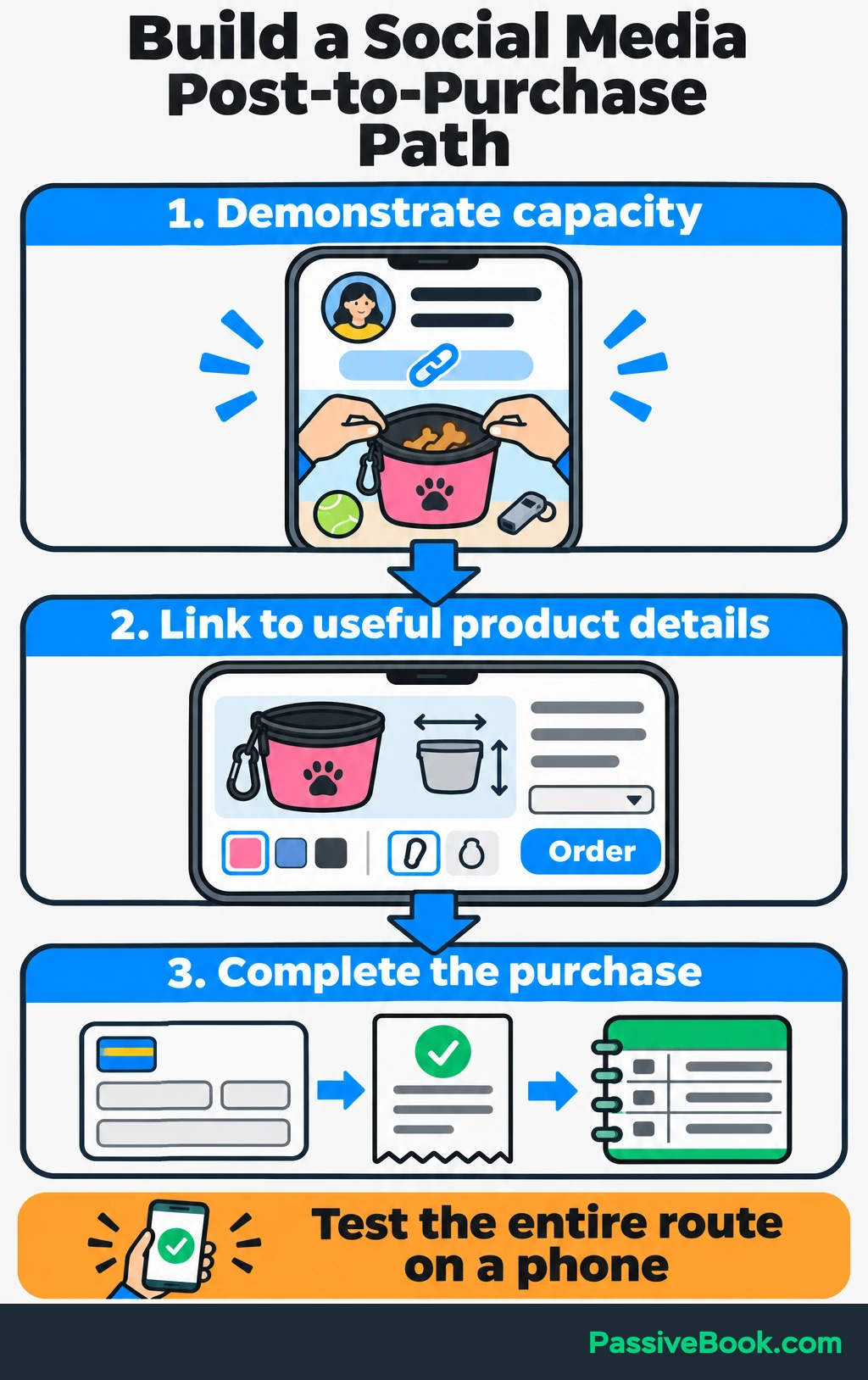
Capacity demonstration → product page → purchase
For a service, it could be:
Useful explanation → inquiry form → booking conversation
Follow that route yourself on a phone. Does your profile explain what you offer? Does its link lead somewhere useful? Can a visitor complete the promised next step?
For the pouch shop, a capacity demonstration should lead to a page with dimensions, available options, ordering details and clear photographs. Sending interested shoppers to a general homepage gives them another search task.
Add tracking information to your website links so you can identify the traffic they send. UTM tags are labels added to a URL for this purpose. Google Analytics can report their source, medium and campaign values. Google’s campaign URL guidance
For the shop’s Instagram profile link, use consistent labels such as:
utm_source=instagram
utm_medium=social
utm_campaign=pouch_selection
utm_content=profile_link
The last label identifies the actual placement. A shared profile link cannot tell you exactly which post prompted someone to click it.
Before publishing, check that a completed purchase or relevant form submission appears in your records. For inquiries handled through messages, record the source, customer need and eventual outcome.
Tracking will miss some influence, including people who return later through another route. Keep the same counting rule across review periods, and record customers’ answers about how they found you separately.
5. Plan Content Around Customer Questions
Choose Specific Content Themes
Group related questions into a few recurring subjects. Each theme should help people understand a problem, evaluate your offer or use what they bought.
For the pouch shop, I would start with:
- Choosing a pouch: Capacity, dimensions, attachment and access.
- Organizing walking essentials: What to carry and how to arrange it.
- Cleaning and care: Washing, drying and following the product’s care instructions.
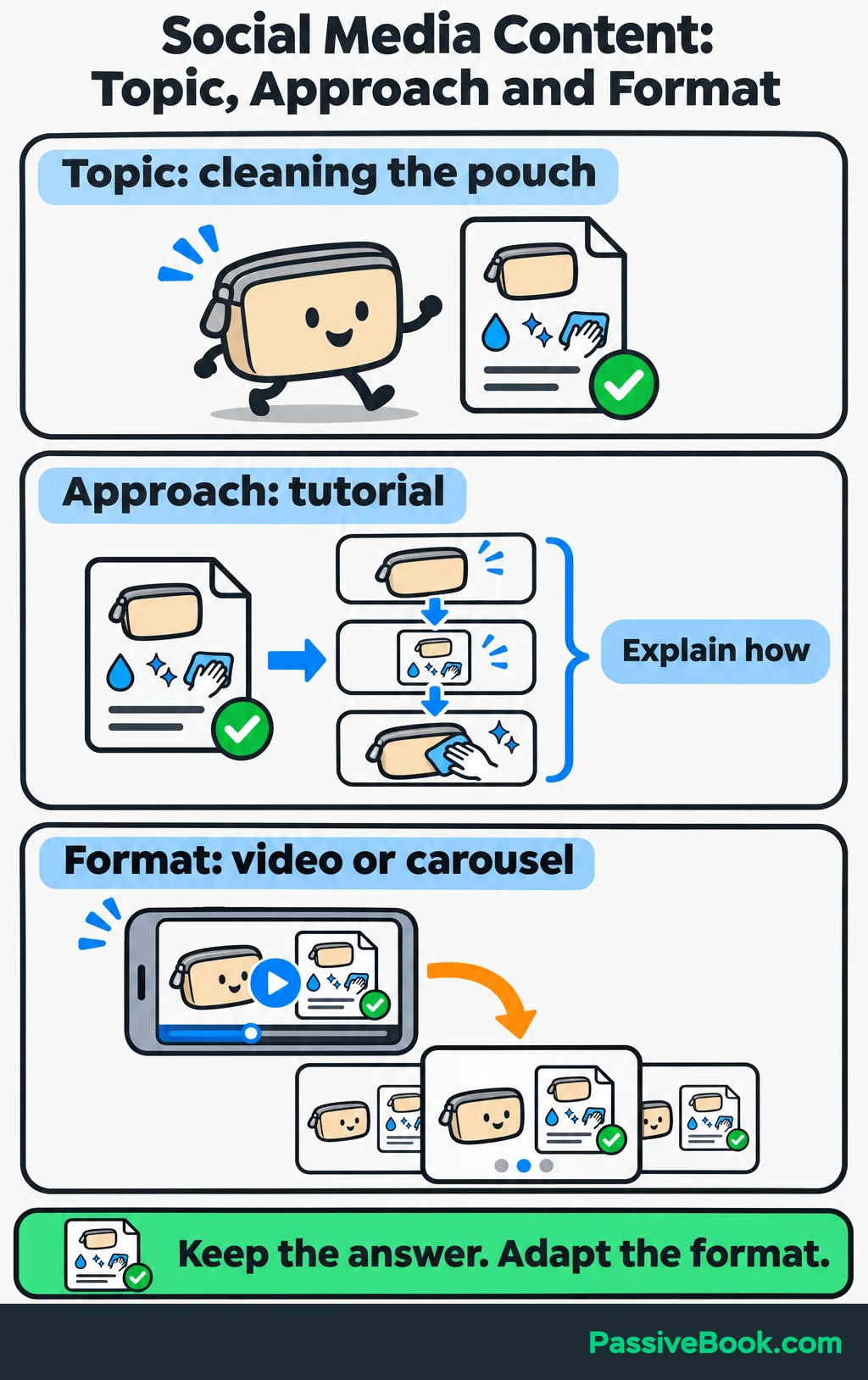
Keep the subject separate from its presentation. “Cleaning the pouch” is a topic. A tutorial is an approach. A video or carousel is a format.
That distinction helps when production gets difficult. You can explain a care process with labeled photographs instead of abandoning the answer because you couldn’t film a video.
I would skip fixed rules such as “four helpful posts for every sales post.” Use customer needs and your goal to choose the mix. A clear product demonstration can be helpful and promotional at the same time.
Turn Each Question Into a Useful Post
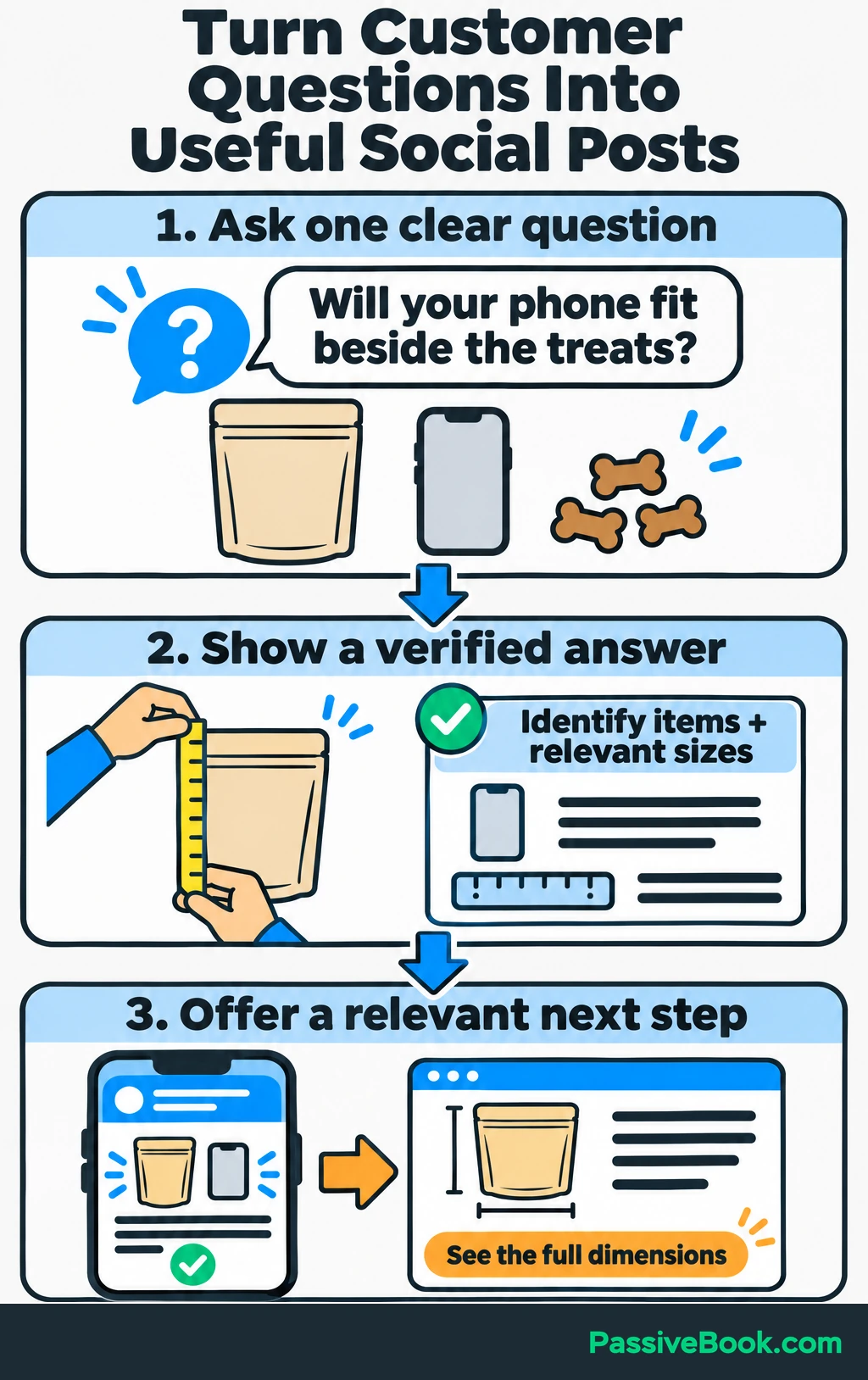
Build each post around one question, one clear answer and a suitable next action.
For a capacity post, the opening could be:
Will your phone fit beside the treats?
Then show the actual pouch with clearly identified items. Include measurements or item sizes where they affect the answer, and direct interested shoppers to the full dimensions through the profile link.
The post should answer enough to be useful before asking for a click.
If you know what customers need answered but get stuck writing the posts, AI Social Copy Studio can give you a first draft. Bring your product or service facts so the copy has something accurate to work from.

Free AI Social Copy Studio




Choose the next action to match the post’s purpose:
- Reference post: Invite readers to save a walking checklist.
- Product demonstration: Point shoppers to dimensions and available options.
- Buying question: Invite a specific question you can answer.
- Care tutorial: Help customers follow the correct instructions.
Keep a short voice and visual guide. Record your preferred product names, tone, colors and reusable layouts. “Friendly, specific and no exaggerated claims” is more useful than a page of brand adjectives.
Make the answer accessible too. Describe useful visual details in image descriptions, include essential information in the caption, and review automatic video captions for errors. These checks follow Boise State’s social media accessibility guidance.
Use accurate product information and genuine customer material with permission. AI can help shorten a caption, but it cannot verify that your pouch holds the phone shown in an invented demonstration.
6. Build a Publishing Workflow You Can Maintain
Estimate the work before choosing a posting frequency. Make one demonstration, one carousel and one photo post, and notice how long they take.
Then leave room for replies and review. A calendar that consumes every available hour will start slipping as soon as a customer needs help.
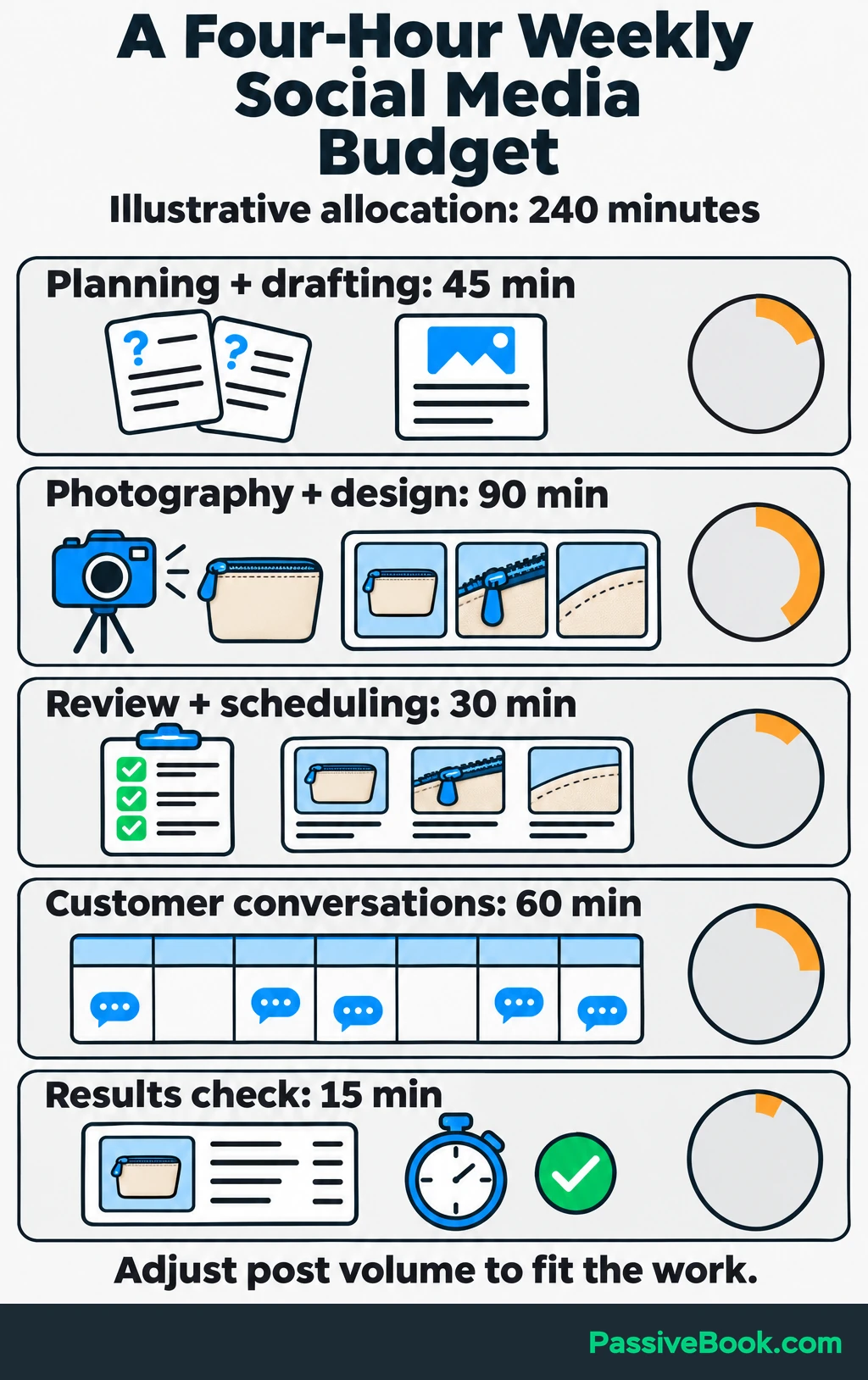
For an illustrative four-hour weekly budget, you might reserve:
- Planning and drafting: Forty-five minutes.
- Photography and design: Ninety minutes.
- Review and scheduling: Thirty minutes.
- Customer conversations: One hour spread across the week.
- Results check: Fifteen minutes.
If that doesn’t cover three useful posts, publish fewer or simplify the format.
Your calendar should record the publication date, channel, customer question, theme, format, call to action, destination, owner and status. Three sample entries could look like this:
| Date / channel | Customer question / theme | Format | Call to action | Destination | Owner / status |
|---|---|---|---|---|---|
| Monday / Instagram | What fits? / Choosing a pouch | Capacity demonstration | Check the full dimensions | Product page through profile link | Owner / Ready for review |
| Wednesday / Instagram | How do I wash it? / Cleaning and care | Care carousel | Save the instructions | Instructions included in the post | Owner / Draft |
| Friday / Instagram | How does it attach? / Choosing a pouch | Labeled photo sequence | Watch the full demonstration | Demonstration on product page through profile link | Owner / Photos needed |
Batch similar tasks. Choose questions together, draft captions together, and capture several demonstrations while the setup is ready. Reuse a Canva layout when the structure suits another answer.
Keep the calendar in a spreadsheet or Notion. For Facebook and Instagram, Meta Business Suite provides built-in scheduling, so I would try that before paying for another publishing tool.
Before scheduling, check:
- Clarity: Does the post answer its opening question?
- Accuracy: Do the copy and demonstration match the actual product?
- Accessibility: Are descriptions and captions useful?
- Destination: Does the link work and fulfill the promise?
- Responsibility: Is someone assigned to publish and handle replies?
Automate repeatable work after this process runs reliably. If you use Claude or ChatGPT for drafts, supply approved product information and review the result. I would automate moving an approved post into a queue before automating answers to customer complaints.
When adapting content for another channel, change the opening, layout and next action to fit how people will use it. Reuse the useful answer, not every piece of the original post.
7. Make Customer Conversations Part of the Plan
Reserve regular time for comments and messages. Start with buying questions and unresolved customer issues.
Answer the actual question before offering a link. If someone asks whether their phone fits, provide the relevant measurements or ask which model they have. “Check our website!” is technically a reply, but it hands the work back to them.
Keep reusable answers for common questions, then personalize them. A saved care response should still address what the customer asked.
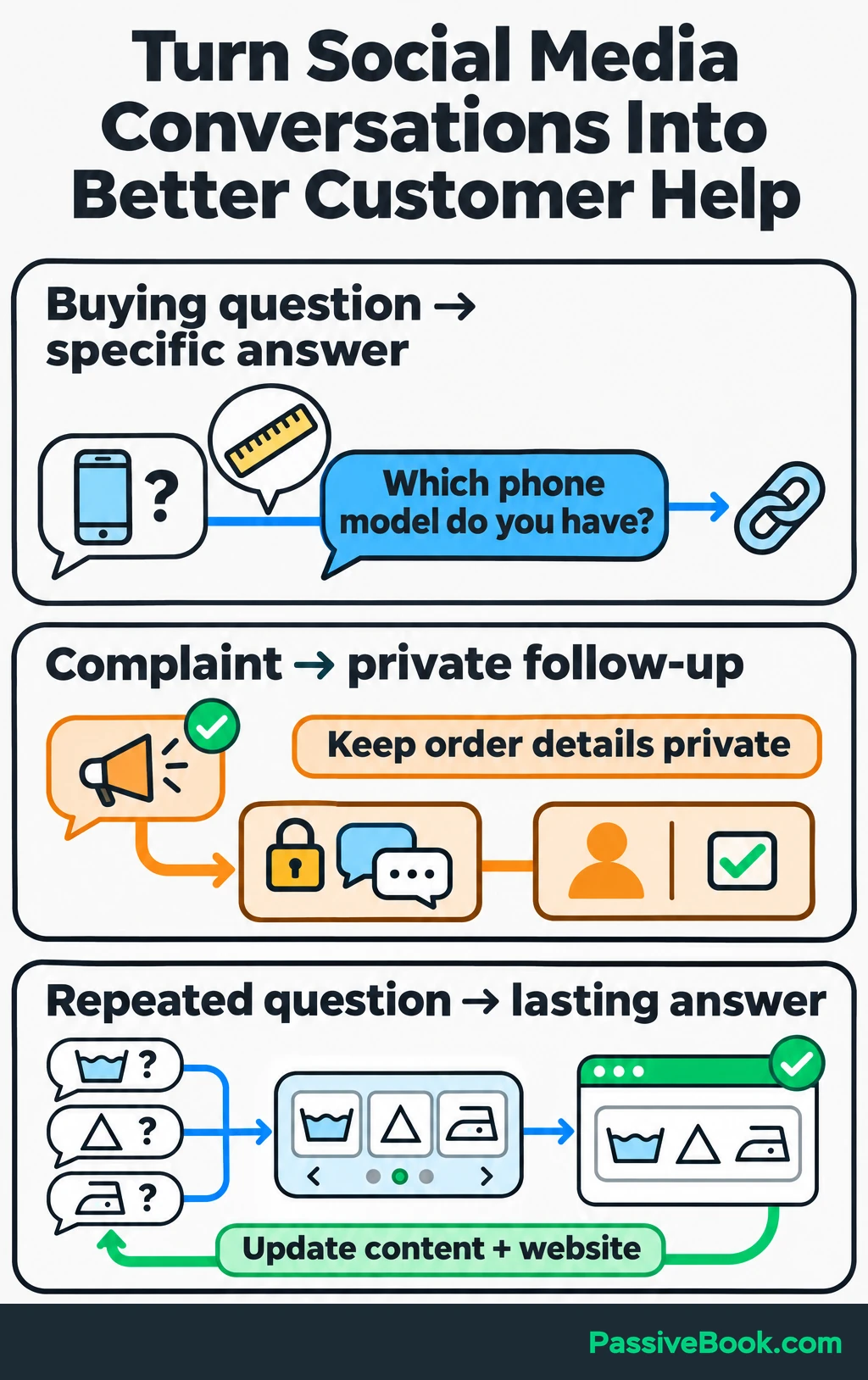
For complaints, acknowledge the issue publicly when appropriate and move order details to a private support channel. Assign someone to follow through. If that someone is you, put the follow-up in your task list.
Join relevant community discussions where you can contribute, and follow their promotion rules. You don’t need to attach a product pitch to every useful answer.
Feed recurring questions back into your content bank and website. If washing questions keep appearing, create a care demonstration and improve the product-page instructions. Replies are useful research when you give the answers somewhere permanent to live.
8. Review Results and Update the Strategy
Compare Results With the Original Goal
At your review date, put actual results and time spent beside the baseline and target.
Use platform reports to understand reach and engagement, and combine them with website analytics, messages and order records to inspect customer actions.
Follow the path in order:
| Stage | What to inspect |
|---|---|
| People saw the content | Reach and audience relevance |
| People showed interest | Relevant questions, profile visits or saves |
| People visited the website | Tracked social sessions and destination pages |
| People acted | Qualifying purchases, inquiries or signups |
Compare posts according to their job. A care carousel saved by existing customers serves a different purpose from a demonstration intended to bring shoppers to a product page.
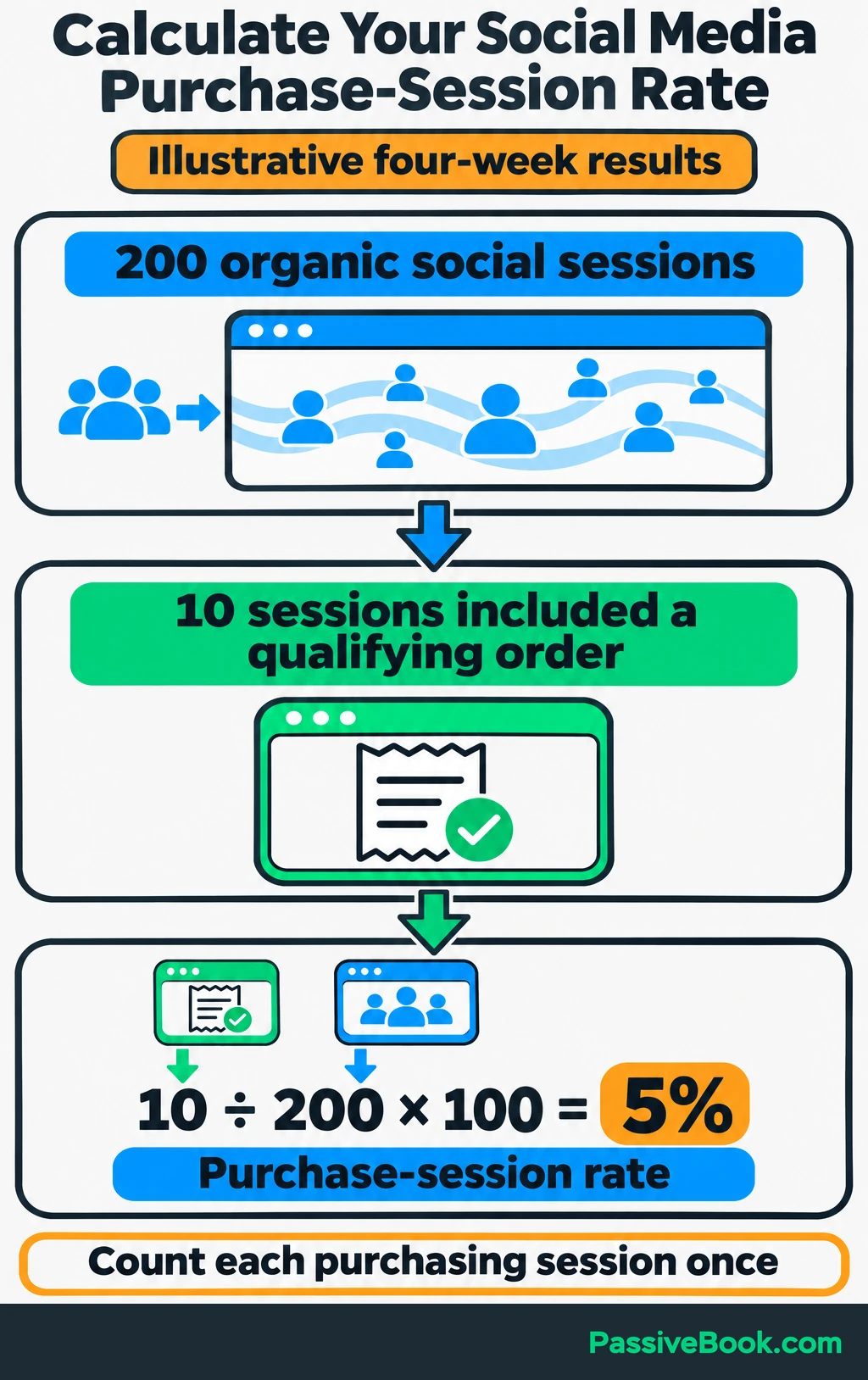
For the shop’s sales goal, count how many tracked organic social sessions included at least one qualifying order under the counting rule above. Suppose 200 organic social sessions occurred during the four-week review period, and 10 of those sessions included a qualifying order:
Purchase-session rate = 10 ÷ 200 × 100 = 5%If each purchasing session contained one qualifying order, the shop recorded 10 orders against its target of 12, up from the baseline of eight.
The increase doesn’t prove which post caused a purchase. Compare the time spent with the money left after fulfilling those orders.
Look for patterns across comparable posts. One unusually popular post is a reason to investigate, not rebuild your entire business around it.
Decide What to Repeat, Change or Stop
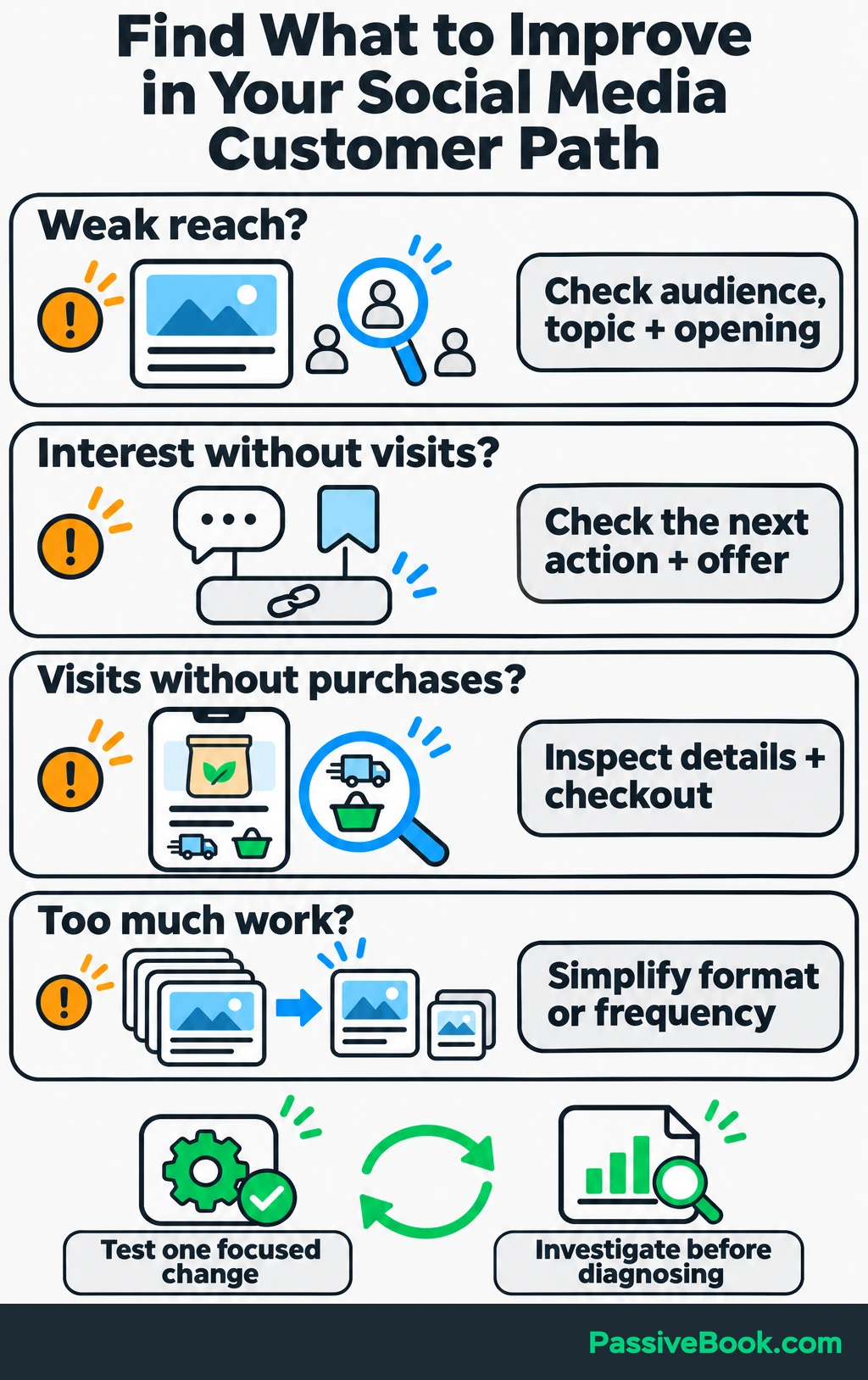
Use the weakest part of the path to choose what to examine next.
- Weak reach: Check audience fit, topics, openings and distribution.
- Interest without visits: Check whether the next action is clear and the offer connects to the post.
- Visits without purchases: Inspect product information, delivery details, checkout and unanswered buying questions.
- Results that take too much work: Simplify production or reduce frequency.
These are places to investigate, not automatic diagnoses.
For the pouch shop, suppose visitors still ask about capacity after reaching the product page. I would add a labeled capacity demonstration there and review the next period’s purchase-session rate alongside customer questions.
Choose one focused change so you can make sense of the result. Changing the platform, offer, format and destination together leaves you with another guessing exercise.
Update the strategy document with what you will repeat, change or stop. Adjust the channel’s role, workload and responsibilities if needed, and set the next review date. Build the next calendar from those decisions.
What Next?
Write one sentence naming the business result your social media work should support, then list three customer questions that could help you reach it. That gives your next posts a reason to exist.
Use the social buttons to share this guide when your next planning conversation needs a clearer link between posting and business results.
Which part of your current plan is least clear: the goal, the audience or the path to a customer action? Tell me in the comments, and bring any other questions too.
Share this post with your friends & followers:

