You spend Saturday making Facebook posts, but by Friday you still can’t tell whether they brought a single potential customer to your website. Next Saturday, the empty calendar wants feeding again.
That’s a costly routine when you’re fitting a business around work and everything else. Posting takes time even when you spend nothing on ads, so each week needs to teach you something about reaching buyers.
This guide shows how to build a useful Facebook presence, connect posts to an offer, and judge which activities deserve another hour of your time.
Set a Facebook Goal Tied to Leads or Sales
Before making Facebook a priority, look for evidence that your potential customers use it to discuss the problem you solve.
Search relevant groups and read recent conversations. Notice recurring questions, requests for recommendations, and complaints about existing options. Ask current customers whether they use Facebook to find this kind of help.
A large group isn’t enough. You need conversations that connect to your offer.
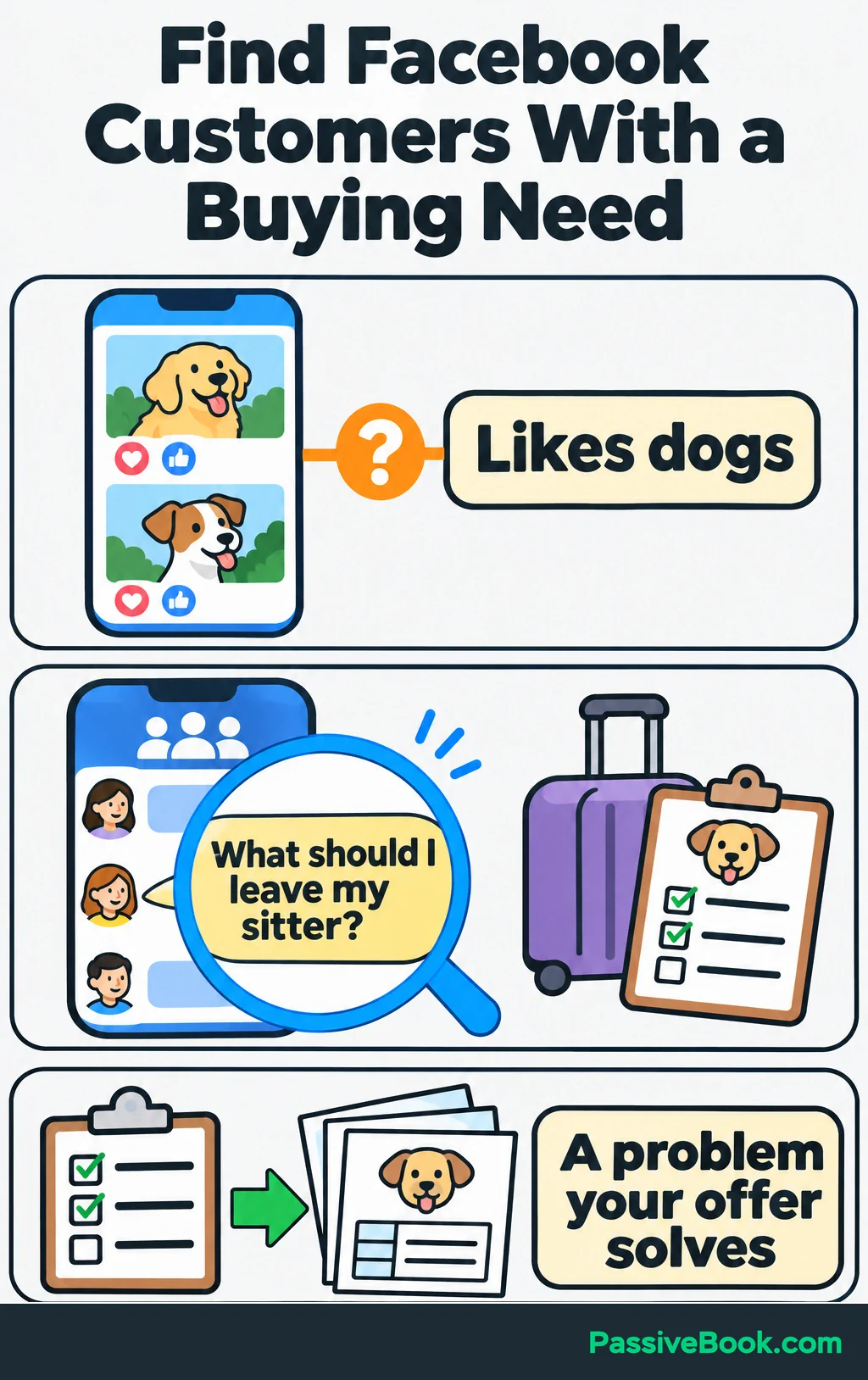
Throughout this guide, imagine you sell printable dog-sitter handover packs and offer a free sitter-preparation checklist. The business, copy, activities, and figures are illustrations.
Your audience is more specific than “people who like dogs.” You’re trying to reach owners preparing to leave their dog with a sitter. Someone sharing dog photos may enjoy your posts, but someone asking what instructions to leave has a problem your product addresses.
Choose one primary result:
| Goal | What Counts | Customer’s Next Action |
|---|---|---|
| Qualified inquiries | Questions about buying the pack, such as whether the files can be edited | Ask about the pack through Messenger |
| Email signups | Completed subscriptions for the sitter-preparation checklist | Request the free checklist |
| Purchases | Paid handover-pack orders recorded by your checkout | View the handover pack and buy |
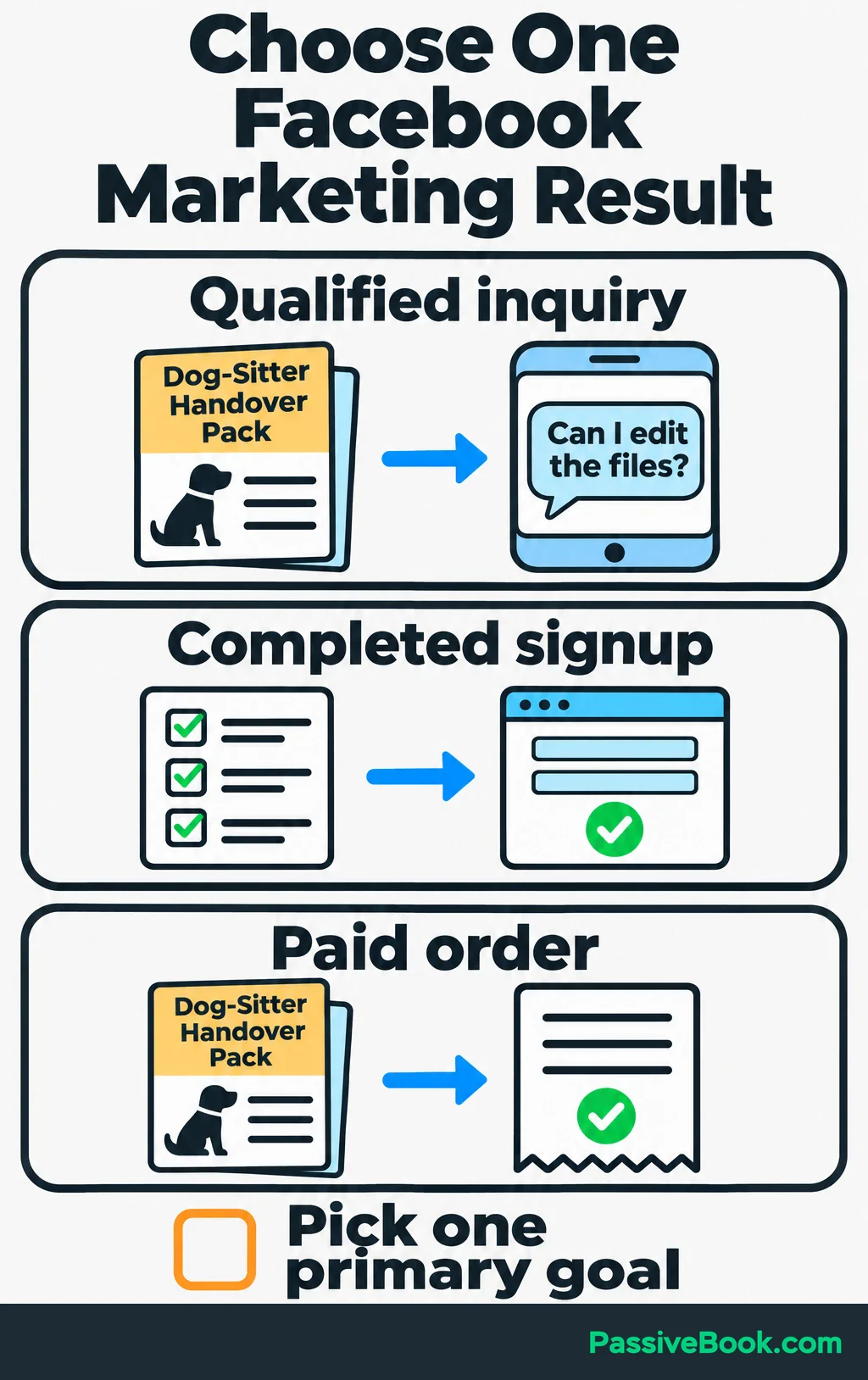
For the running example, I would start with checklist signups and track whether those subscribers later buy the pack.
Give each activity a job. Your Page explains the business, posts demonstrate its value, and conversations answer questions. Ads can buy more distribution once you know what you’re asking people to do.
Start organically so you can test without advertising spend, but record the time you put in.
Create a Facebook Page That Explains Your Offer
Your Page should make three things clear: what you sell, how it helps, and where to go next.
Create a business Page from your Facebook account, or update the one you already have. Work through these basics:
- Use the business name customers see on your website.
- Choose the closest available business category.
- Add a recognizable logo or profile image.
- Use a cover image that shows the product and its purpose.
- Complete the description, website link, and support contact details.
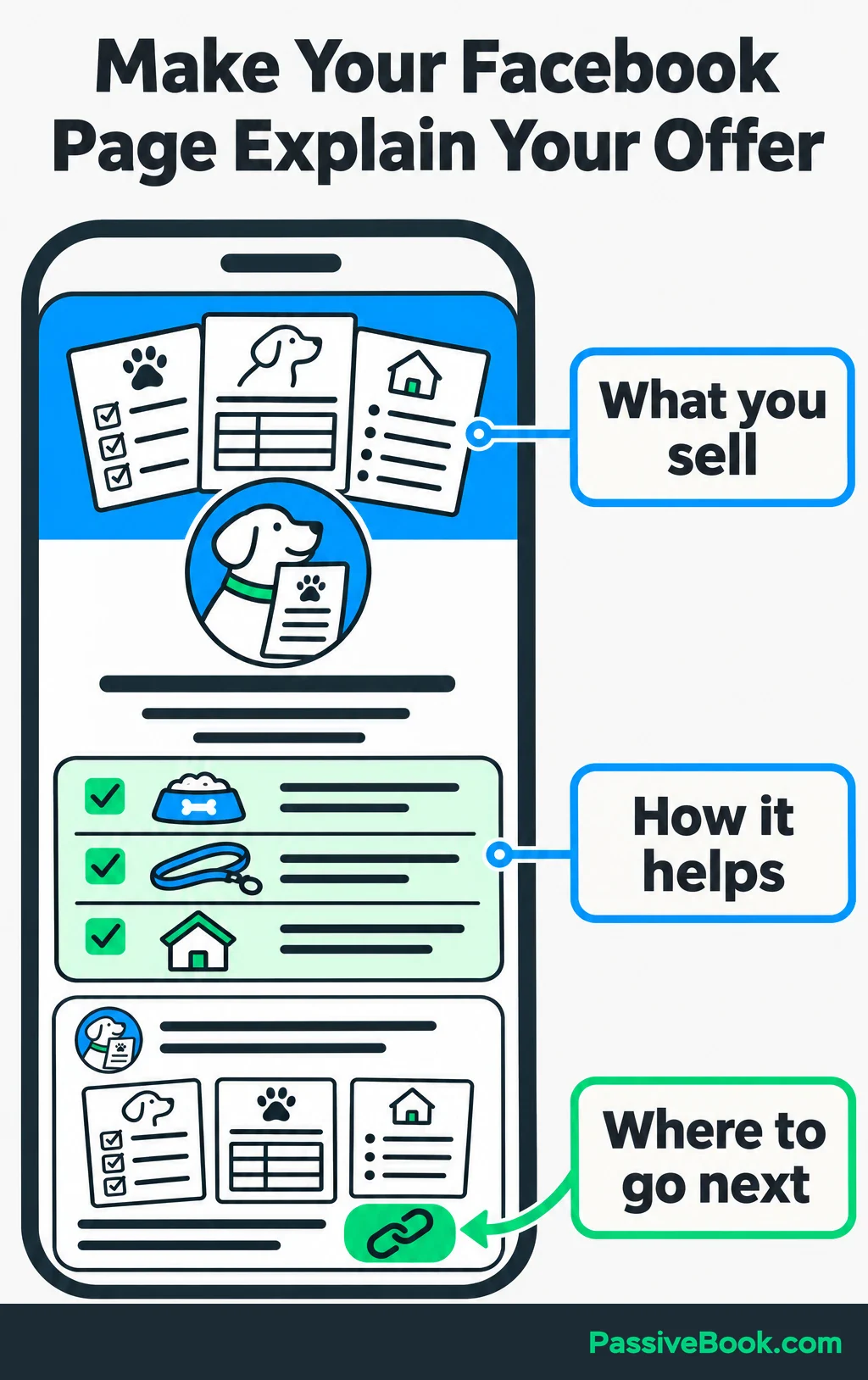
A useful description for the example business would be:
Printable dog-sitter handover packs for organizing your dog’s routine, contact details, and household instructions before you go away.
Publish an introductory post that explains the offer and links to the relevant website page. Keep it easy to find near the top of the Page.
Show sample pages in your cover or introductory post so visitors can understand what they’re getting. Use invented details in those samples rather than a customer’s private information.
Protect the account managing your Page with two-factor authentication, which adds a second sign-in check, such as a code from an authenticator app. Give collaborators their own appropriate Page access instead of sharing your password.
Prepare the Next Step Before Promoting It
A useful post can create interest, but you still need somewhere useful to send that interest. Prepare the destination before filling your publishing calendar.
Match the Destination to the Post
Send people directly to the page that fulfills the promise they clicked.
A checklist post should lead to the checklist signup page. A product demonstration should lead to the handover pack’s product page. Sending both to your homepage gives visitors another search task.
Each destination needs one clear main action.
On the signup page, explain what the checklist covers, show a preview, and make the form easy to complete. On the product page, show the included pages, price, file format, printing requirements, and how buyers receive the download.
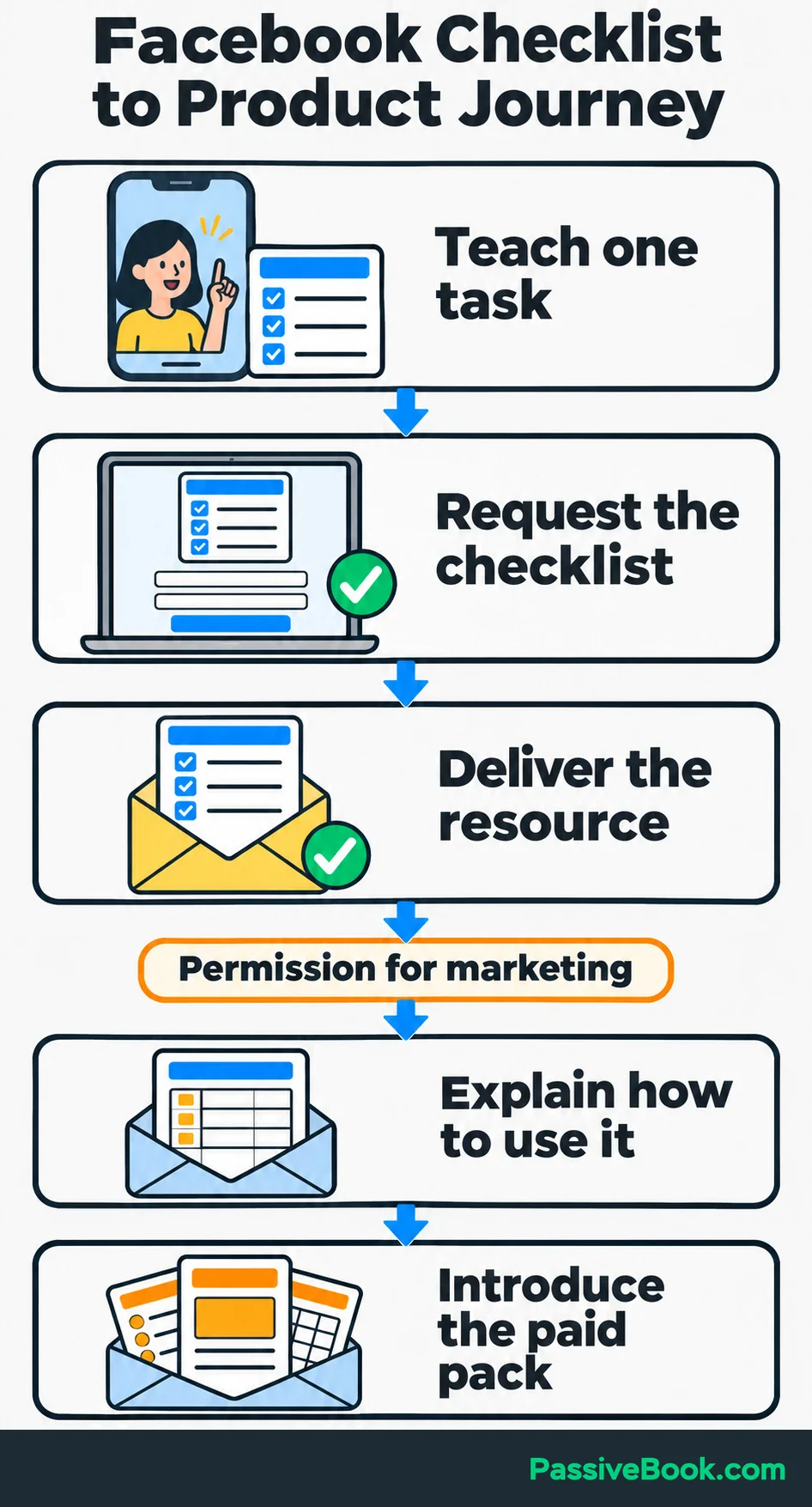
For the example business, the journey could be:
- A Facebook post teaches one handover-preparation task.
- The reader requests the free checklist.
- An automated email delivers it.
- Helpful follow-up explains how to organize the information.
- A later email introduces the paid handover pack.
If you already use WordPress, Fluent Forms can collect signups and FluentCRM can send the follow-up emails. I would use an existing setup before adding another subscription.
Make marketing permission clear when collecting addresses. For UK individual subscribers, unsolicited email marketing requires consent unless a permitted exception applies, and messages must offer a way to unsubscribe. Requesting a download alone should not be treated as agreement to ongoing promotions. The ICO explains the email marketing rules.
Make Results Traceable
Add tracking labels to promotional links so your website reports can distinguish Facebook campaigns and posts.
These labels are called UTM parameters. They sit after the destination address and describe where the visit came from. For example:
https://example.com/sitter-checklist/?utm_source=facebook&utm_medium=social&utm_campaign=sitter_checklist&utm_content=handover_tip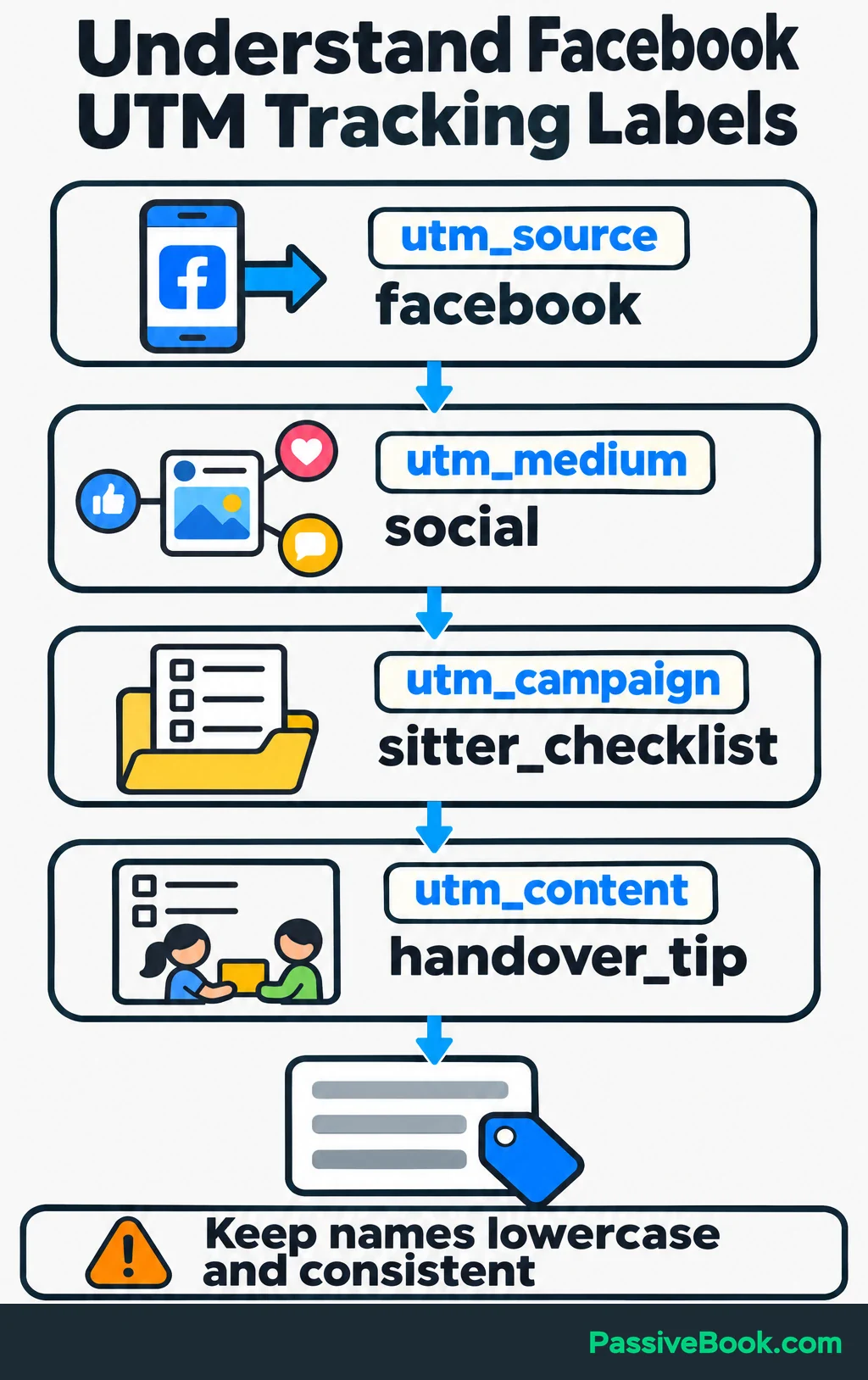
Here, facebook identifies the source, sitter_checklist names the campaign, and handover_tip identifies the post. Use consistent lowercase names so the same campaign doesn’t become several separate report entries. Google explains how these parameters identify campaign traffic.
Where your form allows it, save those source details with the signup record. That helps you connect a later purchase to the original lead, even when the buyer returns through email.
Before promoting anything, test the whole journey on your phone:
- Open the public Page link.
- Follow the post’s destination link.
- Complete the signup and check resource delivery.
- Place a test order using your checkout’s test mode.
- Confirm that your email and sales systems record the completed actions.
Publish Posts That Help People Take the Next Step
Choose the customer’s question before choosing the format.
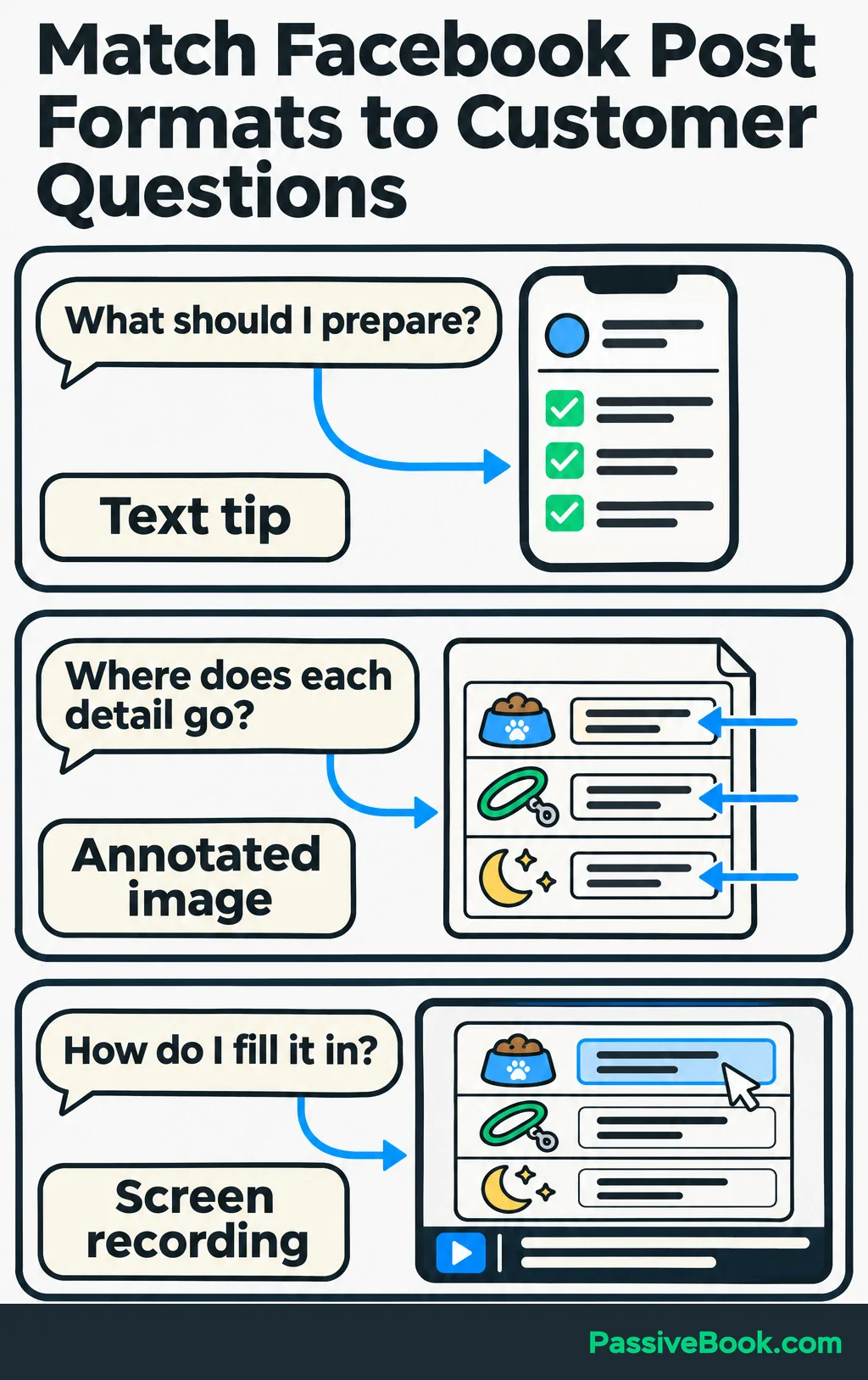
A text post can explain what to prepare. An annotated image can show where information belongs. A short screen recording can demonstrate the printable pack. None requires you to appear on camera.
Create your own explanations and visuals. Meta says it prioritizes original content in Feed and Reels and reduces distribution of duplicative material or minor edits to other people’s work. That supports making your own demonstration rather than reposting someone else’s dog video with a sales caption. Meta’s original-content guidance explains the distinction.
Answer a Practical Question
Teach one useful task inside the post before asking people to visit your website.
For example, explain how to separate daily routines from contact details and household instructions. Readers should leave with something useful even if they don’t click.
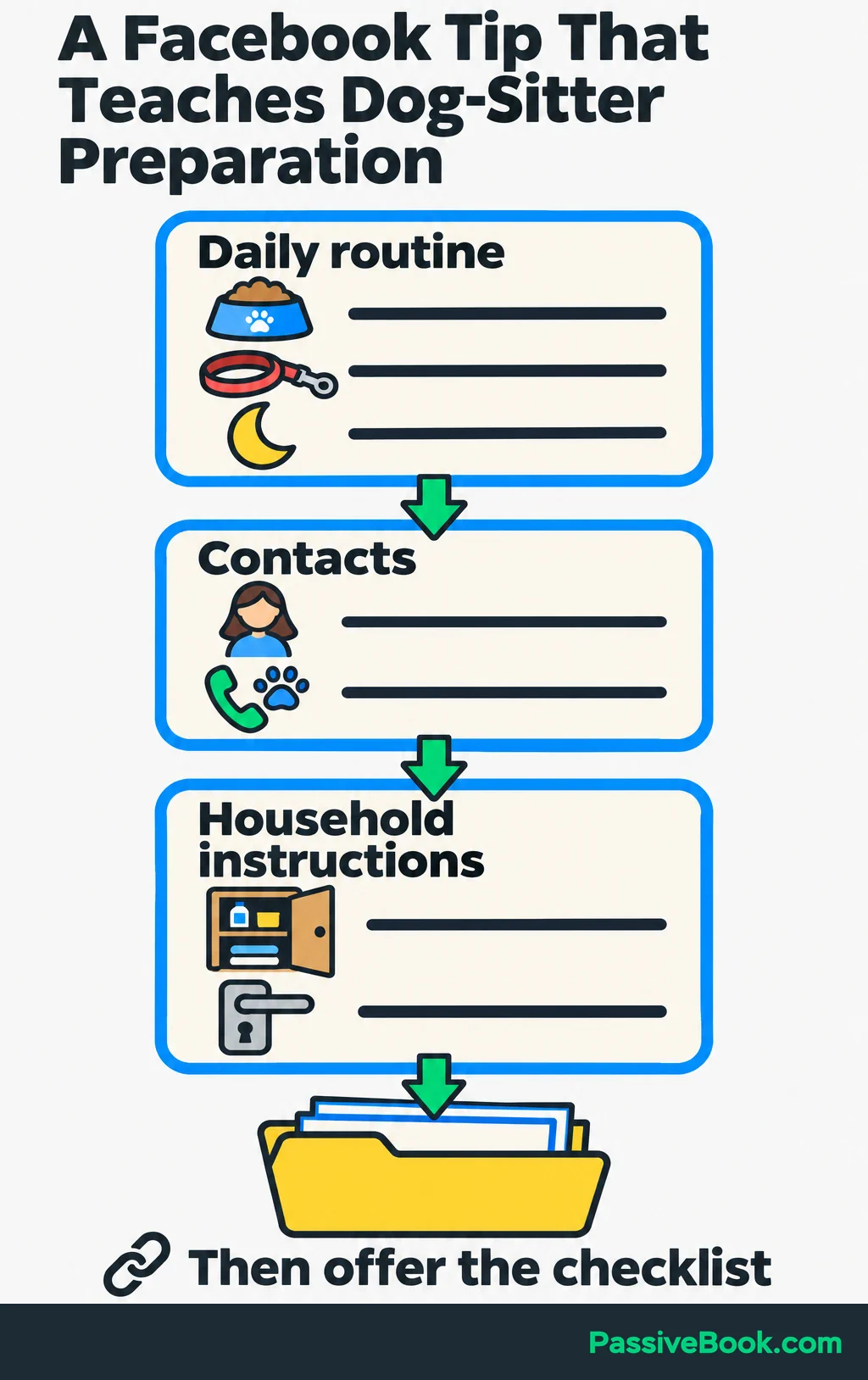
Here’s a complete post you can adapt:
Preparing instructions for your dog sitter? Start with three sections so everything is easier to find.
Put meals, walks, and bedtime under “Daily routine.” Keep your contact details and vet’s number under “Contacts.” Use “Household instructions” for things such as where supplies are stored and how to lock up.
Write out one normal day before adding the exceptions. That gives you a starting point and makes missing details easier to spot.
The free sitter-preparation checklist helps you gather this information before the handover. Get it here: [checklist link]
For a separate discussion post, ask which details people find hardest to organize before a sitter arrives. Their answers can reveal gaps in your content and product.
Show the Product in Use
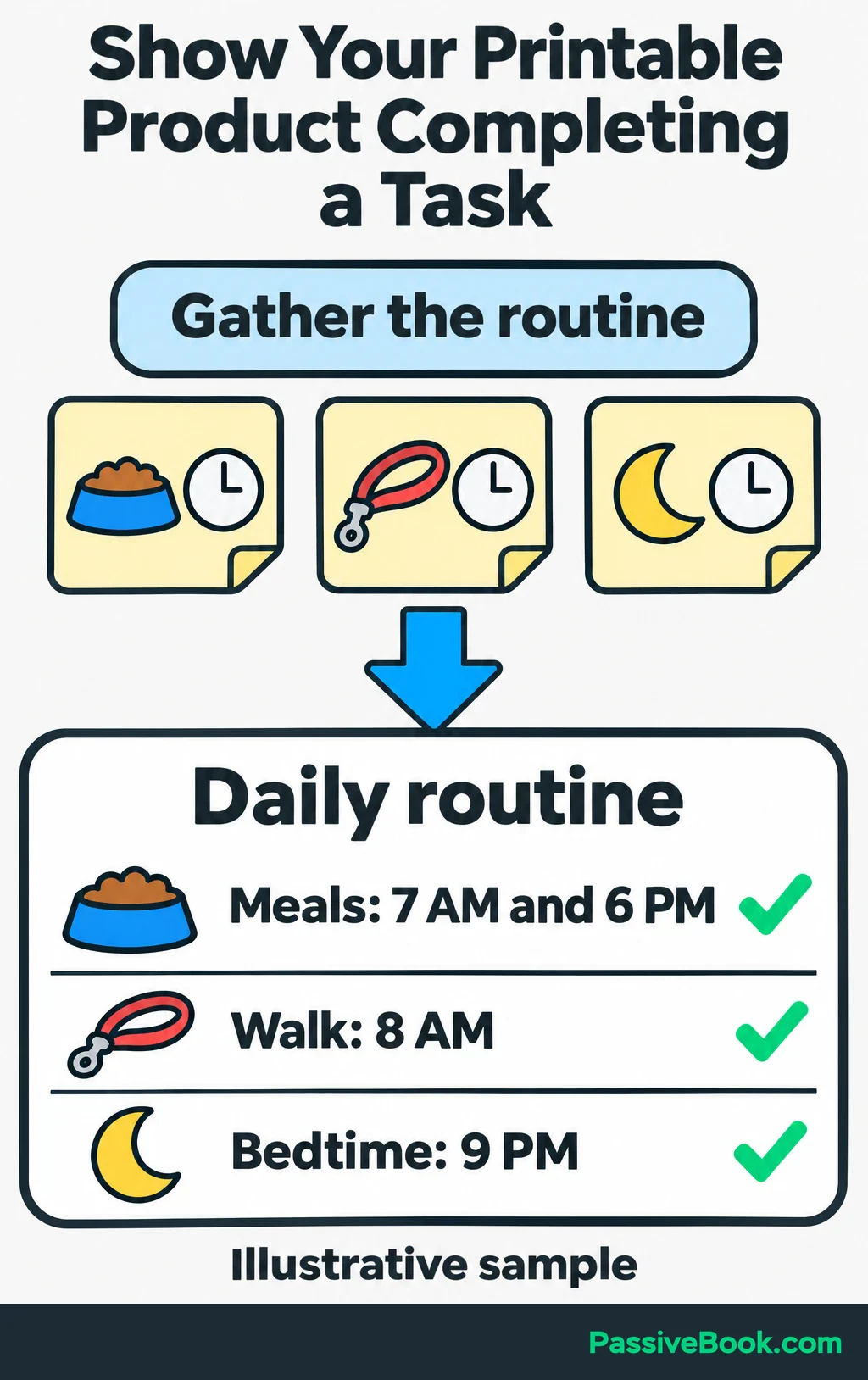
Demonstrate one job the product helps someone complete.
For the handover pack, show a sample daily-routine page with meal times, walking notes, and bedtime instructions filled in. Explain how you would gather that information and where each detail goes.
I once reviewed a batch of promotional drafts for one of my digital products and found that I had described the files more clearly than the task they helped someone finish. The drafts sounded like an inventory. Showing a completed page gave me a much better starting point for explaining its use.
For your demonstration, a close-up photo or screen recording is enough. Keep the text readable on a phone and use captions if the explanation relies on audio.
End with an invitation that fits what you showed:
Preview the routine page and see everything included in the handover pack.
Make a Direct Offer
Some posts should plainly ask for the sale. Explain what the product is, who it helps, and what buyers receive.
For example:
Leaving your dog with a sitter? Organize the routine, contact details, and household instructions in one printable handover pack. Preview the pages and see what’s included:
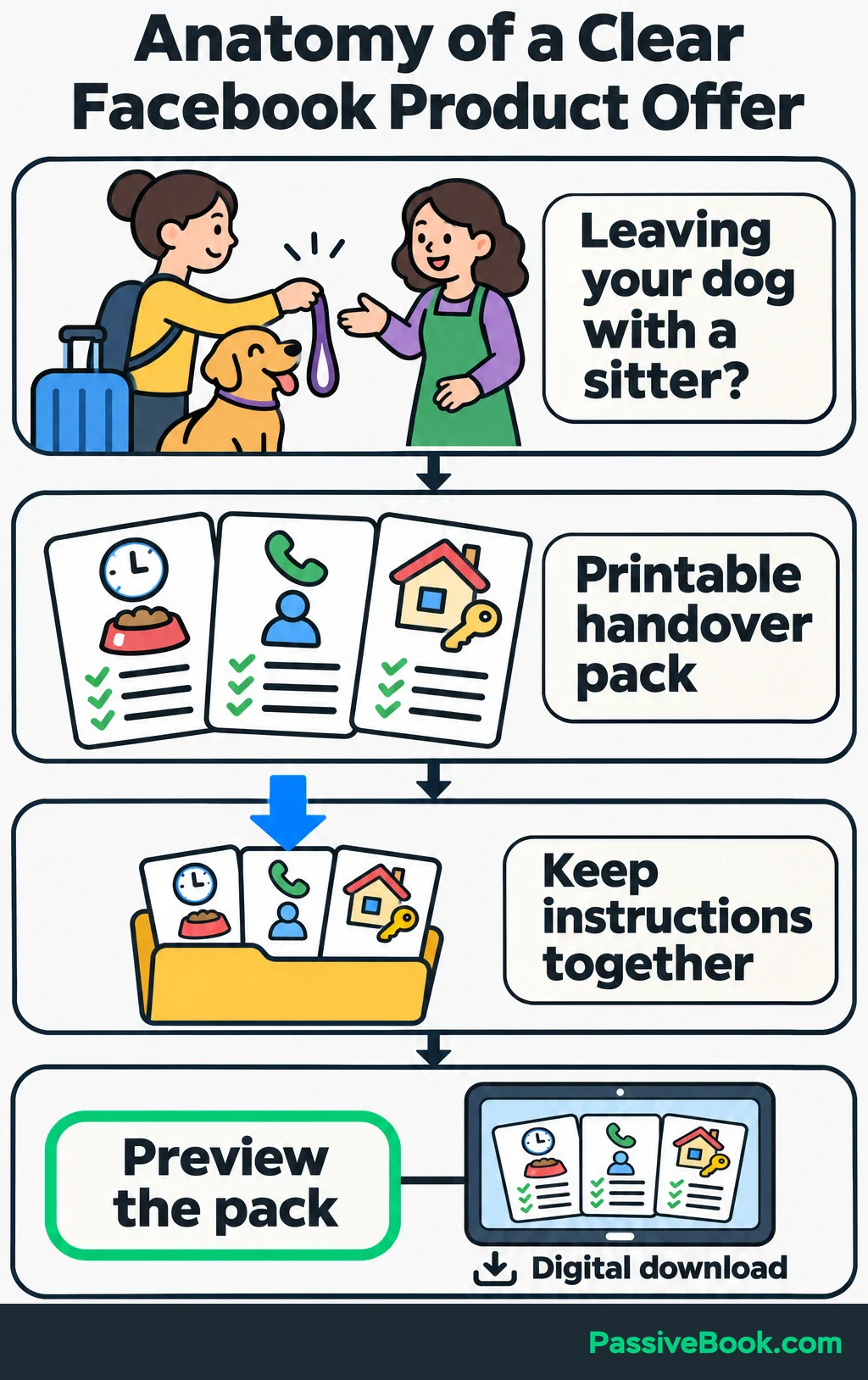
Pair the copy with an image of the actual product. If it’s a download, make that clear so buyers don’t expect a package in the mail.
Give each offer one main invitation. A post asking people to buy, subscribe, comment, share, and message has become a small assignment.
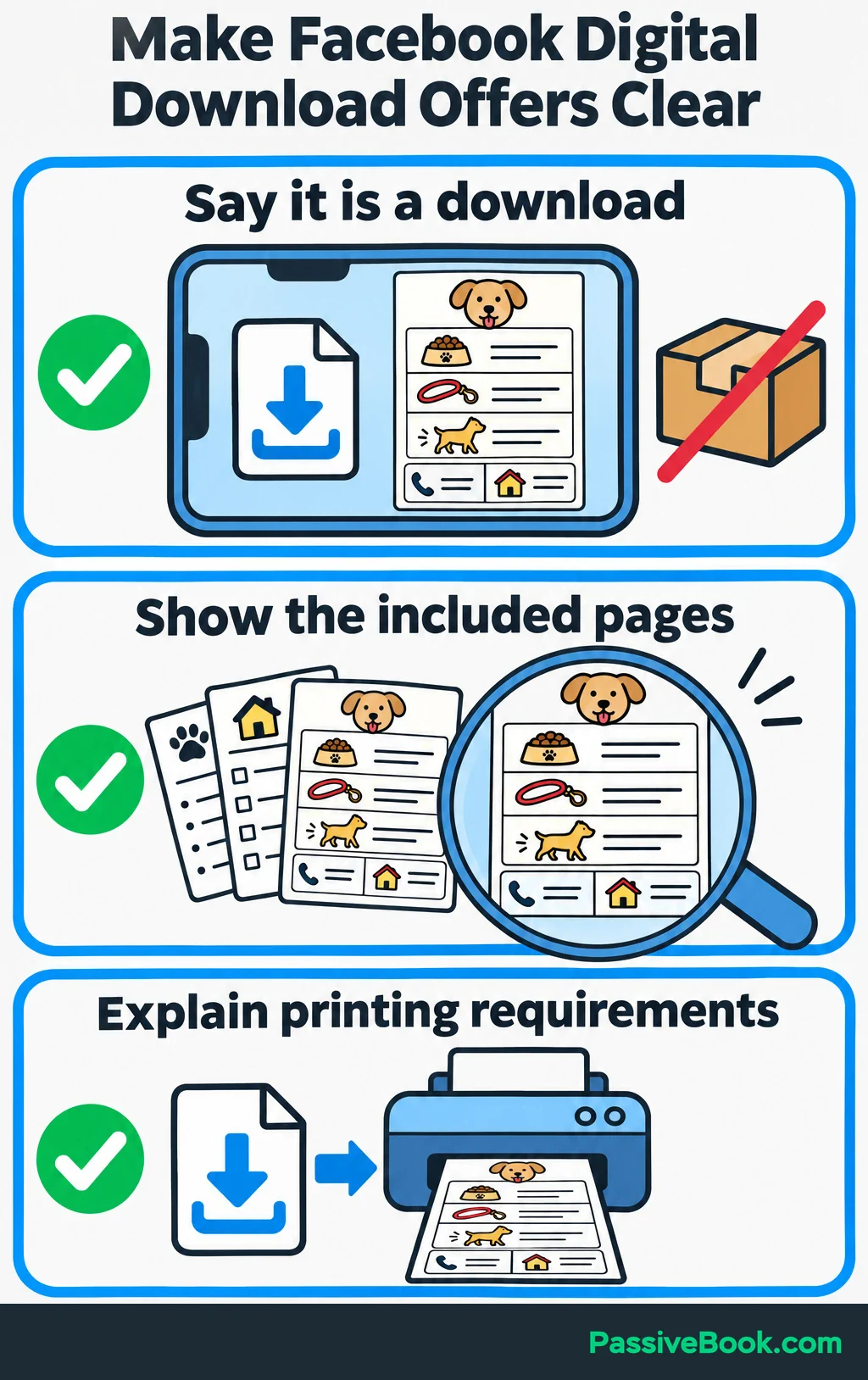
Use customer feedback only when it is genuine and you have permission to share it. A clear product preview is useful proof while you’re still collecting feedback.
If you know what you sell but keep getting stuck on the wording, AI Social Copy Studio gives you three drafts built around your own offer. Review the details, add your visuals, and you have a starting batch to publish.

Free AI Social Copy Studio




Reach Potential Customers Through Useful Conversations
Publishing gives visitors something to read, but a new Page also needs ways for relevant people to discover it. Start where you already have a reason to join the conversation.
Bring Interested People to Your Page
Add the Page link to your website and relevant customer communications. Explain why following it would be useful.
“Follow for practical sitter-preparation tips and printable examples” gives people more to work with than “We’re on Facebook.”
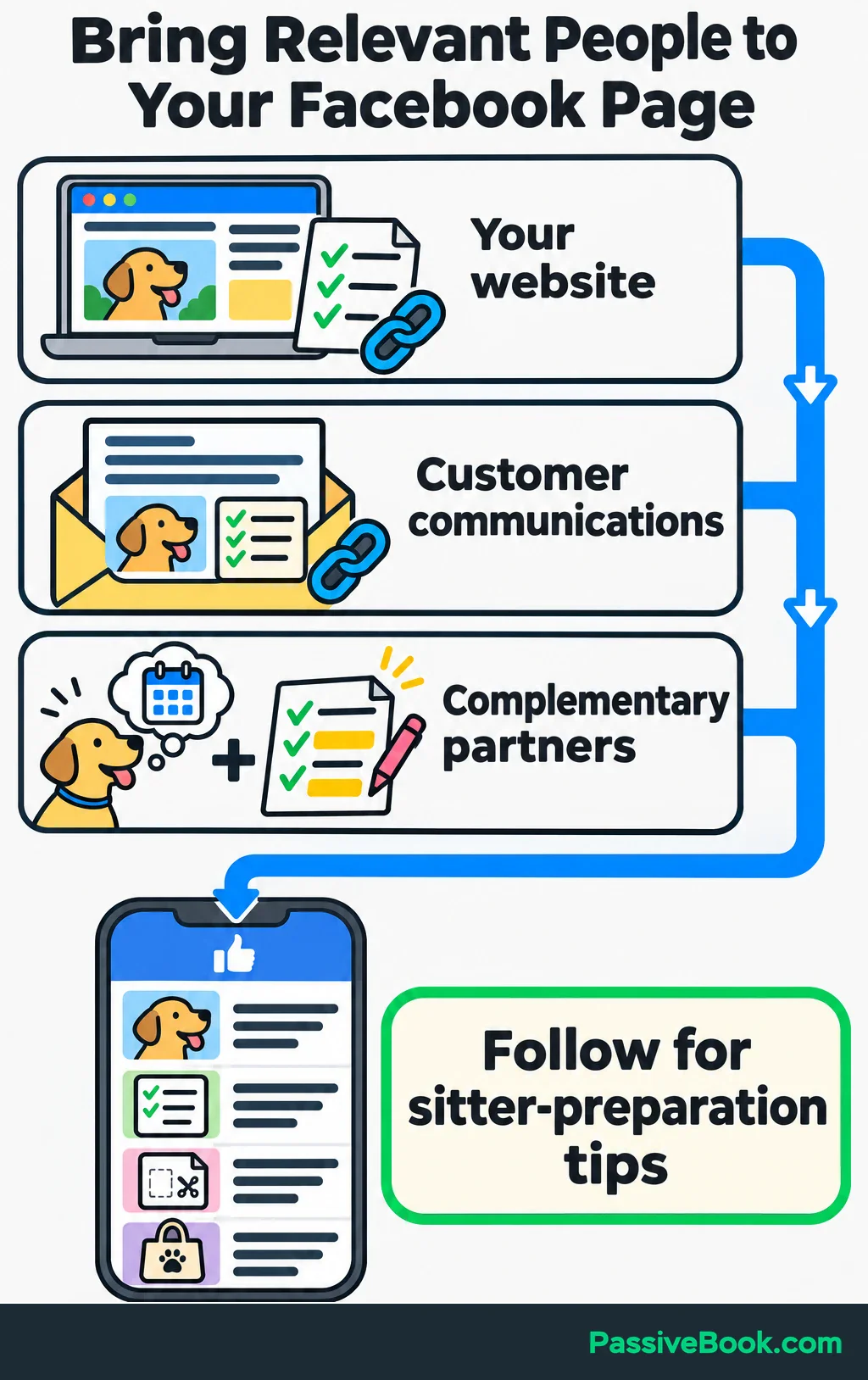
Introduce the Page selectively through existing relationships. Invite people whose interests match the offer rather than asking every contact to follow.
You can also collaborate with a complementary business. For example, a dog-sitting service could contribute common handover questions while you provide an annotated preparation sheet.
Agree on the contribution, credit, destination link, and sharing plan before creating the post. A useful joint post needs a clear benefit for both audiences.
Participate in Relevant Facebook Groups
Choose groups where people discuss the buying situation you serve. Read recent posts and the rules before contributing.
Check whether business participation is allowed and where promotional links belong. Some groups have designated promotion threads, while others prohibit them.
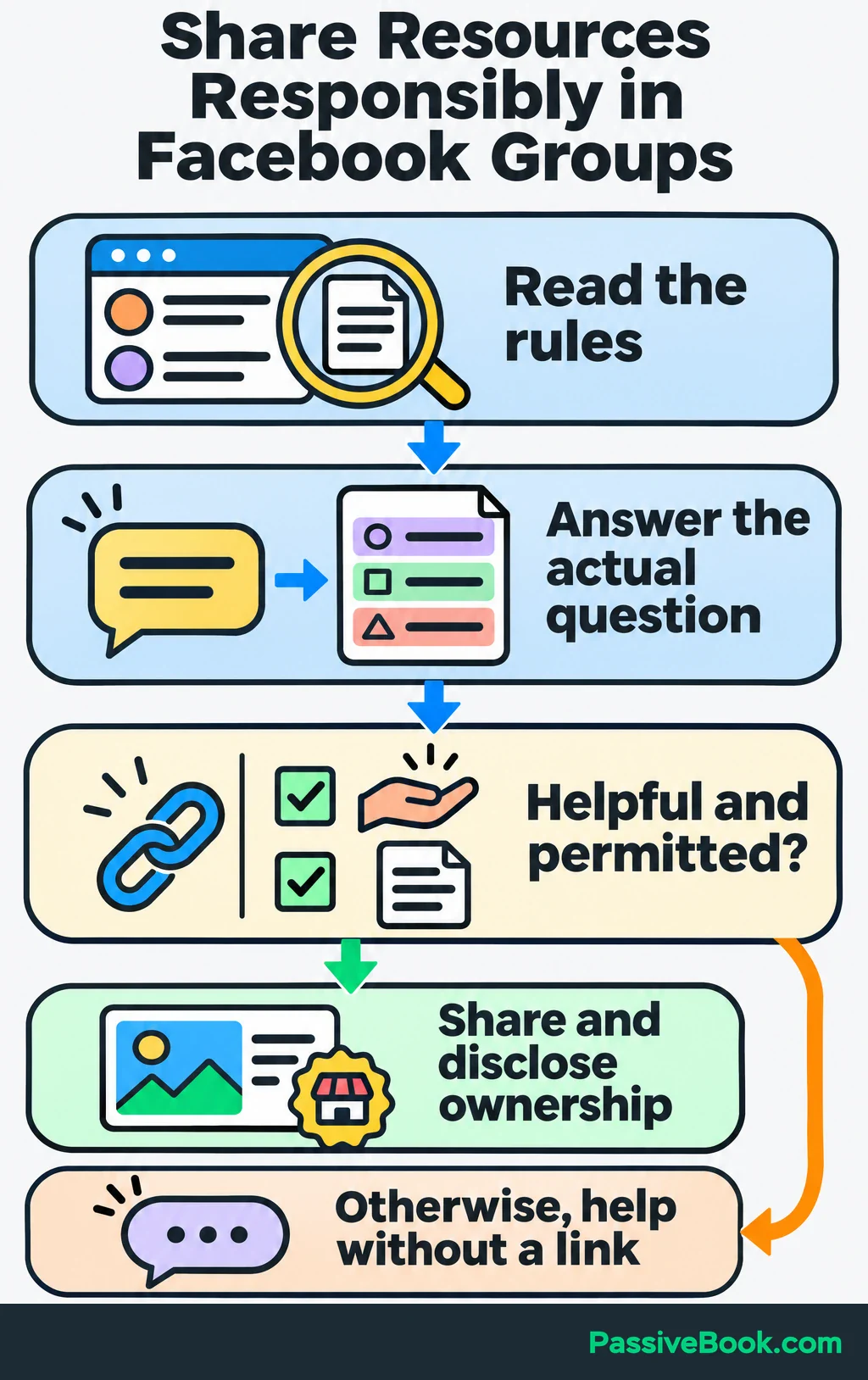
Answer the actual question within the discussion. If someone asks what to leave for a sitter, explain how to organize the information before mentioning a resource. Share your checklist only when it helps and the rules permit it, and be clear that it belongs to your business.
Keep notes on recurring questions, but don’t copy members’ personal stories into marketing posts without permission.
I would skip starting your own group until you can name the ongoing discussion members would benefit from and make time to moderate it. An empty group is another place to feel behind.
Use Messenger to Resolve Buying Questions
Treat incoming messages as questions to answer, with a relevant link when it helps.
If someone asks whether the pack can be printed at home, answer that directly using the product’s actual printing requirements. Then point them toward the preview or purchase details.
Save reusable replies about:
- Printing and paper size.
- File delivery and download access.
- Which pages are included.
- Whether the files can be edited.
Personalize the reply to the question. Move order numbers, email addresses, and other order details into private conversation.
If you use an automated acknowledgment, label it clearly and promise a response time you can meet. Record relevant purchase inquiries and whether they lead to orders so those conversations appear in your results.
Build a Publishing Routine You Can Maintain
Start with a cadence that leaves room to reply and review. I would try three posts a week: one practical tip, one demonstration, and one direct offer. That is a manageable test, not a posting requirement.
Use a simple calendar:
| Customer Question | Format | Intended Action | Destination | Publication Day |
|---|---|---|---|---|
| What should I prepare for the sitter? | Text tip | Request the checklist | Checklist signup page | Tuesday |
| How do I write out the daily routine? | Annotated sample page | View the pack | Product page | Thursday |
| What does the download include? | Product image and offer | Purchase | Product page | Saturday |
Batch the drafts and visuals in one session. One checklist topic can support several posts, provided each teaches a different point.
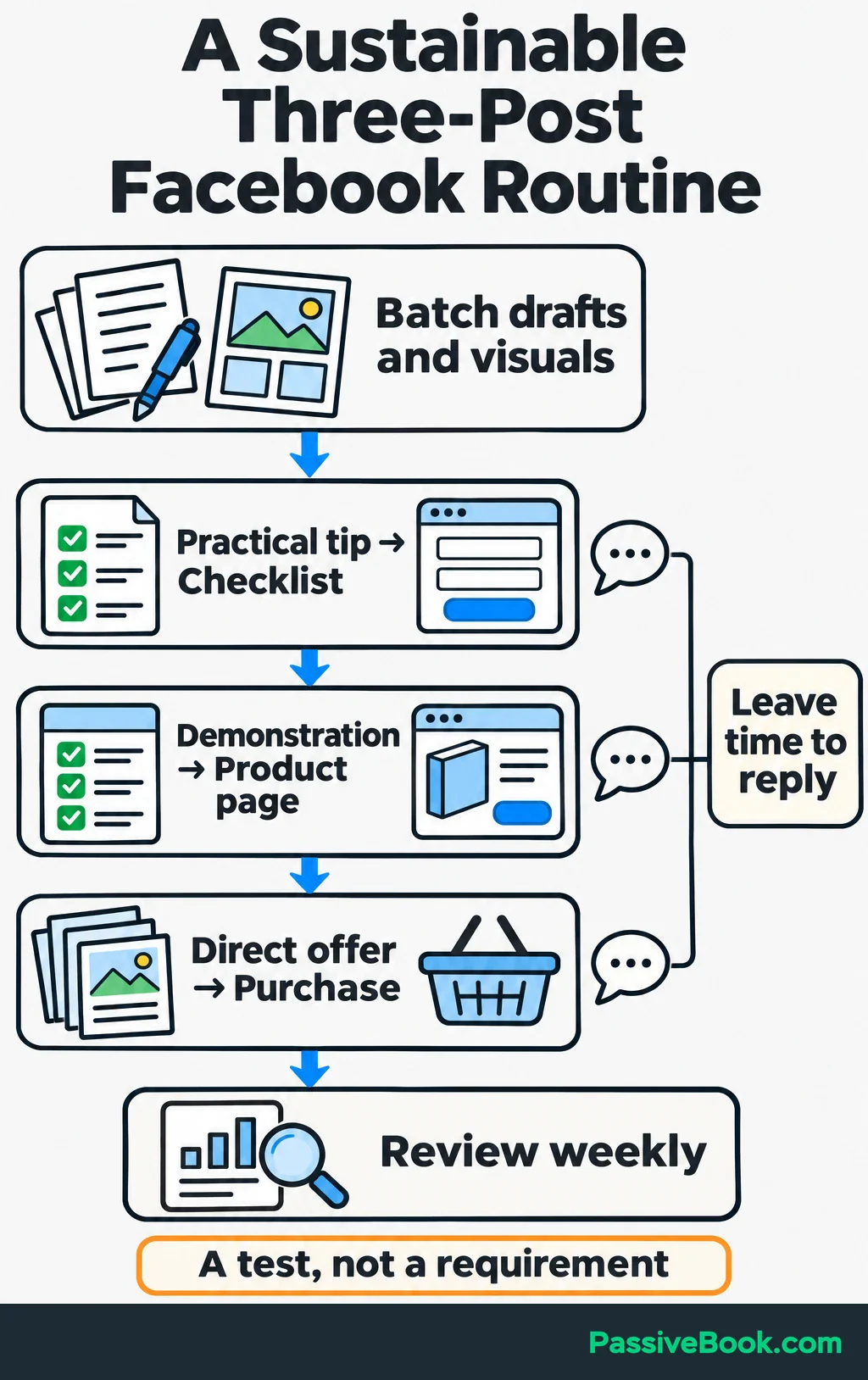
Use free Meta Business Suite to schedule Page posts, respond to messages and comments, and review content performance. I would start there before paying for a separate scheduler.
Reserve a short reply window on the days you publish and a weekly review slot. Scheduled publishing saves repetitive work, but questions still need answers.
AI can help turn your notes into draft variations. Give it the actual product details and check the output before scheduling. Invented features make very efficient customer-service problems.
Measure Customer Actions and Improve the Weakest Step
Use reach and interactions to understand attention. Use qualified inquiries, signups, orders, and revenue to judge business progress.
Around 2022, I spent six months chasing Instagram and Twitter/X followers for a side niche. The follower count gave me something to check, but I hadn’t built a useful path from that attention to an offer. The bank account stayed around $47.
That experience is why I want a customer action attached to a social campaign before I worry about making more content.
Keep a results sheet for each post or campaign. Record its topic, intended action, website sessions (visits), inquiries, signups, orders, and revenue. Track time and ad spend too, and keep organic and paid results separate.
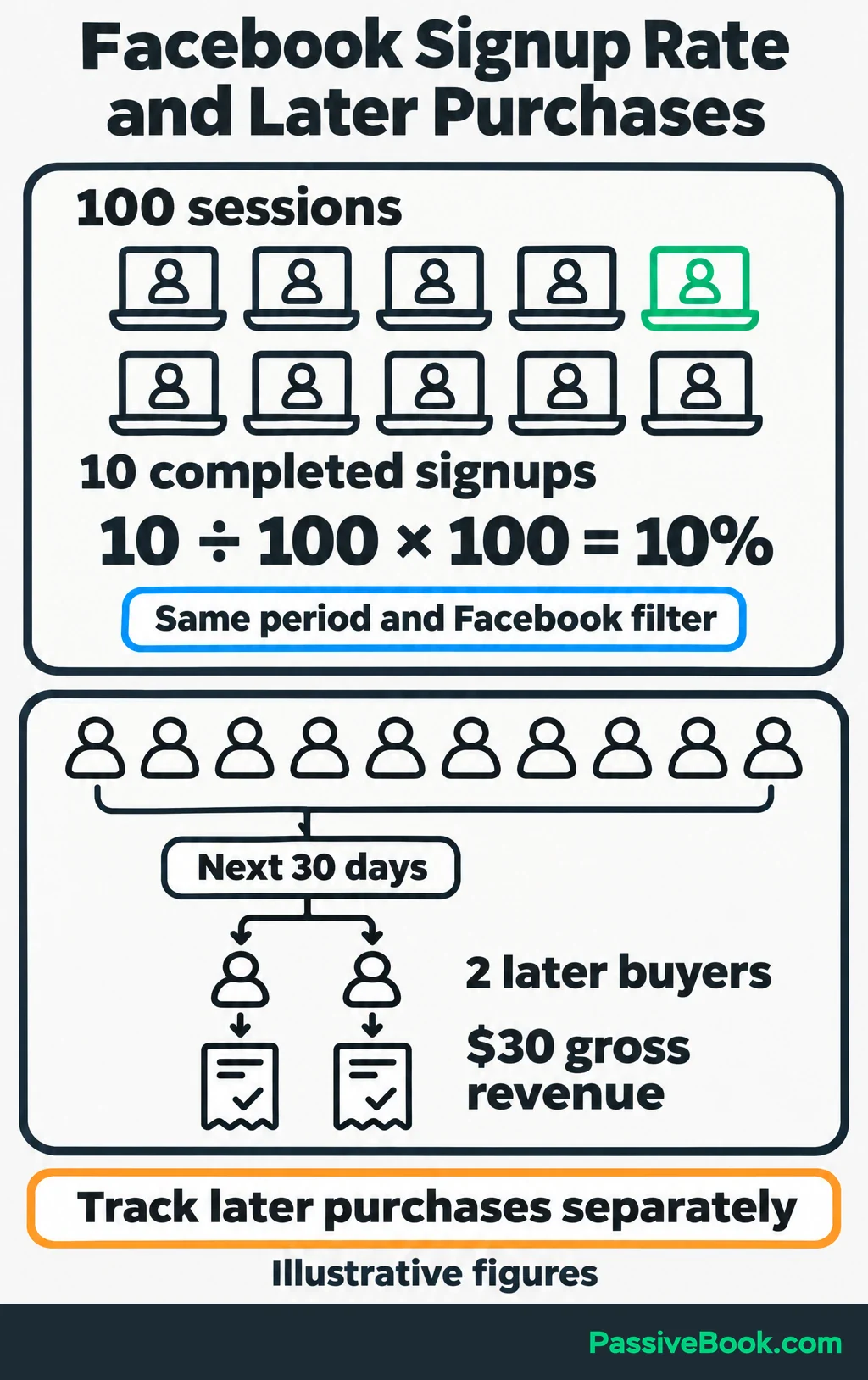
For signup rate, count completed signups from the Facebook-referred signup-page sessions you are measuring. For purchase rate, count purchases completed from the measured product-page sessions. For each rate, use the same dates and Facebook referral filter for the completed actions and the sessions that produced them.
| Measure | Calculation |
|---|---|
| Signup rate | Completed signups ÷ signup-page sessions × 100 |
| Purchase rate | Completed purchases ÷ product-page sessions × 100 |
For illustration, suppose one month brings 100 Facebook-referred sessions to the checklist page, and 10 of those sessions produce completed signups. The signup rate is 10%.
Track those 10 subscribers separately over the next 30 days. If two buy the handover pack and generate $30 in gross revenue, record those as later purchases from that subscriber group. They don’t belong in the original signup-rate calculation.
Ground completed signups in your email records and purchases in your sales records. Facebook clicks, website sessions, and orders count different events, so their totals won’t necessarily match.
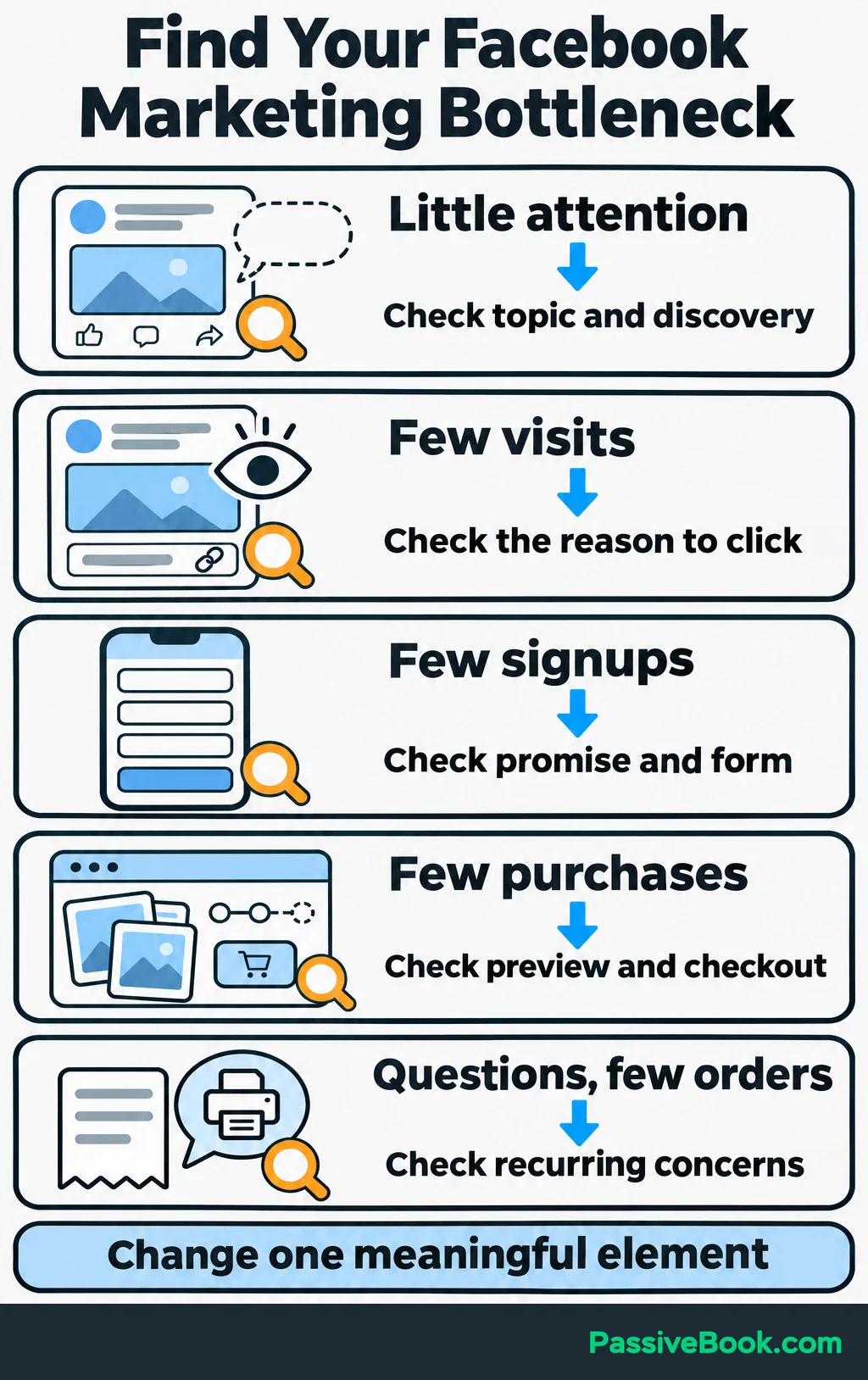
Then use the results to choose the next change:
| What You See | What I Would Check First |
|---|---|
| Little relevant attention | Whether the topic matches a real customer question and how the post is being discovered |
| Attention but few website visits | Whether the invitation gives people a clear reason to click |
| Visits but few signups | The resource promise, mobile form, and delivery test |
| Product visits but few purchases | Sample pages, offer clarity, printing details, and checkout |
| Purchase questions but few orders | The concern people keep raising before they leave |
Compare posts with similar goals and change one meaningful element at a time. A demonstration meant to sell and a question meant to start discussion shouldn’t be judged by identical results.
Review weekly, but let evidence accumulate before declaring a winner. A handful of visits gives you little basis for a broad conclusion.
Repeat topics that produce useful actions. If repeated improvements still bring little business value for the hours involved, reduce Facebook’s priority.
Add Paid Ads When You Can Judge the Cost
Paid ads deserve a test when the audience, offer, destination, and measurement are clear. They don’t need to be part of your starting routine.
First, decide what you can afford to spend for a new customer.
Count the money left from an order after variable costs, such as payment fees, expected refunds, and fulfillment. Then subtract the amount you need to keep.
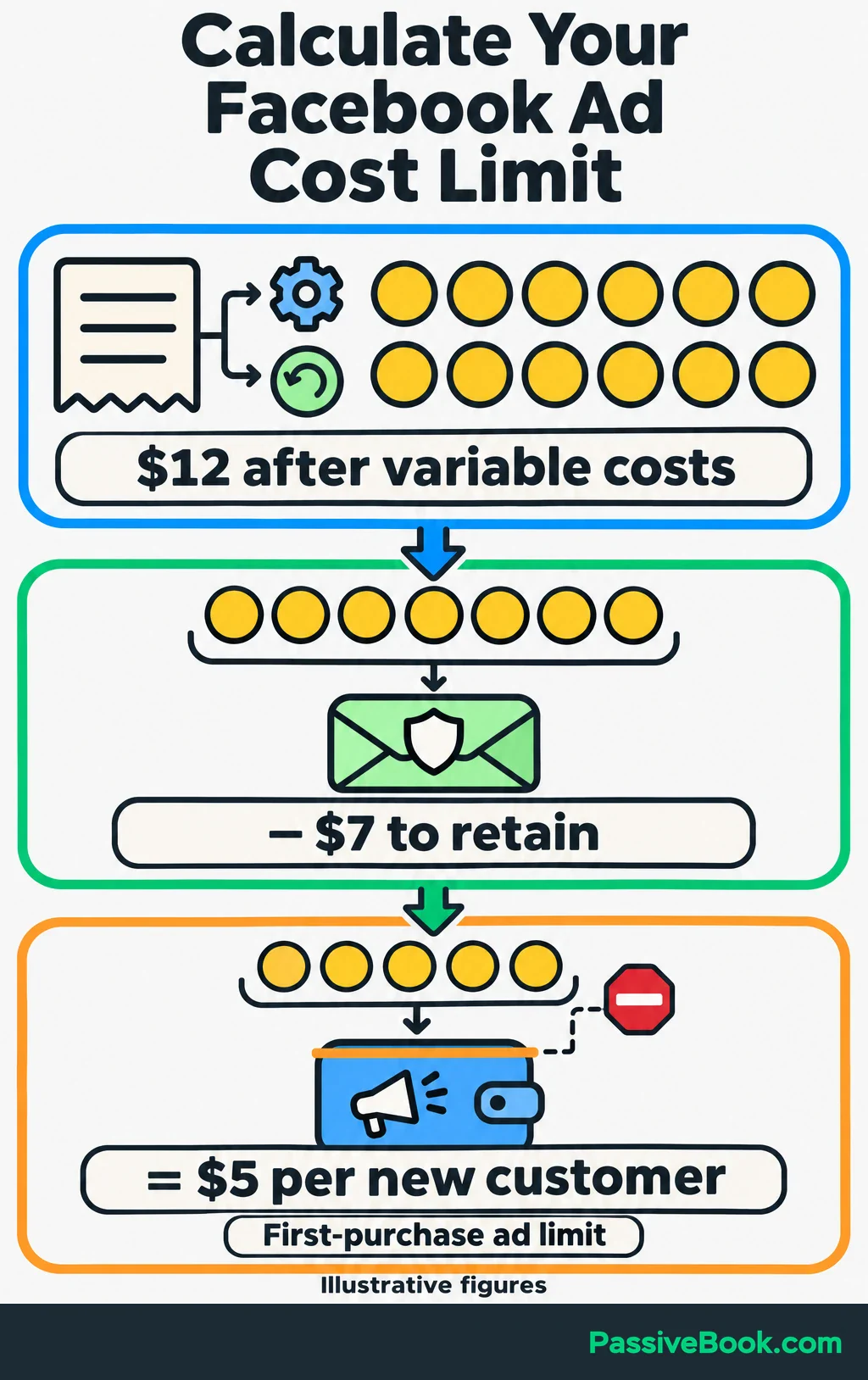
For example, if an order leaves $12 after variable costs and you need to retain $7, your first-purchase advertising limit is $5 per customer.
Judge lead costs through later purchases too. A low-cost checklist subscriber is useful only if enough subscribers become customers. Base that decision on recorded buying behavior rather than assumed repeat orders.
When setting up the campaign:
- In Meta Ads Manager, choose the result you want: Leads for signups or Sales for purchases. Then select where that action happens (the conversion location) and the completed signup or purchase to track (the conversion event). Meta explains campaign objectives and conversion settings.
- For website conversions, connect and test the completed lead or purchase event before spending. Your website platform may provide an integration for Meta’s tracking tools. Meta’s website-data training explains the available connections.
- Meet applicable consent requirements before activating advertising tracking. In the UK, cookies and similar tracking technologies used for online advertising require consent. The ICO explains the advertising-tracking requirement.
Check the offer, images, and destination against Meta’s Advertising Standards before launch.
Keep the first test focused: one offer, markets you serve, and a small set of creative variations. Set an affordable total budget, an end date, and a spending point at which you will pause and review.
Continue, revise, or stop based on qualified leads, purchases, and acquisition cost. A busy comments section doesn’t raise the amount you can afford to pay for an order.
What Next?
Choose one customer question and write a useful Facebook post that leads to a working signup or product page. Test that destination before publishing, then reserve time to check replies and results.
Use the social buttons to share this guide when your next marketing discussion needs a clearer way to connect posts with customers.
Which step needs the most work in your business: reaching interested people, earning the click, or turning the visit into an action? Share your answer in the comments, and bring any other questions too.
Share this post with your friends & followers:

