Finishing your manuscript creates a new set of questions. Does it need another edit? Which files does Amazon accept? And how much should you spend before anyone buys a copy?
Those decisions matter because a finished draft can still become a book with cramped pages, a confusing cover or a price that leaves almost nothing after printing. This guide follows one text-based nonfiction book through ten publishing steps, with a sample budget, file requirements and launch advice to help you produce an ebook and paperback readers can buy without a large production budget.
Step 1: Finish a Manuscript With a Clear Reader Promise
Write one sentence explaining what readers will get from your book. Use it to decide what belongs in the manuscript and what can go.
For nonfiction, name the problem and the useful outcome. For fiction or memoir, describe the central story and the reading experience.
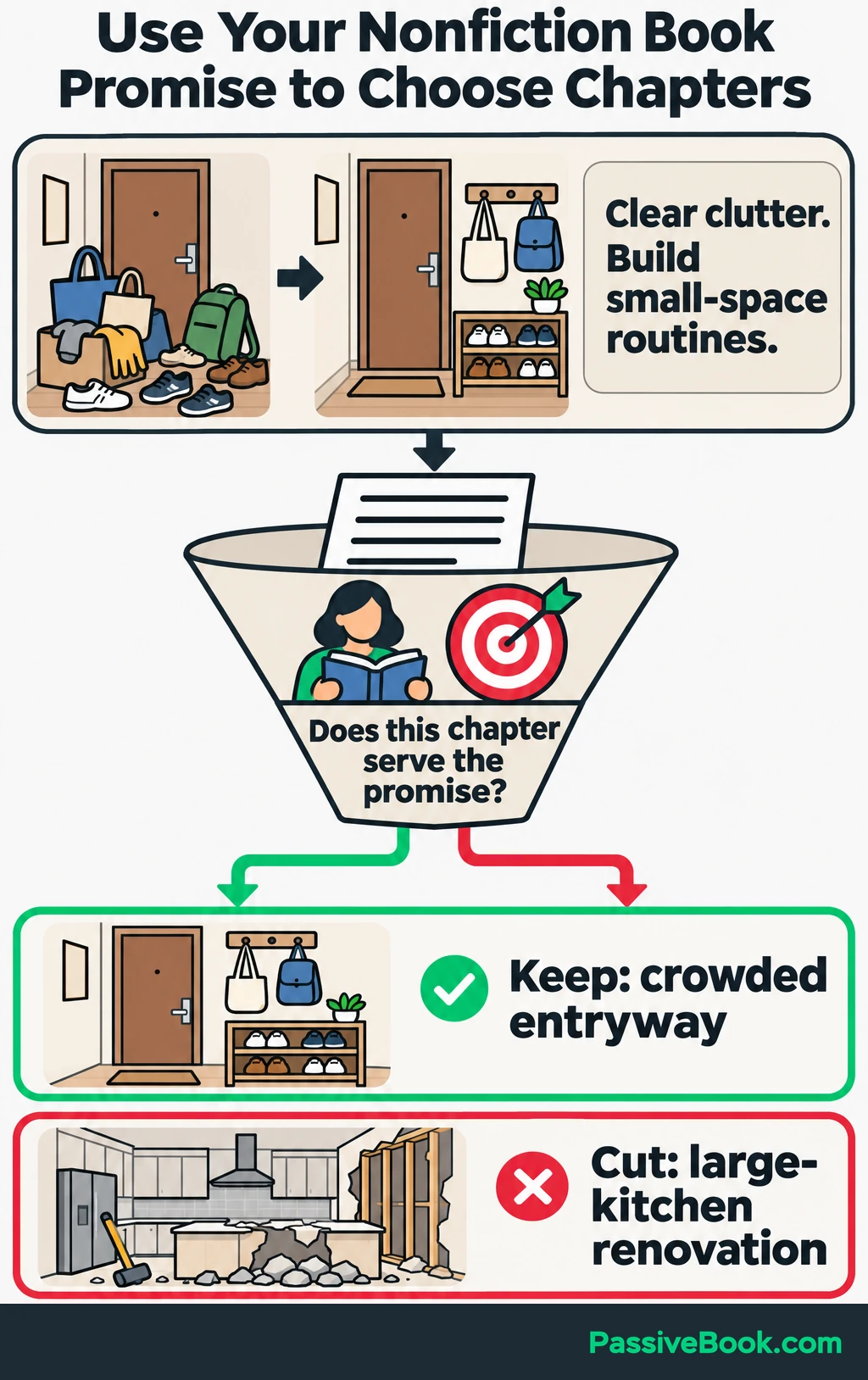
Throughout this guide, imagine you run a home-organizing blog and are publishing A Calmer Small Apartment. Its promise might be:
Help readers clear everyday clutter and create storage routines that work in a small apartment.
That gives you a useful boundary. A chapter about managing a crowded entryway belongs. A long detour into renovating a large kitchen probably doesn’t. The project, budget and earnings figures below are illustrations.
Before finishing the draft, examine comparable books. Look at their descriptions, contents, sample pages, covers and prices. Read critical reviews for questions readers still have, but don’t borrow another author’s structure.
I once rushed a course into production without properly checking what buyers needed. It made few sales, received a bad review and came down. That was a digital-product mistake, but it informs this decision too: check whether the material delivers something people want before paying to package it.
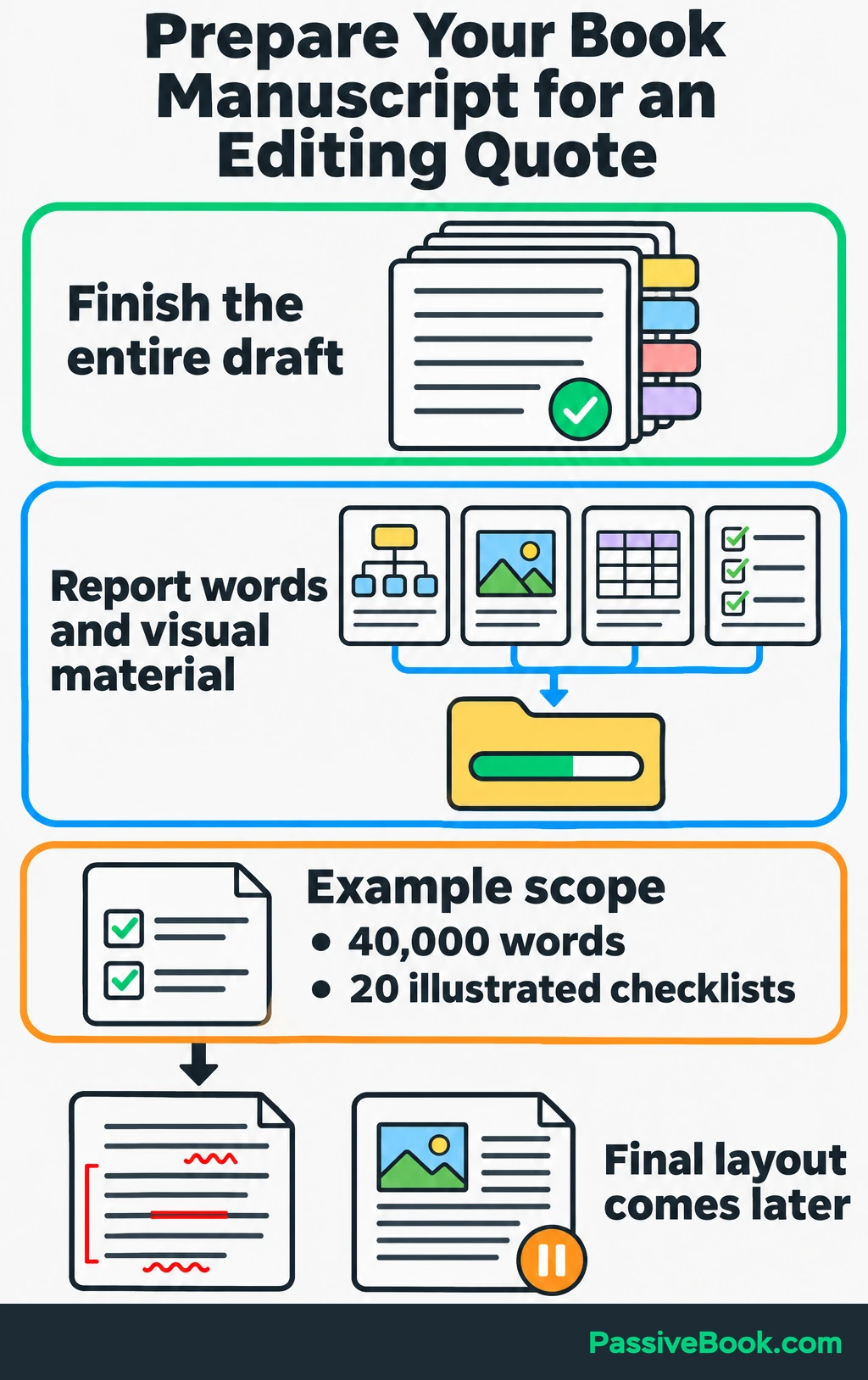
Finish the entire draft before commissioning final layout. Record its word count and list any photographs, diagrams, tables or exercises. An editor quoting for 40,000 words needs to know whether that includes twenty illustrated checklists.
Step 2: Choose Your Formats and Publishing Channels
Choose the Editions Your Book Needs
Choose formats around how people will read and use the book.
An ebook suits readers who want adjustable text and immediate access. A paperback gives them a physical copy to browse, annotate or keep nearby. You don’t need a hardcover simply because the option exists.
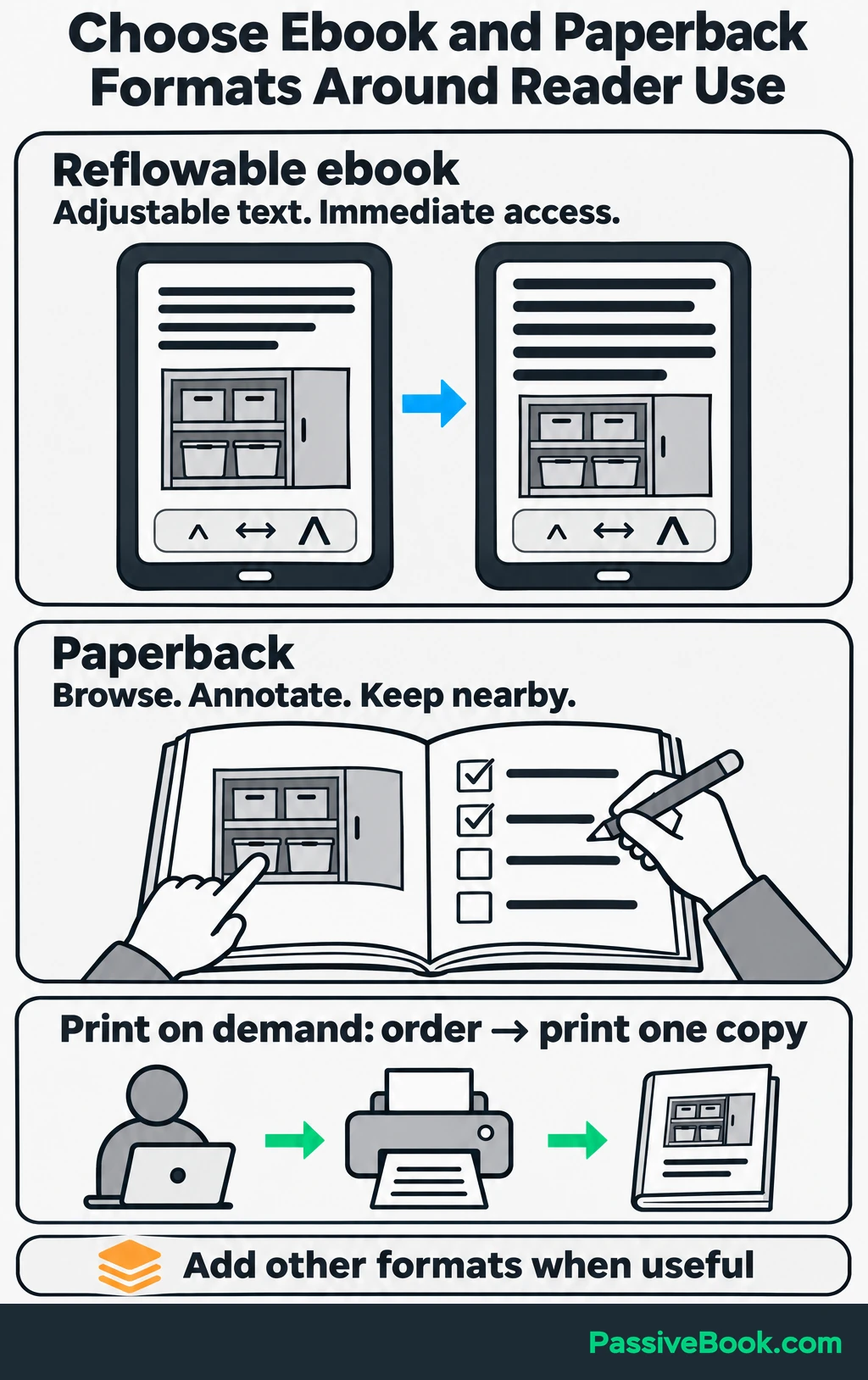
For A Calmer Small Apartment, I would start with a reflowable ebook and a black-and-white paperback. Reflowable text adjusts to the reader’s screen and font settings. Simple storage diagrams can work in grayscale, so color would need to earn its extra production cost.
Print on demand lets you offer a paperback without buying boxes of inventory. A copy is printed when a customer orders it, and printing costs come out of your proceeds.
Amazon’s Kindle Direct Publishing, usually called KDP, accepts independently published ebooks, paperbacks and hardcovers without a publishing fee. Editing, design and physical copies remain separate expenses. KDP publishing options
Match Each Channel to Its Purpose
A retailer sells books to readers. A distributor sends your book to other retailers or ordering systems. Your website gives you a direct sales channel, but you must bring the visitors.
| Channel | What It Handles | Costs and Work to Consider |
|---|---|---|
| Amazon KDP | Kindle ebooks and print-on-demand paperbacks and hardcovers on Amazon | Amazon’s share of sales, printing and applicable ebook delivery charges |
| Direct accounts with other ebook retailers | Ebook sales through each retailer | Each retailer’s share of sales; separate uploads and updates |
| Draft2Digital | Distribution to multiple ebook stores from one account | Account fees and a share of each sale; choosing destinations and checking listings |
| IngramSpark | Print distribution for bookstore, library and retailer ordering | Wholesale discount—the retailer and distributor’s share—plus printing, applicable distribution charges and possible returns |
| Your website | Direct ebook sales and downloads | Payment processing, delivery tools and support; you bring visitors and manage checkout |
For a first book aimed mainly at Amazon readers, I would start with KDP. This guide uses it for the upload and proofing process.
Draft2Digital charges new publishing accounts a one-time $20 USD activation fee and takes approximately 10% of retail price per sale. A $12 annual maintenance fee applies to accounts earning under $100 a year with titles in distribution. Check Draft2Digital’s fees before signing up.
Choose either direct delivery or aggregator delivery for each store. Sending the same ebook to a retailer through both routes creates avoidable listing problems.
IngramSpark is worth considering when bookstore and library ordering matters. Account creation and uploads are free, but your proceeds depend on printing, wholesale discounts and applicable charges. IngramSpark pricing
You can combine KDP and IngramSpark for the same print edition using your own ISBN, the number that identifies that edition and format. Leave KDP Expanded Distribution disabled for that edition. Distribution makes your book available to order; individual stores still decide whether to stock it. IngramSpark distribution guidance
I would add direct ebook sales only when you have a way to bring readers to your website. An existing WordPress site with WooCommerce can handle digital products, but checkout, download delivery and customer support become your responsibility.
Decide Whether to Enroll in KDP Select
KDP Select is optional. It gives an eligible ebook access to Amazon’s subscription-reading program and certain promotional tools, but it comes with digital exclusivity.
Enrollment lasts for renewable 90-day periods. During that period, you can distribute the ebook only through KDP and permitted public-library channels. You cannot also sell it through other ebook stores or your website. Print editions can remain available elsewhere. KDP Select requirements
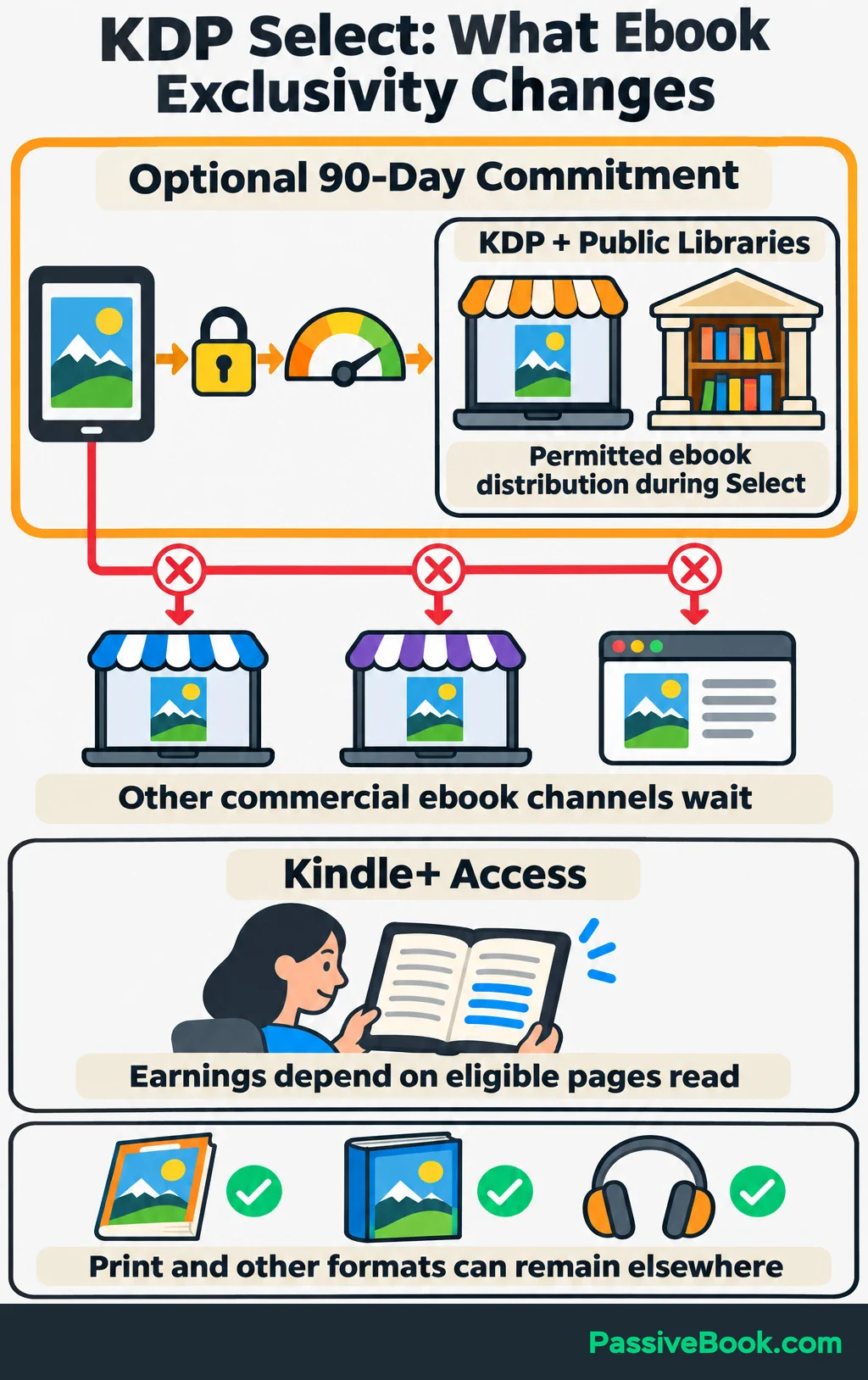
For the organizing guide, I would skip Select if direct ebook sales were part of the blog’s product plan. I would consider it if Amazon subscription readers were the main audience.
Check automatic renewal and set a reminder before the next enrollment period. Make exclusivity a deliberate choice.
Step 3: Set Your Publishing Budget
Separate money spent before publication from deductions taken when a copy sells.
Your production budget may include:
- Editing and specialist review.
- Cover design and interior formatting.
- ISBNs, where needed.
- Final proofreading.
- Physical proof copies, shipping and taxes.
Advertising and bulk inventory are optional. I would leave both out of a first production budget unless you already have a specific use for them.
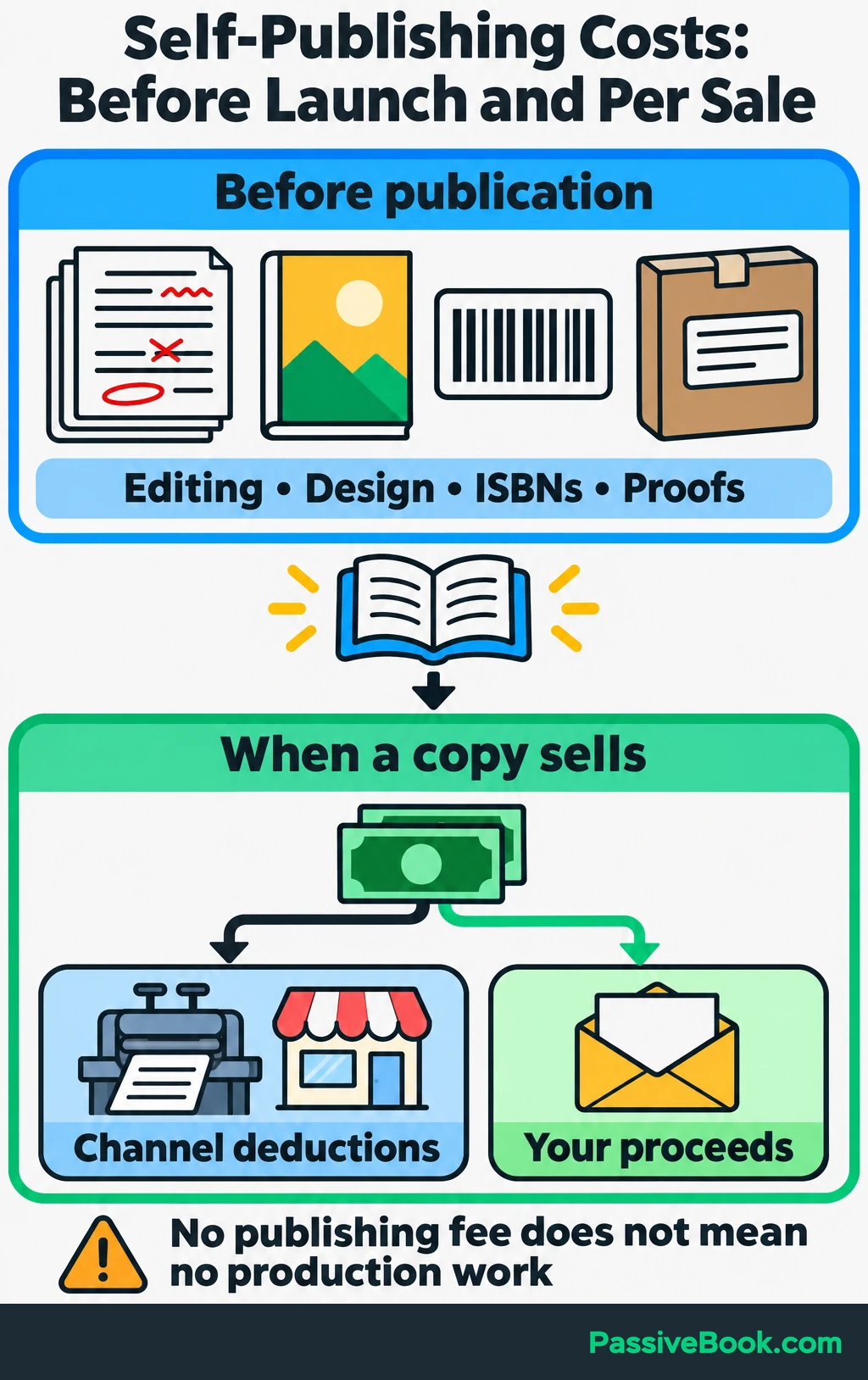
A DIY ebook can have $0 upfront publishing expenditure if you use existing tools, properly licensed assets and KDP. You still need time for revision, independent feedback and file checks. Free publishing does not remove those jobs.
For print, budget for a proof copy—a test copy you inspect before publication. KDP charges printing costs for proofs, plus shipping and applicable taxes. KDP proof-copy costs
Editing is often the largest variable. The Editorial Freelancers Association’s rate chart reports nonfiction copyediting at 3–4 cents per word, based on members’ reported work. For 40,000 words, that works out to $1,200–$1,600 USD. Use this to frame quote requests; individual editors set their own rates. EFA editorial rate chart
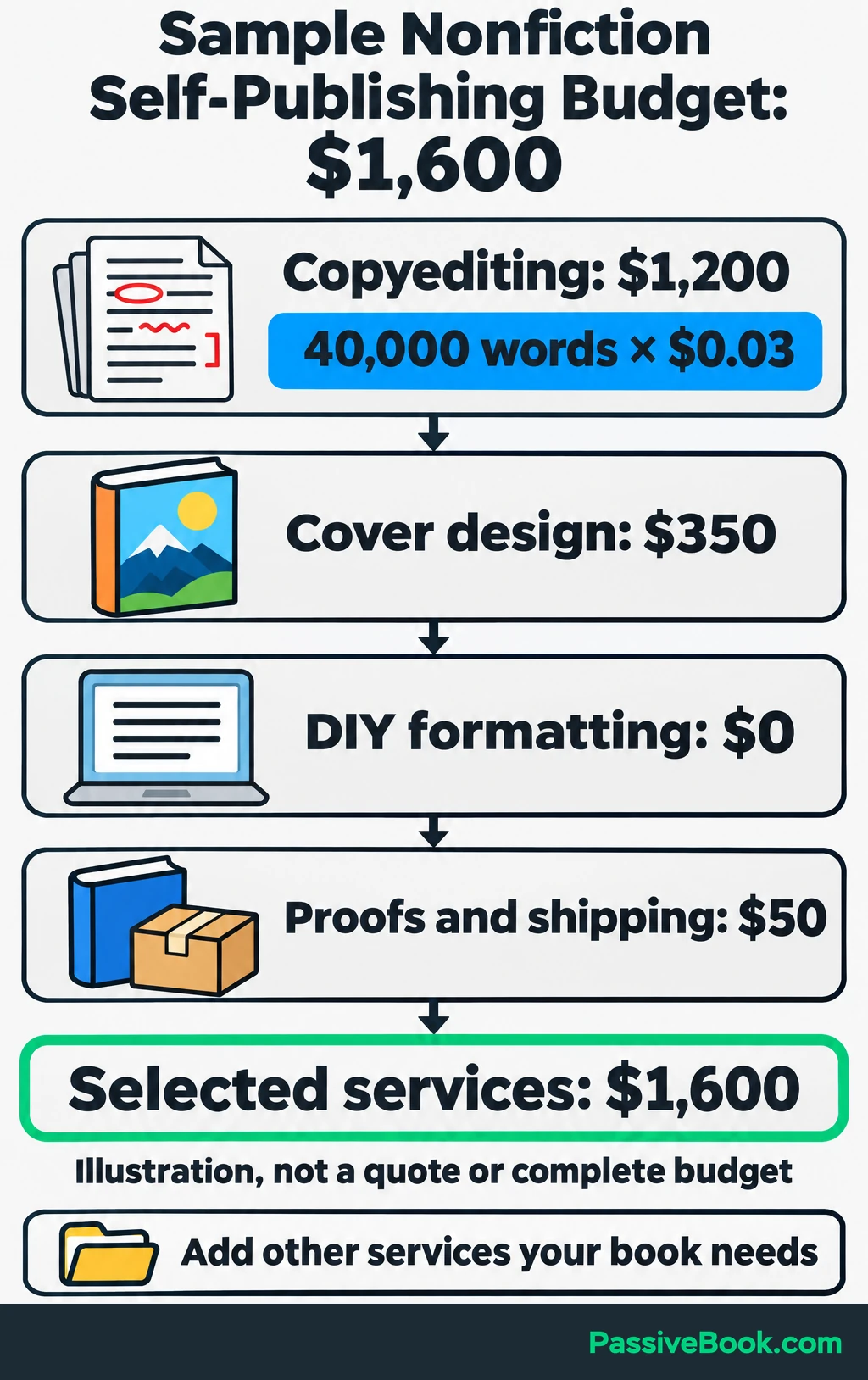
Here is a selected-service budget for the organizing guide:
| Item | Planning Amount | What the Amount Covers |
|---|---|---|
| Copyediting | $1,200 | A 40,000-word manuscript at 3 cents per word |
| Cover design | $350 | An assumed allowance for ebook and paperback cover work |
| DIY formatting | $0 | The owner prepares files using existing or free tools |
| Proof copies and shipping | $50 | An assumed allowance to replace with the checkout estimate |
| Total | $1,600 | These selected services only |
The cover and proof amounts are planning assumptions, not quotes. Add structural editing, paid proofreading, purchased ISBNs and other services if your project needs them.
Before hiring, compare relevant samples and get written terms. Agree on scope, revisions, deadlines, deliverables and access to editable files.
I would pay for the weakest part of the project first. If readers cannot follow the manuscript, a more expensive cover won’t solve the problem.
Step 4: Revise and Edit Before Formatting
Fix the Content and Structure
Start with the large problems. Find missing explanations, repeated material, unsupported claims and chapters in the wrong order.
For the organizing guide, readers need a way to decide what to keep before they are told where to store it. Otherwise, the book helps them arrange clutter more neatly.
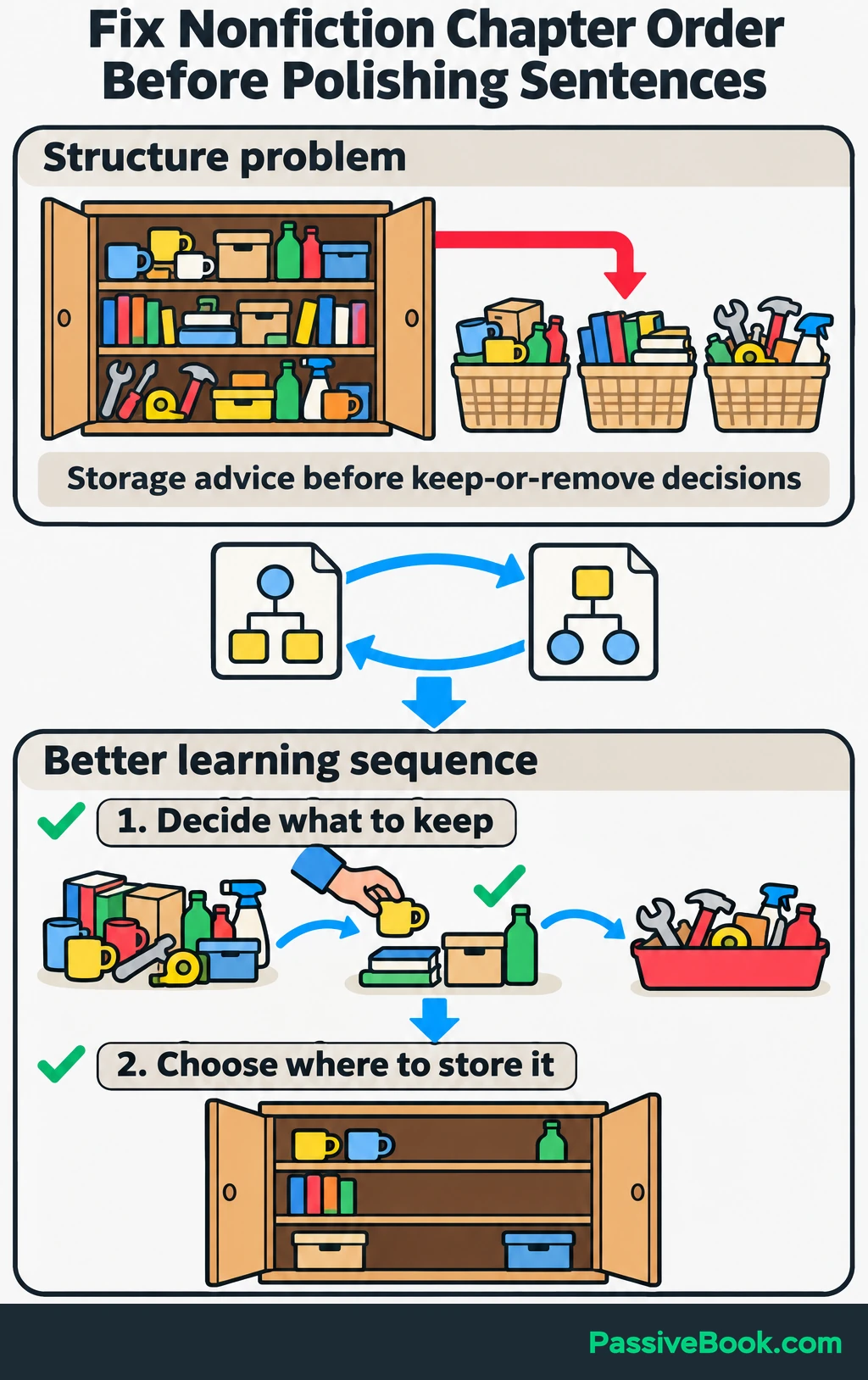
Give test readers specific questions:
- Where did you become confused?
- Which parts felt unnecessary?
- What did you still need explained?
- Which instructions were hard to follow?
For fiction and memoir, ask about story progression, character choices, pacing and the ending. You are checking whether the reading experience works.
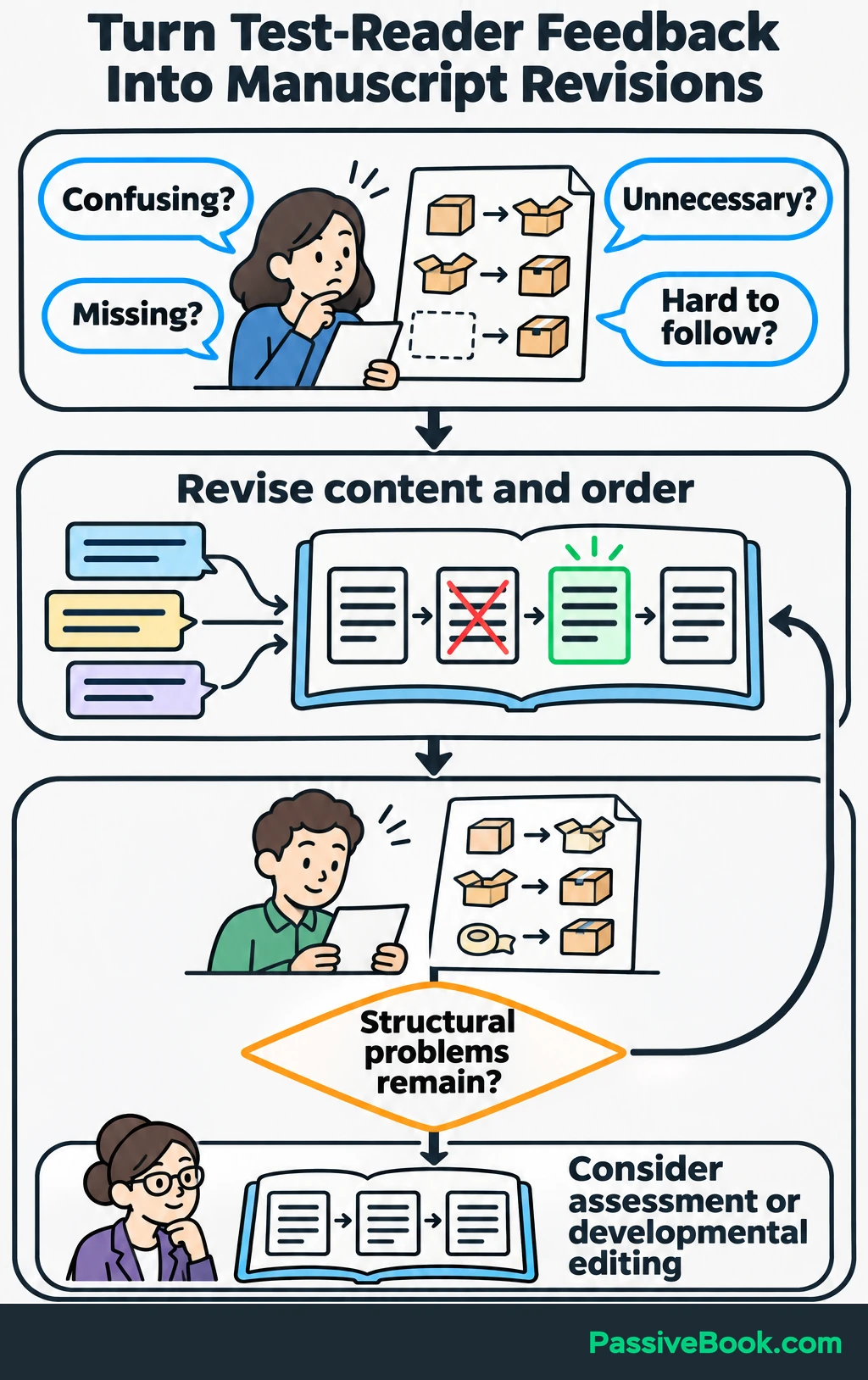
If the same structural problems remain after revision, consider a manuscript assessment or developmental editor. That service addresses the book’s content and organization before sentence polishing.
Have a qualified reviewer check advice outside your expertise, especially where errors could affect health or safety.
Also confirm that you have the rights needed for photographs, illustrations, quoted passages and other borrowed material. Keep permission and license records with the project. Check local registration and legal-deposit requirements separately; these are different from obtaining an ISBN.
Copyedit the Revised Manuscript
Copyediting improves clarity, grammar, spelling and consistency after the structure is settled.
Give the editor your revised manuscript and explain the intended reader. Agree on whether the work includes fact-checking, reference checking or rewriting rather than assuming those services are included.
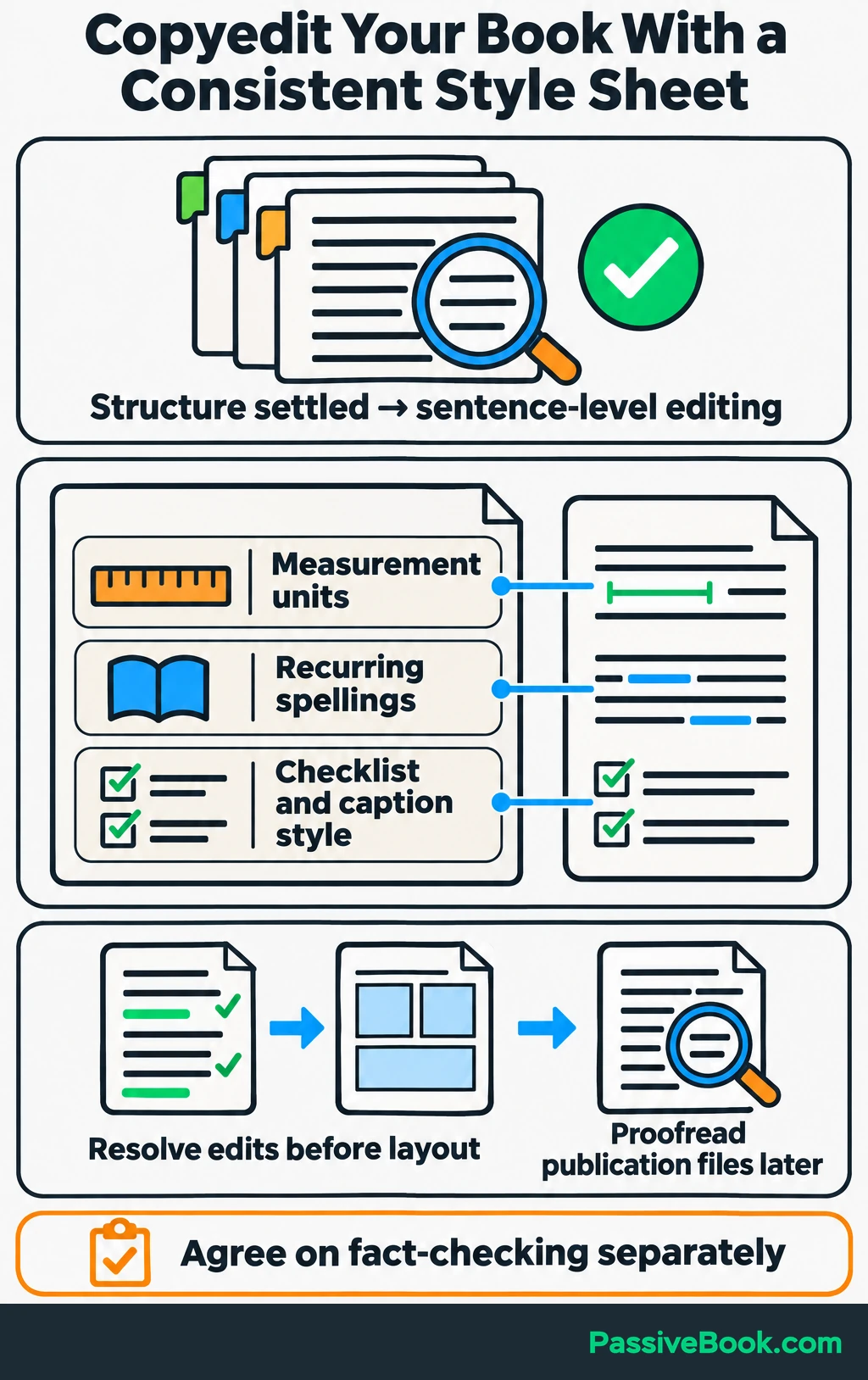
Keep a short style sheet for recurring decisions. For the organizing guide, that could record:
- Whether measurements use inches, centimeters or both.
- The chosen spelling of recurring storage terms.
- How checklist items and diagram captions are written.
Resolve substantive edits before layout. Moving three chapters after formatting means paying for the same work twice, which is a remarkably dull way to spend money.
Final proofreading comes later, when you can inspect the actual publication files.
Step 5: Prepare Your Book Details and ISBNs
Create a Consistent Publication Record
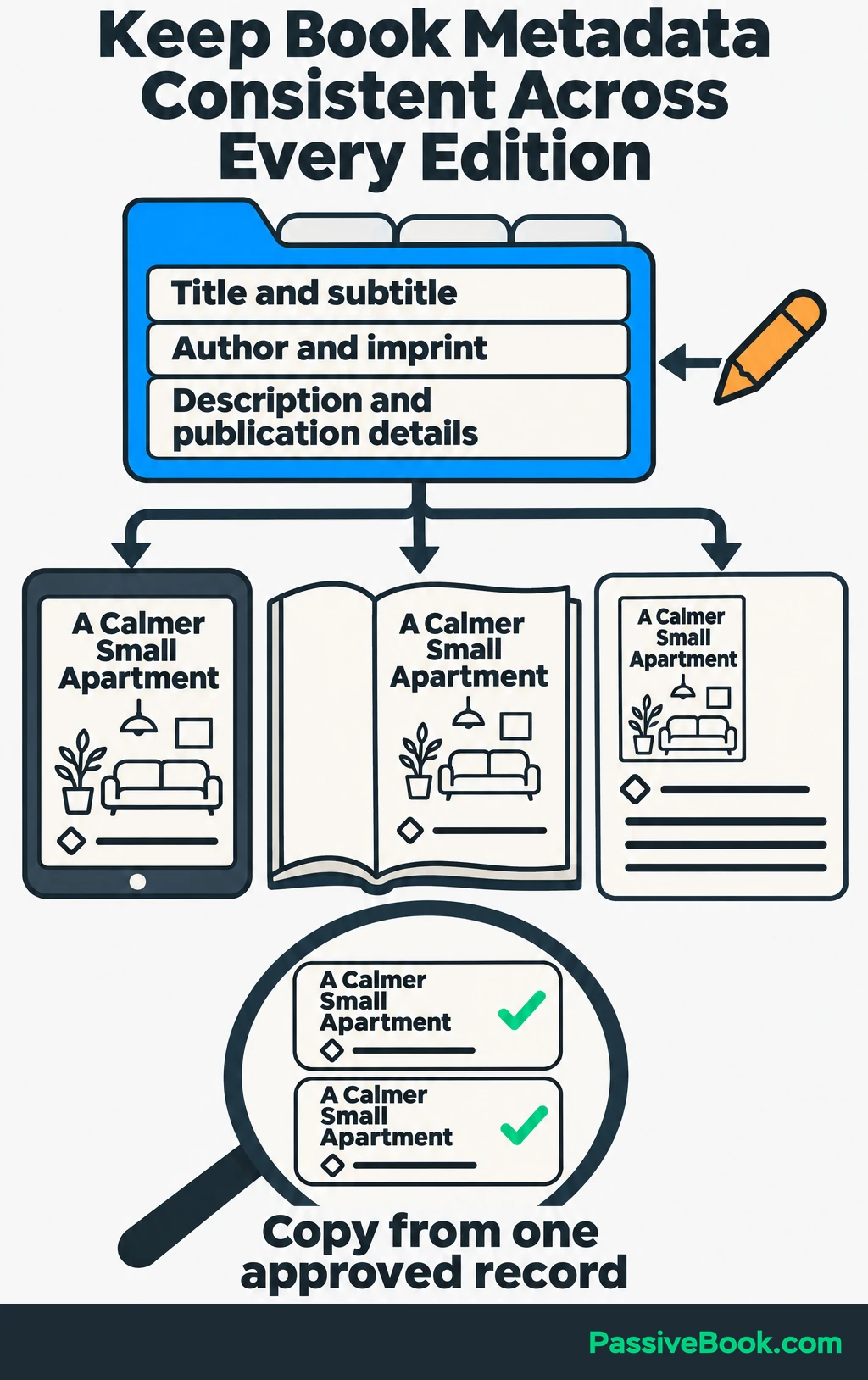
Choose your final title, subtitle, public author name and publishing imprint before producing the finished cover and opening pages. An imprint is the publisher name associated with the book.
Store the details in one master document. Include contributors, language, edition, description, categories and publication information. Copy from that record when setting up each format.
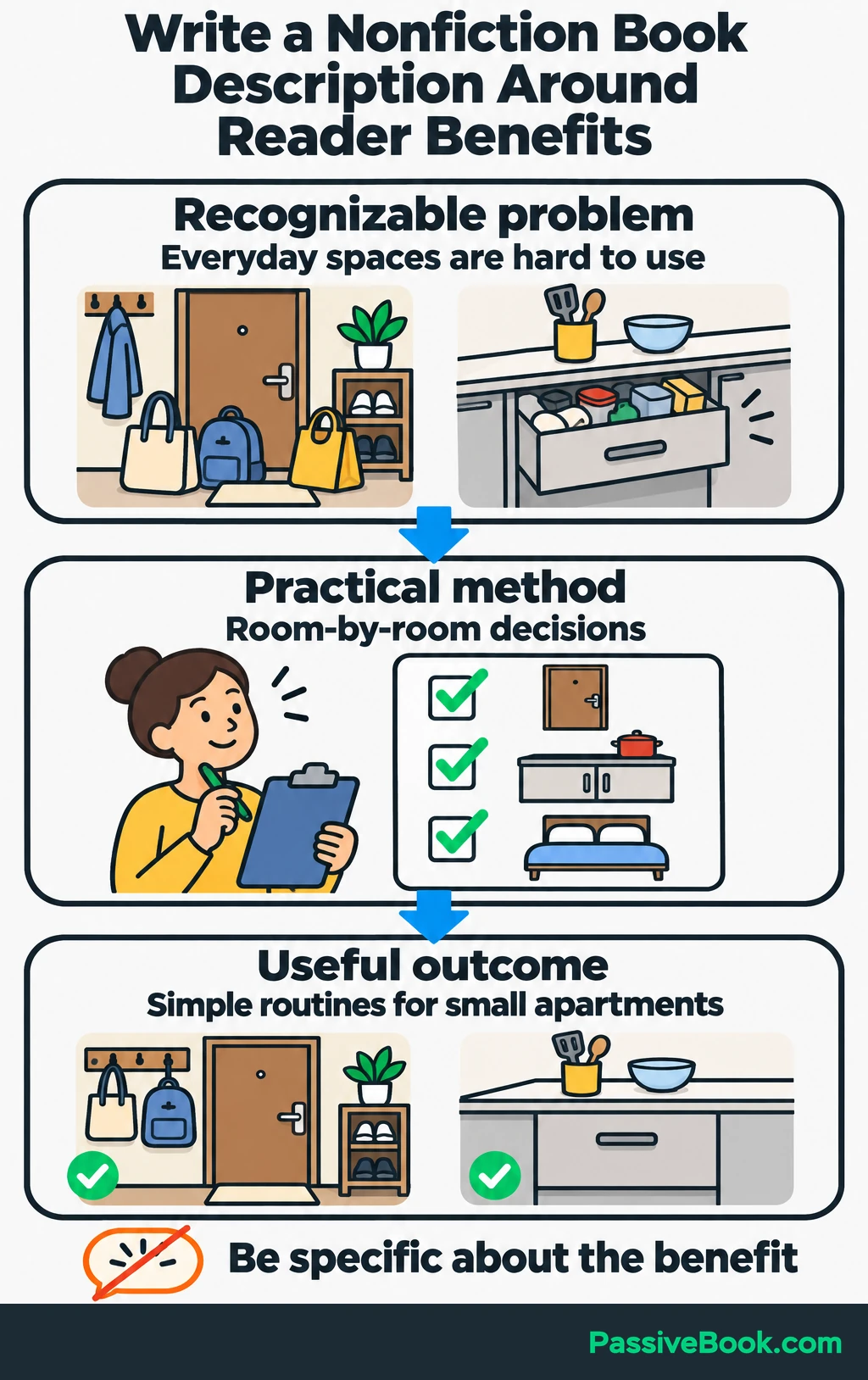
Write the description around why someone would read the book. Lead with the practical outcome for nonfiction or the central conflict and stakes for fiction.
For the organizing guide, an excerpt could read:
Make everyday spaces easier to use, from the entryway that collects bags to the kitchen drawer that never closes. Follow room-by-room decisions and simple routines designed for small apartments.
That tells readers more than “an essential guide to transforming your life.”
You don’t have to start your description with an empty page. AI Book Writing Studio uses your reader promise and book details to draft wording you can review and add to your publication record.
Free AI Book Writing Studio




Choose categories and search phrases that accurately describe the book. Test possible phrases on Amazon and examine whether the results serve similar readers. “Small apartment storage” could be a phrase to investigate for this project; it is not a claim of measured demand.
Skip unrelated categories chosen merely because they look easier to rank in. You want readers who will be pleased they found your book.
Choose Platform-provided or Author-owned ISBNs
An ISBN identifies a particular edition and format. It does not protect copyright.
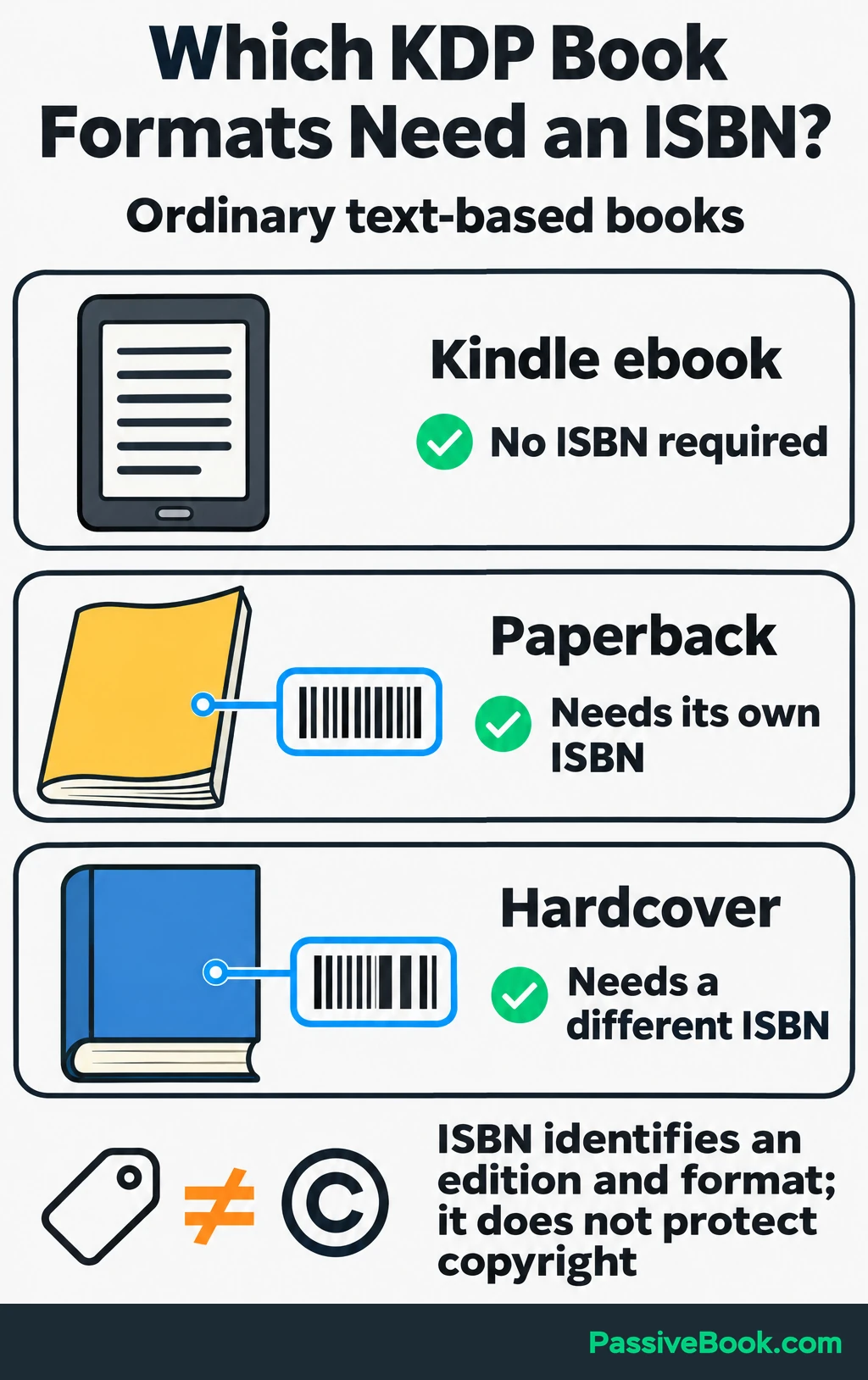
For an ordinary text-based book on KDP:
| Format | ISBN Decision |
|---|---|
| Kindle ebook | No ISBN required |
| Paperback | Needs its own ISBN |
| Hardcover | Needs a different ISBN from the paperback |
KDP’s free print ISBN works only through KDP, and its imprint appears as “Independently published.” Your own ISBN lets you use your registered imprint and publish the same print edition through other services. Keep the registered title, author, format and imprint consistent. KDP ISBN requirements and options
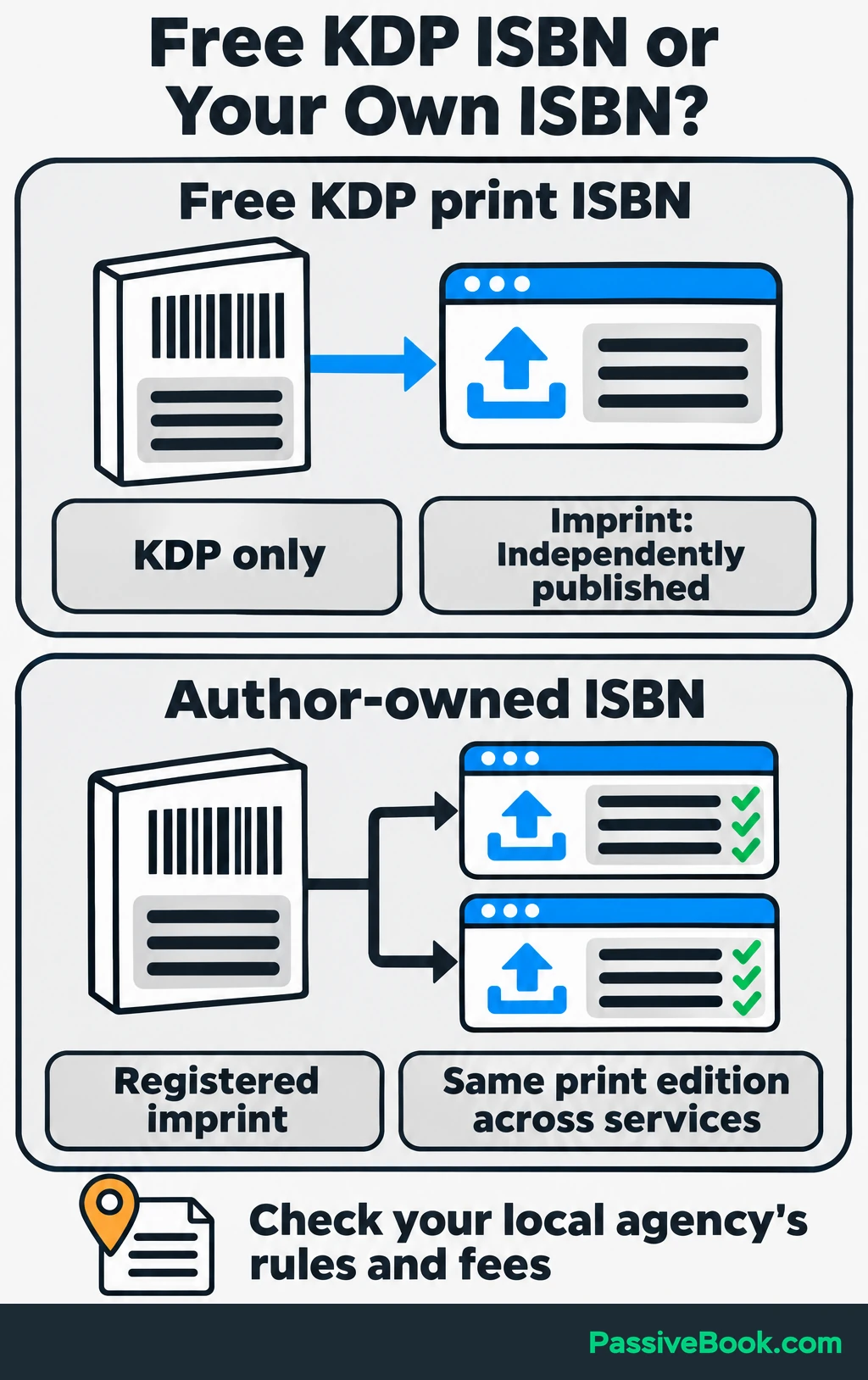
I would use the free option for a print edition intended only for KDP. I would obtain my own before setup if bookstore distribution through IngramSpark were already part of the plan.
Use the ISBN agency serving your location and check its allocation rules and fees. Don’t assume the process or cost is the same in every country.
Step 6: Create the Interior and Cover Files
Format the Ebook
For a mainly text-based book, I would choose a reflowable EPUB file, a standard ebook format. Readers can change the text size and read comfortably on different screens.
Prepare the source manuscript with:
- Heading styles for chapters and sections.
- Paragraph styles for body text.
- Real chapter breaks.
- A linked table of contents.
- Working links and image captions.
Remove repeated spaces, manual tabs and print-only page numbers or headers. These shortcuts can fall apart when text moves to a different screen.
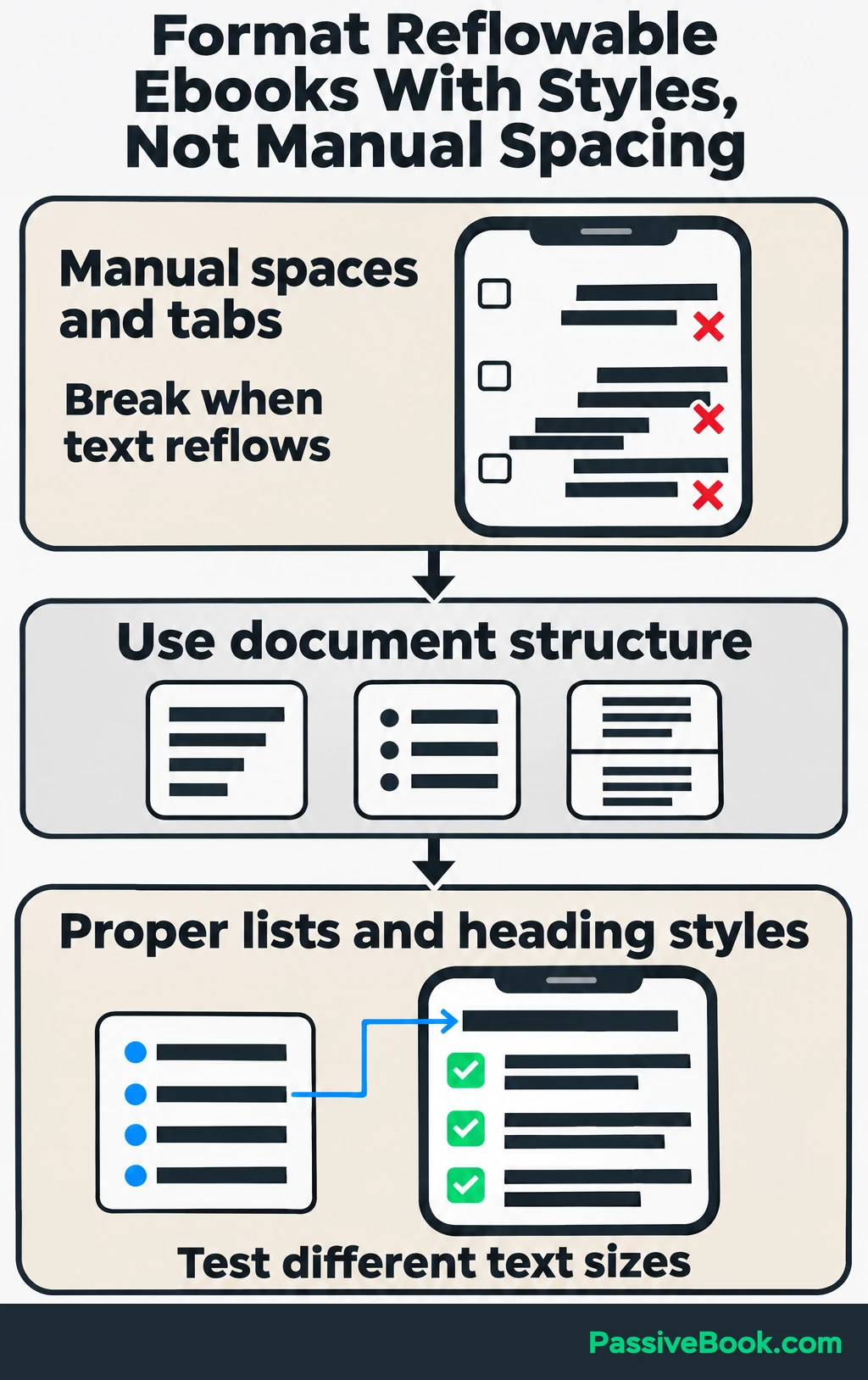
On one of my ebooks, I checked the exported file on my laptop and thought I was done. On my phone, a carefully spaced checklist wrapped into a mess. I replaced the manual spacing with proper list formatting, so I now test the reading layout before spending time on decoration.
For a straightforward manuscript, Draft2Digital offers conversion and free EPUB and print PDF downloads without requiring distribution through its service. Draft2Digital conversion options
Use a logical heading order and add text descriptions for meaningful images. A diagram should not be the only place an essential instruction appears.
Choose fixed layout when understanding the content depends on preserving its arrangement, such as an illustrated page with closely connected text and artwork. It needs a different production approach from a simple text ebook.
Format the Print Interior
Decide the physical specifications before final layout:
- Trim size, meaning the finished page dimensions.
- Paperback or hardcover binding.
- Black-and-white or color printing.
- Paper choice.
- Whether artwork reaches the page edges.
Artwork that reaches an edge needs bleed: extra image area beyond the cut line so trimming does not leave an unwanted white border.
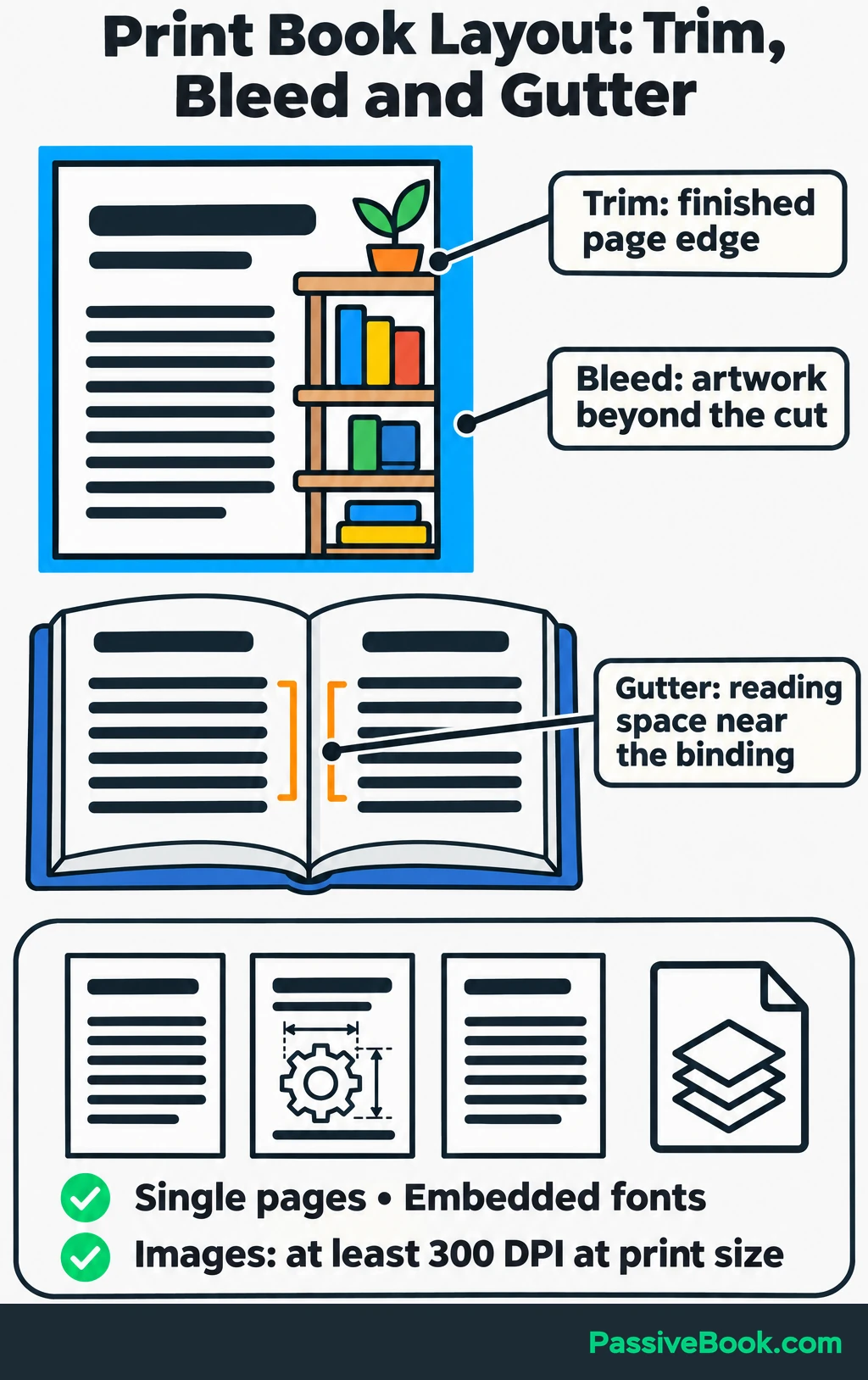
Prepare the title page, copyright page, contents, chapter openings, page numbers and back matter. Use margins that leave comfortable reading space near the binding, called the gutter.
Export a print-ready PDF with embedded fonts, correct dimensions and individual pages rather than two-page spreads. KDP requires image resolution of at least 300 DPI (dots per inch) at the intended print size. KDP print-file specifications
For A Calmer Small Apartment, print a few sample pages at actual size. Can you read the checklist without squinting? Do shaded labels remain distinct in grayscale? A layout that looks spacious on a monitor can feel cramped on paper.
Create a Cover for Each Edition
Brief the designer on the intended reader, subject or genre, final title, comparable books and required files.
The front cover should remain understandable as a small thumbnail. I would choose a clear title and one strong visual idea over a collection of tiny objects.
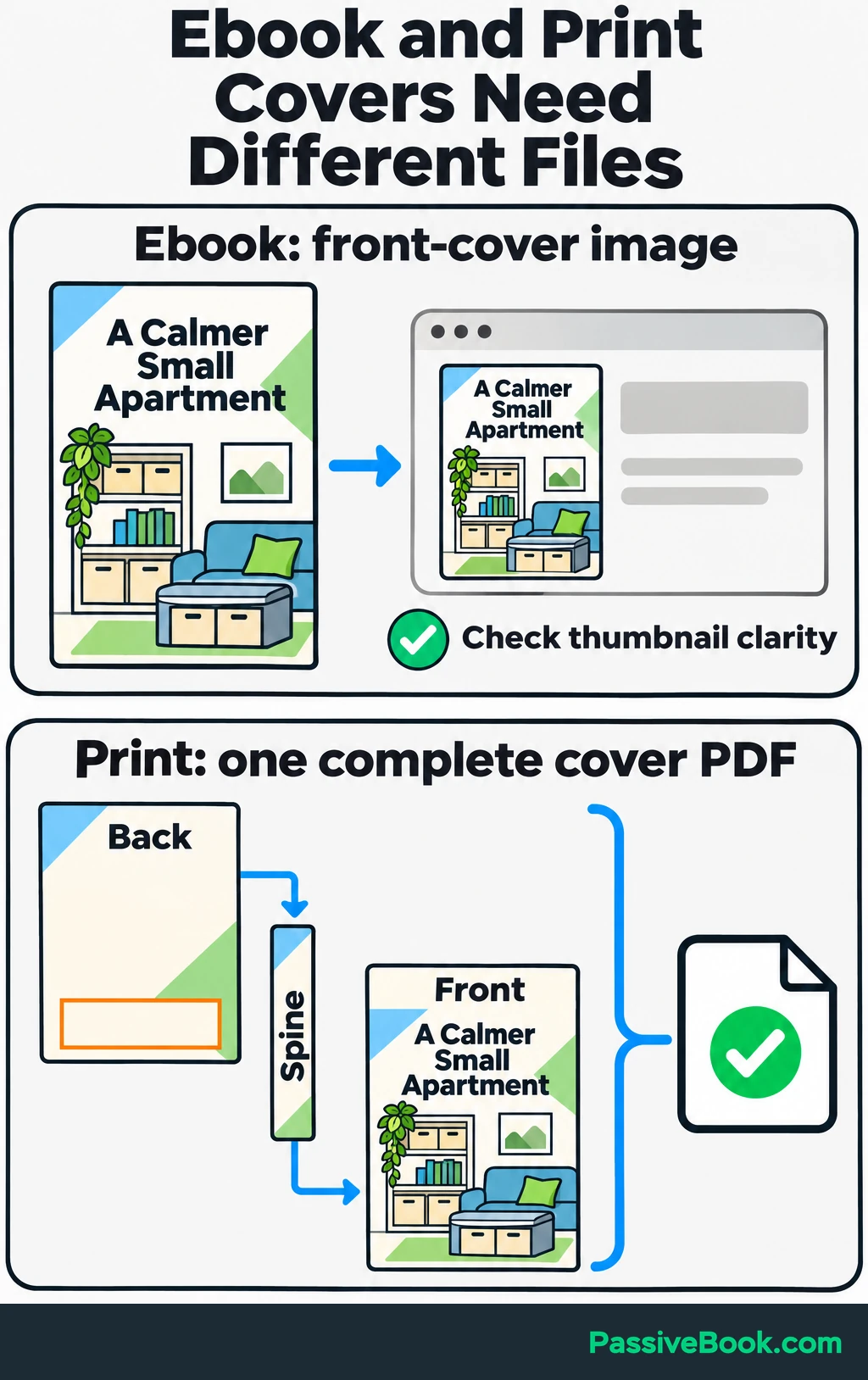
You need separate deliverables:
- An ebook front-cover image.
- A print-cover PDF containing the back, spine and front.
Generate the printer’s cover template after the interior page count is stable. Spine width depends on the book’s specifications, so regenerate the template if changes affect it.
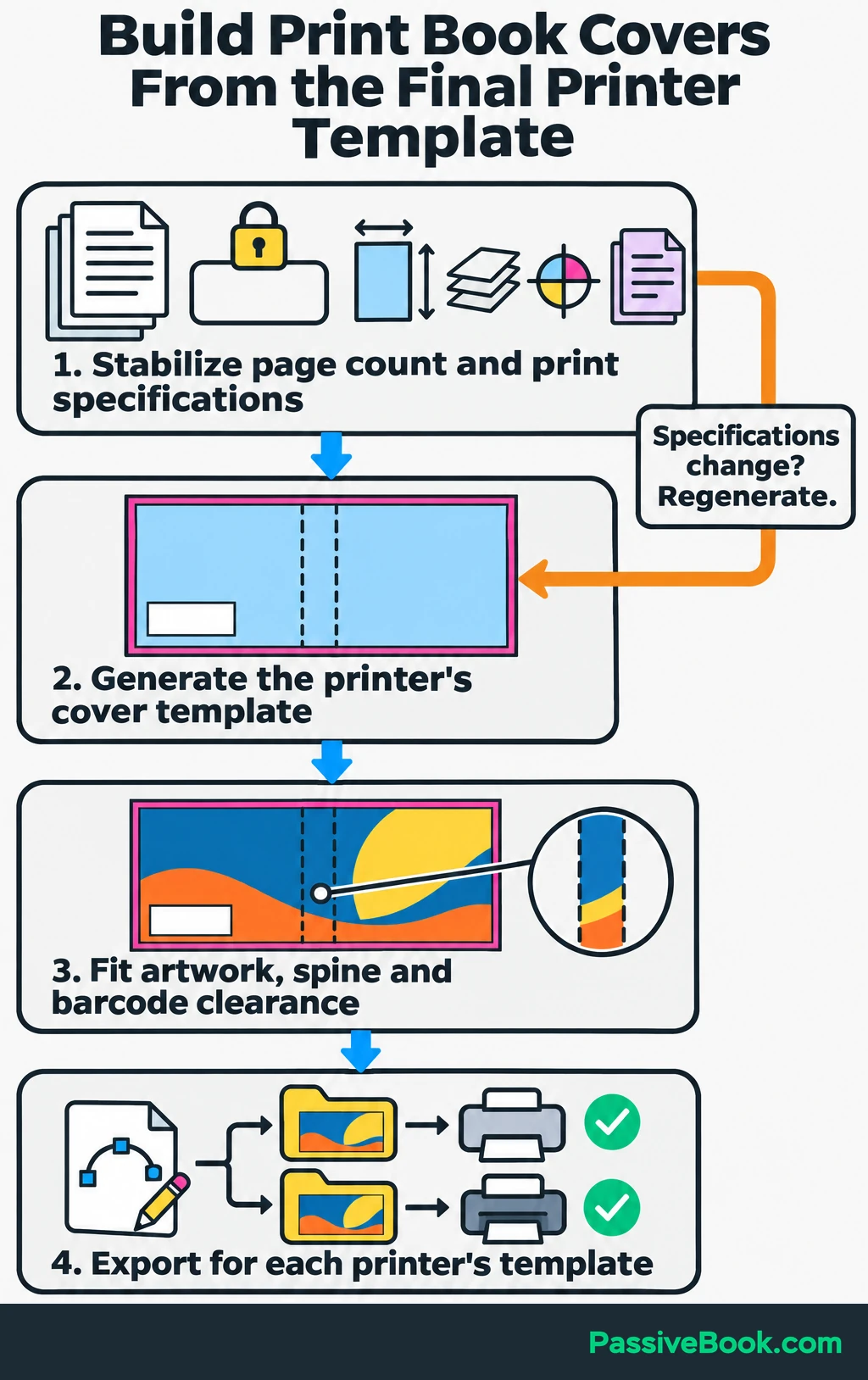
Leave the required barcode area clear. KDP can place a barcode when you do not provide one.
If you use multiple printers, prepare a cover to each printer’s template. Keep the editable originals and label exports clearly, such as Apartment-Guide_Paperback_KDP_Cover.pdf.
Step 7: Set Prices Using Your Earnings per Copy
Calculate Ebook Proceeds
Compare books serving similar readers in the same format. Then test several plausible prices in your publishing platform’s earnings estimate.
Your list price is what you set. Your proceeds are what remains after the channel’s deductions.
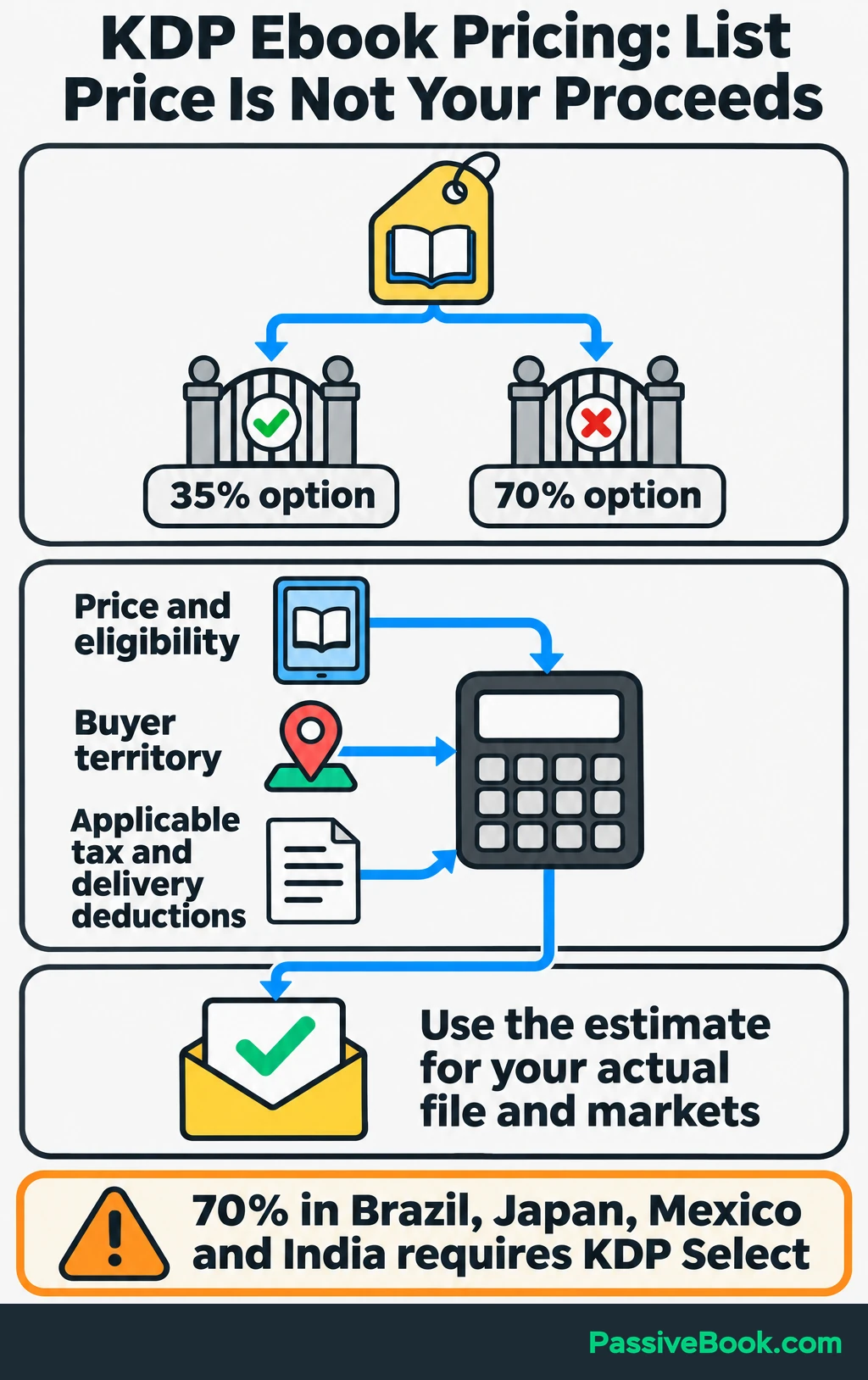
KDP offers 35% and 70% ebook royalty options. The higher option has price and other eligibility requirements, and its calculation includes applicable tax and delivery deductions. Eligibility also depends on the buyer’s territory; sales to customers in Brazil, Japan, Mexico and India require KDP Select for the 70% option. KDP digital pricing terms
Use the estimate for your actual file and intended markets. Image-heavy ebooks deserve particular attention because file size can affect delivery charges.
I would choose a sensible starting price supported by comparable books and acceptable proceeds. Pricing a first book does not require discovering the one magical number before publication.
Calculate Print Proceeds and Cost Recovery
For print, first work out what remains from each sale after printing.
KDP paperback royalties on Amazon.com use a 50% rate below a $9.99 USD list price and 60% from $9.99. Printing costs are then subtracted. Other markets have their own thresholds. KDP paperback royalty rules
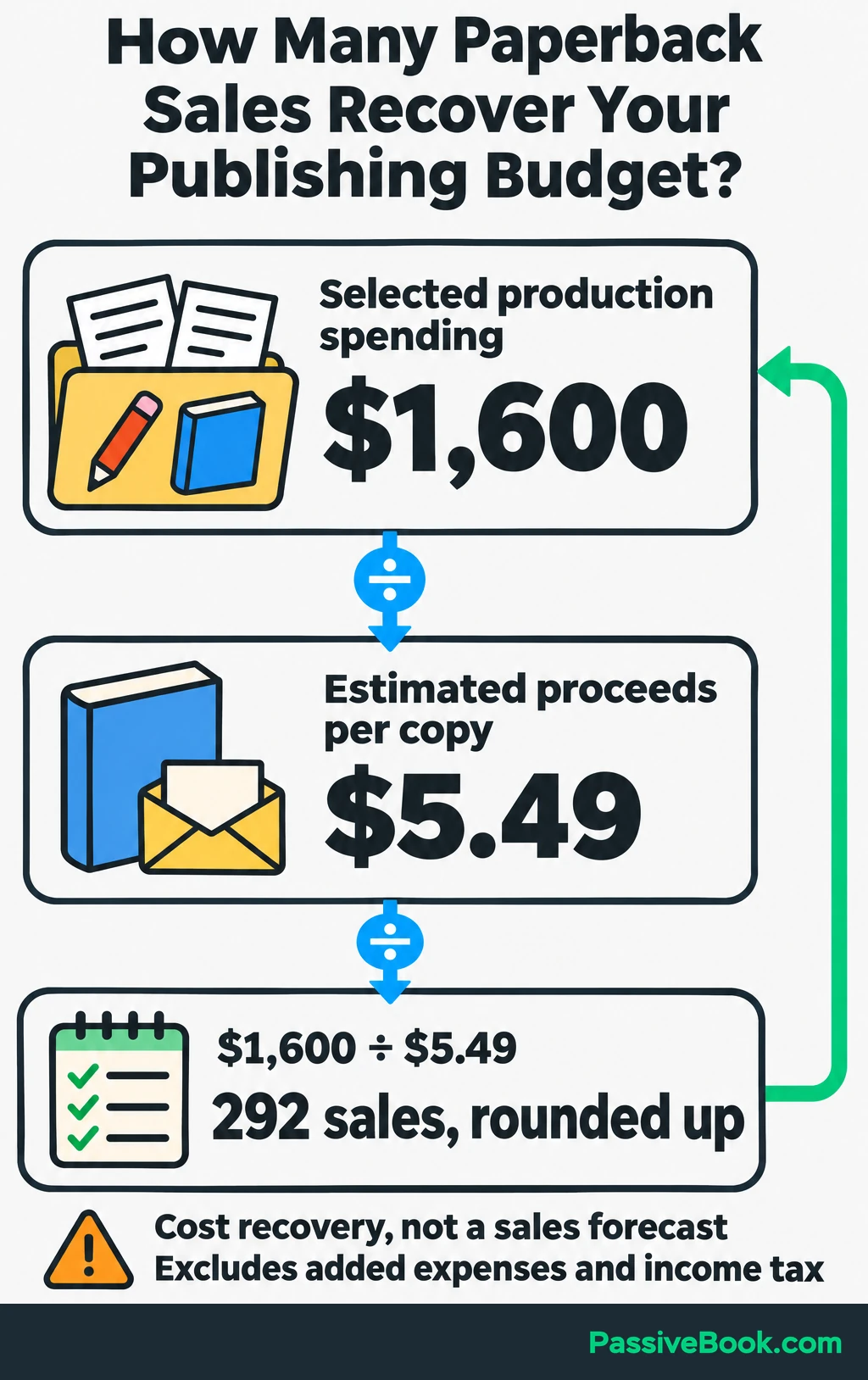
Suppose the organizing guide lists at $14.99 and its estimated printing cost is $3.50:
(60% × $14.99) − $3.50 = approximately $5.49 per copy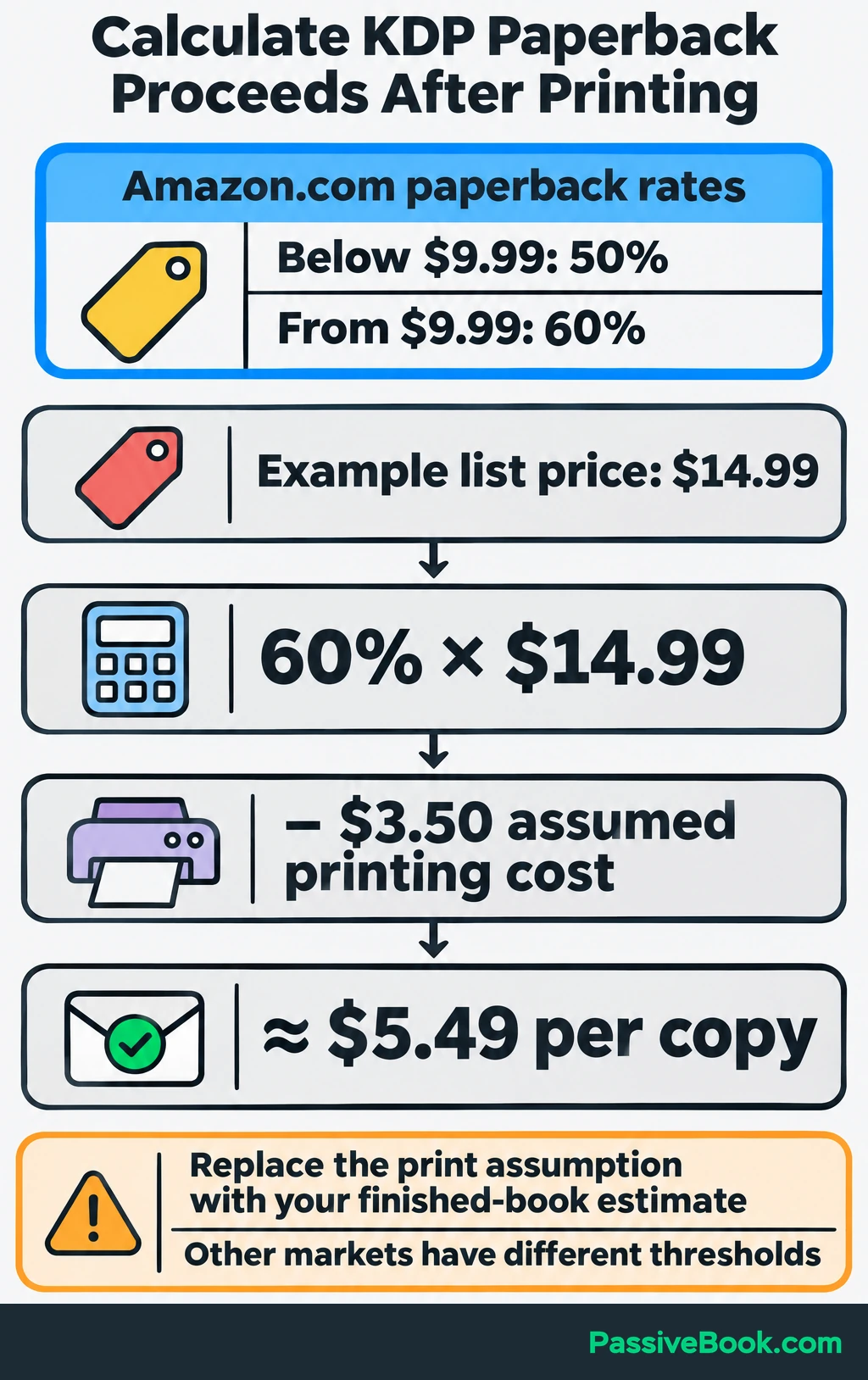
Replace the assumed printing cost with the estimate for your finished book.
Next, count how many paperback sales would recover the selected production spending. Divide the $1,600 budget by the estimated proceeds per copy and round up:
$1,600 ÷ $5.49 = 292 paperback sales, rounded upThat is cost-recovery arithmetic, not a sales forecast. It excludes additional expenses and does not calculate profit after income tax.
For wholesale distribution, use the distributor’s estimate after the wholesale discount, printing and applicable fees. The Amazon calculation does not carry over unchanged.
Also decide whether to make the book returnable. IngramSpark can charge back a returned copy’s wholesale price plus applicable handling costs, so a return can cost more than the proceeds you originally received. IngramSpark returns policy
I would enable returns only with a clear bookstore plan and enough cash to absorb the charges.
Step 8: Upload Your Book and Inspect the Proofs
Set up the Account and Book
Create your publishing account using your legal identity. Complete payment details, tax information and any requested identity verification. Enter a pen name separately as the public author name.
In KDP, create each chosen format and work through the setup:
- Enter the title, author, description, categories and search phrases from your master record.
- Select the territories where you hold publishing rights.
- Add the print ISBN where required.
- Upload the matching manuscript and cover files.
- Enter your prices and distribution choices.
- Keep the editions in draft while you check them.
Answer content declarations accurately. KDP requires disclosure of AI-generated text, images and translations, including material you substantially edited afterward. Using AI to proofread or improve writing you created yourself counts as assistance and does not require that disclosure. KDP AI content policy
Proofread the Converted Ebook and Physical Book
Inspect the converted ebook at several text sizes and on different screen sizes. Test the contents links, chapter navigation, external links, lists, images and special characters.
Then inspect every page in the print preview. Resolve warnings and order a physical proof. KDP allows proof orders for draft print books after you approve the print preview.
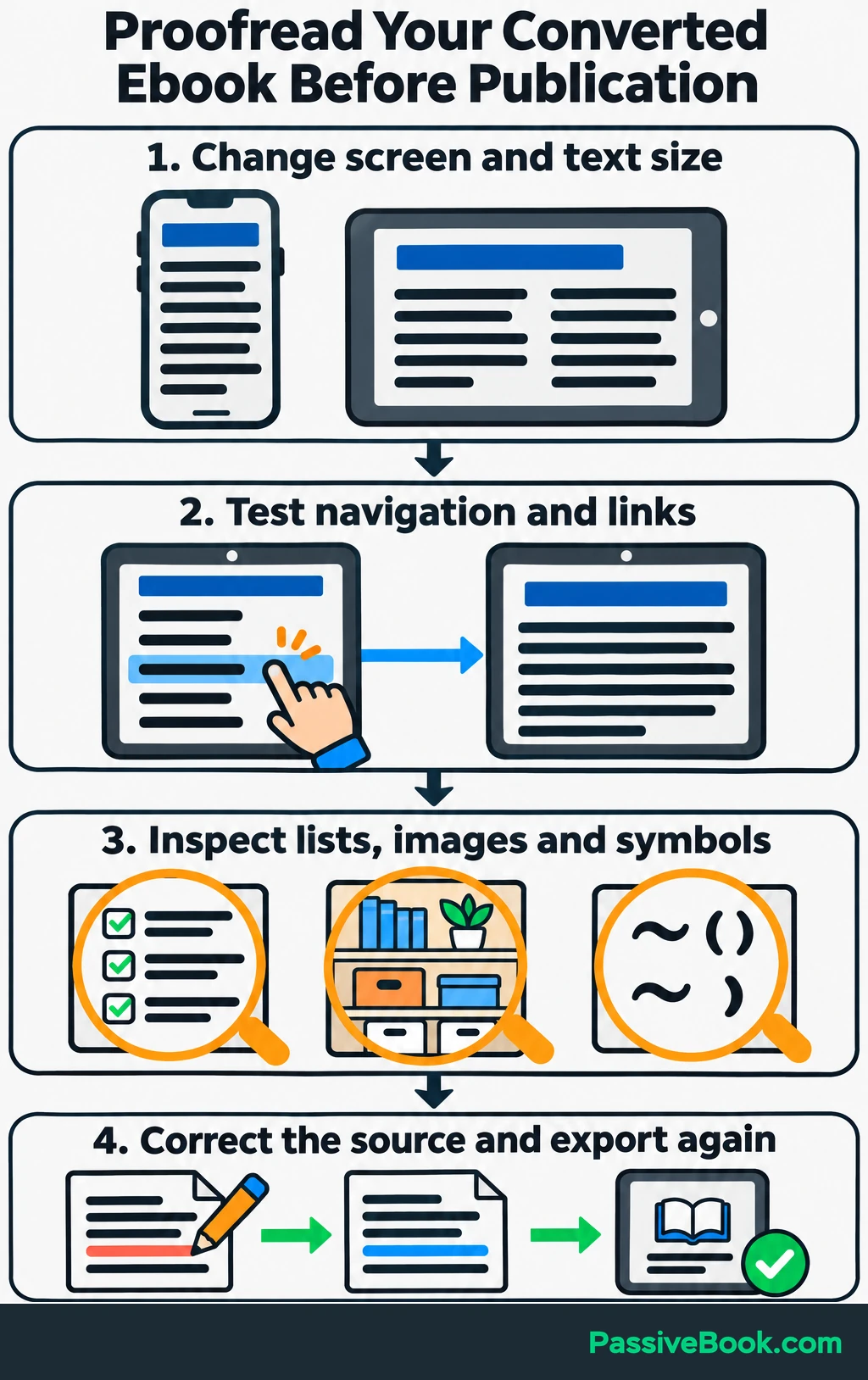
Read the physical copy in separate passes:
| Pass | What to Check |
|---|---|
| Text | Typos, missing words, repeated passages and incorrect references |
| Interior | Margins, page numbers, chapter openings, tables and image clarity |
| Cover | Title spelling, alignment, spine placement and back-cover readability |
| Practical use | Whether instructions, diagrams and checklists work at the printed size |
For the organizing guide, follow a checklist from the proof while standing beside an actual cupboard. You may find an unclear instruction that ordinary reading missed.
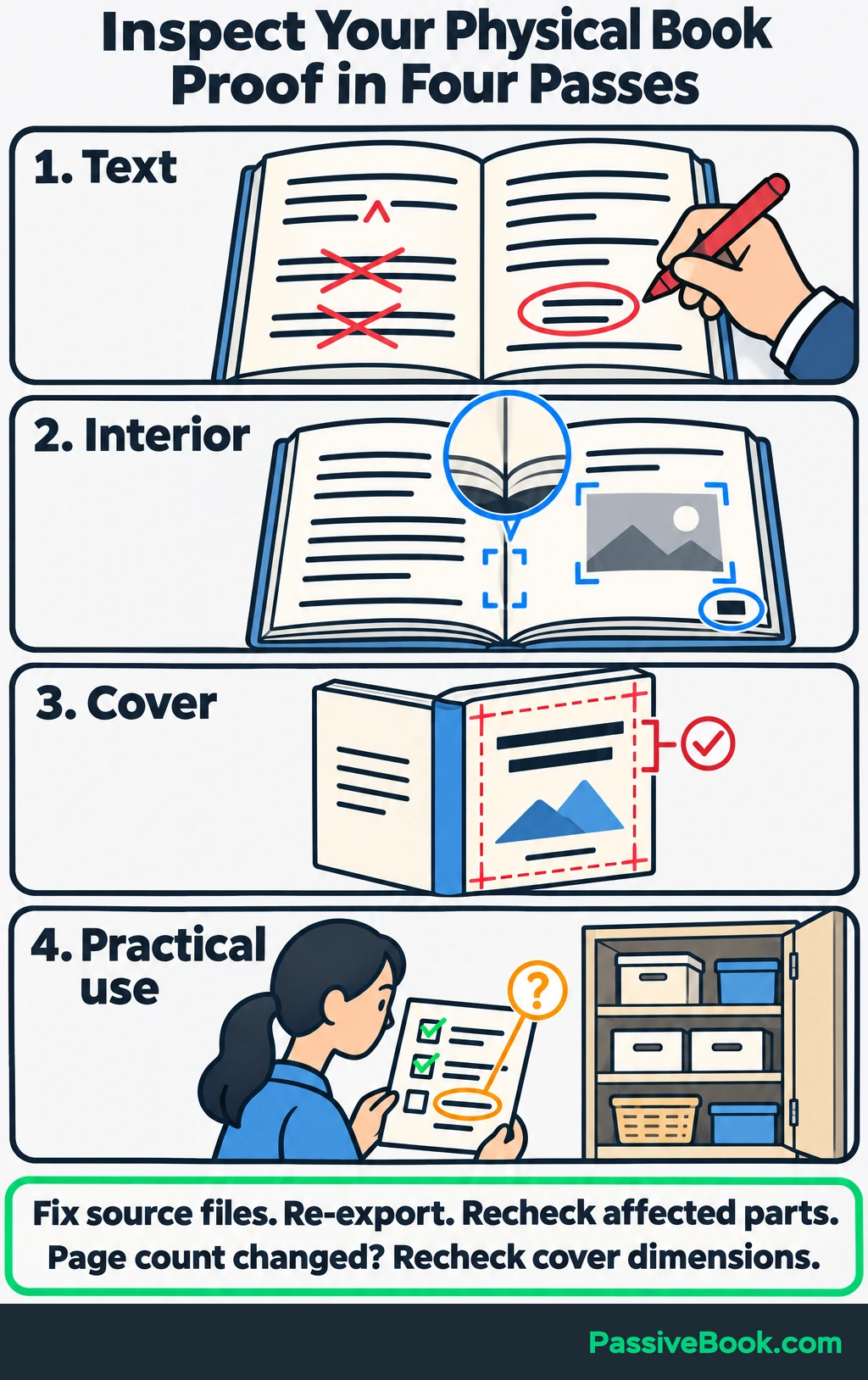
Correct the editable source files and export replacements. Don’t leave the only correction inside an upload tool.
Repeat the affected checks, and recheck the cover dimensions if the page count changes. Proofreading is a separate job from deciding whether the book’s ideas are good.
Step 9: Prepare a Focused Book Launch
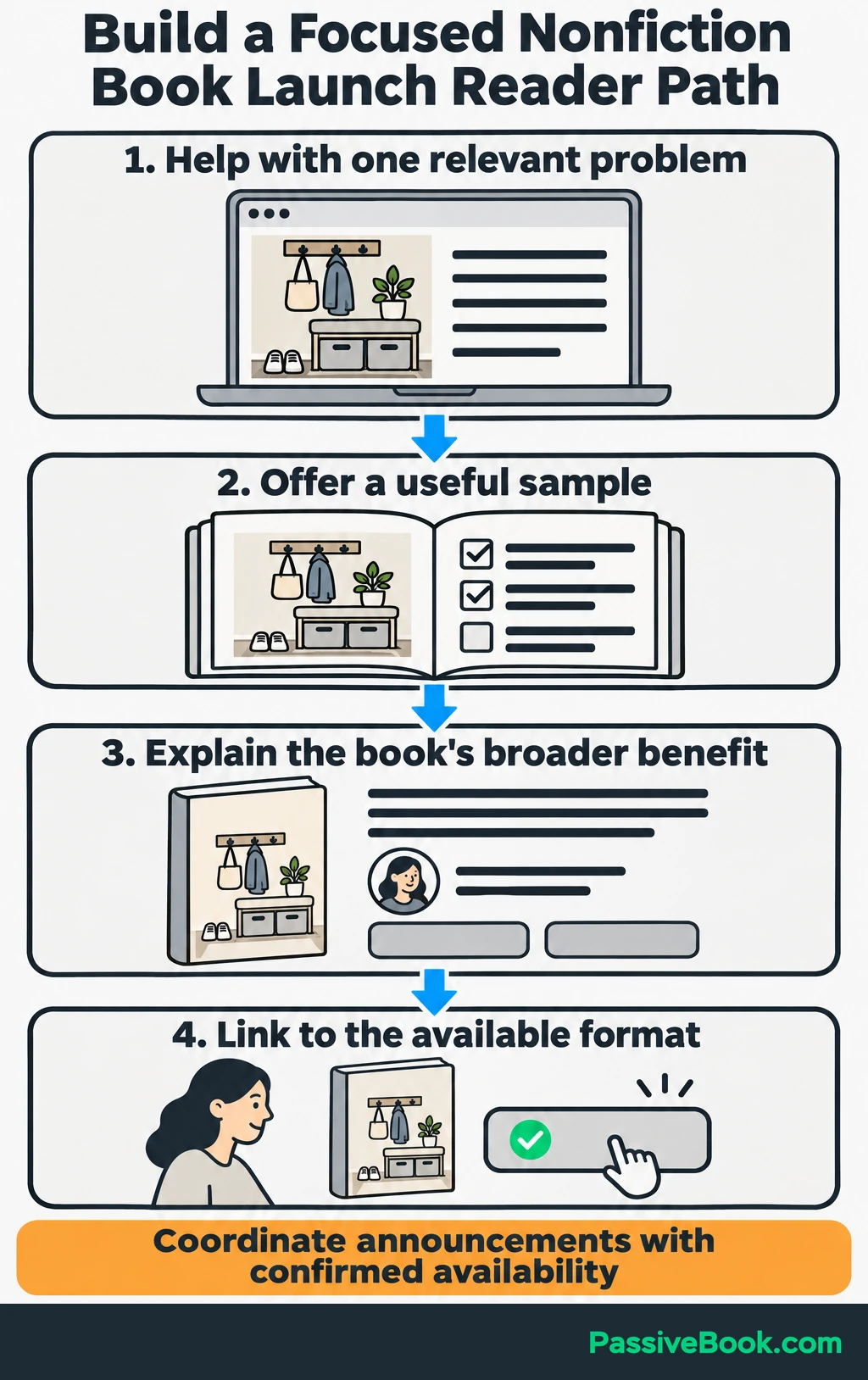
Choose a release window that allows for proof delivery, corrections and platform processing. Draft announcements during production, then coordinate them with confirmed purchase availability.
Create a simple book page with:
- The cover and a clear description.
- A useful sample.
- Brief author information.
- Purchase links for the available formats.
Use an existing website if you have one. A book launch does not need a second website to maintain.
Choose one main way to reach interested readers. That might be relevant articles, an email list, community participation, partnerships or local events.
For the organizing guide, I would use the blog. An article about keeping a small entryway usable can link naturally to a sample chapter and the book page. The article helps with one problem, and the book offers a broader set of routines.
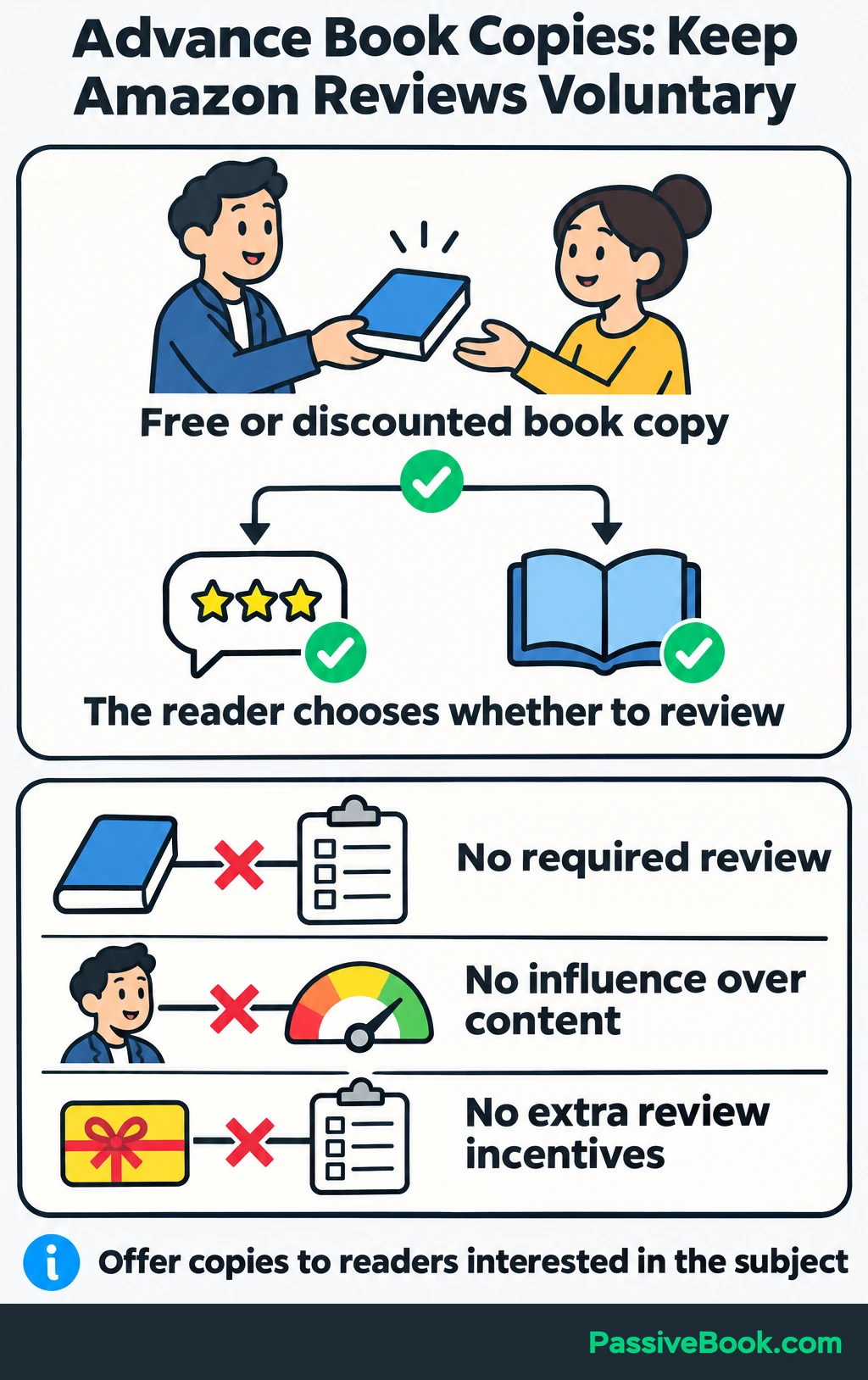
Offer advance copies to readers who are interested in the subject. You can also approach relevant reviewers or newsletters with a short explanation of why the book fits their audience.
Keep reviews voluntary. Amazon permits free or discounted book copies, but you cannot require a review, influence its content or add incentives such as gift cards. Amazon book-review rules
I would skip paid promotion until the listing, sample and purchase links are checked. If you later test advertising, set a spending limit before starting.
Step 10: Publish and Keep Reaching Readers
Confirm That the Correct Editions Are Available
Submit the approved editions for publication and respond to any platform requests. With IngramSpark, complete proof approval and enable the intended distribution.
Allow time between submission and announcements. Review, listing visibility, samples and format linking may finish at different times.
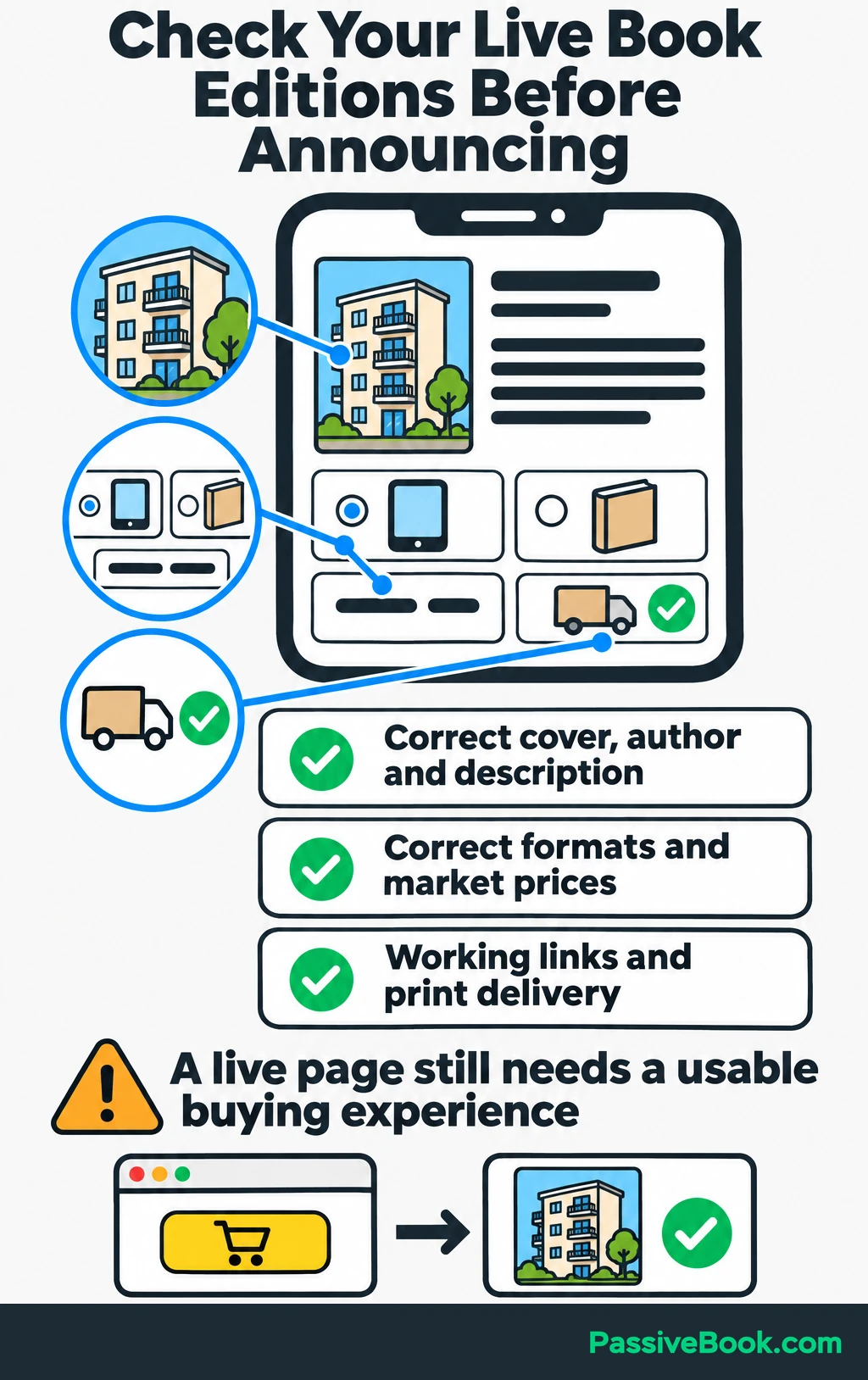
Check the live listings yourself:
- Does the cover match the approved file?
- Are the author name and description correct?
- Are the intended formats available?
- Is the price correct in your main markets?
- Do your website’s purchase links reach the right edition?
For print, check delivery availability too. A live product page is not the same as a useful buying experience.
Keep final files, editable originals, book details, permissions, ISBN records and expenses together. Future corrections become much easier when you can identify what was published.
Continue Promotion and Improve the Book
Announce availability with a direct purchase link and a specific reason to read.
Then continue the discovery channel you chose for launch. For A Calmer Small Apartment, that means publishing useful answers to related storage questions and connecting interested readers to the sample and book page.
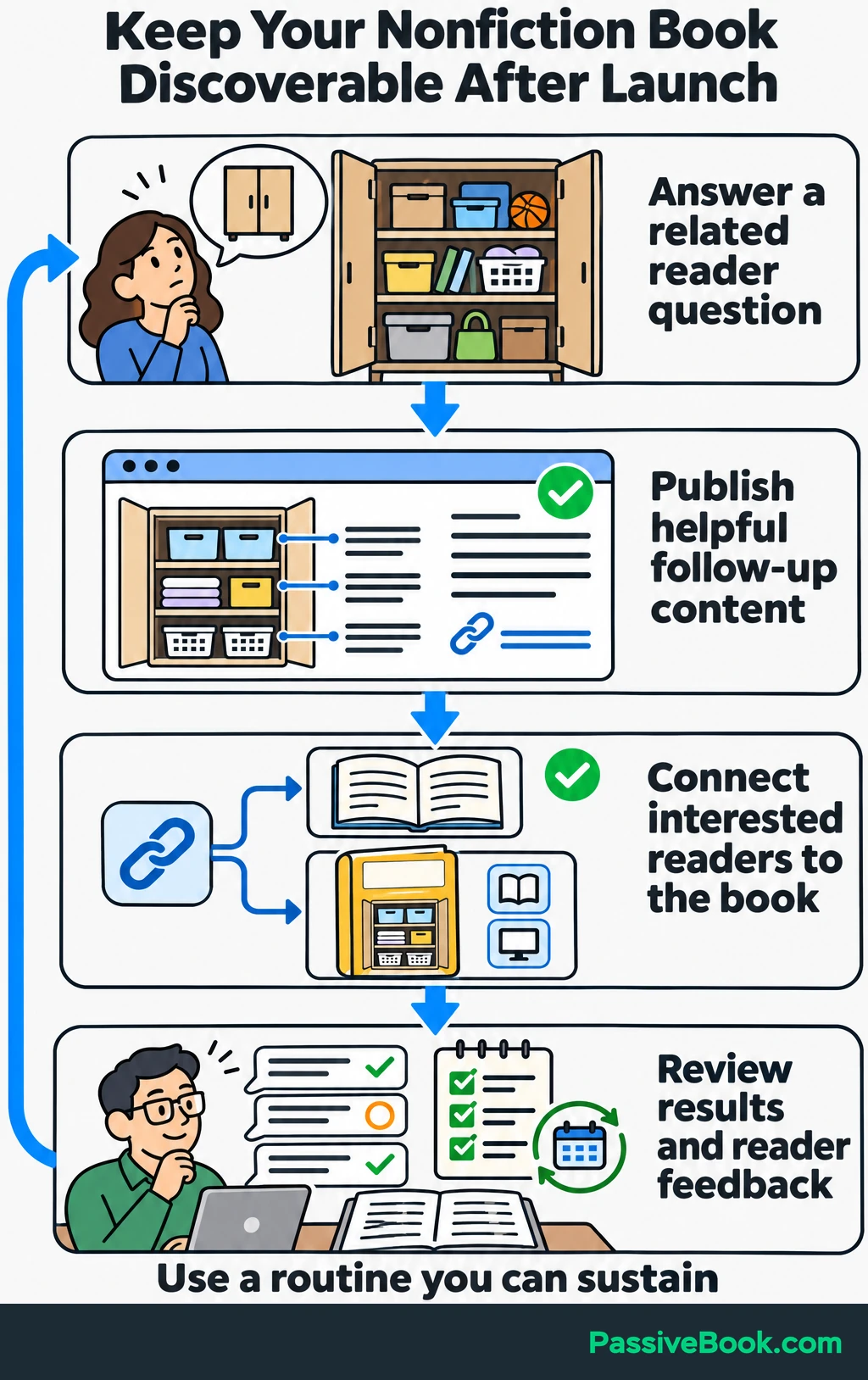
I would build a repeatable routine around that work. Keep the book links in relevant articles, prepare follow-up content and review results on a schedule you can maintain around your other commitments.
Track units sold, proceeds after platform deductions, production spending and promotional costs. If your aim includes leads for an existing business, track those separately from book sales.
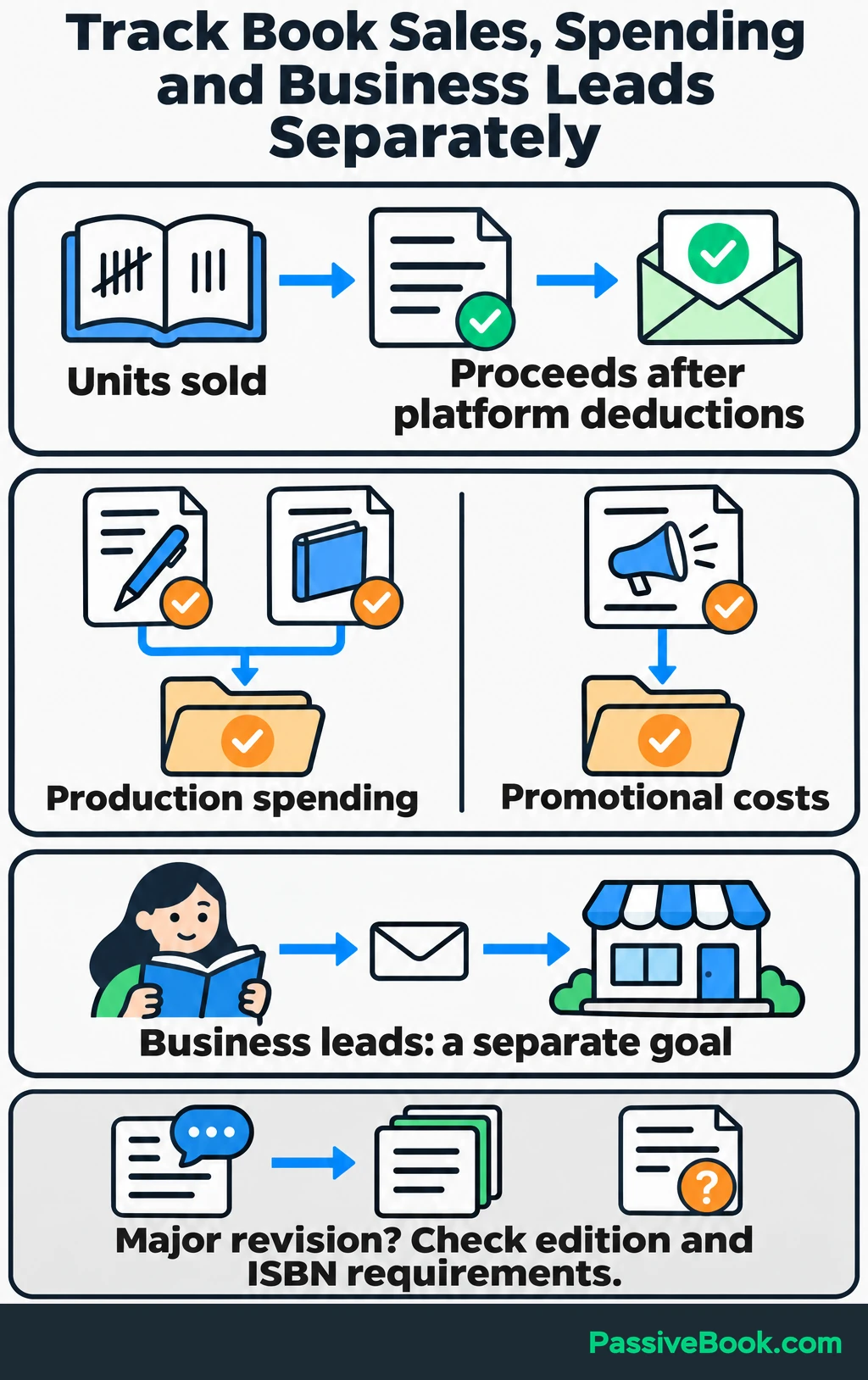
Use reader feedback to find errors and missing explanations. Before making substantial changes, check whether the revision needs a new edition or ISBN.
Learning how to self-publish a book gets your work into a form readers can buy. Continued discovery and reader demand determine whether it sells. Plan for both parts before adding more spending.
What Next?
Write your book’s reader promise in one sentence, then list what still needs to happen before the manuscript is ready for editing. That gives you a concrete next task and a better basis for requesting quotes.
Use the social buttons to share this guide when a publishing conversation gets stuck on costs, files or platform choices.
Which part of publishing your first book feels least clear, and what makes it difficult? Tell me in the comments, and bring any other questions too.
Share this post with your friends & followers:

