Three software renewals land in the same week, and a one-time payment starts looking very attractive. Then the deal page asks you to choose a plan, and you’re back to comparing what each payment actually buys.
A cheap license can still leave you paying for extra credits, sending capacity or the connection that makes it useful. Moving your work also takes time, and moving it twice is particularly annoying. This comparison covers six deals for scheduling, email, AI, SEO, automation and website reporting, with the limits, connections and return terms that help you judge whether the savings justify the switch.
What Does “Lifetime” Actually Mean?
“Lifetime” usually refers to the product’s operating lifetime. It does not promise that the software will exist for the rest of yours.
AppSumo’s agreement gives you access to the purchased plan while the product remains available. Future updates belong to the deal when its terms include updates to that plan. Features promised only in comments, Q&A answers or a roadmap are outside the contractual deal terms. AppSumo explains its lifetime-access terms here.
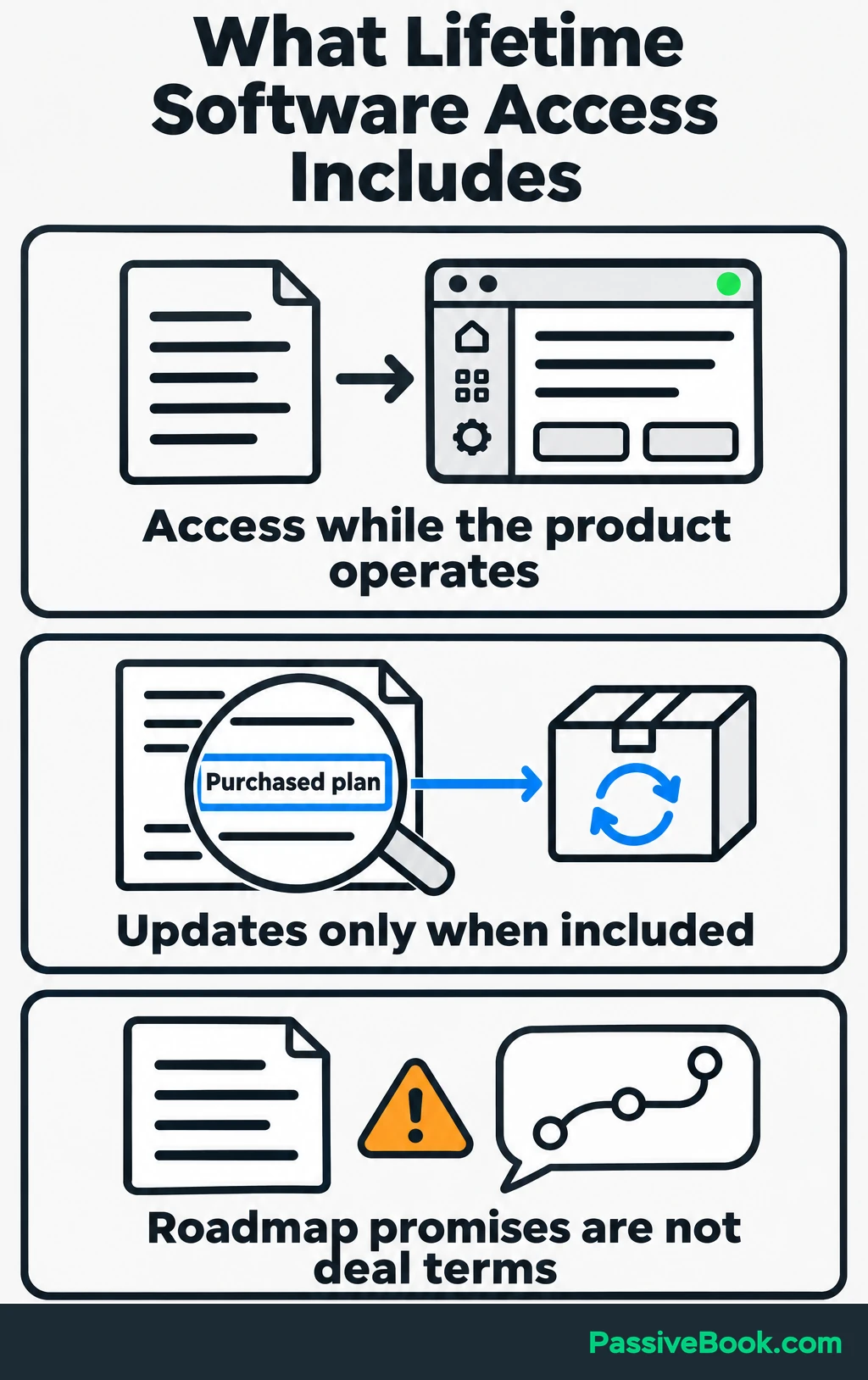
I would buy for a feature I can use now. A promised feature cannot send an email or fix a broken workflow.
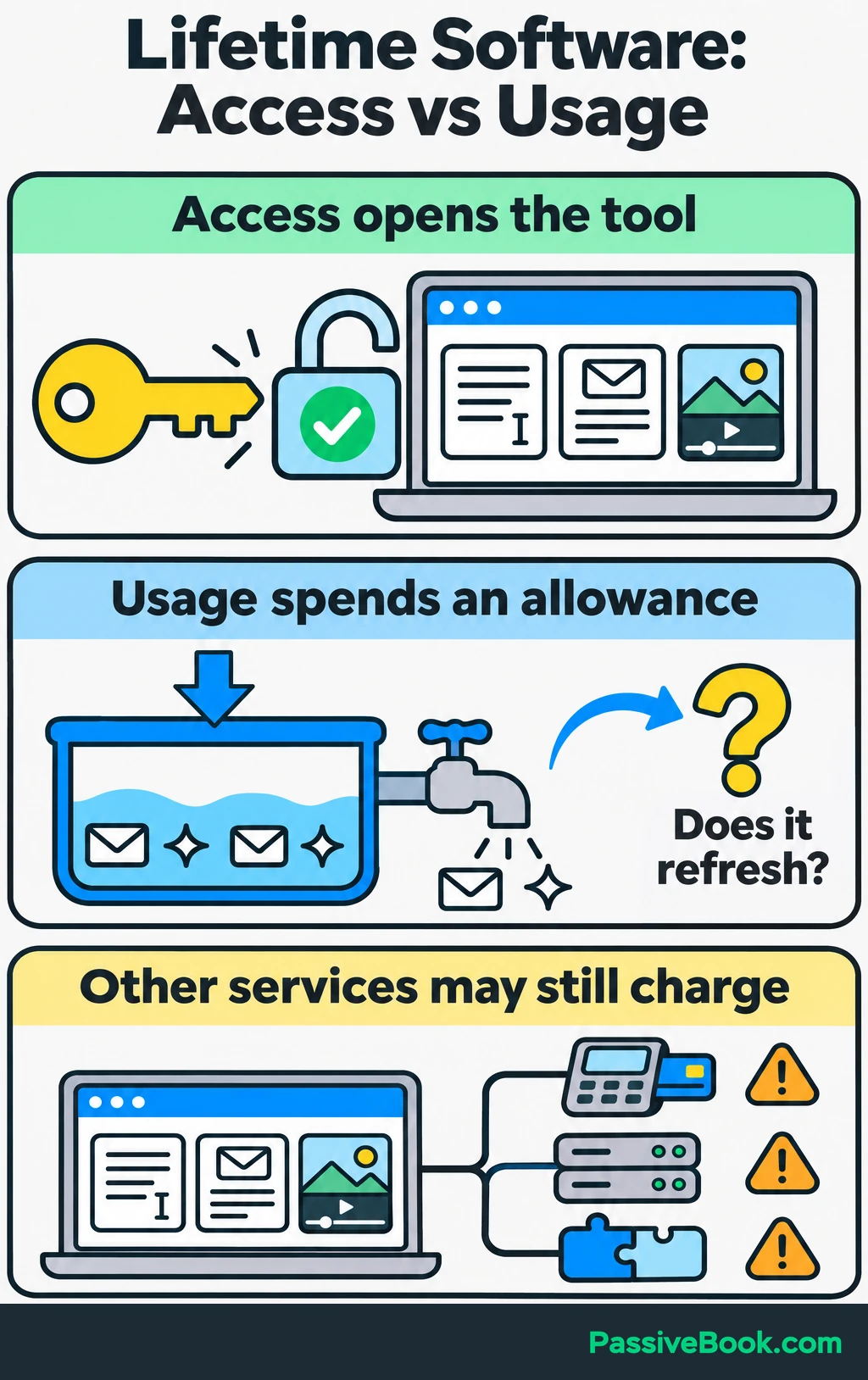
Also separate access from consumption. You might own access to an email tool but have a finite sending allowance. An AI workspace may remain available while charging for credits beyond your allocation. Connected apps, payment processing and hosting can create continuing costs too.
Before comparing prices, answer two questions:
- Access: What features and plan updates does the purchase include?
- Usage: How much work can you complete, and does that allowance refresh?
Those answers matter more than the discount beside the checkout button.
The Best Lifetime Deals by Business Need
The best lifetime deals for online business tools solve a current problem at a lower total cost than your alternatives. These six tools do different jobs, so there is no reason to buy the whole list.
My recommendations draw on published offers, documentation and attributed customer reports. I haven’t personally tested these six offers.
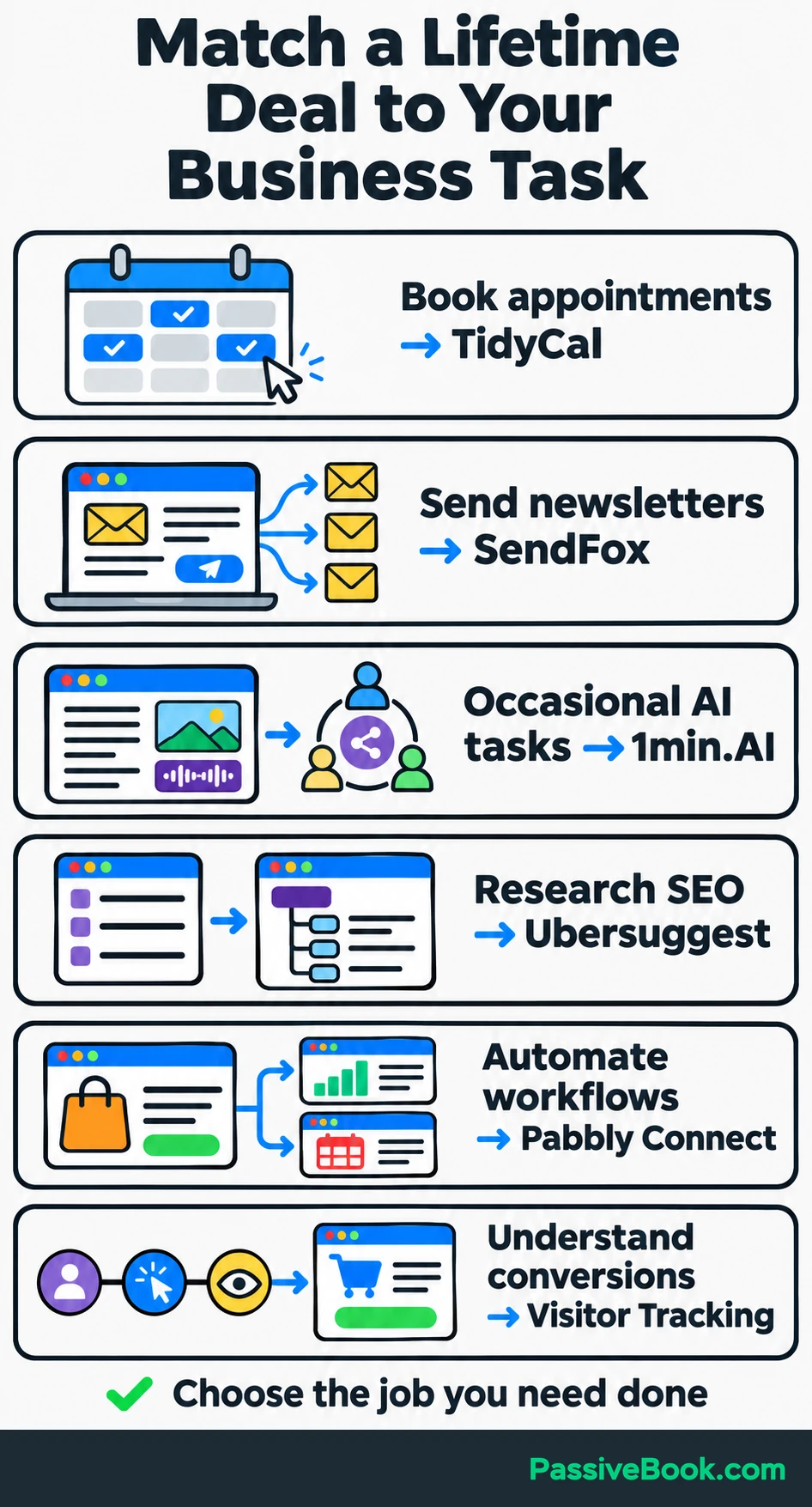
Start with the task, required connections and monthly workload. Compare each deal against your existing software and suitable free plans. The table keeps the selected prices in one place; all amounts are USD, and the linked offers provide current details.
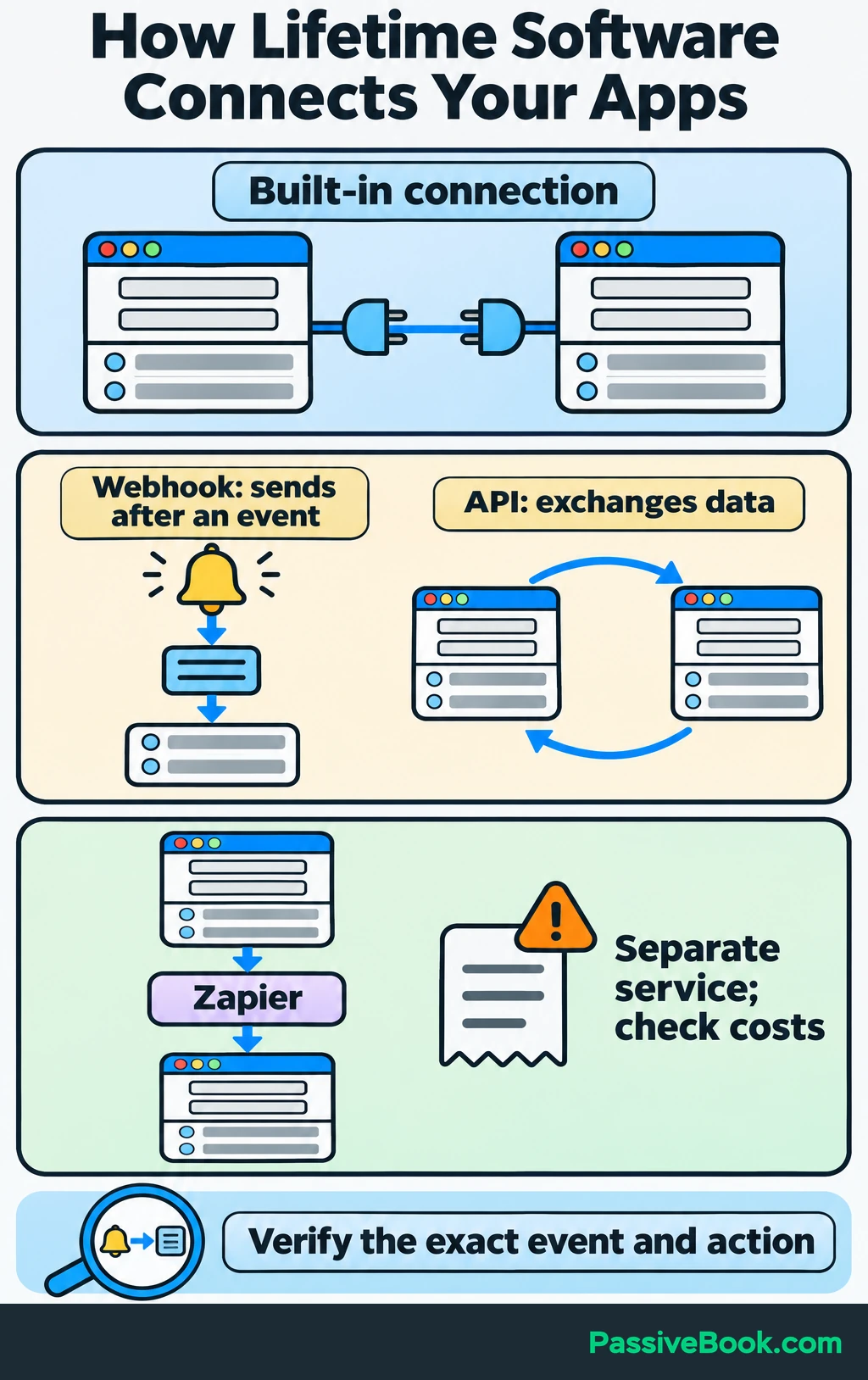
An API lets tools exchange data, while a webhook sends data when an event happens, such as a purchase. Zapier is a separate service for connecting apps.
| Tool | Best Use | Selected Lifetime Tier | One-Time Price | Main Allowance | Integration Route | Continuing Costs | Refund Terms |
|---|---|---|---|---|---|---|---|
| TidyCal | Booking appointments | Individual Lifetime | $29 | Unlimited bookings; 10 connected calendars | Google, Outlook and Apple calendars; meeting tools; Stripe and PayPal | Payment processing; Stripe platform fee discussed below | 60 days from purchase |
| SendFox | Newsletters and simple sequences with modest sending needs | License Tier 1 | $29 | 5,000 contacts; 300,000 total lifetime sends | Forms, API and Zapier | Pro for ongoing monthly sending capacity; optional $10/month Empire add-on removes branding | 60 days from purchase |
| 1min.AI | Occasional writing, image, audio and video tasks | Pro through StackSocial | $24.97 | 1 million credits monthly, shared across tasks | Workspace and API | Extra credits when needed | Unredeemed licenses: store credit within 30 days; redeemed licenses: final sale |
| Ubersuggest | SEO research for one website | Individual Lifetime | $290 | One user, one project, 150 daily searches and 125 tracked keywords | Google Search Console and report exports; no API plan offered | Optional monthly add-ons | Lifetime purchases are non-refundable |
| Pabbly Connect | Established workflows that move data between apps | Ultimate | $799 | 10,000 tasks monthly; multistep workflows | App connections, webhooks and API requests | Connected apps and services may charge separately | 30 days; payment-gateway transaction fees excluded |
| Visitor Tracking | Easier website conversion reporting | Plan 1 | $79 | Unlimited websites sharing 10,000 monthly pageviews; no extra users | Tracking installation on supported website platforms | No required subscription listed within the allowance | 60 days from purchase |
To make the choices concrete, imagine you sell beginner watercolor courses and downloadable practice sheets. You have a free practice guide, a paid course and optional feedback sessions. The workloads and savings below are illustrations.
Your next purchase should address whichever part of that business needs help. Selling a course does not automatically create a need for six more dashboards.
TidyCal: Best for Appointment Scheduling
I would consider TidyCal first when arranging appointments already takes time or requires a paid scheduler.
It connects your availability to a booking page, and customers choose a time without an email exchange. For the watercolor business, that could mean offering feedback sessions after a student completes a lesson.
The Individual tier suits one person. Agency Lifetime costs $79 and adds shared scheduling with four seats, including the owner. Both are developed by AppSumo. New lifetime purchases retain some branding and exclude custom domains, so I would skip them if removing branding is essential.
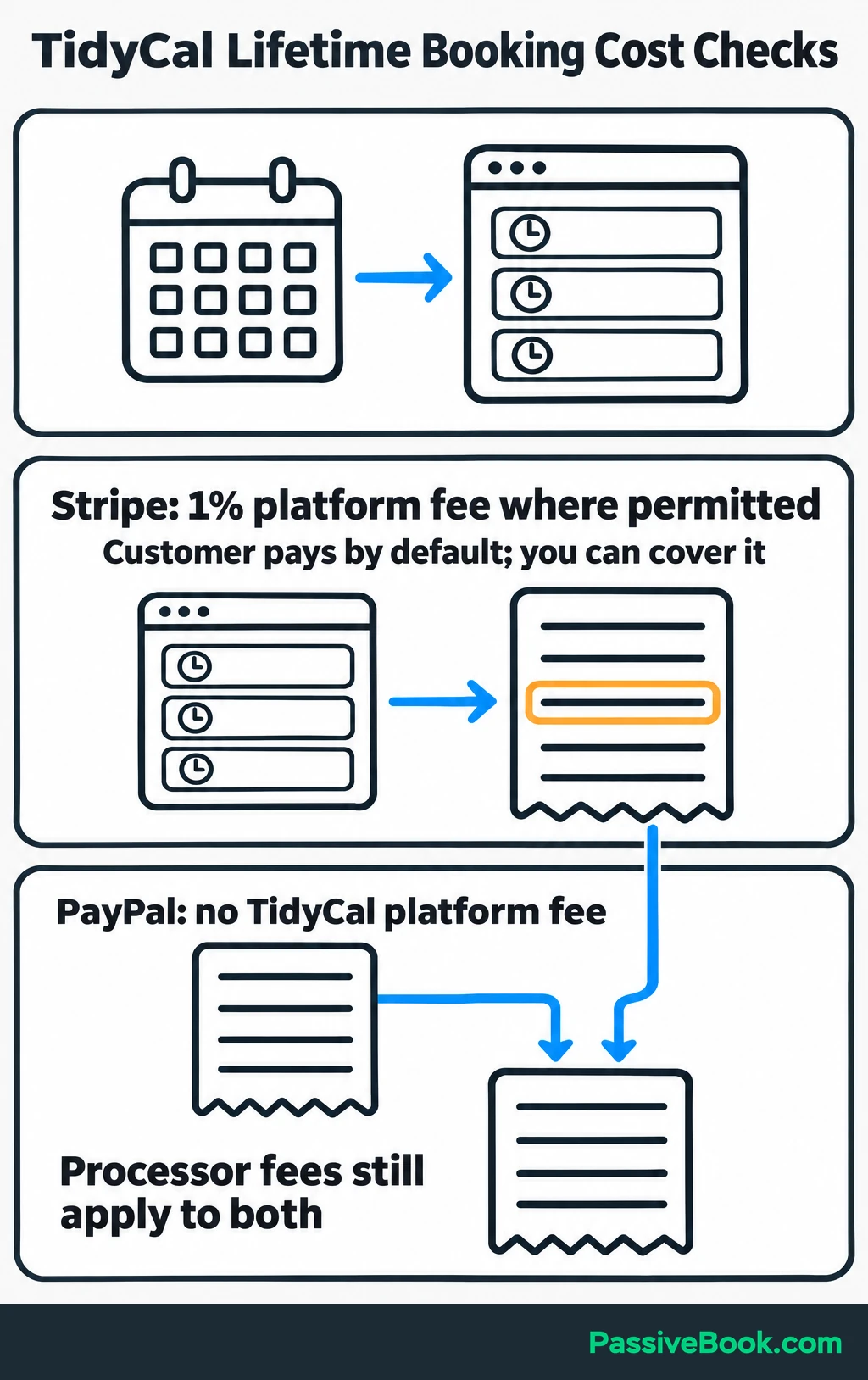
Paid bookings need a closer look. TidyCal’s lifetime plans add a 1% platform fee to Stripe booking payments where Stripe permits it. Customers pay it by default, but you can choose to cover it yourself. PayPal payments carry no TidyCal platform fee, although payment processors charge their own fees. TidyCal’s payment-fee policy explains the distinction.
Keep the free plan if one connected calendar and its included features handle your bookings. Paying once is still paying.
The offer excludes existing paid TidyCal accounts. Activate within 60 days, then test booking, cancellation, calendar conflicts and payment during the refund window.
SendFox: Best for Newsletters With Limited Sending Needs
SendFox makes sense when you need forms, landing pages and automated emails, and your sending workload fits its finite allowance.
You could deliver the watercolor practice guide and follow it with a short introduction to the course. Its API and Zapier connections provide routes for connecting other tools, and AppSumo develops the product.
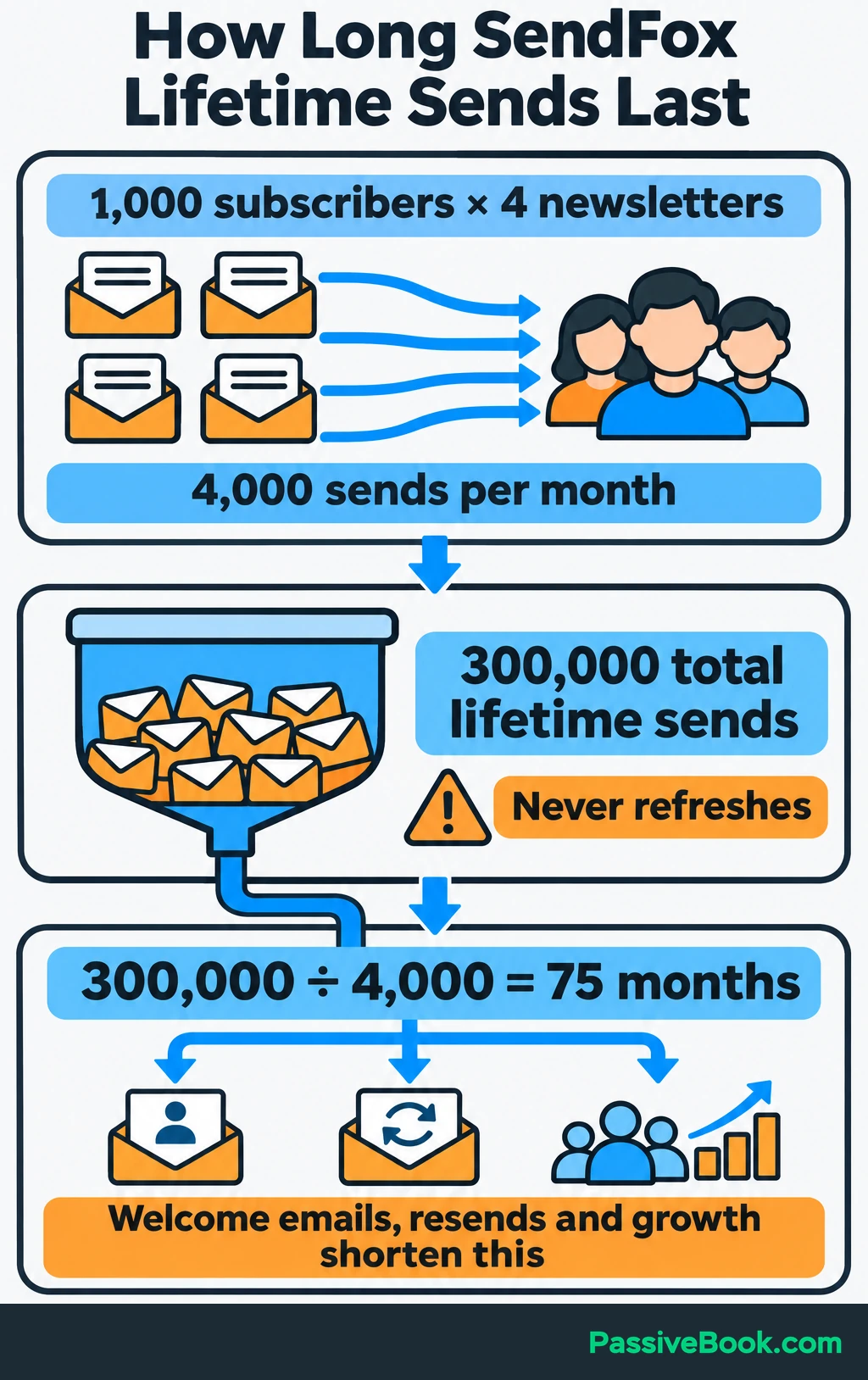
The buying decision turns on sends, not just contacts. The lifetime pool never refreshes. Newsletters, automated messages, resends and transactional emails sent through the API all consume it. SendFox documents how the shared allowance works.
Count one send for each message sent to one recipient. For illustration:
- 1,000 subscribers receiving four newsletters monthly use 4,000 sends.
- A 300,000-send pool covers 75 months at that workload.
- Welcome sequences, resends and list growth shorten that period.
That is a useful allowance for some businesses. It is a poor fit if you expect frequent campaigns to a growing list and want sending capacity that renews indefinitely.
I would choose it for a small, predictable email workload. I would skip a migration from a working system merely to collect another lifetime license.
Activate within 60 days and test the full signup-to-delivery process during the refund window.
1min.AI: Best for Occasional AI Writing and Media Tasks
1min.AI is worth considering when you use several kinds of AI occasionally and want them in one workspace.
For the watercolor business, I would start with approved lesson notes and use AI to draft a product description or follow-up email. Keep the teaching instructions under your control, especially where the tool could invent a technique or promise.
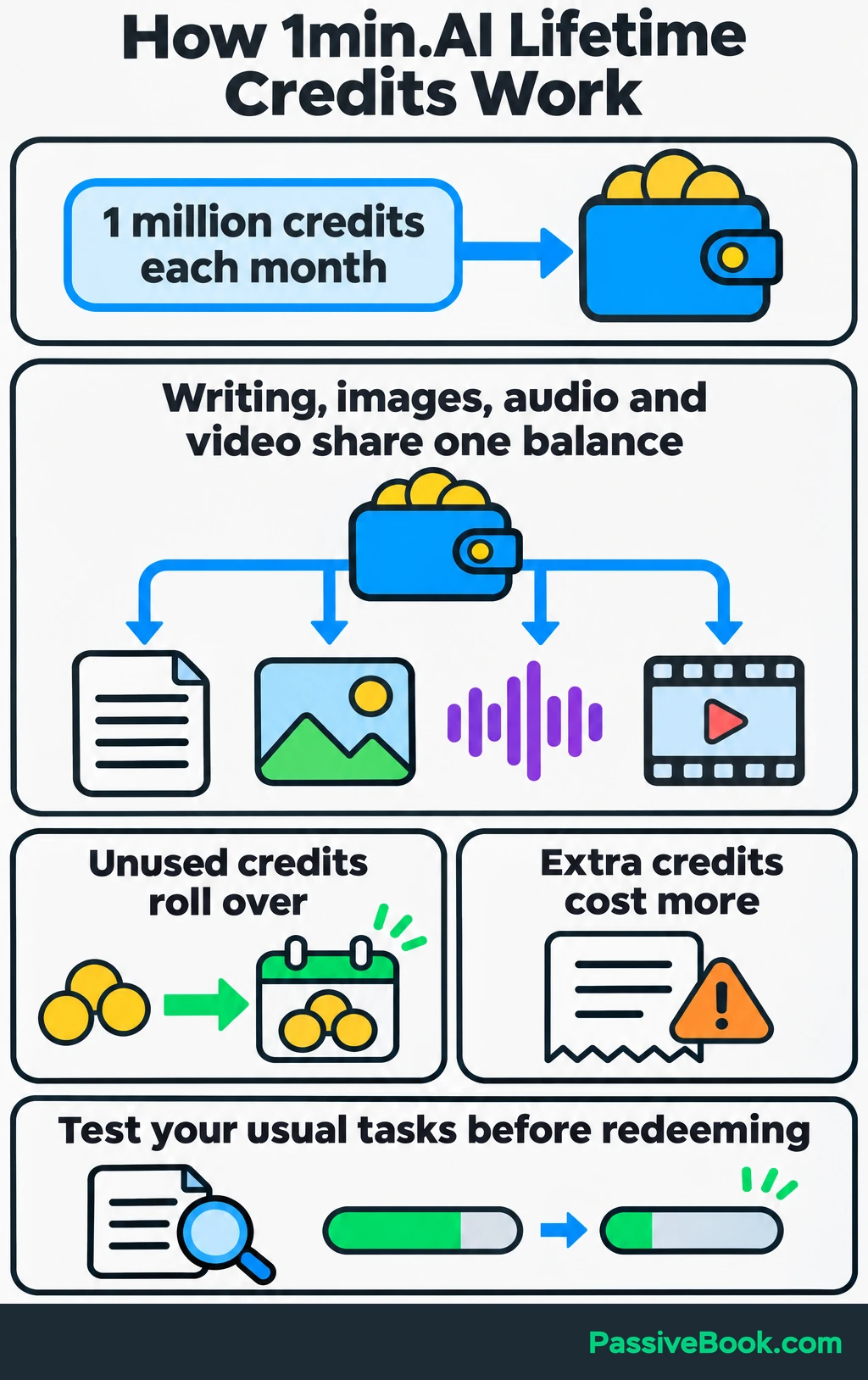
The monthly credits cover different tasks from the same balance. Unused credits roll over, and additional credits cost extra. The vendor explains lifetime credit rollover here.
Test representative tasks in the free product and record consumption. A short rewrite tells you little about the cost of your usual image or video work.
On StackSocial, verified purchaser William Griesmer reported after two weeks of use that credits could run down quickly depending on the task. That is a reason to measure your workload, rather than evidence of typical consumption.
The purchase provides access through 1min.AI. It does not include subscriptions to the original model providers’ applications or guarantee every future model.
For custom connections, its API uses the credits available to the user in the team that owns the key. The API documentation describes that accounting.
Redeem within 30 days. Codes cannot be stacked, and redemption makes the purchase final, so complete your free testing first.
Ubersuggest: Best for SEO Research on One Website
Ubersuggest is my pick here for someone who regularly researches content for one website and wants a manageable research allowance.
Use it to explore search topics, inspect competing pages and track selected keywords. For example, you could investigate beginner watercolor exercises before deciding which lesson deserves a supporting article.
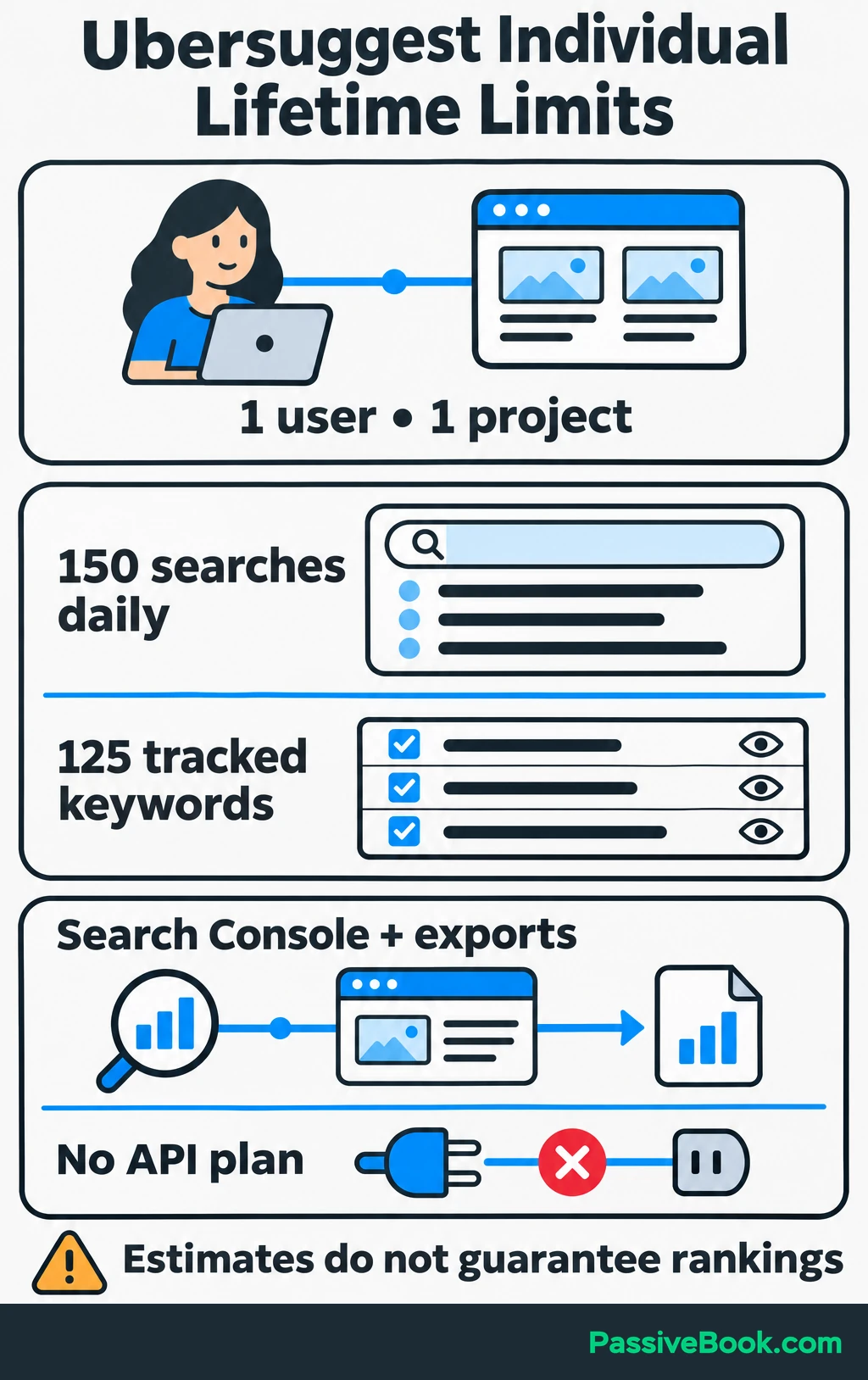
Treat keyword volumes and competitor traffic as estimates. They help you compare opportunities, but they cannot promise rankings or course sales.
The Search Console connection and exports suit a workflow where you review research and move useful findings into a content plan. I would choose another tool if API access is essential because Ubersuggest does not offer an API plan.
The non-refundable purchase makes testing especially important. New users can try a monthly plan through a seven-day trial, which requires a payment method. Cancel before the trial ends if you do not want billing to begin. Ubersuggest’s refund policy sets out those conditions.
Buy for the included SEO work. Expanded AI Search Visibility and other add-ons can create monthly charges, even on a lifetime account.
I would skip it if you rarely publish or already have enough research to act on. More keyword ideas will not finish the article waiting in drafts.
Pabbly Connect Ultimate: Best for Established Automation Needs
Automation moves information between apps after an event. I would consider Pabbly Ultimate when you already know the workflow you need and can justify its upfront cost.
Its cheaper Standard tier is $349, but the plan summary restricts it to 3,000 monthly tasks, 10 workflows and one trigger plus one action per workflow. That restriction matters more than a large integration count.
Before buying, check whether each app connection supports the event and actions you need. For the watercolor business, test whether a paid order in WooCommerce, the store software for WordPress, can create or update a customer record and add the order to a sales spreadsheet.
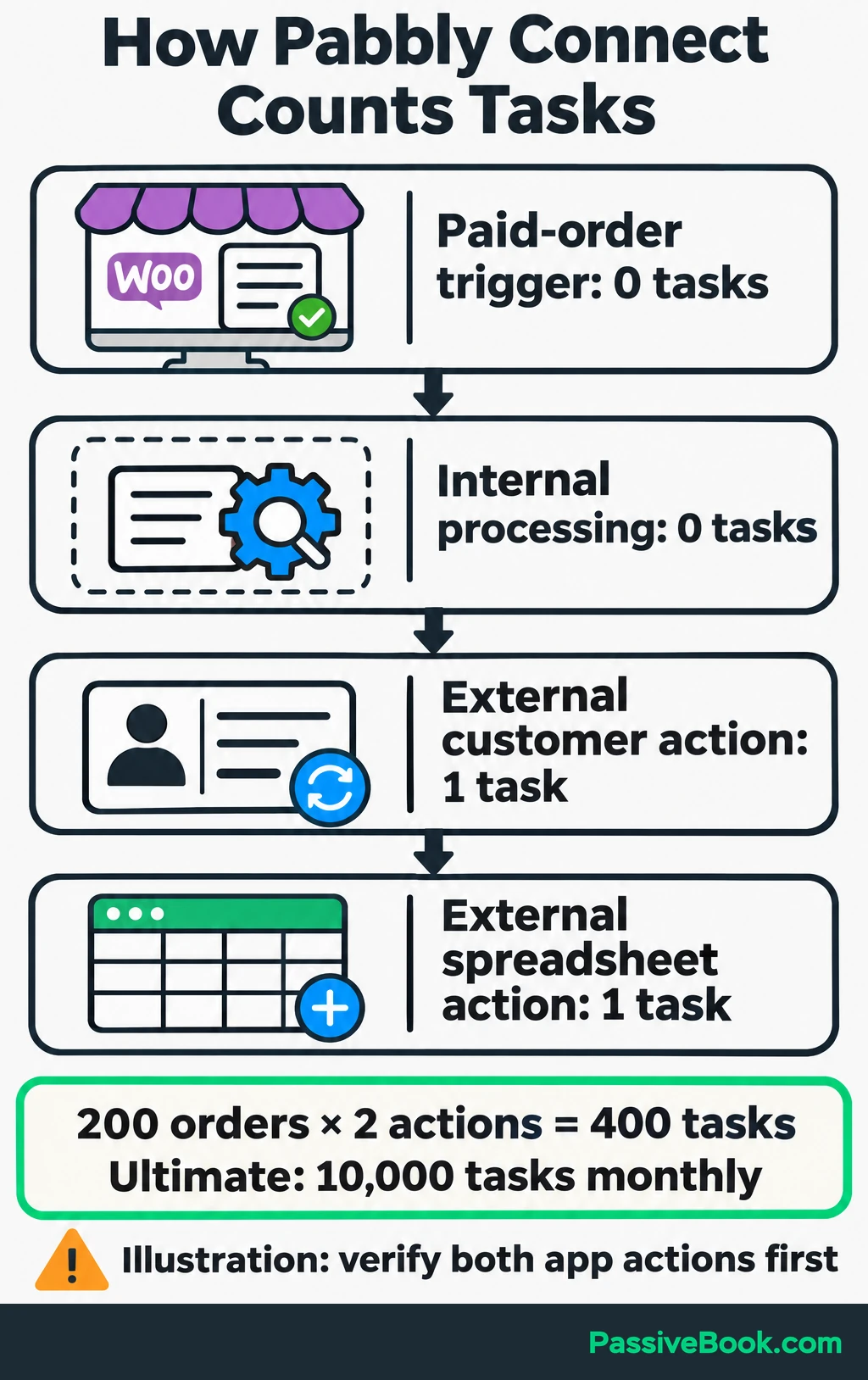
Pabbly counts each action performed in an external app as one task. The event that starts the workflow—the trigger—and Pabbly’s internal processing do not use tasks. If each purchase requires those two external actions, 200 purchases in a month use 400 tasks. Additional actions in external apps increase that total.
The purchase conditions deserve attention:
- Support: Standard and Ultimate are self-service plans without assisted support.
- Upgrades: One-time tiers cannot later upgrade to another one-time tier.
- Refunds: Payment-gateway transaction fees are excluded.
If you need help building or troubleshooting workflows, I would compare a plan that includes assisted support.
I already use n8n for automation, so I would need a clear reason to move. If you are still discovering what to automate, I would start with Make or your existing tool and prove the workflow before making this purchase.
Visitor Tracking: Best for Simpler Website Conversion Reporting
Visitor Tracking earns consideration when your existing analytics make a specific question unnecessarily hard to answer.
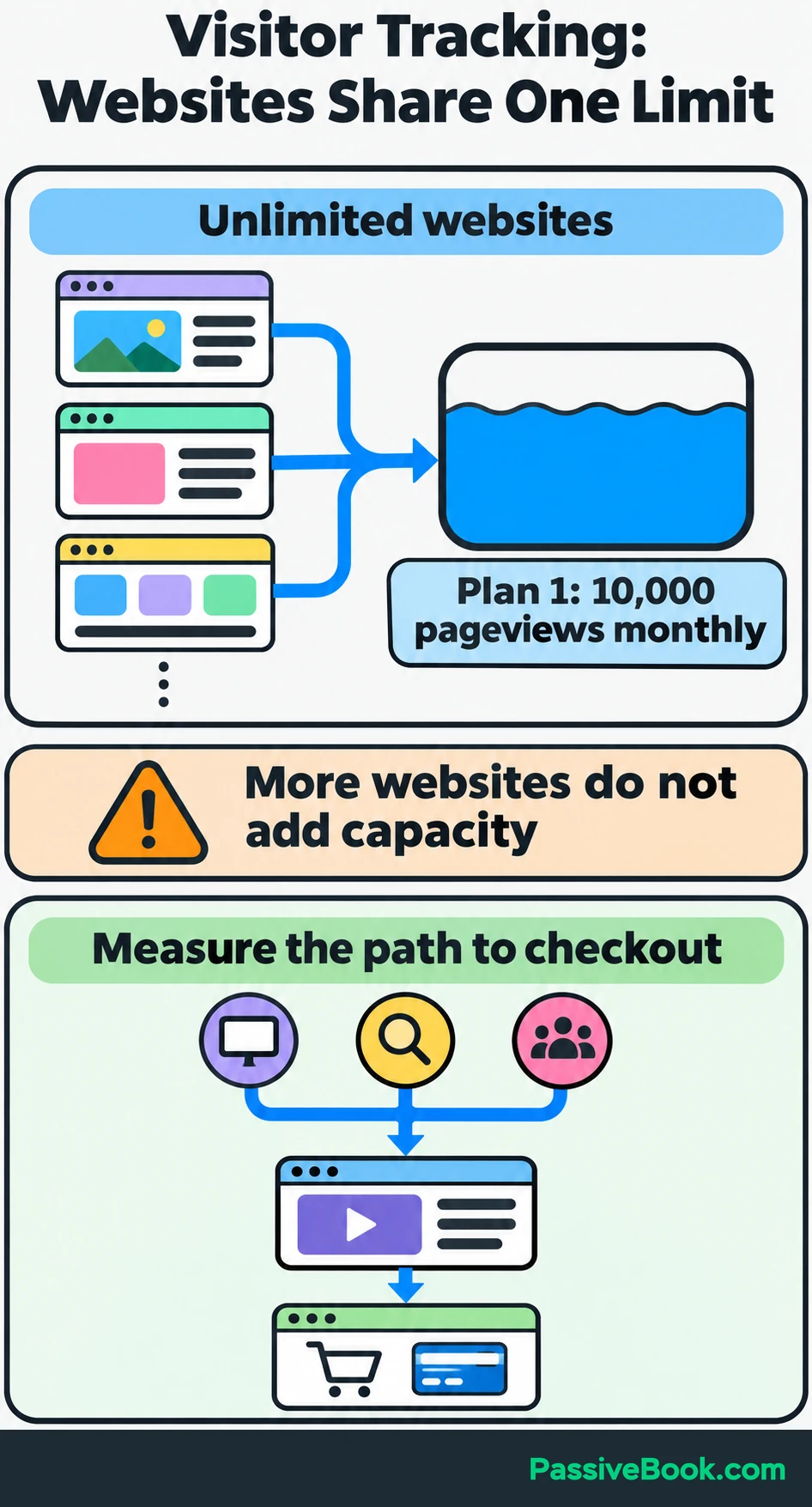
For the watercolor business, that question might be: “Which traffic sources bring visitors who reach course checkout?” Visitor Tracking can show where visitors came from and which pages they viewed on the way to checkout.
Install it on a supported platform such as WordPress, Shopify, Squarespace, Webflow or Wix, and configure the steps you want to measure. Add pageviews across every connected website when choosing capacity. “Unlimited websites” does not mean unlimited traffic.
I would keep an existing free analytics setup if it already answers your questions clearly. Another report is useful only when it changes a decision.
There is also a seller-protection distinction. AppSumo identifies this as a partner-managed listing that it has not vetted, and it excludes the product from its extended “We Got Your Back” guarantee. The ordinary refund window still applies.
Redeem within 60 days and test promptly. Check whether your configured conversions appear correctly and whether the reports help you decide what to improve.
Where Should You Buy Lifetime Software Deals?
I would compare these offers on AppSumo, StackSocial and the vendors’ own websites. I would not treat any seller’s name as proof that every listed product deserves a purchase.
AppSumo is the buying route for the featured scheduling, email and analytics offers. Read the plan terms alongside recent reviews, unanswered questions and vendor replies. A complaint about a missing feature matters most when that feature is part of your required workflow.
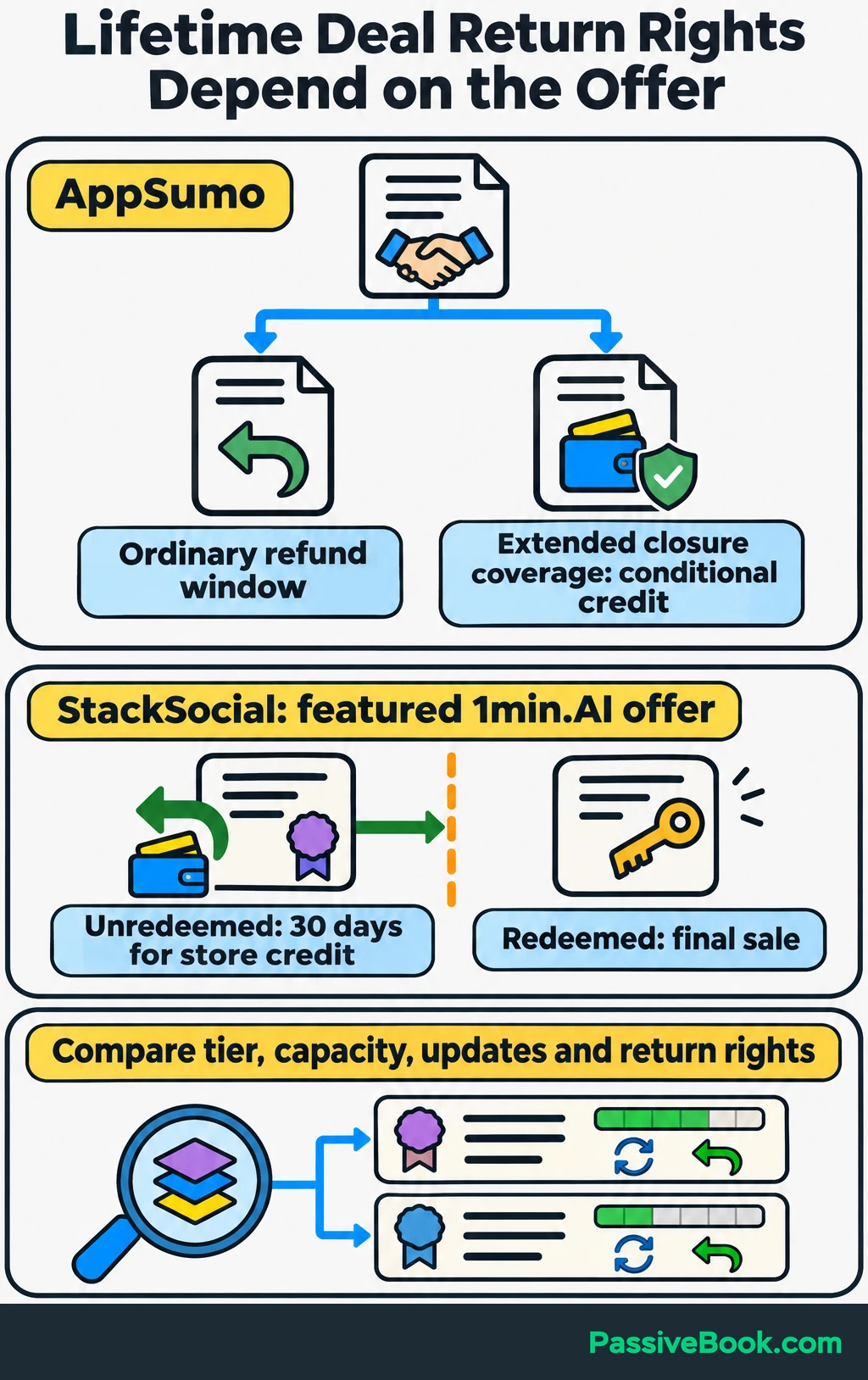
Its ordinary refund window is separate from extended closure protection. “We Got Your Back” eligibility depends on the product category, purchase timing and membership conditions, and compensation is marketplace credit. Check AppSumo’s coverage rules for the specific purchase.
StackSocial’s featured 1min.AI offer has a different return structure. You can return an unredeemed license for store credit within 30 days of purchase. Once you redeem it, the sale is final, so I would evaluate the free product before buying that license.
For Ubersuggest and Pabbly, use the official offers linked in the comparison table. If another seller offers the same tool, compare the actual tier, capacity, updates and return rights. The product name alone does not establish that the licenses match.
Keep a copy of the offer and purchase agreement. Seller protection can limit a financial loss, but it cannot establish that the vendor will keep developing the software or that the tool fits your business.
Will a Lifetime Deal Actually Save You Money?
Start with the recurring bill you can genuinely remove. Then subtract any new monthly costs required to do the same work.
Include email delivery, hosting, AI credits, paid connections and transaction fees where they apply. Count only additional costs caused by the switch; existing hosting that stays unchanged is not a new expense.
The calculation is:
Net monthly savings = cancelled subscription expense − new recurring costs
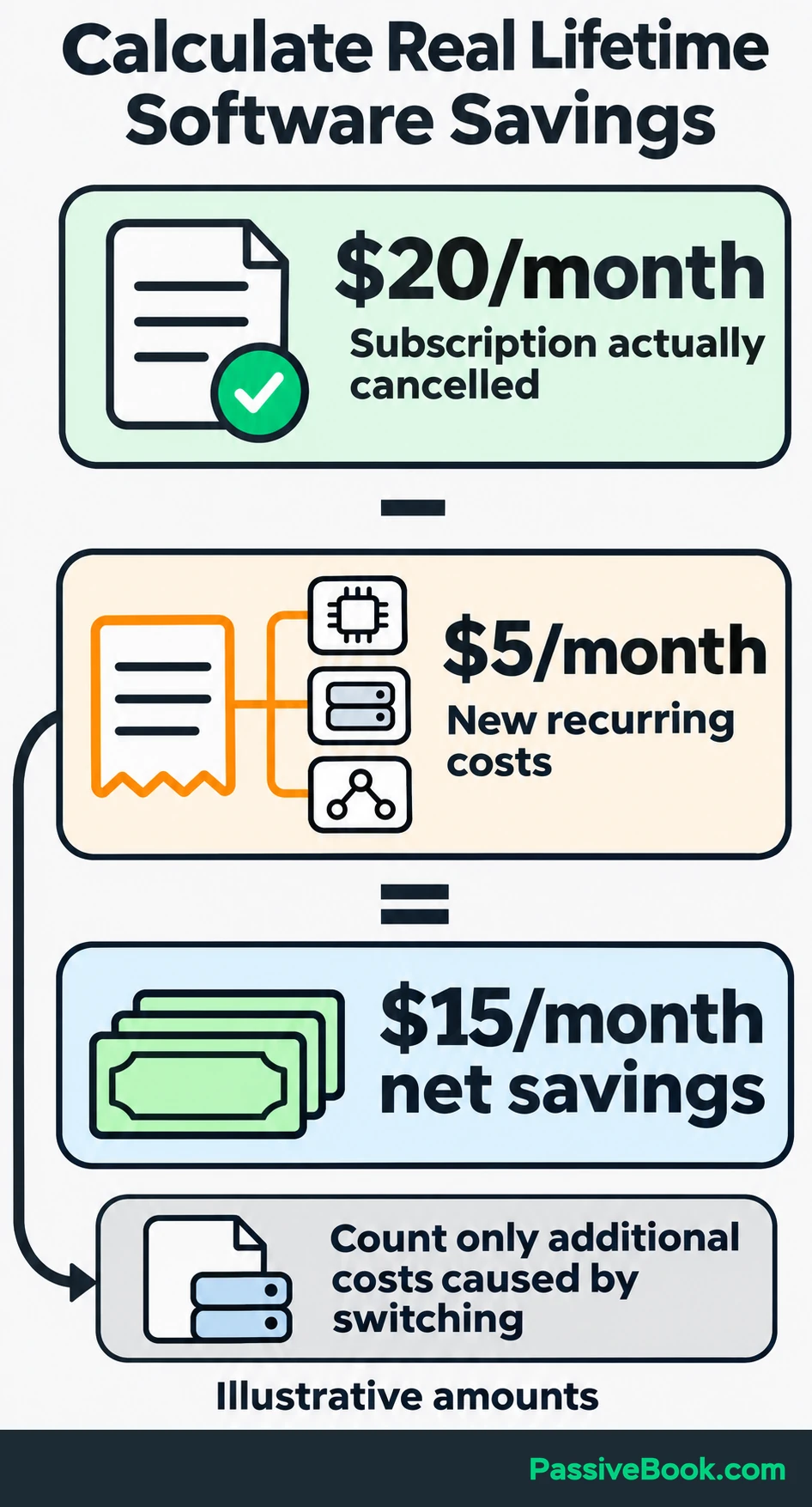
Next, add the license and migration costs. Divide that upfront total by positive net monthly savings:
Cash break-even in months = upfront cost ÷ net monthly savings
Imagine the watercolor business spends $120 on a license and $60 on migration. It cancels software costing $20 monthly but adds $5 in monthly running costs.
| Item | Illustrative Amount |
|---|---|
| License plus migration | $180 upfront |
| Subscription expense removed | $20/month |
| New running costs | $5/month |
| Net monthly savings | $15/month |
| Cash break-even | 12 months |
This only works as a comparison if the replacement handles equivalent work and capacity. If you expect to need another tool before reaching break-even, I would reconsider the purchase.
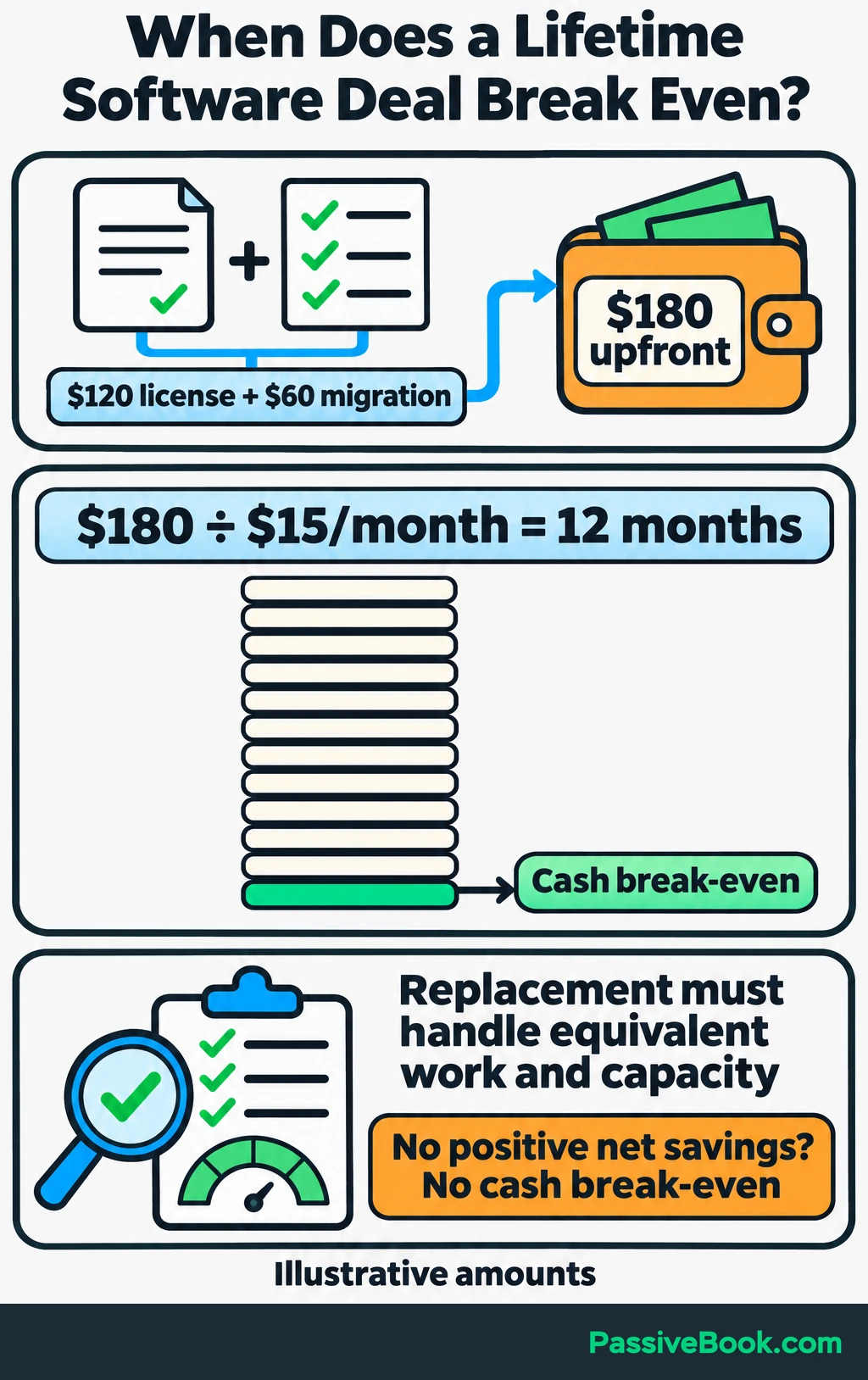
A simple break-even figure can hide what happens when your workload grows or the tool closes early. Use the calculator to compare those scenarios with keeping your current subscription.

Free Software Cost Calculator




When no paid expense disappears, there are no subscription savings to claim. A tool may still be worthwhile because it reduces copying, checking or scheduling. Record that benefit separately.
I once compared email tools, then mapped the job I needed done and found that FluentCRM, my existing WordPress email tool, already covered it. The useful work was fixing the existing sequence. Opening another account would have given me another sequence to maintain.
The same applies to staffing claims. Saving time creates capacity, but it becomes payroll savings only when an actual paid expense ends.
How to Choose a Deal You Will Keep Using
Write down one task the purchase must complete before you browse another offer.
For the watercolor business, a useful requirement would be: “Deliver the practice guide after signup, send the follow-up sequence and export the contact with the right tags.” That gives you something concrete to test.
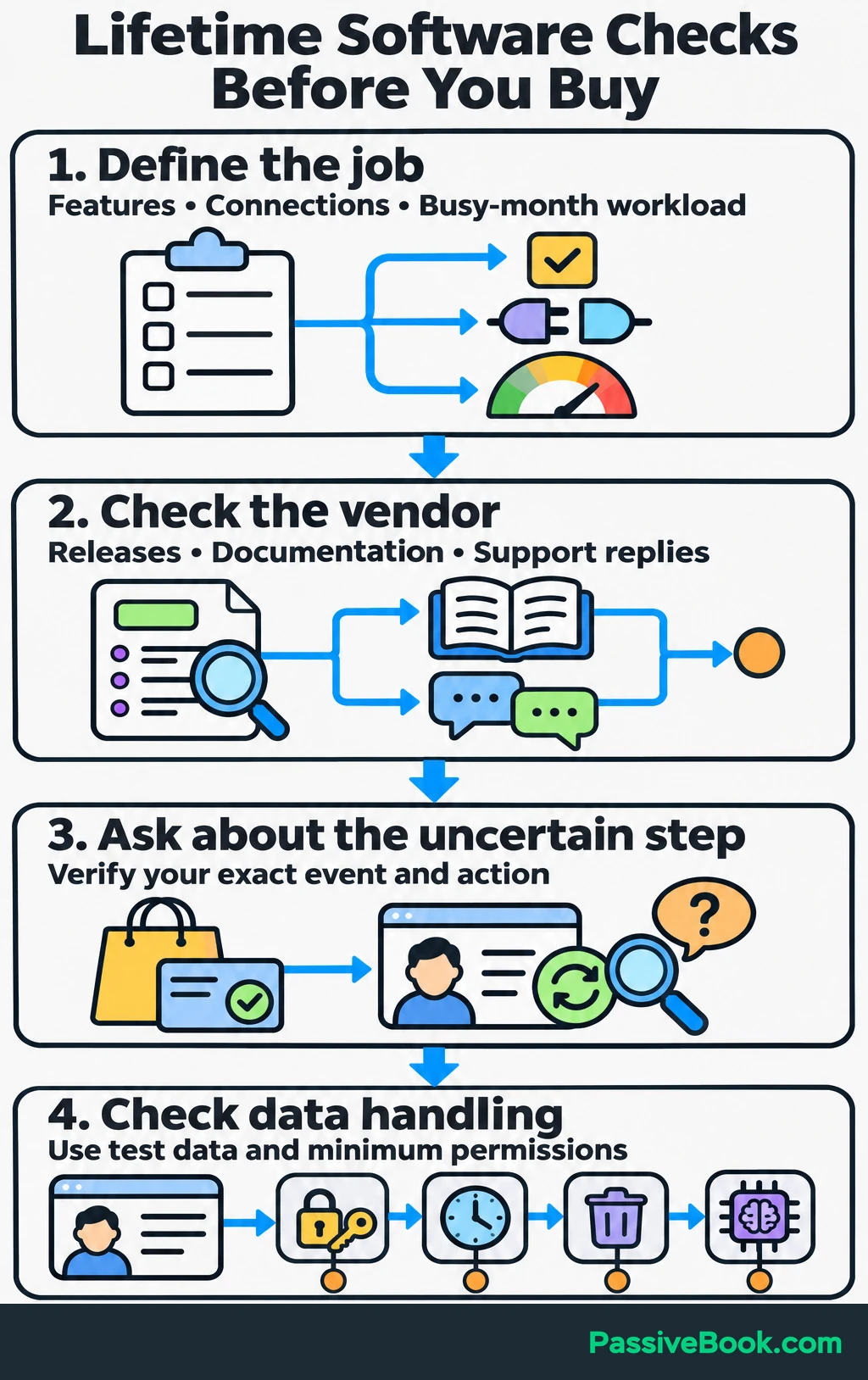
I would use this process:
- Define the job: List the required features, connected apps and monthly workload. Include a busy month, not just your quietest week.
- Check the vendor: Look for recent releases, usable documentation, recurring complaints and support replies that answer the question asked.
- Ask about the uncertain step: Describe your exact workflow. “Does it integrate with WooCommerce?” is less useful than asking whether it can update an existing customer after a paid order.
- Check data handling: Before uploading customer information, check how long it is kept, how to delete it, which other companies receive it and whether it can be used to train AI. Use test data and grant only the permissions needed.
- Test the whole job: Verify the result in the destination app, including failure cases.
- Confirm an exit route: Export essential contacts, content or reports and open the files elsewhere. Keep your source material.
- Record the deadlines: Save the purchased tier, allowances, redemption deadline and refund deadline in one place.
For an email replacement, run the practice-guide workflow from beginning to end:
- Sign up through the form with a test address.
- Confirm that the promised download arrives.
- Check that follow-up emails arrive in the intended order.
- Unsubscribe and verify that later marketing emails stop.
- Export the contact and confirm that the fields you need are present.
An automation test needs a few extra checks. Send the same order twice and see whether it creates duplicates. Make a destination action fail, then inspect the error and recovery process. Count the billable steps in the completed workflow.
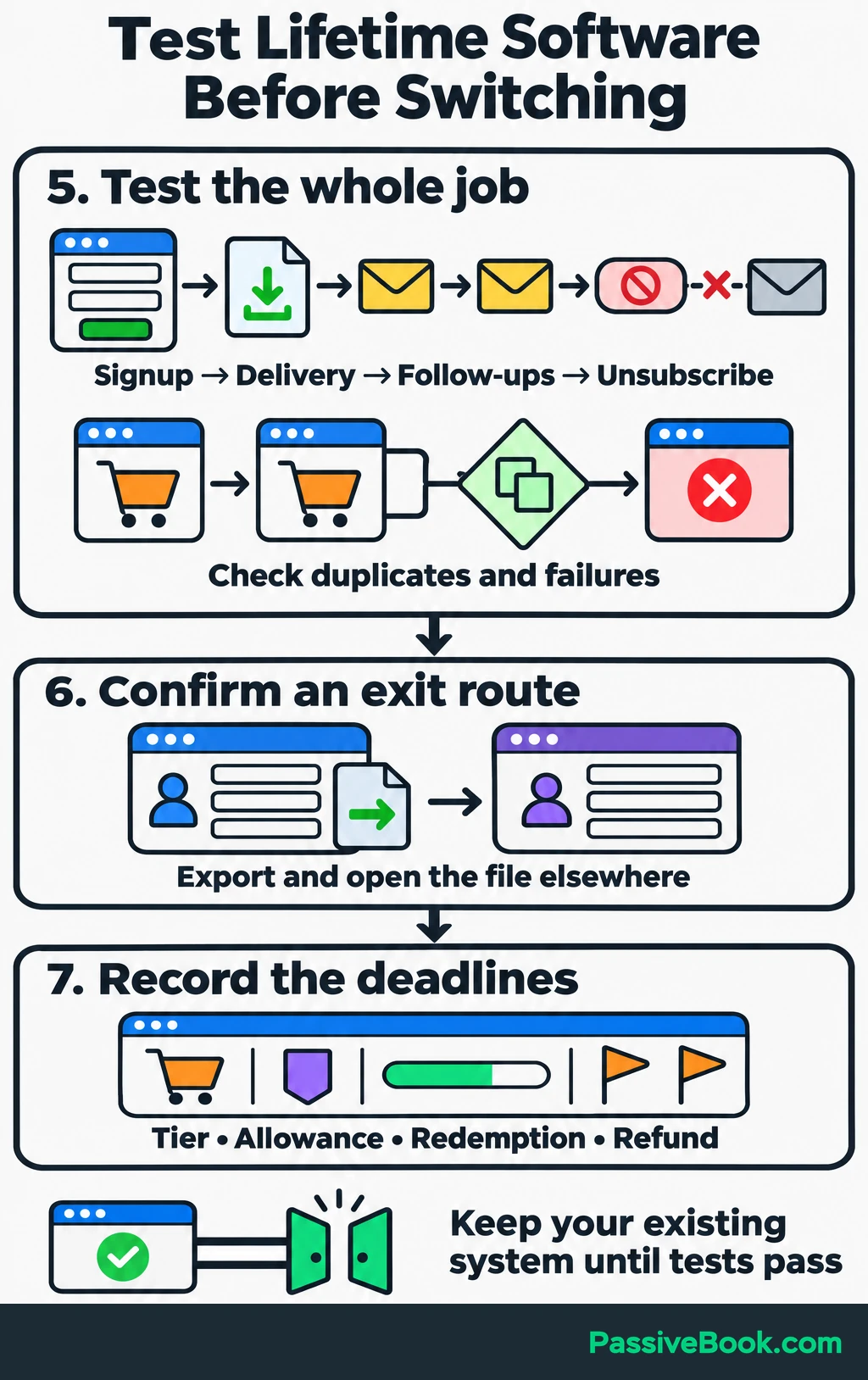
For scheduling, check a calendar conflict and a cancellation. For analytics, complete a test conversion and find it in the report. Each test should prove the job you are buying the tool to do.
Keep your existing system until the replacement passes. If an essential requirement fails during an eligible refund window, request the refund promptly.
I would buy the smallest tier that completes the task with reasonable room for expected use. When a vendor prevents later lifetime upgrades, compare the next tier with keeping your current setup. That restriction is a reason to calculate carefully, not an instruction to buy the largest package.
What Next?
Open your software bill list and choose one subscription or repeated task to review. Write down its cost, workload and required connections, then compare only the deal that could handle it.
Use the social buttons to share this guide if it would help make your next software discussion about usable capacity and real savings.
Which recurring task would you most like to stop paying for—or stop doing manually? Tell me in the comments, and bring any questions about evaluating a deal too.
Share this post with your friends & followers:

