You open your Pinterest report and the top row is a Pin you spent an afternoon designing. It has plenty of impressions, but you still can’t tell how many people reached the article behind it.
So the next batch starts with guesswork. You make more designs like the popular one, and another afternoon disappears without a clear reason to expect more visitors. This guide helps you choose where to spend that design time, with changes aimed at bringing readers from Pinterest to your articles.
Prepare a Report Focused on Your Blog
Start with a Pinterest business account and open Analytics Overview. Claim your website so you can review activity connected to your domain, including content other people save from it. You’ll need control of the website and access to complete verification.
Set up your report like this:
- Select your blog under Claimed accounts.
- Choose Organic for an unpaid-traffic review.
- Exclude saved content that links to other websites.
- Set the Source filter to All for the broader website view, or Your Pins to review Pins you created or saved.
Choose a completed period, such as the previous calendar month. Export the filtered snapshot as a CSV and record the dates and filters beside it. Otherwise, next month’s comparison may cover different activity.
For the examples below, imagine your blog covers container gardening. You have a guide to growing tomatoes in pots and a planting-checklist signup. All example figures are illustrations.
I would start with Pinterest’s native reports and a spreadsheet. Buying another dashboard can wait until you know which question it needs to answer.
Find the Pins and Articles Earning Outbound Clicks
Compare Traffic Contribution and Click Rate
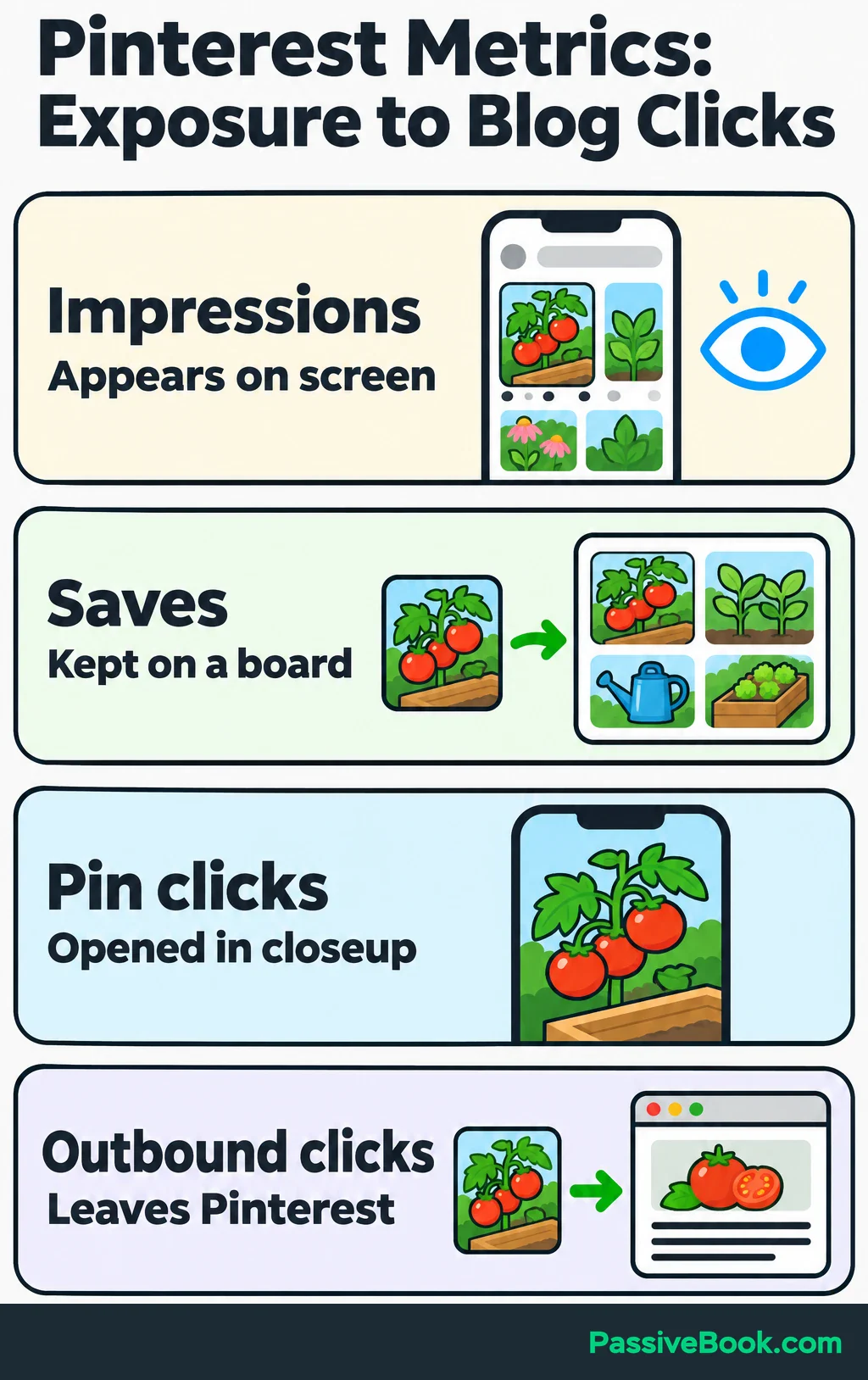
Before sorting anything, separate the metrics that look similar but tell you different things.
| Metric | What It Counts | What It Helps You Assess |
|---|---|---|
| Impressions | Appearances on screen | How much exposure a Pin receives |
| Saves | Saves to a board | Whether people want to keep the idea |
| Pin clicks | Openings of the Pin in closeup | Whether people inspect it |
| Outbound clicks | Actions leading off Pinterest | Whether people leave for the linked destination |
For traffic analysis, start with outbound clicks.
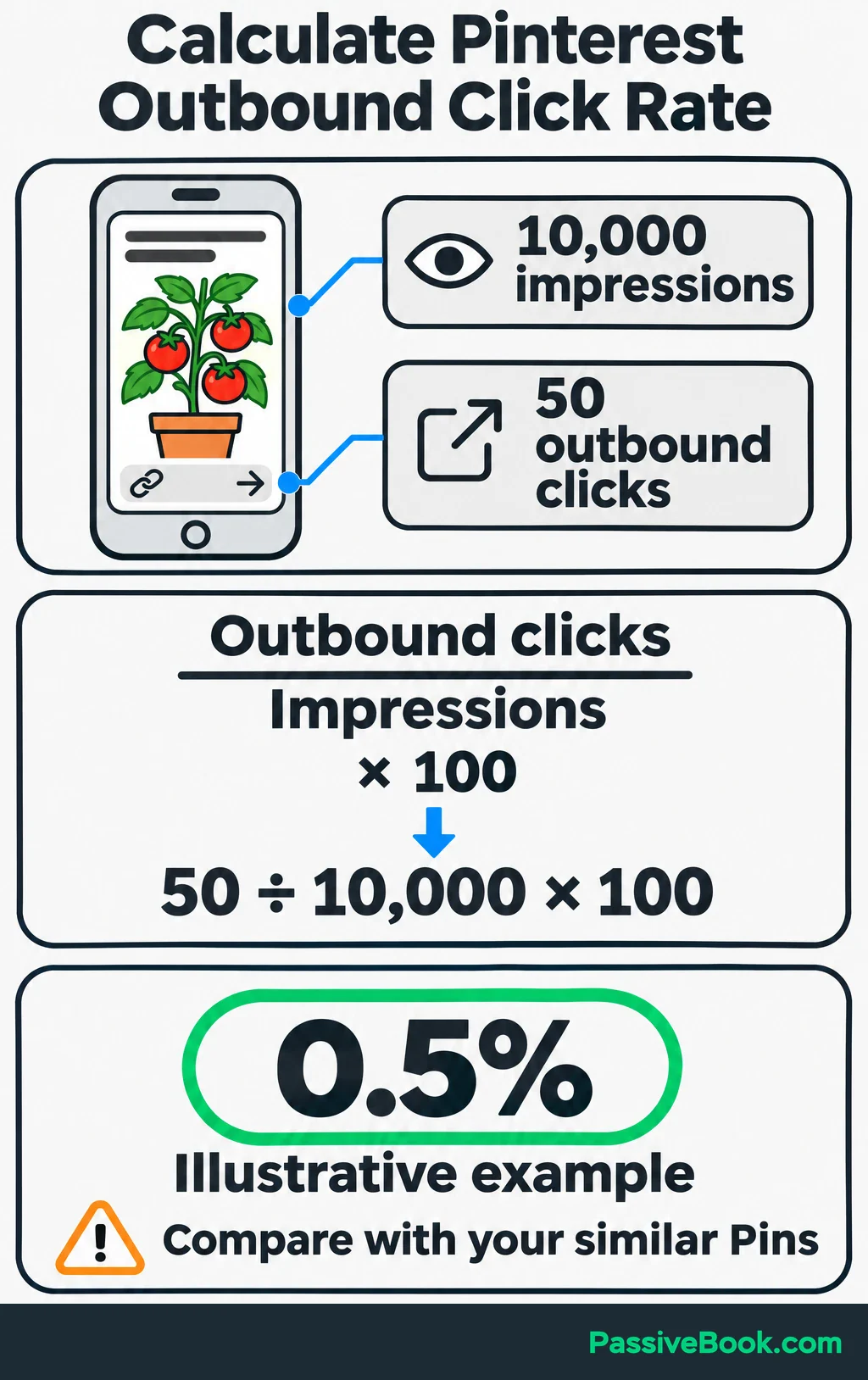
Sort Top Pins by outbound clicks to find your current traffic contributors. Then calculate how often their exposure produces a click:
Outbound click rate = outbound clicks ÷ impressions × 100For illustration, a tomato-guide Pin with 10,000 impressions and 50 outbound clicks has a 0.5% outbound click rate.
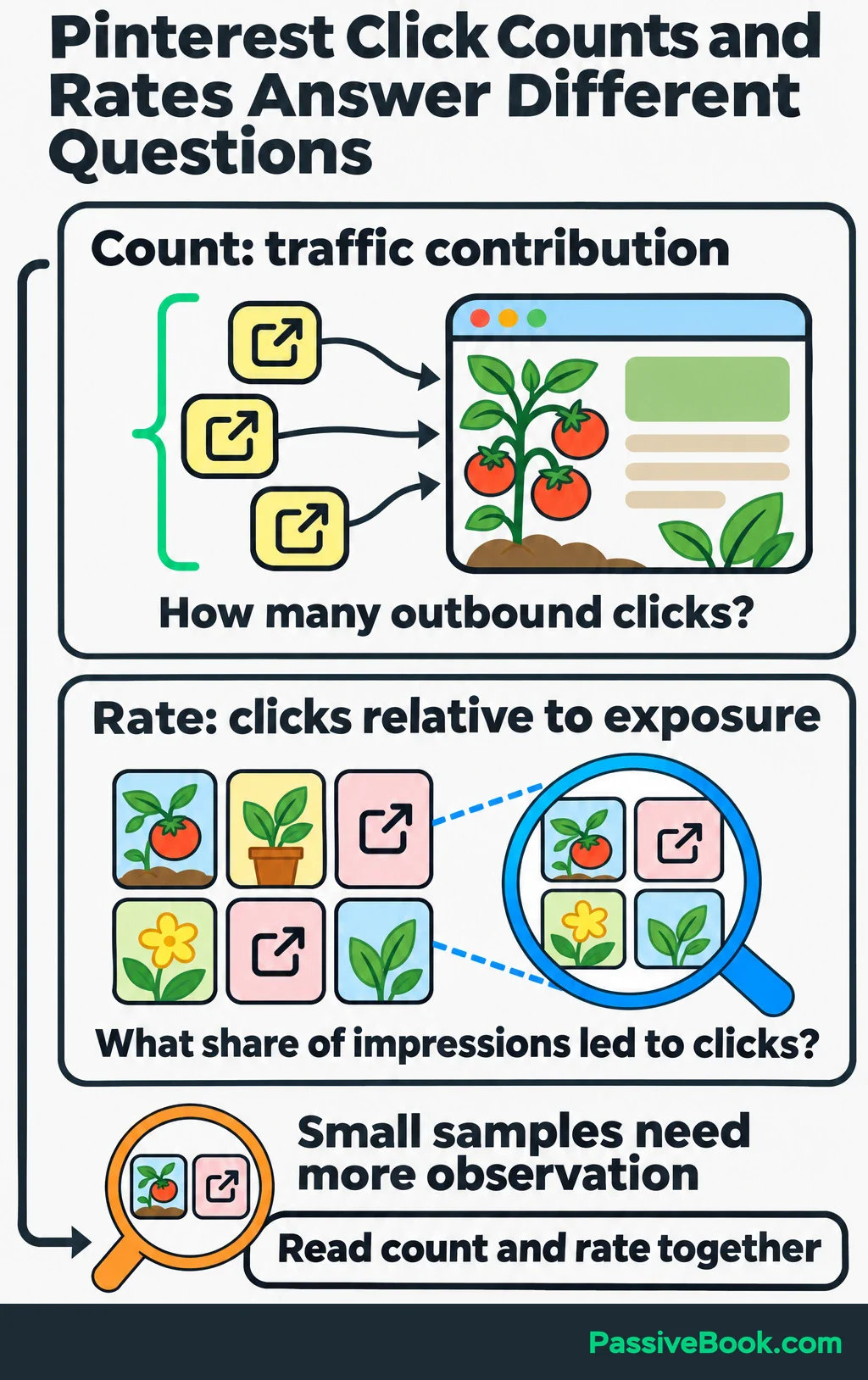
The count and rate answer different questions. Outbound clicks show contribution, while the rate helps you assess how effectively a Pin turns exposure into clicks. Read them together.
Build one audit row per reviewed Pin, with these columns:
- Reporting period
- Pin identifier or URL
- Publication date
- Destination article
- Topic
- Impressions
- Outbound clicks
- Outbound click rate
Add missing details yourself rather than assuming the export contains everything.
Compare Pins with similar formats, publishing ages and seasonal relevance. A strong percentage based on very little exposure is a reason to keep watching, not a reason to redesign your whole library.
Group Pins by Article and Topic
Next, group the reviewed Pins by destination article, then group those articles by topic. This tells you whether an article attracts clicks through several designs or depends on one successful Pin.
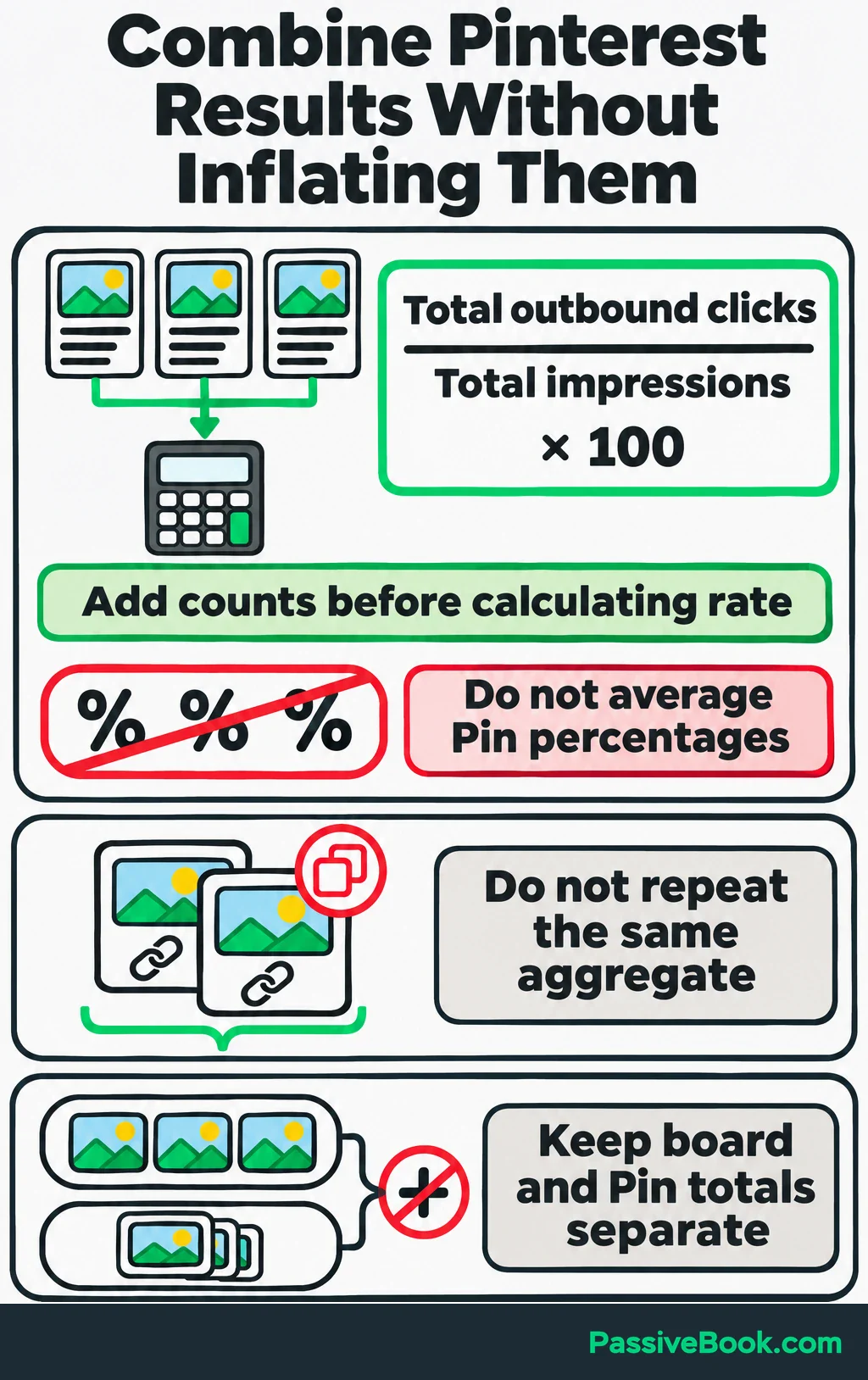
For a grouped outbound click rate, add the counts first:
Grouped rate = total outbound clicks ÷ total impressions × 100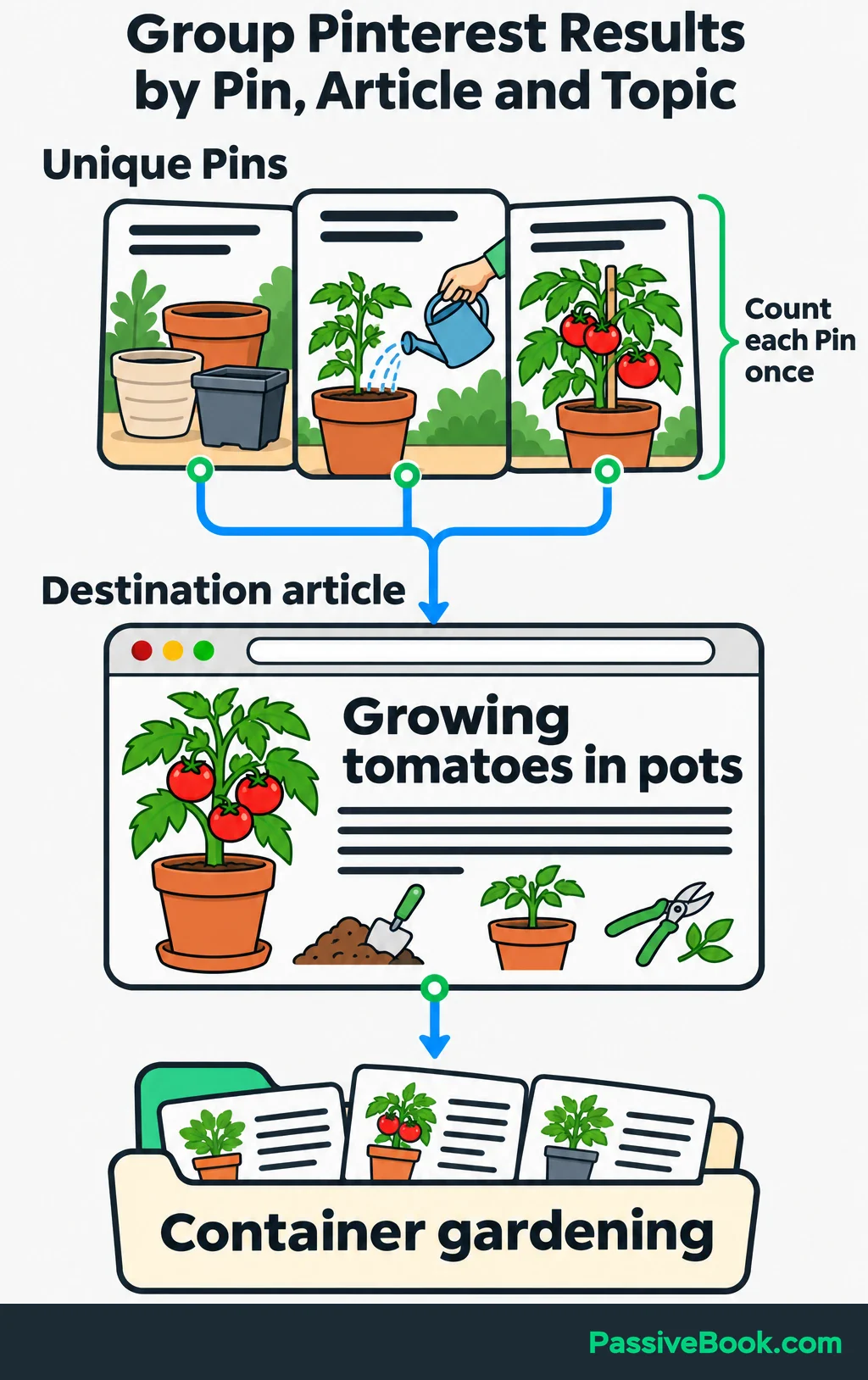
Don’t average the individual percentages because each Pin may have received a different amount of exposure.
Count each unique Pin once in the reporting period. Also avoid adding repeated copies of the same aggregate: Pinterest explains that individual Pin stats can combine activity for Pins sharing an image and URL.
On Passive Book, Pinterest brings meaningful referral traffic. I used to keep Pin thumbnails beside my reporting notes, but they mostly reminded me what I had designed. Adding the destination article made those notes useful for deciding what to work on next.
For your tomato guide, record the promise and visual approach of each productive Pin. Perhaps several different designs earn clicks by answering questions about pot size. That suggests a reader problem worth exploring. If only one design works, its presentation deserves another test before you commit to more articles.
Then sort Top Boards by outbound clicks and inspect their blog-linked Pins. Look for relevant coverage of productive topics, but keep board totals separate from Pin totals. They are different views of the activity, so adding them together would inflate your report.
You don’t need to audit your whole account to make this useful. Start with five Pins in the workbook below and see which articles they support before deciding what to work on next.
Check Which Pinterest Activity Becomes Blog Visits
Now check the website side. First, confirm that your analytics records visits to the linked articles.
In Google Analytics (GA4), open Traffic acquisition and choose Session source / medium. Include the Pinterest source values actually present in your property, including tagged traffic and any Pinterest referral domains. Don’t assume everything appears in one row.
Review where those visitors landed by adding Landing page + query string. Alternatively, use the Landing page report with Session source / medium as a secondary dimension.
For new Pins, add consistent tracking labels, called UTM parameters, to their destination URLs. For the tomato guide, those labels could be:
utm_source=pinterest
utm_medium=social
utm_campaign=tomato_guide
utm_content=container_a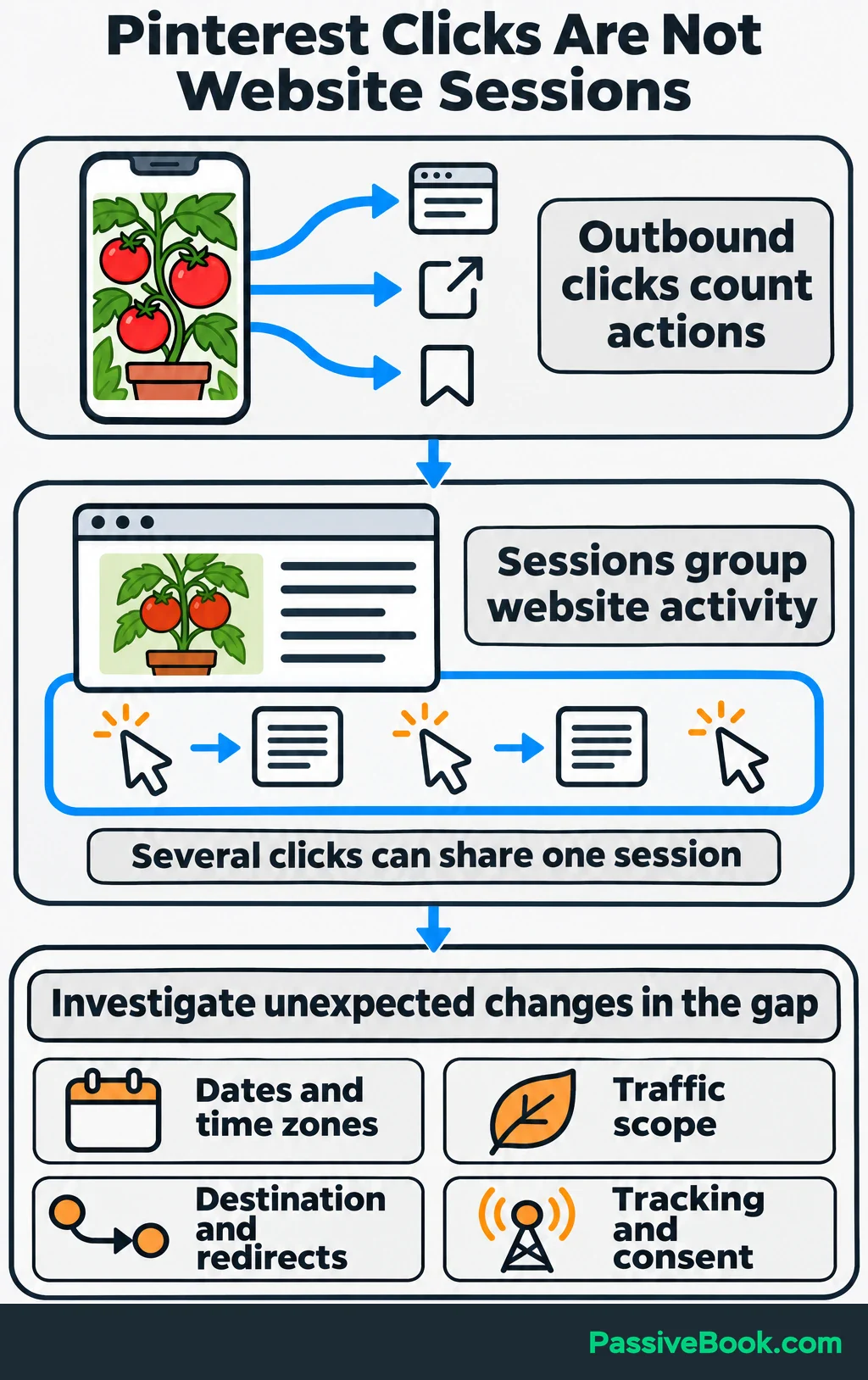
Keep the source, medium and campaign consistent for related Pins, and give each creative a distinct utm_content value. Record that value beside its Pin identifier.
In GA4, use Session manual ad content to compare those creative labels. Despite the name, you can use this field for manually tagged organic links. Google’s tagging reference maps utm_content to this dimension.
Save Pinterest-attributed sessions for the same reporting dates as your Pinterest review.
Expect the totals to differ. Outbound clicks count actions on Pinterest, while sessions group website activity. Several clicks can occur within one session, so the two reports are not a one-for-one match. Google explains how sessions are counted.
If the gap changes unexpectedly, check:
- Whether the dates and reporting time zones align.
- Whether you included the same traffic, such as organic activity rather than organic plus paid.
- Whether the published Pin opens the correct article.
- Whether redirects preserve the tracking labels.
- Whether website tracking loads, including under your consent settings.
Keep one useful outcome beside sessions. For this blog, track completed planting-checklist signups, and configure the successful signup event as a GA4 key event. Count completion rather than a click on the signup button.
If visitors arrive but don’t use the page, check the experience on a phone. Someone promised advice about growing tomatoes in pots should reach that advice easily, before being asked for an email address.
Fix the Bottleneck Limiting Traffic
Compare the current period with a comparable previous period. Look at impressions, outbound click rate and the Pins that previously contributed the most clicks.
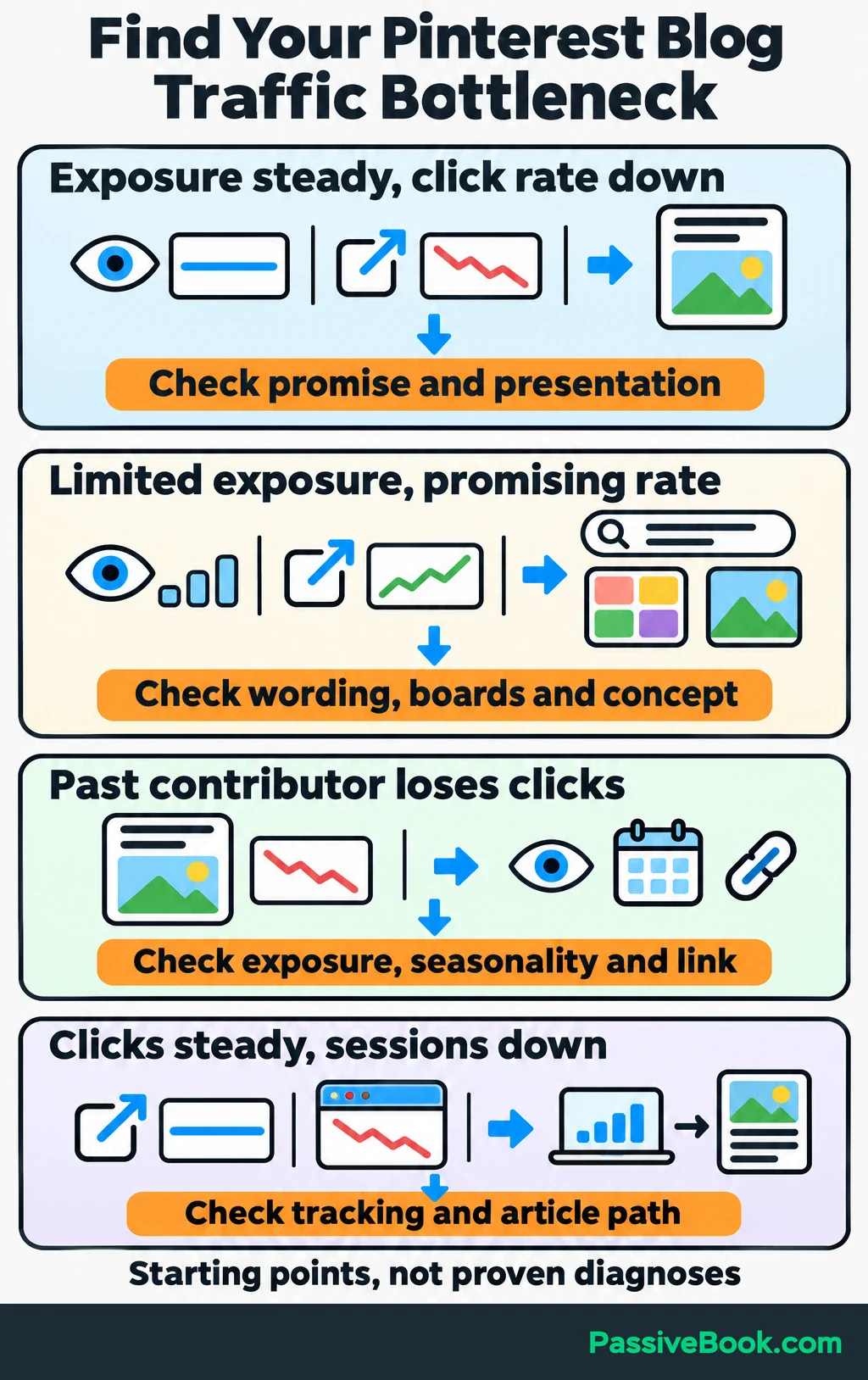
The pattern should determine your next action.
| What You Find | What I Would Check First |
|---|---|
| Exposure holds up but click rate falls | The Pin’s promise and presentation |
| Click rate looks promising but exposure is limited | Topic wording, relevant boards and another creative angle |
| Previously productive Pins lose clicks | Their exposure, seasonal relevance and destination links |
| Outbound clicks hold up but recorded sessions fall | Website tracking and the path to the article |
Treat these as starting points for investigation. A report tells you where to look; it doesn’t write the diagnosis for you.
High Impressions With Few Outbound Clicks
Prioritize Pins with substantial exposure and weak outbound click rates compared with your own similar Pins. I would skip a universal “good click rate” target because your own comparable results give you a more useful starting point.
First, check the promise. Does the Pin give someone a clear reason to open the article?
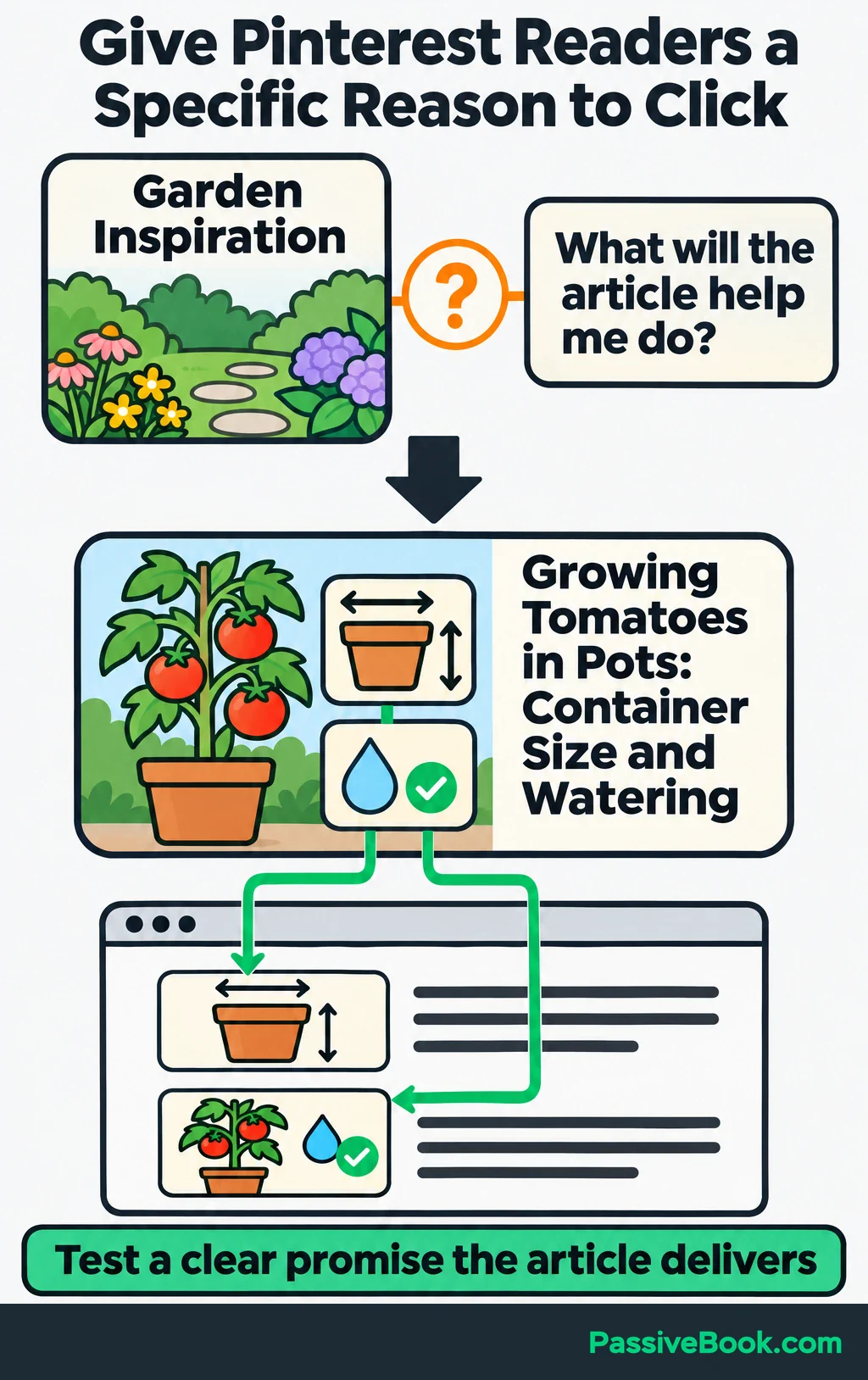
For the tomato guide, test:
“Growing Tomatoes in Pots: Container Size and Watering”
against:
“Garden Inspiration”
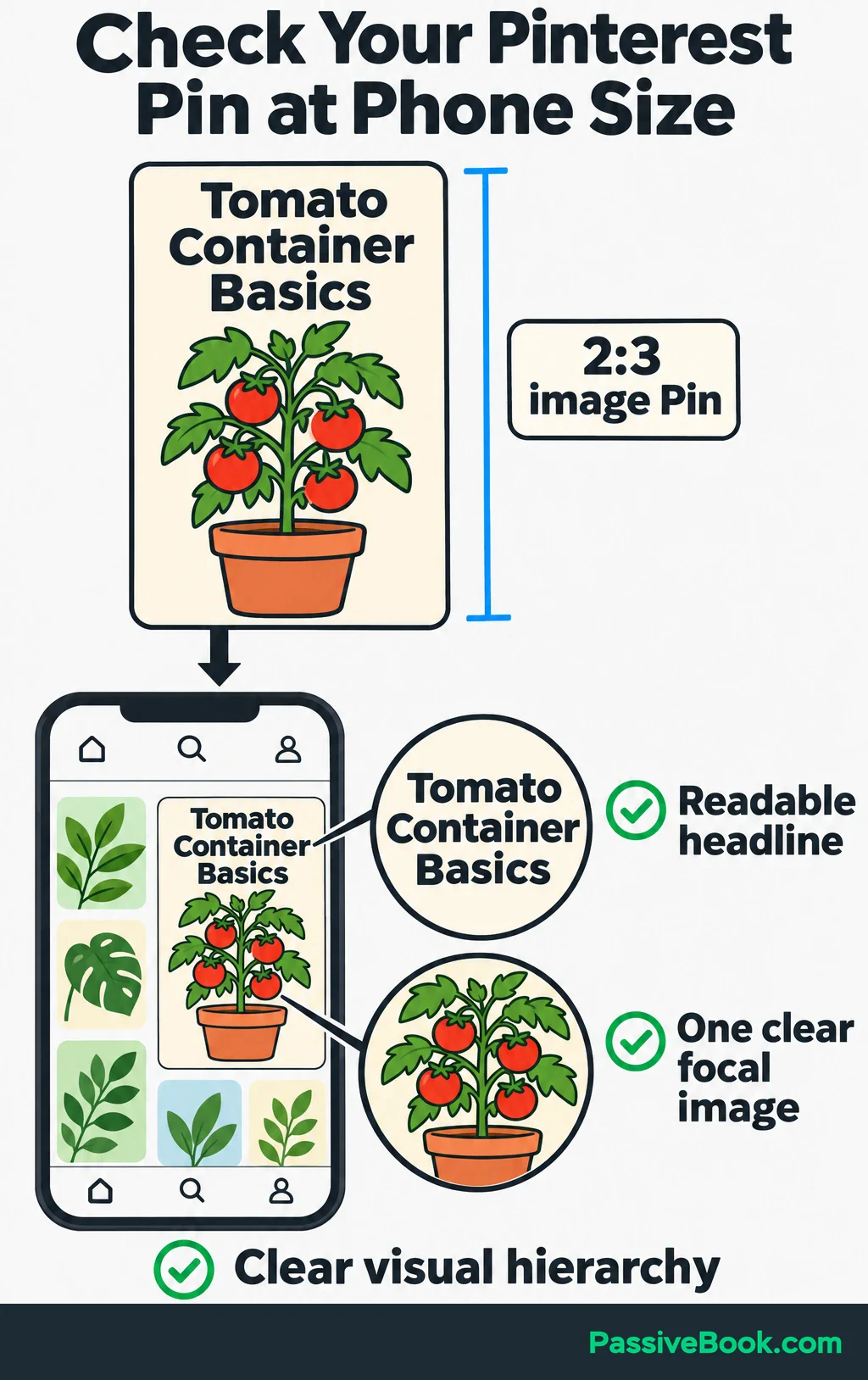
The first headline names advice the article must deliver. The second could lead almost anywhere, including another photograph of a garden you don’t own.
Then review the design at phone size. Use a clear focal image and readable text. For image Pins, follow Pinterest’s recommended 2:3 aspect ratio.
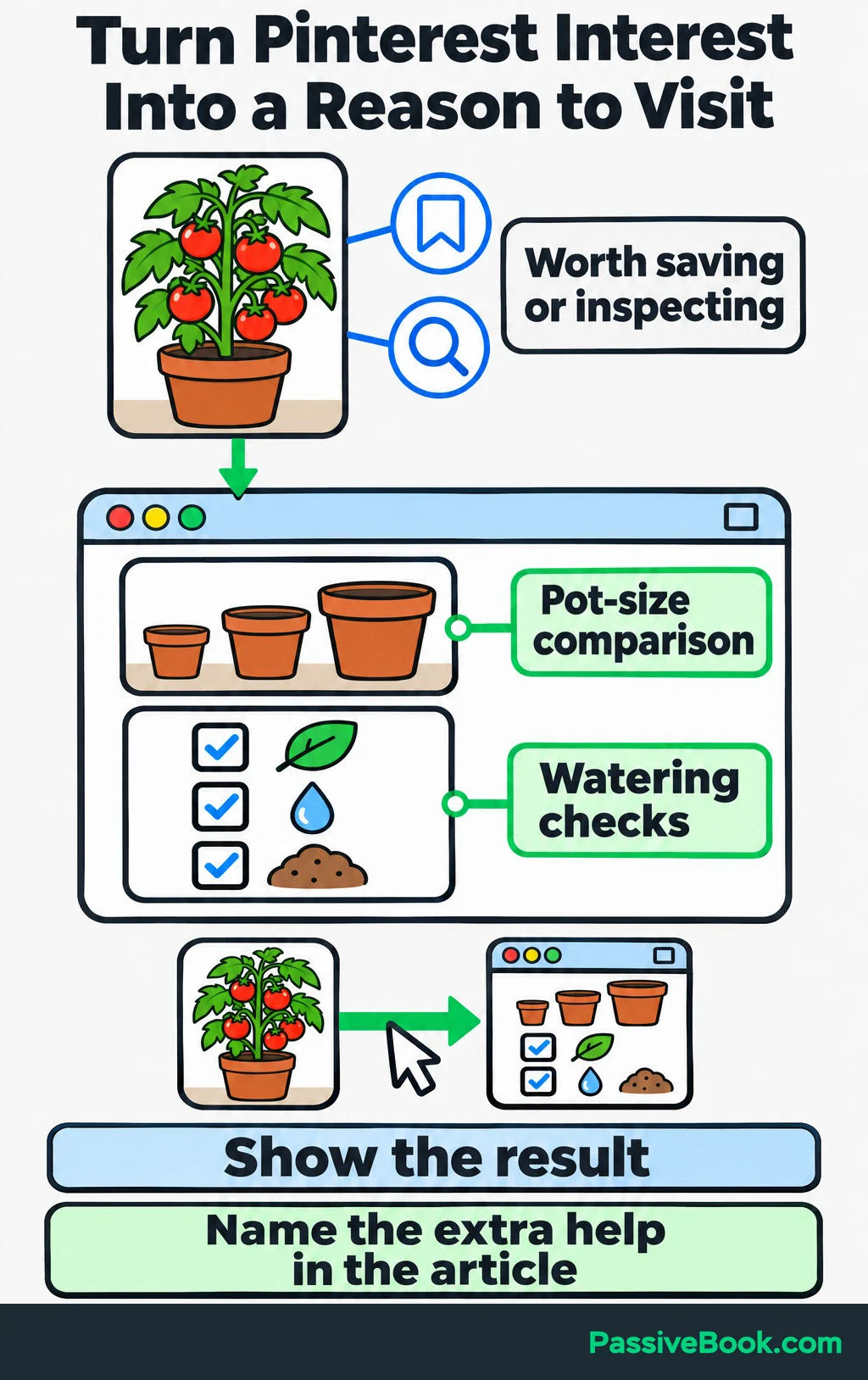
If saves or Pin clicks are healthy but outbound clicks are weak, test a clearer reason to visit. Show the result on the Pin and identify the extra help available in the article, such as a pot-size comparison or watering checks.
Finally, open the published destination on your phone. Repair broken or incorrect links, and make sure the page answers the headline. Better copy cannot rescue a link that sends readers to the wrong place.
Low Impressions With a Promising Click Rate
Check the underlying counts before investing more time. A promising rate from a handful of clicks needs more observations.
Once there is enough activity to justify a test, make the subject clear in the Pin title and description. Use wording that accurately describes the article, and choose a board whose title and description match the topic.
For the tomato guide, “Container Vegetable Gardening” is a more sensible placement to test than a board called “Things I Like.”
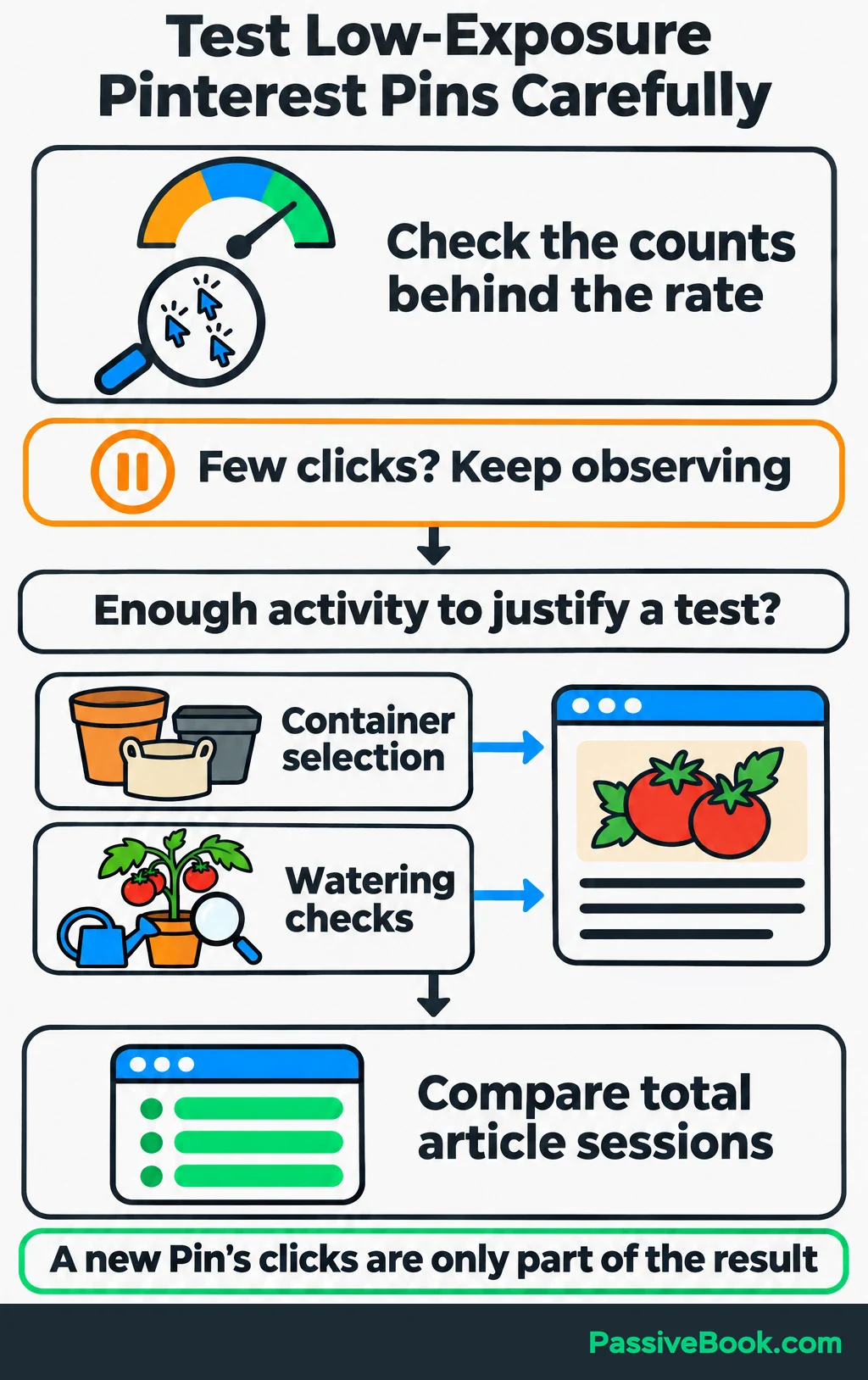
Next, create a distinct concept from another useful part of the same article. You could test container selection and watering as separate angles. Changing the background color alone gives you less to learn.
Use your board audit to choose relevant placements for each concept. I wouldn’t send every design to every board just because the scheduler makes it easy.
Compare total Pinterest-attributed sessions to the article before and after the test to see whether visits increased overall. Clicks on a new Pin alone won’t tell you that.
Use Successful Topics to Guide Blog Content
A topic deserves more attention when several Pins attract outbound clicks and your website records Pinterest visits to the related articles.
Look for the recurring problem behind those results. “Tomatoes” is a topic, but “Which container will keep this plant healthy?” is a question you can answer.
Then decide whether the next question belongs in the current article.
| Reader’s Next Question | Content Decision |
|---|---|
| Does the pot need drainage holes? | Clarify the answer in the existing guide |
| How do I support a tall tomato plant in a container? | Consider a separate article if it needs substantial explanation |
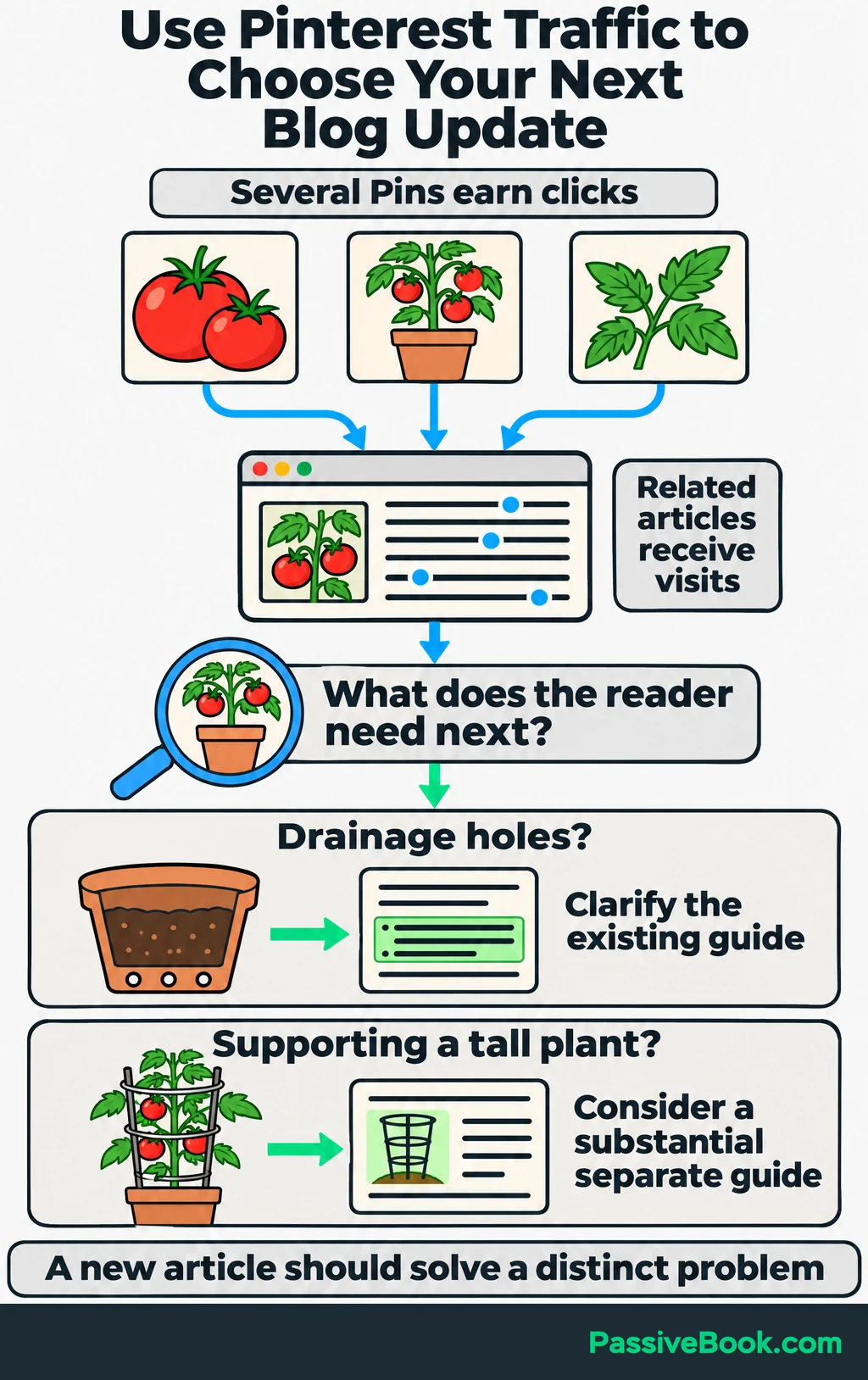
I would improve a useful existing guide before publishing a thin companion post. A new URL should earn its place by helping the reader do something distinct.
Build the next Pin concepts around that specific problem. A container-support article needs a promise about supporting the plant, rather than another broad gardening headline.
For seasonal content, check Pinterest Trends for the region your content serves. Look for when interest starts building, and use that curve to plan updates. The graph shows relative interest, so don’t treat its score as a count of potential visitors.
Measure Whether Your Changes Increase Traffic
Run a Focused Experiment
Write down the test before publishing. Otherwise, it becomes very easy to decide afterward that whichever number increased was the goal all along.
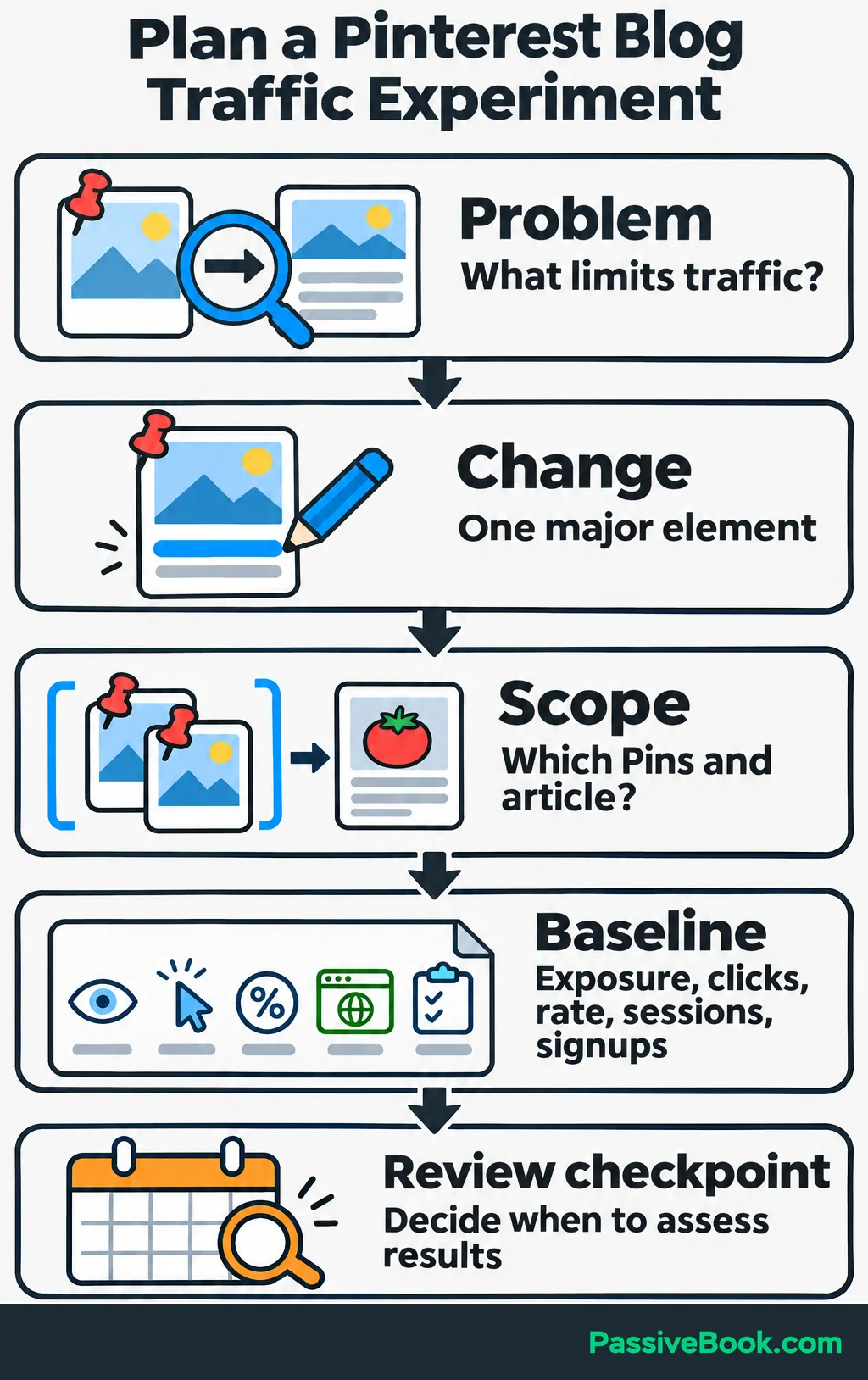
Keep a short experiment record:
- Problem: What appears to be limiting traffic?
- Change: Which major element will you test?
- Scope: Which Pins and destination article are involved?
- Baseline: What were impressions, outbound clicks, click rate, sessions and signups?
- Review Date: When will you assess the result?
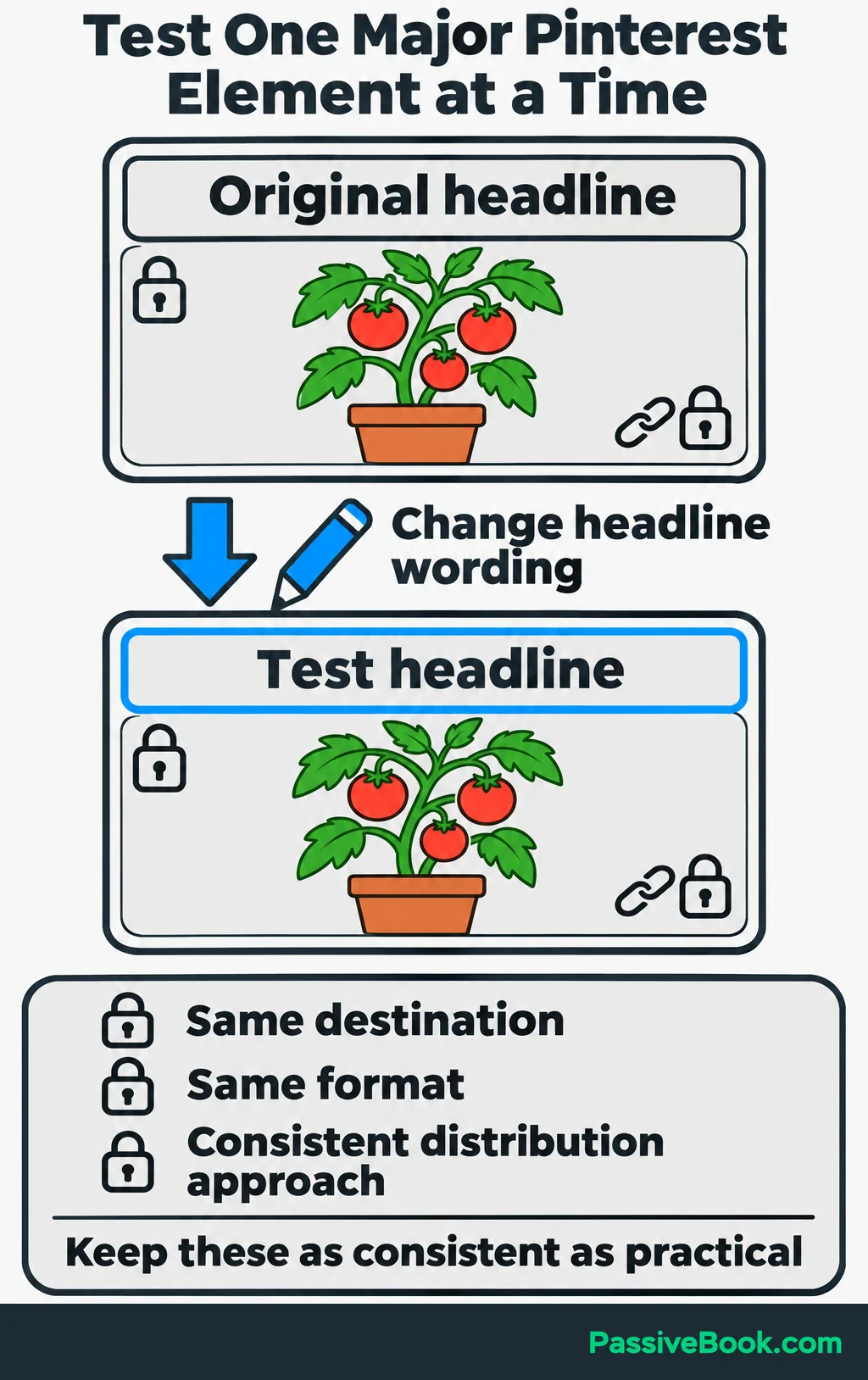
Change one major element at a time. If you test headline wording, keep the destination, format and distribution approach as consistent as practical. Rebuilding everything may produce a result, but it gives you little guidance about what to repeat.
Use Pinterest-attributed website sessions as the traffic outcome. Impressions, outbound clicks and outbound click rate help explain it, and checklist signups show whether those visits led somewhere useful.
Here is an illustration using equal-length periods for the tomato guide:
| Metric | Baseline Period | Following Period |
|---|---|---|
| Impressions | 10,000 | 5,000 |
| Outbound clicks | 50 | 40 |
| Outbound click rate | 0.5% | 0.8% |
| Pinterest-attributed sessions | 40 | 32 |
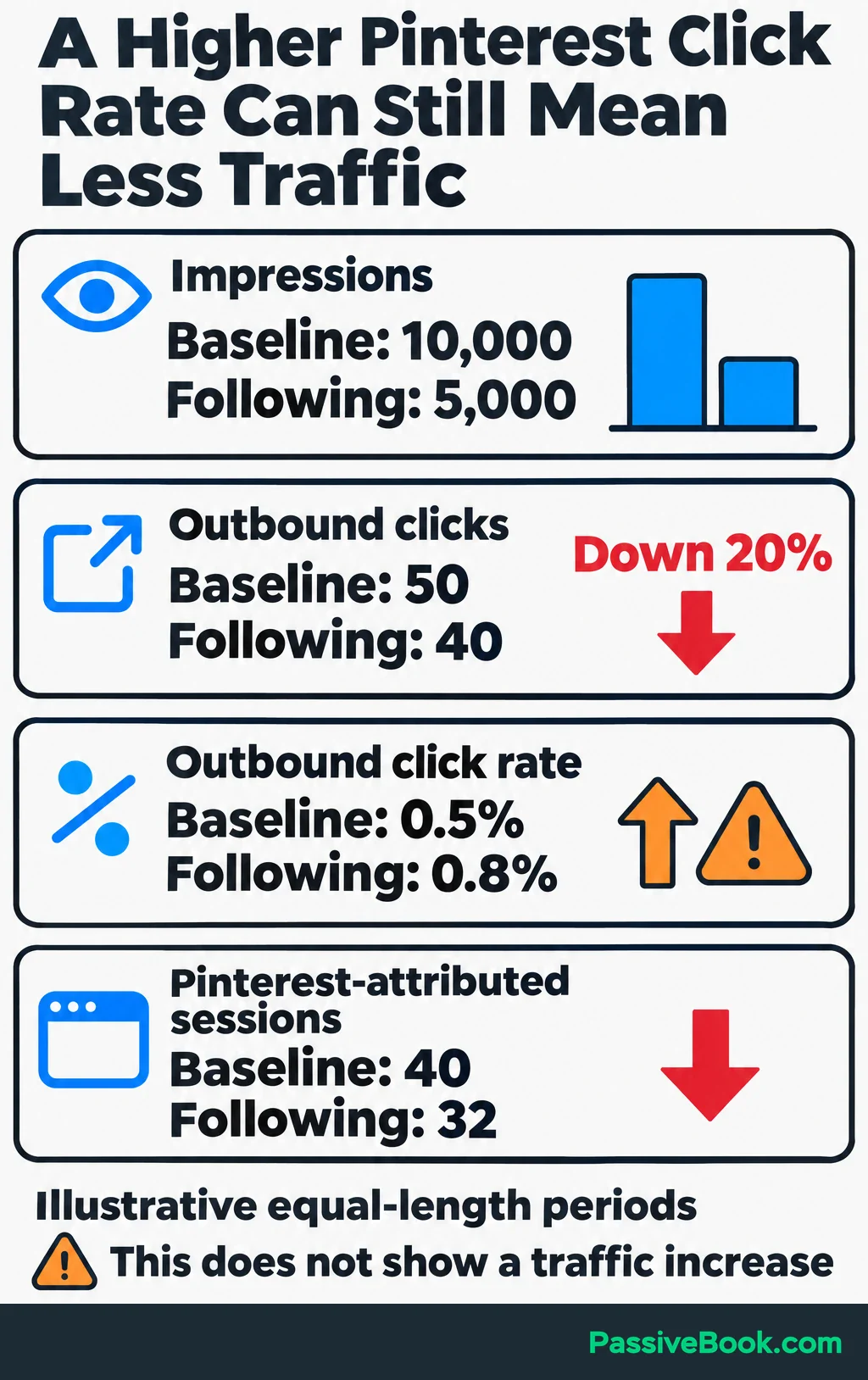
The click rate improved, but outbound clicks fell 20%, and recorded sessions fell too. This result does not support a claim that the change increased traffic.
Seasonality and changes in distribution can affect traffic alongside your edit. Repeat a promising result before applying it across your content library.
Keep a Reusable Review Log
Keep the Pin audit, then add an article summary so each review ends with a decision.
| Field | What to Record |
|---|---|
| Reporting period and filters | The activity included in the review |
| Article | One consistent destination URL |
| Contributing Pins | Identifiers for the Pins reviewed |
| Reviewed-Pin outbound clicks | Clicks from that reviewed set |
| Pinterest-attributed sessions | Recorded website visits to the article |
| Downstream outcome | Completed checklist signups |
| Next action | A specific change or observation |
| Review date | When you will revisit the decision |
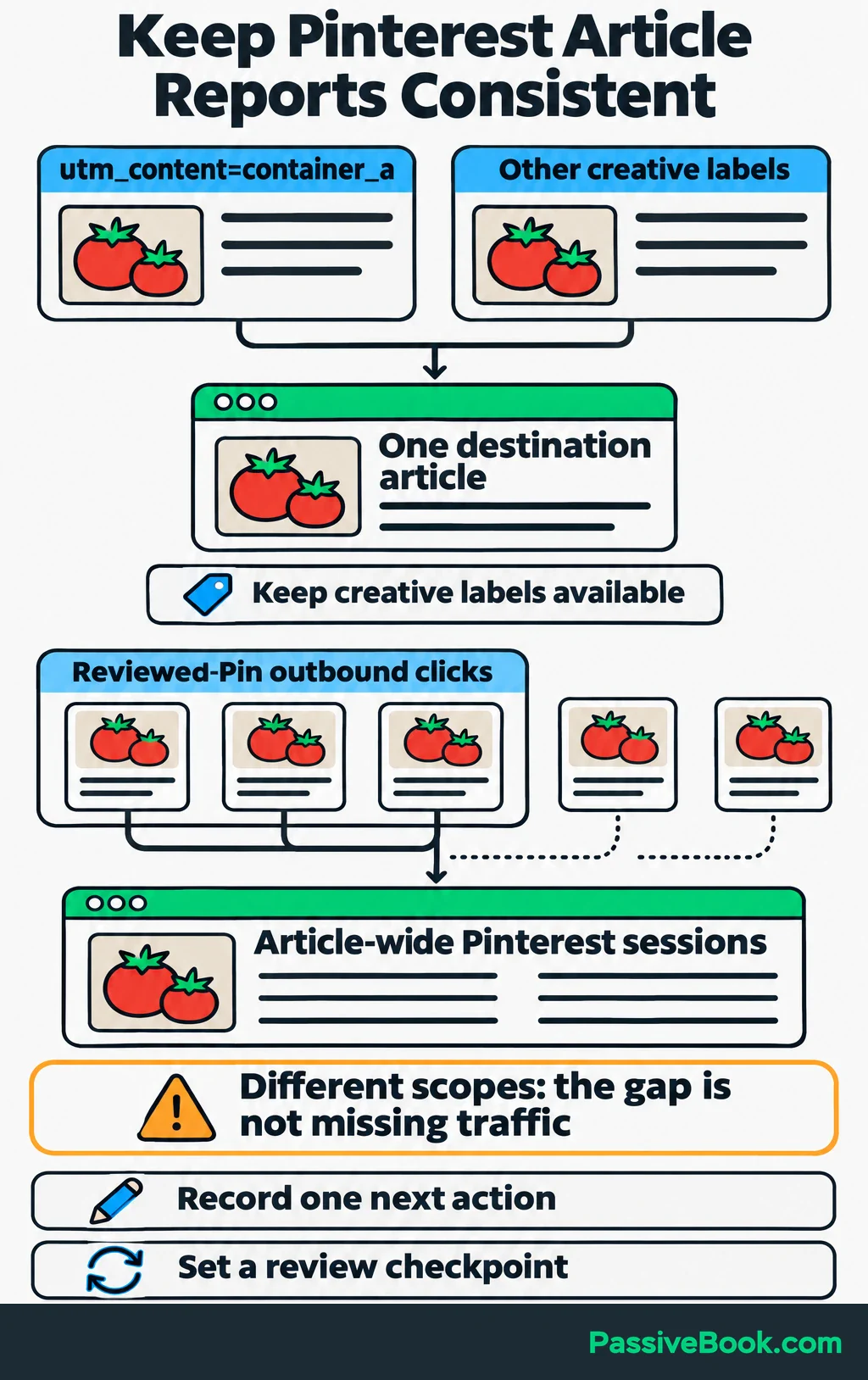
Combine URL variants belonging to the same article when making the summary. Keep the original tracking labels available for creative comparisons.
Don’t treat the difference between reviewed-Pin outbound clicks and article-wide Pinterest-attributed sessions as missing traffic. Other Pins may be sending visitors to that article too.
I would review monthly and check new Pins between reviews for broken links or tracking problems.
End each review with one concrete action: revise a weak Pin, repair a destination, test another concept, improve an article or keep watching.
You can have Claude summarize exported rows and suggest experiments, but check its calculations against the reports. I would automate the recurring summary once the log is useful. An automated report full of impressions is still a report full of impressions.
What Next?
Choose one article receiving Pinterest clicks and list the Pins linking to it. Review those Pins alongside Pinterest-attributed sessions to the article, then write down one change worth testing and a review date.
Use the social buttons to share this guide when your next Pinterest discussion needs to move from popular Pins to actual blog visits.
Which part of the journey needs the most work on your blog: getting seen, earning the click or helping visitors take the next step? Share your answer in the comments, and bring any other questions with it.
Share this post with your friends & followers:


Free Social Performance Workbook