You’ve set aside Thursday evening to write your first newsletter, but the draft keeps growing. There’s an article to link, a product to mention, and no clear reason for a stranger to want the next issue.
That uncertainty makes every send harder, and promoting the signup page becomes another task you keep putting off. Reworking the draft can swallow the evenings you meant to spend reaching readers. This guide connects an affordable launch with publishing and promotion, helping you turn that first draft into a newsletter people can find, subscribe to, and keep reading.
Define a Clear Reason to Subscribe
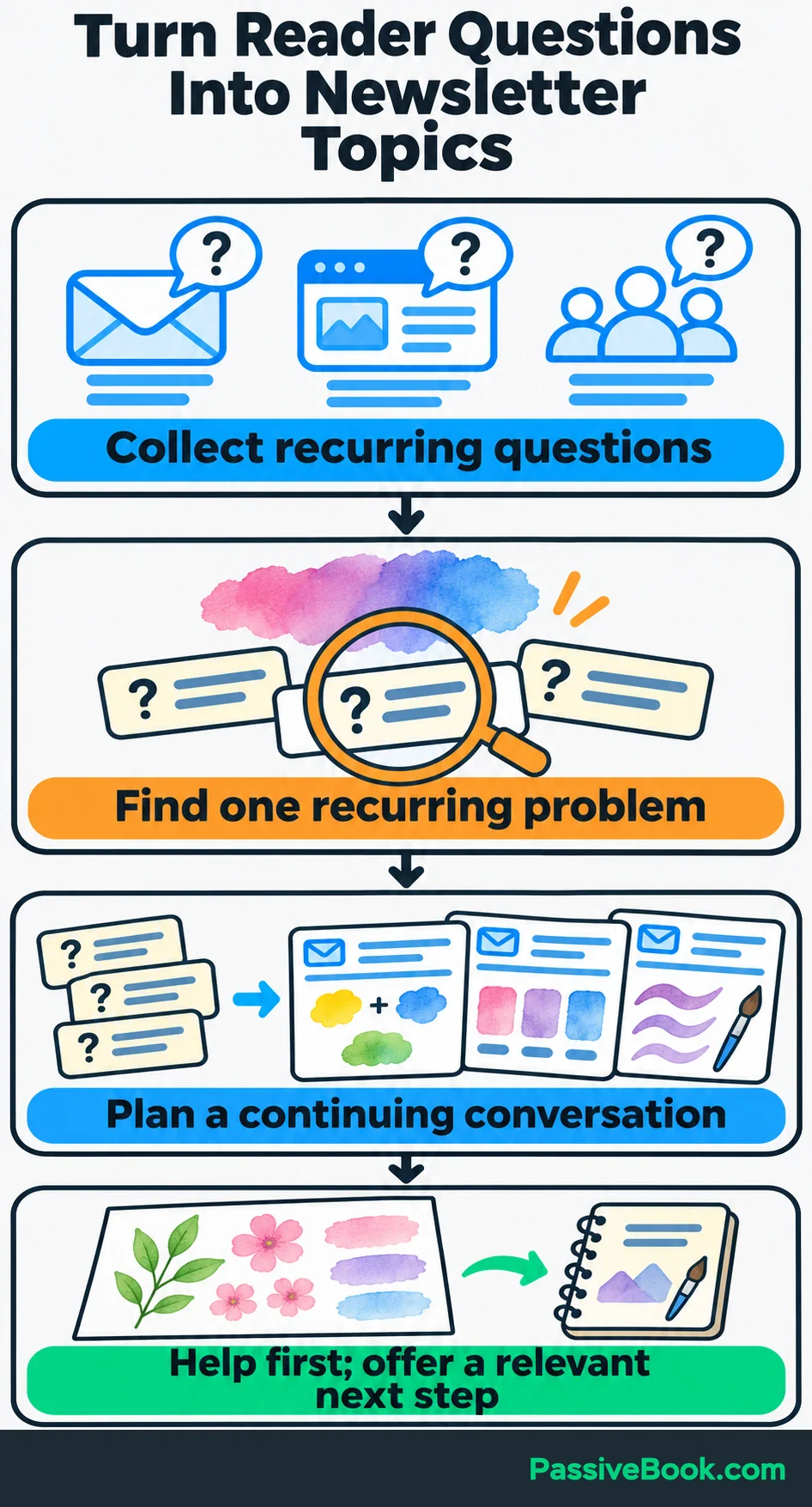
Choose one recurring problem you can help readers solve. “Tips and updates” gives you room to write almost anything, but it gives people little reason to subscribe.
Look through customer questions, comments on your articles, relevant communities, and existing newsletters. Find questions that keep returning and that you can answer with useful detail. You need enough material for a continuing conversation.
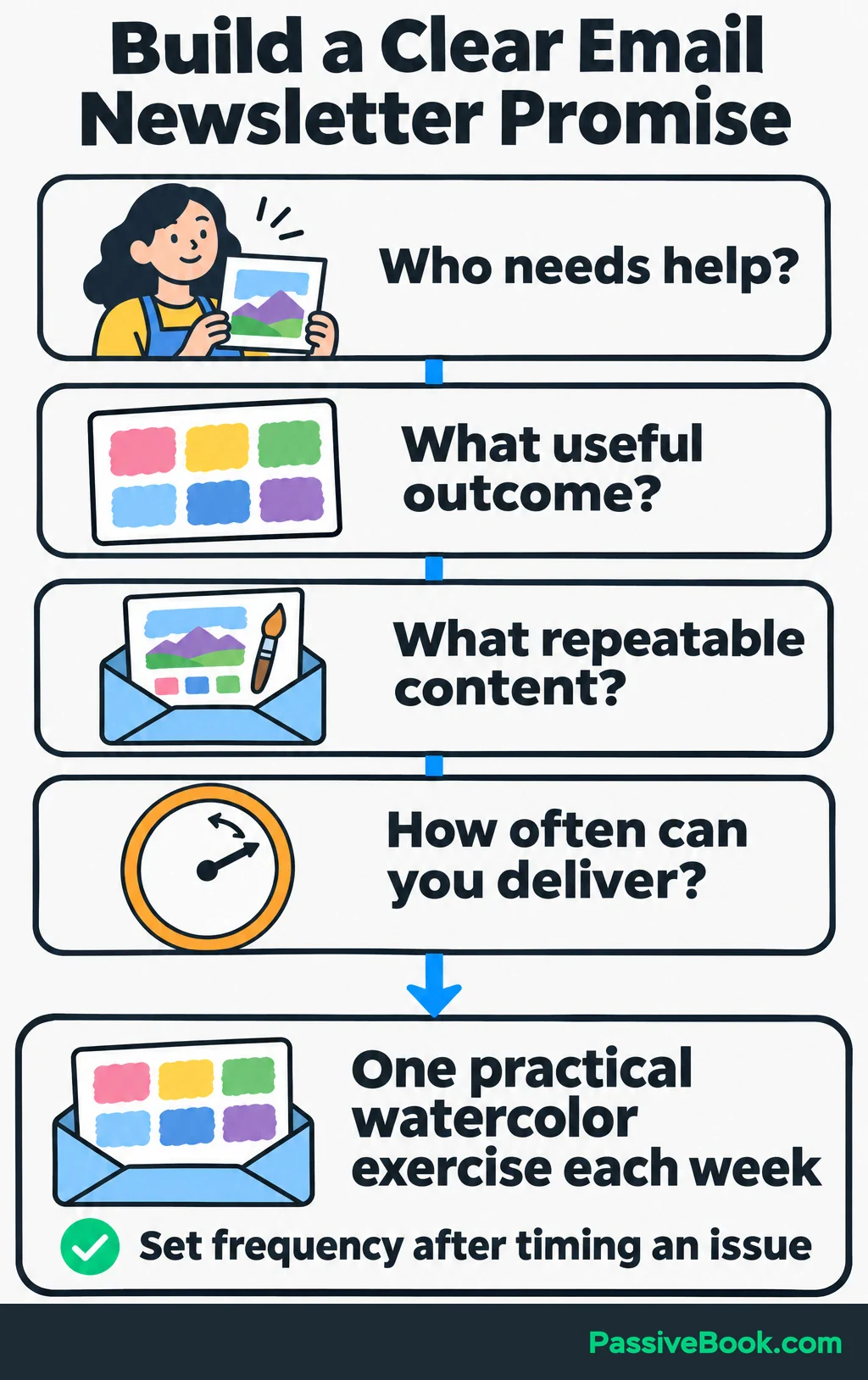
Use this sentence to draft your promise:
For [people with a specific need], this newsletter delivers [useful outcome] through [repeatable content], [frequency].
Leave the frequency provisional until you’ve timed a sample issue.
For the running example, imagine you have a beginner watercolor blog and sell a digital practice workbook. Your newsletter, The Watercolor Note, offers one practical painting exercise per issue. The business, copy, and figures throughout this guide are illustrations.
Its promise could be:
Build your watercolor skills with one practical painting exercise each week.
Now choose one business purpose. For this example, I’d use the newsletter to build interest in the workbook. That gives product mentions and sales tracking a clear role, but each email still needs to help someone paint.
Email gives you a way to contact people who have asked to hear from you beyond a social feed. Keep account access and subscriber exports under your control. That control helps you move providers; readers still decide whether your emails deserve attention.
Create an Issue You Can Publish Consistently
Use a Repeatable Newsletter Template
Give each issue one main outcome. Before drafting, finish this sentence: “After reading, you can…”
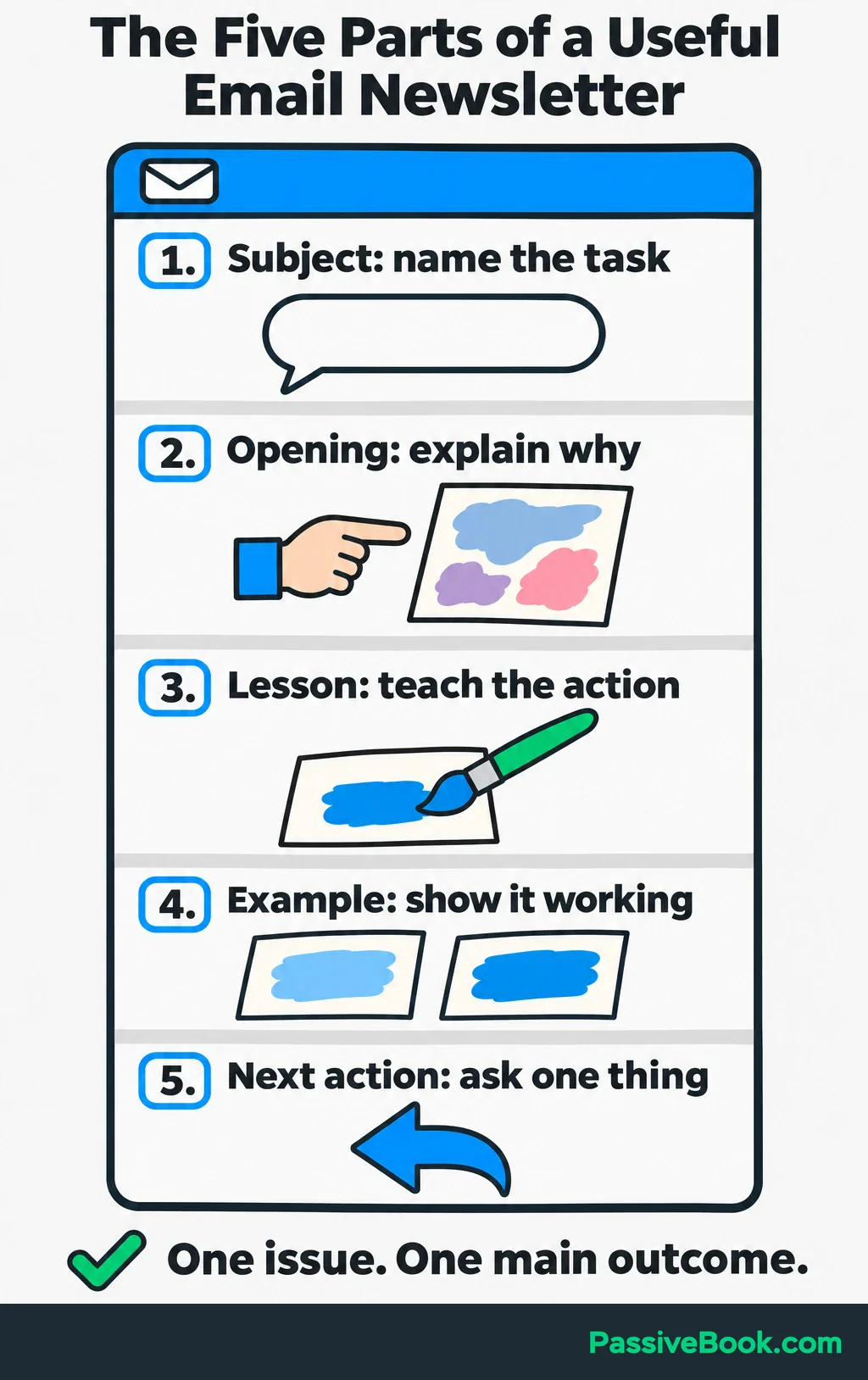
Then build the email around five parts:
- Subject: Name the task, question, or result.
- Opening: Explain why it matters in a few lines.
- Lesson: Teach the action inside the email.
- Example: Show the action or give a short checklist.
- Next Action: Ask for one useful response, such as trying the exercise, replying, or reading a related guide.
An existing article can supply the material, but the email should make sense without a click. “I published something; please leave your inbox to discover whether it’s useful” is a fairly demanding subscription offer.
Here’s a complete issue you can adapt. Replace the signature and footer placeholders, and connect the unsubscribe text through your sending platform.
Subject: Test your color mix before painting
Hi,
Before you use a new color mix in your painting, give it a small test patch.
You’ll have something to check before committing that mix to a larger area.
Try this with the next two colors you plan to combine:
1. Take a scrap of the same paper you’ll use for your painting.
2. Mix the colors and paint a small swatch.
3. Write the color names beside it. Note whether you used more of one than the other.
4. Let the swatch dry, then compare it with the shade you want.
If it needs adjusting, make a second swatch beside the first. Keep both so you can compare them.
You now have a record you can return to instead of trying to remember what was on your palette.
Next week, I’ll share another small exercise you can try before starting a painting.
Which color are you struggling to mix? Hit reply and tell me.
[Your name]
The Watercolor Note
You subscribed for weekly watercolor exercises.
[Valid postal address]
[Unsubscribe]
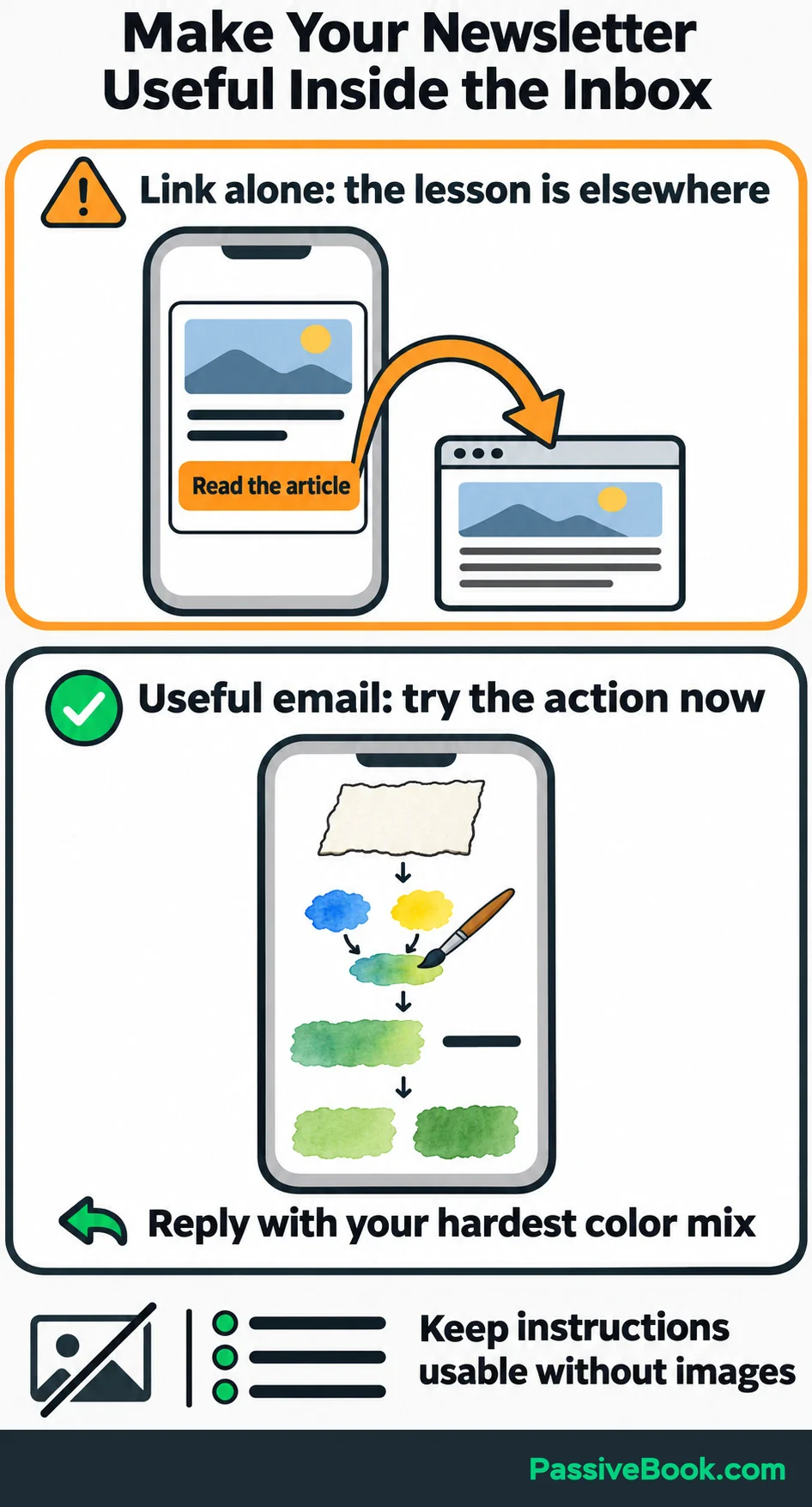
For your own issues, use a simple layout with readable text and descriptive links. Add useful image descriptions when a lesson includes photos, and make sure the instructions still work if images don’t load. Send a test to yourself and read it on your phone.
If you have useful notes but keep reworking the email, AI Messaging Studio can turn them into a first draft. It also helps write the signup and welcome copy that introduce readers to the same promise.

Free AI Messaging Studio




For commercial messages covered by US CAN-SPAM, use accurate sender details and subject lines, identify advertising as required, include a valid postal address and an easy opt-out, and honor opt-outs within 10 business days. The FTC’s commercial-email guide explains these requirements.
Build a Manageable Editorial Routine
Time the whole sample issue, including editing, preparing images, checking links, and scheduling. Then choose a frequency that fits an ordinary week.
I abandoned a membership site after six months because producing constant premium content became unsustainable alongside corporate work. I could make time to build it, but I hadn’t made room for the commitment that followed. That experience makes me cautious about promising a schedule before doing the work once.
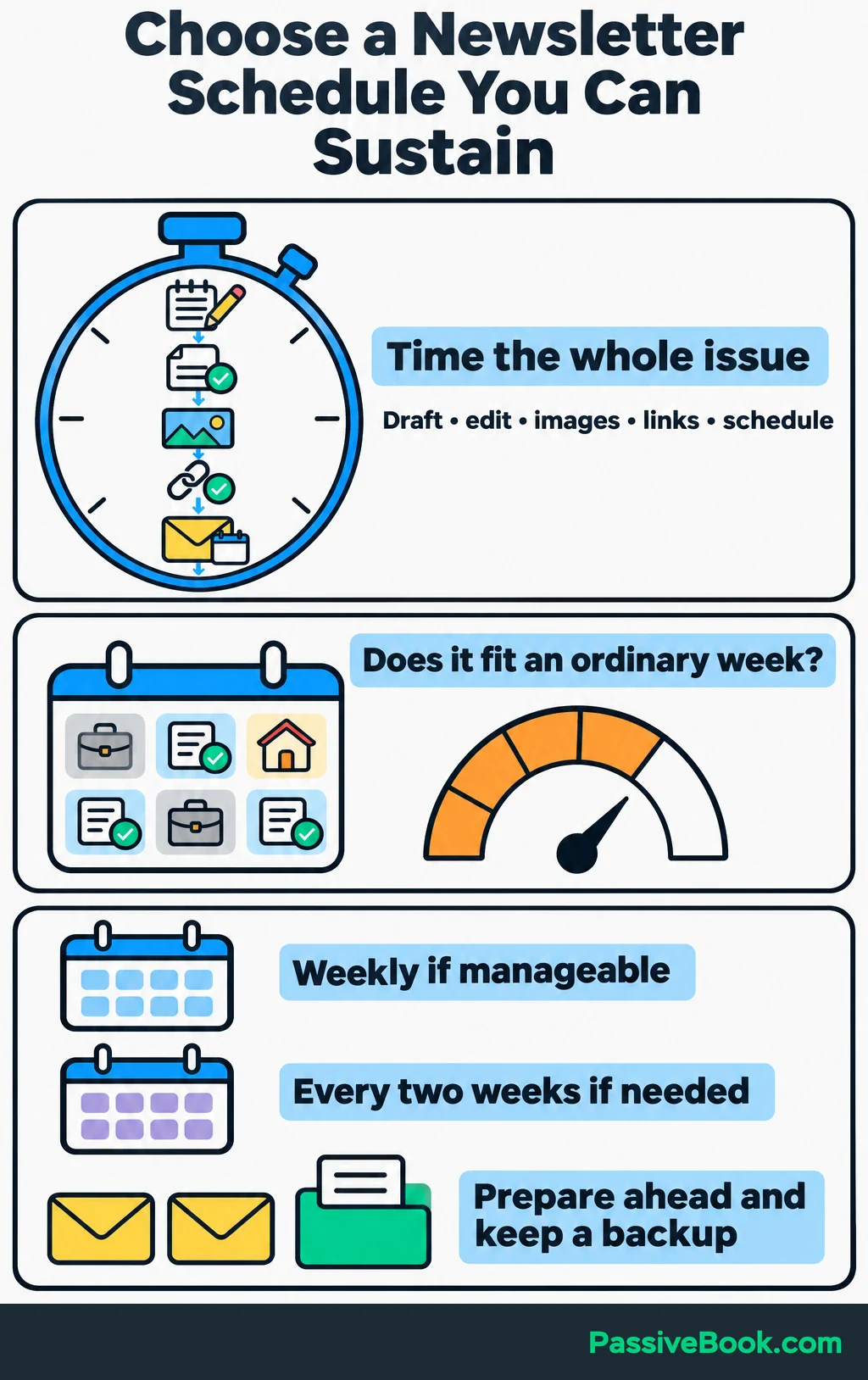
If weekly feels tight, publish every two weeks. Prepare a couple of issues before announcing the schedule, and keep an evergreen lesson ready for interruptions.
Your editorial queue can be a plain spreadsheet:
| Reader Question | Issue Takeaway | Supporting Material | Primary Call to Action | Send Date |
|---|---|---|---|---|
| How do I remember a color mix? | Label each swatch with colors and proportions | Photo of a swatch labeled with its color names and mixing notes | Reply with a difficult color | Next scheduled issue |
| What can I practice when I have little time? | Paint three swatches in five minutes | Workbook page with three swatch spaces | Paint your three swatches | Following issue |
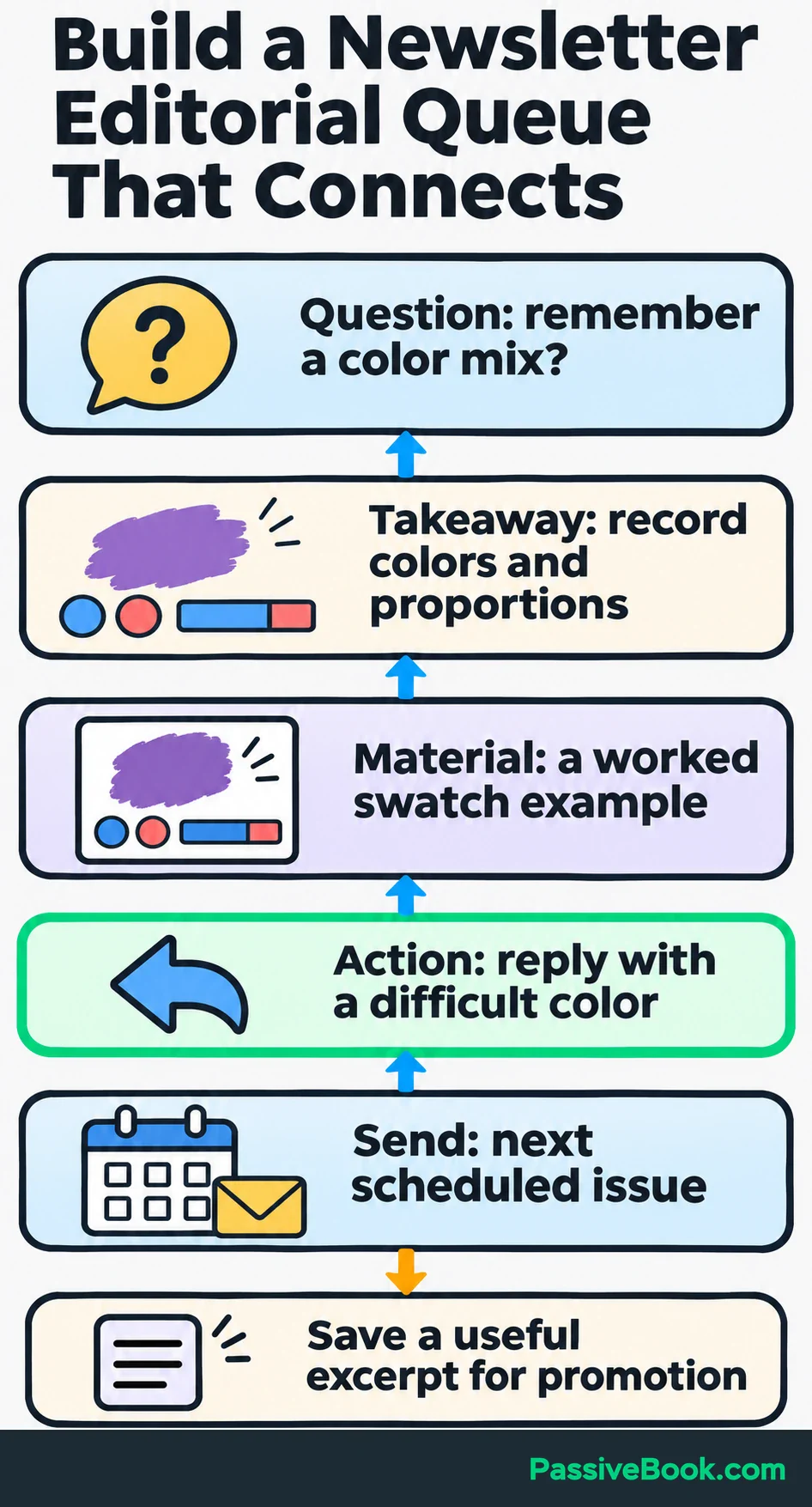
Repeat the same workflow: choose the question, gather material, draft, edit, check, and schedule. Prepare a short promotional excerpt while the lesson is fresh.
AI can organize notes, suggest an outline, or shorten a tangled paragraph. I would keep the teaching decisions and final review with you. A polished explanation still needs to be right.
Choose an Affordable Newsletter Setup
Compare Platforms Against Your Actual Workflow
Before comparing plans, check that each platform can:
- Collect signups and automatically deliver a welcome message and any promised resource.
- Schedule issues and report signups, delivery problems, and reader actions.
- Export subscribers with their subscription status.
| Platform | Suitable Workflow | Free Plan and Sending Limits | Main Upgrade or Maintenance Requirement |
|---|---|---|---|
| Kit | Forms, signup pages, and regular issues | Up to 10,000 subscribers; unlimited broadcasts | Sequences and visual automations need a paid plan |
| MailerLite | Signup page and automatic welcome email | Up to 250 active subscribers; 2,500 emails/month; three active automations | Campaigns and automations share the allowance; upgrade when subscriber, sending, or feature limits are exceeded |
| beehiiv | Standalone newsletter and hosted website | Up to 2,500 subscribers; unlimited sends | Automation workflows need a paid plan |
| FluentCRM | Contacts and campaigns inside WordPress | Email delivery supplied separately | Paid licenses depend on website count; budget for hosting, delivery, and maintenance |
Check the linked plan details before committing, especially the features needed for your welcome message.
For a hosted launch with an automatic welcome email, I’d start with MailerLite. Compare Kit for a creator newsletter or beehiiv for a standalone publication, allowing for any paid features you need.
For an existing WordPress business, I prefer FluentCRM. It manages contacts and campaigns; FluentSMTP connects it to a sending service such as Amazon SES. Its delivery documentation explains that separate service. Self-hosted software still comes with jobs attached.
Compare subscription, hosting, and delivery costs at your current list size and a plausible next stage. For sending limits, count every issue and automated email sent to each recipient.
I would skip advanced referral tools and elaborate automation until you have a publishing routine and a signup path worth expanding.
Prepare Your Sender Identity
Use a sender name people will recognize, a domain you control, and a reply address you check.
Before promoting the newsletter, follow your provider’s domain authentication instructions and verify that setup is complete. Three terms usually appear:
- SPF: Identifies services allowed to send for your domain.
- DKIM: Adds a signature that receiving services can verify.
- DMARC: Checks whether an authenticated domain matches the domain readers see in the sender address and states how failures should be handled.
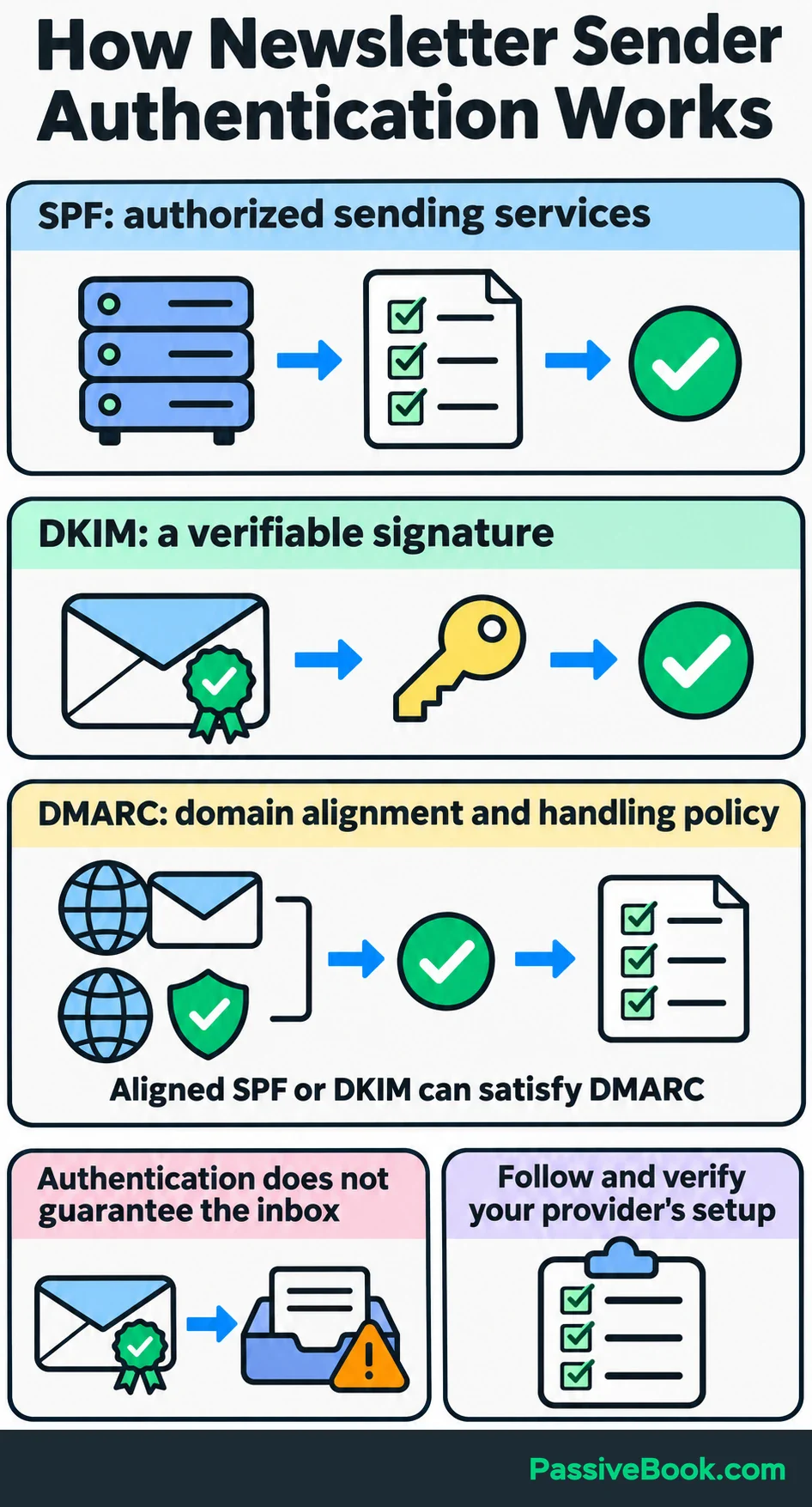
Google recommends all three for mail sent to personal Gmail accounts. Authentication helps receiving services assess your mail but doesn’t guarantee inbox placement.
Enable the platform’s unsubscribe handling too. A reader should be able to leave without negotiating with you.
Build a Signup Experience That Leads Into Useful Emails
Make the Ongoing Value Clear
Create one focused signup page. Explain the reader benefit, expected frequency, and what the emails contain. Include a sample issue, an email field, and a clear subscription button.
A hosted page is enough to launch if you don’t have a website.
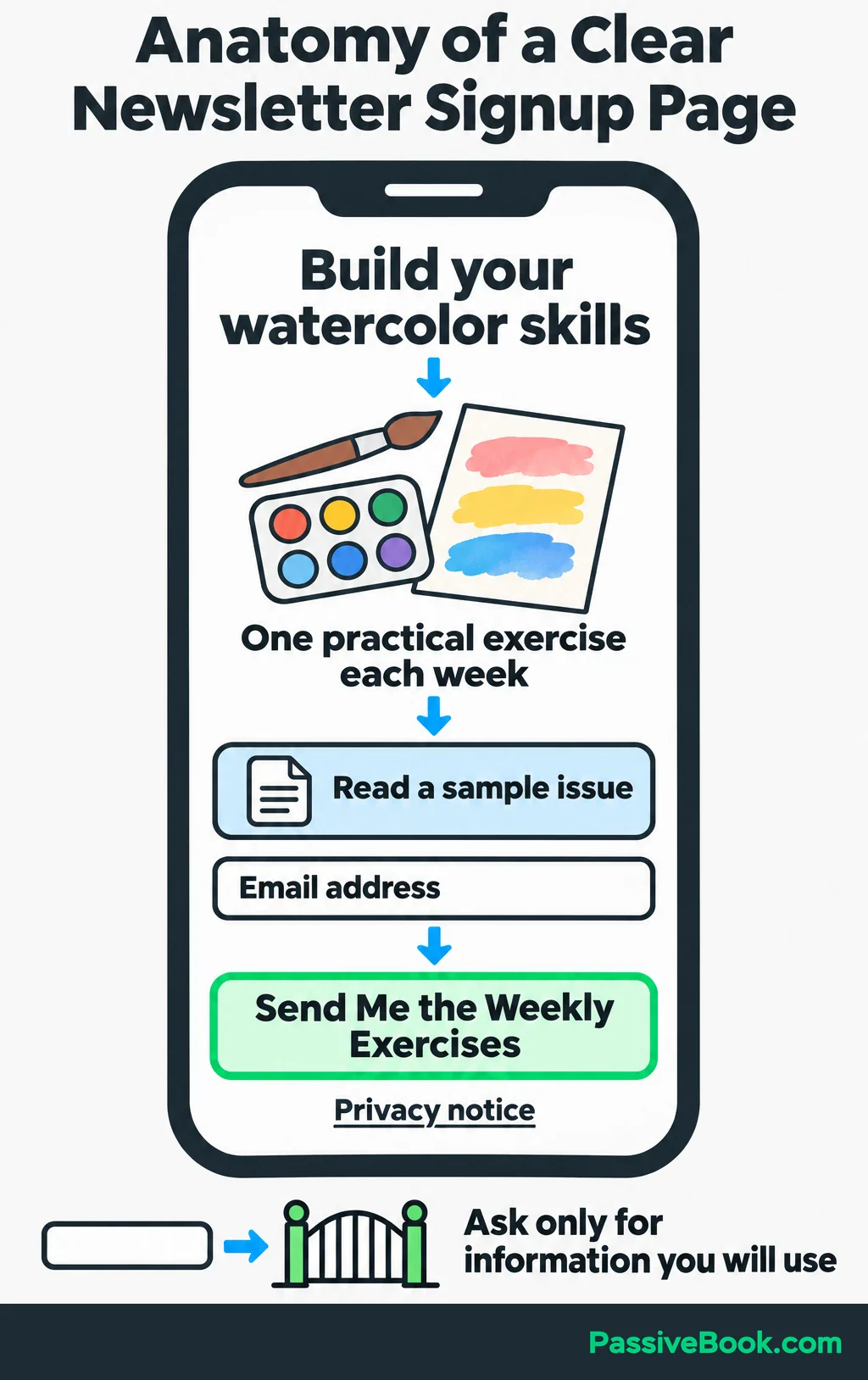
For The Watercolor Note, the main copy could be:
Build your watercolor skills one exercise at a time. Get a practical painting lesson every week.
The button can simply say “Send Me the Weekly Exercises.”
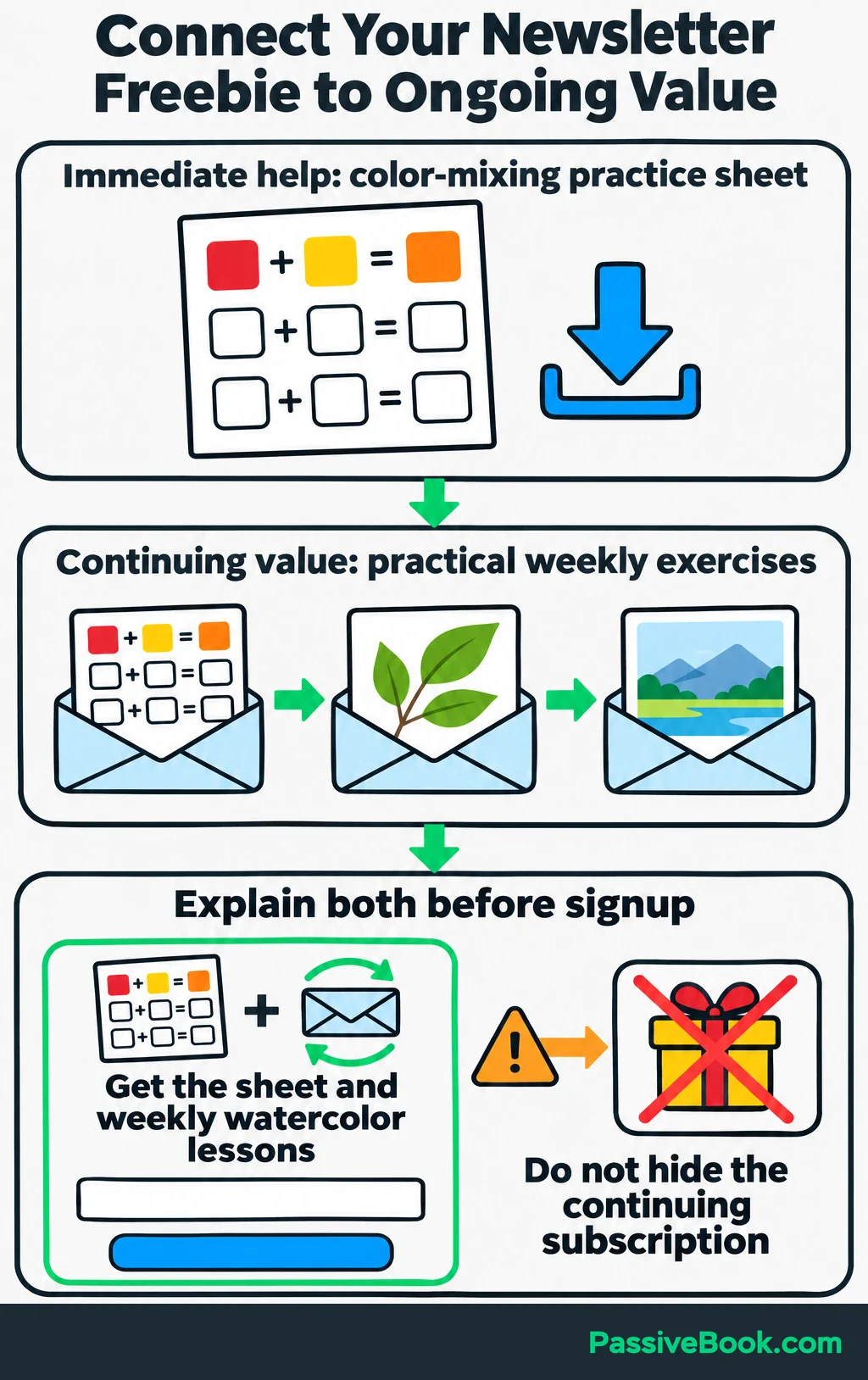
An optional download can help someone get started. Here, a printable color-mixing practice sheet fits the lessons that follow. Keep the weekly newsletter promise beside the download offer so people understand the continuing subscription.
Ask only for information you’ll use. An email address is enough to begin. Where your platform supports it, save the signup source through distinct forms or tracked links.
Explain how you’ll use subscriber information, link a privacy notice, and retain records of permission. UK PECR generally requires consent for unsolicited email marketing to individual subscribers unless a qualifying exception applies. Pre-ticked boxes don’t establish consent, as the ICO’s email-marketing guidance explains.
Welcome Subscribers Automatically
Set up a welcome email that starts when someone completes signup. Use a plan that supports this workflow.
Deliver the promised resource, suggest one small first action, and explain what comes next. A short passage might read:
Here’s your color-mixing practice sheet. Start with one pair of colors you already own, and record your first swatch.
I’ll send you one practical watercolor exercise each week. What is the hardest part of learning watercolor for you?
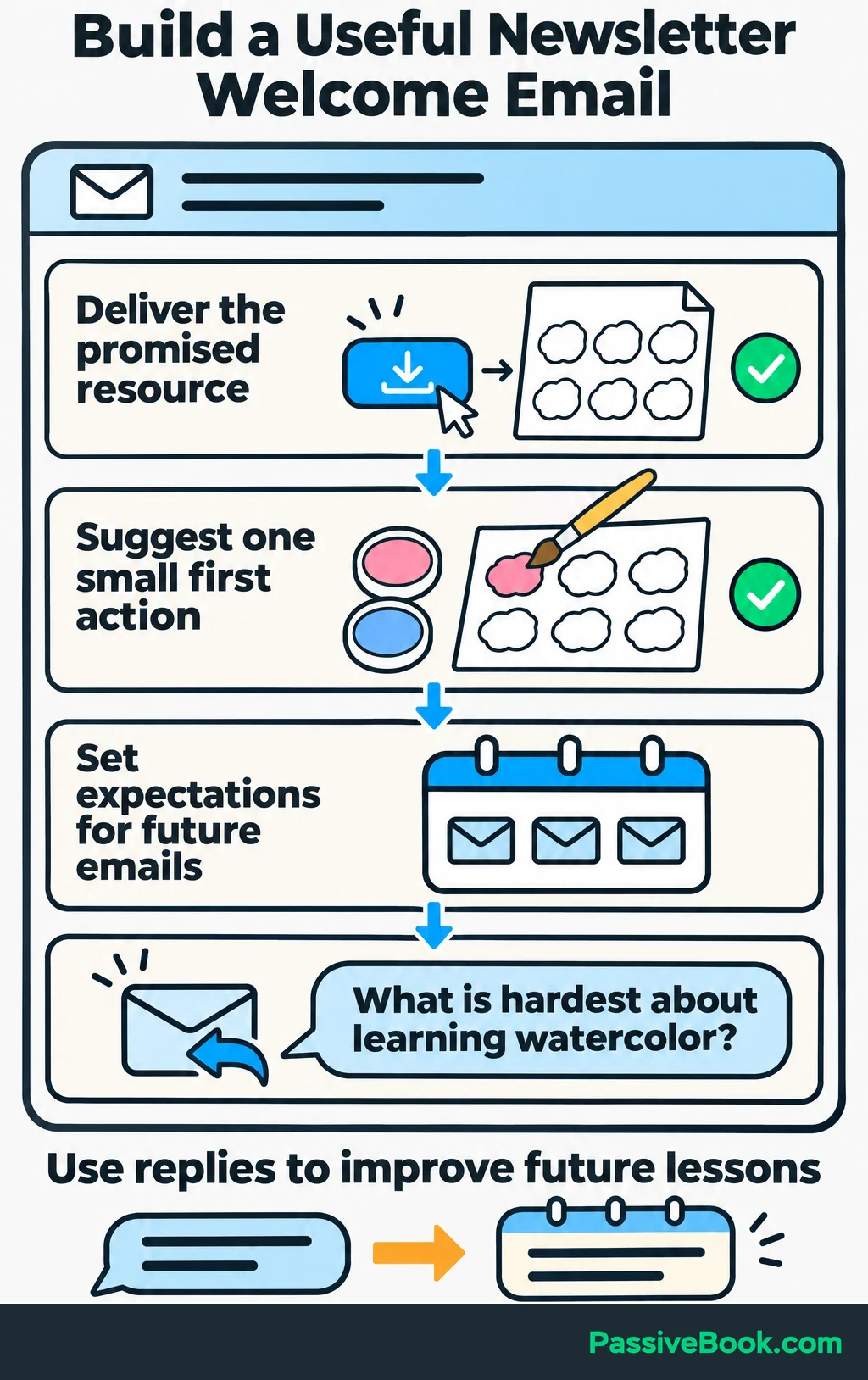
That question gives you material for future issues and gives readers an easy way to begin a conversation.
Address confirmation and welcoming serve different purposes. Confirmation checks access to the address; the welcome message starts the reader experience. If you enable confirmation, explain that step on the page people see after signing up.
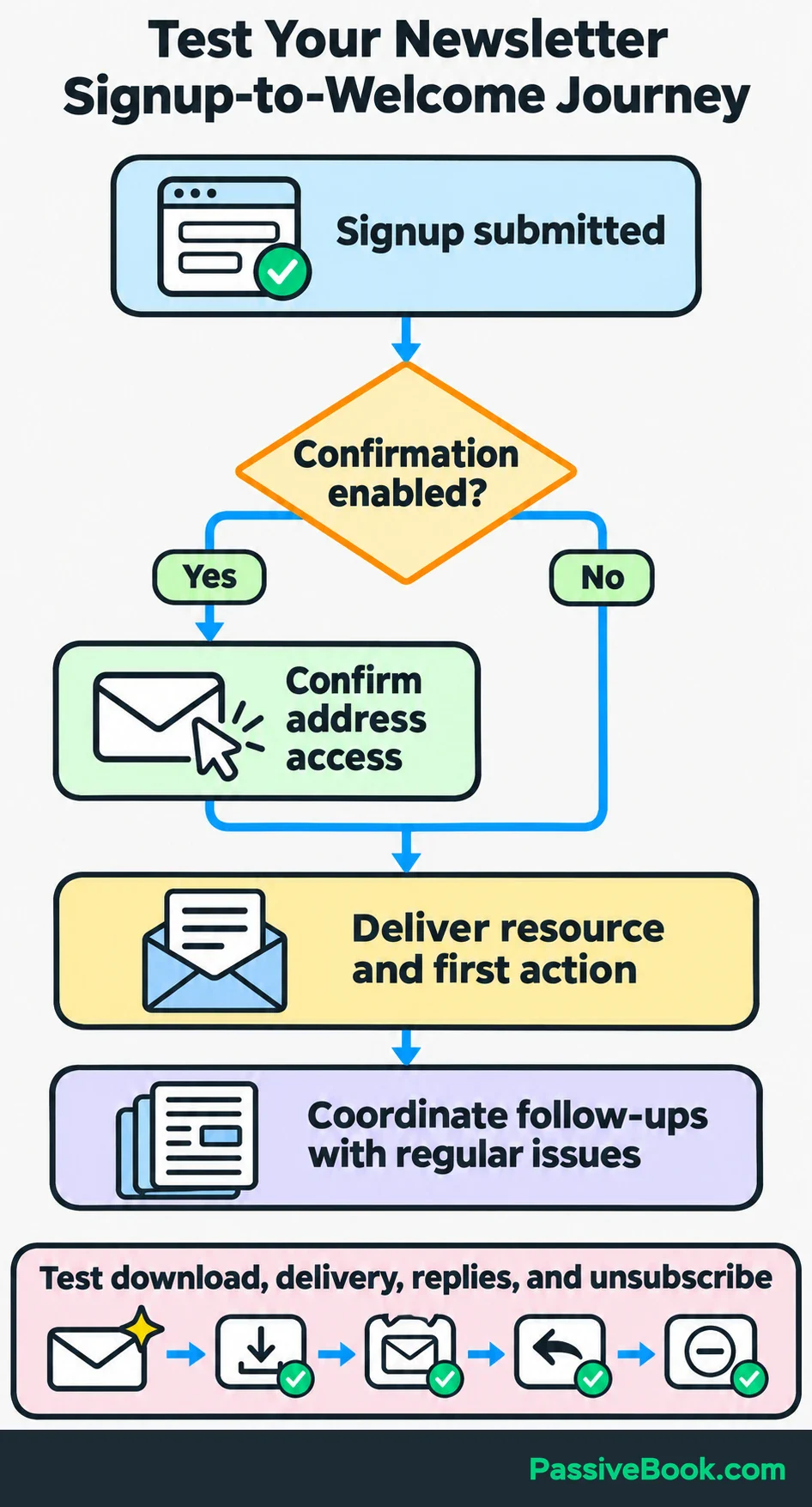
Add follow-ups only when they help someone use the resource. Check how they overlap with regular issues so a new subscriber doesn’t receive an unexpected burst of messages.
Before launch, test with a fresh address. Check signup, confirmation when enabled, the download, welcome delivery, replies, and unsubscribe.
Attract Your First Interested Subscribers
Start where relevant conversations already happen. Share the public sample and signup page with interested contacts, and let them choose whether to join.
Don’t import your address book or assume a customer’s purchase means they want a newsletter. You’re building a permission-based audience.
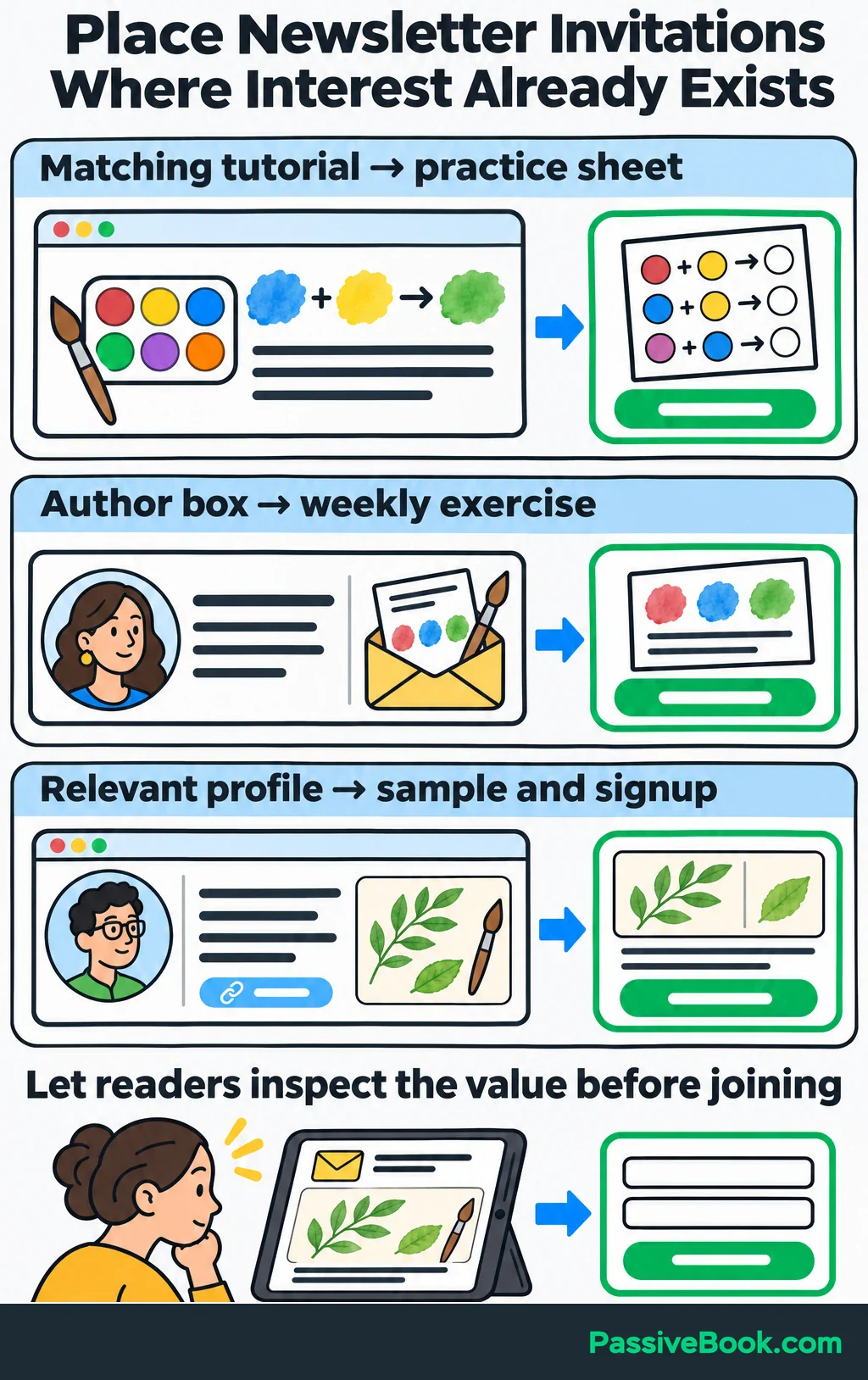
Add specific invitations beside useful material you already have:
- A color-mixing tutorial can offer the matching practice sheet.
- Your blog’s author box can explain the weekly exercise.
- A relevant profile description can link to the sample and signup page.
The invitation should make the next step clear:
Want another watercolor exercise to try? Read a sample and join The Watercolor Note.
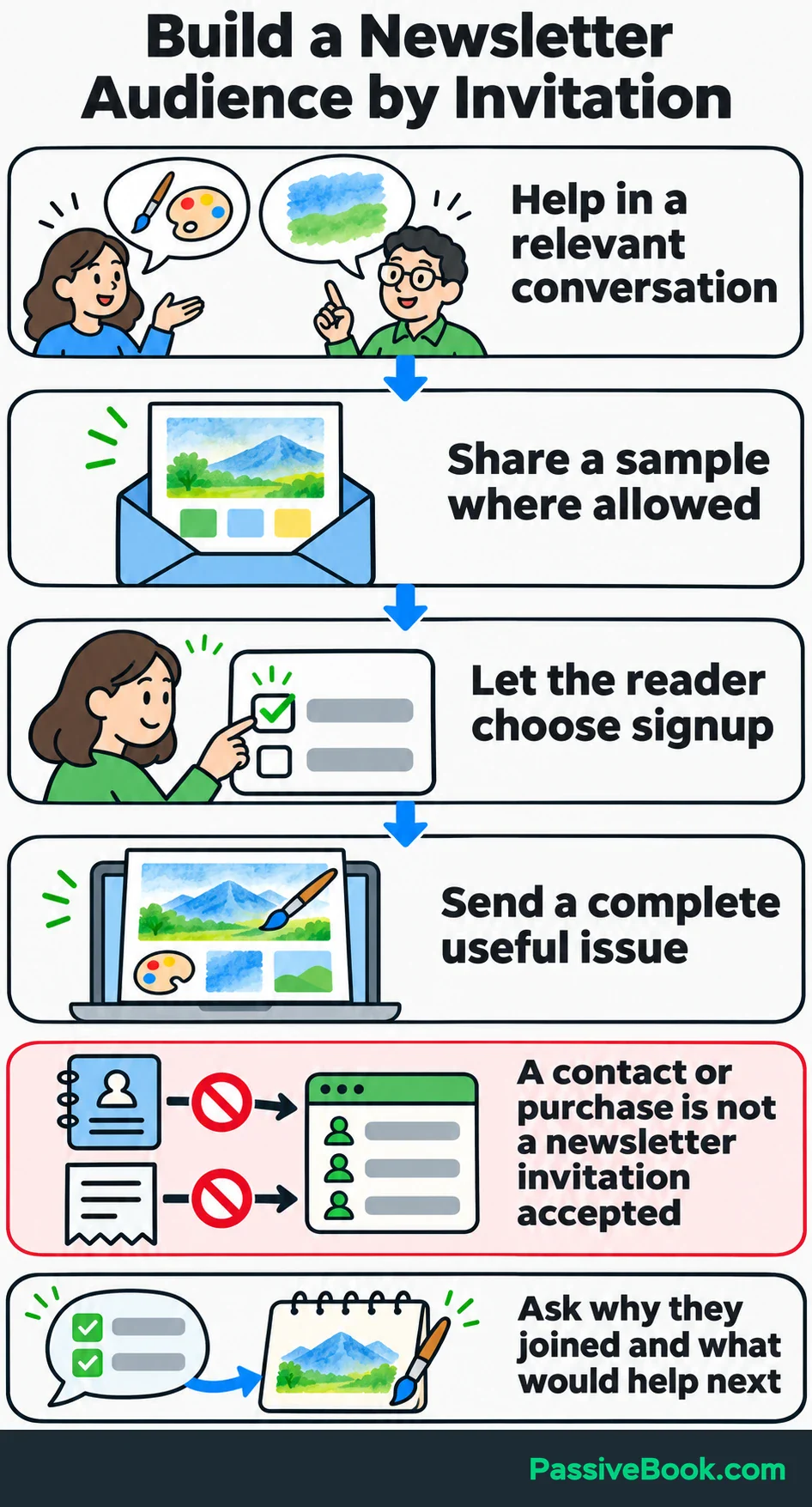
Starting without an audience takes more direct participation. Answer questions in a relevant community, and share the sample where its rules allow promotion. Those questions also help you find better issue topics.
Send the first complete issue to people who opted in, even if the list is small. Ask what persuaded them to join and what would make the next lesson more useful. You can act on those answers before you have enough data to interpret a chart.
Build One Repeatable Organic Growth Channel
Choose one discovery channel you can maintain alongside the newsletter. Look for places where prospective readers already seek the kind of help you provide.
Search-focused articles suit questions that need explanation. Pinterest suits material you can demonstrate visually. Written social posts and community answers can work when useful discussion is already happening there.
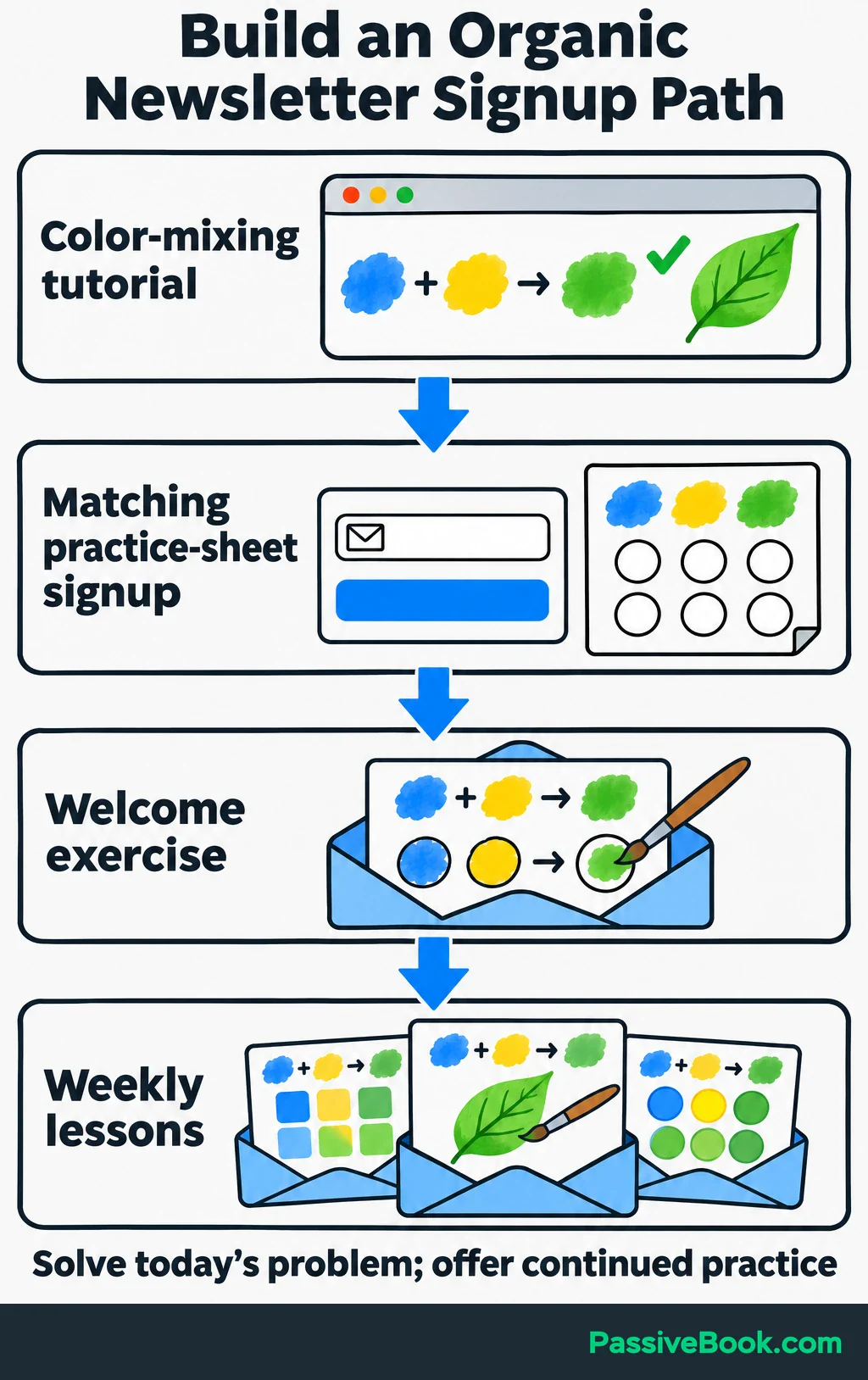
For the watercolor example, I’d start with search-focused tutorials on the existing blog. Each tutorial can lead to a closely related signup offer:
Color-mixing tutorial → practice-sheet signup → welcome exercise → weekly lessons
The tutorial should solve its immediate problem. Then the newsletter offers continued practice.
This also gives your newsletter material a second use. Turn the swatch lesson into a short public demonstration or checklist, and invite readers to receive the next exercise. Keep a public sample available so they can inspect what they’re joining.
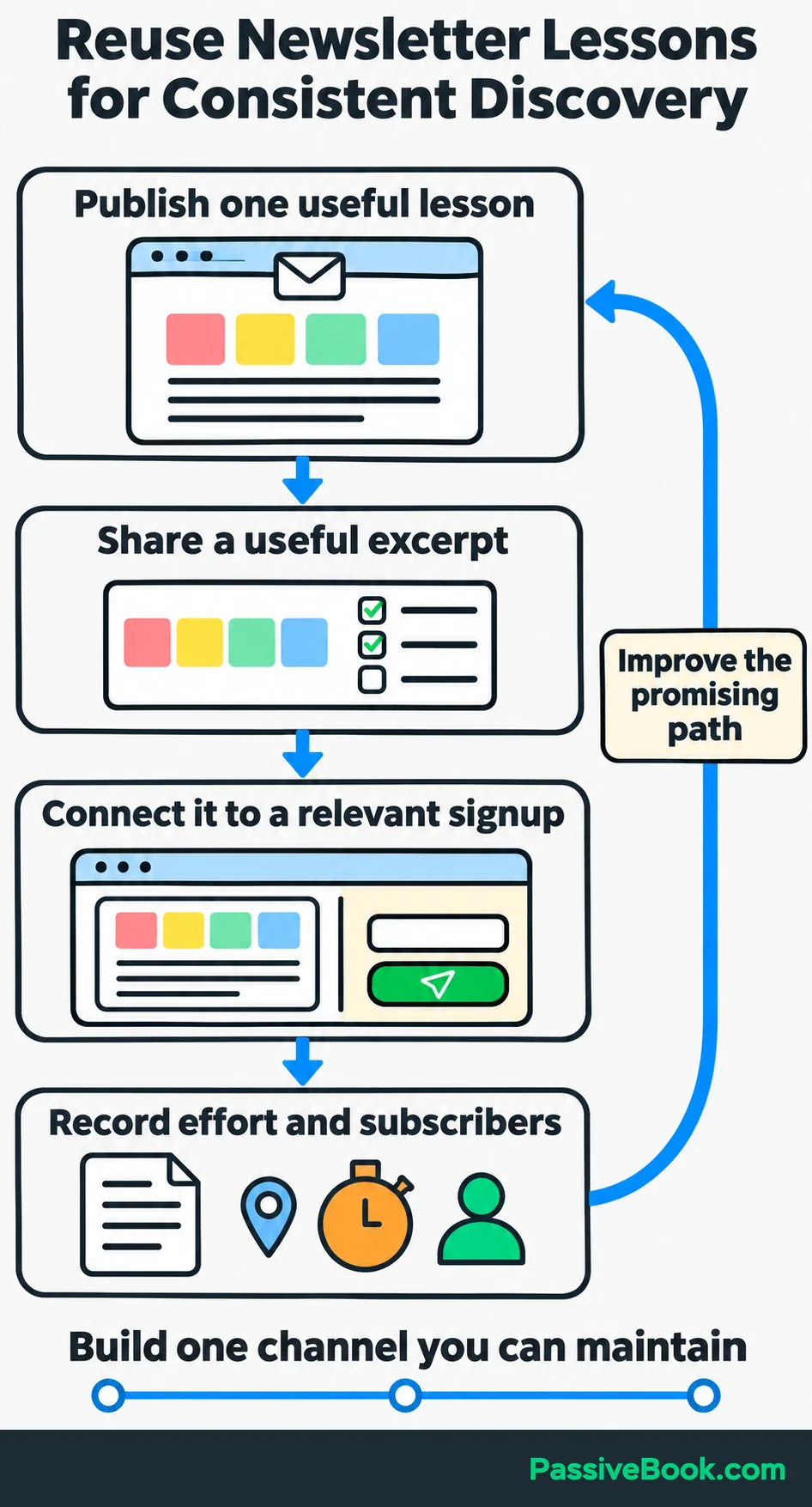
Give distribution a recurring place in your calendar. After publishing an issue, update one relevant article, share one useful excerpt, or answer one related question.
Record the content, placement, time spent, and subscribers it brings. I’d improve a promising path before adding another channel. Five neglected profiles create plenty of work without telling you which invitation works.
Use related questions to expand your discovery content. Someone reading about mixing green may also need help keeping a record of useful combinations. That gives you a reason to create another useful article rather than repeat the same signup pitch everywhere.
Give Subscribers Reasons to Stay
Keep delivering what the signup page promised. If readers joined for practical exercises, product announcements shouldn’t quietly take over the schedule.
Use replies and occasional short surveys to find missing topics. When a reader says an exercise was confusing, check where the explanation failed before adding more material.
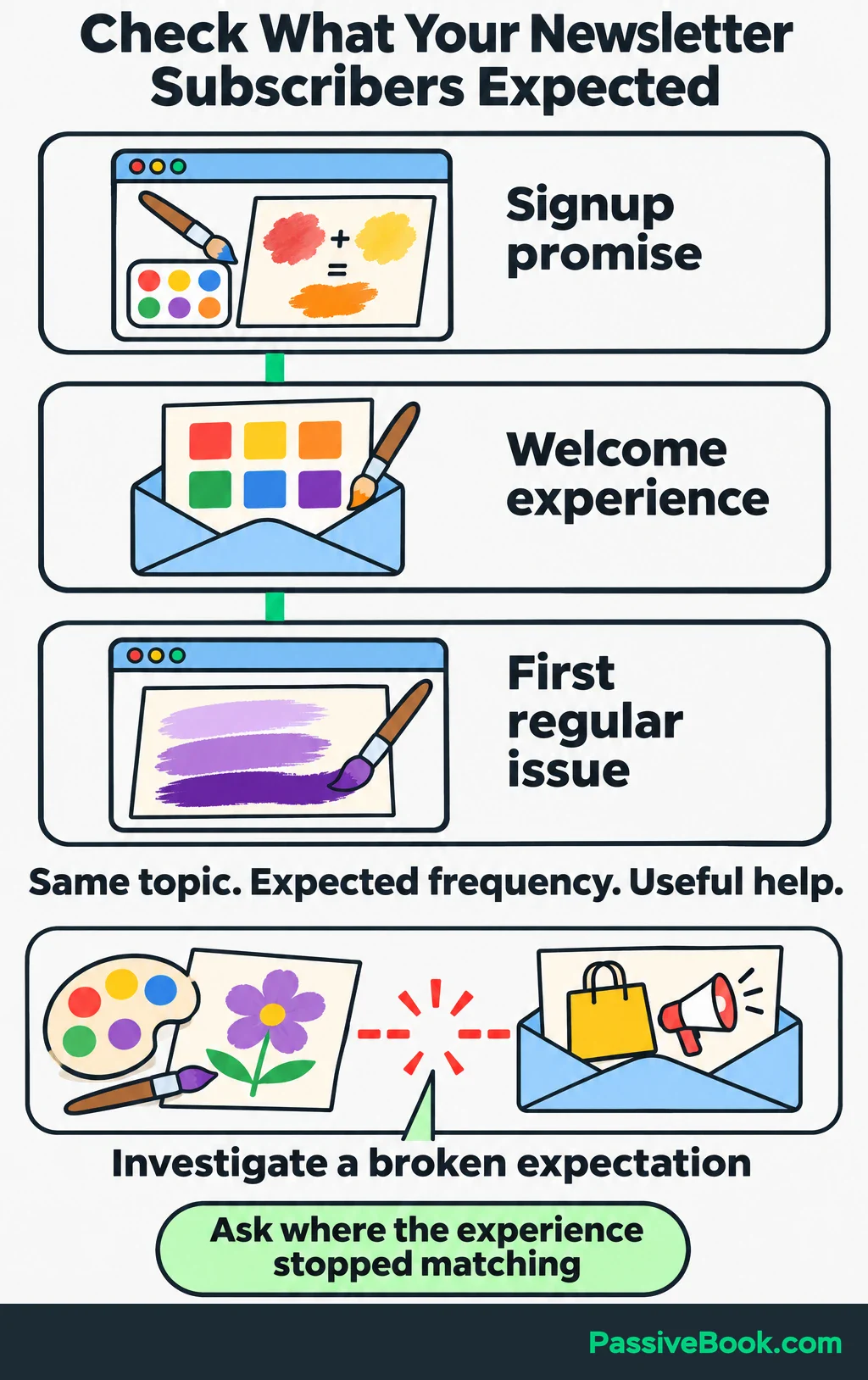
If people leave soon after joining, compare three things: the signup offer, welcome email, and first regular issue. A download about color mixing followed by unrelated emails may have created expectations you didn’t meet. Optional unsubscribe feedback can help explain the mismatch.
Only divide subscribers into groups when different interests justify different emails. Readers who requested extra color-mixing help might receive a related resource, while general painting lessons still go to everyone.
Introduce your product when it helps with the next step. After a useful exercise, you could explain that the workbook provides more practice pages. Readers who don’t buy should still leave with something they can use.
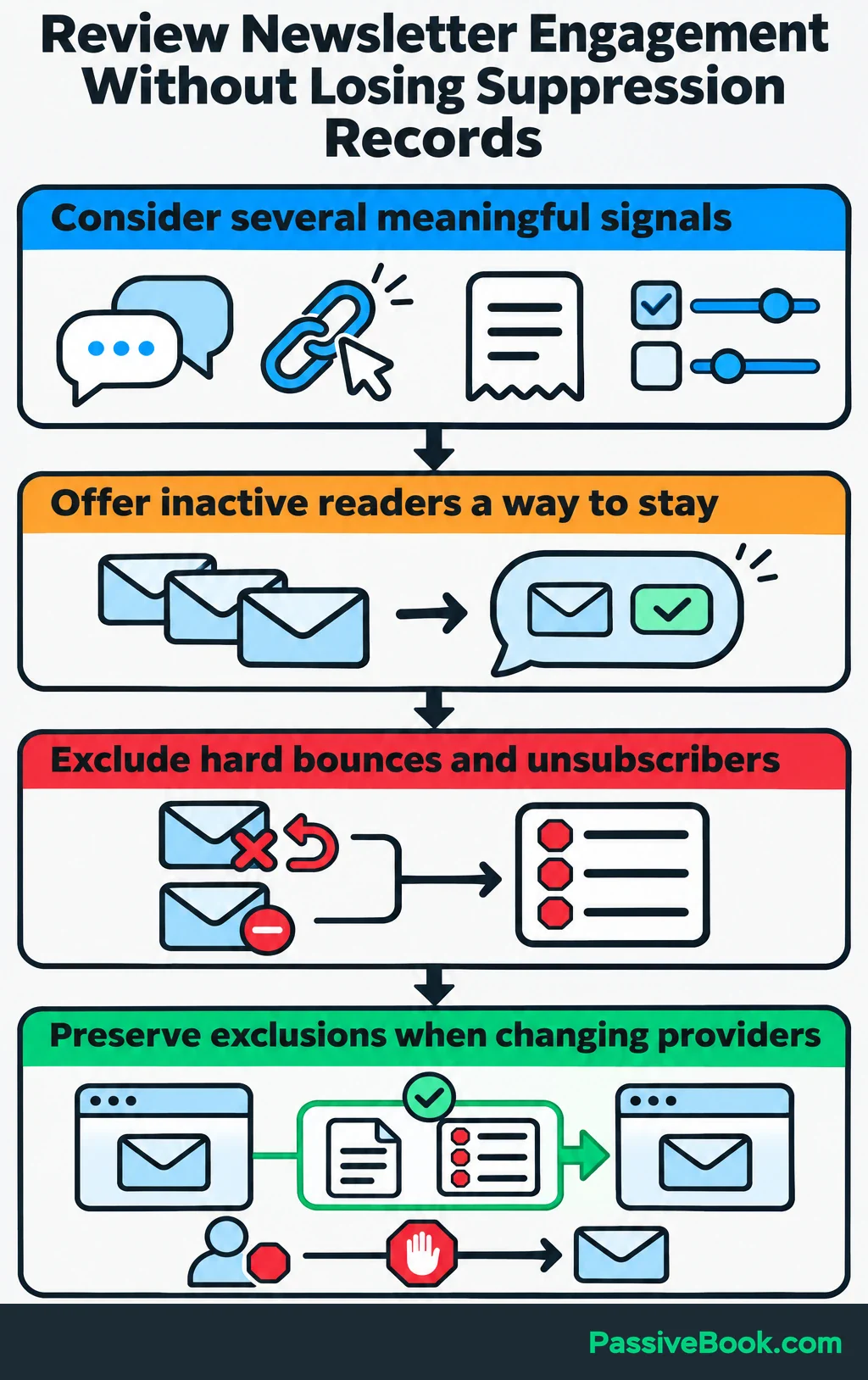
Review bounces, complaints, and delivery failures after sends. Stop sending to hard-bounced addresses and unsubscribers, investigate sudden changes, and increase sending volume gradually. These practices also appear in Google’s sending recommendations.
Judge disengagement across several chances to participate. Consider replies, relevant clicks, purchases, and stated preferences. Before stopping regular sends to persistently inactive contacts, offer a brief way to confirm they still want the newsletter.
Keep suppression records—the addresses you must exclude from sends—when changing providers. An export should not accidentally give an unsubscribed reader a fresh start on your mailing list.
Measure Growth and Fix the Bottleneck
Track enough to decide what to improve. A huge dashboard is optional.
Start with signup-page visits, completed signups by source, unsubscribes, other removals, meaningful reader actions, and your chosen business outcome. If you require subscribers to confirm their email address, count only confirmed signups.
To find your signup conversion rate, count completed signups from the signup-page visits you’re measuring. Use the same period for both.
For example, if 500 visits in a month produce 40 completed signups:
40 ÷ 500 × 100 = 8%
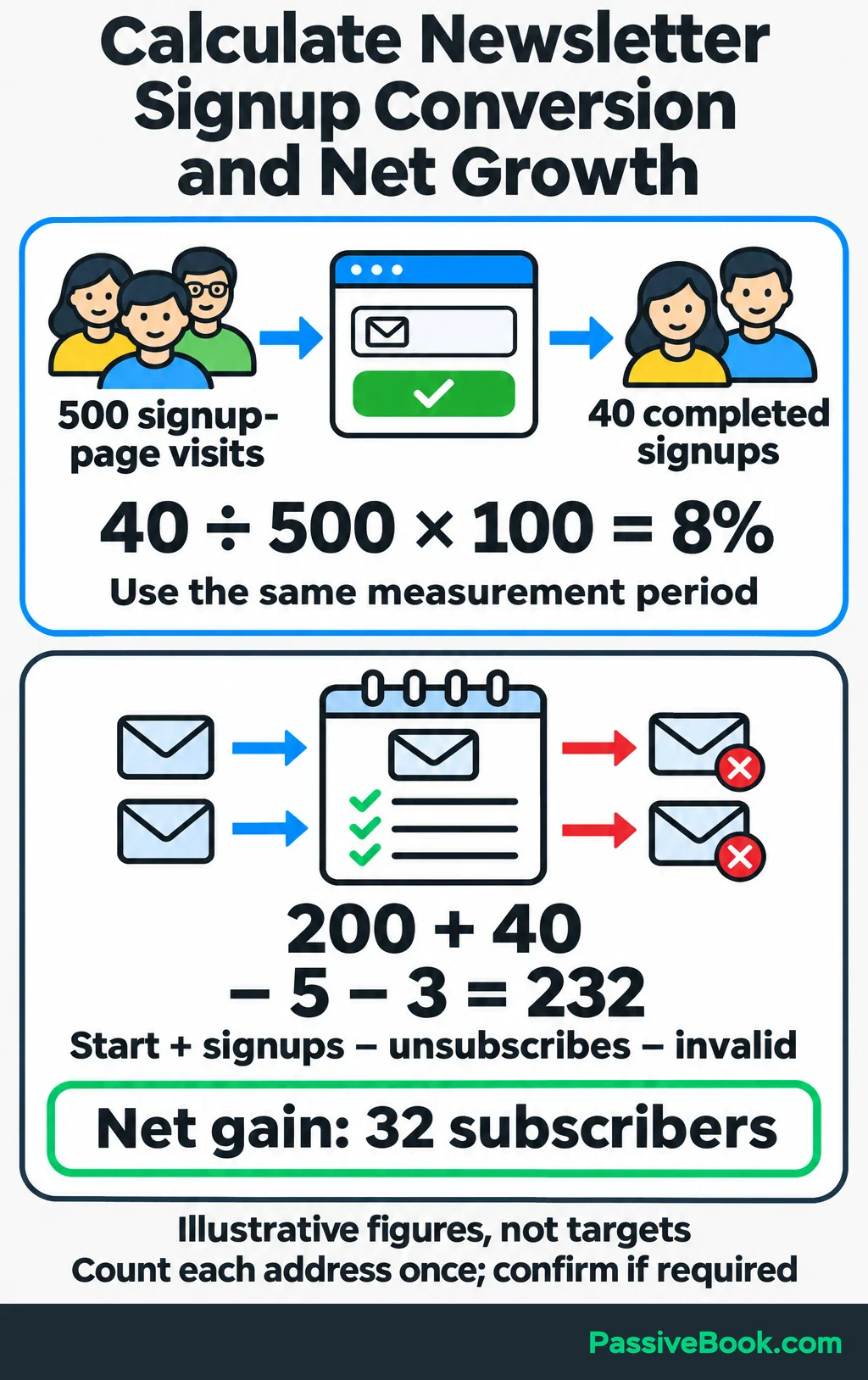
Then reconcile the active list. Begin with the starting subscribers, add completed signups, and subtract departures and invalid addresses. Count each address once.
If you started with 200 subscribers, added 40, lost five to unsubscribes, and removed three invalid addresses:
200 + 40 − 5 − 3 = 232 subscribers
That’s a net gain of 32. These figures explain the arithmetic; they aren’t performance targets.
Keep these figures in one sheet. Use source rows to compare acquisition, and record total list size separately once per period.
Treat opens and clicks as clues. Apple’s Mail Privacy Protection can download tracking content without the recipient reading the message. Automated scanners can also inflate clicks, as Mailchimp explains. Compare those numbers with replies, site activity, and purchases.
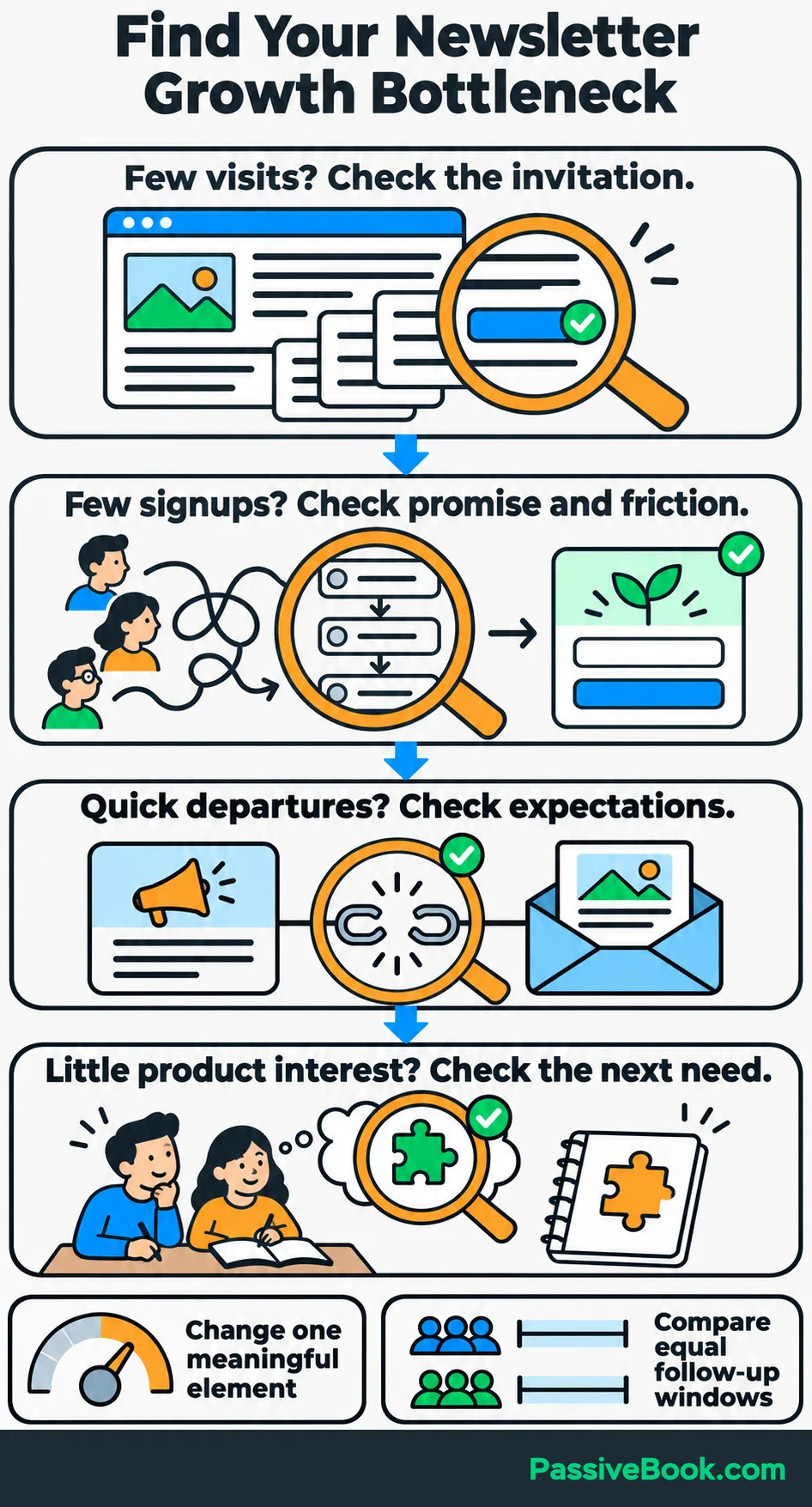
Match the next change to the weak point:
| What You See | What I’d Check First |
|---|---|
| Few relevant people visit the signup page | Check whether the matching tutorial includes a visible signup invitation |
| People visit but rarely subscribe | Read the promise and sample together, then test how much work signup takes |
| People subscribe and quickly leave | Compare the promised topics and frequency with the welcome email and first issue |
| Readers participate but show little product interest | Ask what readers want to practice next, then check whether the workbook helps |
Change one meaningful element at a time. With a small list, a handful of responses can move a percentage sharply, so use reader conversations to help interpret the numbers.
When comparing sources, give subscribers the same follow-up window. People who joined yesterday haven’t had the same chance to reply or buy as people who joined a month ago.
Expand the Channels That Bring Engaged Subscribers
Repeat and Improve Successful Acquisition Paths
Look for sources that bring people who stay and take useful actions. Then compare that contribution with the work needed to maintain each source.
A tutorial that keeps bringing interested readers may deserve an update and a related follow-up article. A recurring promotion that needs hours of preparation but attracts little participation may deserve less time.
Trace the strongest path from discovery through signup and welcome. Improve its weakest step before producing more of everything.
Once the work is established, automate welcome delivery, scheduling, source recording, and recurring reports. Your platform may cover most of this. Make or n8n can connect separate tools when a repeated task justifies the setup.
Keep reader feedback and editorial review in your routine. I want software moving information around so I can spend more time deciding what deserves an email.
Partner With Complementary Publications
Find publications whose readers share a relevant interest but come for a different purpose.
A sketching publication could be a useful partner for The Watercolor Note. Its readers may want to add watercolor to their drawings, and a guest exercise could help them try it.
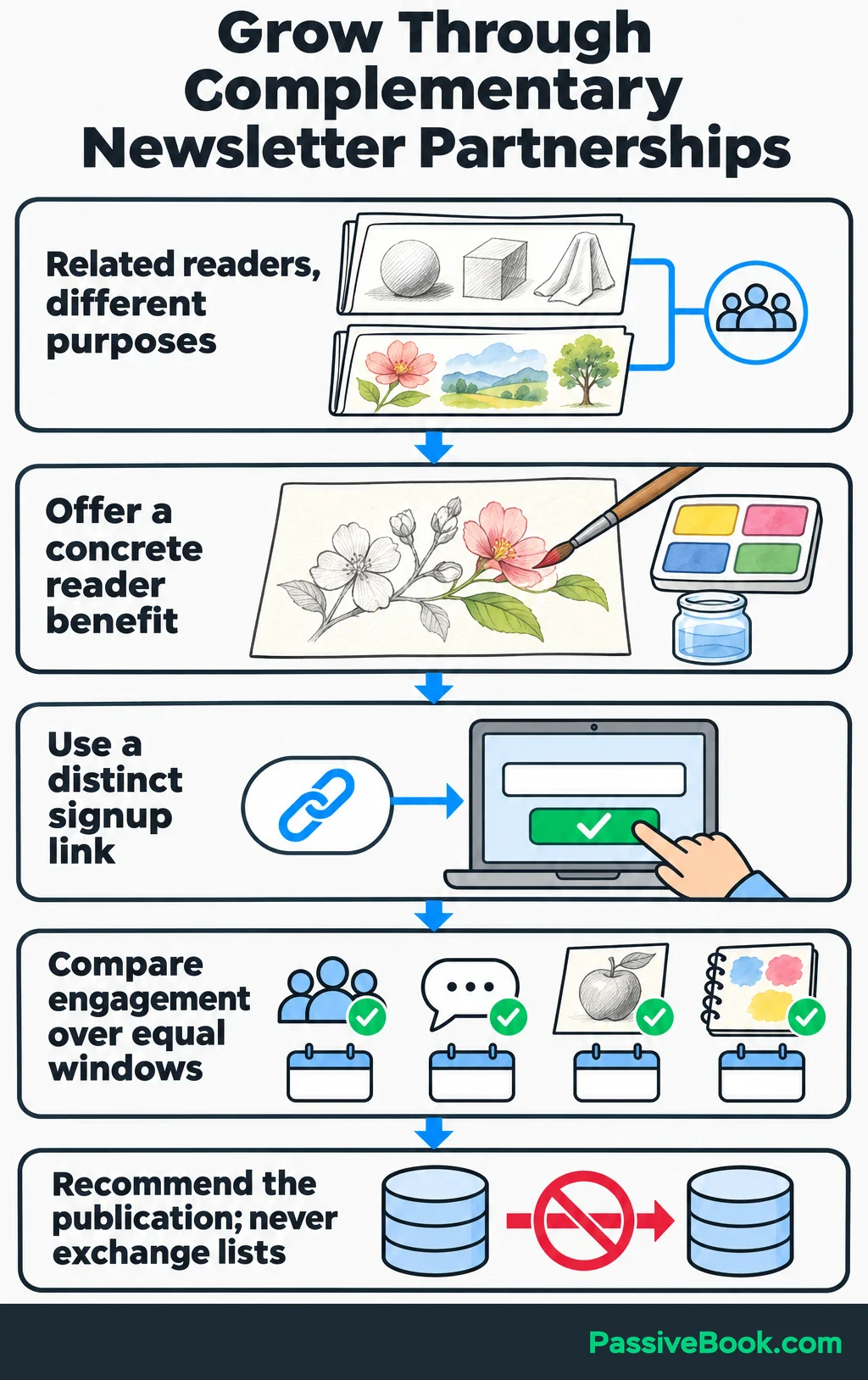
Propose something concrete: a lesson, interview, joint resource, or editorial recommendation. Explain the reader benefit and offer a sample so the other publisher can judge the fit.
Send interested readers to a signup page. Don’t exchange subscriber lists.
Give each collaboration a distinct signup link, and look beyond its initial signup count. Check whether those subscribers stay, reply, use the lessons, or show interest in the workbook over the same follow-up period you use for other sources.
Make Useful Issues Easy to Share
Publish a public version of useful issues with a clear subscription invitation. Give readers a clean URL they can cite in their own posts or resources.
The swatch exercise could become a public sample because it demonstrates the newsletter’s promise: one manageable painting task. Include enough instruction for a visitor to try it, then explain what subscribing adds.
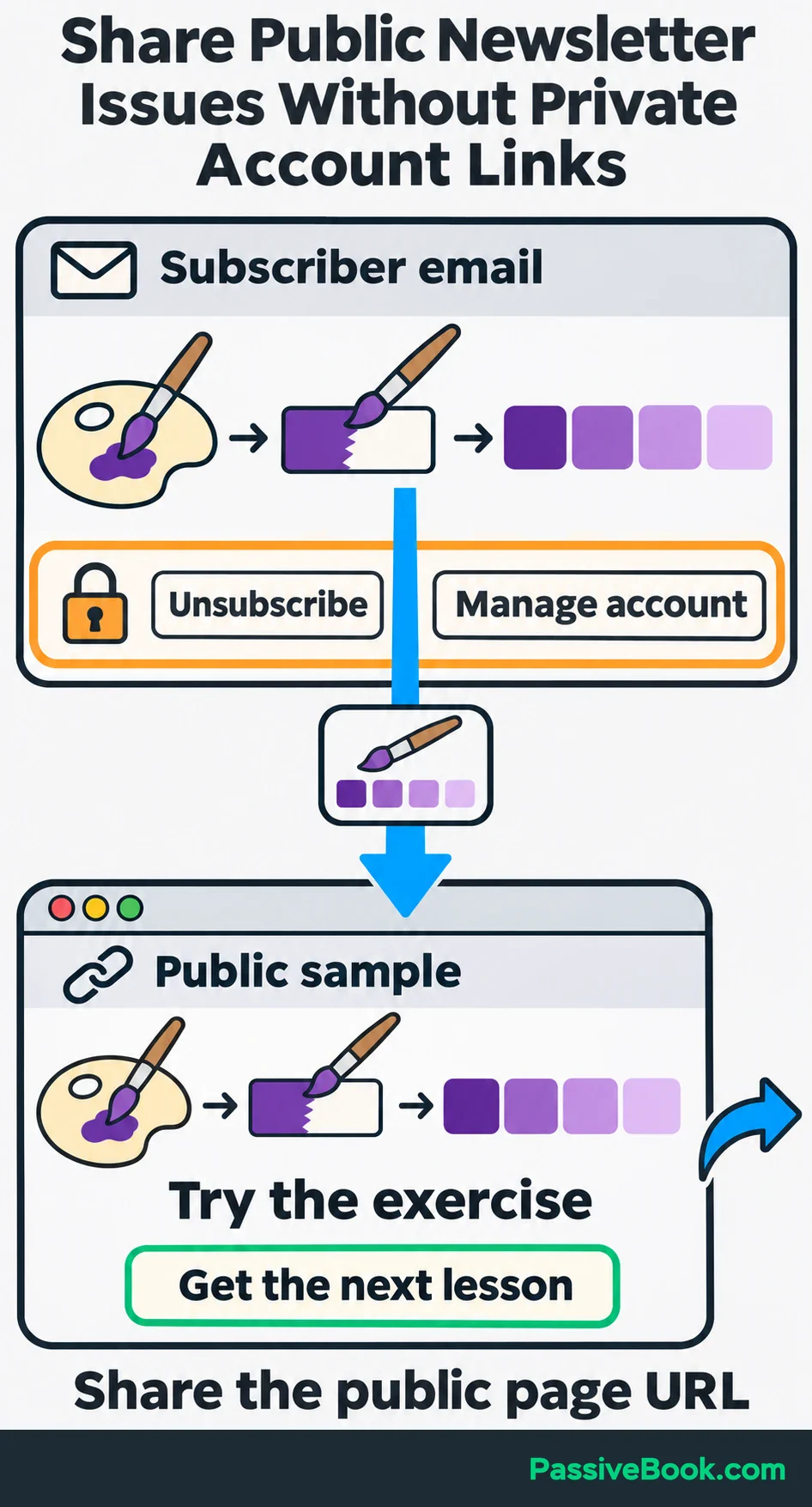
Use the public page for sharing so private unsubscribe and account-management links stay out of the version being passed around.
Notice which lessons readers recommend and what they say about them. If people keep sharing exercises that solve one small frustration, use that as a clue for future topics. Repeat the kind of usefulness they value.
What Next?
Write and time one complete issue before choosing your publishing schedule. Use that draft to test whether your promise is useful and manageable.
If this guide helps you turn a newsletter idea into a workable routine, use the social buttons to pass it along.
What would make your next email useful enough for a reader to want another? Share your answer in the comments, and bring any other newsletter questions with it.
Share this post with your friends & followers:

