A reader asks a useful question under your latest post. Below it sits a sales pitch, and another comment says your advice is wrong. You have twenty minutes before work, so which gets your attention?
Without clear rules, each comment becomes a fresh decision. You can miss a real question while debating whether a rude remark deserves another reply. This guide helps you sort that queue, answer comments worth your time and choose settings that keep the next batch manageable around your workday.
Set a Clear Comment Policy
Write down what belongs in your comments before deciding what to remove. Welcome relevant questions, reader experiences, corrections and respectful disagreement. Set clear grounds for removing spam, personal attacks, threats and private information.
Put the policy beside the comment form, where people can read it before submitting. Google also recommends making your abuse policy clear to users as part of preventing user-generated spam.
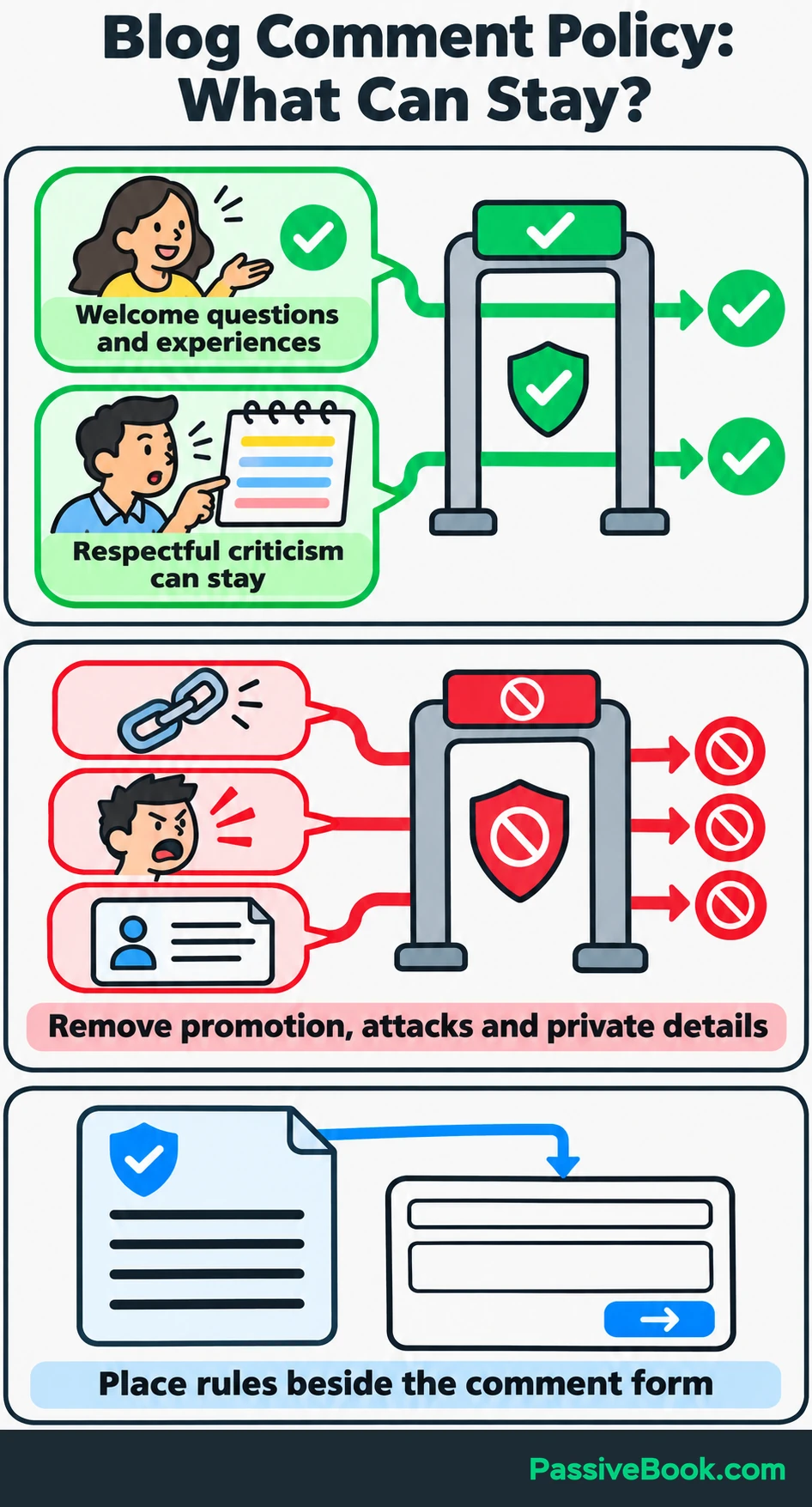
Here’s a ready-to-use version. Replace the contact reference with your own link:
Questions, experiences, corrections and respectful disagreement are welcome. We remove unrelated promotion, personal attacks, harassment, threats, exposed private information and advice that could cause harm. We may remove an inappropriate link or private detail without changing your meaning, and we’ll note those edits. Comments may await approval. For questions about a moderation decision, please use our contact form.
Apply that policy equally to praise and criticism. “This was helpful” can stay, but so can “I tried this and it didn’t work.” Beginner questions, pseudonyms and brief thanks don’t break your rules.
For the examples below, imagine you run a senior-dog care blog selling printable daily-care planners. The comments, replies and schedule are illustrations.
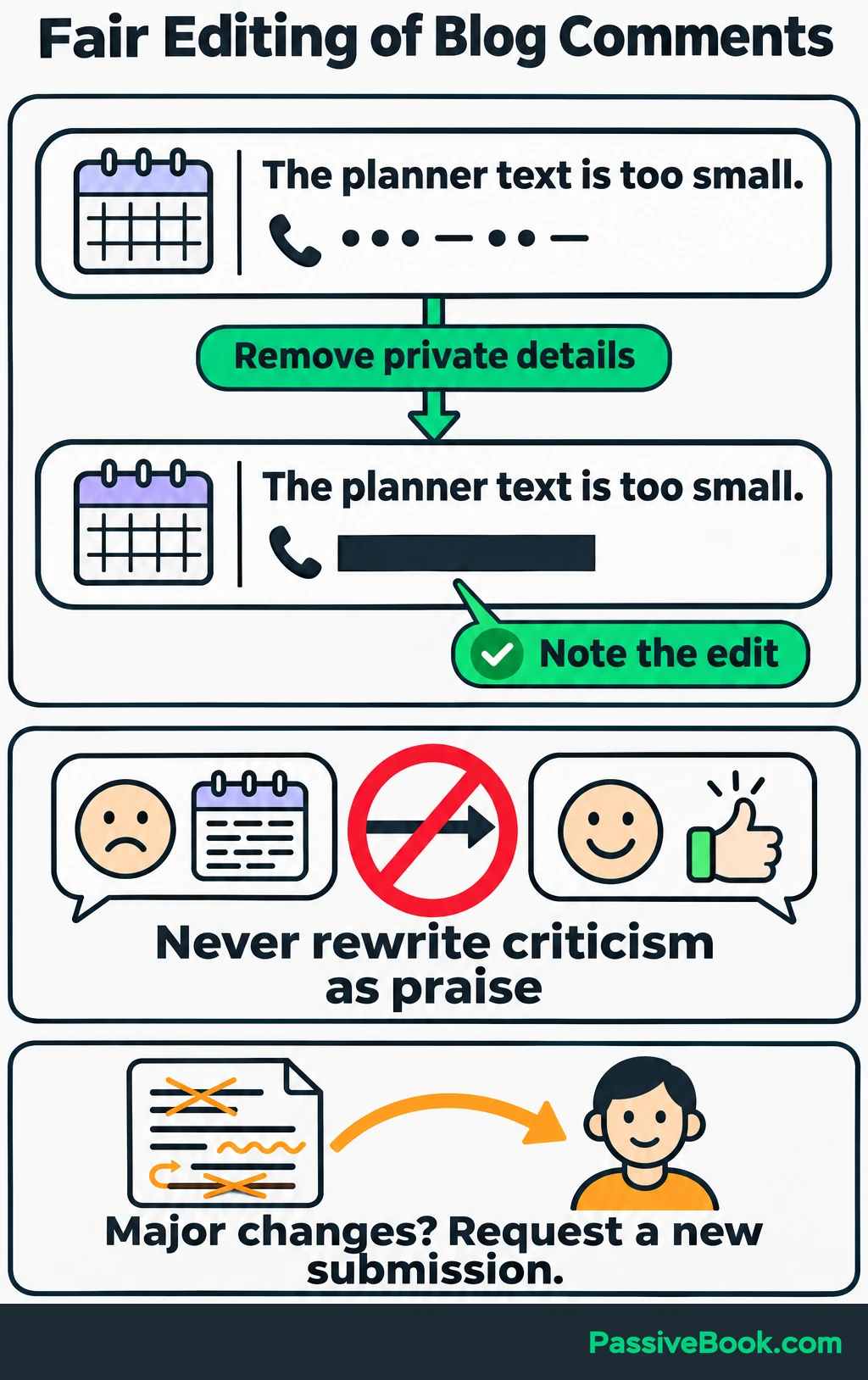
If a buyer says the planner’s text is too small, that belongs in the discussion. Removing it because it might discourage a sale would turn your policy into a rule against inconvenient feedback.
Configure Your Comment System
Start with your platform’s built-in controls to approve comments, filter spam and notify whoever reviews the queue.
I’d set those up before shopping for another subscription.
Choose an Approval Rule
For a small blog where you want to prevent inappropriate comments appearing publicly, I would approve submissions before publication. Readers may wait, but you can review the queue at a time you choose.
Keep registration optional unless accounts serve a clear purpose, such as access to a member community. Beside the form, explain that comments awaiting approval won’t appear immediately.
In self-hosted WordPress, open the Discussion settings:
- To review every submission, enable “Comment must be manually approved.”
- To let returning commenters through, turn manual approval off and enable “Comment author must have a previously approved comment.” Other moderation checks still apply.
Only choose automatic publication if you can deal with problems after they appear. A previously approved email address is useful history, but I wouldn’t treat it as a permanent guarantee of good judgment.
Set up Spam Filtering
Approval controls publication. Spam filtering helps sort incoming submissions. You can use both, and a filter doesn’t remove the need to check its decisions.
Start with built-in controls. Add a maintained spam filter when repetitive junk creates enough work to justify it. Check whether it supports your platform, permits commercial use and lets you recover genuine comments.
For WordPress, setting the link threshold to one holds comments with one or more links for review. It doesn’t automatically classify them as spam.
Add recurring spam domains or distinctive phrases to the moderation list carefully. WordPress matches text inside words, so broad entries can catch innocent comments too. Test legitimate submissions before expanding your rules. WordPress explains this matching behavior here.
Akismet is one filtering option, but its free Personal keys exclude commercial activities such as affiliate links and business promotion. The example blog selling planners would need a paid subscription. Check Akismet’s commercial-use requirements before choosing it.
Test Submissions and Notifications
Enable moderation notifications and confirm that they reach the person responsible for the queue.
In WordPress, moderation alerts go to the site’s administration email. The default Author role lacks moderation rights, so assigning someone to write articles doesn’t automatically make them a moderator. WordPress documents the notification recipients and permissions.
Then test the whole process:
- Submit a comment while logged out.
- Check whether it appears publicly or waits in the expected queue.
- Confirm that the moderator receives a notification and can approve it.
- Approve the comment, reply and view the conversation on mobile.
Test reader reply alerts separately. Your reply appearing on the page doesn’t prove the commenter received an email. If your system offers subscriptions to replies, test that option with an address you control.
Decide What to Approve, Hold or Remove
Read each submission alongside the article and the surrounding conversation. Ask whether it is relevant, whether it follows your conduct rules and whether its main purpose is promotion.
Use the same checklist when you’re tired or annoyed. Those are exactly the moments when “consistent moderation” can quietly become “whatever mood I’m in.”
| Comment Type | Example | Moderation Action | Response Needed |
|---|---|---|---|
| Relevant question | “Can different family members use the same daily-care planner?” | Approve | Explain how to share one copy and initial completed tasks |
| Useful experience | “We keep our care sheet beside the kettle so everyone sees it.” | Approve | Optional; ask more if the detail would help readers |
| Brief thanks | “Thanks, this helped us organize the week.” | Approve | Usually none |
| Respectful criticism | “The printable text is too small.” | Approve | Ask whether the PDF or printed copy is hard to read |
| Potentially harmful factual advice | “Ignore the vet’s instructions and follow my routine instead.” | Hold for checking | Check against reliable veterinary guidance; remove instructions that could harm a pet |
| Unrelated promotion | “Buy backlinks from my agency.” | Mark as spam | None |
| Harassment | “Anyone asking this is an idiot.” | Remove | If needed, remind the reader that personal attacks aren’t allowed |
| Exposed private information | “Please call me at [personal phone number].” | Redact or remove before publication | Note the redaction or direct the reader to the contact form |
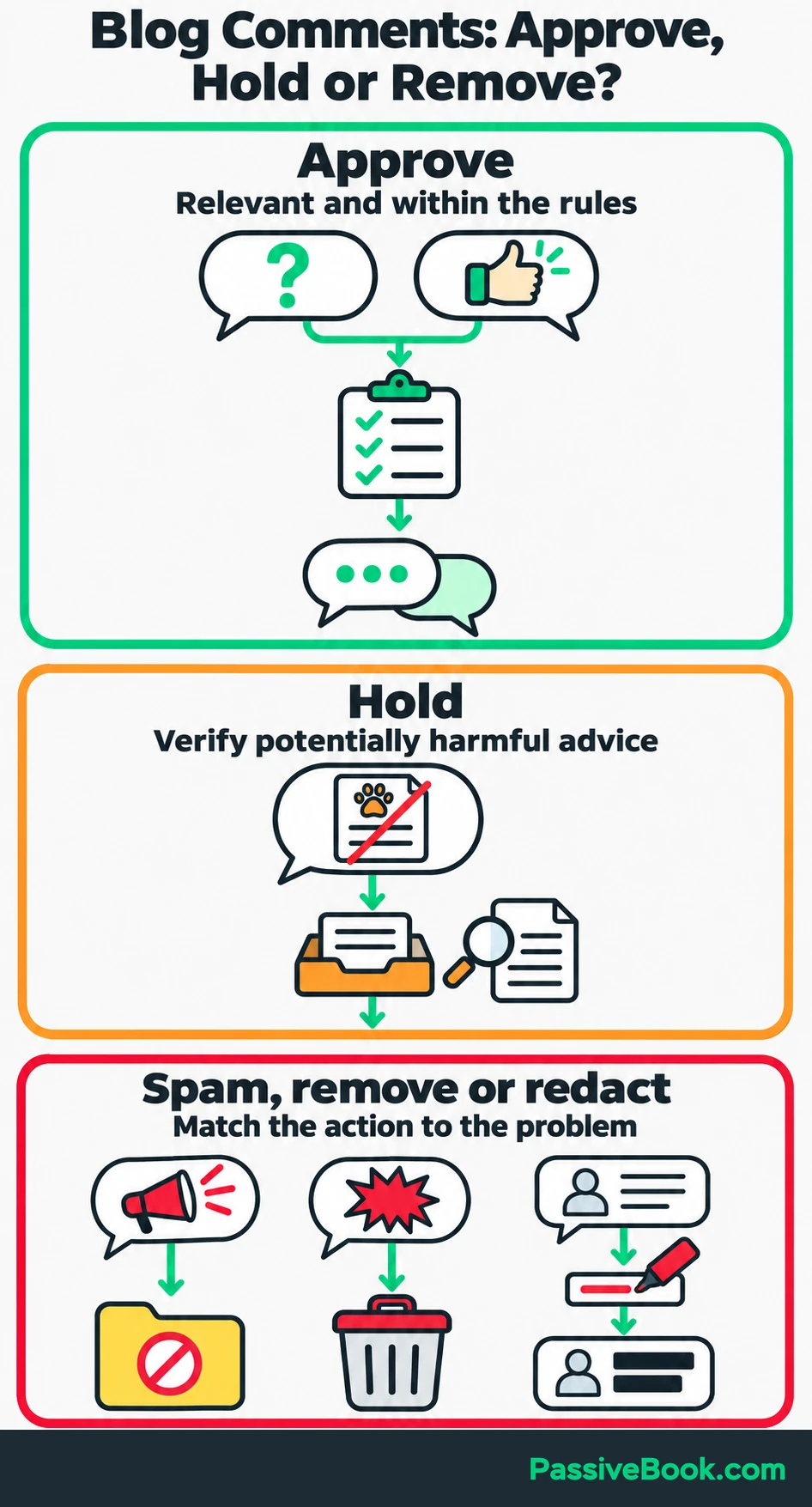
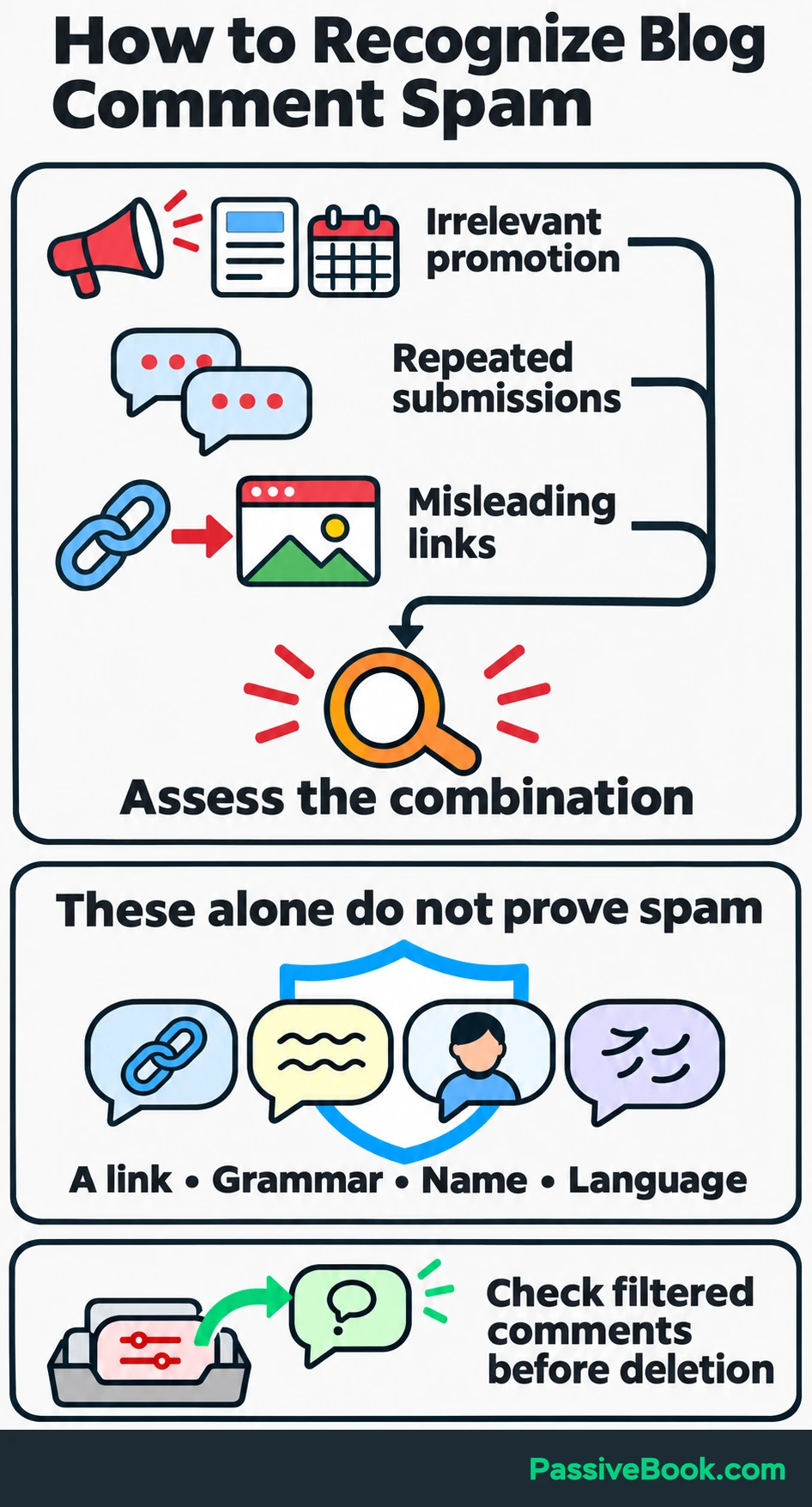
Look for combinations of spam signals: irrelevant promotion, repeated submissions and misleading links. A link alone doesn’t establish spam. Neither does an unfamiliar name, imperfect grammar or a comment in another language.
In WordPress, the main actions have different jobs:
- Approve: Publish the comment.
- Unapprove: Return a published comment to pending.
- Spam: Classify it as spam.
- Trash: Remove it while keeping a restoration option until permanent deletion.
Check selected comments before applying a bulk action. One genuine question can disappear among twenty identical pitches.
Keep edits narrow. Removing a phone number is reasonable, and you can add “[Personal phone number removed by moderator].” Rewriting someone’s complaint until it sounds complimentary is not. If a comment needs substantial changes, ask for a revised submission.
A held comment also needs a next action. Record what you must verify, what clarification you need or which policy rule prevents publication. “Pending” shouldn’t mean “I hope I forget about this.”
Before permanently clearing filtered comments, check for genuine contributions caught by mistake. Restore those and reassess the rule that caught them.
Reply to Questions and Criticism Constructively
Answer Questions Where Other Readers Can Benefit
Answer the actual question first. Add a link when it provides useful detail, rather than making readers hunt through another article for a simple answer.
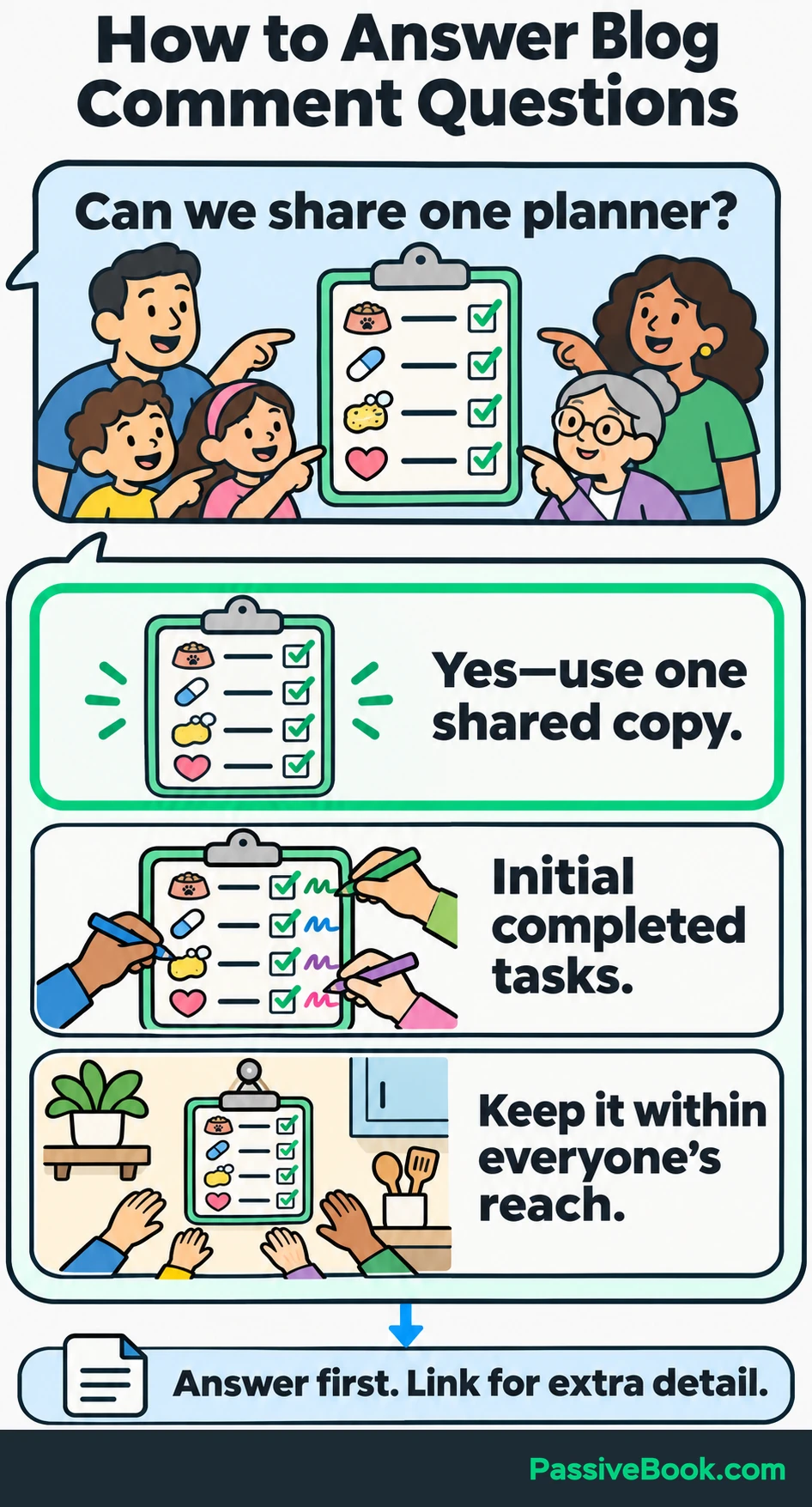
For the shared-planner question, a complete reply could be:
Yes. You can use one shared copy and have each person add their initials when they complete a task. Keep it somewhere everyone can reach so the next person can see what’s finished and what remains.
Ask a follow-up question only when the missing information changes your answer. Otherwise, give the useful answer now.
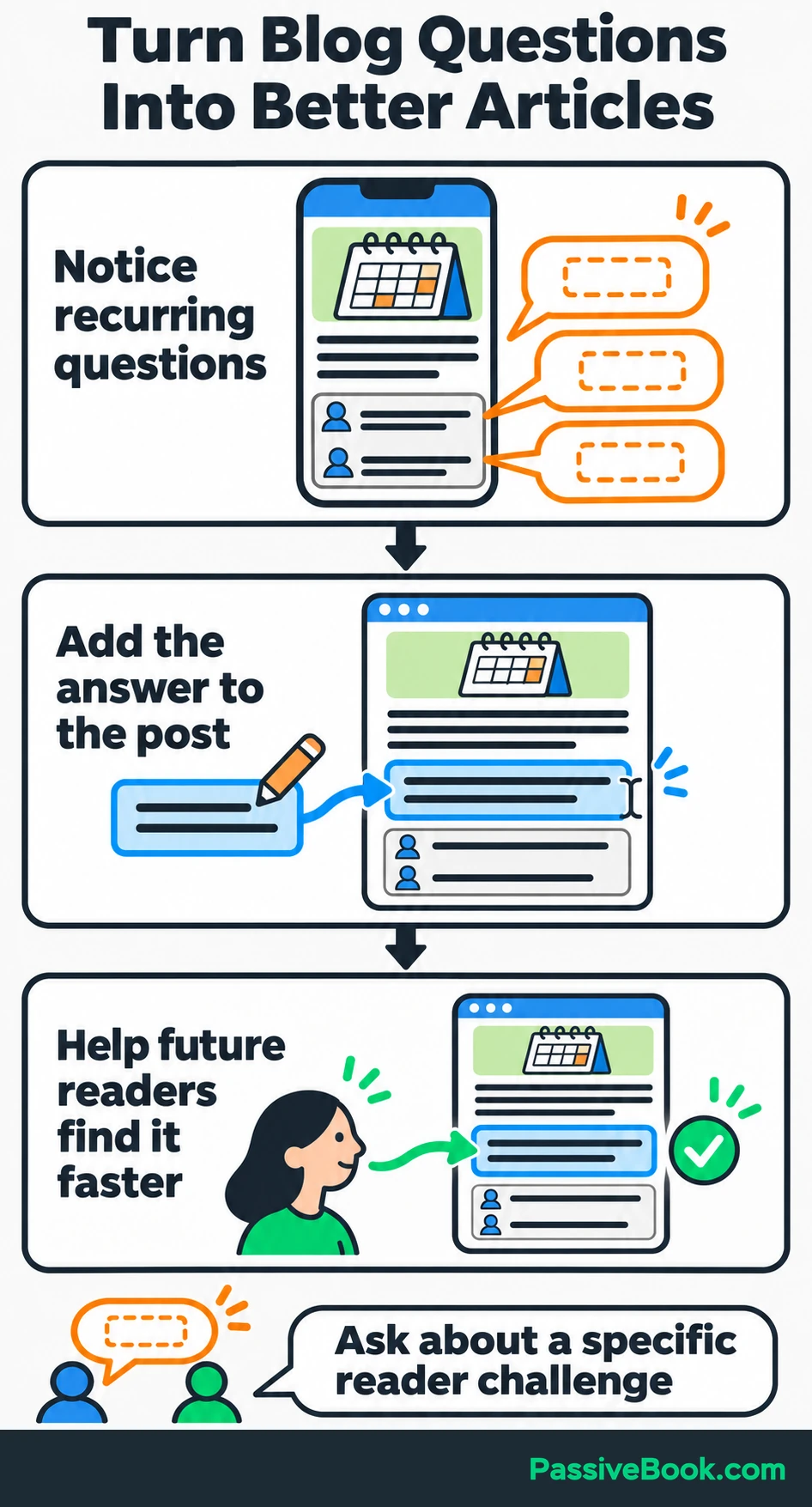
When the same question keeps appearing, add its answer to the original post. Future readers shouldn’t have to excavate a long thread to find a missing instruction.
You don’t need to reply to every “thanks.” Put your effort into questions and experiences that can improve the discussion. To invite those, use a specific prompt:
Which daily-care task is hardest to coordinate between family members?
Address Criticism and Corrections
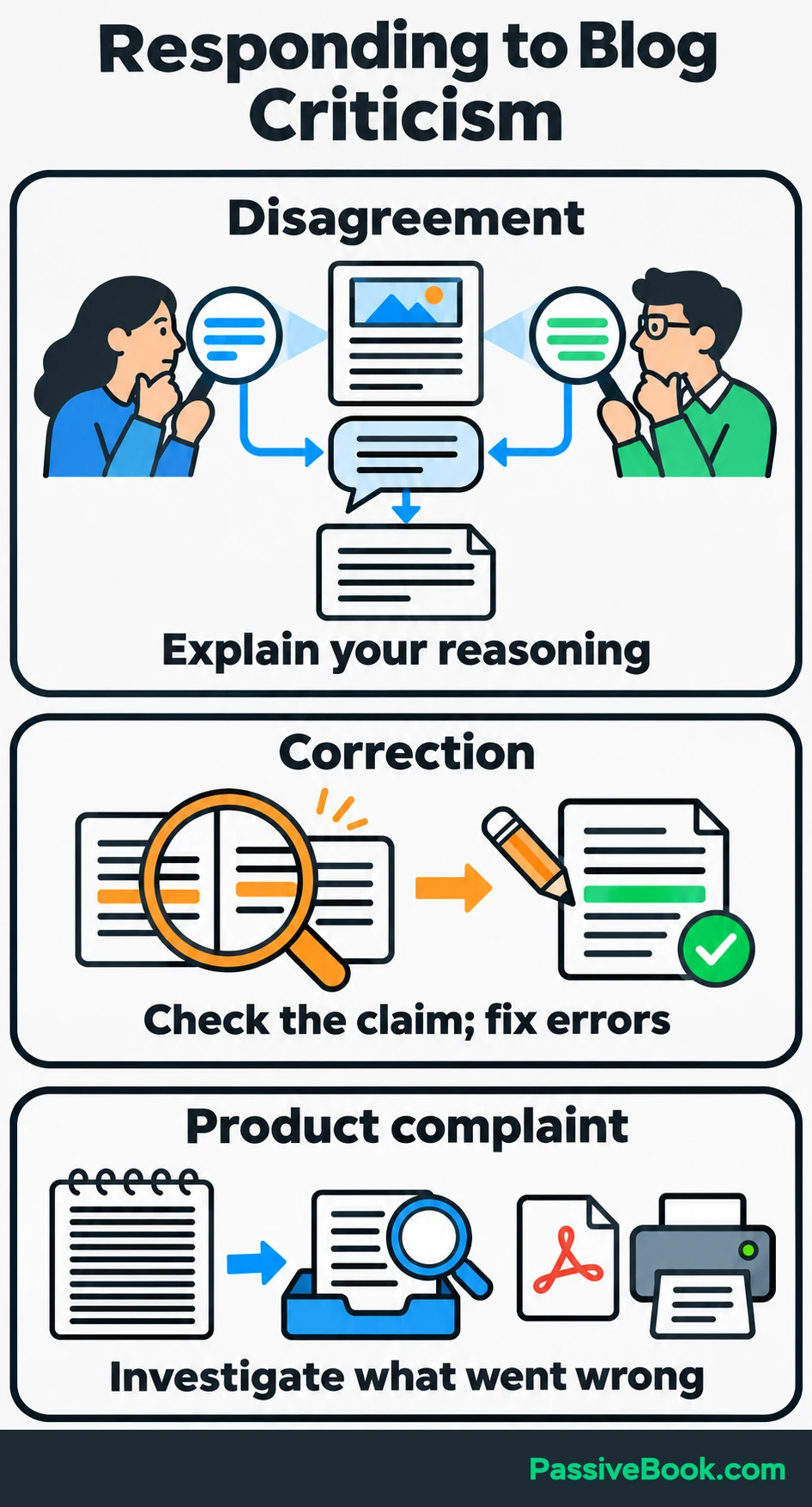
First, work out what the commenter is raising:
- Disagreement: They see the issue differently.
- Correction: They say a claim or instruction is wrong.
- Product complaint: Something they bought isn’t meeting their needs.
Each needs a different response. Explain your reasoning for a disagreement, check a correction and investigate a product problem.
I’ve had a rushed course receive few sales and a bad review, and I took it down. That experience is why I wouldn’t dismiss a complaint just because it arrives bluntly. Check whether the criticism reveals a problem before spending your energy defending the work.
For the planner complaint, start with:
Thanks for flagging the small text. Is it difficult to read in the PDF, or only after printing?
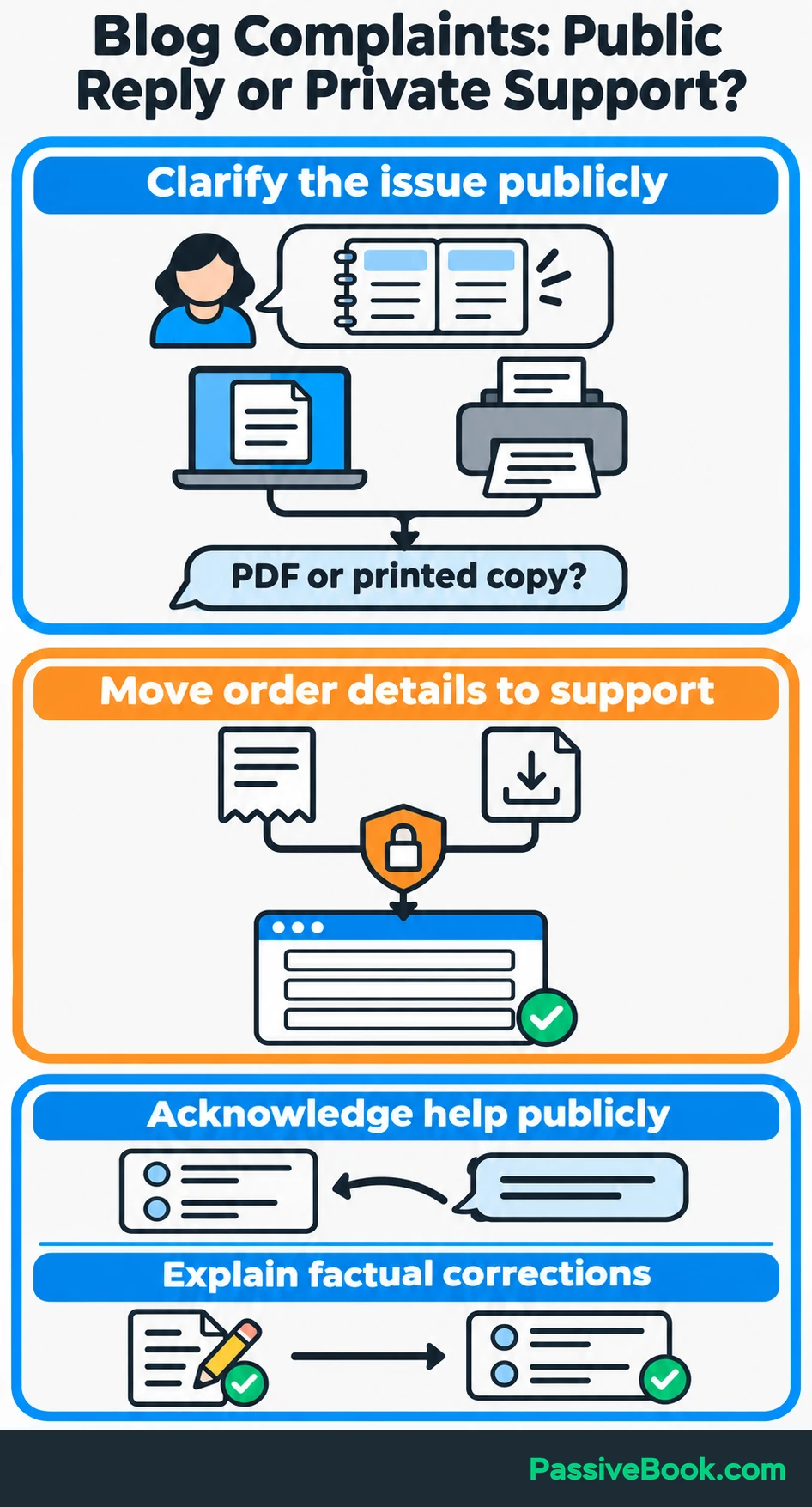
If you made a factual error, correct the article and acknowledge it in the thread. Say what changed so later readers can follow the exchange.
If you’re stuck on the wording, the AI Customer Support Studio can draft a response around your policy and the facts you’ve checked. You review the wording before it goes anywhere near your comment section.

Free AI Customer Support Studio




Move order numbers, download details and other private matters to your support channel. Leave a brief public acknowledgment:
I can help check the download issue. Please use the contact form and include your order reference there, rather than posting it here.
End Exchanges That Stop Helping Readers
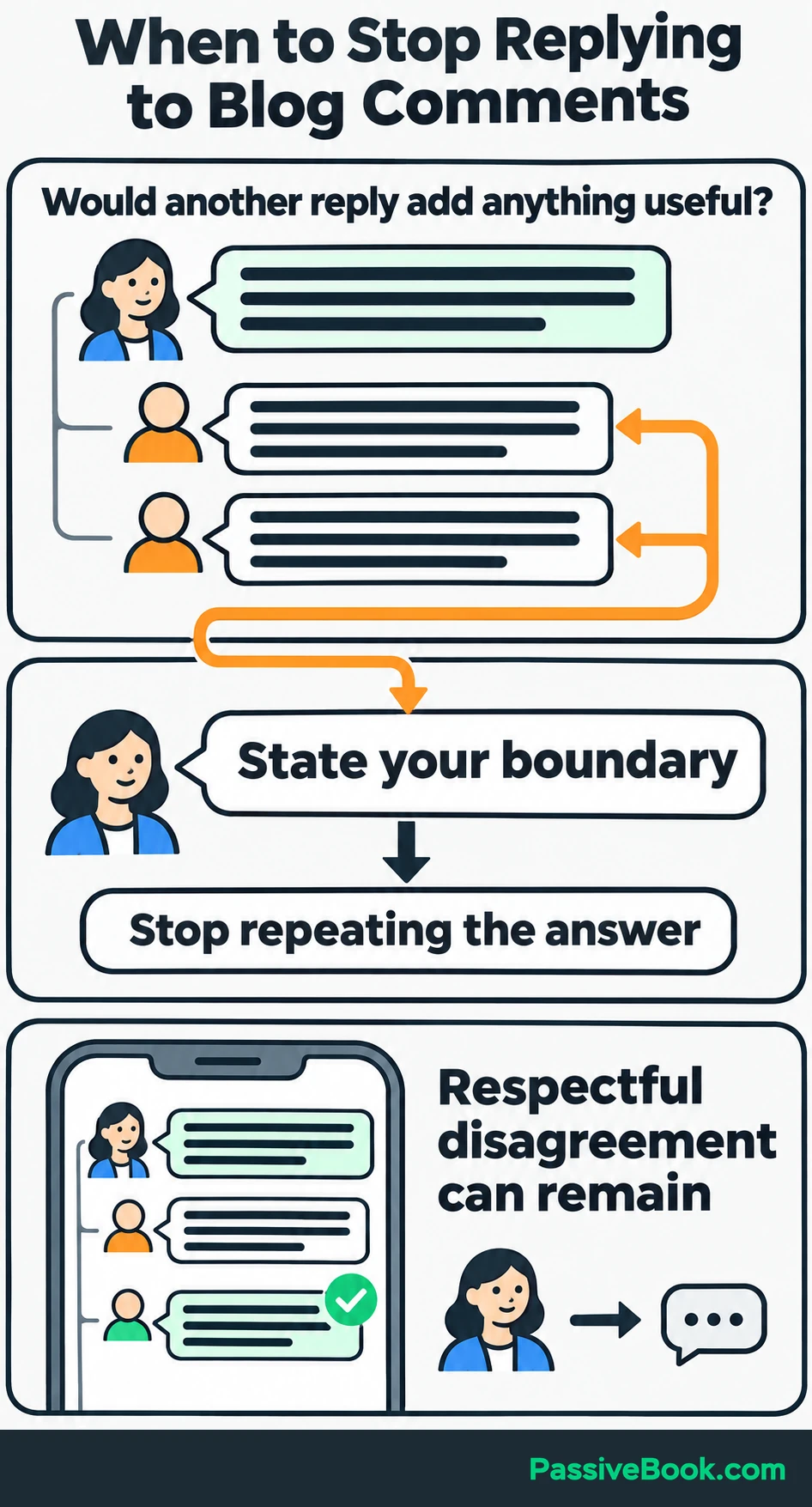
After you’ve given a clear answer, another reply should add something useful. If the exchange keeps repeating, state your boundary and stop.
For example:
I’ve explained why the article recommends that approach, and I don’t have anything further to add. Relevant disagreement can stay, but further replies need to address the topic without personal attacks.
Keep difficult questions visible when they follow your rules. Ending your participation doesn’t require deleting the conversation.
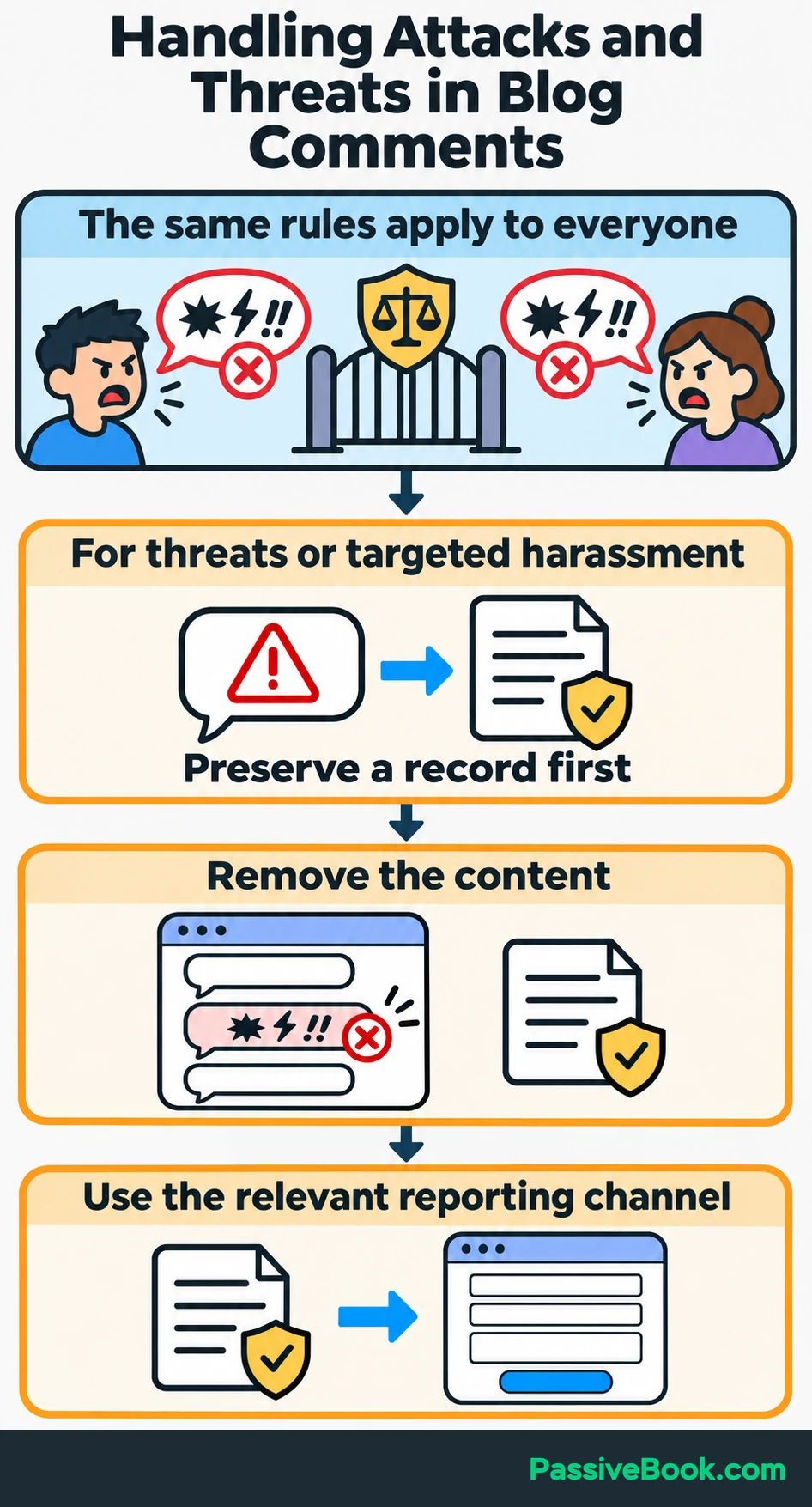
Remove attacks consistently, including attacks from readers defending you. Being on your side isn’t a moderation exemption.
For threats or targeted harassment, preserve a record before removing the content and use the relevant reporting channel.
Build a Manageable Moderation Routine
Choose review windows you can maintain around your actual workload. For the illustrative low-volume senior-dog blog, I’d try one session each weekday and adjust if questions accumulate or discussions need closer attention.
Work through each session in this order:
- Handle live problems such as exposed private information or personal attacks.
- Review pending submissions and publish those that meet the policy.
- Answer corrections, substantive questions and unresolved complaints.
- Check active discussions and filtered comments.
- Record any case that needs follow-up, including its next action.
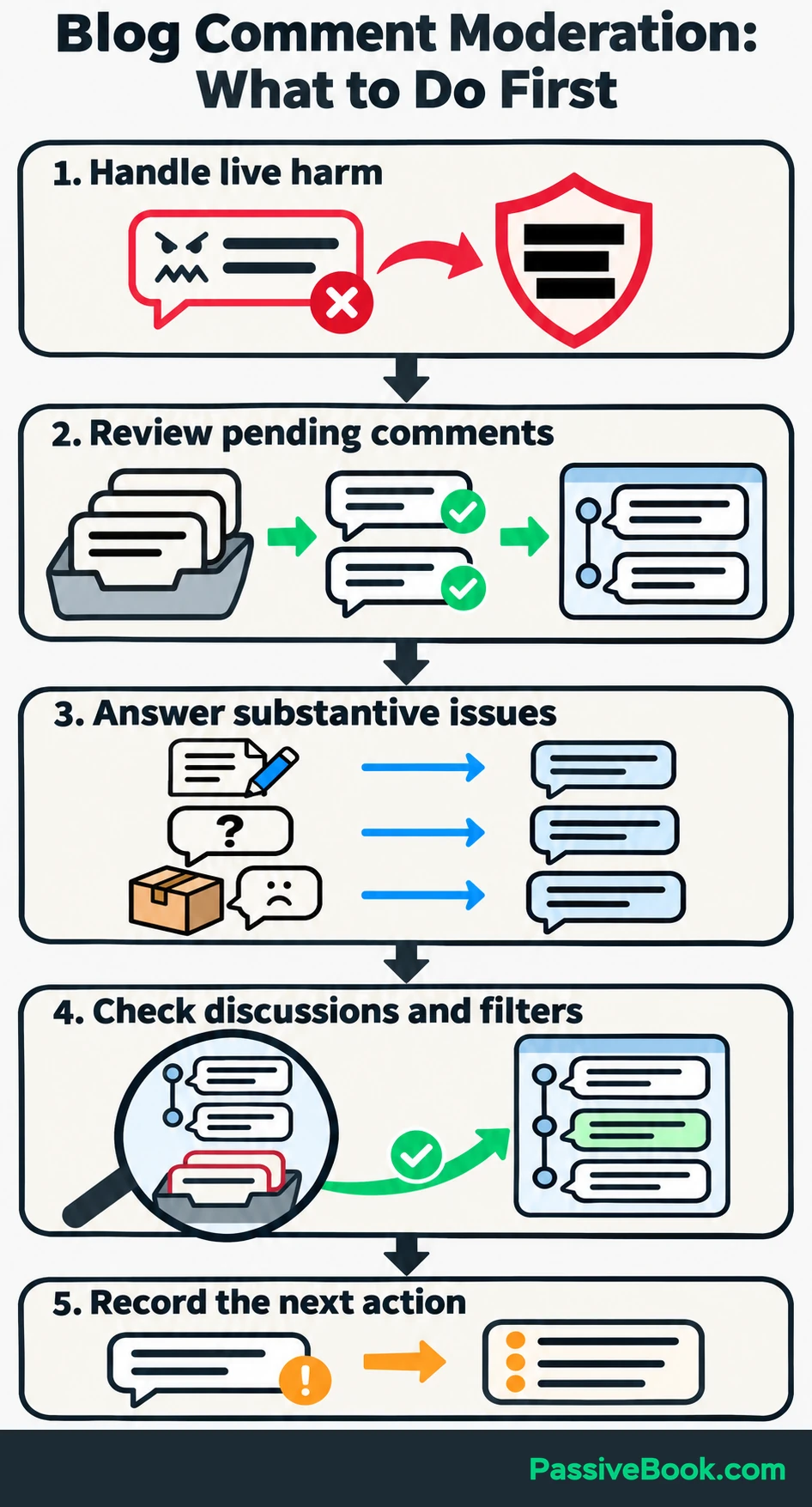
At Passive Book, my preference is for repeatable systems that earn their cost. I’d use the existing comment tools and a simple follow-up list before adding a separate moderation service. The list only needs the comment link, the unresolved issue and what happens next.
If several people moderate, assign one owner to each unresolved case and share the same decision checklist. Otherwise, two people can answer the easy question while both assume someone else is handling the complaint.
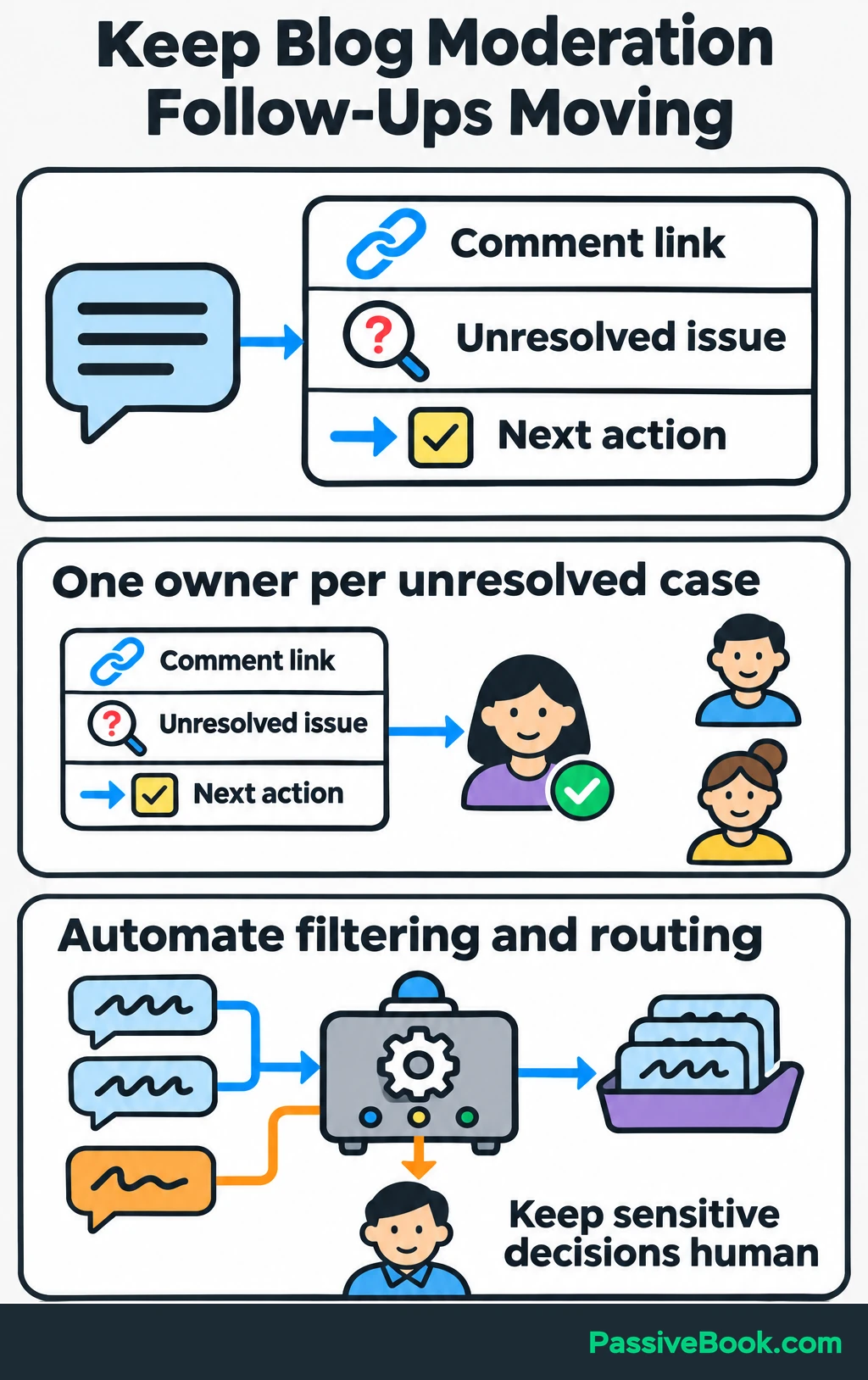
Save replies you can adapt, but read the current comment before using them. Automate repetitive filtering and routing. Keep ambiguous criticism and sensitive questions under human review.
When updating an article, review its comments too. An old answer may no longer fit the revised advice, and an unanswered question may reveal what the update still needs.
Judge the system by the time it takes, the unresolved backlog and the useful contributions it preserves. If the queue keeps growing, change the settings or reduce where comments are open. Constant monitoring is a poor substitute for a workable setup.
When Should You Limit or Disable Comments?
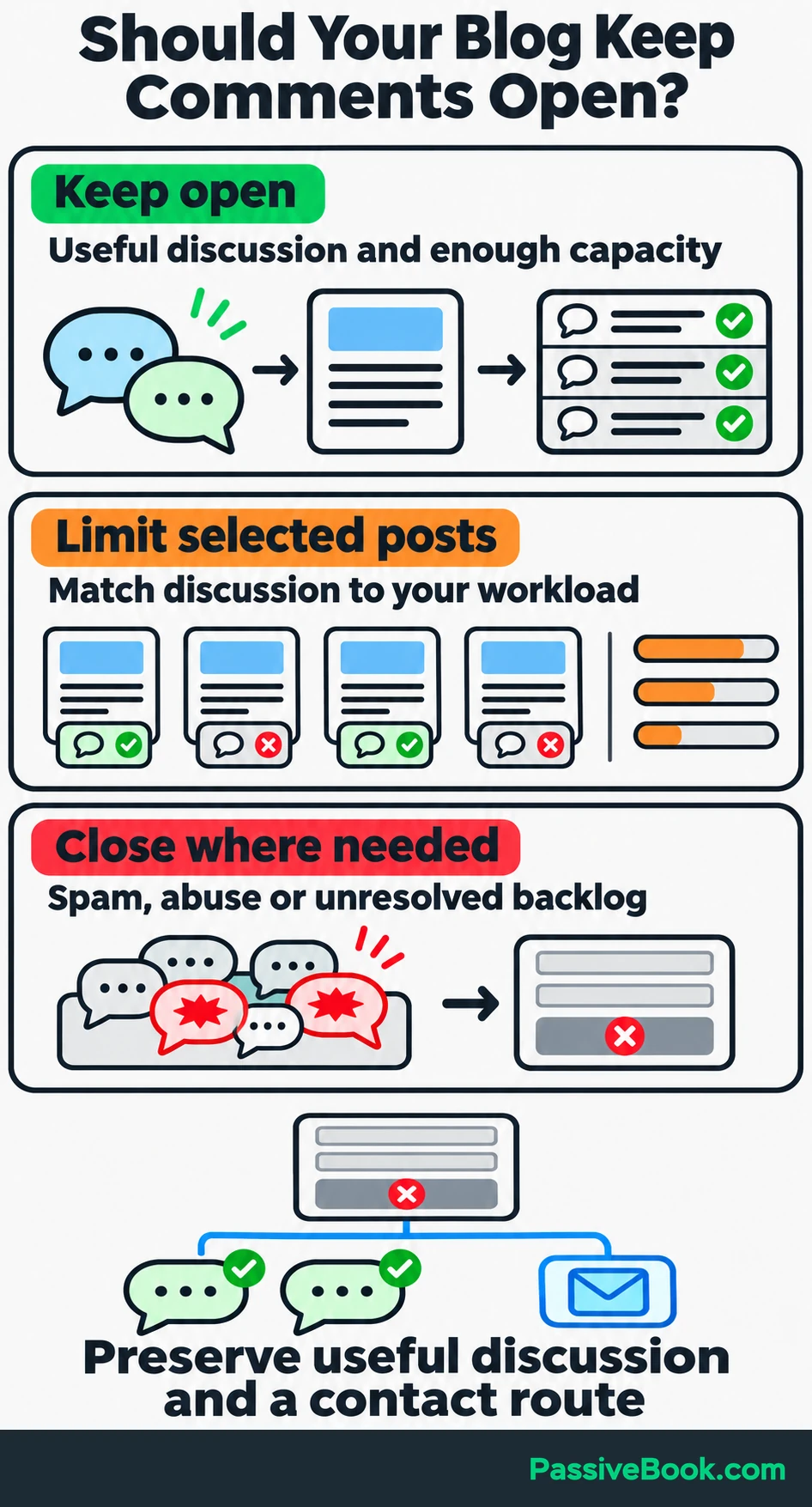
Keep comments open where questions and reader experiences improve the article. You can limit them to selected posts if moderating the whole site exceeds your capacity.
I would close an individual thread when repeated spam, abuse or an unresolved backlog prevents useful discussion. If you can’t maintain comments across the site, disabling them more broadly is a valid operating choice.
You don’t have to keep accepting submissions simply because the form has always been there.
In WordPress, change the default for new posts and update existing posts separately. You can close individual posts or use bulk editing. Automatic closure after a chosen number of days stops new submissions while leaving approved comments visible.
Explain the change where readers expect to comment:
Comments are closed on this article. You can still read the discussion below. For corrections or planner support, please use the contact form.
Keep that contact route maintained, and preserve useful existing discussion where possible.
Closing comments changes how readers can participate, so weigh that tradeoff against your capacity. An open form needs someone available to manage what arrives.
What Next?
Write your comment policy and place it beside one active comment form. Then submit a test comment while logged out to check that your approval process works.
Use the social buttons to share this guide when your next conversation turns to keeping blog discussions useful without checking them all day.
Which moderation decision takes you the longest to make? Leave your answer in the comments, and bring any other questions too.
Share this post with your friends & followers:

