You promise yourself one new article every week, but Thursday arrives with half a draft and three sources still to check. You can rush it, lose another evening or miss the deadline.
Repeat that choice often enough and the blog starts consuming the time you meant it to free up. Yet publishing less can feel like giving up on growth. That uncertainty makes it hard to commit to either pace. Here’s how to choose a weekly or monthly schedule you can keep without rushing articles, and judge when extra posts are worth the time.
Choose a Publishing Frequency You Can Sustain
Publish weekly when you can reliably research, edit, publish and distribute a useful article while keeping existing content accurate. Choose twice monthly or monthly when that better fits your available time.
I would start with two posts per month if you’re still learning how long production takes. It gives you room to build a repeatable process before committing every spare evening.
Use these schedules as planning options:
| Cadence | Suitable Circumstances | Main Tradeoff |
|---|---|---|
| Monthly | Limited hours, demanding research or specialist review | Fewer opportunities to cover new questions, so topic selection matters more |
| Twice monthly | You need a longer production cycle around other work | Steady progress, but you must resist squeezing extra topics into the month |
| Weekly | You have a reliable workflow and time for updates | More coverage, with less room for unexpected delays |
| Multiple posts per week | You have enough production and review capacity for several distinct topics | More coordination and a larger library to maintain |
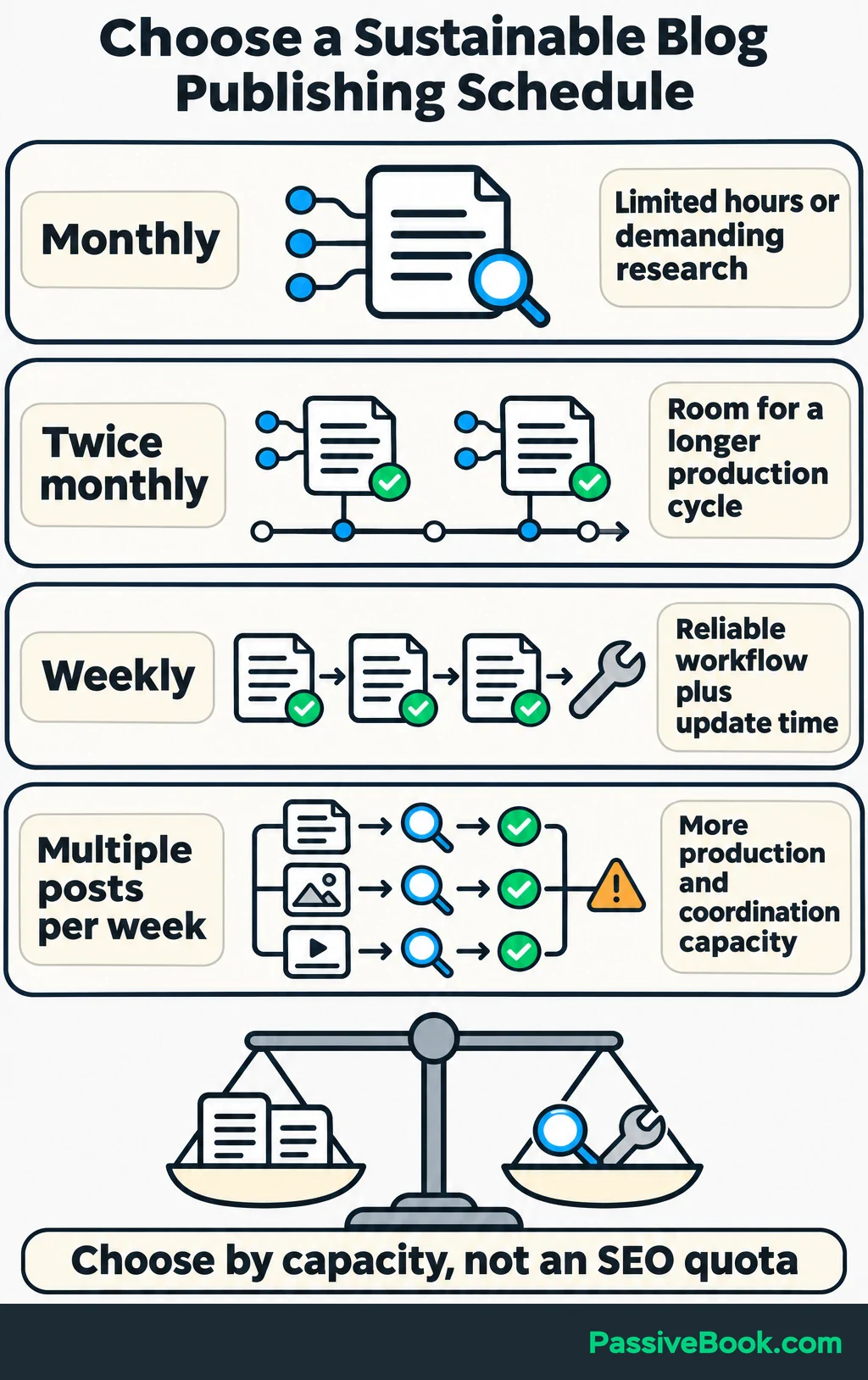
These aren’t SEO thresholds. Publishing every Tuesday doesn’t unlock a ranking bonus.
Choose based on the urgency of your topics, the hours each finished article needs and the maintenance your existing library requires. A publication covering daily news has different demands from an evergreen advice blog, whose articles stay useful for months or years.
Consistency helps you organize the work. It shouldn’t force you to publish an unfinished answer. Move the date when the article needs more checking, then investigate repeated delays so they don’t become your normal workflow.
Does Publishing More Often Improve SEO?
Publishing more useful articles gives you more opportunities to answer distinct searches. But each additional article needs a worthwhile question and a substantive answer.
Adding posts simply to make your site look active won’t improve its rankings overall. Google explicitly rejects that tactic in its people-first content guidance.
Freshness matters when the search calls for recent information. Google’s freshness systems address that need. An evergreen article doesn’t create a daily publishing obligation, though you should correct information when it changes.
Publishing benchmarks can help you question your approach, but they can’t choose your workload. Orbit Media’s survey of 1,042 content marketers associated publishing monthly or less with weaker self-reported results. That doesn’t establish that increasing frequency causes better results.
My recommendation is to treat that finding as a reason to measure your content’s contribution. Don’t turn it into a weekly quota you can meet only by skipping research.
Prioritize Useful Topics Before Filling the Calendar
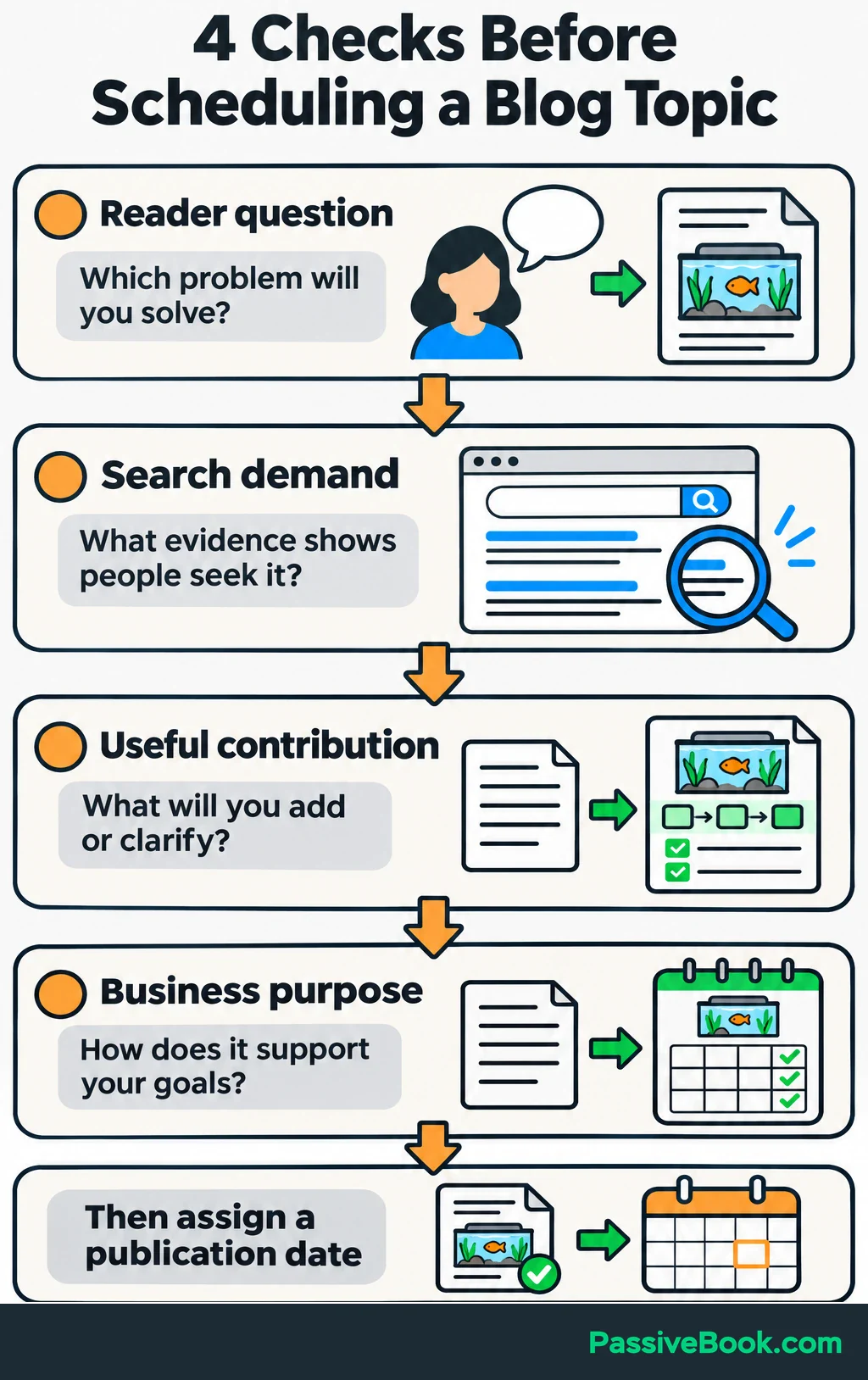
Before giving an idea a publication date, establish four things:
- Reader Question: What specific problem will this article solve?
- Search Demand: What evidence suggests people look for this answer?
- Useful Contribution: What can you explain, demonstrate or organize better?
- Business Purpose: How does the topic connect to your site’s offer or goals?
Review the search results before committing production time. Look at whether readers expect instructions, comparisons, examples or a quick answer. Then identify what you can contribute beyond repeating the existing pages.
For the running example, imagine you operate a beginner freshwater-aquarium blog and sell a printable tank-maintenance planner. The business and figures below are illustrative.
Two possible articles are:
- Maintenance Routine: “How can I organize the care tasks for my tank?” You could show readers how to record tasks and observations, then offer the planner as an optional next step.
- Supply Organization: “How can I keep aquarium supplies organized?” You could show a storage layout and labeling checklist.
These solve different problems. By contrast, “How to Plan Tank Maintenance” and “How to Create a Tank-Maintenance Schedule” may belong in one article. I would combine overlapping ideas rather than stretch them across separate dates.
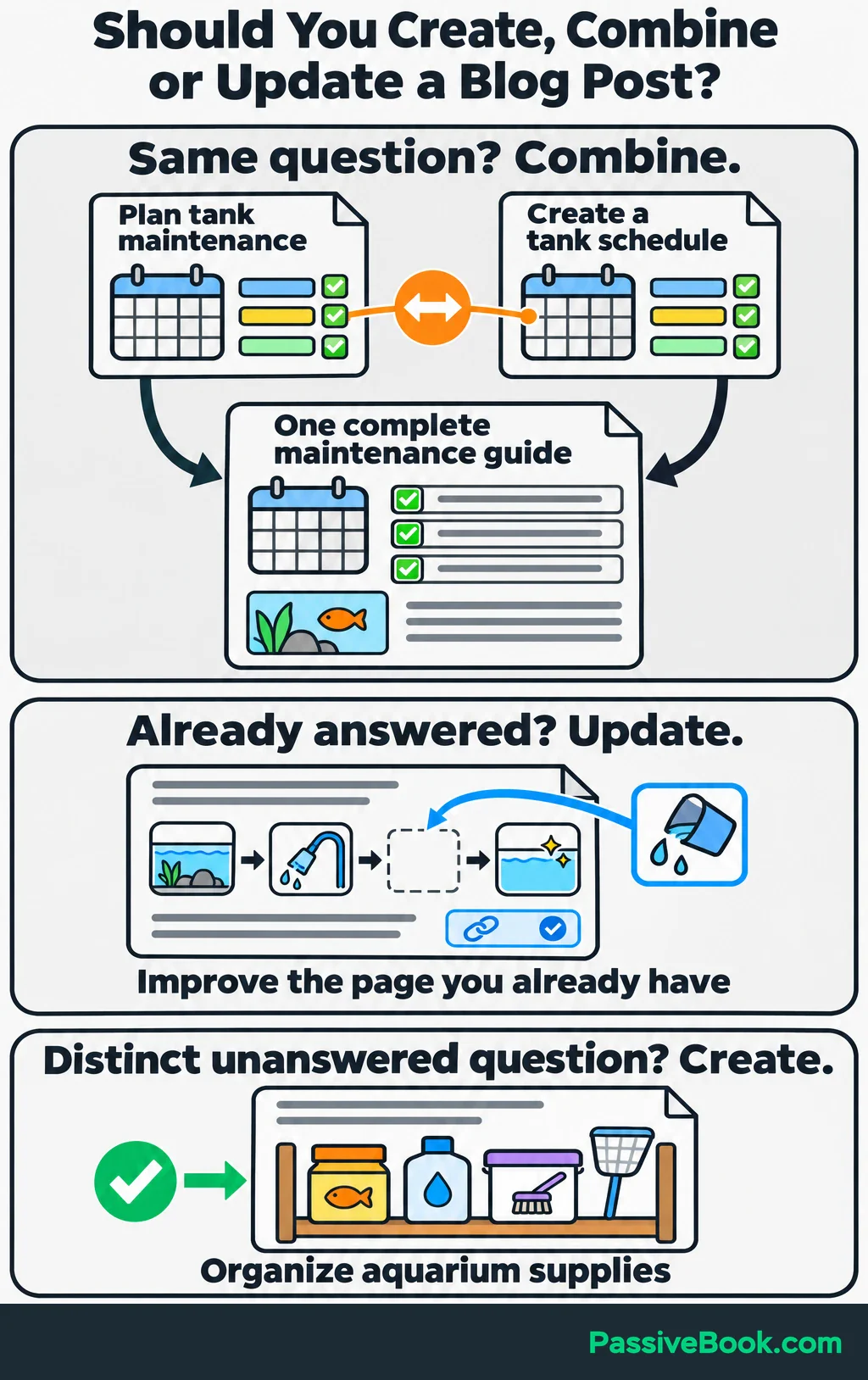
Check your existing pages first, too. An unanswered question may deserve a new article. A page that already answers it may need clearer instructions, missing information or corrections.
I learned the business-fit lesson on my productivity blog. I published more than 127 posts over eight months before abandoning a niche I found too competitive and difficult to monetize alone. I had plenty of completed articles, but I struggled to connect the work to a viable business.
That experience doesn’t tell me which publishing frequency wins. It tells me to question the topic before congratulating myself on finishing another post.
Calculate How Many Finished Posts You Can Produce
Define What Makes a Post Ready
Estimate capacity using finished articles. Drafting is only part of the job.
I would require each post to pass this checklist:
- Complete Answer: The reader can carry out the task without a missing essential step.
- Checked Claims: Factual statements and cited sources have been verified.
- Useful Detail: Examples, observations, photos or demonstrations make the advice easier to use.
- Clear Editing: Instructions make sense, repetition is removed and the wording is easy to follow.
- Relevant Links: Existing pages help readers take the next useful step.
- Publication Check: Formatting, images, links and the reader’s next action work as intended.
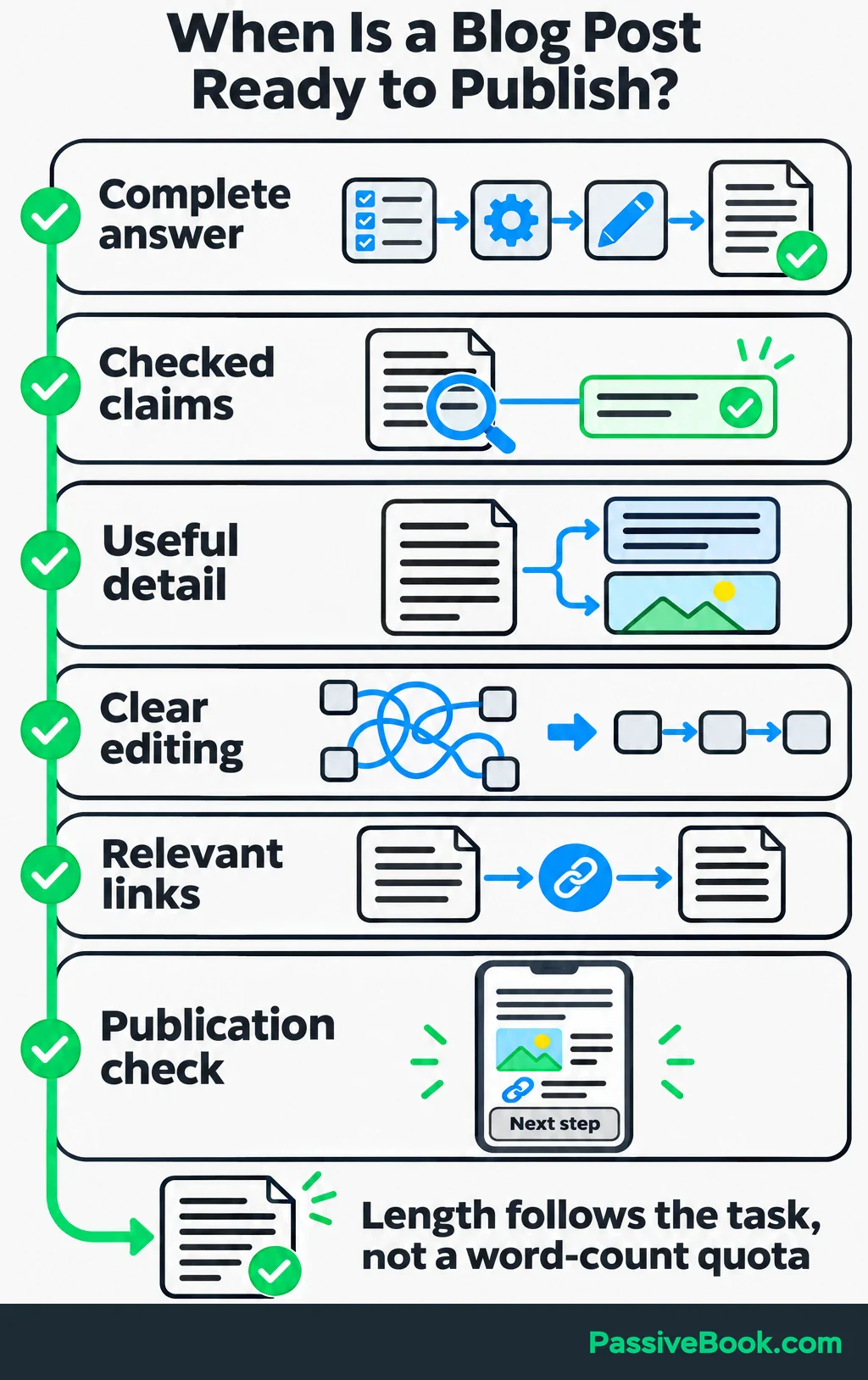
Match the length to the task. Google states that there is no ranking word-count target, so don’t build your workload around making every article equally long.
Track several representative posts from research through distribution. Include outlining, drafting, verification, editing, images and formatting.
If a topic needs specialist knowledge, include qualified review in both the time estimate and budget. Don’t assume a simple organization article and a technical care guide require the same work.
Turn Available Hours Into a Cadence
First, count the hours you can reliably give content in an ordinary month. Subtract time for existing articles, administration and unexpected work. Divide the hours left by the full production time for one new article.
For the aquarium blog, suppose you have 20 content hours available per month:
| Allocation | Hours |
|---|---|
| Existing-content maintenance and administration | 4 |
| Buffer for delays and unexpected work | 4 |
| New-article production | 12 |
| Total available | 20 |
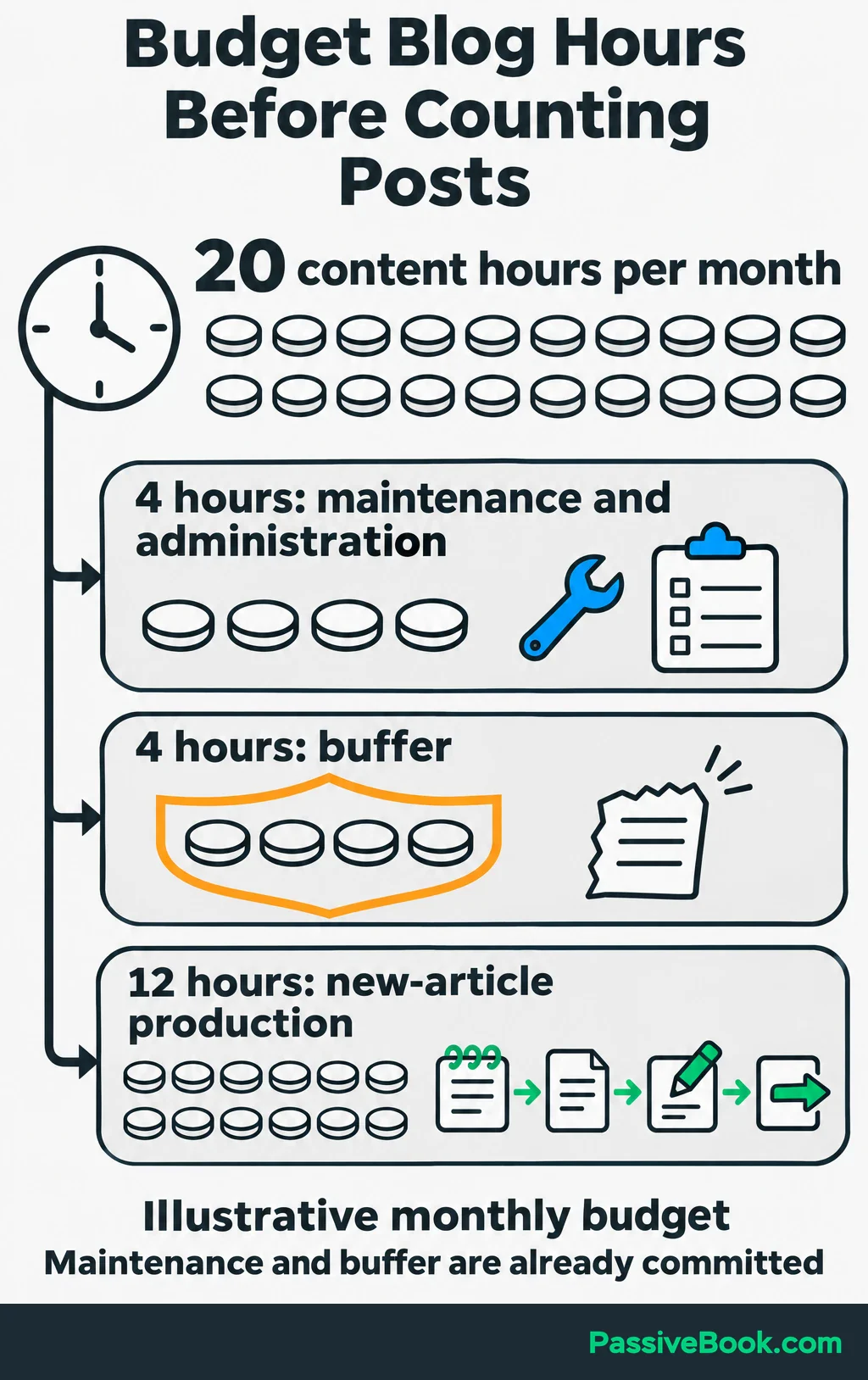
If a finished article takes six hours, including distribution, those 12 production hours support two new posts.
Use your own measured production times. Count distribution either inside the article estimate or separately, so you don’t subtract it twice.
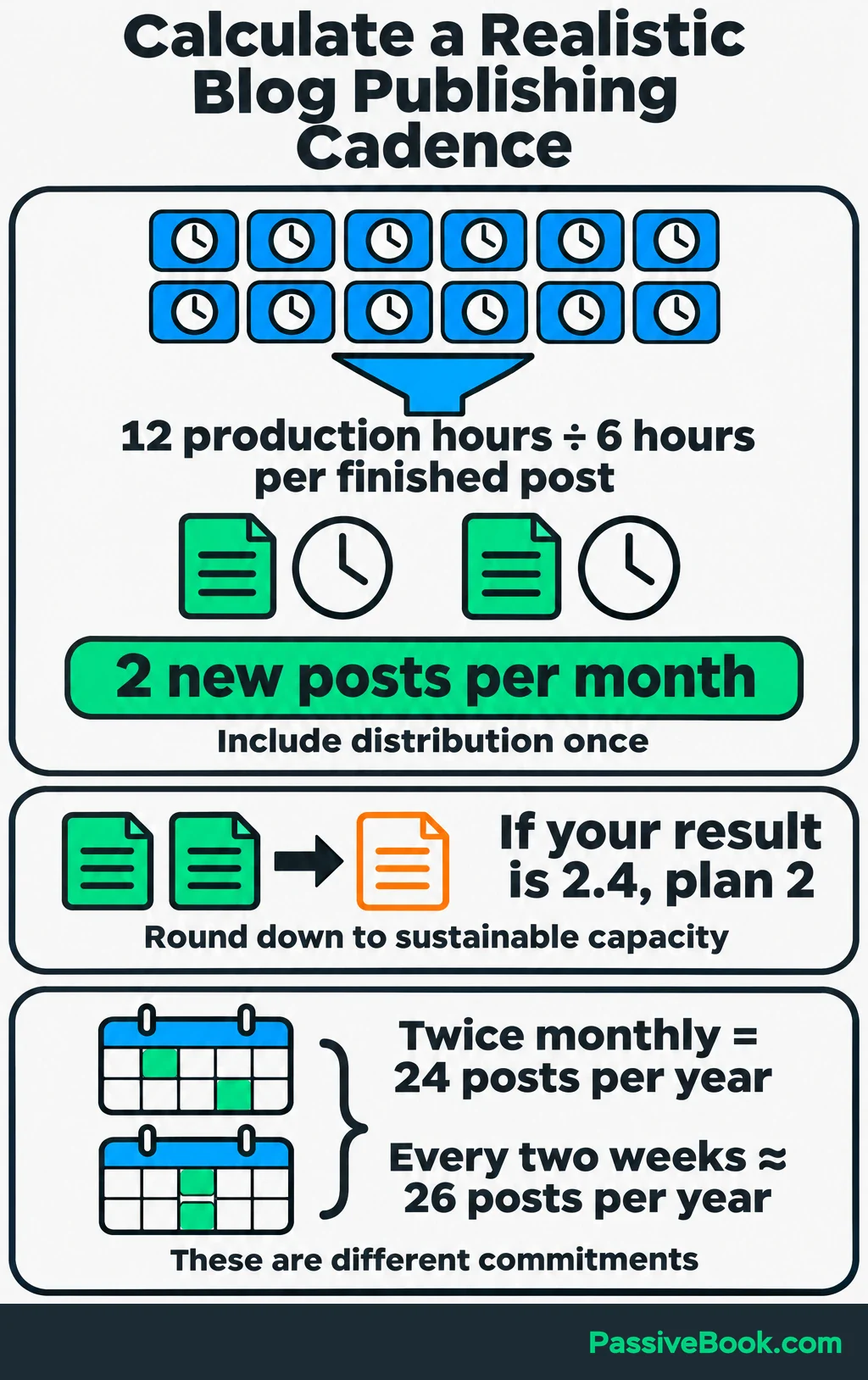
Round down to a schedule you can keep. If the result is 2.4 articles, plan two rather than borrowing time from next month. If one article needs more than your monthly allowance, extend its production across months.
Be precise about the schedule: two posts per calendar month means 24 per year. Publishing every two weeks produces about 26.
Build a Repeatable Publishing Calendar
Schedule Production Before Publication
A publication date tells you when the article should appear. It doesn’t tell you when the work will happen.
Plan one manageable cycle at a time. In a spreadsheet or planning tool, give each item a topic, reader question, new-article-or-update label, owner, production tasks, review deadline, publication date and status.
Then work backward from publication. Assign time for research, drafting, verification, editing and formatting before the final date.
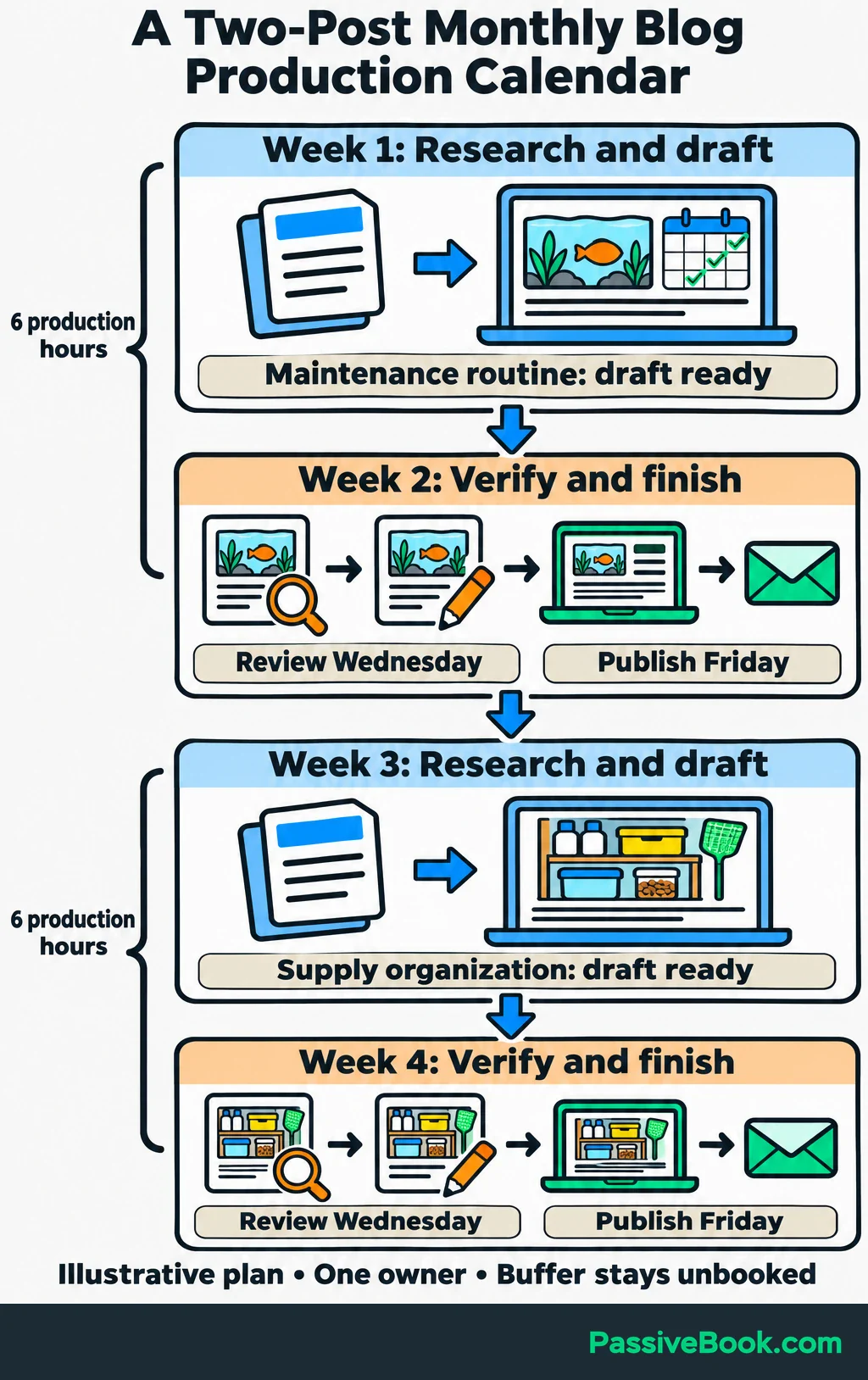
Here’s how the aquarium blog’s two-post month could work:
| Week | Main Production Work | Deadline |
|---|---|---|
| First | Research and draft the maintenance-routine article | Draft ready by the end of the week |
| Second | Verify, edit, format and distribute that article | Review by Wednesday; publish Friday |
| Third | Research and draft the supplies-organization article | Draft ready by the end of the week |
| Fourth | Verify, edit, format and distribute that article | Review by Wednesday; publish Friday |
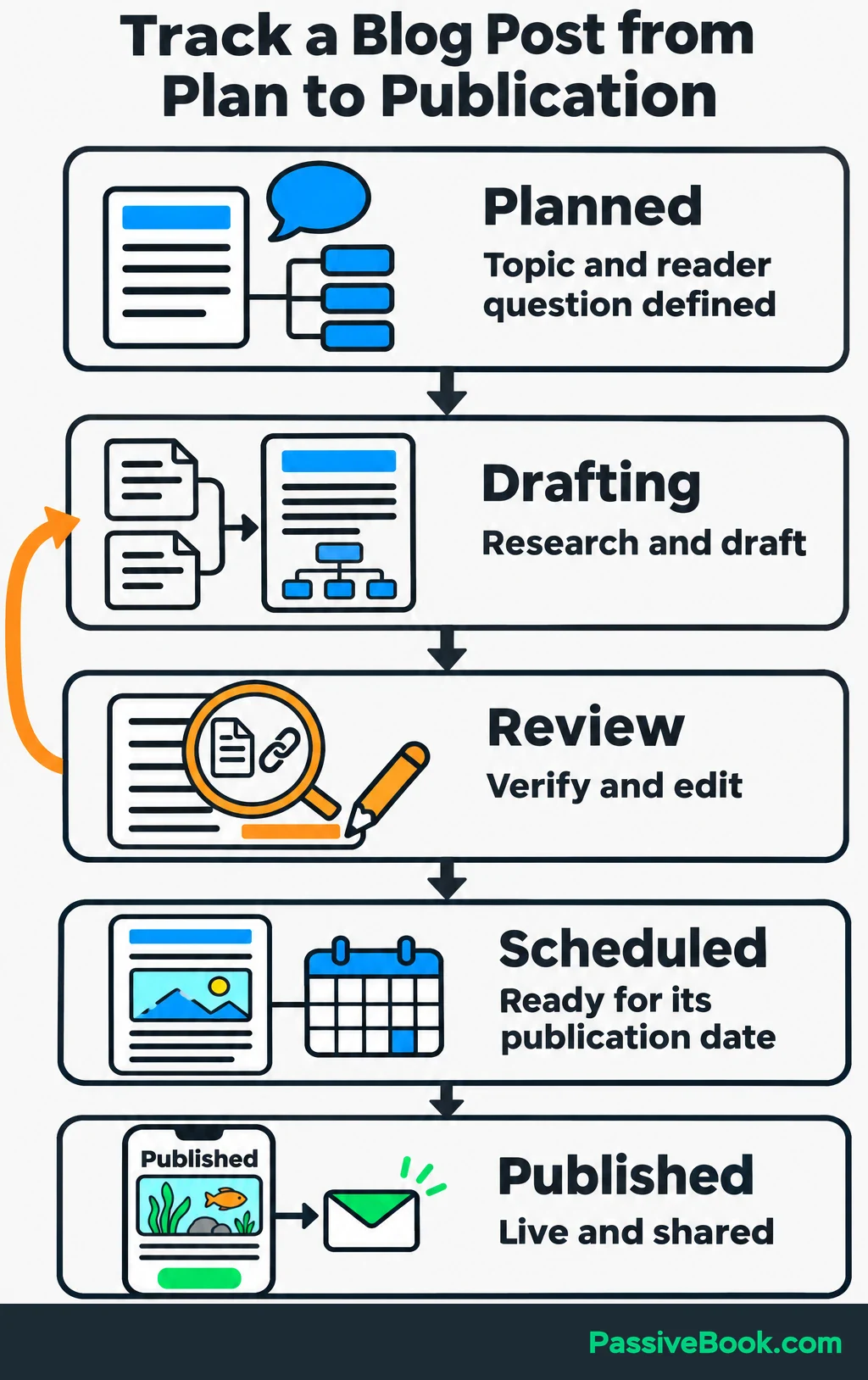
Both articles have the same owner: you. Each has six planned production hours across its two-week cycle. Move its status from planned to drafting, review, scheduled and published as the work progresses.
Schedule existing-content maintenance separately within its four-hour allowance. Leave the four buffer hours uncommitted.
If you’d rather not build those production steps from scratch, the calendar below includes a ready-made blog workflow. Add your hours and topics to give the next month a practical starting point.
Turn Your Marketing Ideas Into a Publishing Plan
Organize content ideas, set publishing dates, and track what resonates with your audience in one calendar.
That last part matters. If you fill the buffer with a third article before the month begins, you’ve removed the buffer. Renaming overwork doesn’t make it spare capacity.
Batch similar tasks when it saves time, such as preparing images together. Keep a finished evergreen article in reserve when capacity permits, but don’t create another deadline to manufacture one.
When dates repeatedly slip, revise the workload estimate. A calendar should reflect how you work.
Automate Recurring Tasks
Once the process works, automate the parts you keep repeating:
- Planning: Reuse an article brief and completion checklist.
- Coordination: Set reminders for drafts, reviews and overdue tasks.
- Publishing: Schedule approved articles in advance.
- Distribution: Prepare recurring handoffs and sharing tasks from approved content.
AI can organize research notes, suggest an outline and help draft sections. Keep verification and final review in the workload. Google’s guidance on generative AI content calls for manual fact-checking and warns that generating many pages without added value may violate its spam policies.
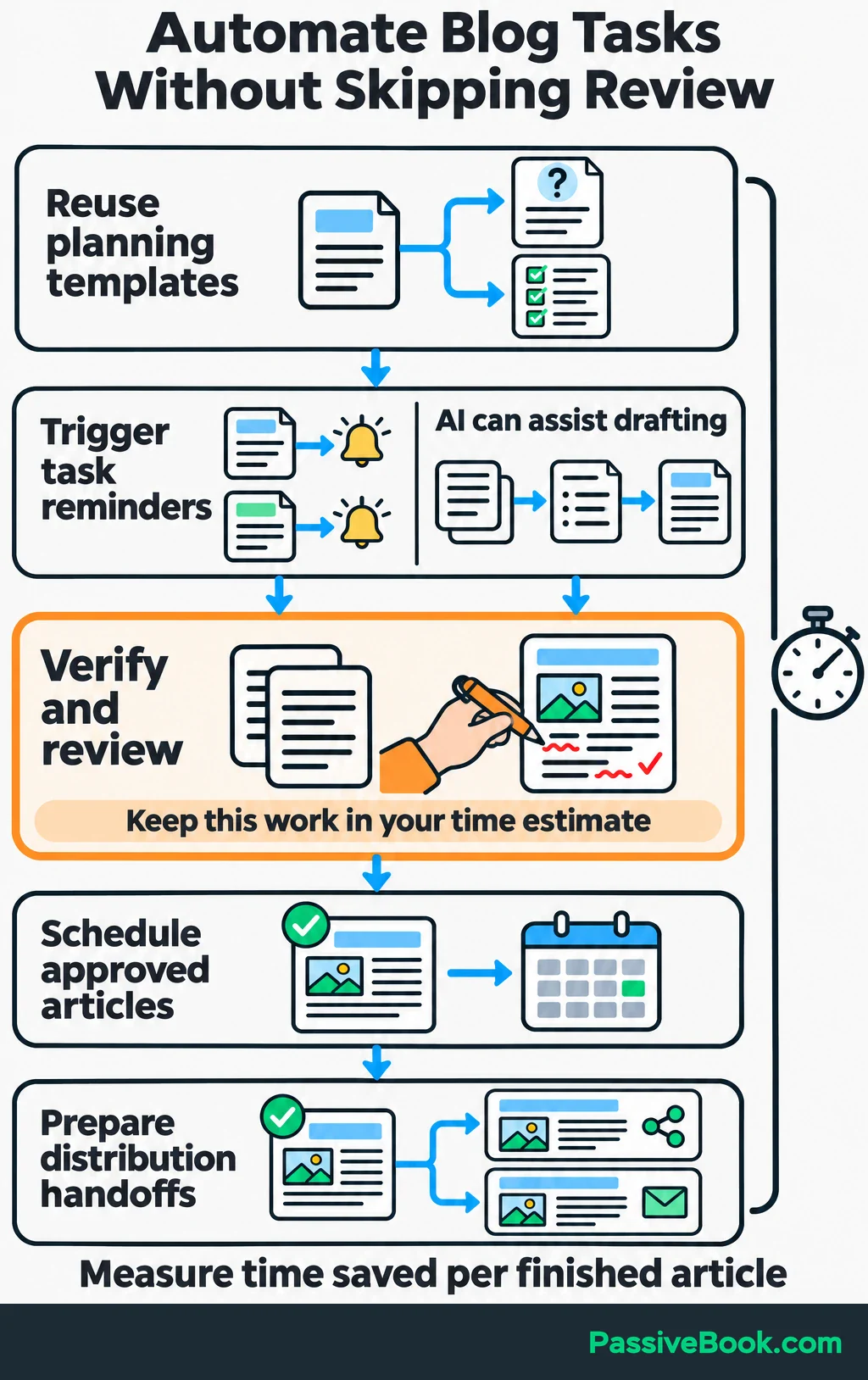
My custom AI content pipeline reduced article production from days to hours. But when I reviewed the workflow, a quick draft still left source checking, examples and final editing on my desk.
I now judge the time saving at the finished-article stage. That’s the point where I can decide whether the system has created capacity.
Measure several complete production cycles before adding another slot. I would use the first spare hours to catch up on updates and build a small reserve. A faster workflow is also allowed to give you an evening back.
When Should You Change Your Publishing Frequency?
Review Workload and Business Results
Review production monthly. Keep a simple record of:
- Delivery: Posts planned, posts completed and missed deadlines.
- Time: Actual hours per finished article.
- Quality: Corrections needed after publication and rushed reviews.
- Maintenance: Updates completed and work deferred.
This tells you whether the schedule fits your capacity. Search and business results answer a separate question: is the content helping?
Use Google Search Console, Google’s tool for monitoring your site’s search performance, to review impressions and clicks by page and search query. Impressions count appearances in search results; clicks count clicks through to your site. Check whether those searches match the questions your articles answer.
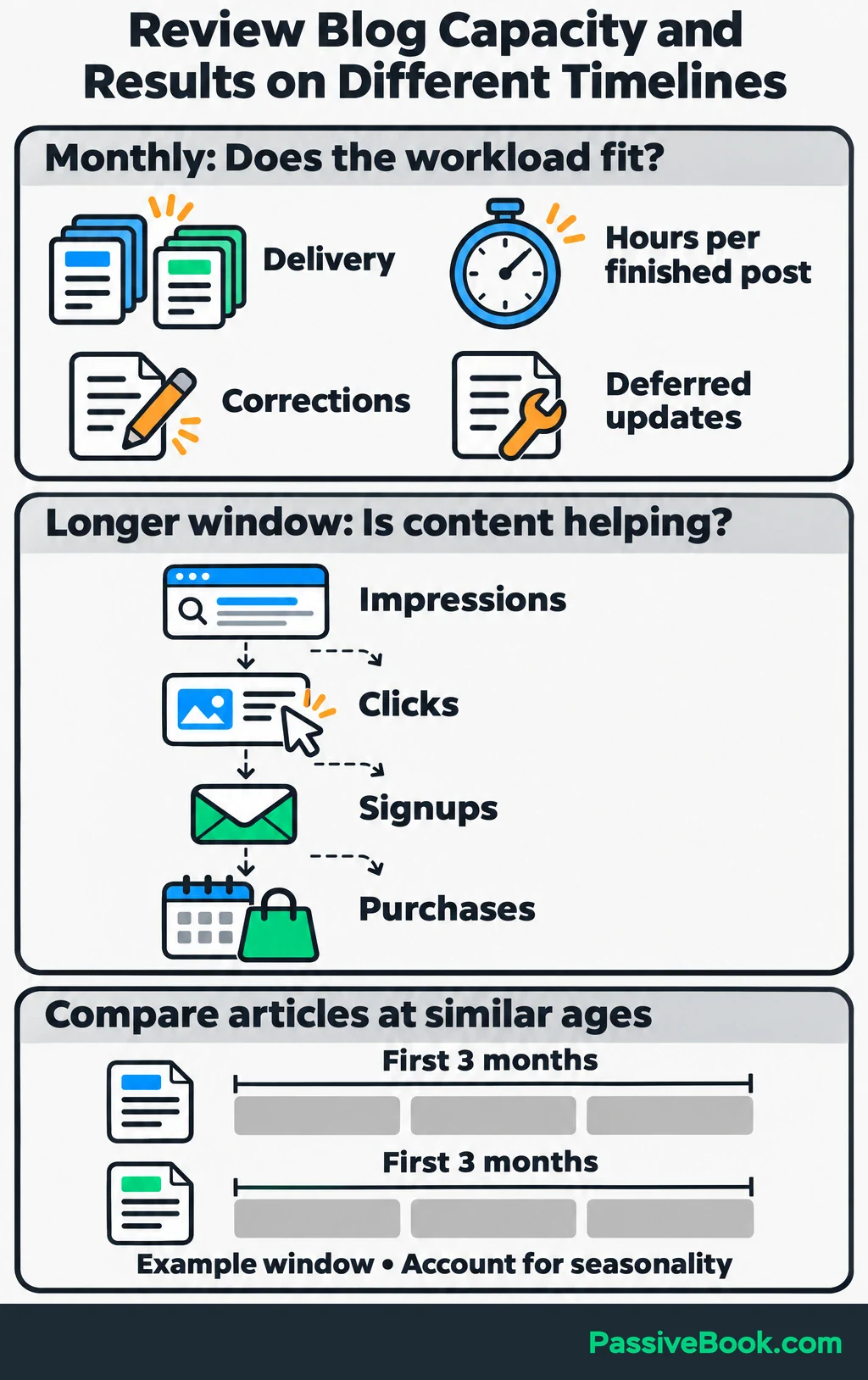
For the aquarium blog, track email signups and planner purchases separately from search traffic. If your analytics can link those actions to individual articles, use that view rather than relying only on sitewide totals.
Give search performance a longer review window than production. Google says changes can take hours to several months to affect search results.
Compare articles at similar ages, such as their first three months after publication, and account for seasonal demand. Don’t compare a new page’s first week with an established page’s strongest month and conclude that your schedule failed.
Increase, Maintain or Reduce the Pace
Choose the next schedule based on what the records show:
| Decision | Evidence I Would Look For | Next Action |
|---|---|---|
| Increase | Distinct useful topics remain, reviews are complete, updates are current and spare hours recur | Add one slot to the next monthly cycle and measure the workload |
| Maintain | The schedule fits, and useful articles are gaining visibility or supporting business outcomes | Keep the cadence and improve topic selection |
| Reduce | Deadlines slip, verification gets rushed or maintenance keeps being deferred | Remove a slot and restore time for review and updates |
| Investigate first | Articles receive little visibility or visits rarely lead to relevant actions | Check indexing, search intent and the next step before adding volume |
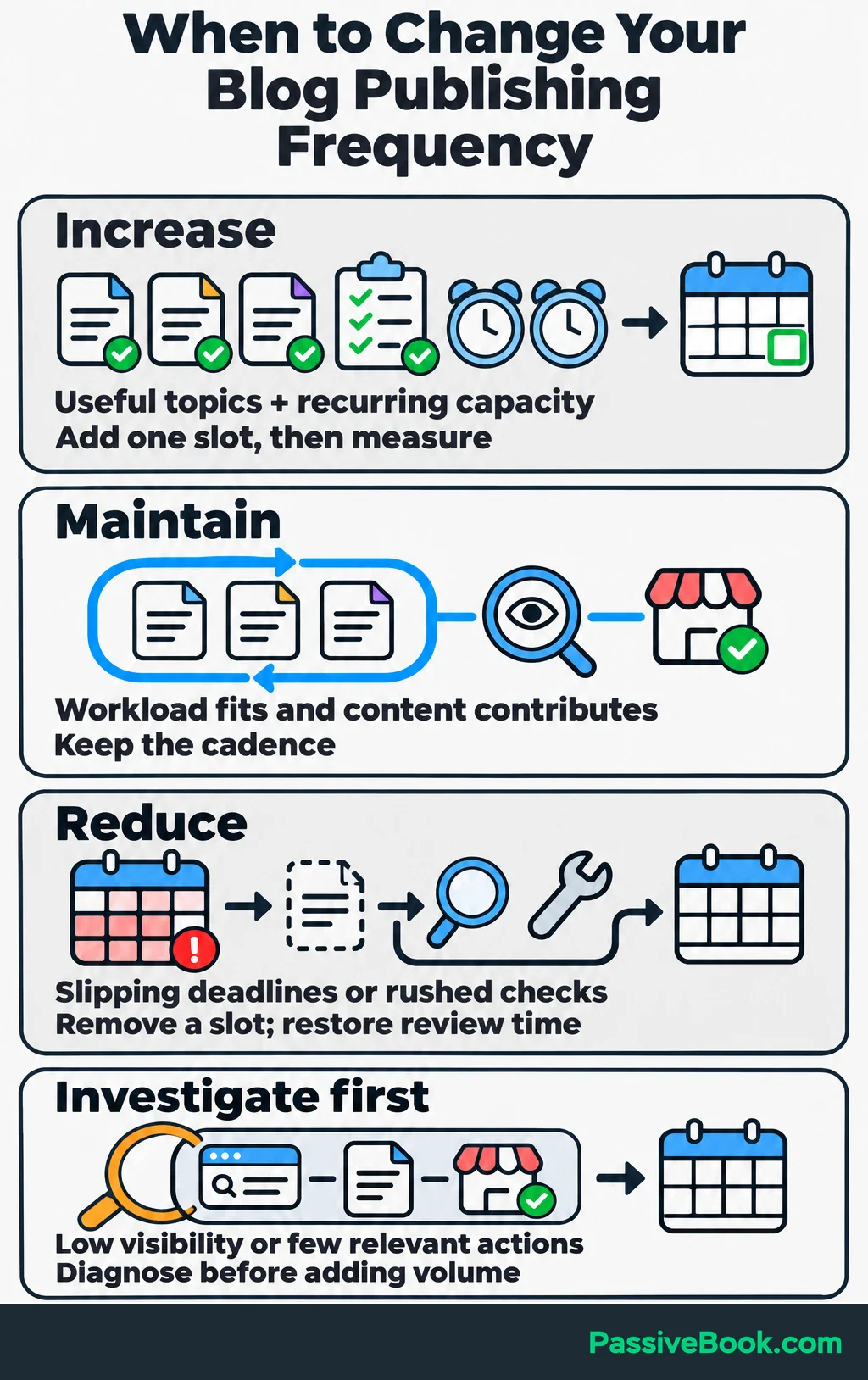
If pages get little visibility, check whether Google has added them to its search index and whether each article answers the search it targets.
If an article gets visits but few planner purchases, examine the connection between its topic and the offer. A supplies-storage article may help readers without making them ready to buy a maintenance planner. More traffic to that same mismatch won’t explain what needs changing.
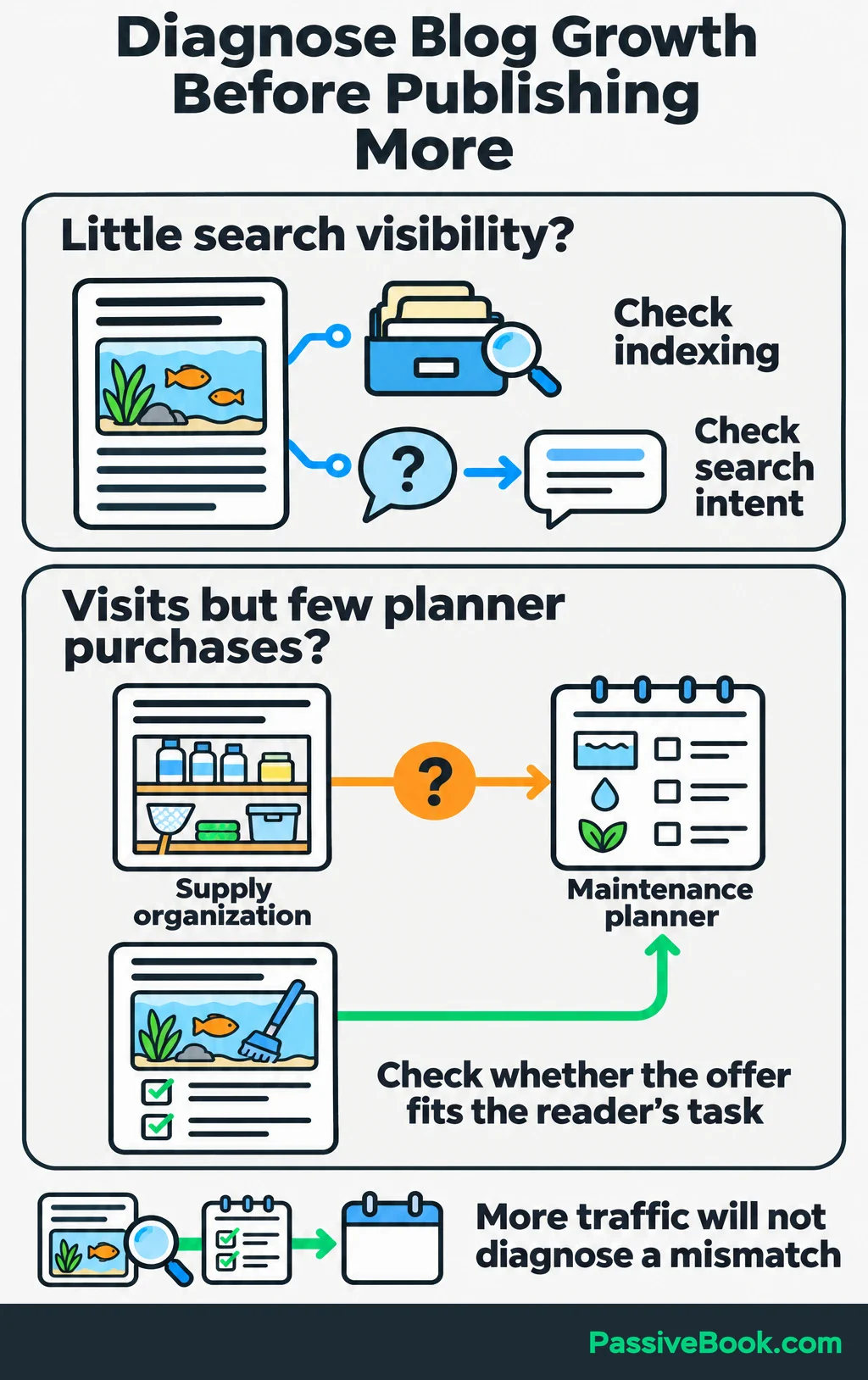
For the aquarium blog, I would keep two posts per month while that workload fits. I would add a third only after production records show enough recurring capacity to finish it properly.
Record each schedule change, the reason and the next workload review date. That gives you something useful to assess beyond whether the publishing calendar looks busier.
What Next?
Block out your next month’s available content hours and calculate how many finished articles they support. Put those slots on the calendar, then choose the most useful distinct questions to fill them.
Use the social buttons to share this guide when the publishing-frequency debate needs a practical way to count the work.
Which part of producing a finished post takes more time than you expected? Tell me in the comments, and bring any other questions about choosing your schedule.
Share this post with your friends & followers:

