You have a free evening to work on your blog, but your topic list pulls in six directions. One idea could become a tutorial. Another might attract searches. A third sounds interesting, though you’re not sure who needs it.
Choosing badly costs more than a quiet launch. You can spend your limited writing time on posts that have little connection to each other or to a business you want to build. This guide shows how to turn those scattered ideas into useful first posts, then build a publishing routine you can keep alongside everything else.
Define What Your Blog Will Help Readers Do
Start with one sentence:
This blog helps [people facing a specific problem] achieve [a practical outcome].
That promise gives you a way to accept or reject topics before you spend an evening writing them.
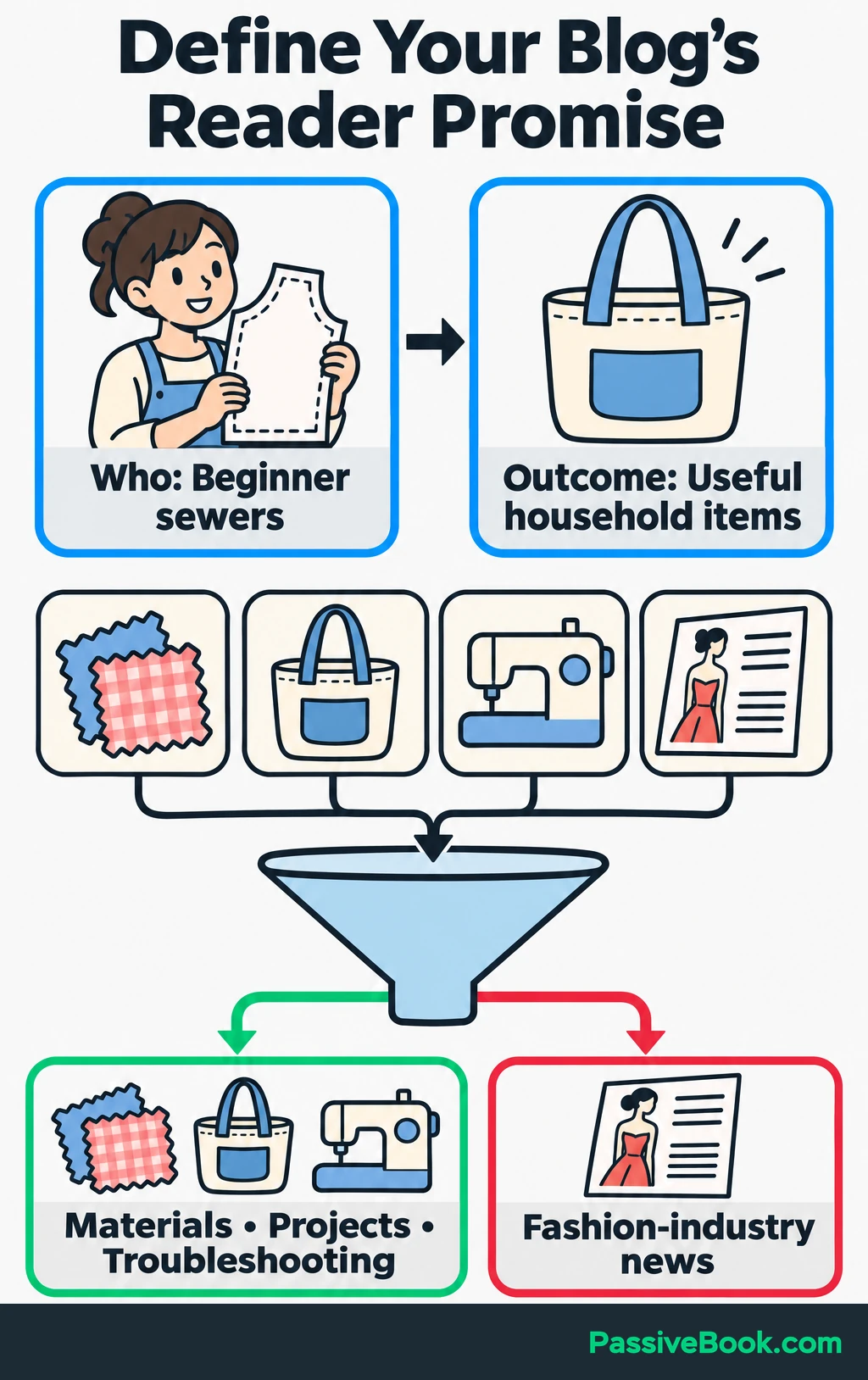
For a running example, imagine you’re building a beginner sewing blog and may eventually sell a printable sewing project planner. Your promise could be:
This blog helps beginners sew useful household items with clear instructions and simple projects.
That leaves room for articles about materials, projects, and common mistakes. It also gives you a reason to skip fashion-industry news, even though both involve sewing. The example topics below illustrate the planning process; they aren’t verified search opportunities.
I spent eight months publishing more than 127 posts on a productivity blog before abandoning it. I found the niche too competitive and difficult to monetize alone. That doesn’t make productivity a bad subject for everyone, but it taught me to question the direction before congratulating myself on the output.
Next, decide what you can contribute. You might have relevant experience, photographs of your work, access to knowledgeable people, or the patience to research an answer properly. Google’s people-first content guidance asks whether a site has a clear purpose and offers original value.
You don’t need to know everything about your subject. You do need a credible way to answer the questions you choose.
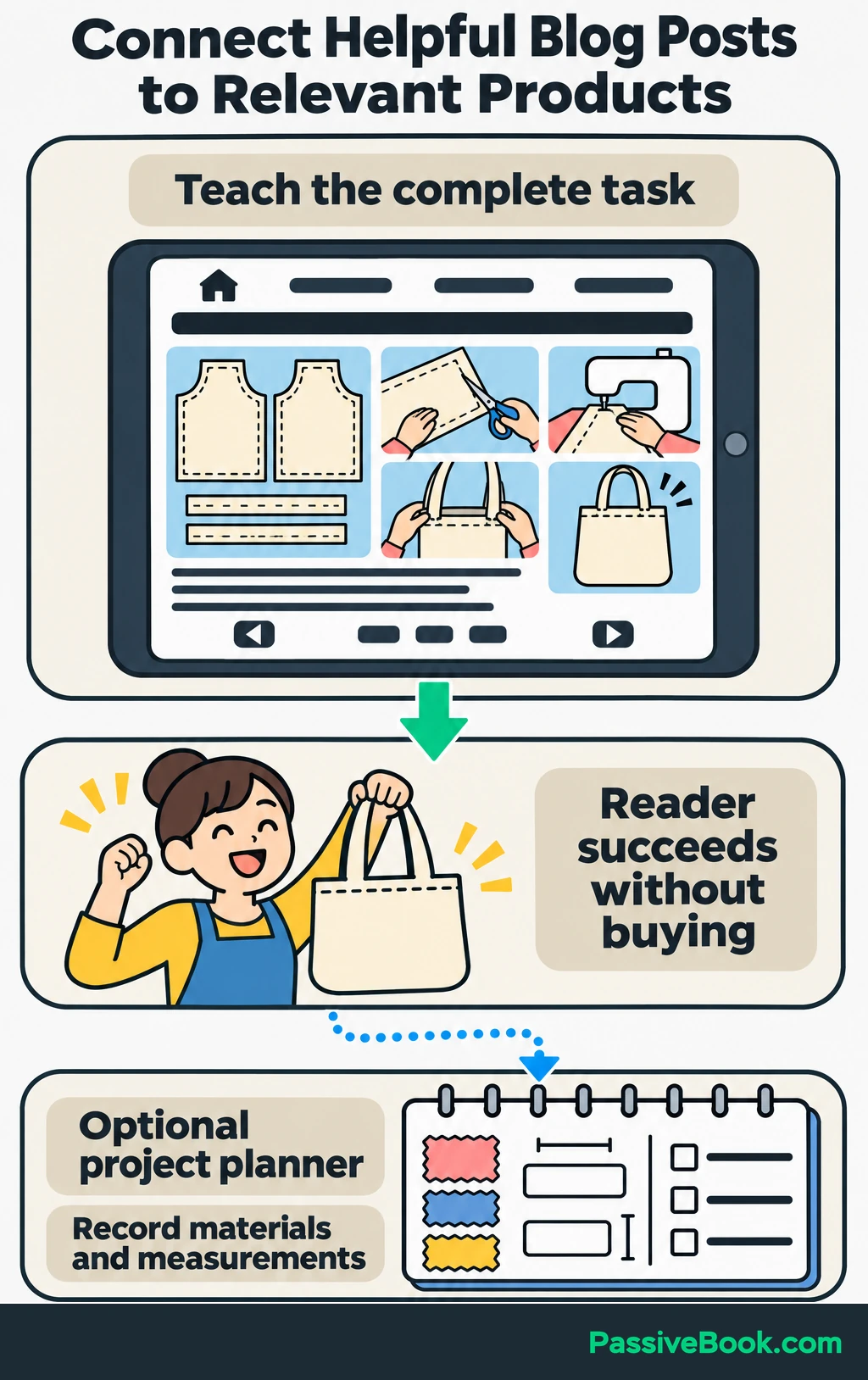
Finally, name a sensible business connection. A sewing tutorial could introduce a planner for recording materials and measurements. The tutorial should still help readers finish the project without buying it. I would establish that connection early, then let each article earn its place through usefulness.
Find Focused Topics Readers Need Help With
Collect Questions Before Choosing Keywords
Look for moments when people get stuck. Public discussions, product reviews, comments, and conversations can reveal problems you wouldn’t think to search for yourself.
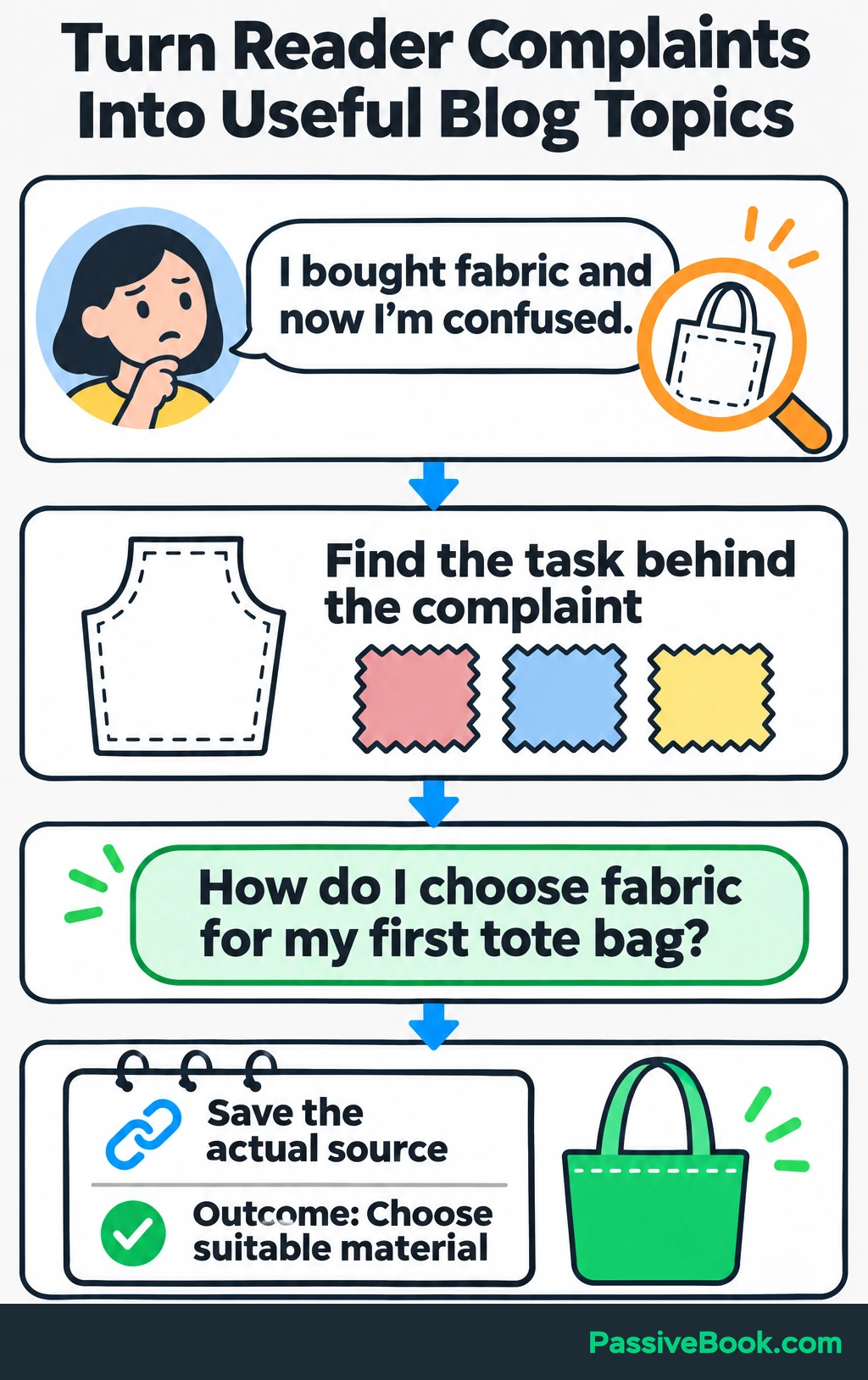
Read for the task behind the complaint. “I bought fabric and now I’m confused” is vague, but the surrounding details may reveal a useful question: “How do I choose fabric for my first tote bag?”
Keep a small question log:
| Reader Question | What the Answer Should Help Them Do |
|---|---|
| How do I choose fabric for my first tote bag? | Choose material that suits the pattern and intended use |
| How do I follow this tote-bag pattern? | Complete the project in the right order |
| Why is my machine skipping stitches? | Narrow down the problem and choose a suitable check |
These are example entries. In your own sheet, save the actual source rather than writing “forums” beside every idea.
You can start before you have an audience. What matters is finding questions people actually ask, rather than filling a calendar with subjects you hope they care about.
Check Search Intent and Existing Answers
Search a promising question and examine the results. What kind of answer keeps appearing?
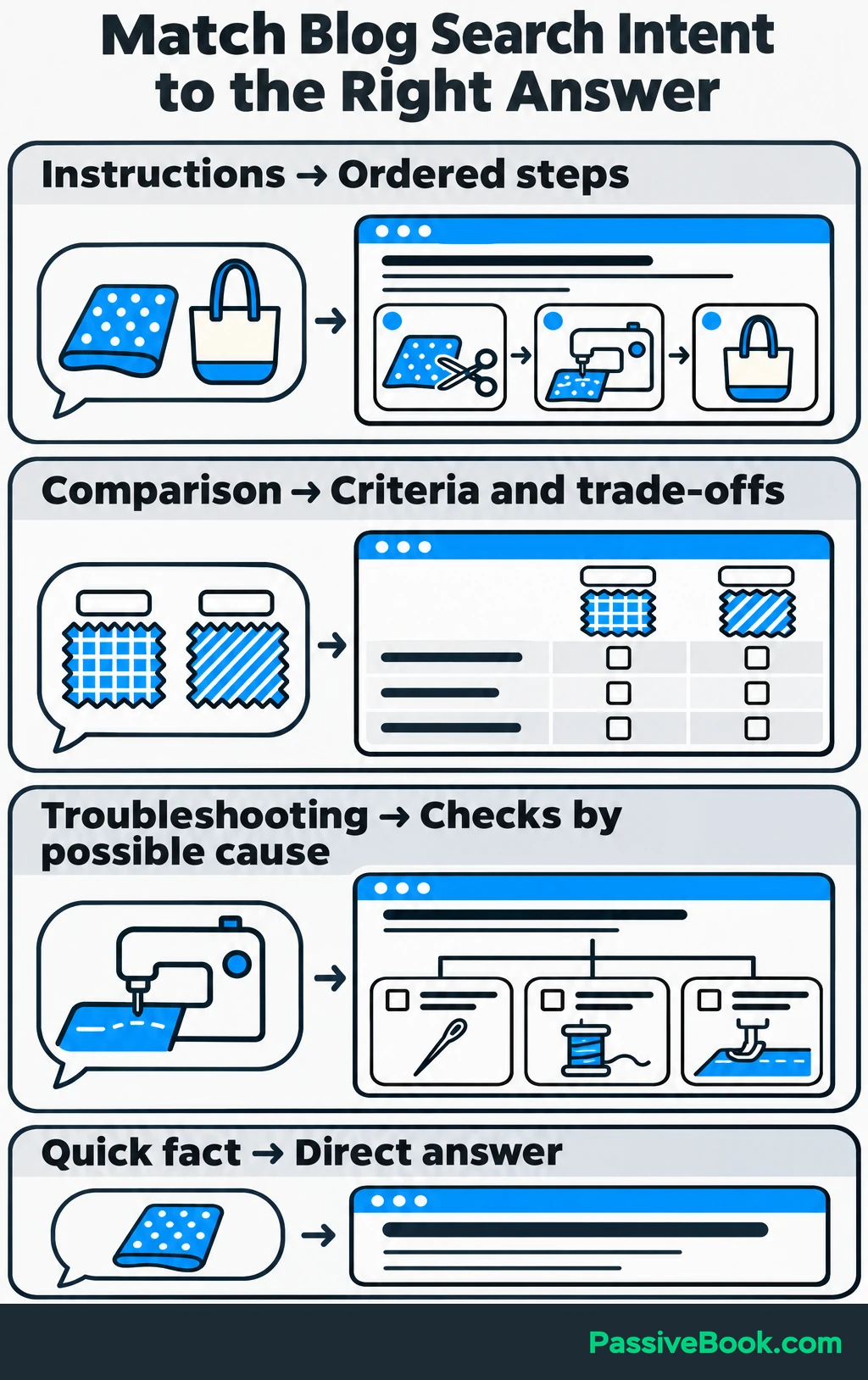
Readers might expect instructions, a comparison, help with a problem, or a quick fact. That expected task is the search intent.
For the fabric question, ask whether the results mainly help readers select material or sell fabric. Then read several answers and look for something you can improve:
- A decision is mentioned but never explained.
- Instructions assume knowledge a beginner won’t have.
- A recommendation lacks supporting observations.
- An important circumstance, such as washing the finished bag, gets little attention.
Choose a contribution you can deliver. “Make it longer” is a poor brief. “Show how to compare the pattern’s requirements with fabric labels” gives you useful work to do.
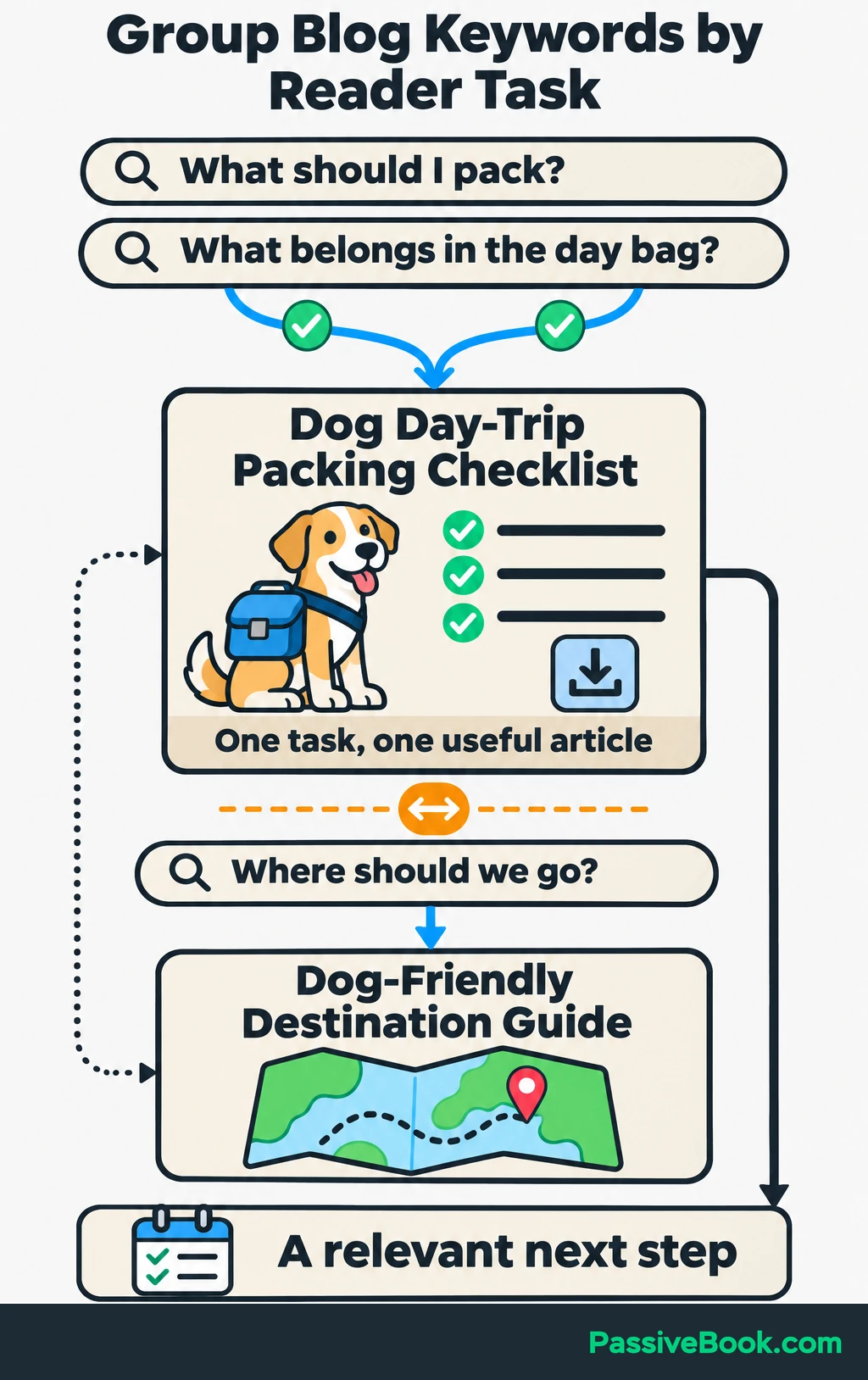
Autocomplete and related questions can suggest wording and follow-up topics, but they don’t tell you monthly search volume or how hard ranking will be.
Group phrases that need the same answer. “Fabric for a beginner tote” and “how to choose tote-bag fabric” may belong in one post. Choosing fabric and fixing skipped stitches require different answers, so give them separate pages.
Choose a Connected Set of Starter Posts
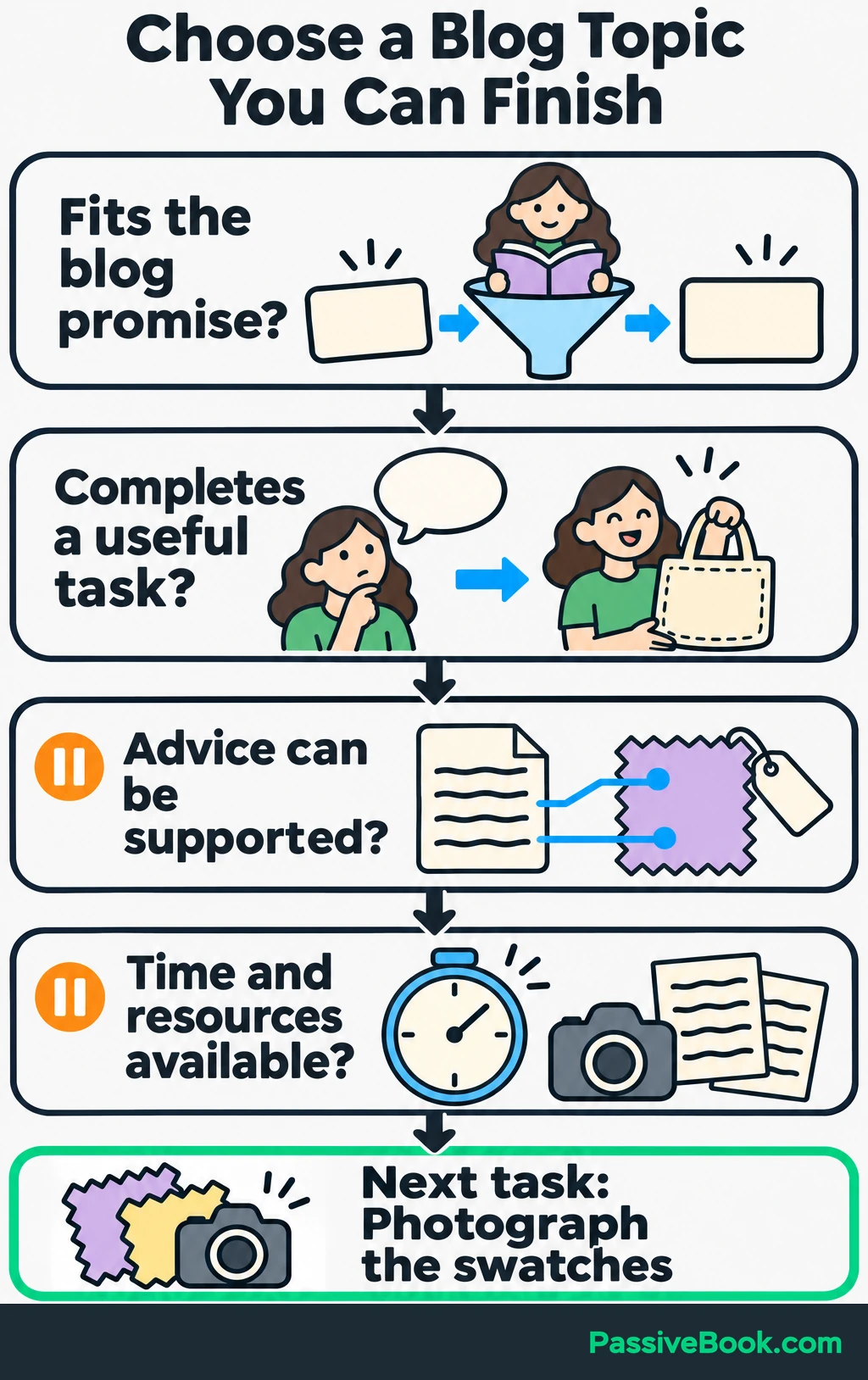
Prioritize topics using four questions:
- Does this fit the blog’s promise?
- Will the answer help someone complete a useful task?
- Can I support the advice?
- Can I finish it with the time and resources available?
I would begin with a practical answer. Put your background on the About page and give your first article a job beyond announcing that the blog exists.
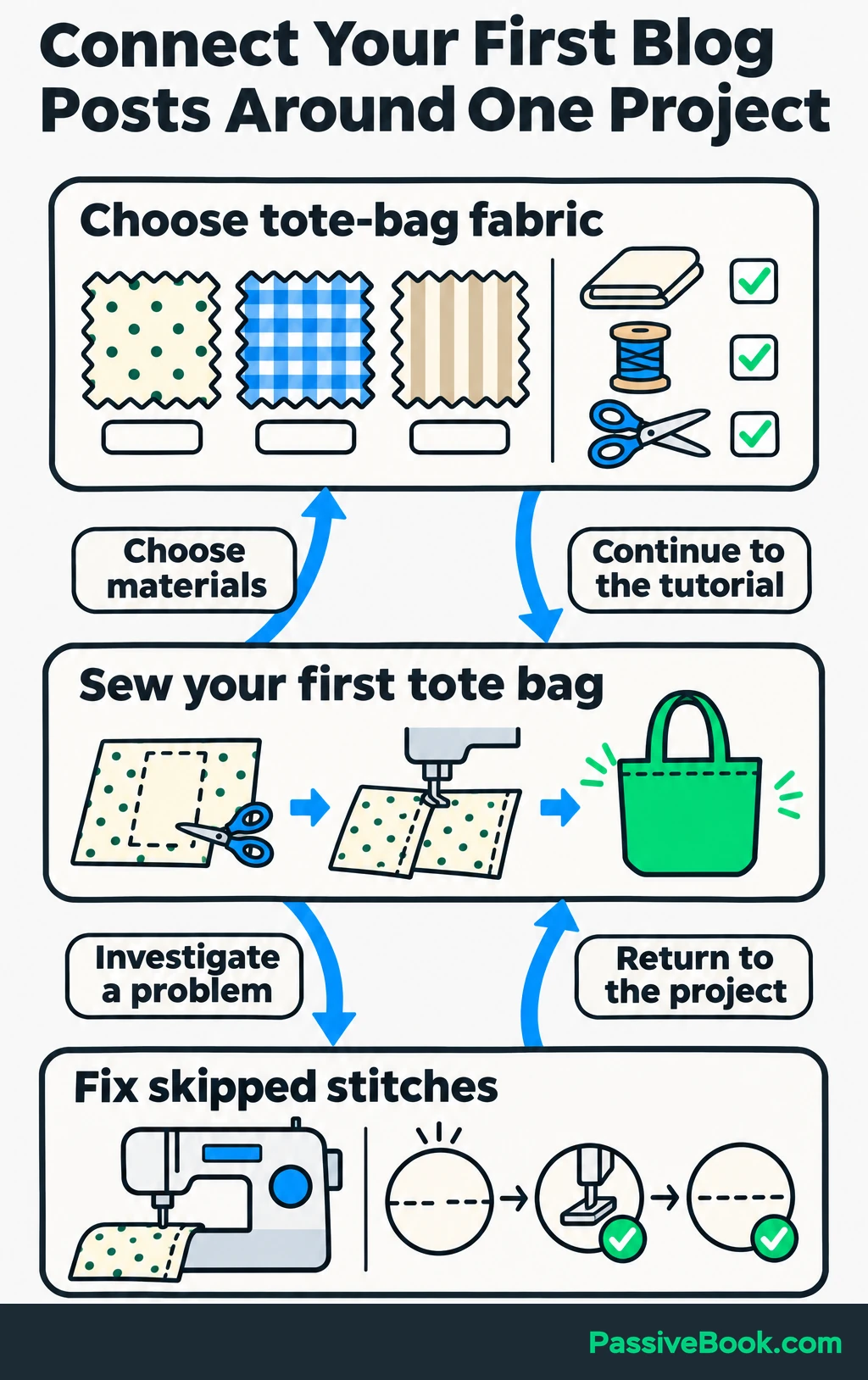
For the sewing example, a small connected set could look like this:
| Working Title | Post Format | Original Contribution to Prepare | Related Post and Next Action |
|---|---|---|---|
| How to Choose Fabric for a Beginner Tote Bag | Selection guide | Labeled swatches, fabric details, and observations tied to one pattern | Continue to the tote-bag tutorial |
| How to Sew Your First Tote Bag | Tutorial | Photographs of each stage and the finished project | Use the fabric guide before buying materials |
| Why Your Sewing Machine Is Skipping Stitches | Troubleshooting guide | Documented checks, supported by relevant machine guidance | Return to the project after checking the cause |
In your planning sheet, also include the reader’s question, priority, status, and next task. “Needs swatch photographs” is more helpful than “in progress.”
Use simple categories such as Materials, Projects, and Troubleshooting. Add links where readers need another explanation, and connect new posts to relevant pages you’ve already published.
You don’t need an arbitrary launch collection. Publish a finished, useful article when it’s ready. A plan for three posts you can complete is worth more than a calendar full of titles you keep moving to next month.
Research and Outline One Complete Answer
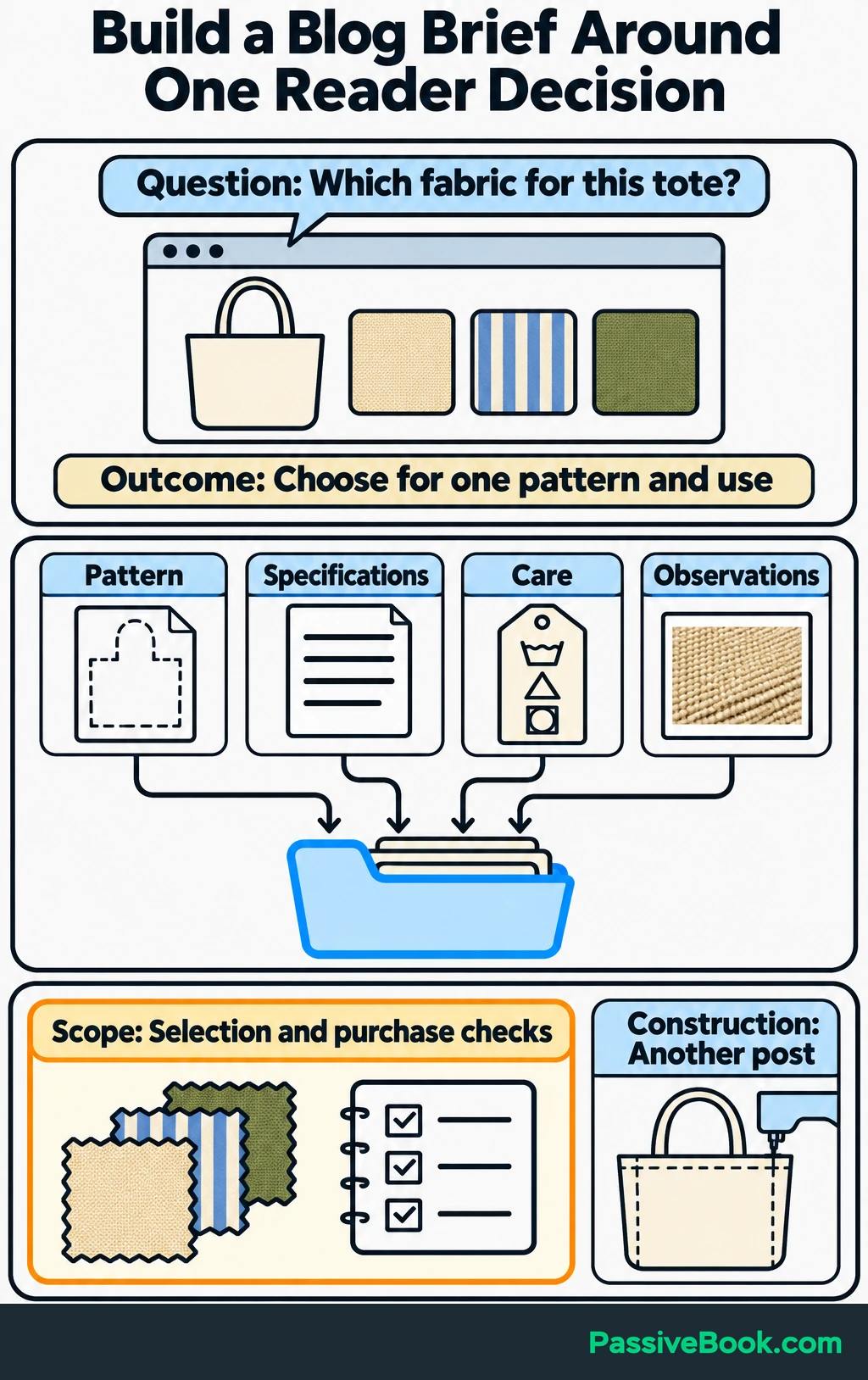
Before drafting, write a short brief. It should name the question, the outcome, the boundaries, and the evidence you need.
Here’s a worked brief for the fabric-selection post:
| Brief Item | Example |
|---|---|
| Reader’s question | How do I choose fabric for my first tote bag? |
| Promised outcome | Choose fabric for one specified beginner pattern and intended use |
| Scope | Material selection and purchase checks; construction belongs in the tutorial |
| Contribution | Labeled swatches compared against the pattern’s requirements |
| Evidence to gather | Pattern instructions, supplier specifications, care information, and documented observations |
| Next reader action | Buy the required materials and follow the tote-bag tutorial |
Now gather what the brief requires. Prefer original instructions, research, qualified sources, and observations you can document. For this example, begin with the actual pattern rather than a collection of general fabric articles.
Keep notes beside each claim. Record the source and any condition that changes the advice. If an observation applies to one fabric sample, preserve that detail rather than turning it into a claim about every fabric of that type.
Then arrange the article in the order readers need:
- Check the pattern’s requirements and decide how the bag will be used.
- Explain the fabric characteristics that matter to those requirements.
- Compare suitable options using labeled samples and documented observations.
- Finish with a purchase checklist.
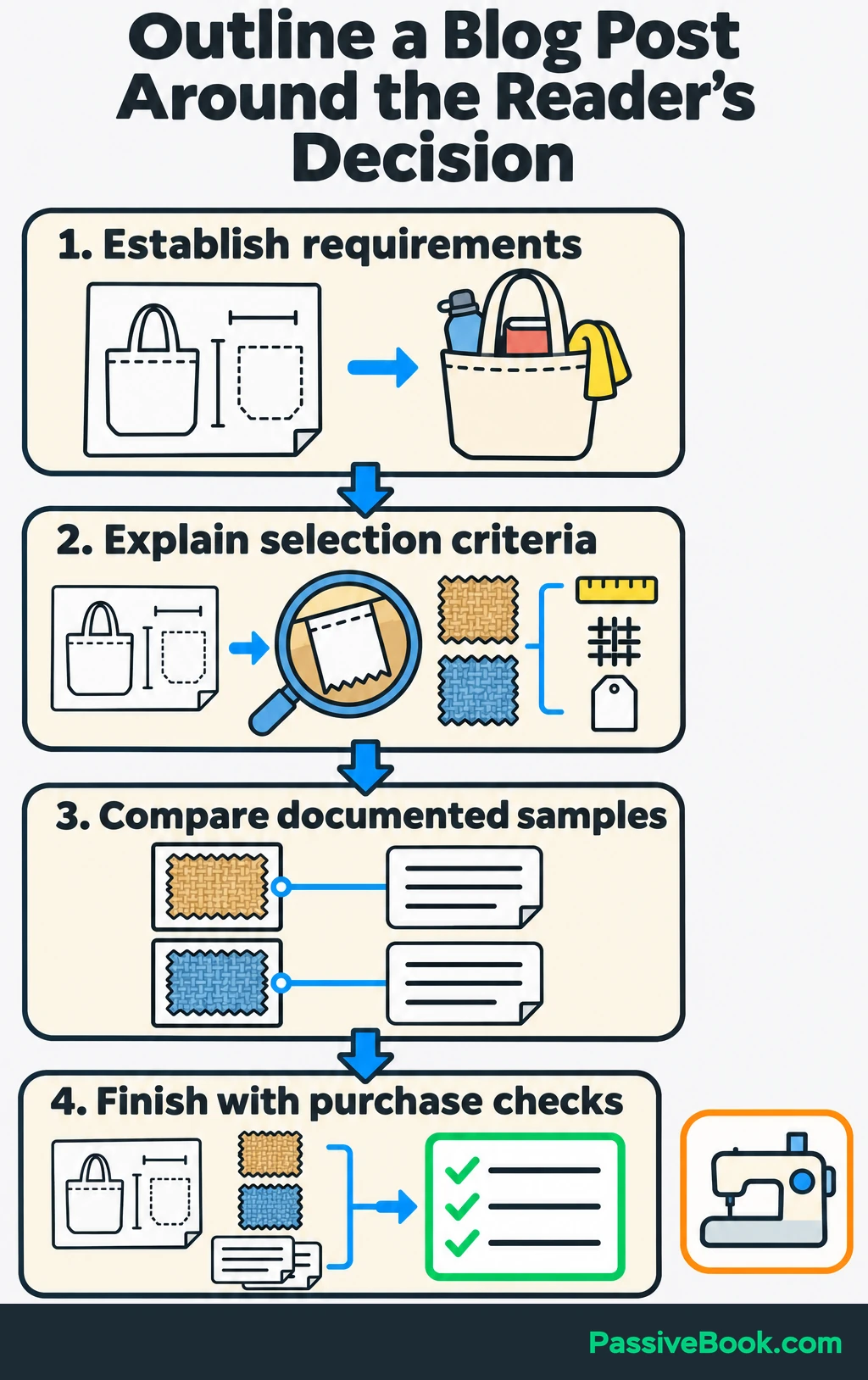
That outline makes the research serve a decision. It also tells you which photographs to take before you sit down to write.
Once you have your question and source notes, the AI Copywriting Studio can help turn them into a working draft. It gives your material a structure suited to the task and flags what still needs checking.

Free AI Copywriting Studio




Keep the promise bounded. The fabric article needs to help readers choose fabric. It doesn’t need to teach every part of bag construction, explain all textile types, and briefly cover the history of cotton.
Write a Post Readers Can Act On
Make the Title and Opening Deliver a Clear Promise
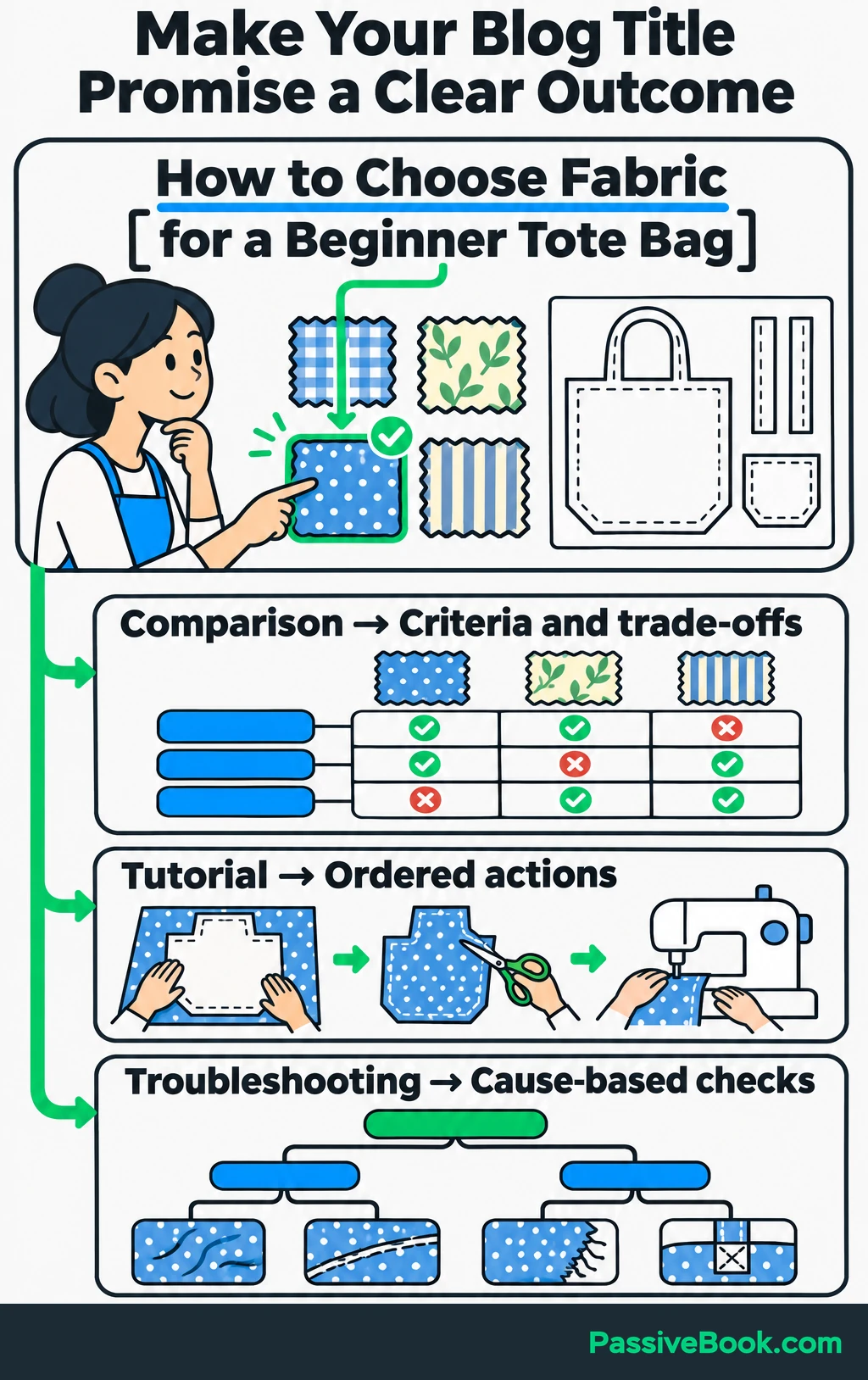
A useful title names the task clearly:
How to Choose Fabric for a Beginner Tote Bag
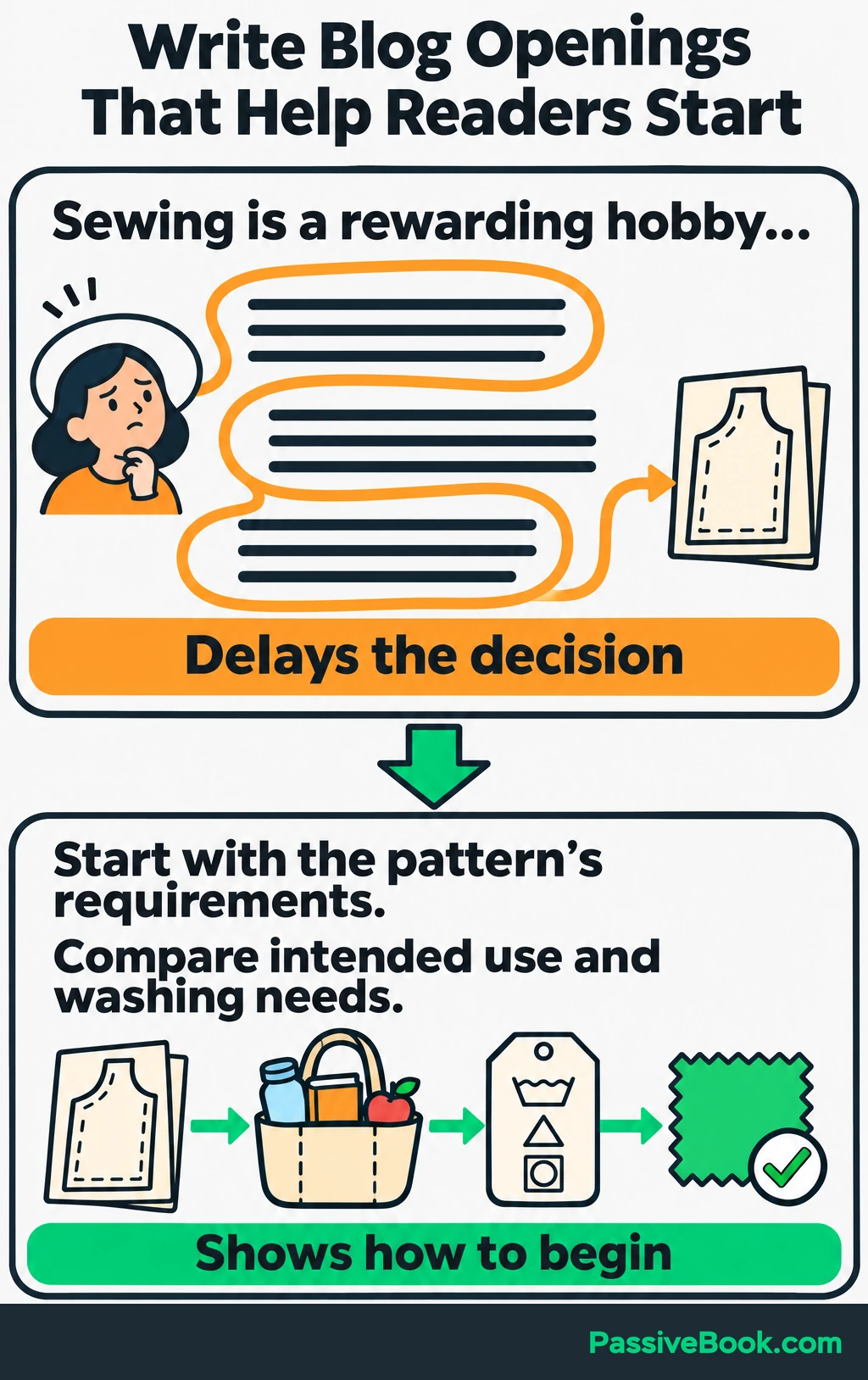
Then use the opening to help readers get moving:
Start with your pattern’s fabric requirements, then compare suitable fabrics against what the bag will carry and how you will wash it.
That opening tells readers how the answer works. It doesn’t make them read several paragraphs about why sewing is rewarding before reaching the decision they came to make.
Match the body to the promise. A comparison needs criteria and trade-offs. A tutorial needs an ordered process. Troubleshooting needs a way to distinguish possible causes and choose what to check.
If you can’t describe what readers should be able to do afterward, tighten the topic before writing more.
Explain the Actions and Show the Evidence
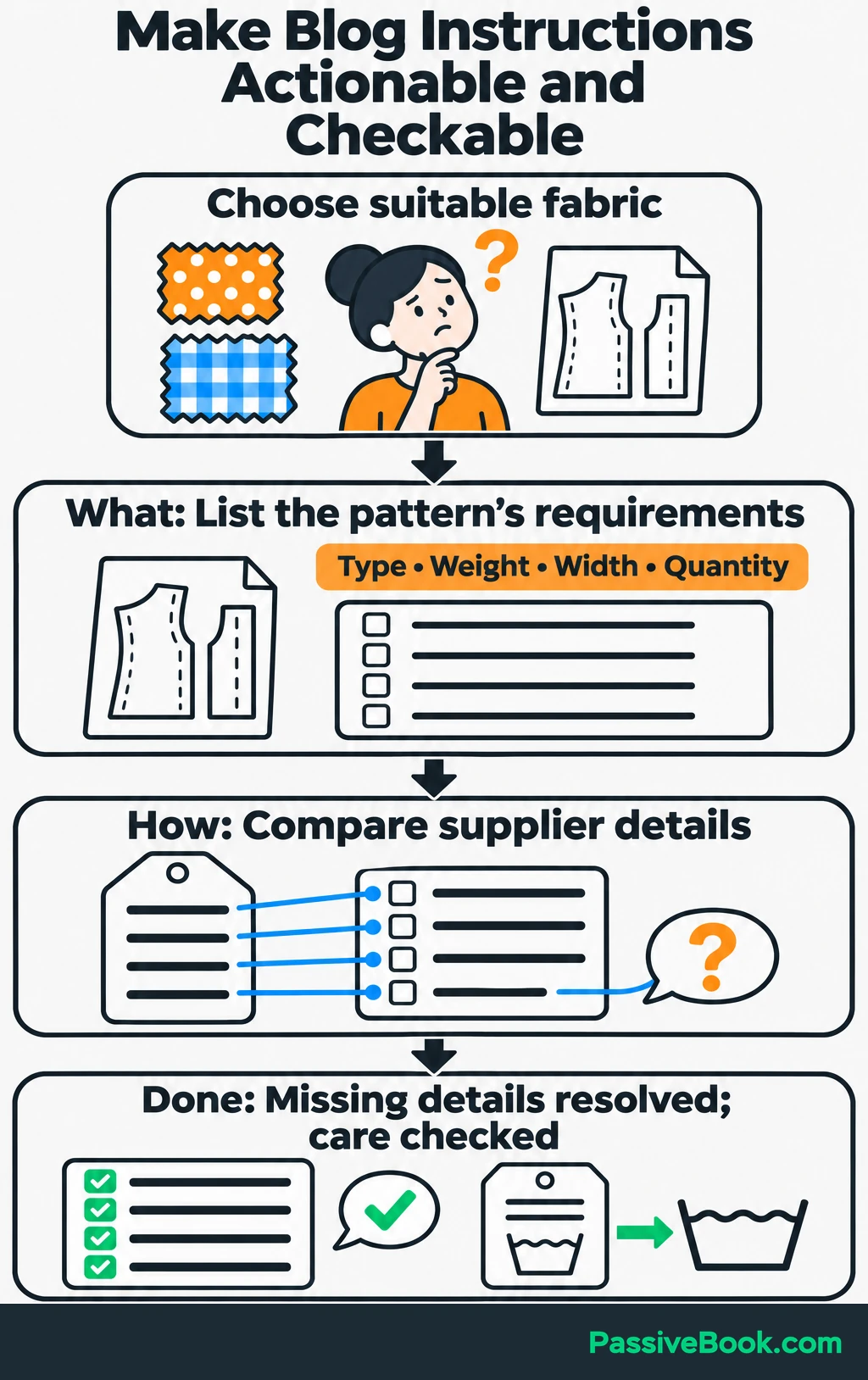
For each step, explain what to do, how to do it, and how to know they’ve finished.
“Choose suitable fabric” leaves the work with the reader. A more useful instruction is:
List any requirements your pattern gives for fabric type, weight, width, and quantity. Compare that list with the supplier’s details, and ask about anything missing before buying. Check that the recommended care suits how you plan to wash the bag.
Explain a selection criterion before showing the example. Then connect the example to the decision. A photograph of two swatches needs labels and an explanation of what the visible difference helps readers judge.
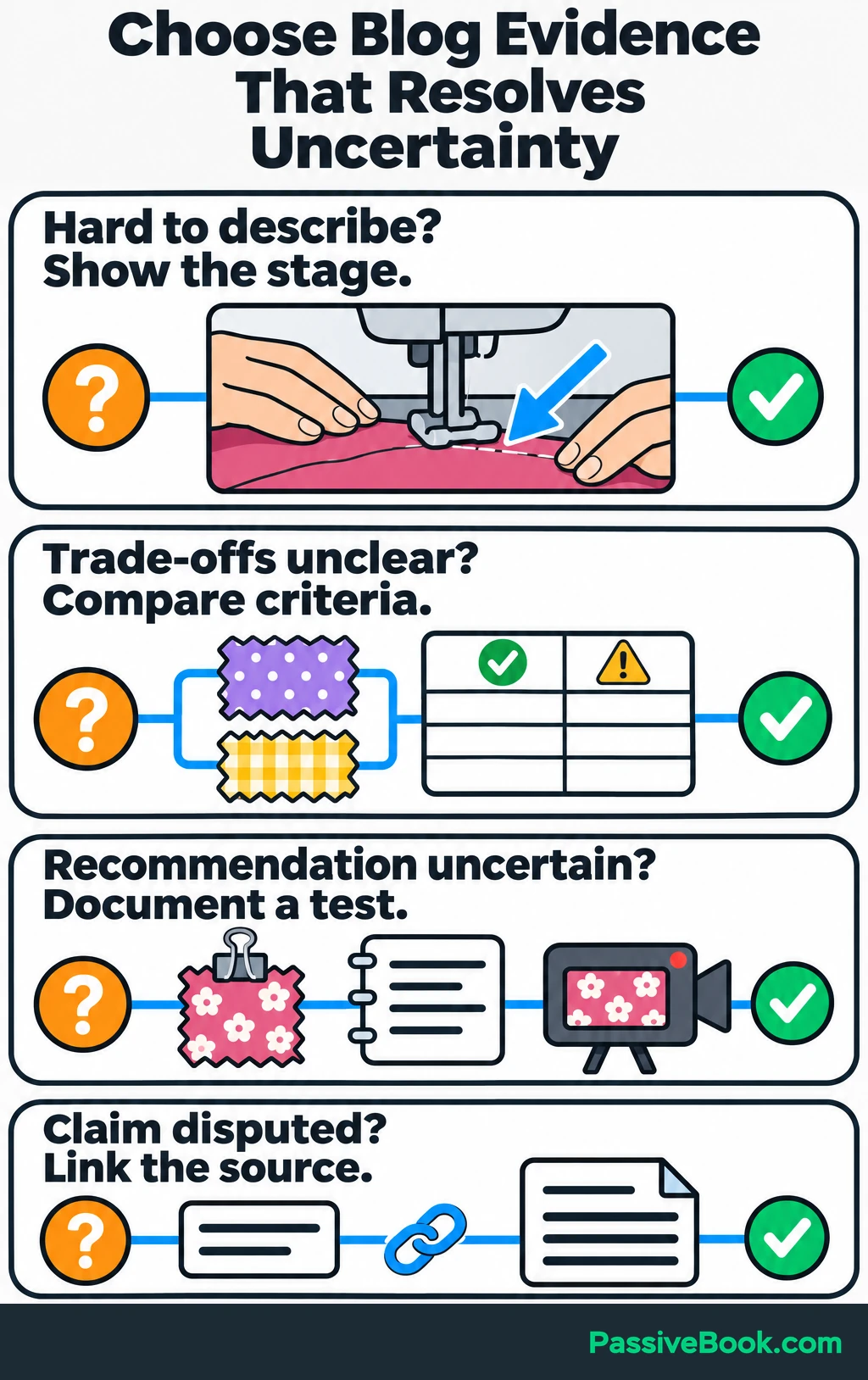
Use evidence where it removes uncertainty:
- Photographs can show a stage that is hard to describe.
- A comparison table can make trade-offs easier to scan.
- A documented test can support a recommendation.
- A source link can let readers check a disputed claim.
Define unfamiliar terms at the point where readers need them. Keep paragraphs short enough to scan, but join related ideas so the article still sounds like a person explaining something.
Write enough to resolve the question. Google explicitly says it has no preferred word count, so I wouldn’t stretch a finished answer to satisfy a number.
End with the next useful action. The fabric guide can lead to the tote-bag tutorial. Introduce the project planner where recording measurements and materials would help, rather than inserting the same sales pitch into every section.
Use AI With Verified Notes and Human Review
Start with a document, a planning sheet, and your blog editor. Add tools when a specific task earns the expense.
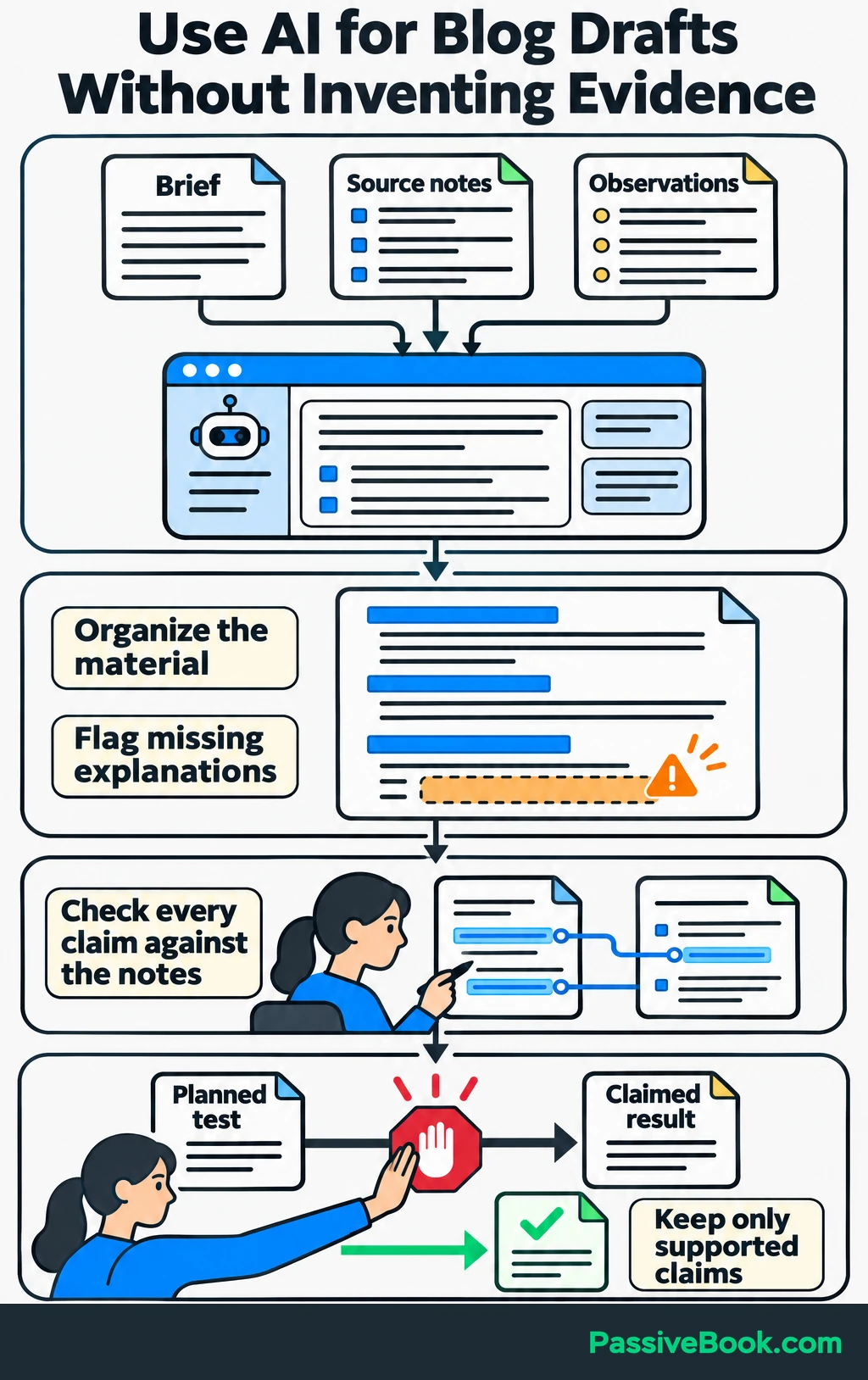
I use Claude, an AI assistant, for long-form writing and content strategy. For a new post, I would give it the brief, source notes, and observations, then ask it to organize the material or identify missing explanations.
A focused instruction might be:
Arrange these notes into an outline that helps a beginner choose fabric for the specified pattern. Flag missing information and keep my observations separate from source claims.
Review the output against your notes. Check sources directly, repair vague instructions, and remove claims you can’t support. AI must not turn planned testing into completed testing or manufacture an experience for the author.
Google’s generative AI guidance warns that generating many pages without adding value may violate its spam policies. I would use AI to help produce a better answer before using it to produce more answers.
Edit the Post and Apply Basic SEO
Check Completeness, Accuracy, and Readability
Read the instructions in order as if you were doing the task for the first time. At each step, ask whether readers have the information and materials needed to continue.
On one of my sites, I polished a tutorial’s opening while leaving out the setup required for its first step. Reading it in sequence exposed the gap, and I added the setup before the action. That experience is why I check whether instructions work before spending more time making them sound better.
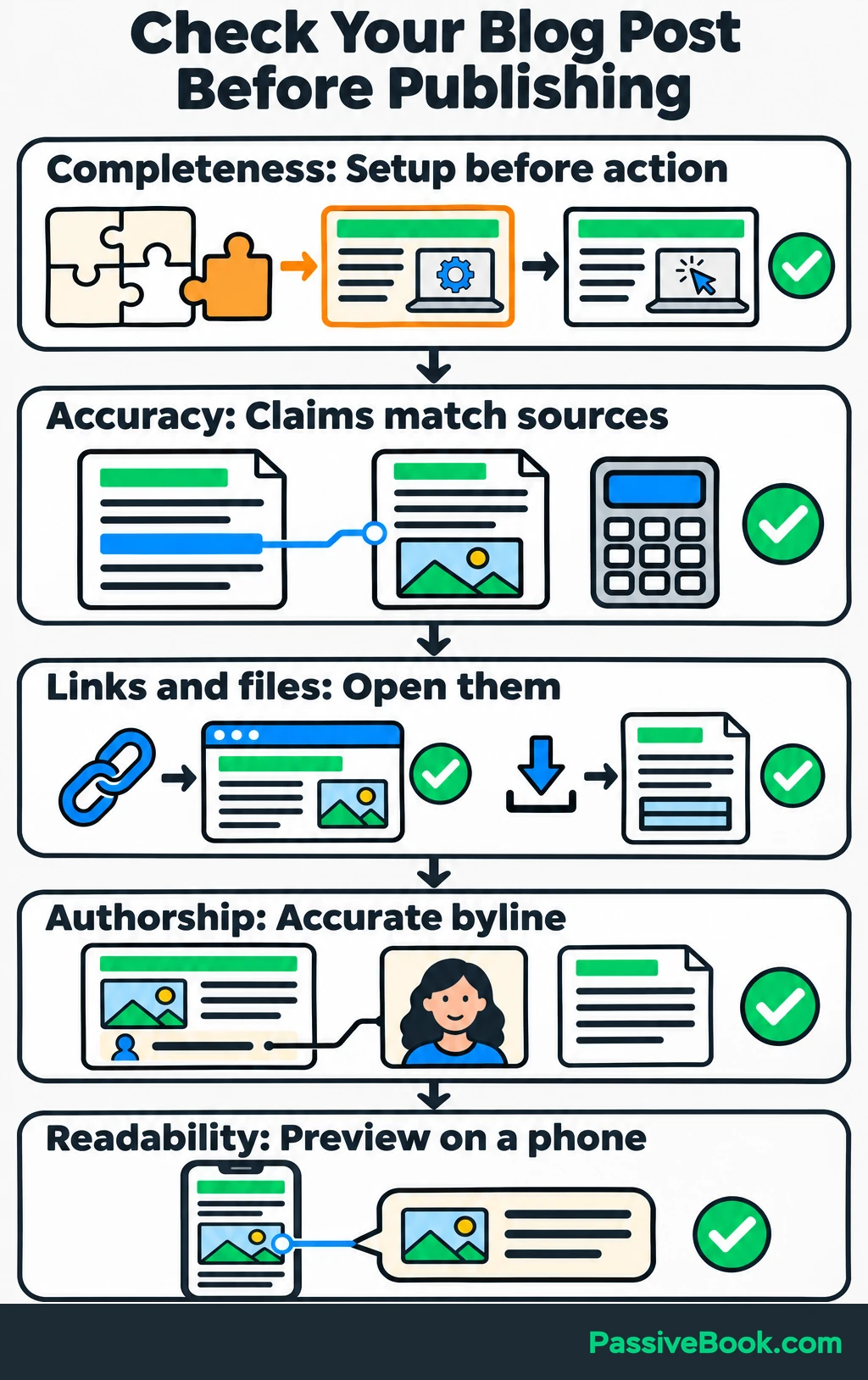
Use a short final checklist:
- Completeness: Every required step is present, and the article delivers its promised outcome.
- Accuracy: Claims match their sources, calculations are correct, and examples are clearly presented.
- Links and Files: Related pages open and promised downloads work.
- Authorship: The byline and author background accurately describe who created the article.
- Readability: The phone preview has clear headings, manageable paragraphs, and legible images.
Use your own images or images you have permission or a suitable license to reuse, and follow any attribution requirements.
Give informative images alt text: a short description that conveys their meaning to people using screen readers. Purely decorative images should have an empty alt attribute, alt="", as explained in the W3C image decision tree. For a complex comparison, explain the useful findings in the surrounding text too.
Make the Topic Clear to Readers and Search Engines
Search engine optimization (SEO) helps search engines find and understand your pages. Start with one clear main heading, descriptive section headings, and a readable URL. For the example, /choose-tote-bag-fabric/ plainly describes the page.
Use the topic’s natural wording where it helps. There’s no need to fit every keyword variation into the opening.
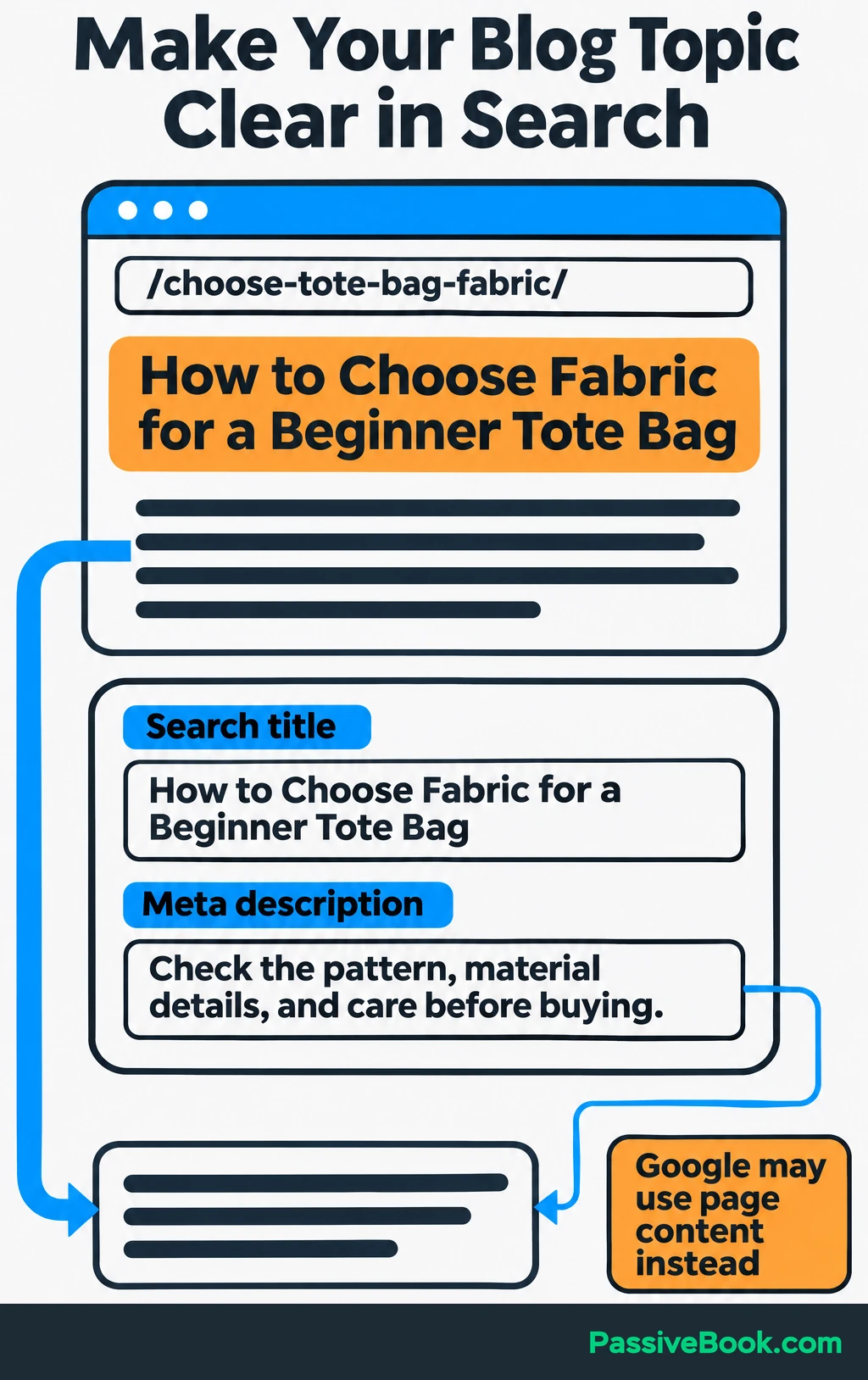
Write a concise search title, which is the title you suggest for search results. It can match the article heading. Add a unique meta description: a short page summary Google may show beneath the title. A description might read:
Choose fabric for your first tote bag by checking your pattern, comparing material details, and reviewing care needs before you buy.
Treat the description as a useful summary. Google primarily creates search snippets from page content and may use the meta description when it fits.
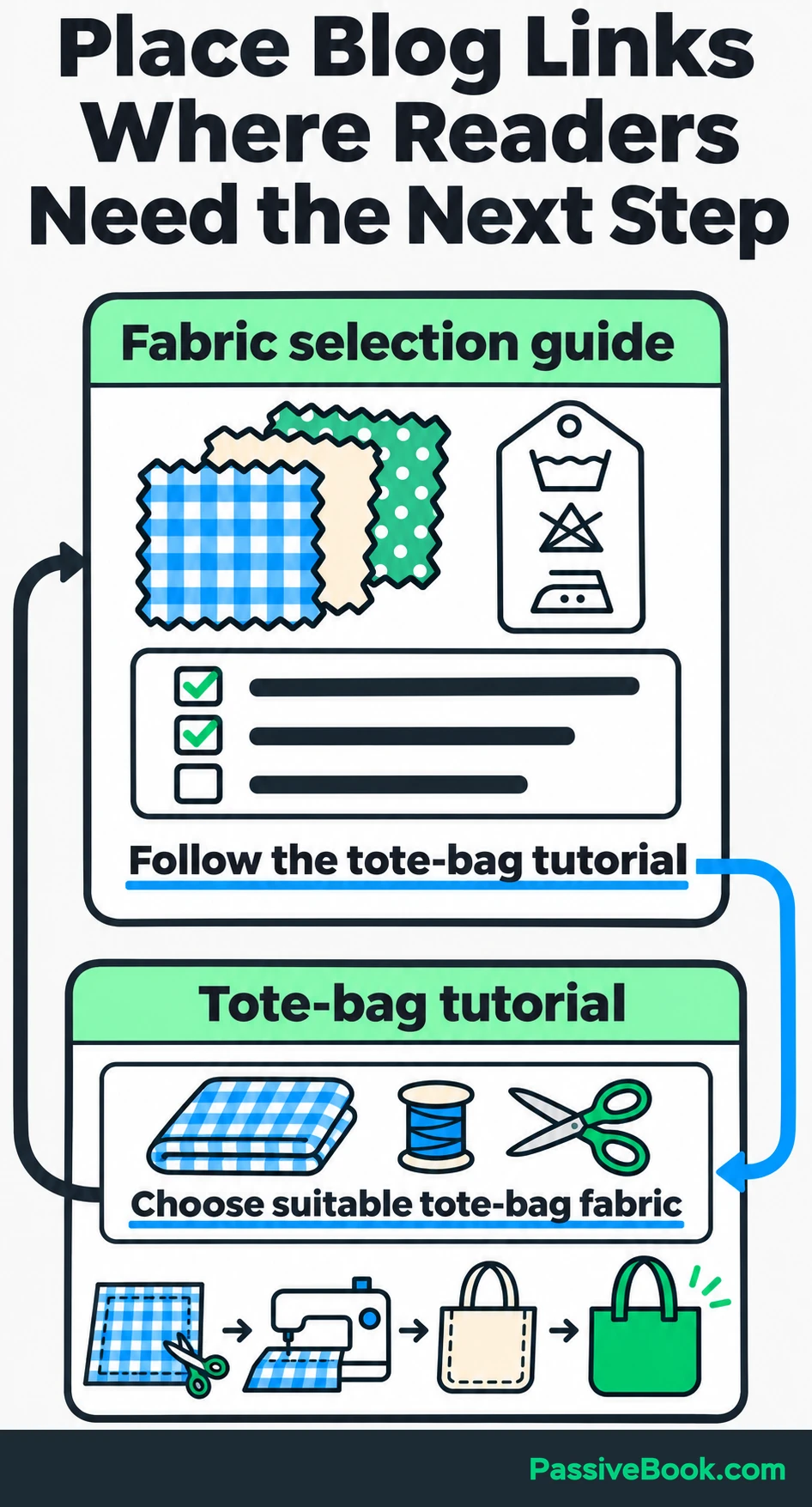
Add descriptive links such as “follow the tote-bag tutorial” where they help readers continue. When that tutorial is published, link back to the fabric guide from its materials section. Google’s link guidance explains how links help it discover pages and understand their content.
Finish these basics, then publish. Keyword placement and an SEO-plugin score don’t promise rankings.
Publish and Reach Your First Readers
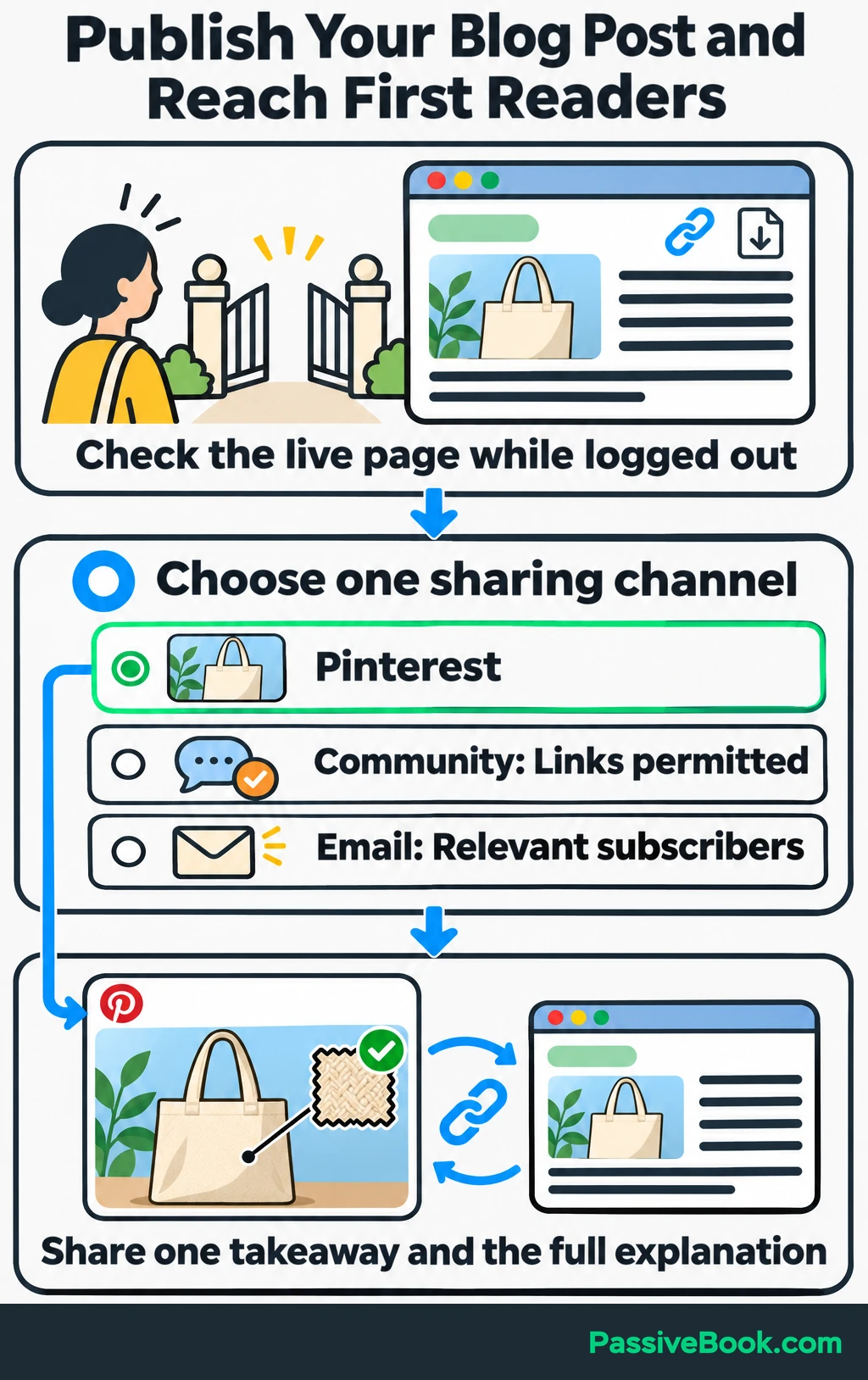
Publish the checked article in its relevant category, then open it while logged out. Confirm that visitors can read it and use its links and downloads.
Connect Google Search Console, which reports on your site’s presence in Google Search, and submit your sitemap. A sitemap lists the pages you want search engines to discover.
If a page seems to be missing from search, inspect its URL in Search Console and investigate the reported status. Google makes clear that even requesting indexing doesn’t guarantee inclusion.
Then choose one sharing channel you can maintain. You can begin without paid ads or a team.
For the sewing article, I would try Pinterest because an annotated project photograph can show the decision the post helps readers make. Share a specific takeaway, such as checking the pattern’s material requirements before buying, and link to the full explanation.
A relevant community can also work if it permits links. Answer the question helpfully and share the article when it adds something useful. If you already have email subscribers whose interests match the topic, tell them what the new post helps them do.
I would skip trying to establish a presence everywhere. Each channel adds work, and your next article still needs writing.
Build a Publishing Routine You Can Maintain
Track how long your first posts take, including research, photographs, editing, publishing, and sharing. Drafting is only part of the job.
Use that experience to set the next deadline. If a useful post takes more time than you have in one week, give it more than one week. A calendar shouldn’t require you to borrow hours from sleep.
Keep the workflow in the same planning sheet:
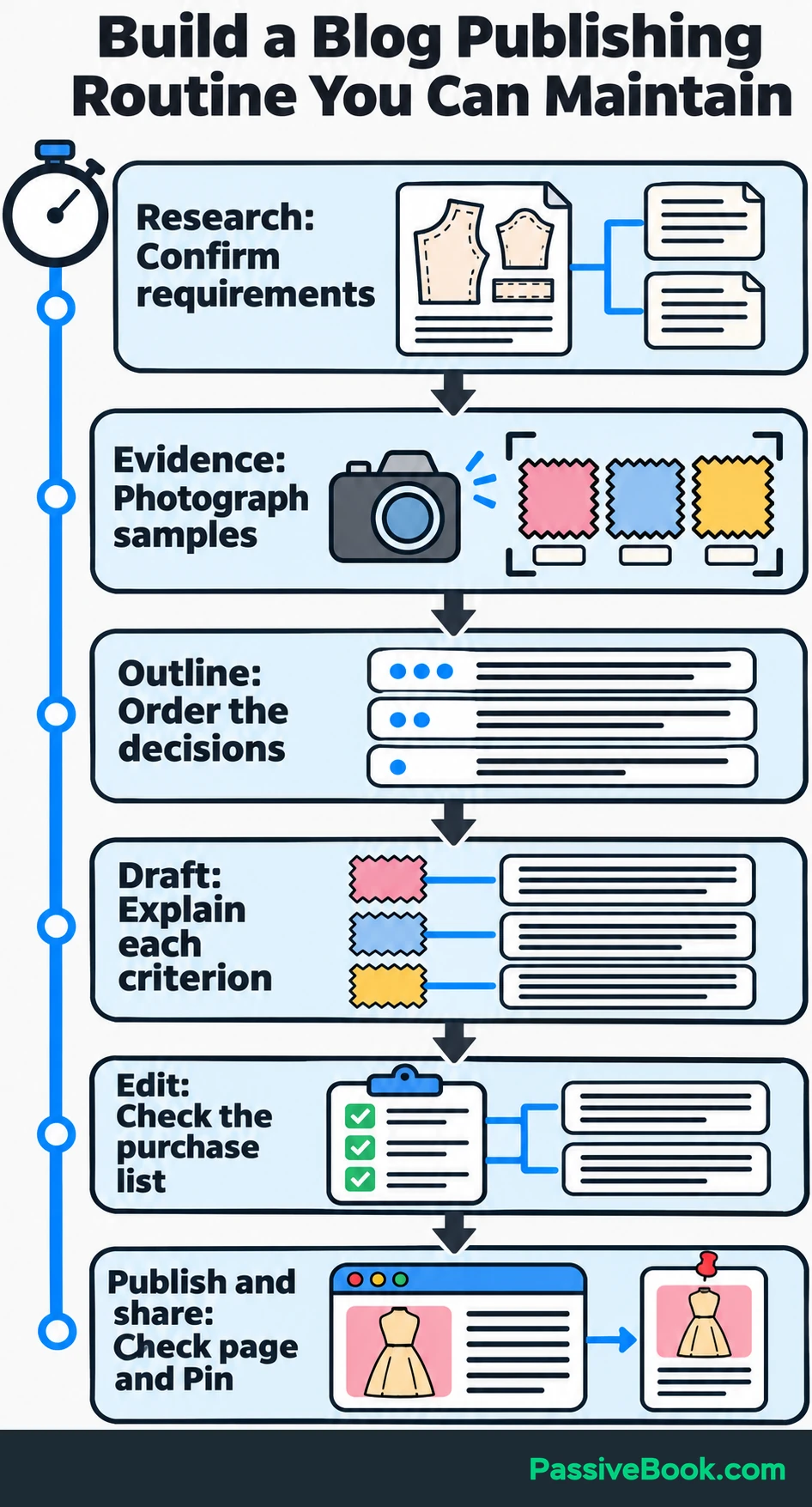
| Stage | Example Next Task |
|---|---|
| Research | Confirm the pattern’s requirements and record source details |
| Evidence | Photograph and label the fabric samples |
| Outline | Put the buying decisions in order |
| Draft | Explain each criterion and connect it to the samples |
| Edit | Check that the purchase checklist follows from the article |
| Publish and Share | Check the live page and prepare an annotated Pin |
Reuse the brief and publication checklist. Batch work where it helps, such as photographing several demonstrations in one session, and leave room for updating published posts.
My custom AI content pipeline reduced article production from days to hours. That was my experience with a process built around my work, rather than a result I would promise from installing a tool.
For a new blog, I would stabilize the process first. Then automate repeatable administration, such as moving a post to the next stage or creating a sharing task. Keep factual and editorial review in the workflow.
Improve Existing Posts
Use a regular review session to decide where another hour of work will help.
Search Console’s Performance report shows search queries, impressions, clicks, and position data. Impressions tell you that a result appeared in search; clicks tell you that someone visited through it.
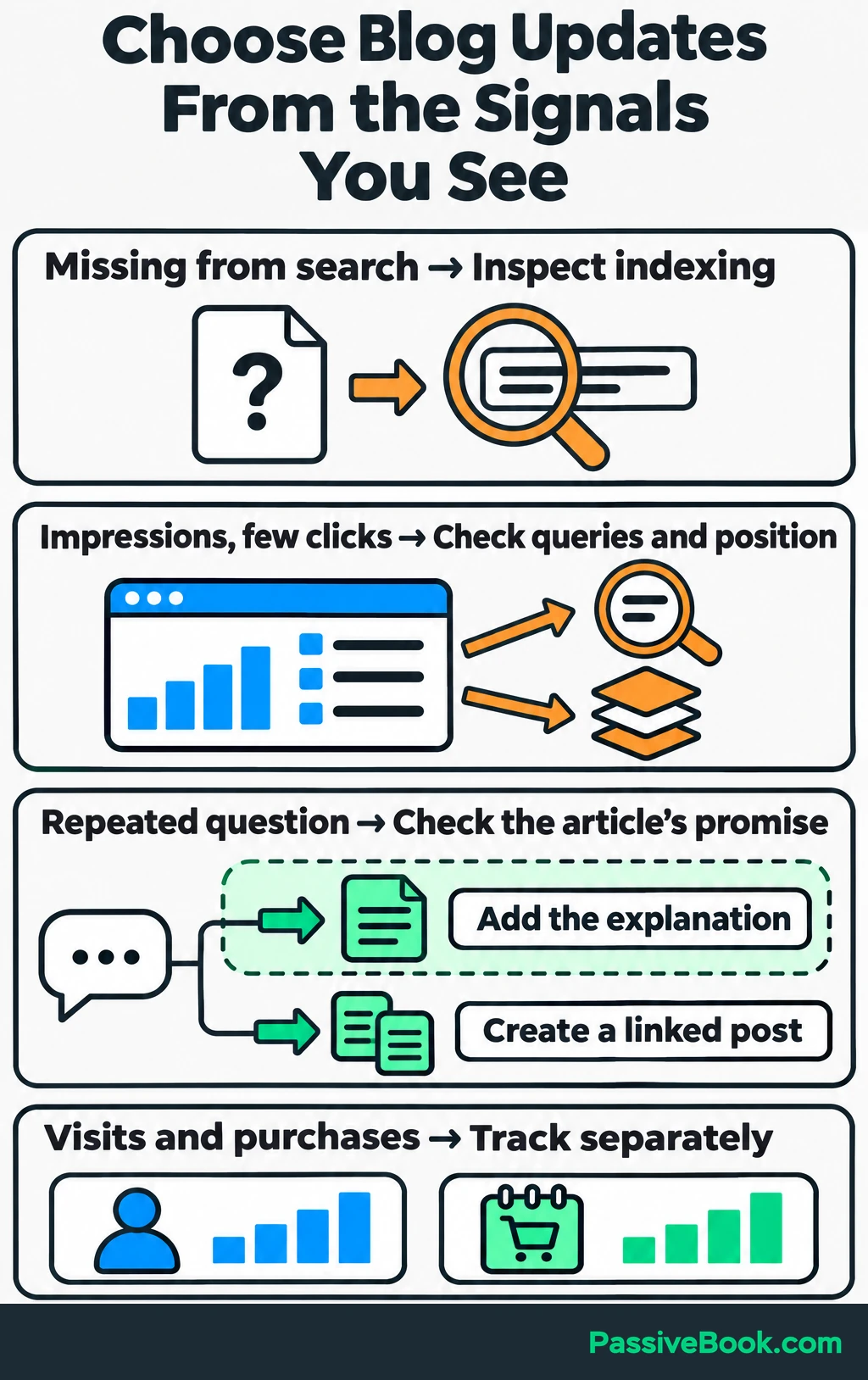
Read those signals alongside reader questions and useful business actions:
| What You Notice | What to Check or Change |
|---|---|
| The article appears to be missing from search | Inspect the URL and investigate indexing before rewriting it |
| It receives impressions but few clicks | Check the queries and search position before deciding the title is the problem |
| Readers repeatedly ask the same follow-up question | Add the missing explanation if it belongs within the article’s promise |
| A follow-up requires a separate task | Plan a new post and connect the two |
| Readers sign up for or buy the planner | Review which articles and topics lead to those actions |
For example, repeated questions about a fabric’s care instructions may reveal a missing explanation in the selection guide. Questions about sewing the handles belong in the construction tutorial.
Track planner sign-ups or purchases alongside visits so you can see whether the content supports the business you intend to build. Keep those measures separate: a popular article and an article that leads to purchases may need different decisions.
Keep publishing useful planned posts while evidence accumulates. A handful of early impressions or a quiet week doesn’t establish that a topic has failed.
What Next?
Write your blog’s one-sentence promise, then choose one reader question you can answer with evidence. Turn it into a short brief before opening a draft.
Use the social buttons to share this guide when you want to help turn a scattered topic list into a workable publishing plan.
Which reader problem will your first useful post solve? Tell me in the comments, and bring any other questions about getting it published.
Share this post with your friends & followers:

